
Student IDs

One student ID for points, passes, and attendance

Print student ID badges or use the IDs you already have, then scan them anywhere in the building.

Apply for Pilot

Scan IDs from the front door to the school store

Teachers spend less time on logistics and more time with students.

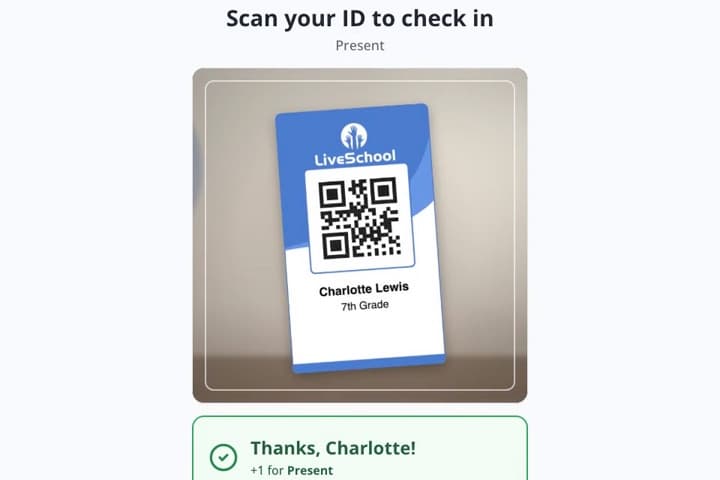
Attendance Kiosk

Students scan in at the door and earn a point, counted once a day.
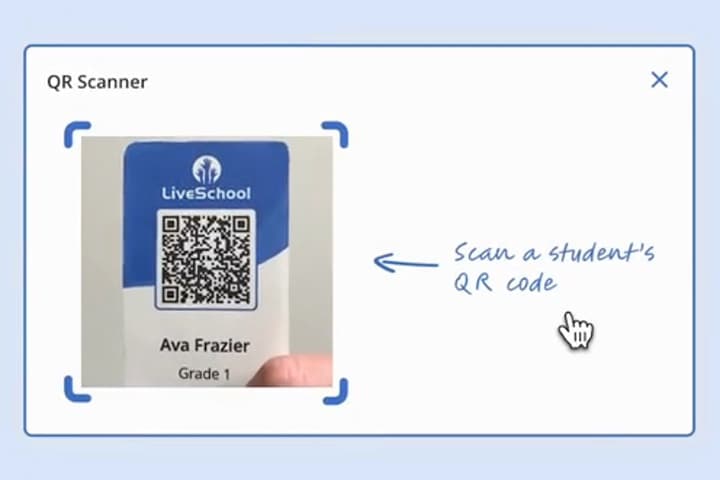
Award Points

Scan one student or a whole line. Rapid Record applies one action to every scan.
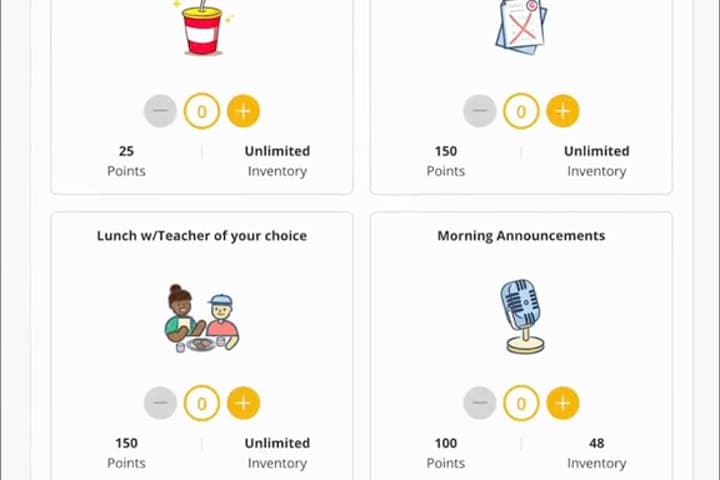
Run Your Store

Scan to charge rewards at the register and find orders at pickup.
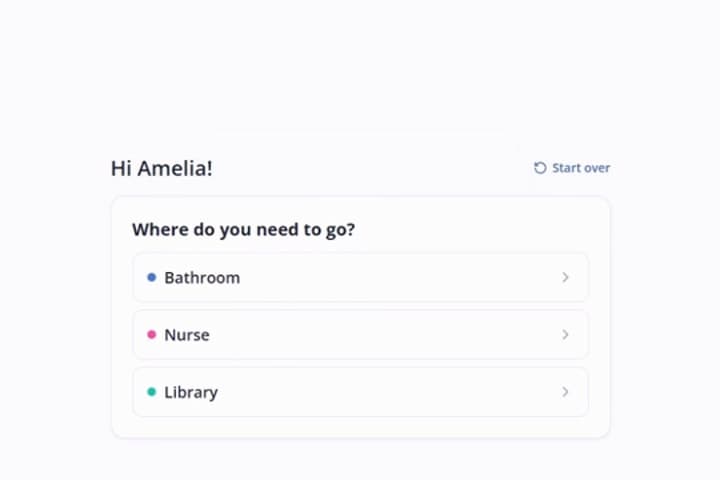
Hall Pass Kiosk

Students scan their badge or type their ID to take a pass and check back in.

Three ways to put a student ID in every hand

Every student ID scans the same way in LiveSchool.

Issued by LiveSchool

Printed ID badges

Print a sheet of badges straight from LiveSchool, each with a QR code or barcode.

Issued by LiveSchool

Digital ID

Students open My ID in the LiveSchool app and show the QR code. Nothing to lose or leave at home.

Issued by your school

Your existing school IDs

Already hand out ID cards? Keep them. Sync your student numbers and they scan in LiveSchool.

Move the line faster with a handheld scanner

Get through a line up to 5x faster than searching for names.

Go wireless

Connect over Bluetooth or a tiny USB receiver and start scanning. Nothing to install in LiveSchool.

Reads every LiveSchool badge

QR codes and barcodes, printed by LiveSchool or already on your school's ID cards.

Fits in a pocket

Small enough to carry from the front door to the cafeteria to the school store.

A pocket-size handheld barcode and QR code scanner held in one hand

Questions we get

How do high schools use student ID badges with LiveSchool?
High schools use one LiveSchool ID for a student's whole day: checking in at the door for attendance points, taking a hall pass from a kiosk, and buying rewards at the school store. Teachers scan a whole line instead of searching for names. Middle schools use it the same way.
Can we use our existing school IDs with LiveSchool?
Yes. LiveSchool can use the student ID numbers you already have, synced from your SIS, Clever, or ClassLink, or uploaded in a spreadsheet. When the barcodes on your current cards carry those numbers, the cards scan in LiveSchool as they are. If you don't have IDs yet, LiveSchool generates them for you.
What barcode scanner works with student ID badges?
Any USB or Bluetooth handheld scanner that reads QR codes and barcodes works with LiveSchool, with nothing to install. You don't need one, though: LiveSchool can also scan with the camera on a phone, tablet, or Chromebook. If you are buying a scanner, here is the one we recommend (opens Amazon in a new tab).
Should student IDs use a QR code or a barcode?
Both work in LiveSchool. If you scan with a handheld scanner, barcode badges read fastest, so LiveSchool recommends them. QR code badges work well with camera scanning.
Do students need a phone to use a LiveSchool student ID?
No. Printed LiveSchool ID badges work with every scanner and kiosk. Students who have the LiveSchool app can also pull up a digital ID on their own phone.
What happens if a student loses their ID badge?
Reprint it from LiveSchool at any time. The student's ID number stays the same, so nothing else changes. Students with the LiveSchool app can pull up their digital ID in the meantime.
How does the LiveSchool attendance kiosk prevent double check-ins?
The attendance kiosk has a daily limit, so each student is counted once a day, even if they scan again or use a different device. Kiosk mode runs full screen, and only staff can exit it with a PIN.

Give every student one ID for everything

Apply for Pilot