
Points
Student avatars!
Your school can now enable fun characters for each student. If a student doesn't like their avatar, click to shuffle for a new one. Each grade can have different avatar styles, or display real photos.
Every feature we build comes from your feedback.
Showing all 57 updates.
Points
Your school can now enable fun characters for each student. If a student doesn't like their avatar, click to shuffle for a new one. Each grade can have different avatar styles, or display real photos.
Points
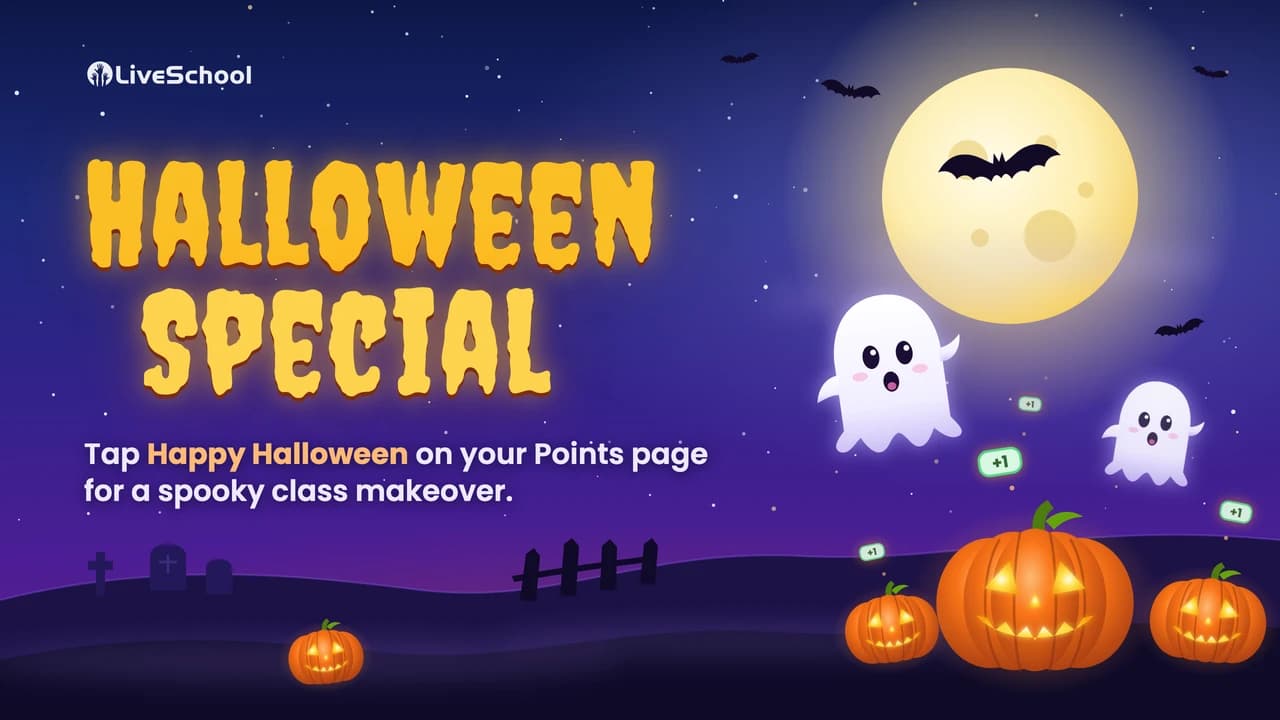
Halloween week, things may get a little spooky. Just tap the banner, and witch-ever class you're in gets a spooky Halloween makeover. Enjoy the boo-nus, or dismiss it if you dare!
Rewards
Students can now spend points to pick their favorite avatar character, and style it with hats, sunglasses and frames! If your school shows photos instead of avatars, students can still use the style reward to add flair to their photo.
Points
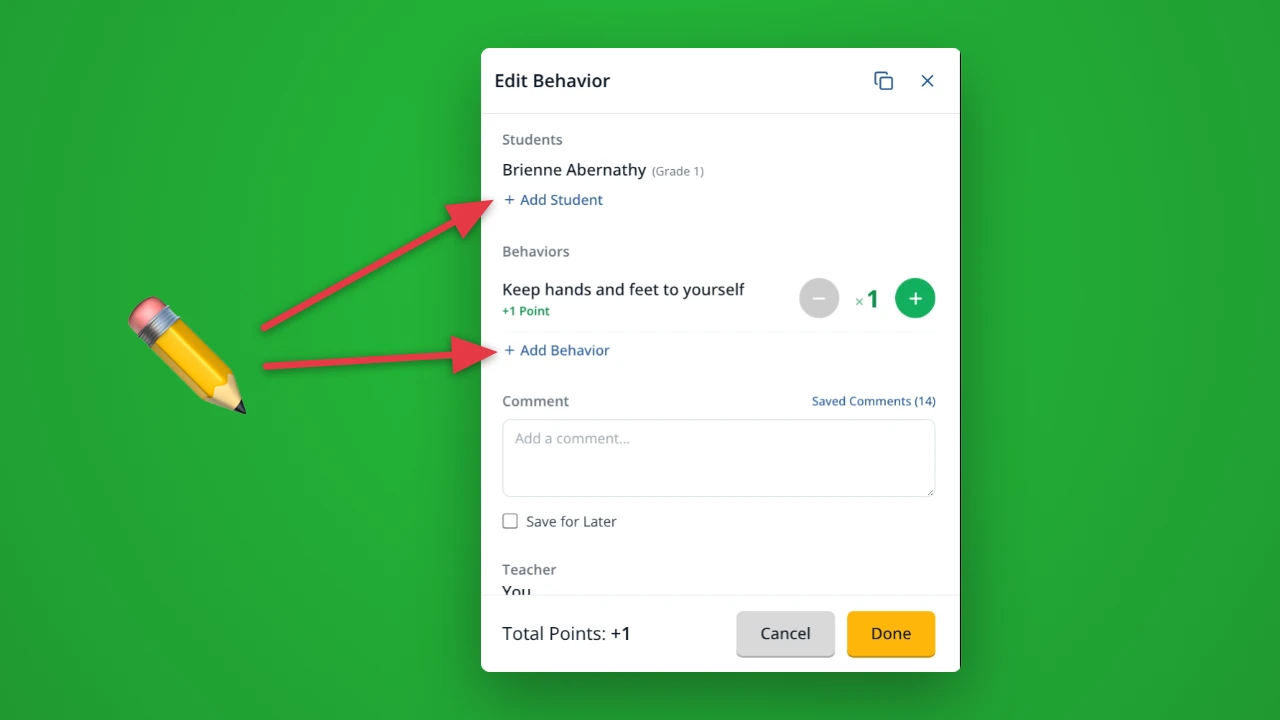
Picked the wrong behavior, or the wrong student? Click the entry on your Timeline to open it. You can add or remove students, swap behaviors, and change how many times each one was given, up to your school's limit.
Points
Drag behaviors into exactly the order you want, and teachers see that order everywhere they give points. You can even drag a behavior to a new category without losing its history.
Points
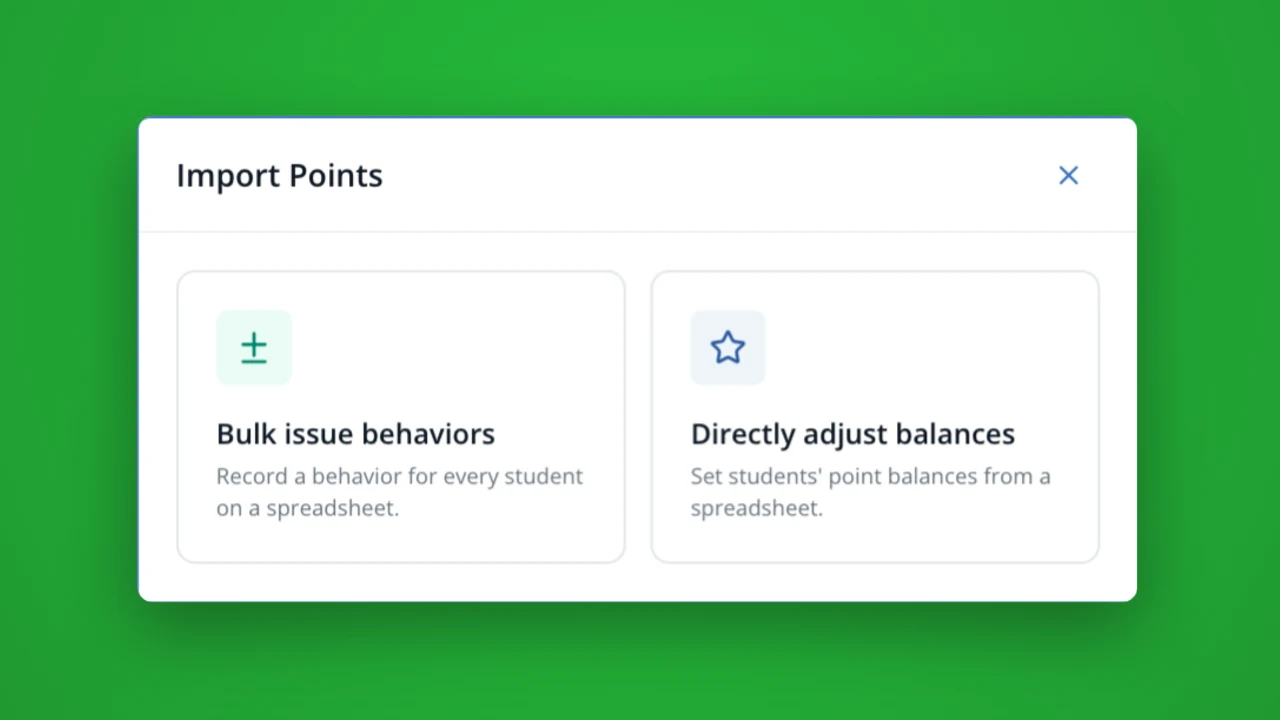
These flexible new tools let you import a spreadsheet of students to auto-assign a positive or negative behavior. Or, set custom balances from points earned outside of LiveSchool. Available to Administrators only.
Hall Passes
When you switch rosters, we'll ask if your hall pass kiosk should switch too. You can switch your kiosk roster without walking across the room!
Points
Turn any device into a self check-in station. Students scan their own ID badge at the door to earn a point, and a daily limit makes sure each student is only counted once, even across devices. Kiosk mode goes full screen, and only staff can exit with a PIN.
Setup
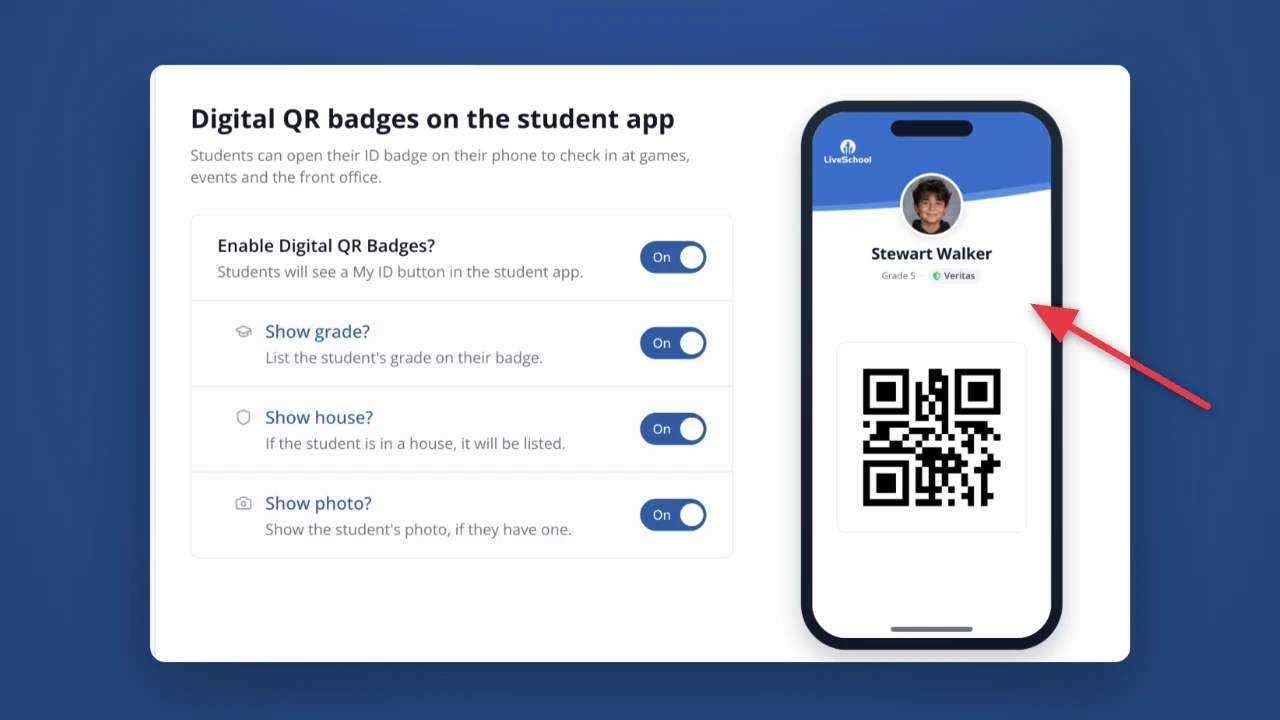
Students can now pull up their ID badge right in the LiveSchool app. No more lost or forgotten cards! They open My ID and show the QR code to check in at games, events, the front office, or an attendance kiosk.
Setup
Receive Hall Pass and Behavior alerts directly to your phone home screen. Manage all of your notifications from a new "Notifications" tab under your profile.
Rewards
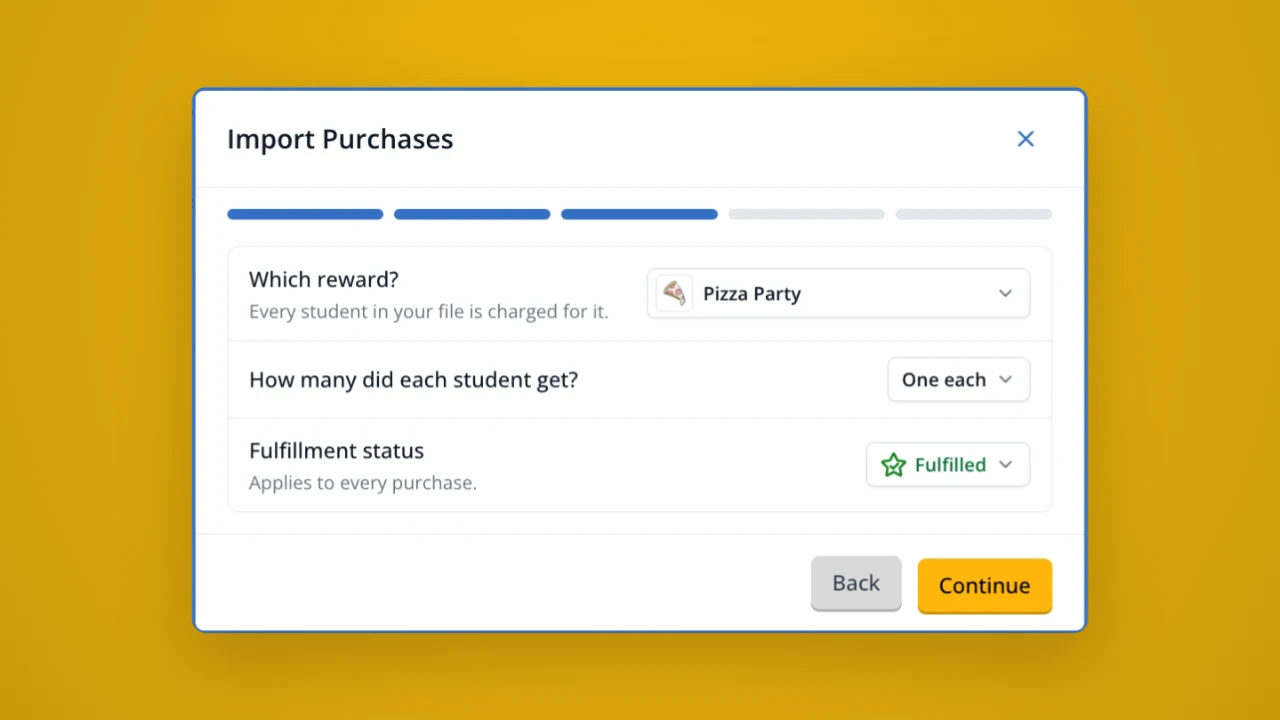
Field trip sign-ups stuck in an Excel file? Not any more! You can import a spreadsheet of reward purchases. Pick the reward and fulfillment status, and students will be charged from their bank accounts.
Hall Passes
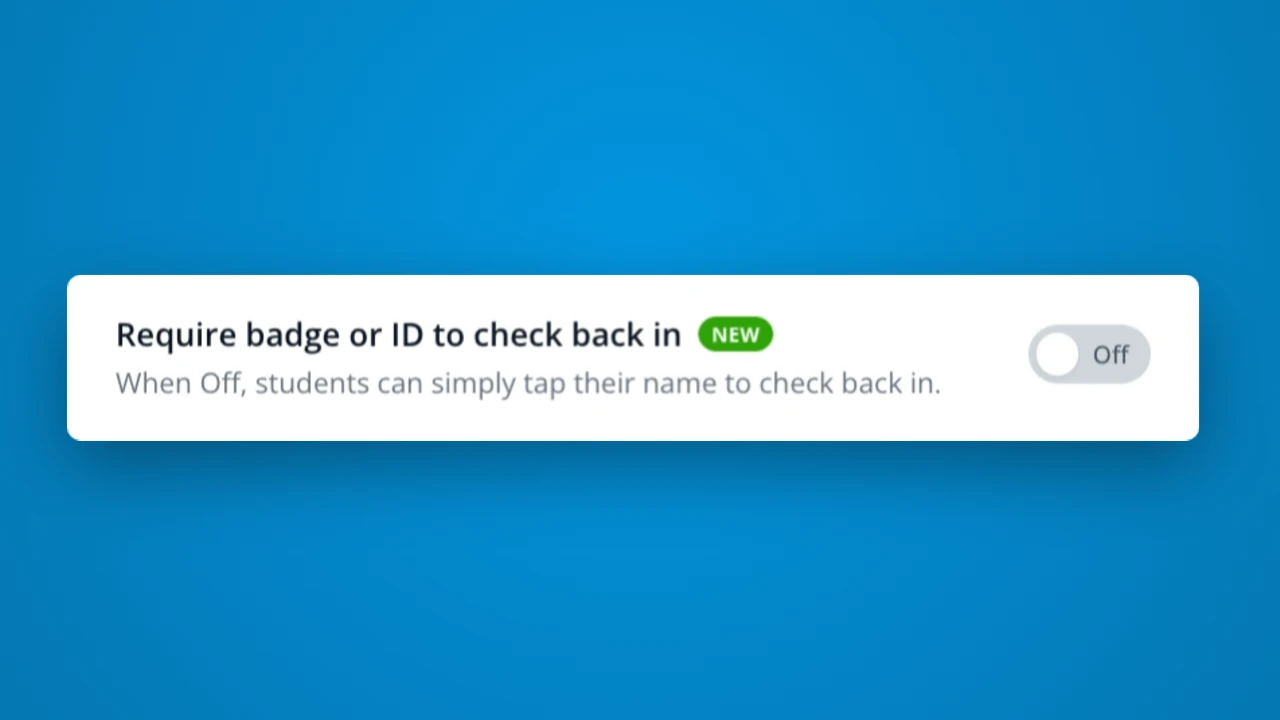
By default, students who check out with badge or ID can now simply tap their name. This makes it more efficient to keep the line moving! If you prefer to require a badge scan or ID code to check back in, just enable this new setting!
Rewards
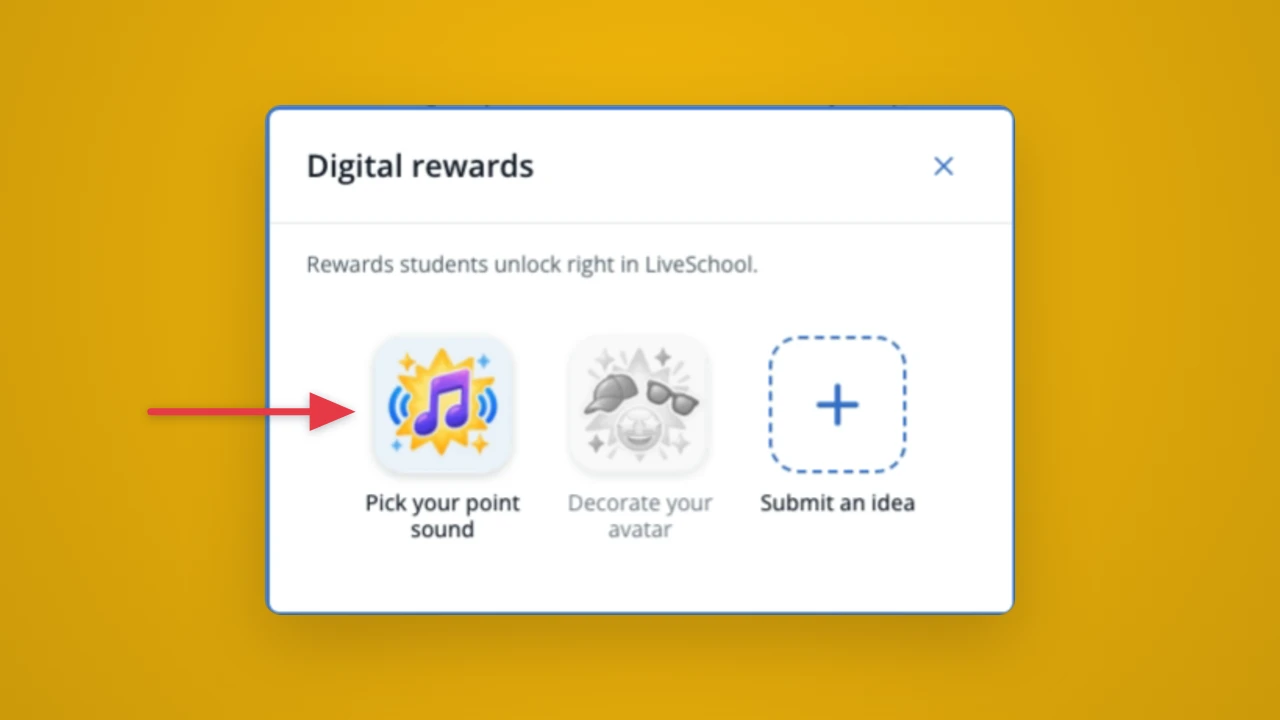
Our first digital reward is now available! Add it to your school or class store, and let students purchase a custom sound that plays each time they earn a point! Don't worry... you set the available sounds and time limit!
Points
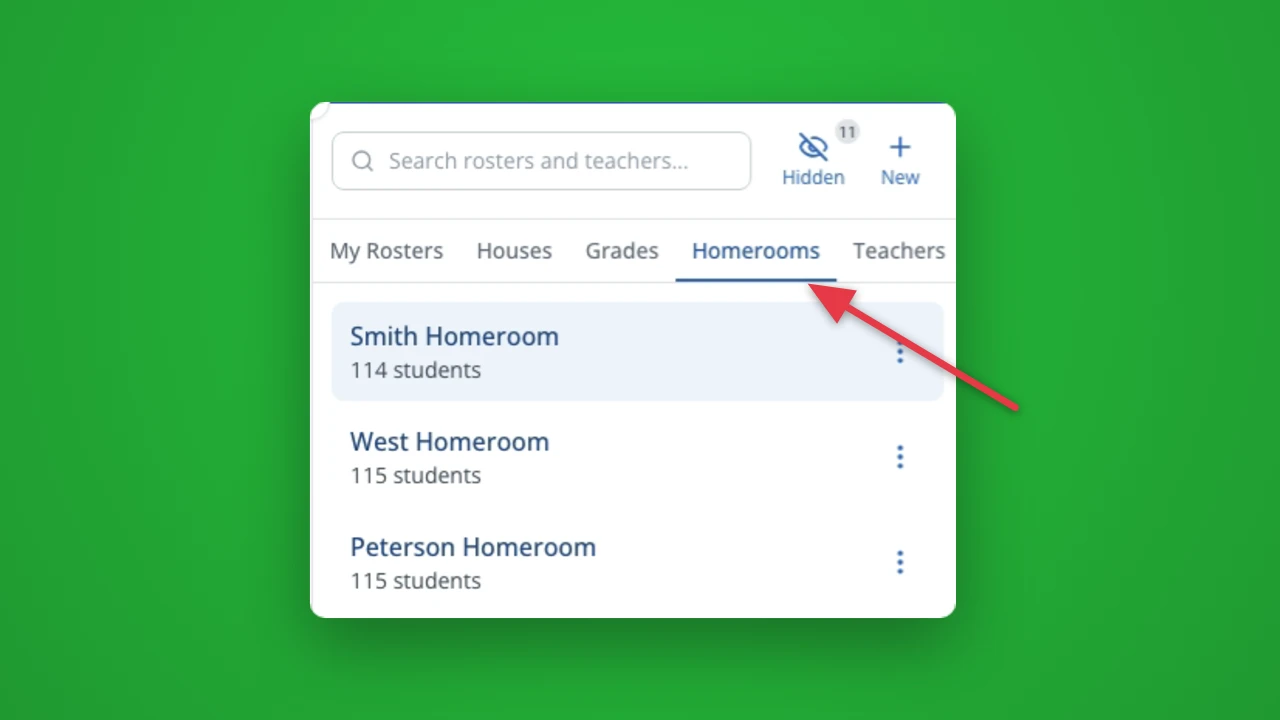
Does your school have Homerooms set up in LiveSchool? Now you can see all homerooms organized under a convenient tab for faster access!
Hall Passes
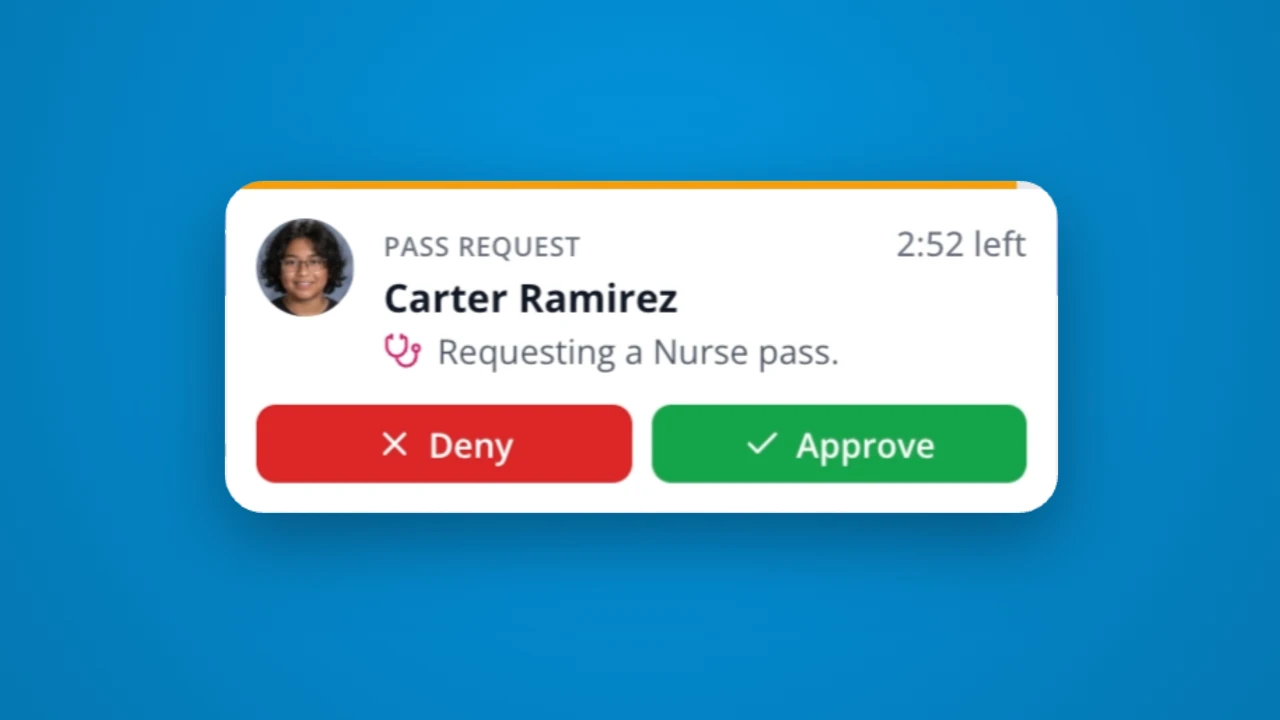
Perfect for enabling the Nurse to review and approve pass requests. Here's how it works: set up one or more "Pass Managers" for a pass. Then, new requests will be routed for approval. Once approved or denied, the requesting student or teacher will be notified!
Hall Passes
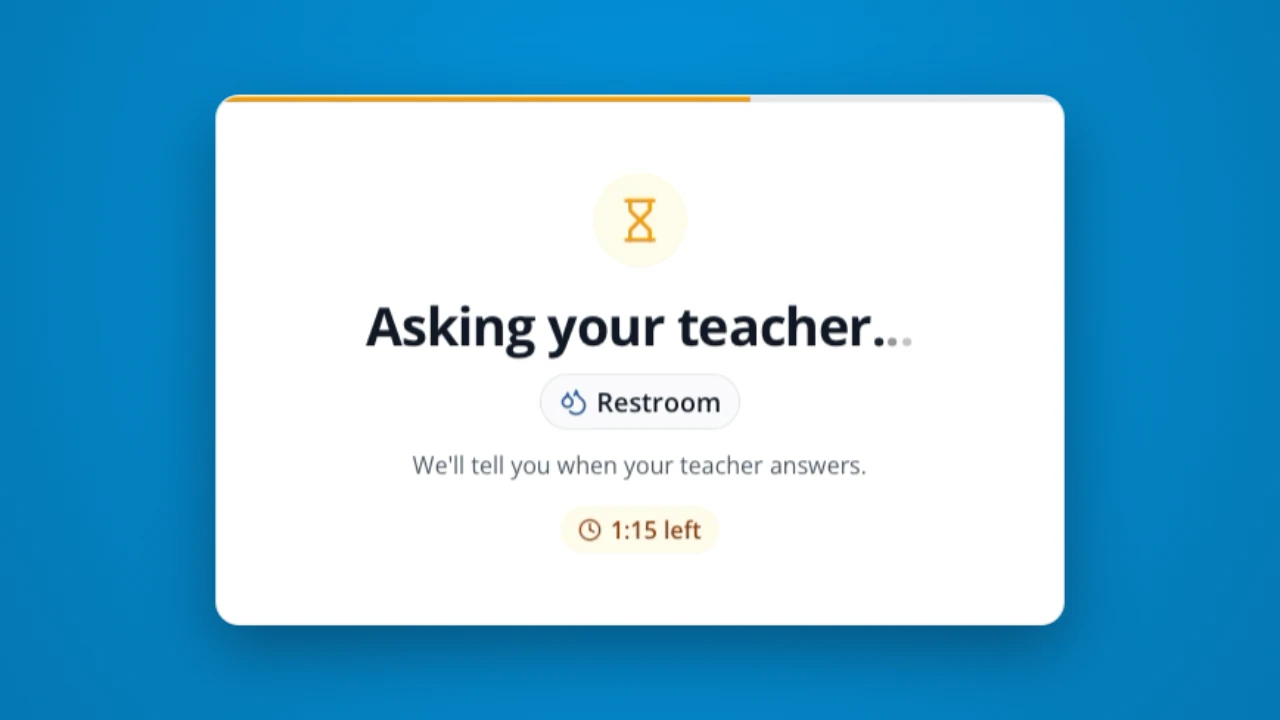
Now you can set your passes to require teacher approval! When a student requests a pass from the Kiosk or the App, any teacher viewing that student will receive an alert and be able to click Approve or Deny.

Hall Passes
Customize the look of each Hall Pass with a custom icon! These icons show to students and staff for quick recognition. They're perfect for younger students who are still learning to read.
Hall Passes
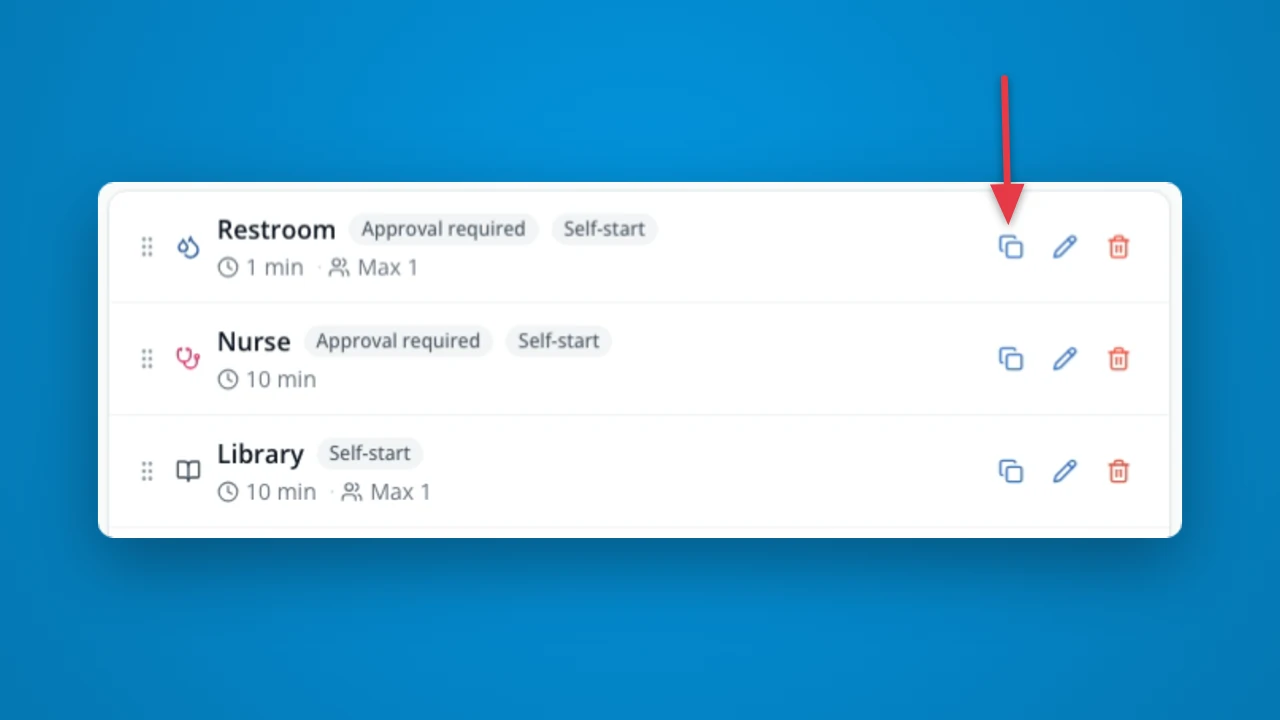
Now you can quickly make a copy of a pass type and all its settings. Perfect for if you want to split your "Bathroom" pass into a "Boys Bathroom" and "Girls Bathroom" with the same settings, but separate capacity limits!
Hall Passes
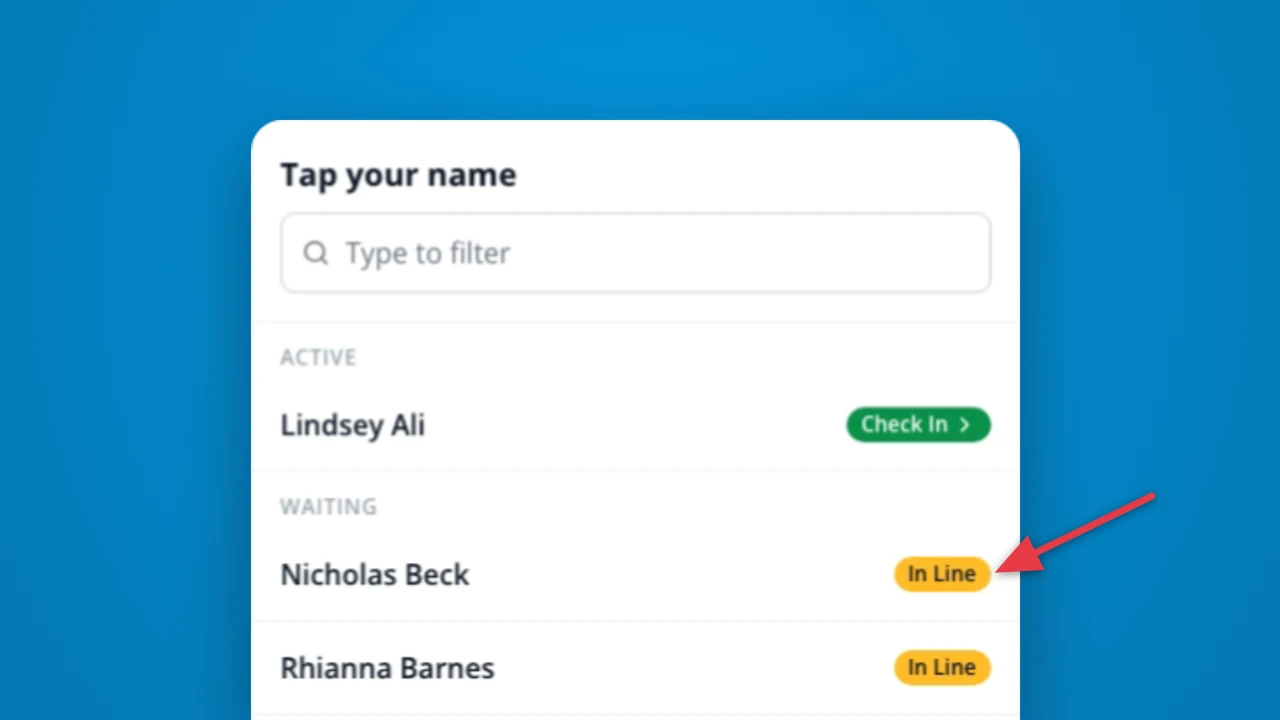
Now students can see confirmation that they're in line, and get an idea of when their turn is coming.
Points
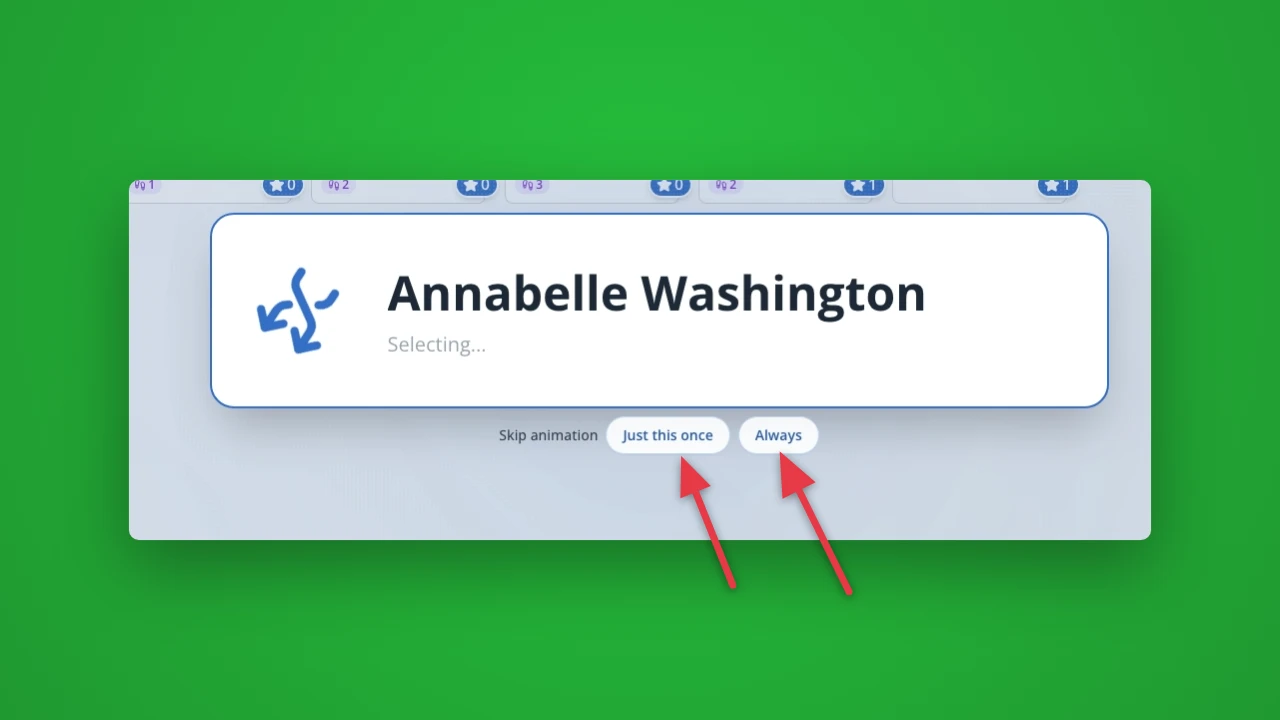
Now you can click "Just this once" to skip the Randomizer animation and pick a student right away. Or click "Always" if you want to always skip the suspense of the Randomizer and jump right to the reveal of the selected student.
Hall Passes
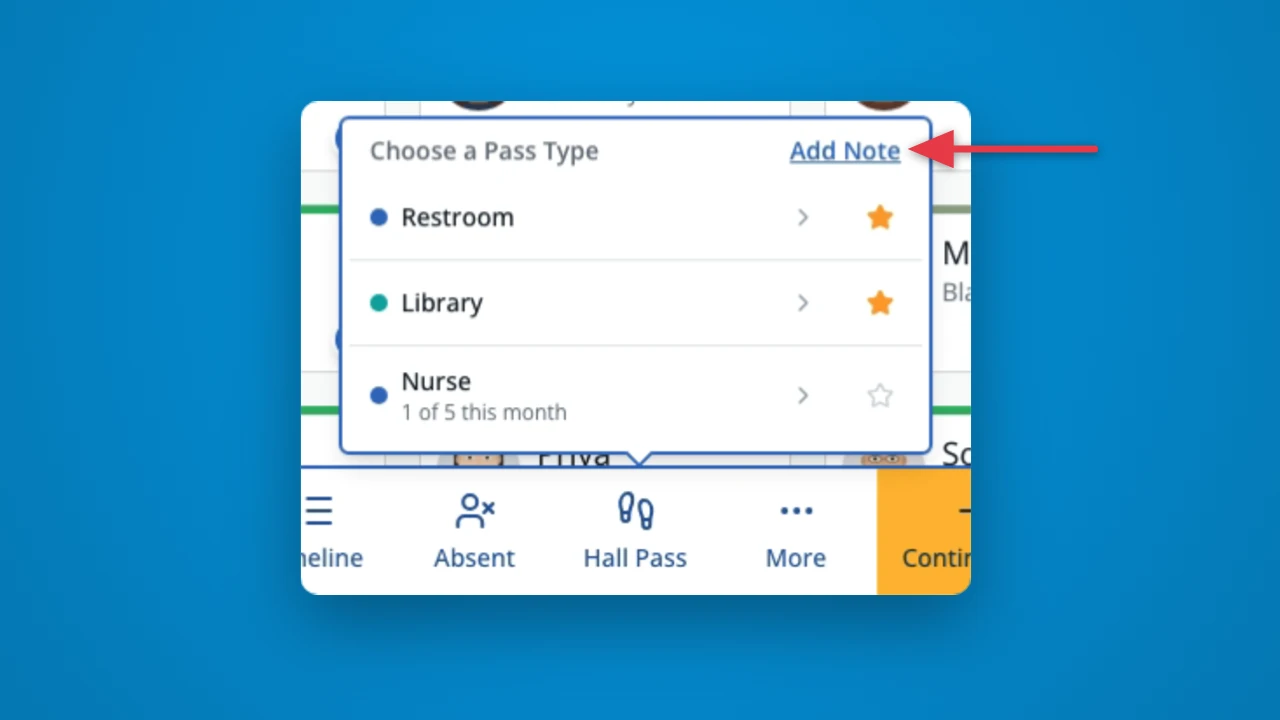
Now you can click an "Add Note" link to add a note to any pass as you issue it. Save time and add those extra pass details!
Setup
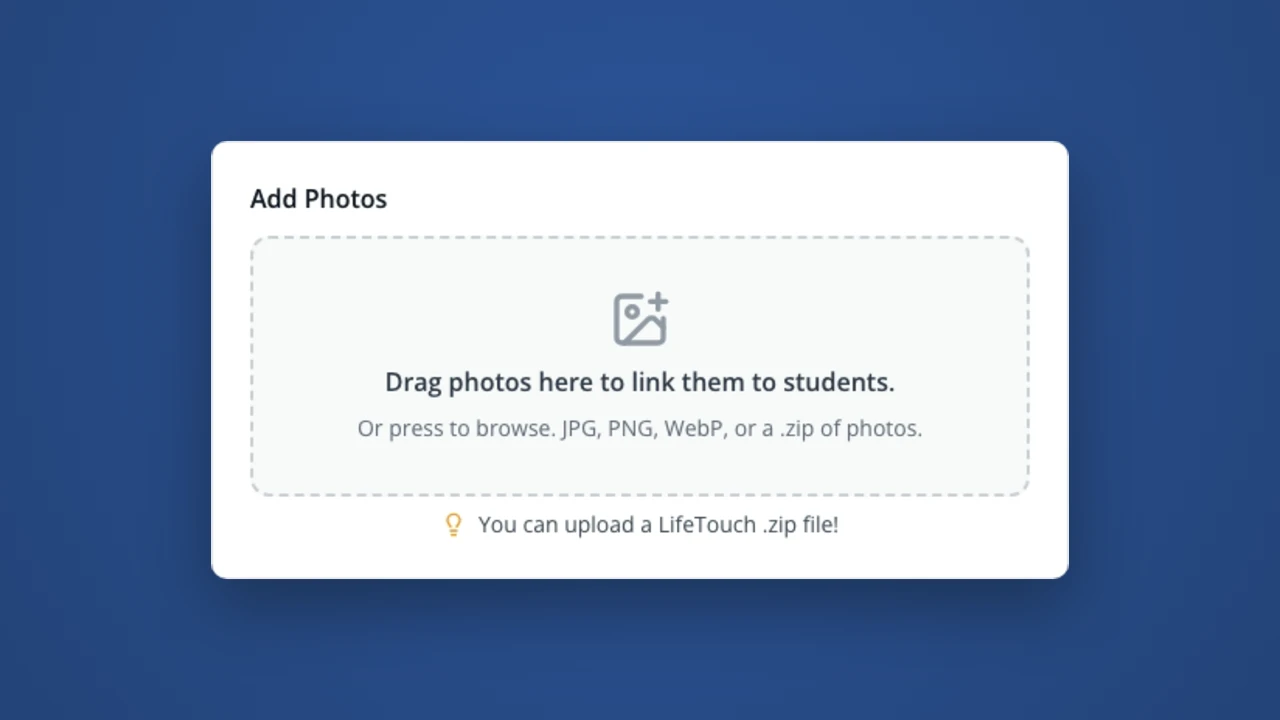
Save time by bulk importing your student photos! You can drag multiple images, a .zip file, or even an export from LifeTouch! We'll link as many as possible by id and name matching, then let you quickly link the rest.
Reports
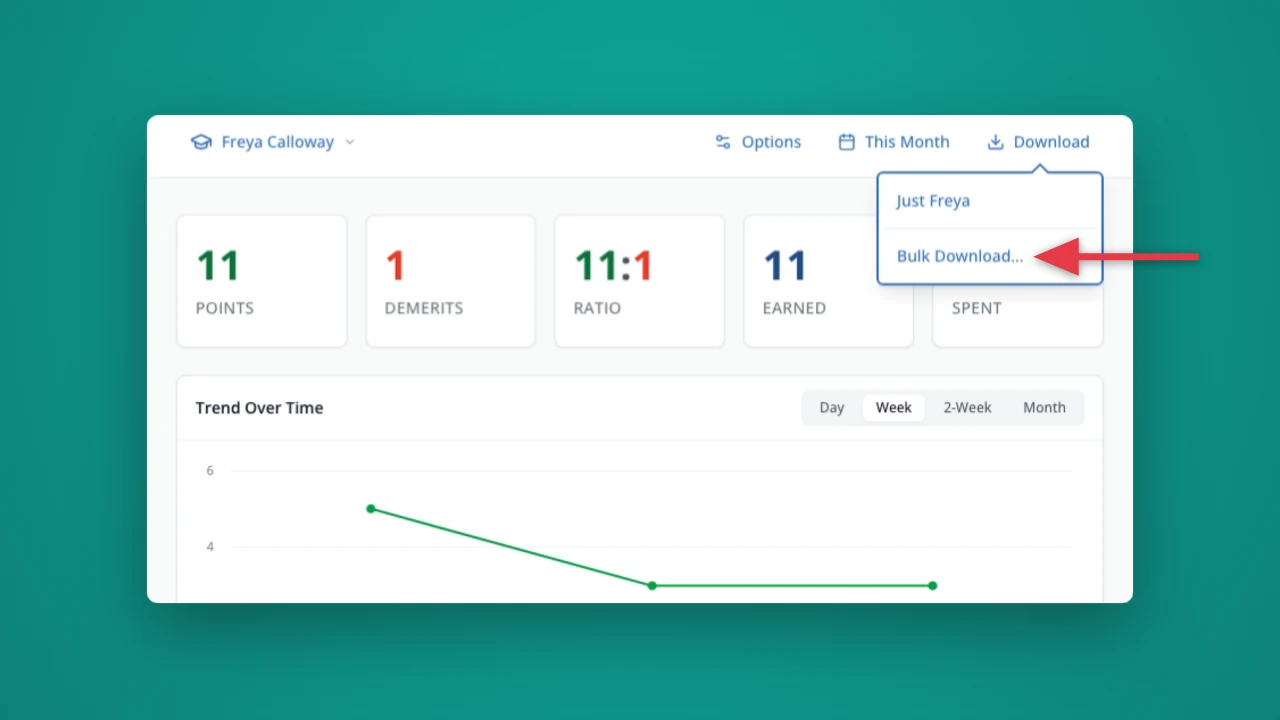
New and improved! Now you can bulk download your student dashboards, pre-organized by Homeroom. Perfect for distributing a summary to students of their points this quarter.
Reports
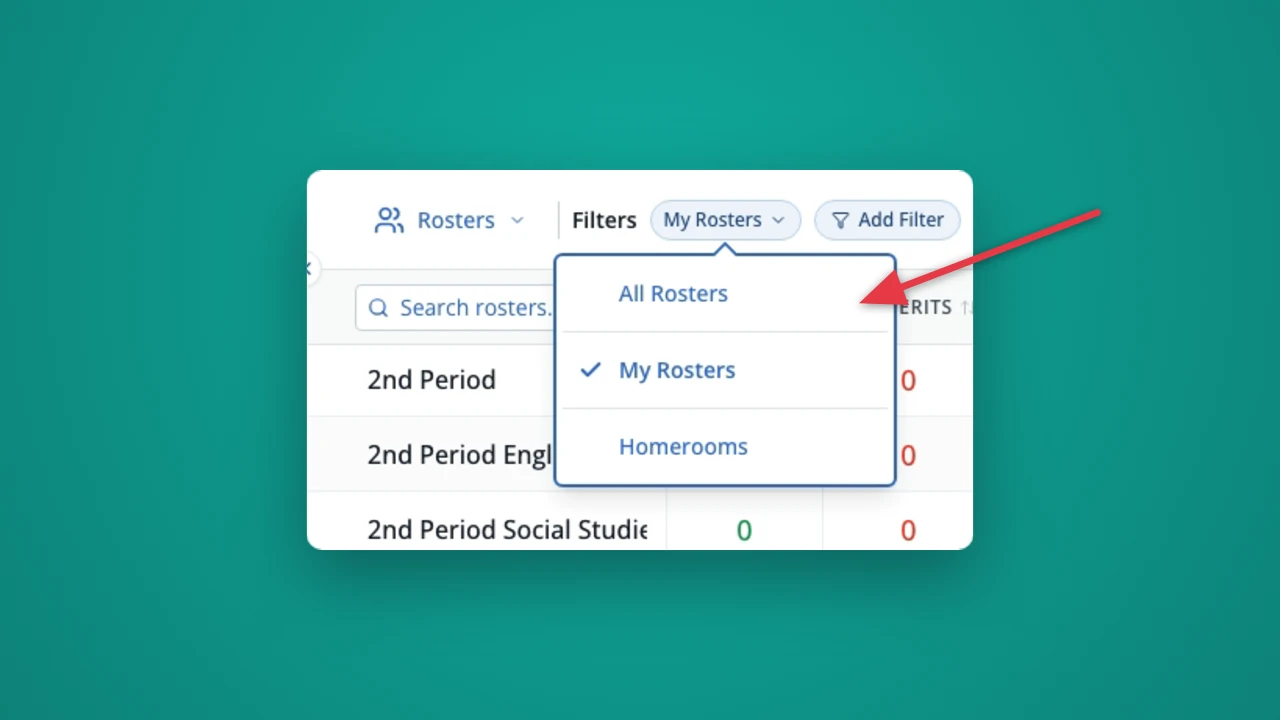
Save time finding just the roster data you need! Now you can set a filter to view "My Rosters" or "Homerooms" on the Roster Scoreboard.
Rewards
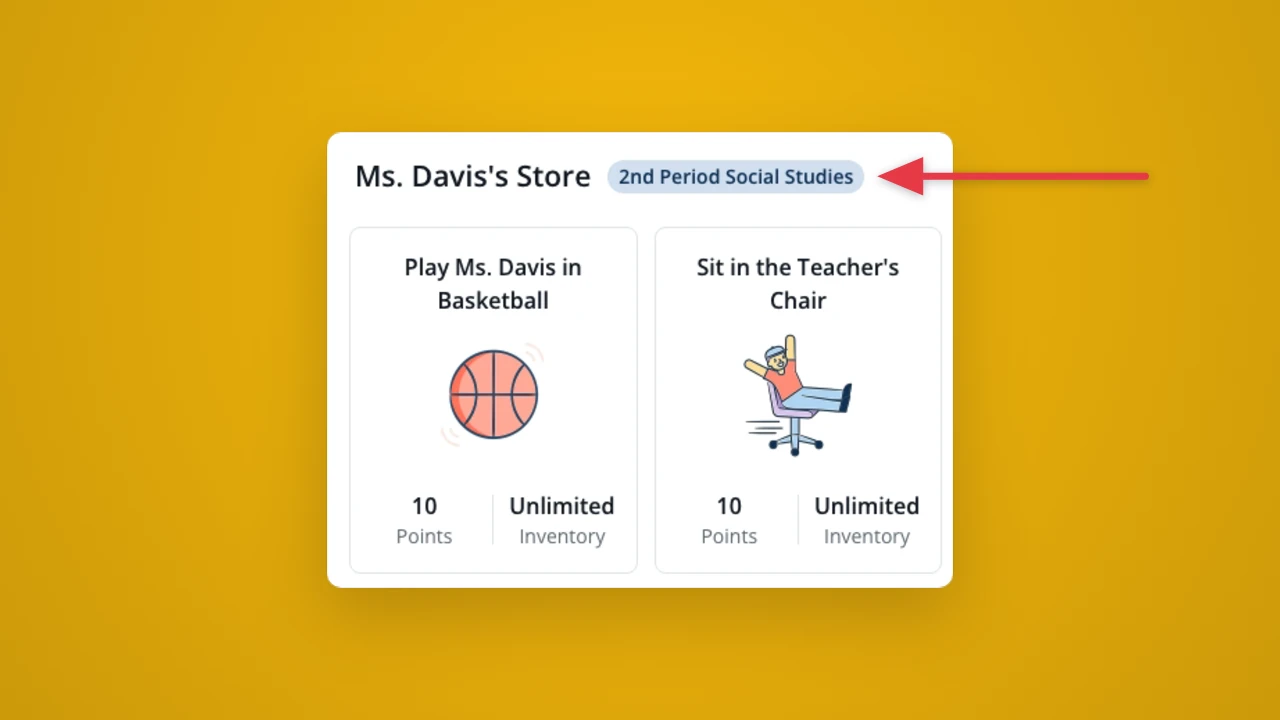
Teachers, now you can customize your classroom rewards store per-roster or per-grade! This is perfect for differentiating the rewards your students can work towards.
Hall Passes
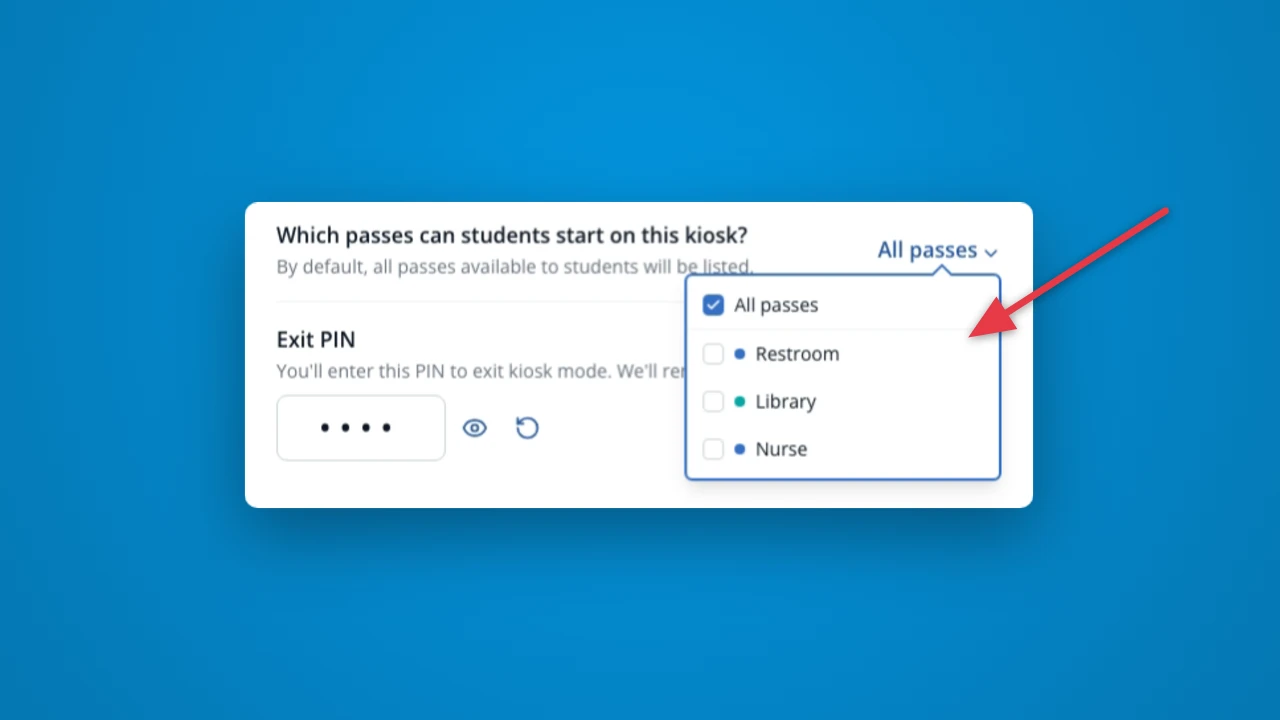
Now you can decide what pass types students can access from your Kiosk. It's perfect if there are some pass types that you want to be in control of.
Hall Passes
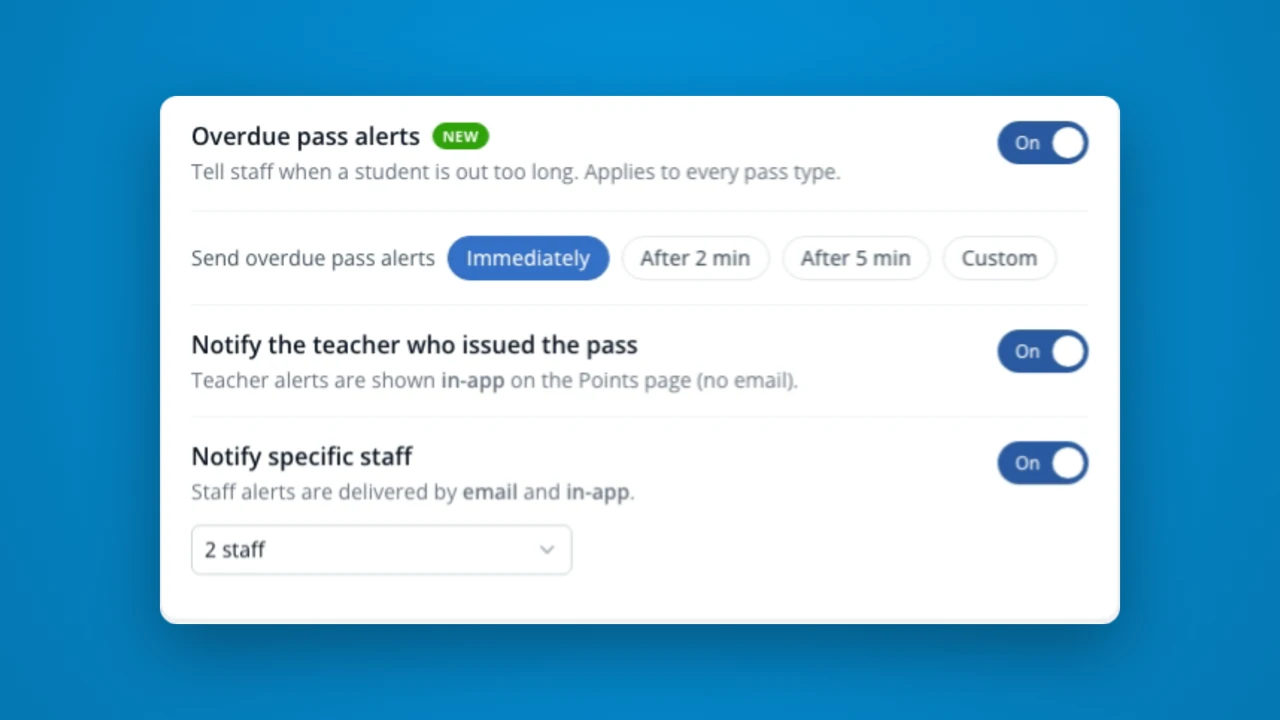
The staff your school names now get an email and a desktop alert when a student has been out too long. Administrators choose who is notified on the Hall Passes settings page.
Points
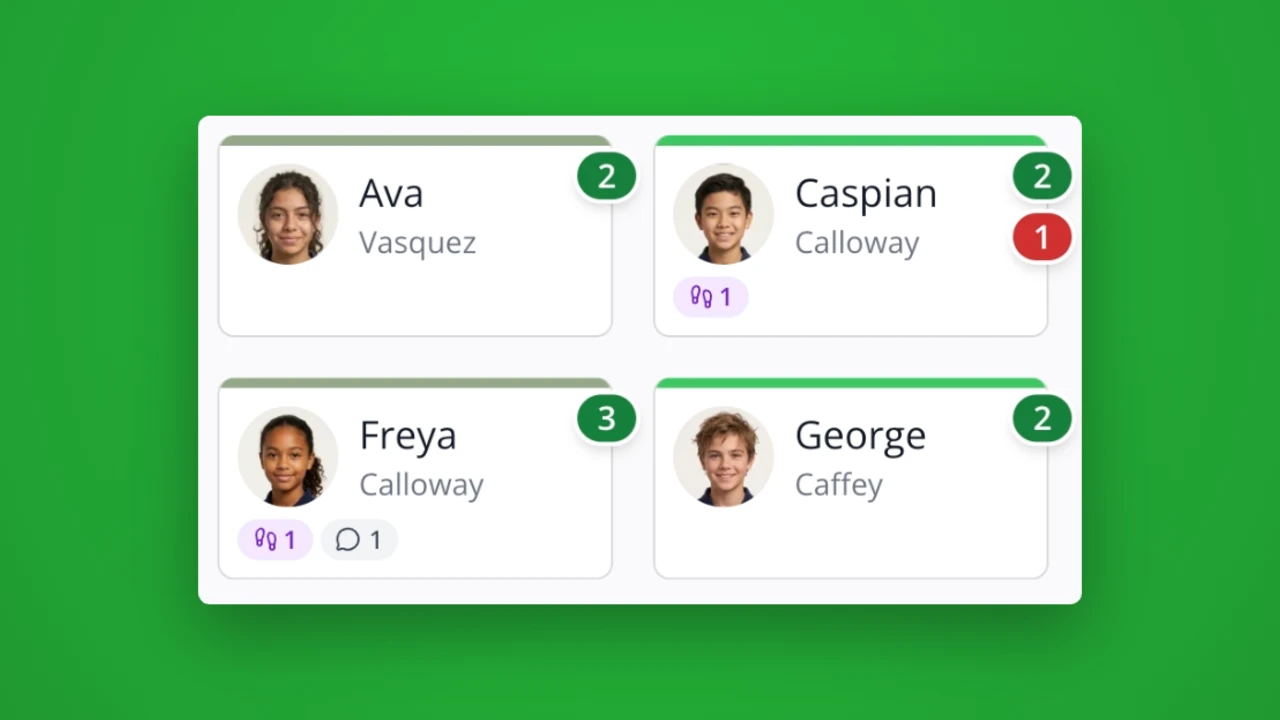
Now you can add student photos for a more engaging classroom experience! Once enabled by an administrator, you can use your camera or upload a photo.
Points
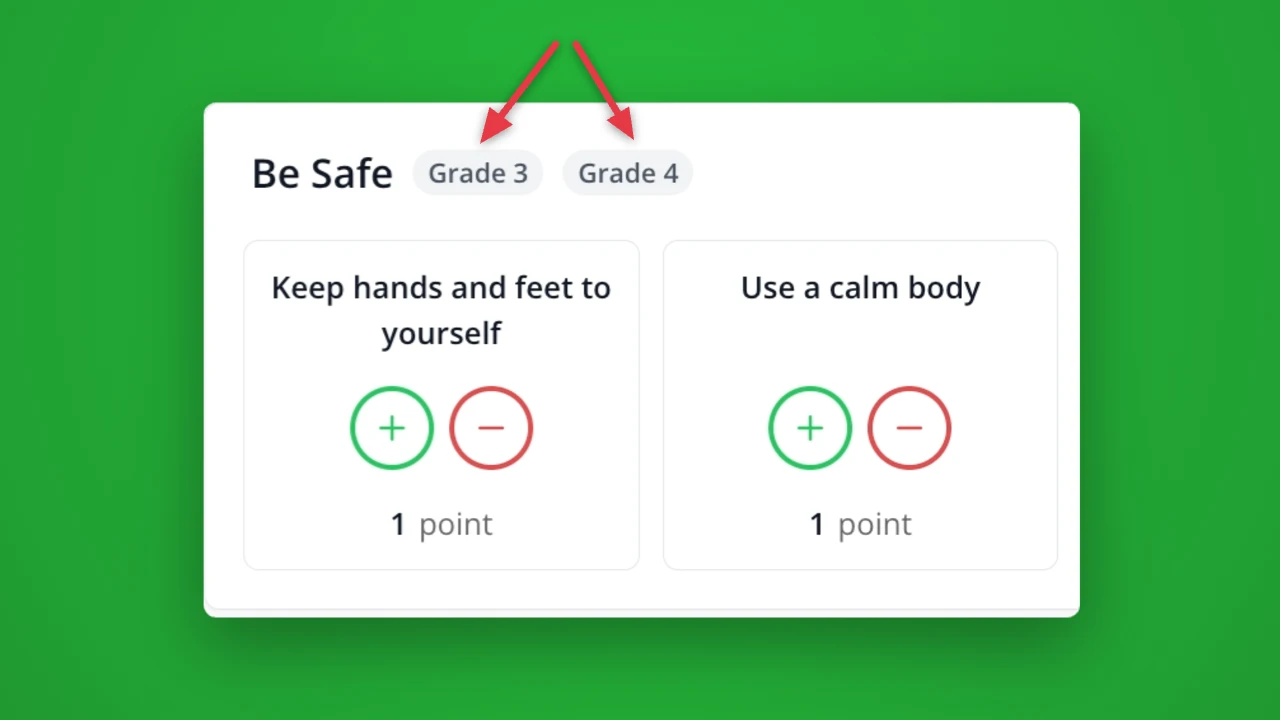
It's here! You now have the flexibility to tailor your rubric per grade, or even for specific rosters. Then, when teachers are recording behaviors, only the behavior categories that apply to selected students will be shown.
Hall Passes
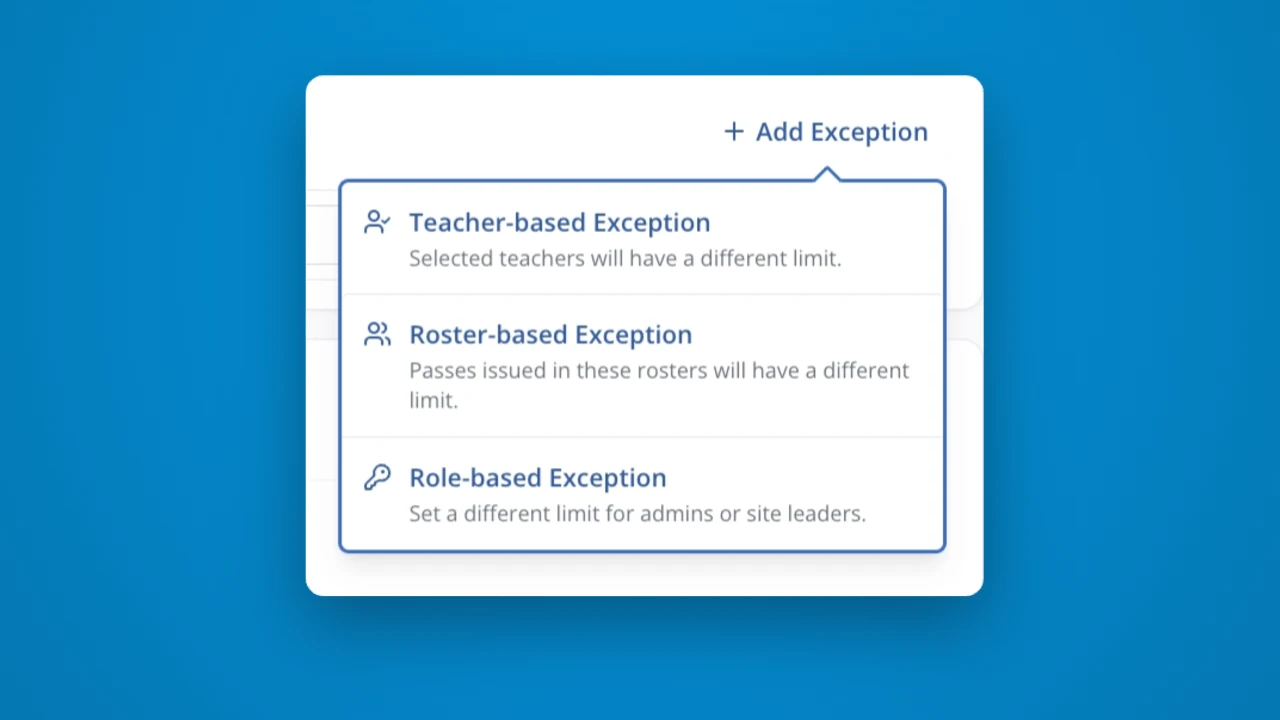
Now you can tailor classroom pass limits per teacher, roster, or role. For example, you might limit most classrooms to 2 passes at a time, while allowing specials teachers have a higher limit of 4 due to larger class size.
Reports
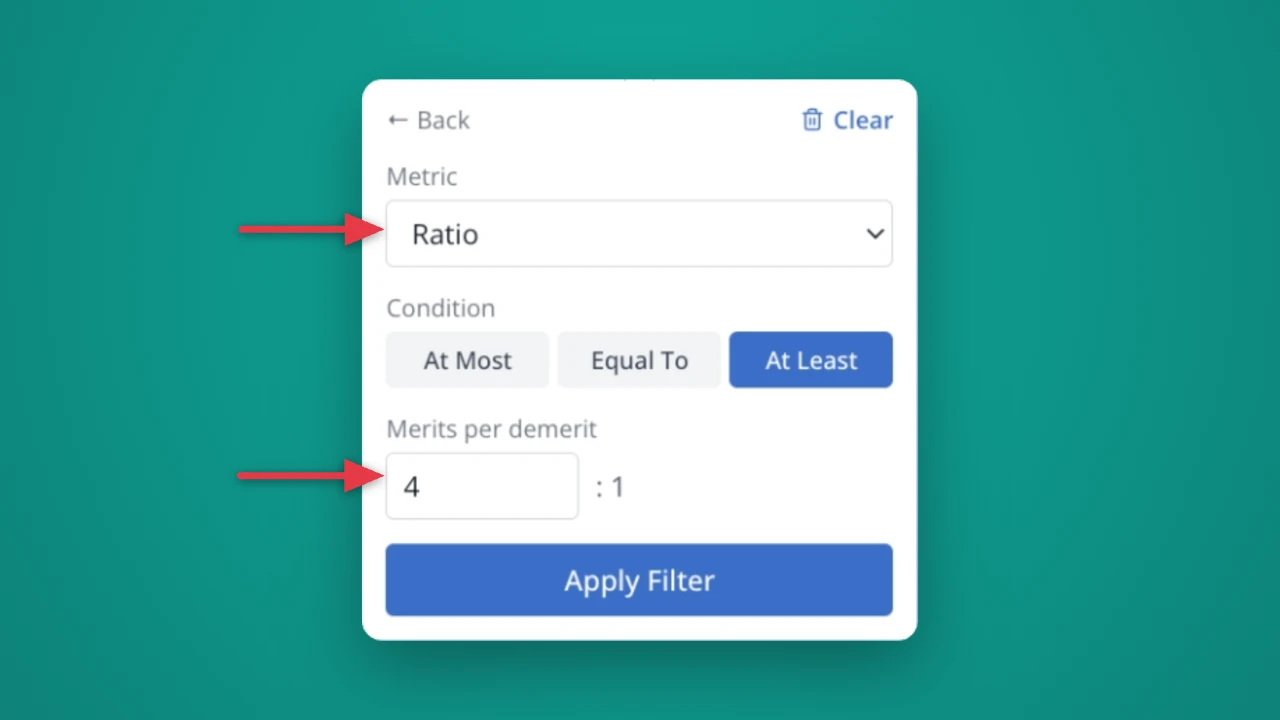
Now, you can use the "Add Logic" feature on the ratio column! This feature is perfect if you want to celebrate all teachers who are maintaining a 4:1 PBIS ratio.
Rewards
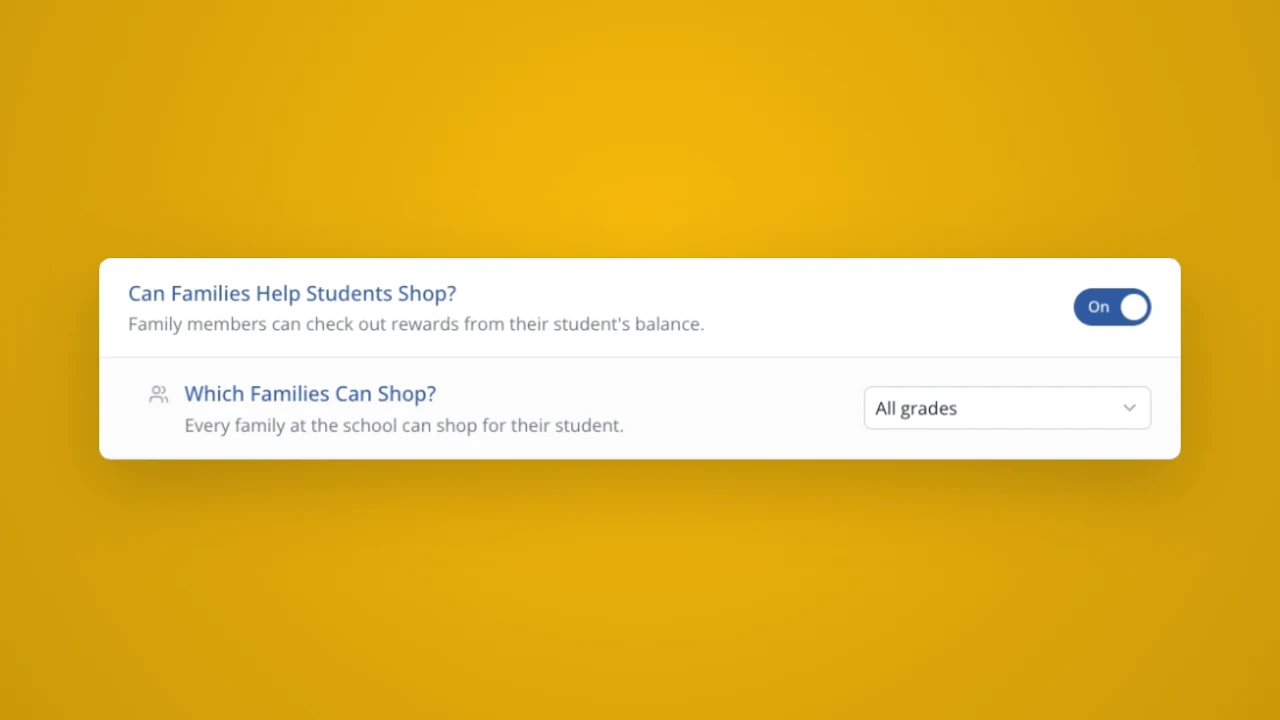
Do your younger students need help browsing and shopping your rewards store? Now you can invite families to help students shop! Turn on the setting and decide if it should apply to all grades, or only specific grade levels.
House Points
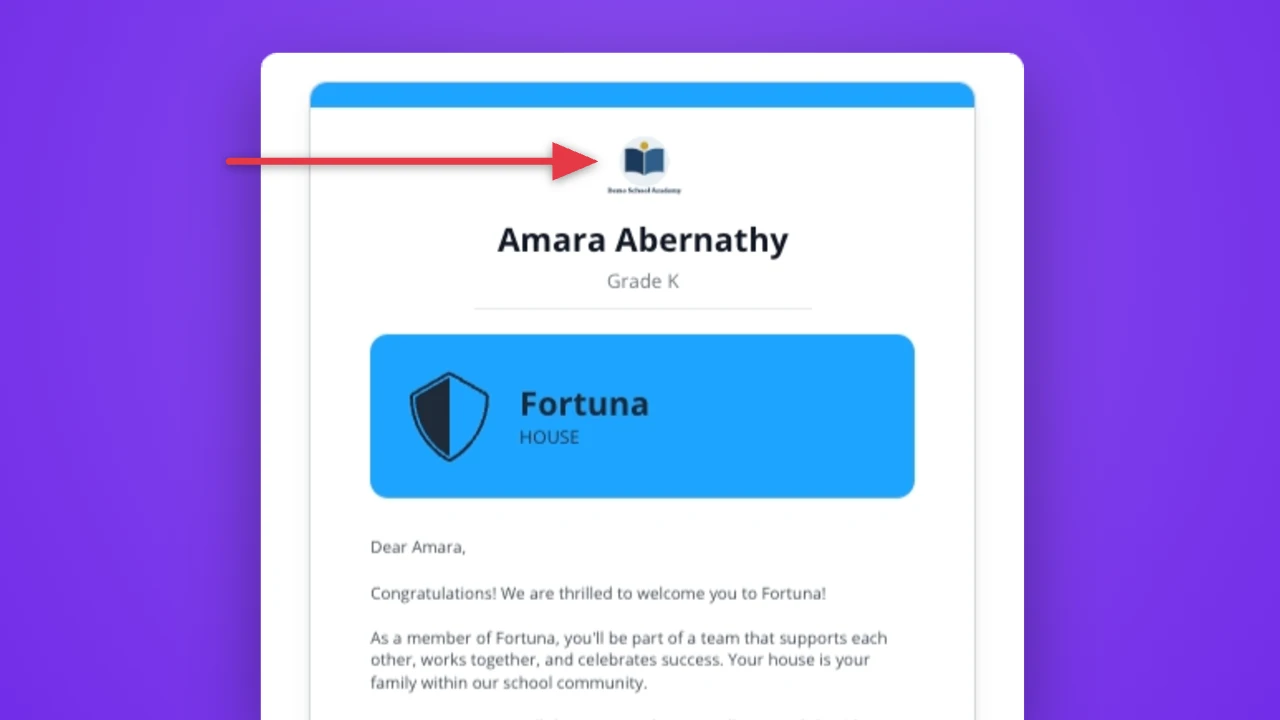
Now you can customize your House welcome sheets with your school's logo. Bring a more polished look when you welcome students to their new house!
Setup
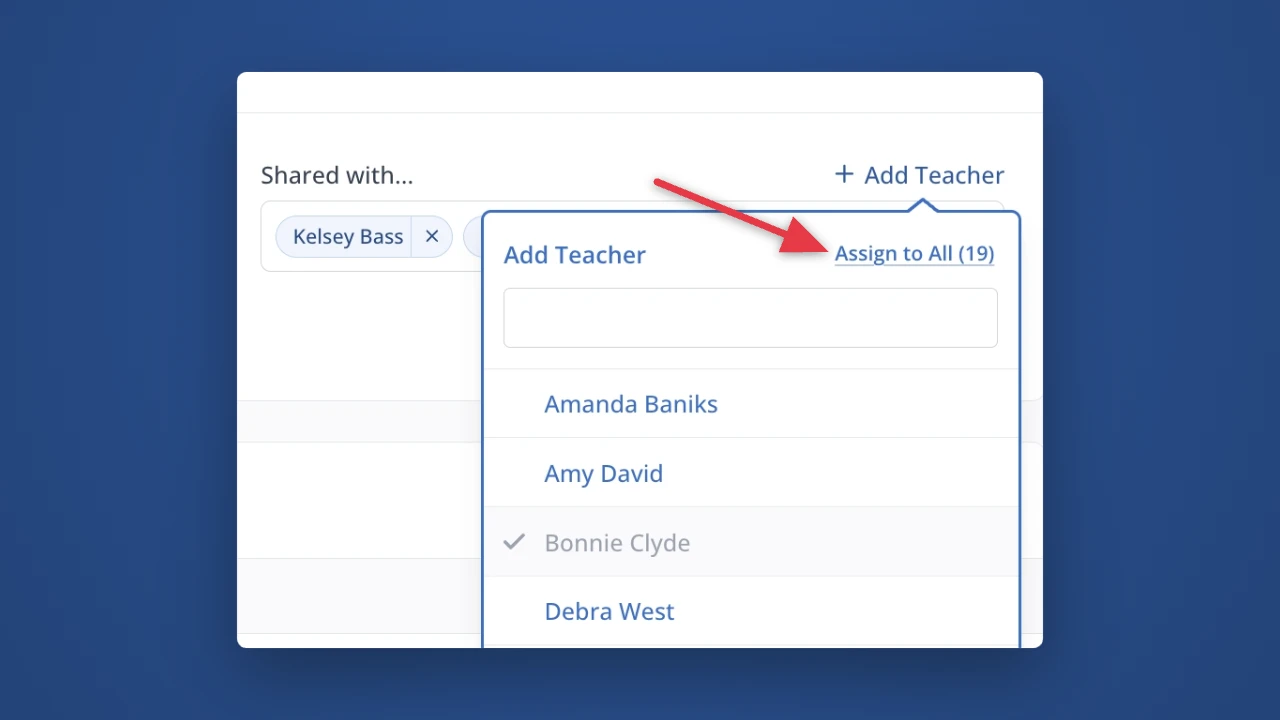
Want a roster to show up under "My Rosters" for all teachers? Now you can save time with a "Assign to All" link to share a roster with your entire staff.
Reports
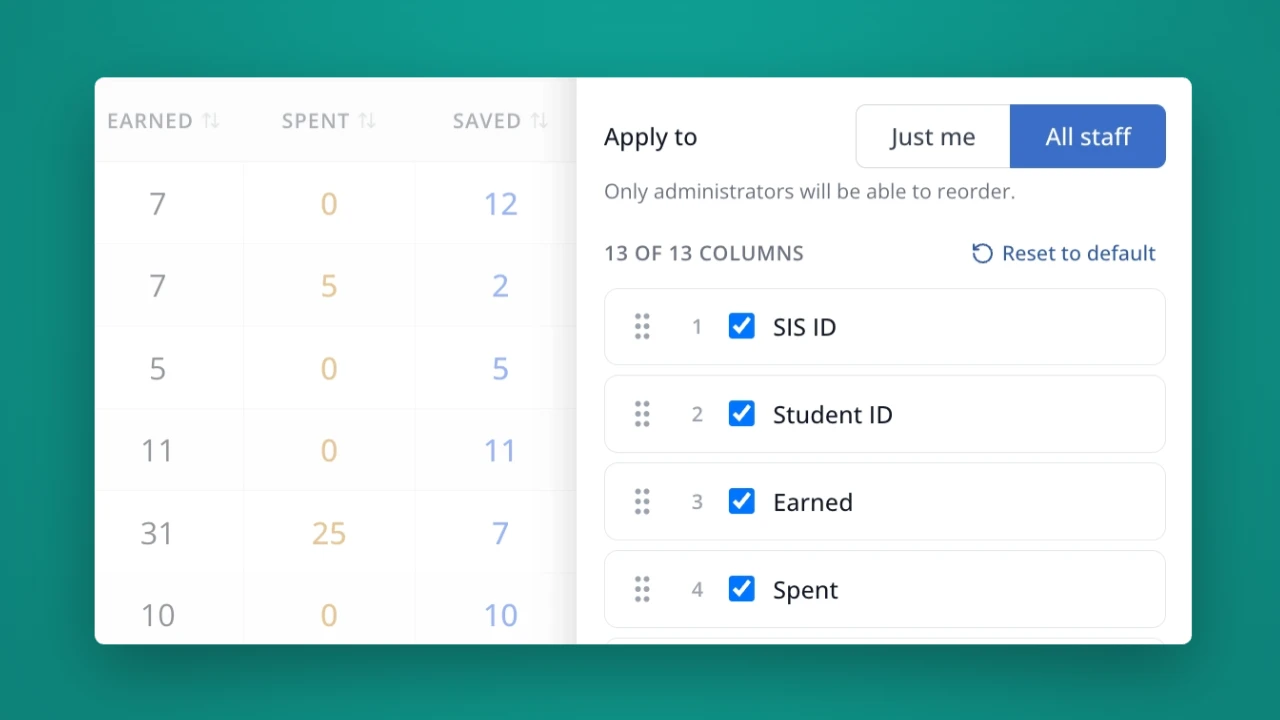
Save time when exporting your LiveSchool scoreboard data. You can now customize the order of the columns as well as which data shows. You can customize the order per-scoreboard, and decide if your custom ordering applies to your account or all staff.
Setup
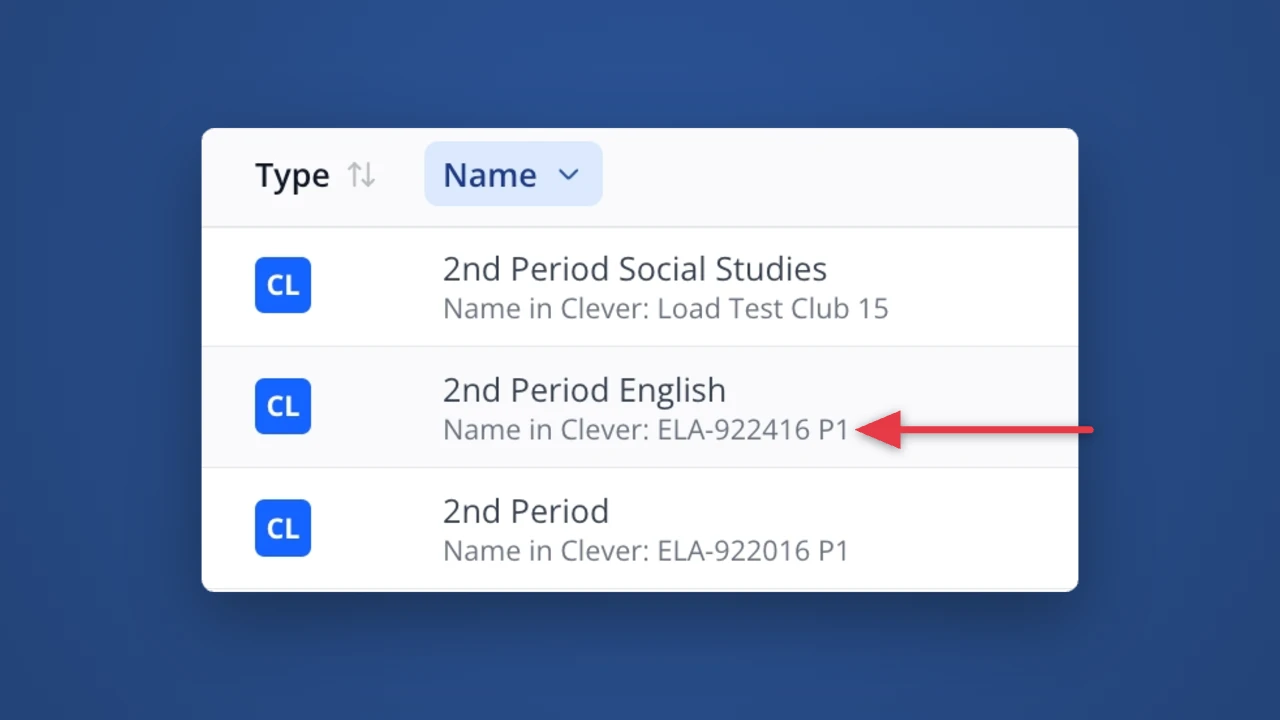
When you rename a roster from Clever or ClassLink, you'll now be able to easily see the original name coming from your system of record. This is a great way to troubleshoot and make sure you're looking at the right roster!
Reports
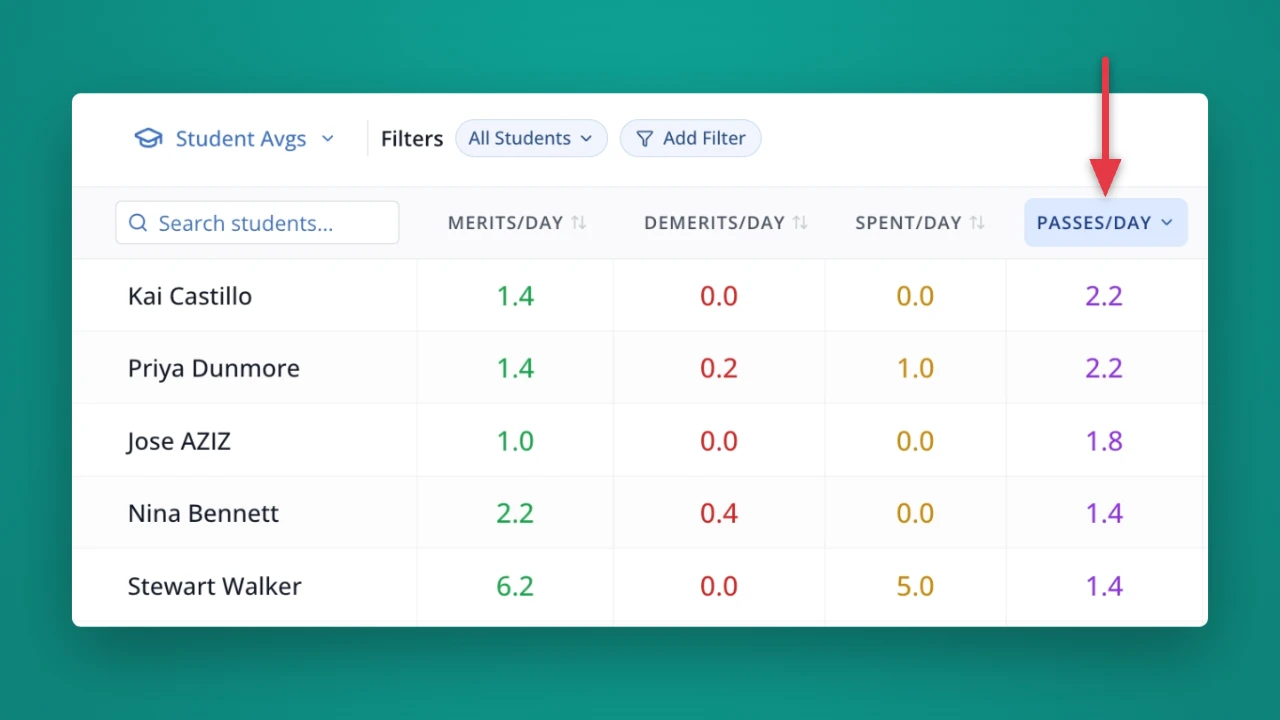
Now when you view a Scoreboard showing Student Averages, you'll be able to see the average number of hall passes taken by each student. It's perfect for getting a big picture view of each student's behavior and hallway usage.
Hall Passes
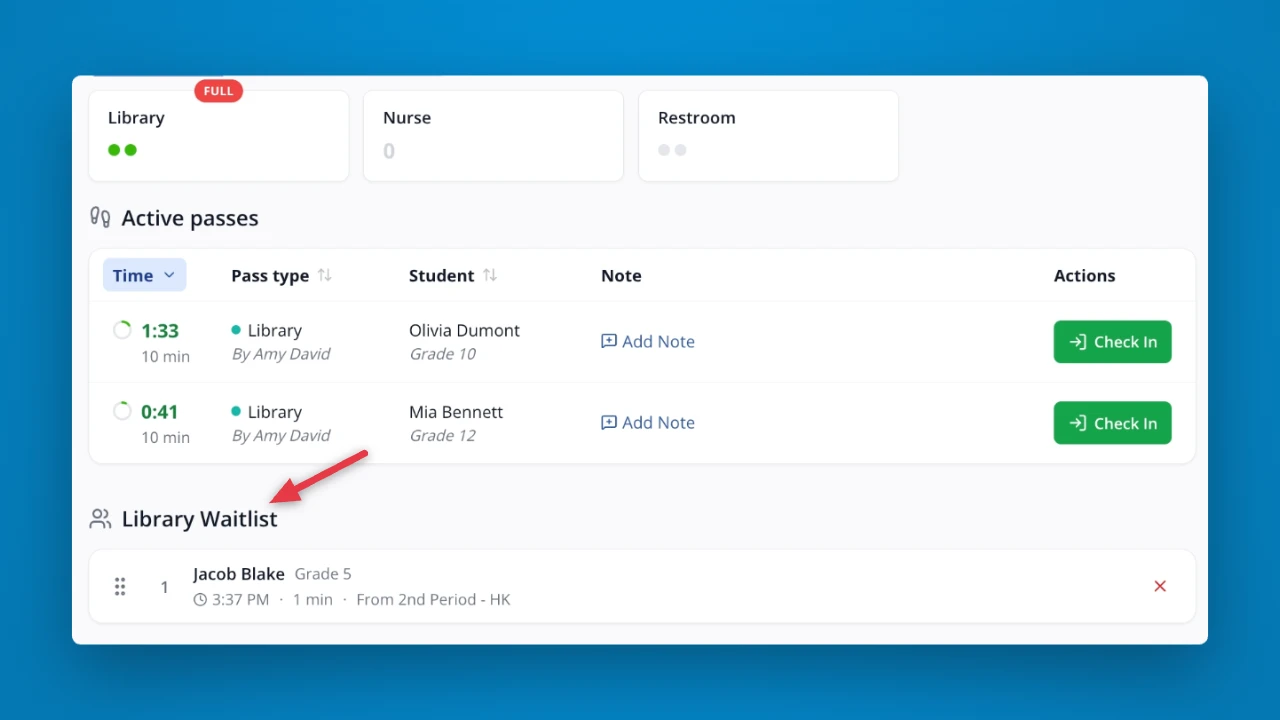
Now you can see who is waiting for each pass type, right on the main Hall Pass dashboard! You can reorder the waitlist, admit students, and remove students from line. Plus, click a Hall Pass at the top to filter the passes and waitlist – perfect if you're managing a specific location in the building.
Hall Passes
Now you can set custom schedules when passes can't be taken. Customize your schedules by pass period, by grade level, and more!
Rewards
Take control of your student shopping schedule! Now you can set specific days and times that students can shop. You can even tailor your shopping windows for specific grades or rosters. Best of all, your students will be able to see a countdown timer to their next shopping window!
Hall Passes
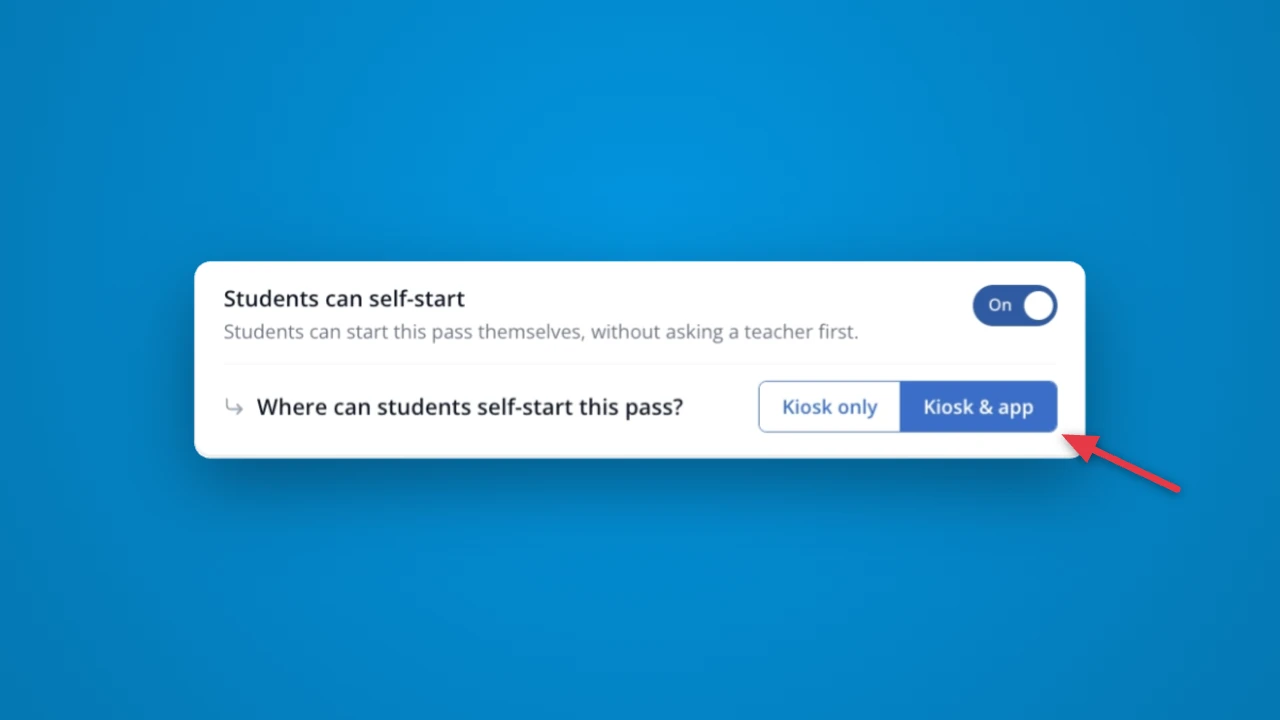
Now, when you configure a pass for student self-start, you can set where students can check it out: on the LiveSchool app, or only on a kiosk set up by a teacher.
Hall Passes
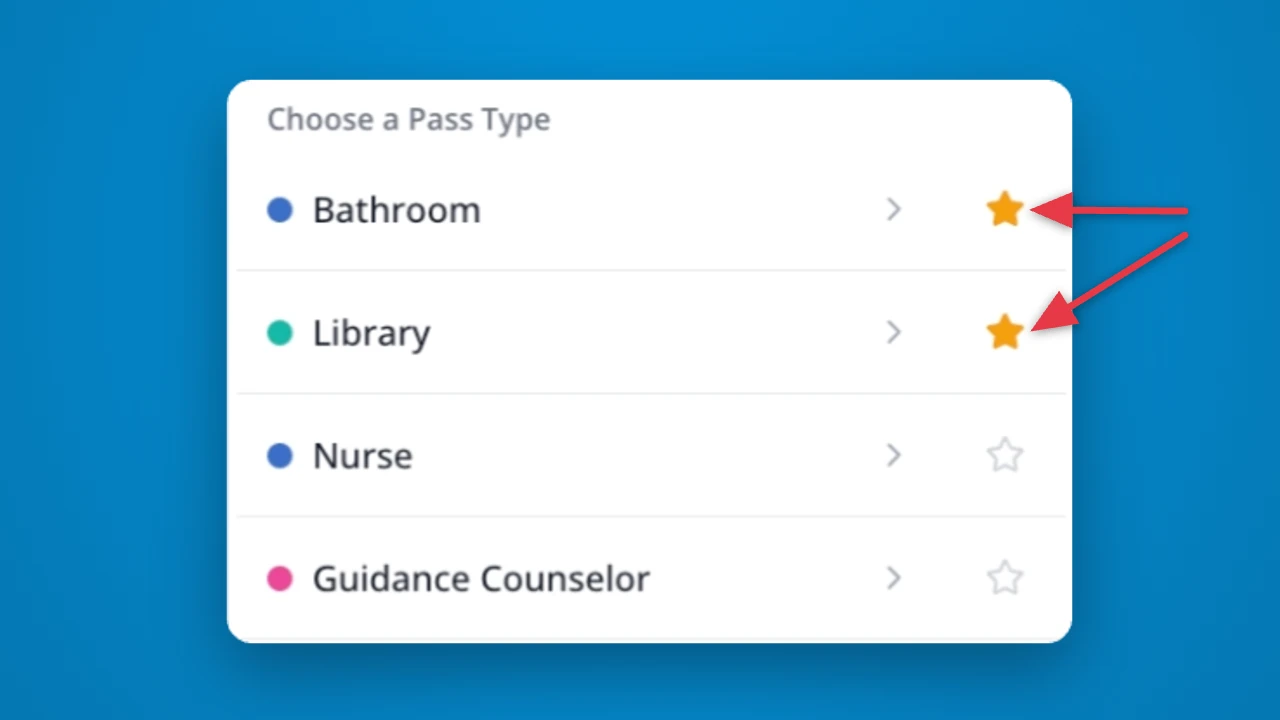
Save time by favoriting your commonly used Hall Passes. Simply tap on the star for any pass that you frequently use, and it will always appear at the top of the list.
Hall Passes
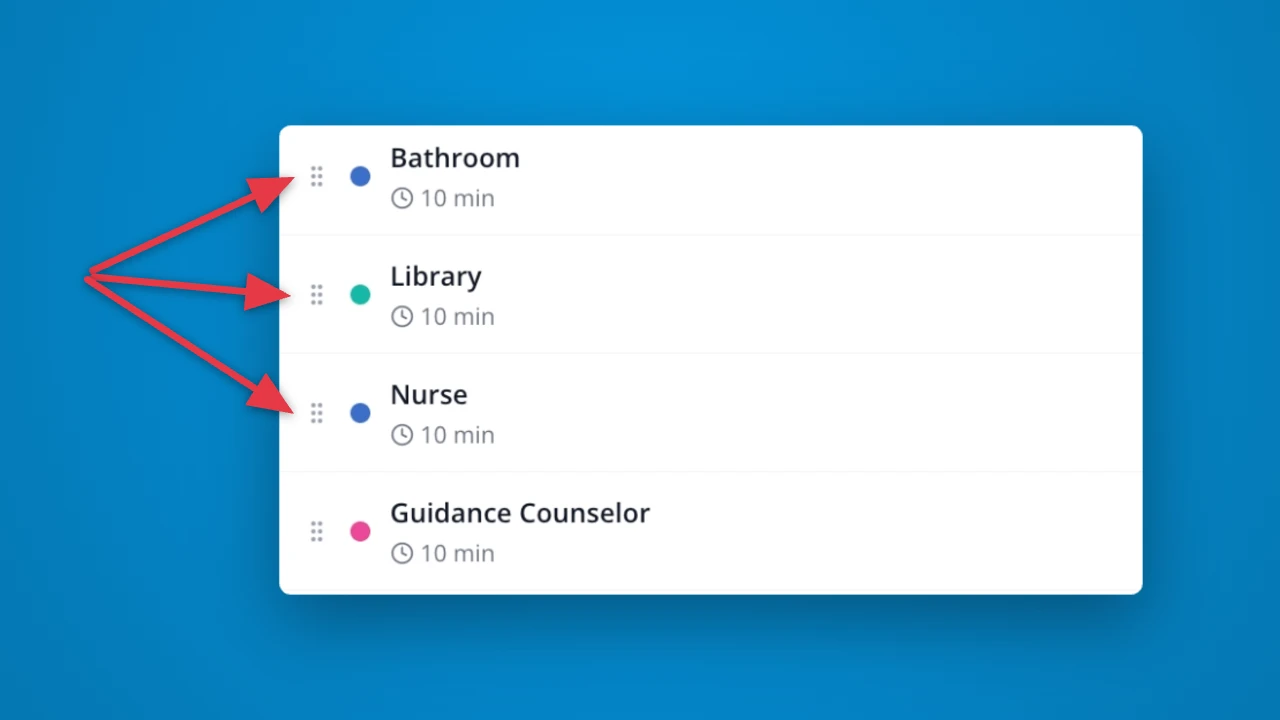
Now you can set the preferred order for your pass types. This order will be reflected everywhere passes are checked out: the teacher dropdown, the kiosk, and student self-checkout.
Rewards
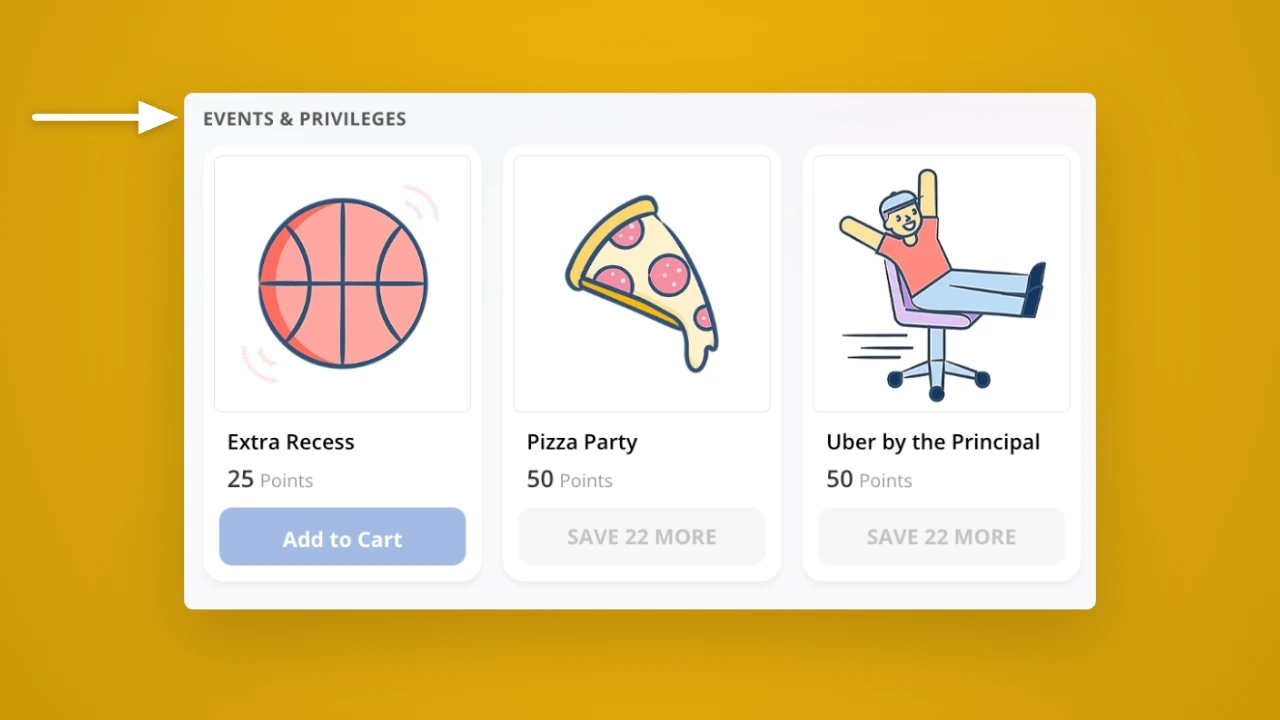
Now, when students look at your rewards in the student portal, they will see them organized by category. Perfect for giving students a more organized and engaging shopping experience!
Hall Passes
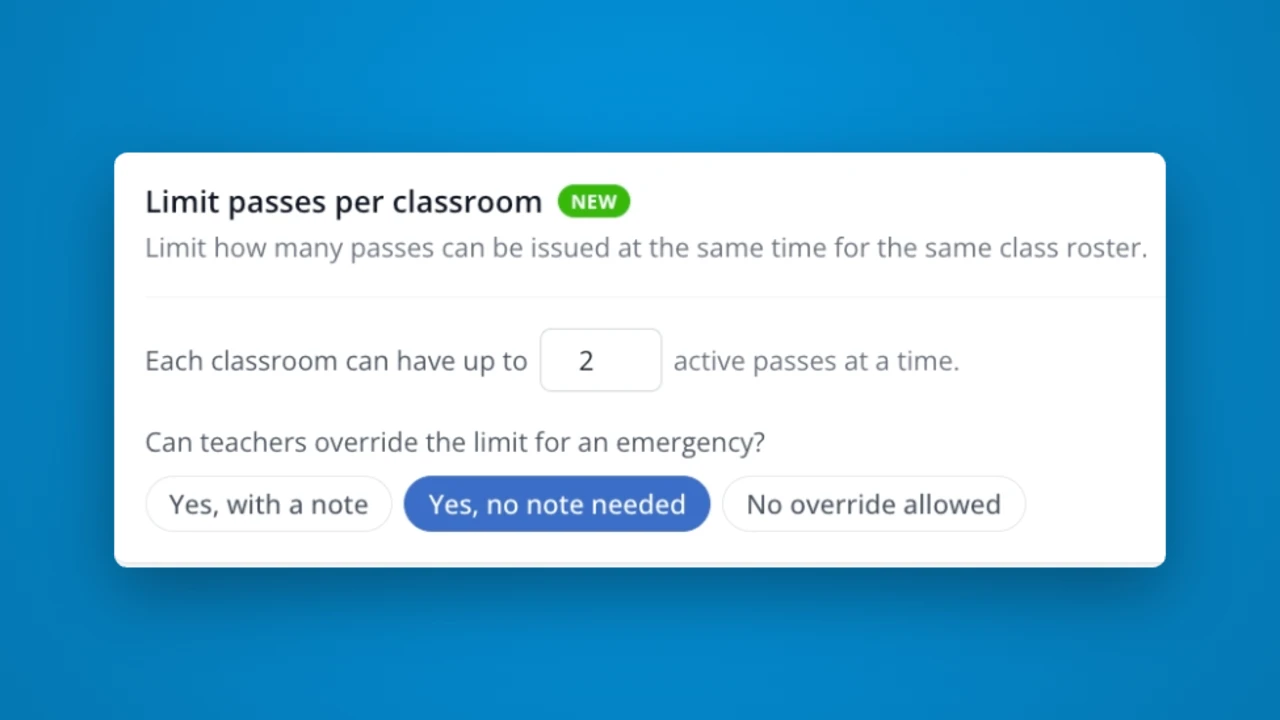
Now you can set a maximum number of passes that can be active from each class roster at a time. You can also decide whether teachers can override this limit in an emergency.
Hall Passes
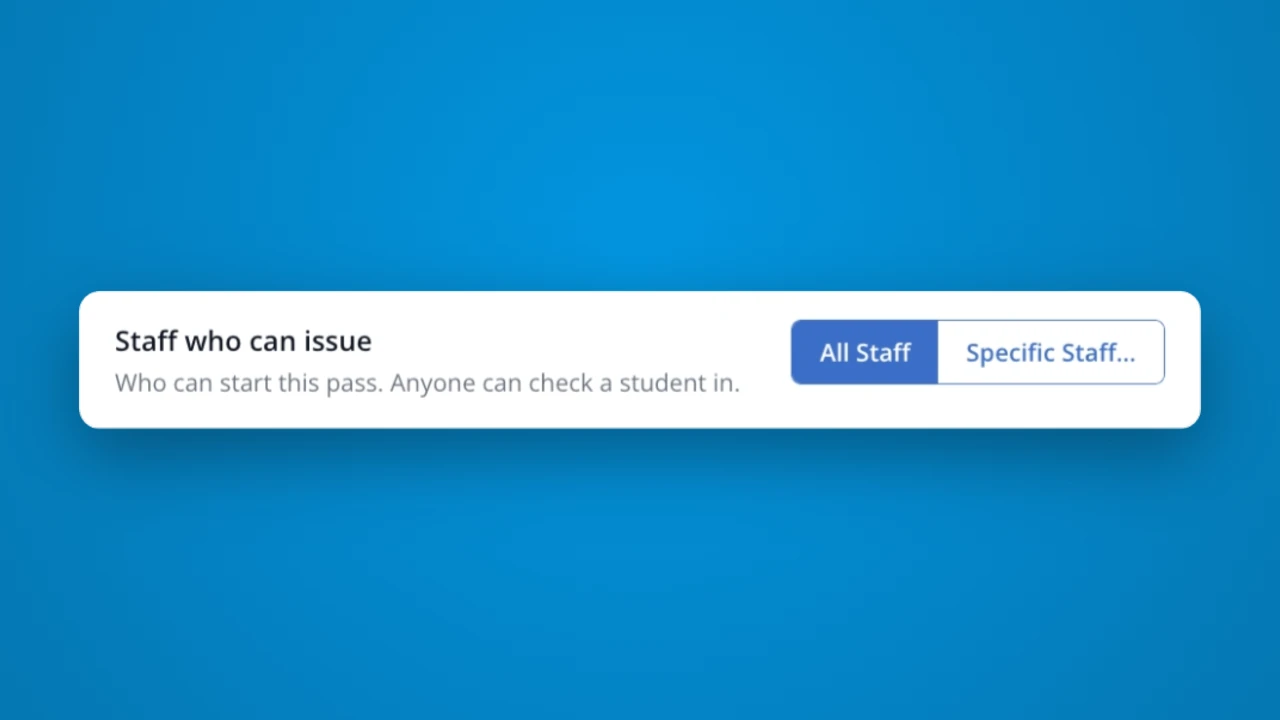
Now, you can set which staff members should be able to issue a specific pass. For example: a "Late to School" pass used only by your main office when students are arriving late to class.
Reports
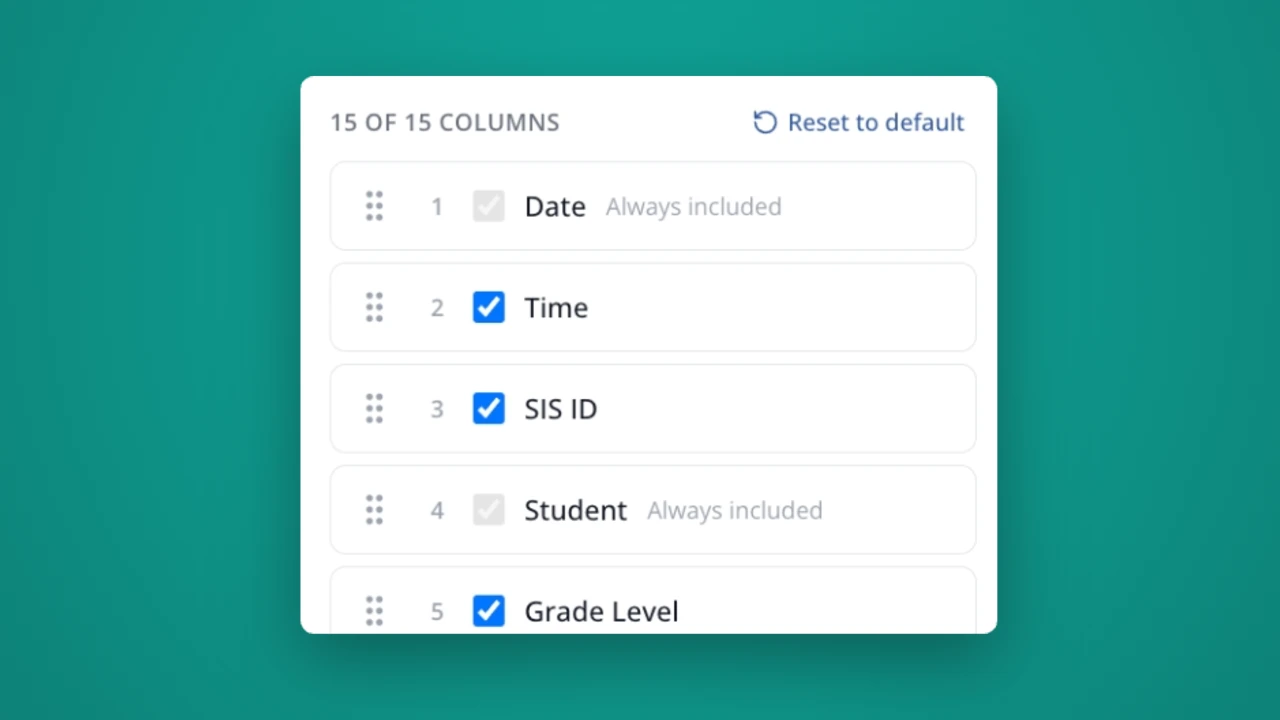
If your school frequently exports Timeline data, you'll love this feature! You can now customize which columns show up – and what order they appear in. Simply drag and drop to select your order, and uncheck any columns you don't want to include.
House Points
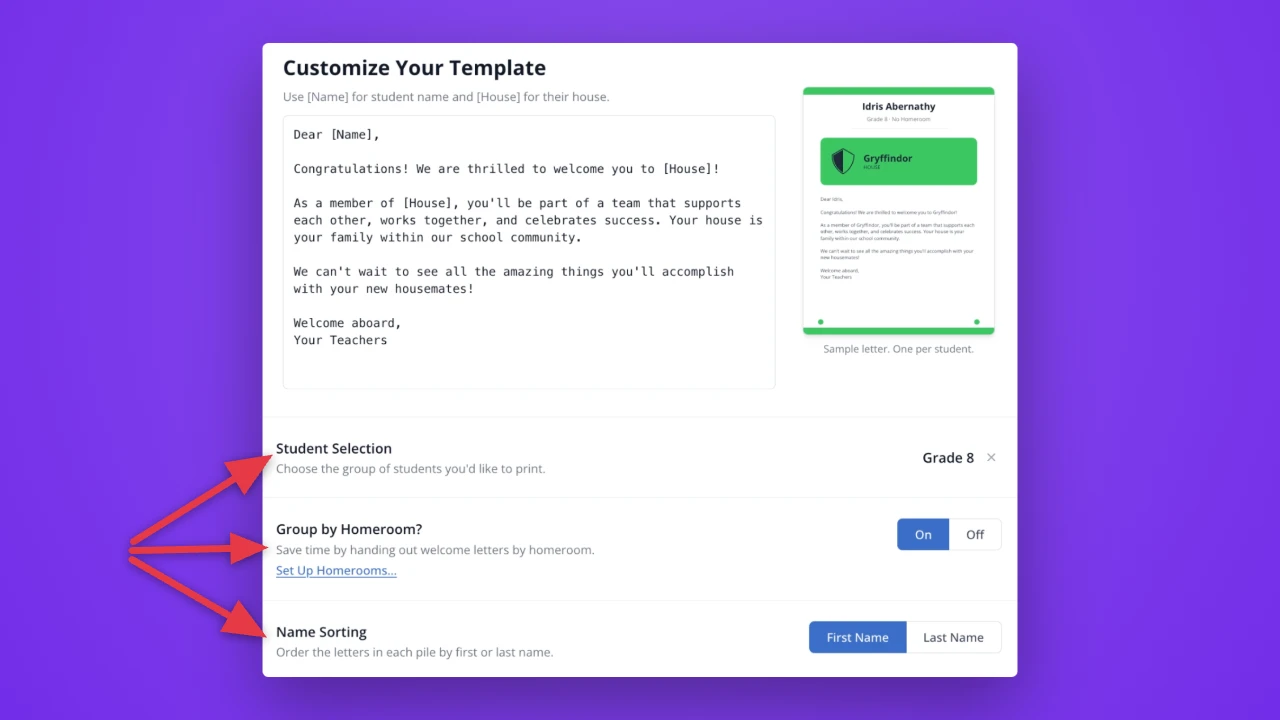
Now, you can print your House welcome letters for specific grades and rosters, organize them by homeroom, and customize the sorting. Less time printing, more time celebrating!
Setup
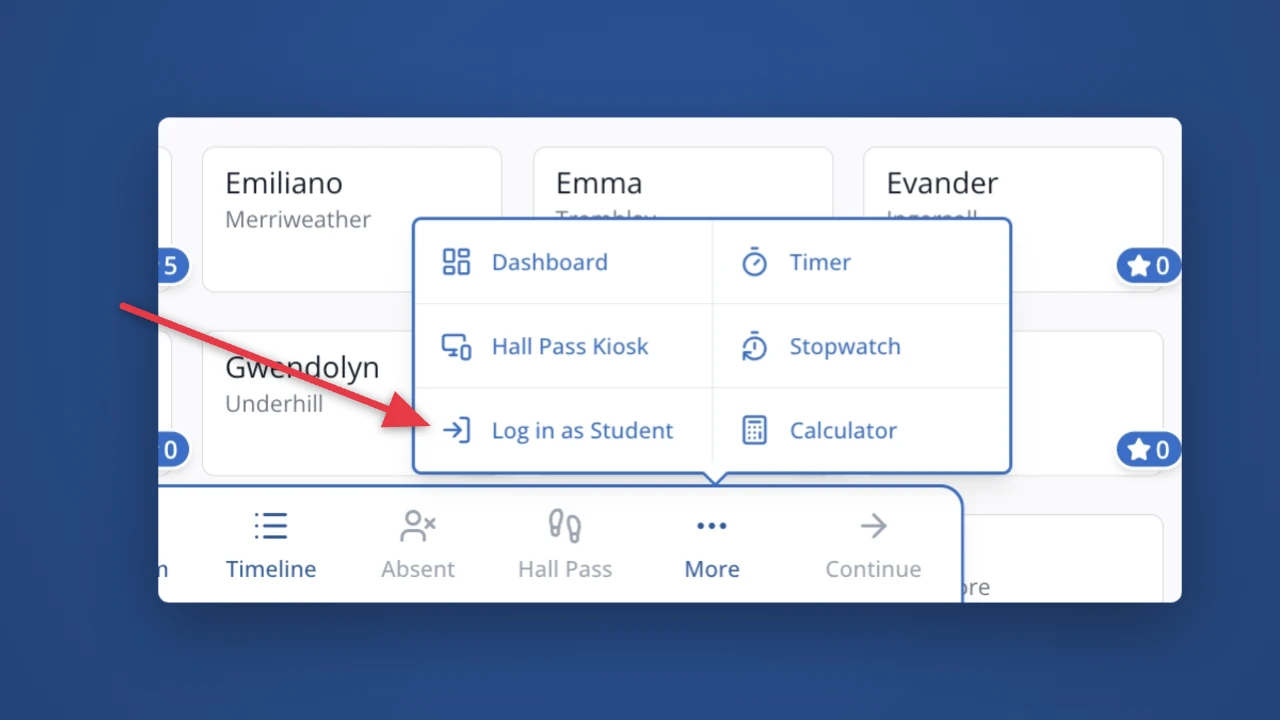
Now you can log in to a student's portal with a few clicks, all without leaving the points screen. Just click "More" then "Log in as Student."
Points
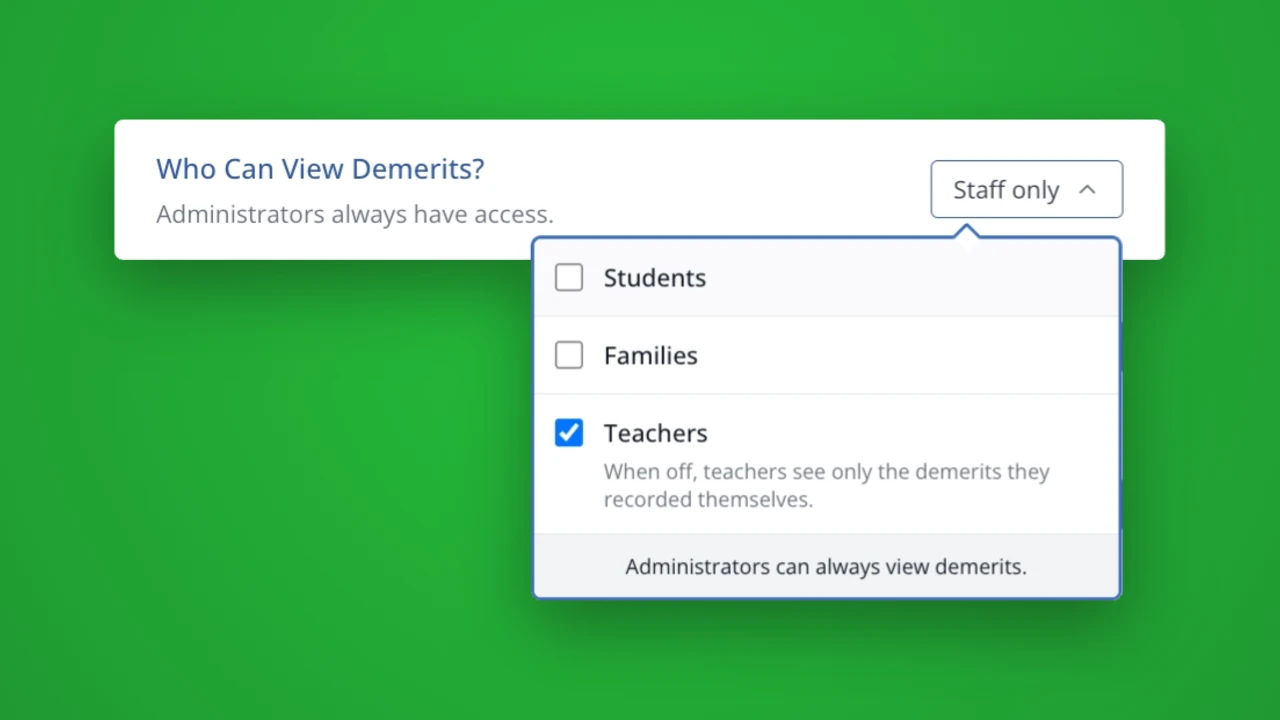
Now, you can decide whether students and families should see demerits in their portal. You can also limit teachers from seeing demerits entered by other teachers, if preferred by your school.
Family Engagement
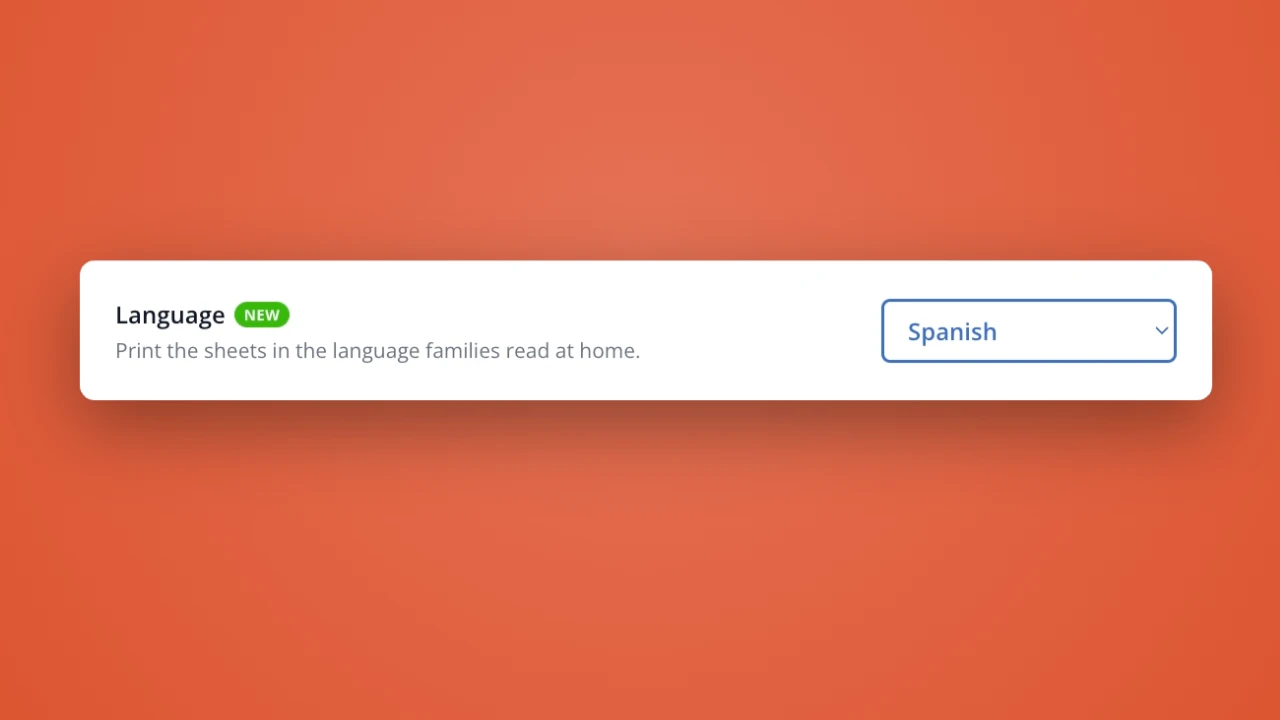
We now support 24 different languages for Access Sheets. Welcome families to LiveSchool in their preferred language!
House Points
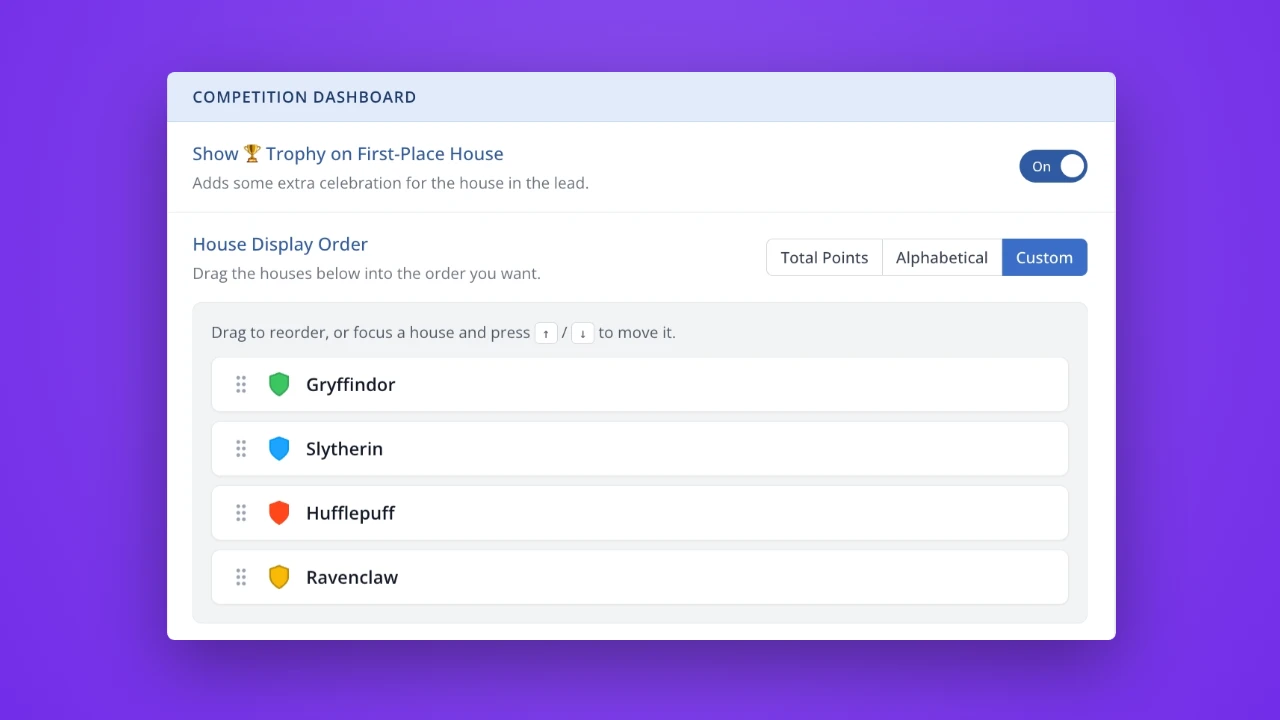
Leaderboard style, alphabetical, or a custom order – the choice is yours! If you have a custom order for your Houses, just drag and drop to your preferred order. You can also decide whether your first-place House should be celebrated with a trophy emoji.
Hall Passes
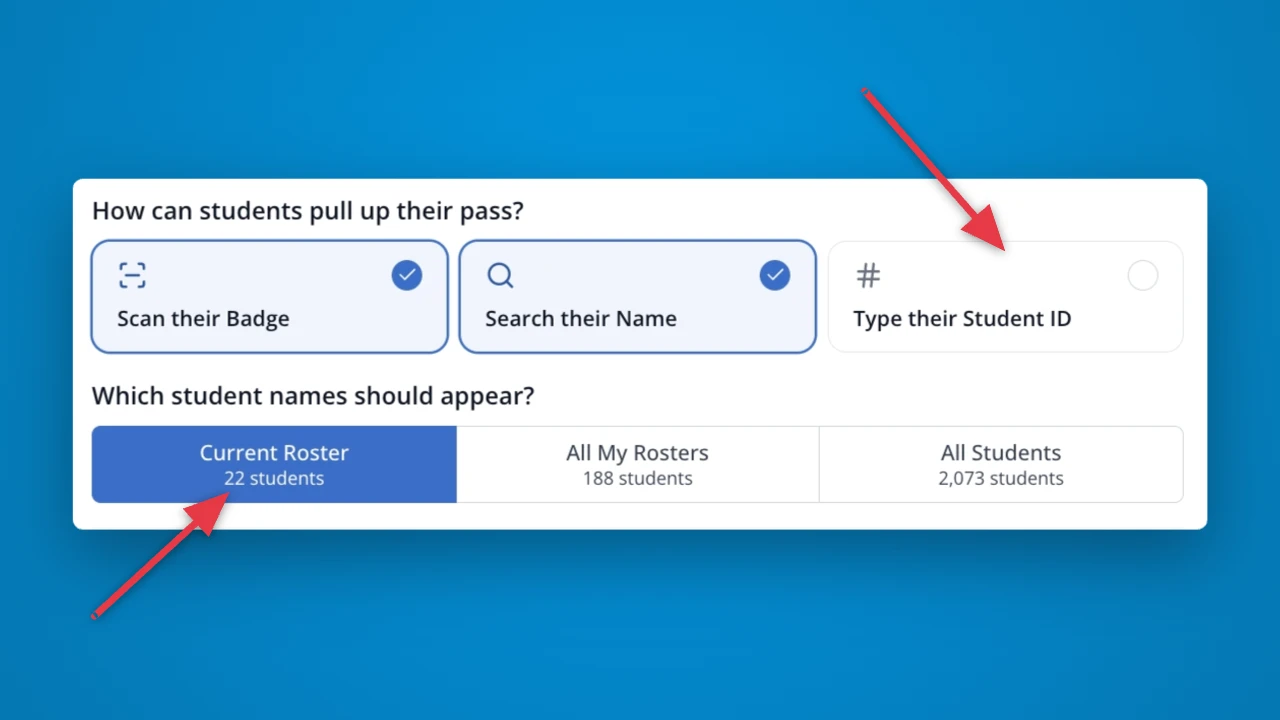
Now you can have students check out a pass by entering their student ID number – perfect if you're concerned about students selecting another student's name. When checkout by name is enabled, you can control which names are visible: the current roster, all your rosters, or all students in the school. Students will only be able to select from these names.
Family Engagement
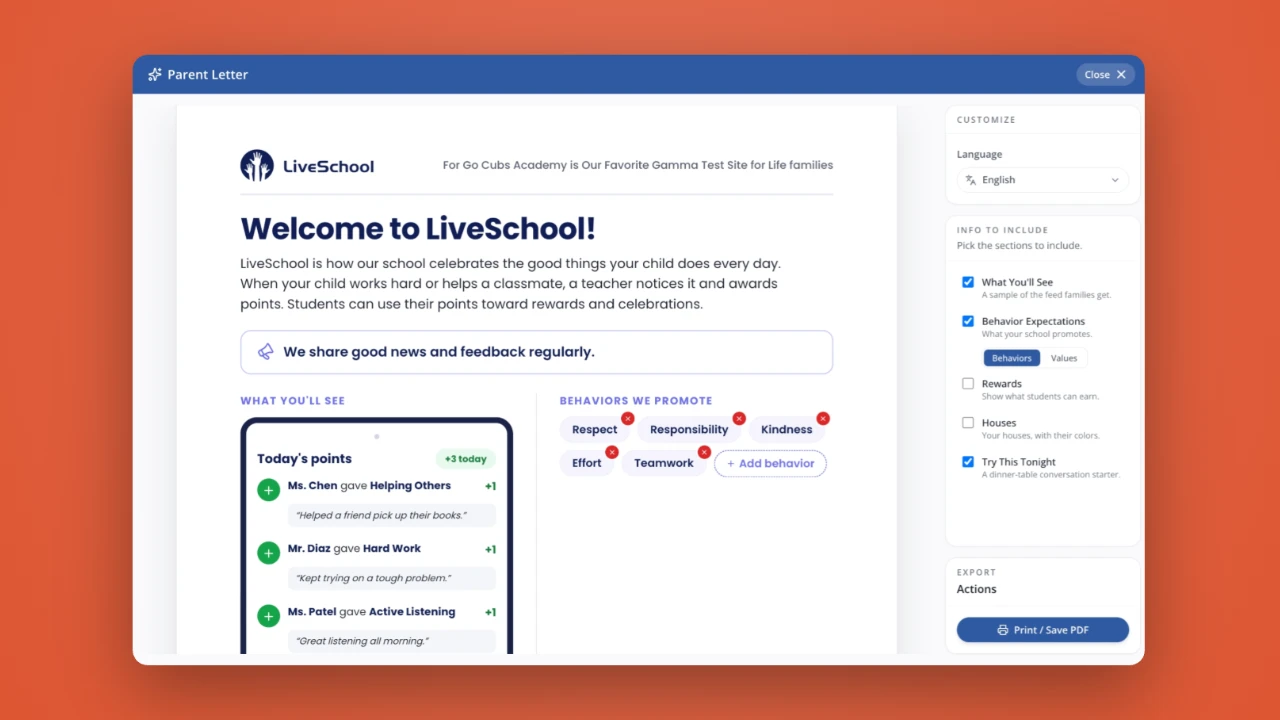
Tailor the perfect parent welcome email that explains why and how your school uses LiveSchool. Customize what information to include and even the exact wording on the letter. You can even translate your letter into any supported language!
House Points
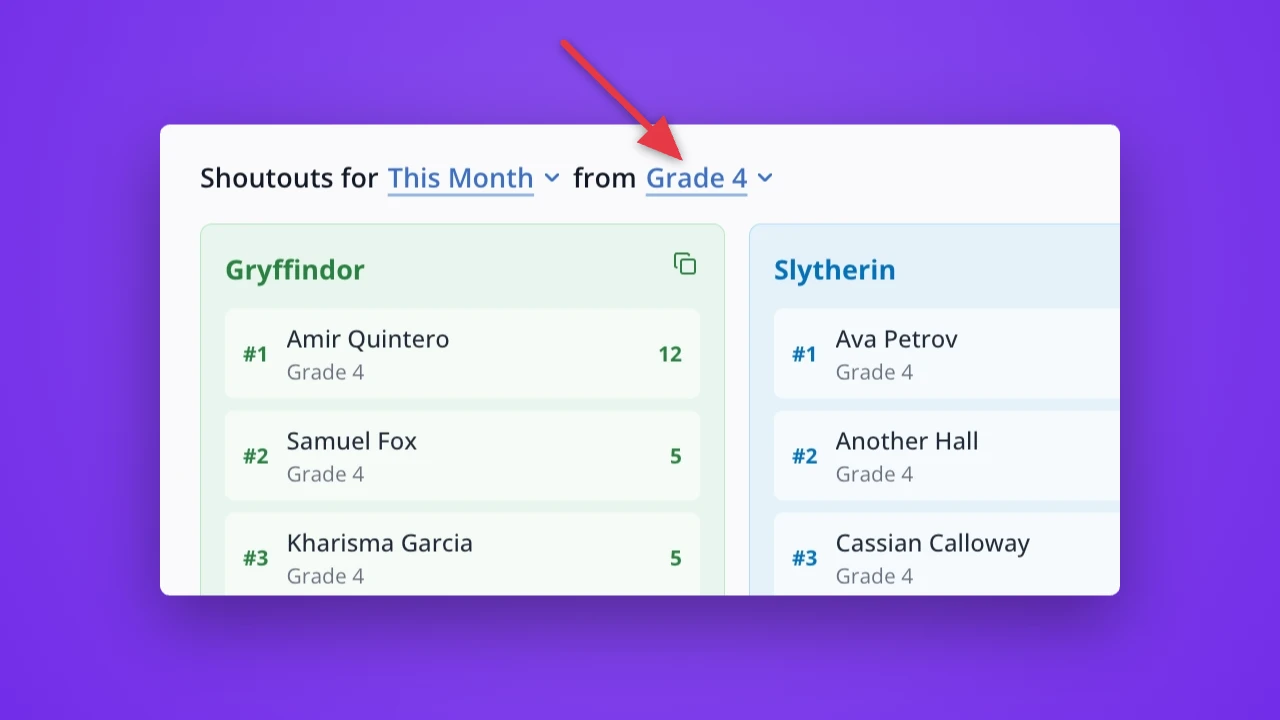
Level up your celebrations by shouting out each House's top-earning students by grade level! It's a way to increase student buy-in in each grade and make Houses a deeper part of your school culture.
Reports
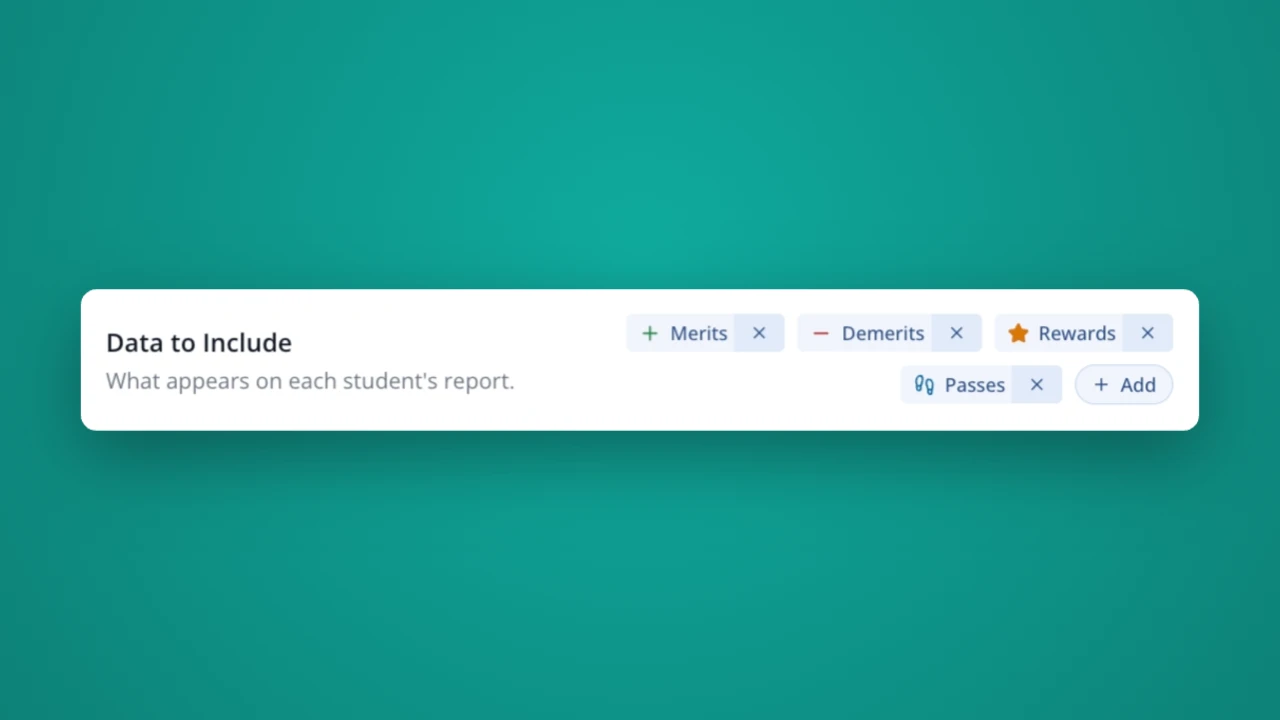
Now, when you download a Printable to share with a student or family, you're in charge of which types of data should be included.
Rewards
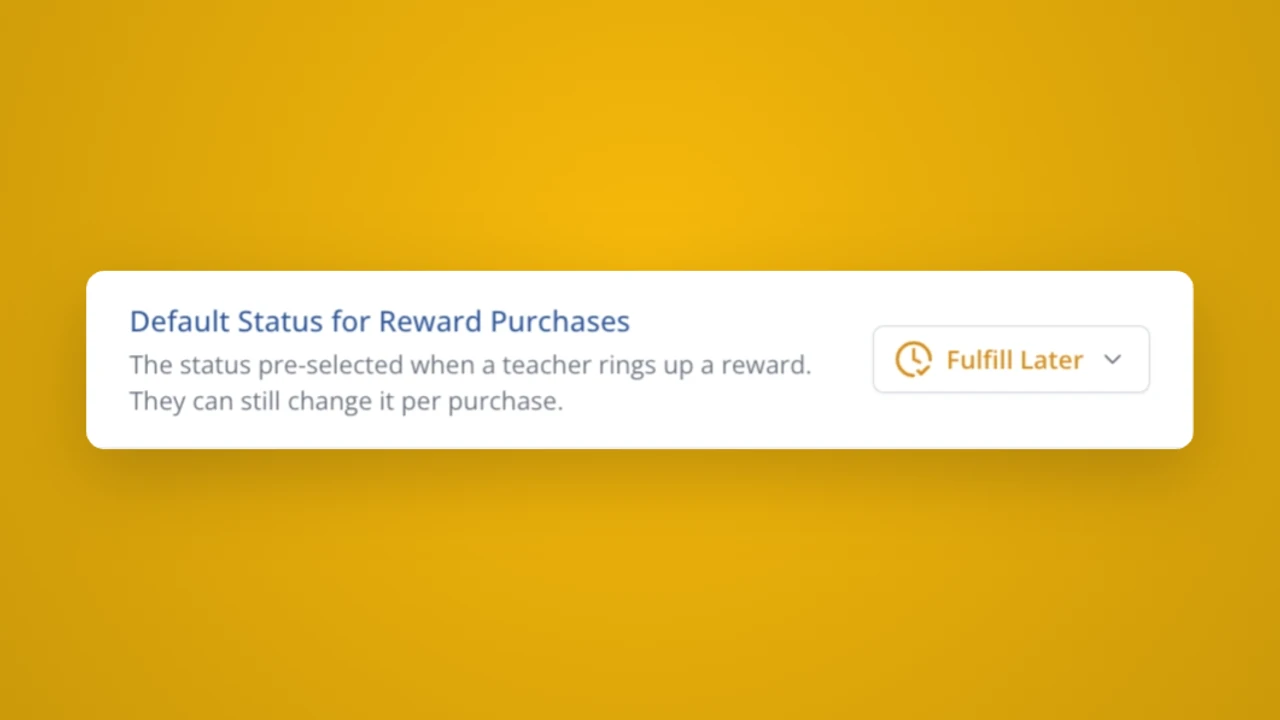
Do most of your rewards need to be fulfilled later? Set this handy setting to save your teachers time each time a student makes a purchase. Teachers can always override the default status at checkout.