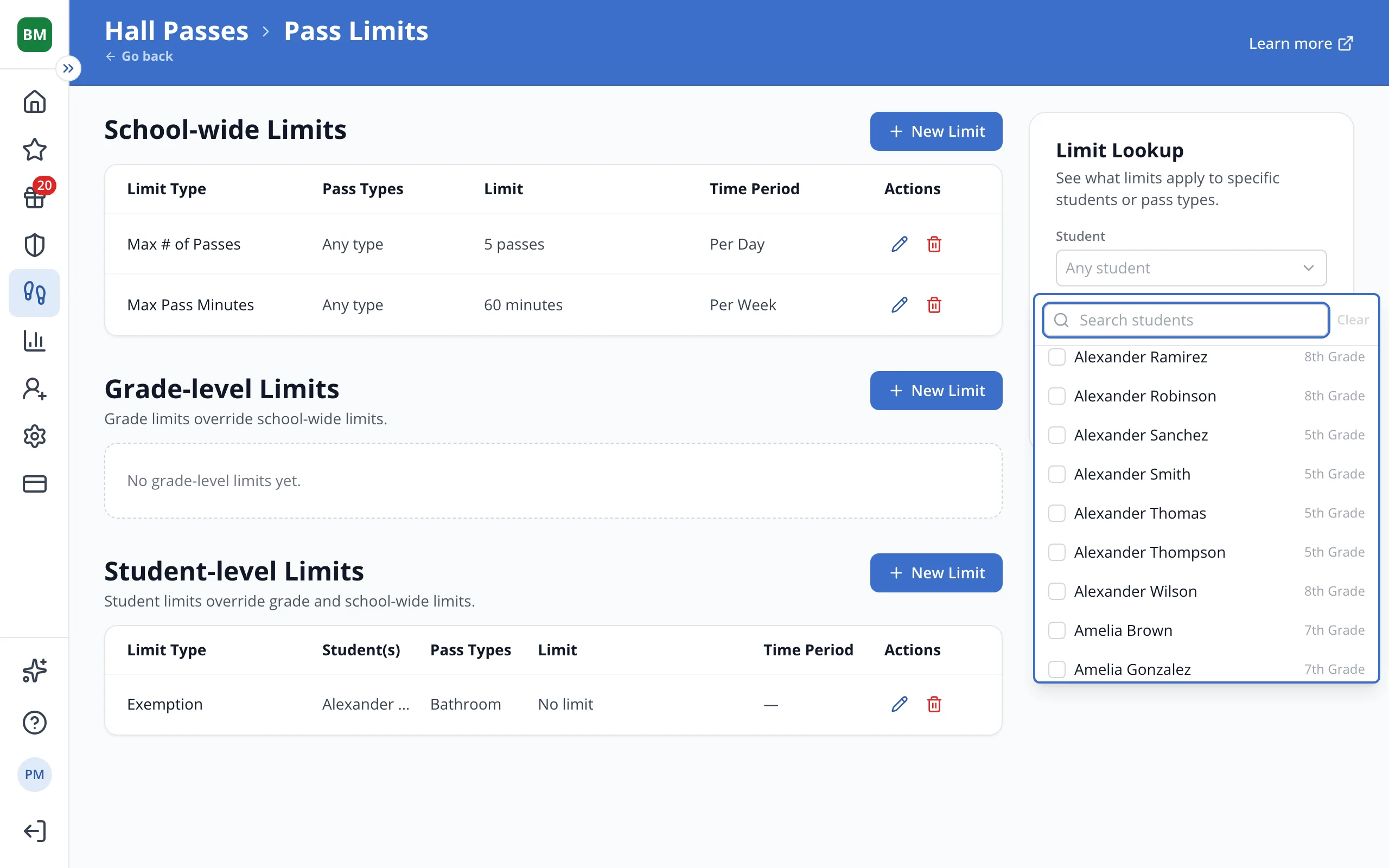
Check which limits apply to a student
Filters your limits down to the ones that apply to one student, grade or pass type, including any that override others.
AdminSite Leader
Use the Left and Right arrow keys to move between steps, and Space to play or pause.
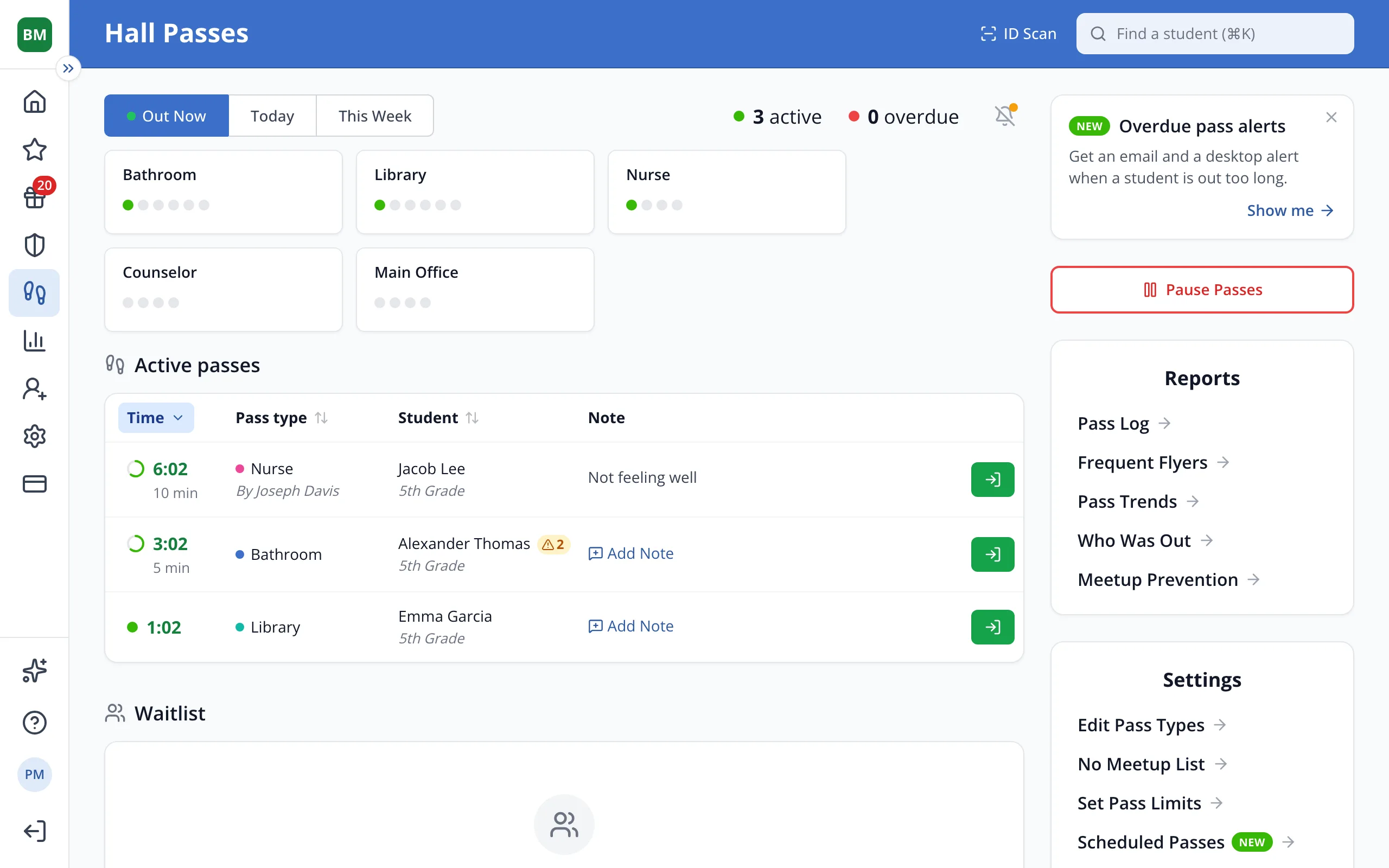
1.On the Hall Passes page, under Settings, click Set Pass Limits.
Did you know? On a smaller screen, click More to find these links.
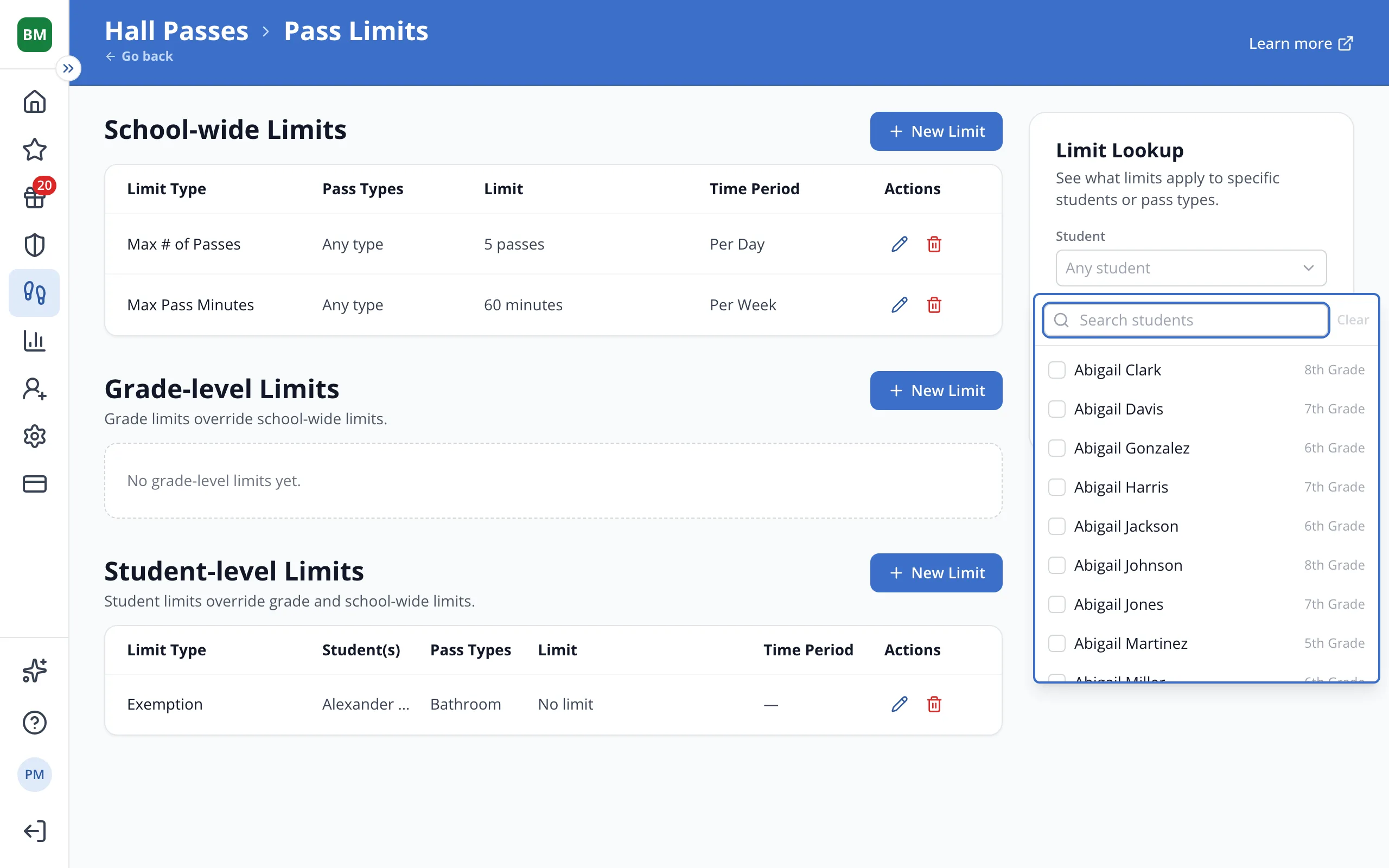
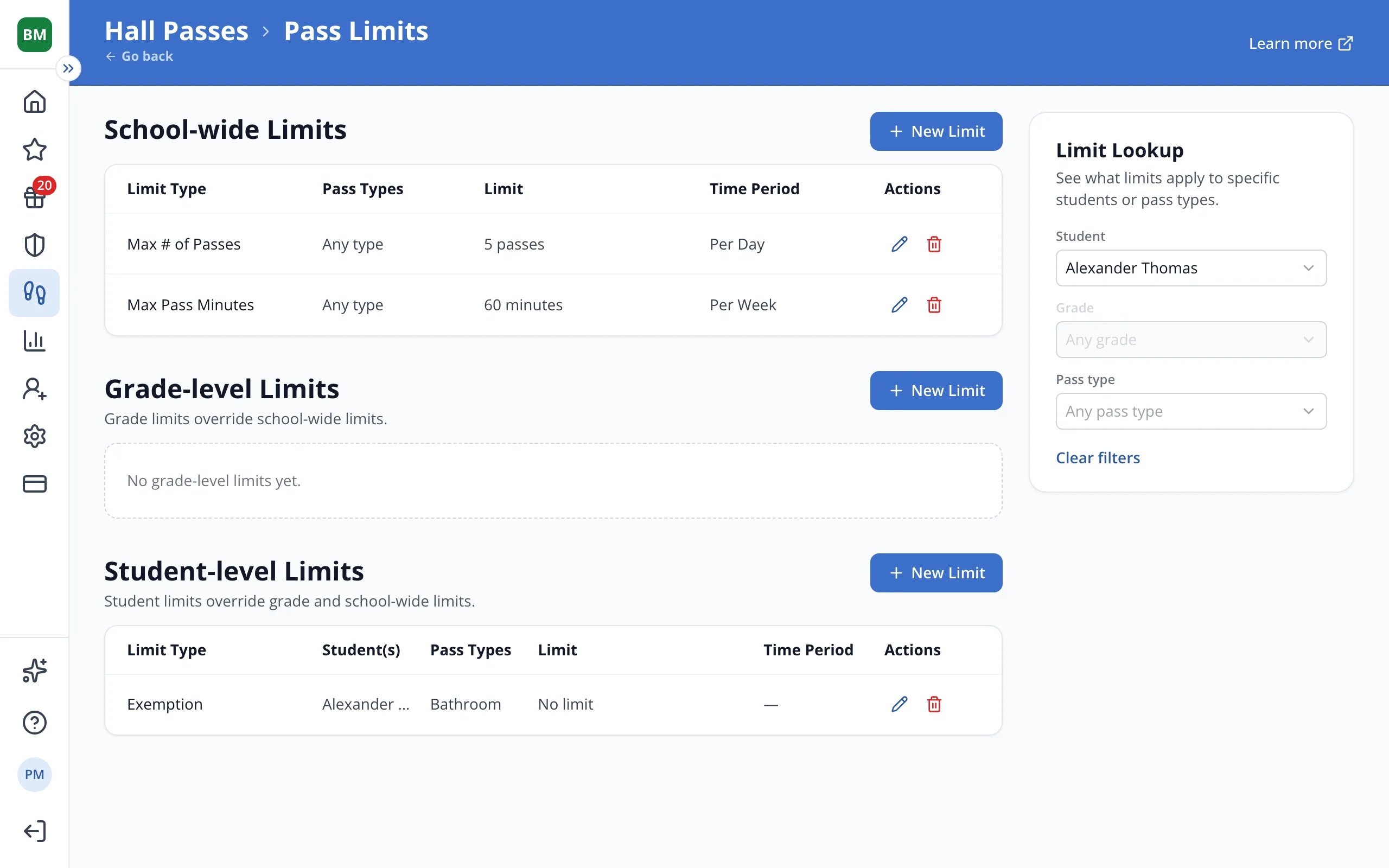
2.Under Limit Lookup, click the Student box.
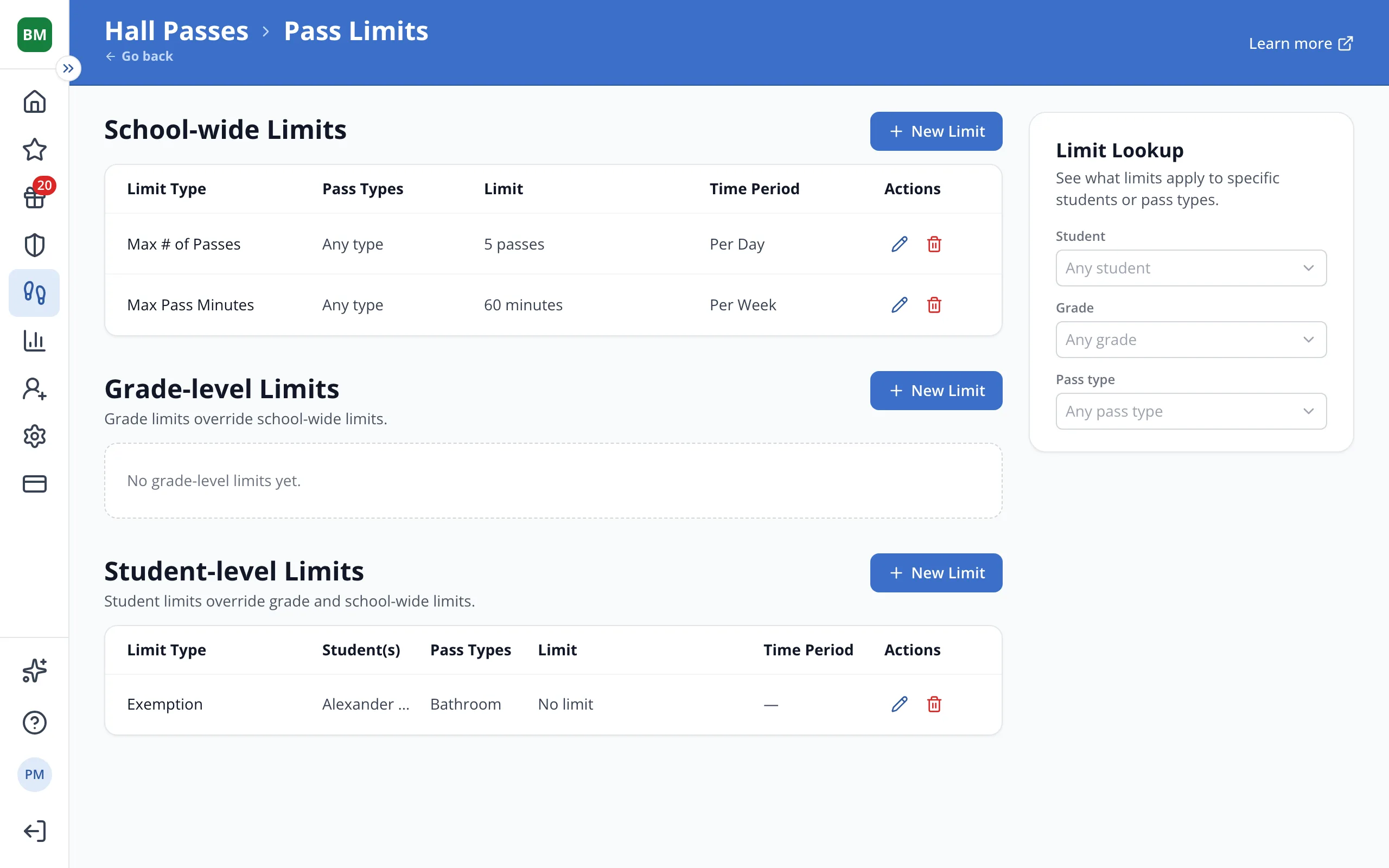
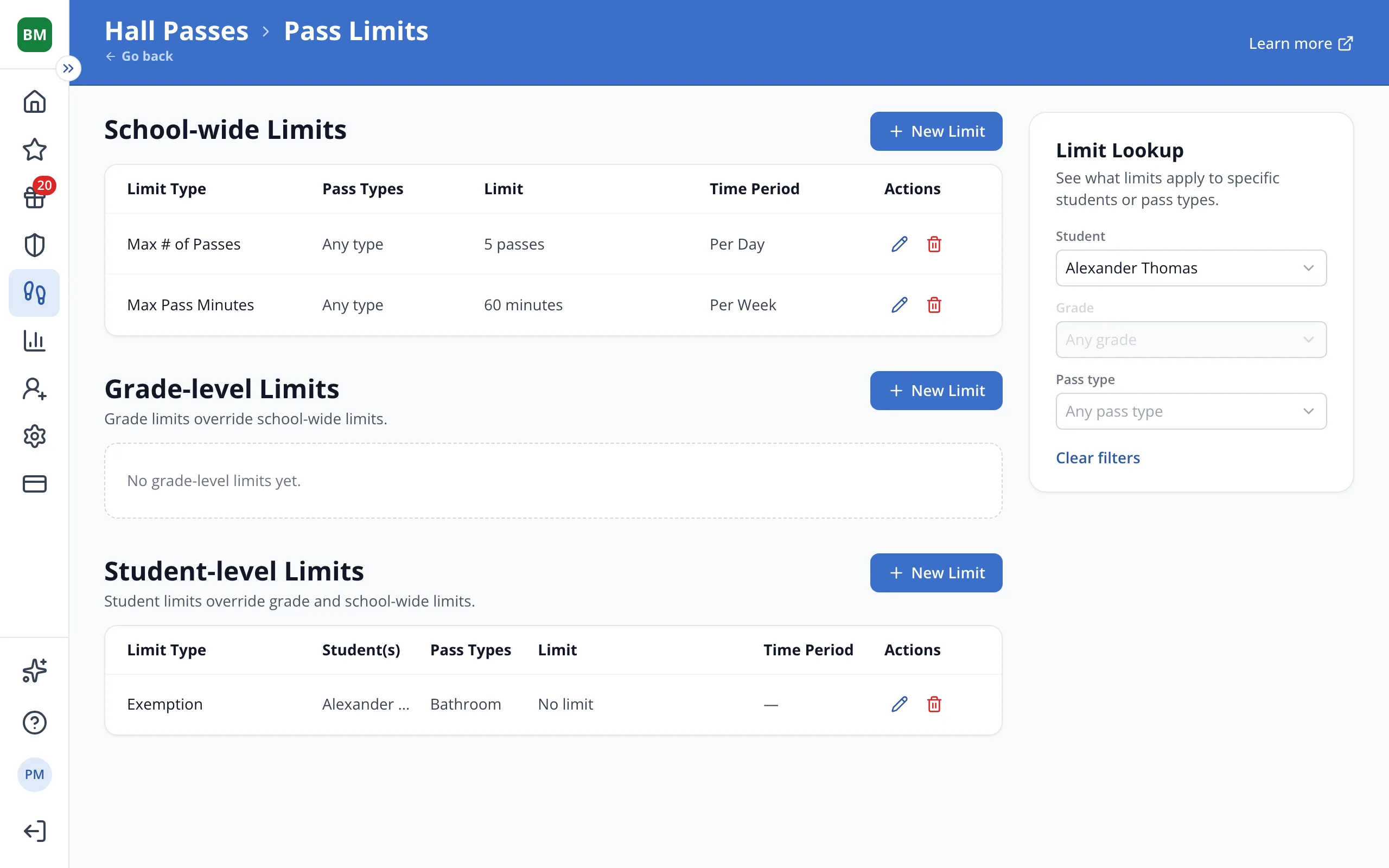
3.Click the student.