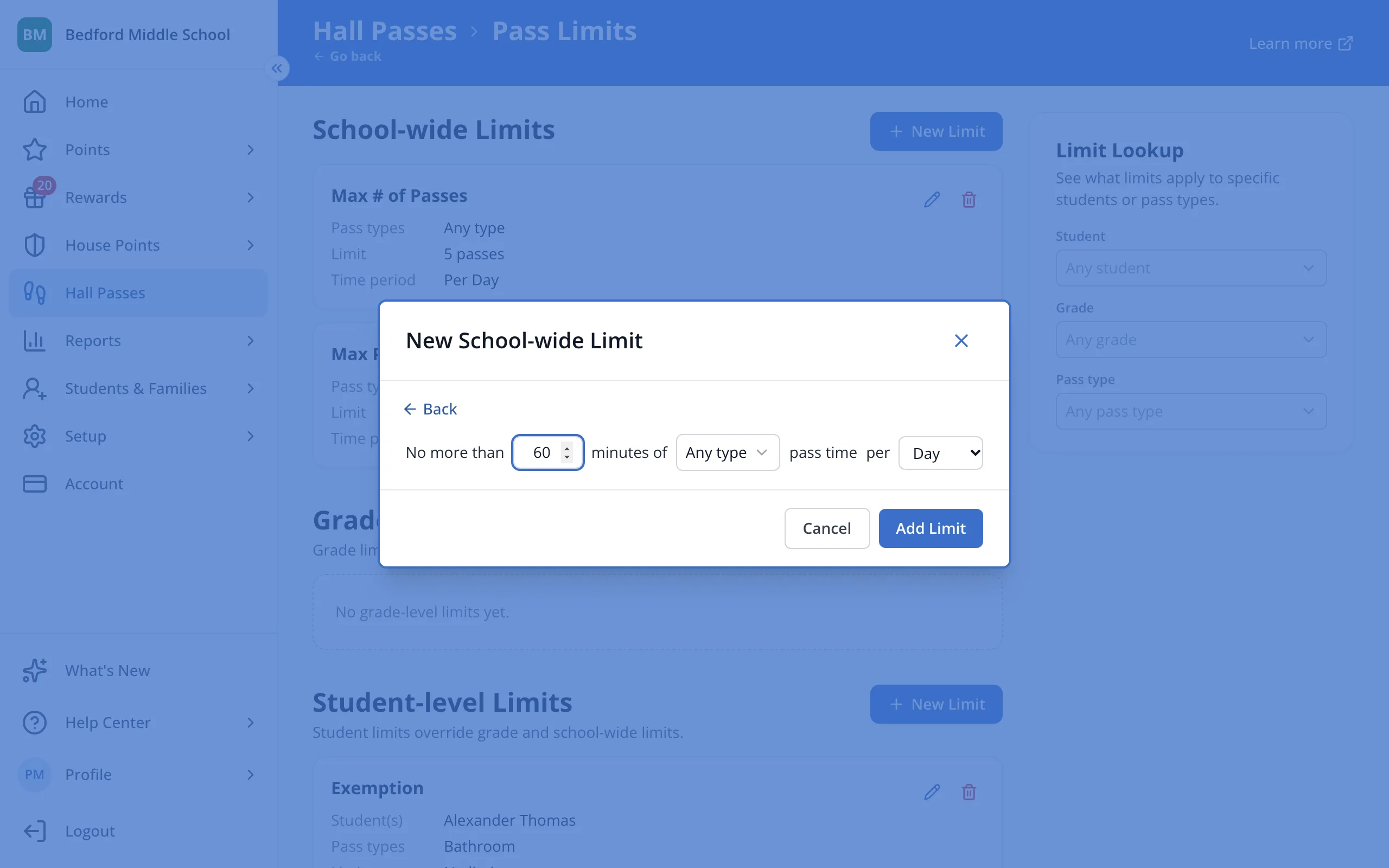
Set a hall pass limit specific to number of minutes out instead of number of passes taken
Students can take as many passes as they like until they reach the minutes you allow.
AdminSite Leader
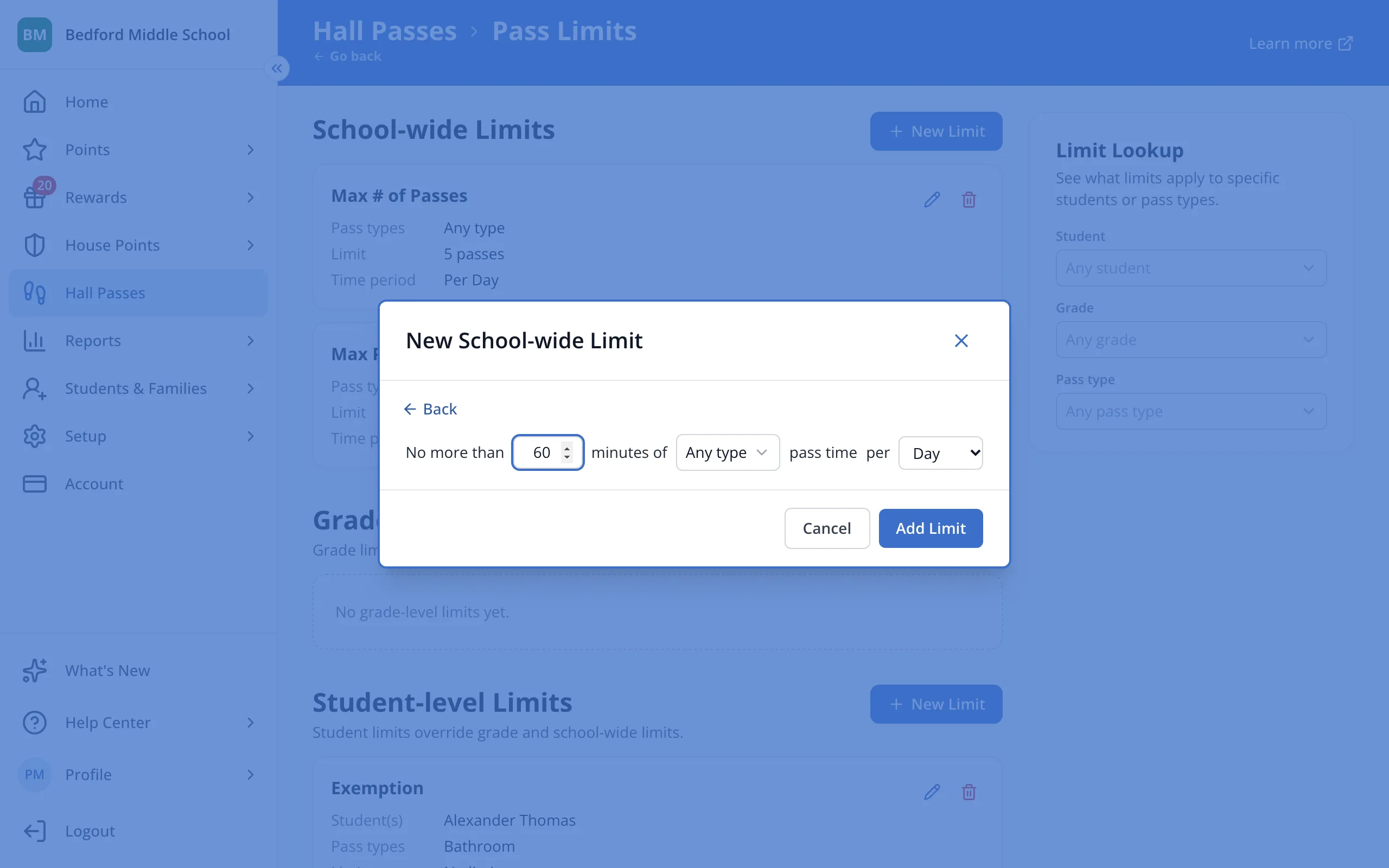
Use the Left and Right arrow keys to move between steps, and Space to play or pause.
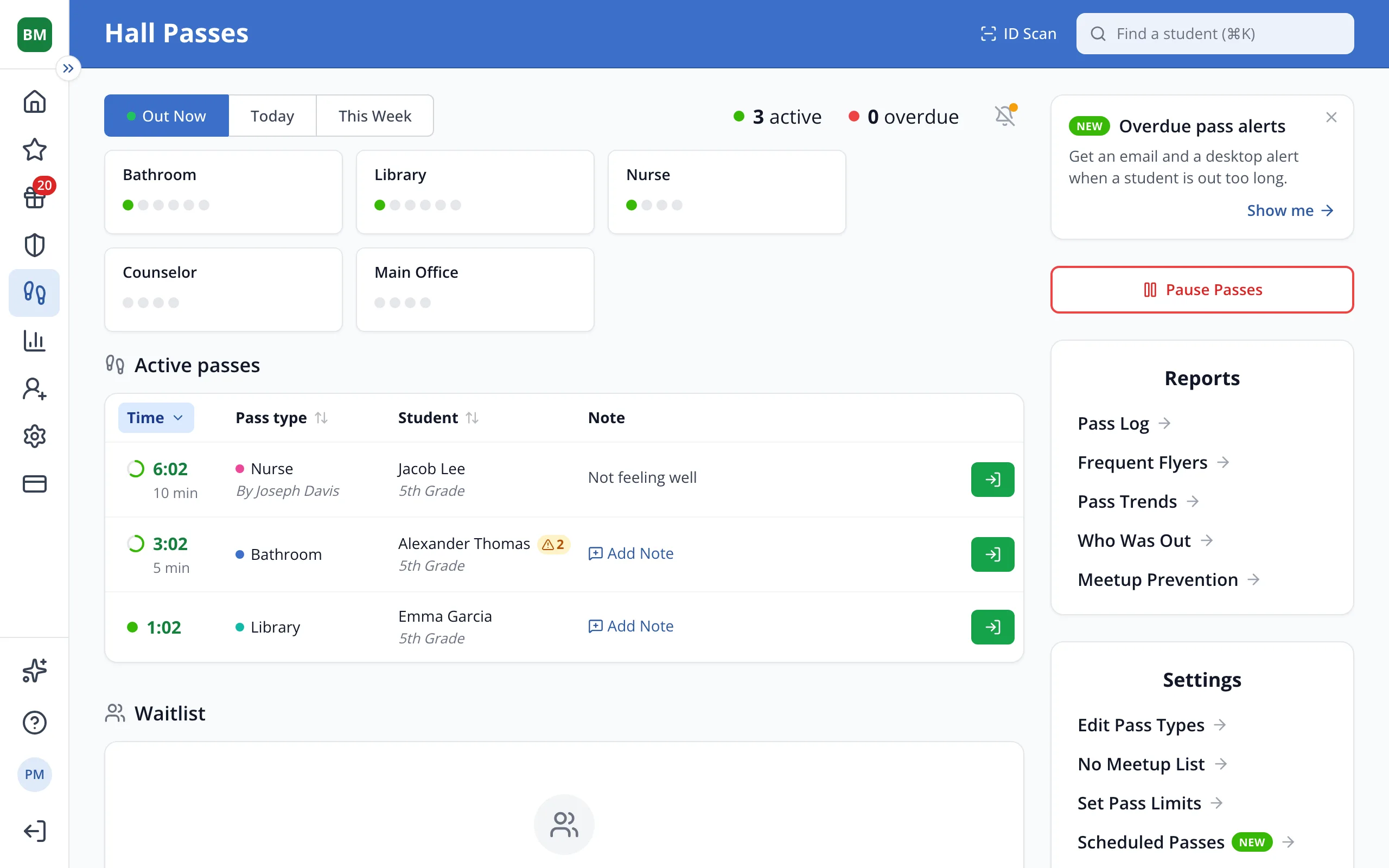
1.On the Hall Passes page, under Settings, click Set Pass Limits.
Did you know? On a smaller screen, click More to find these links.
2.Under School-wide Limits, click New Limit.
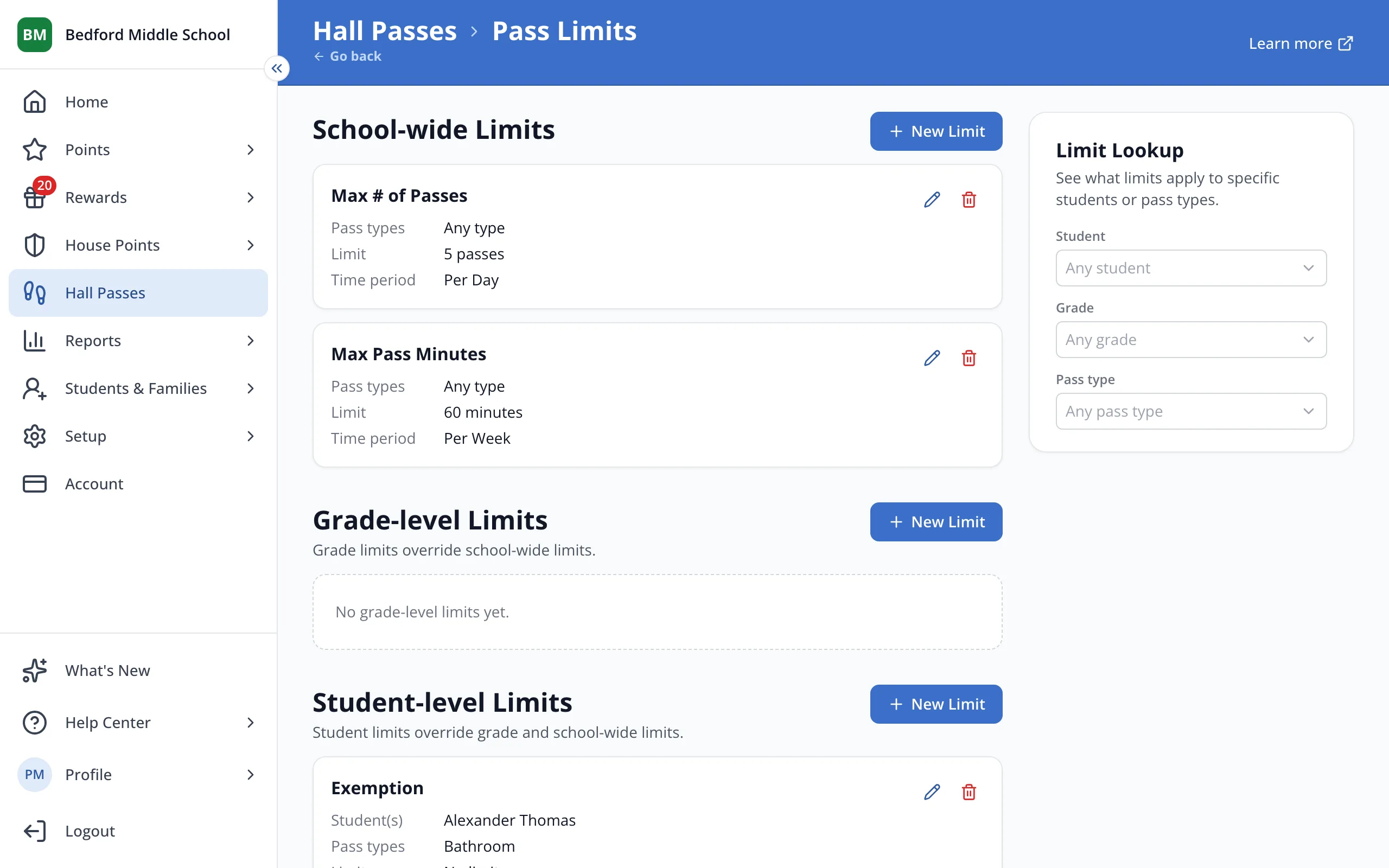
3.Click Pass Minutes.
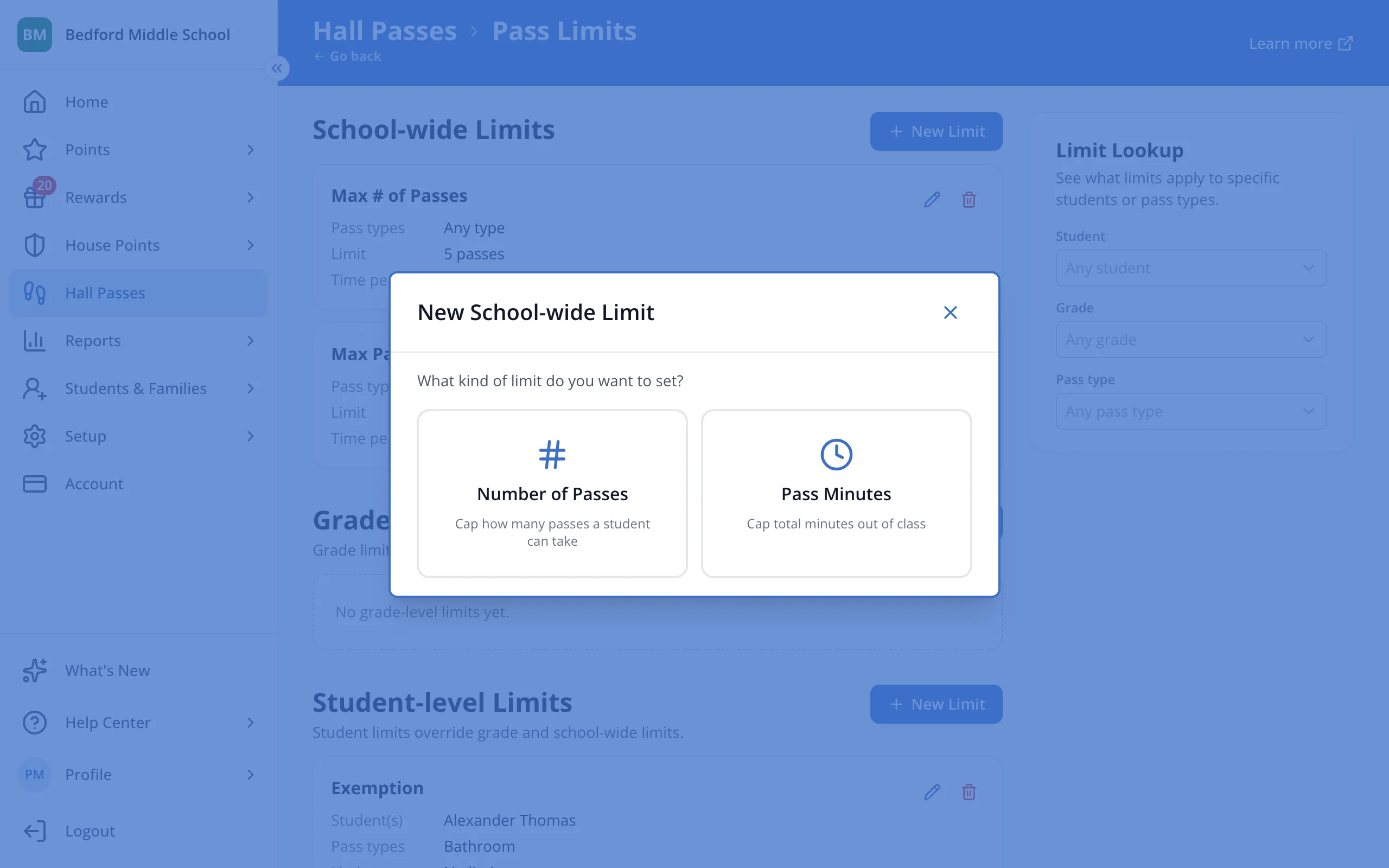
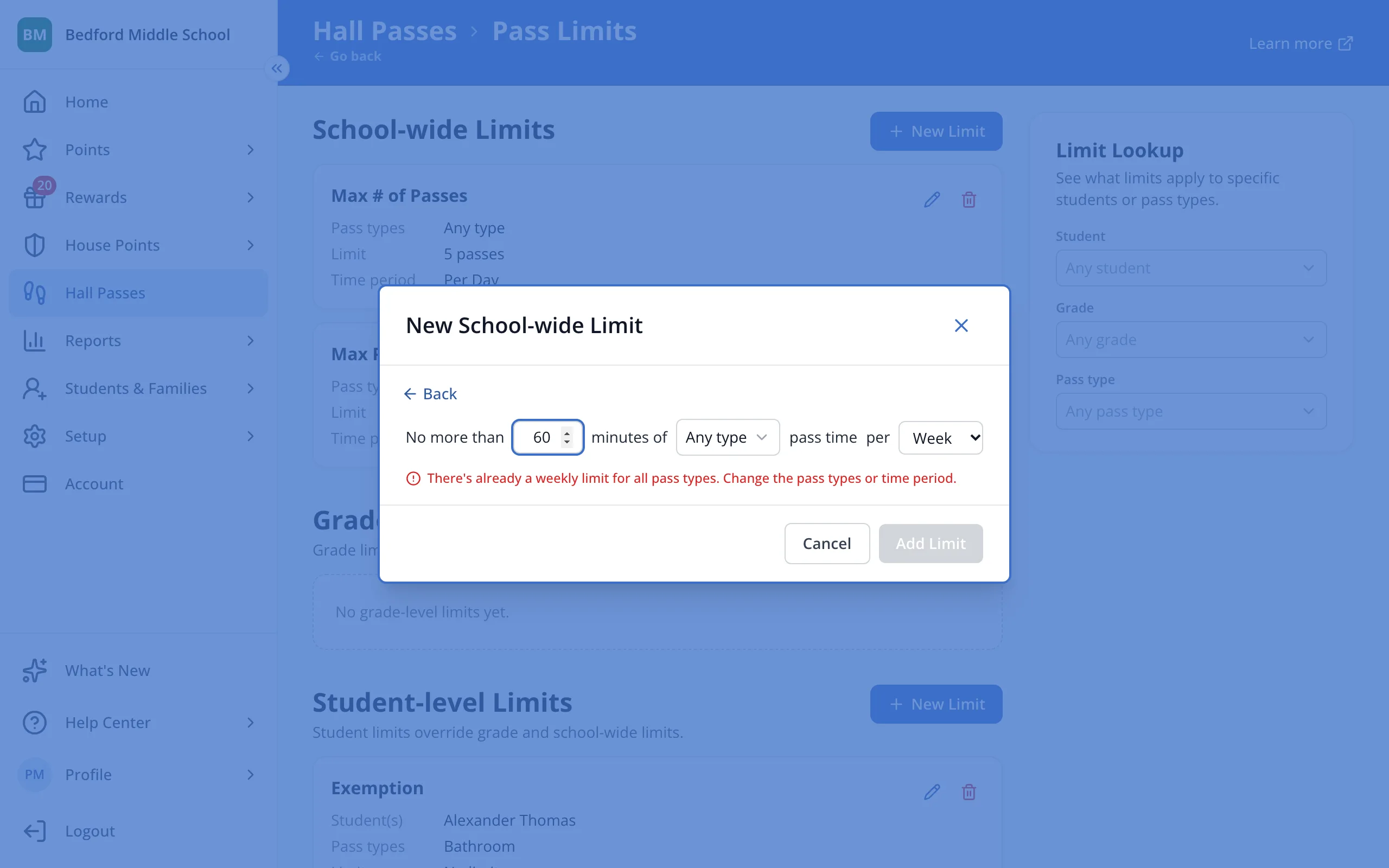
4.Type the most minutes a student can be out.
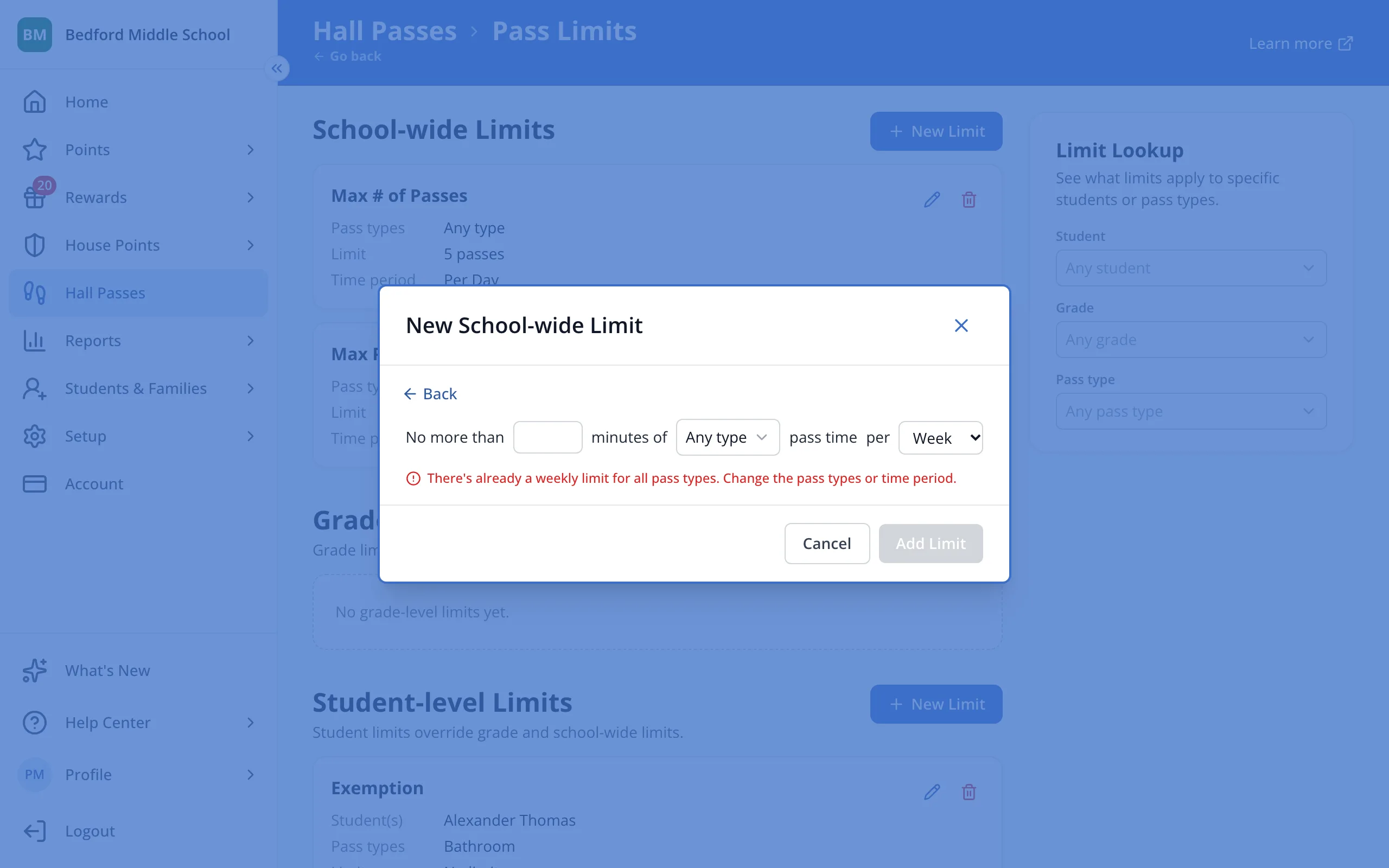
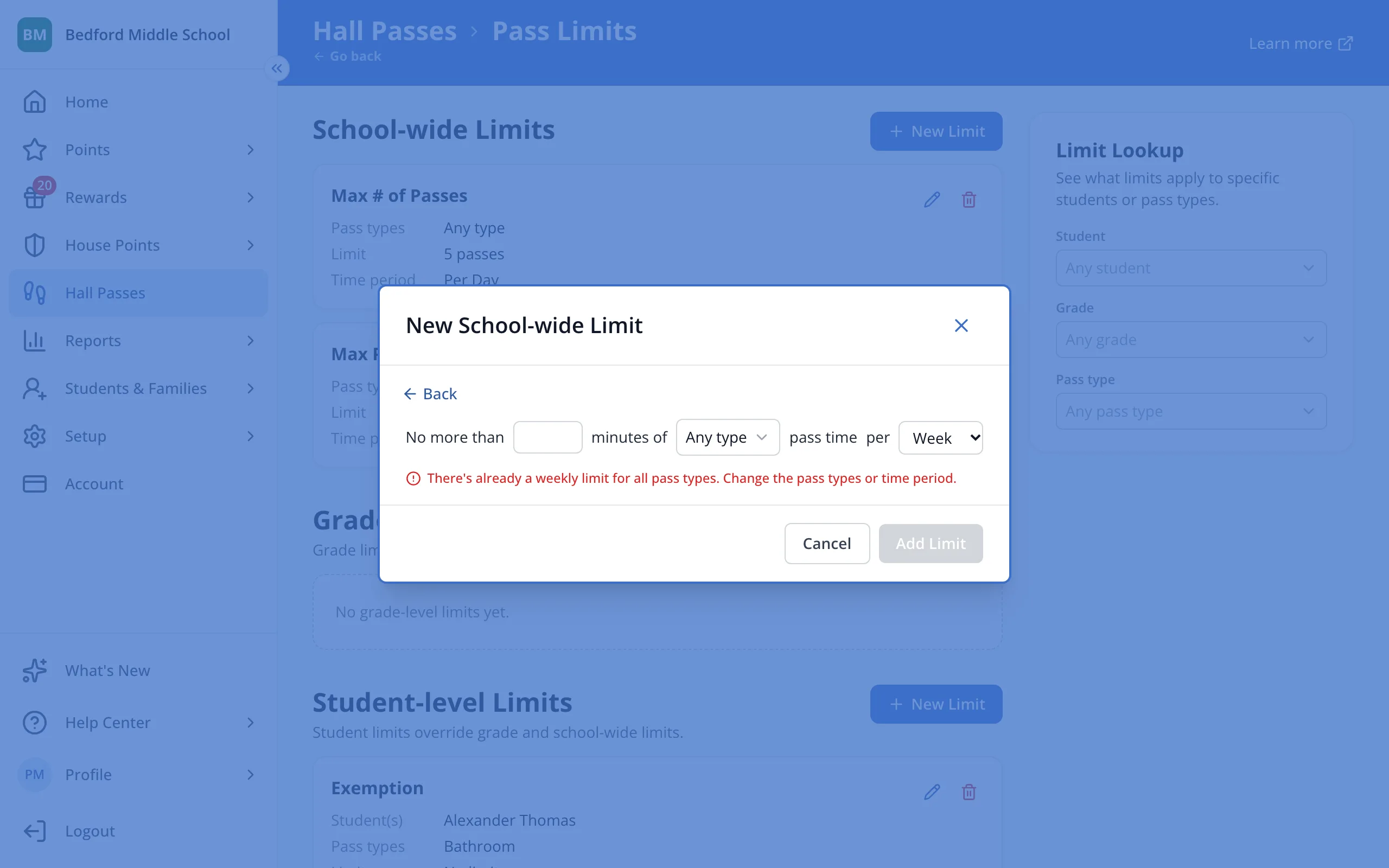
5.Choose whether the limit is per day, week or month.
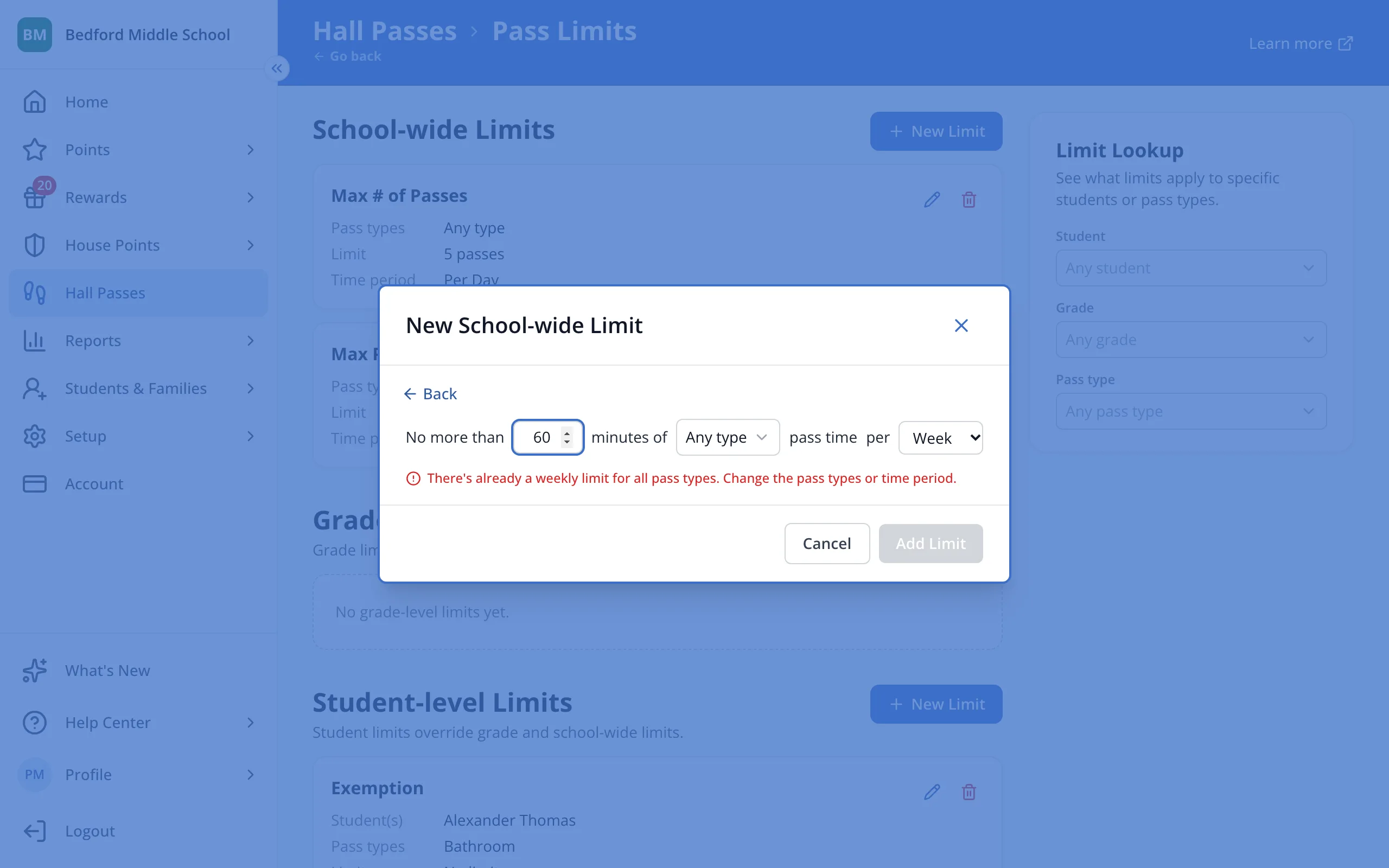
6.Click Add Limit.