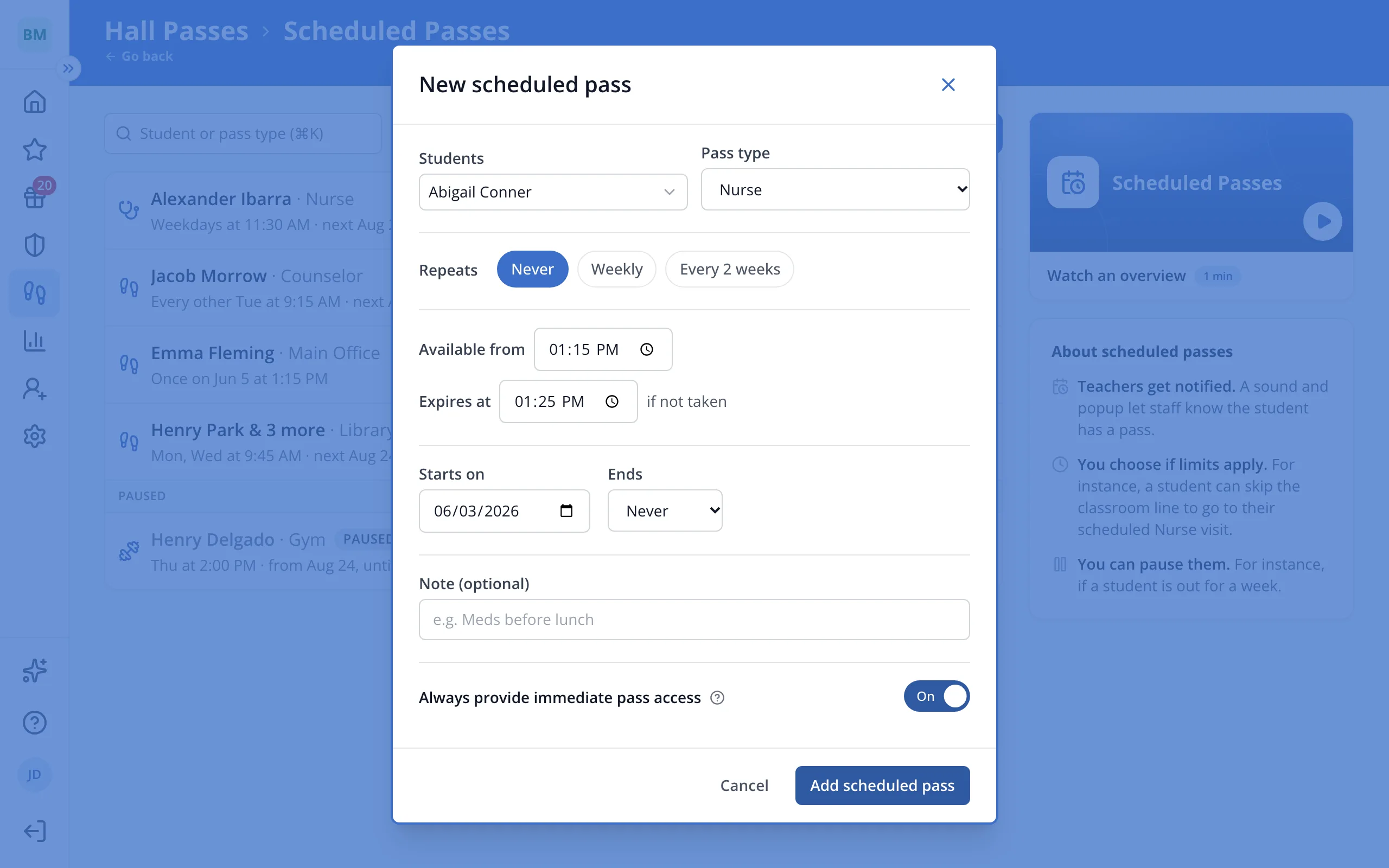
Schedule a one-time pass for a student
Set up a pass ahead of time, like a visit to the nurse. Teachers get a sound and a pop-up when it's time.
AdminSite Leader
Use the Left and Right arrow keys to move between steps, and Space to play or pause.
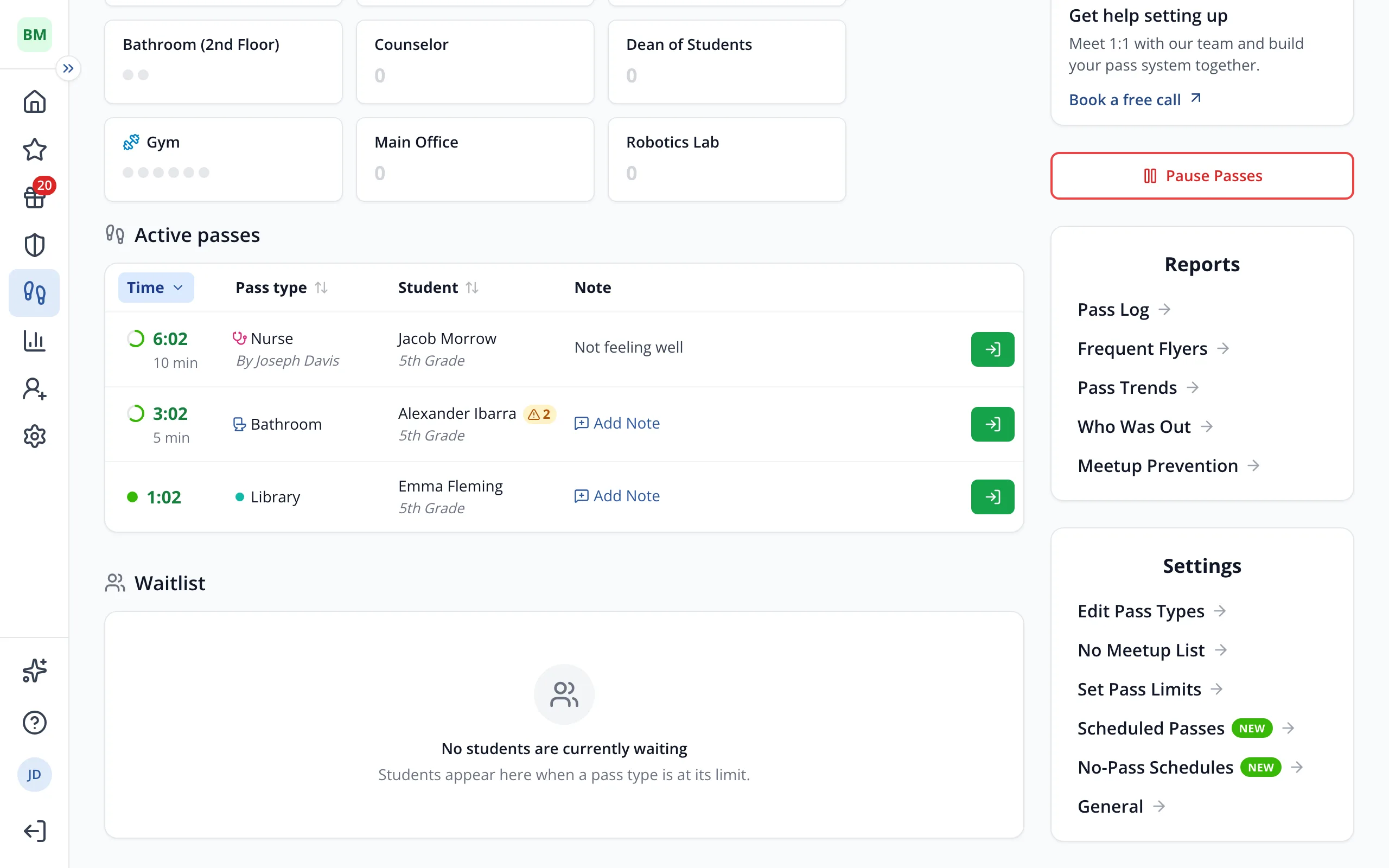
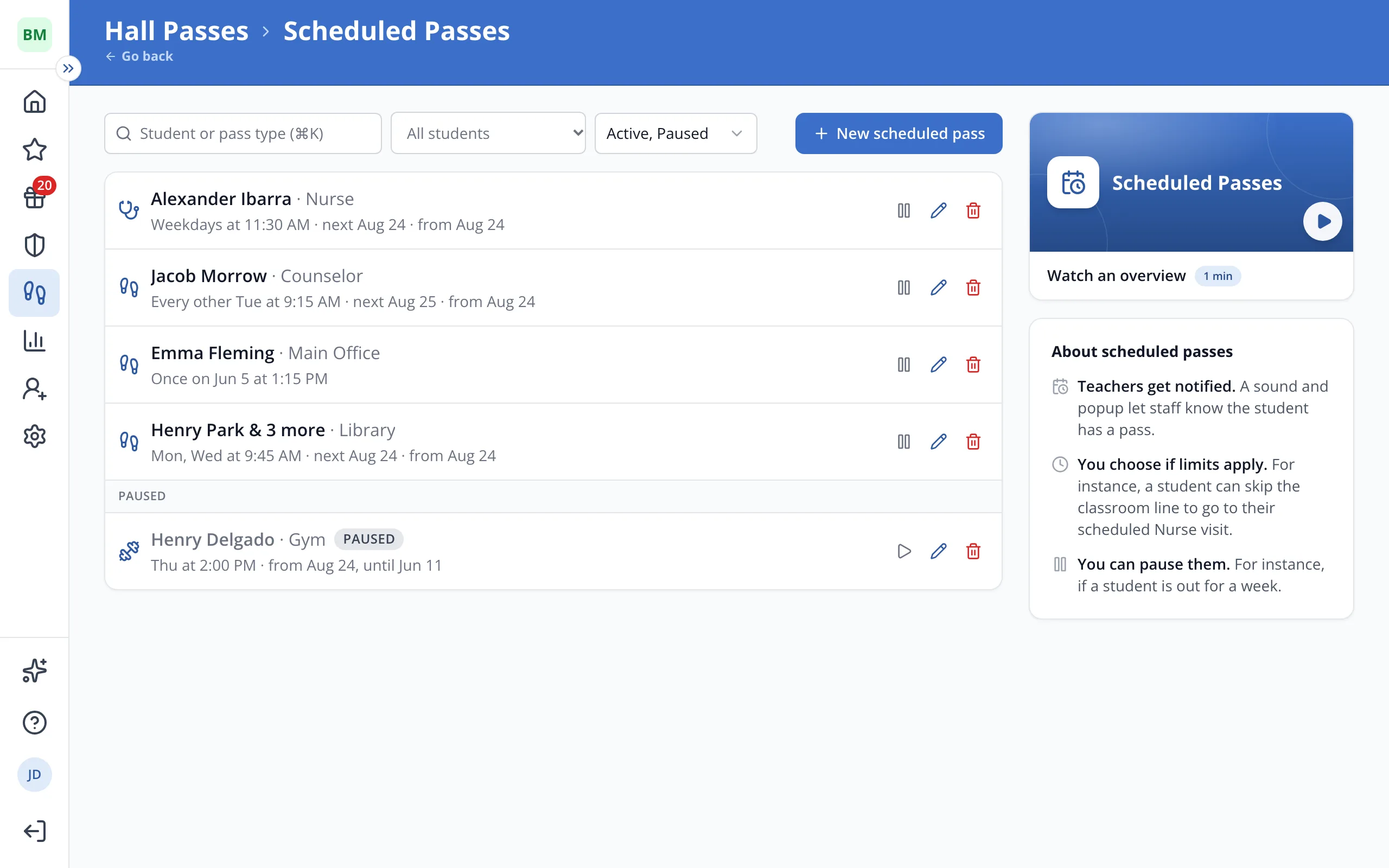
1.On the Hall Passes page, under Settings, click Scheduled Passes.
2.Click New scheduled pass.
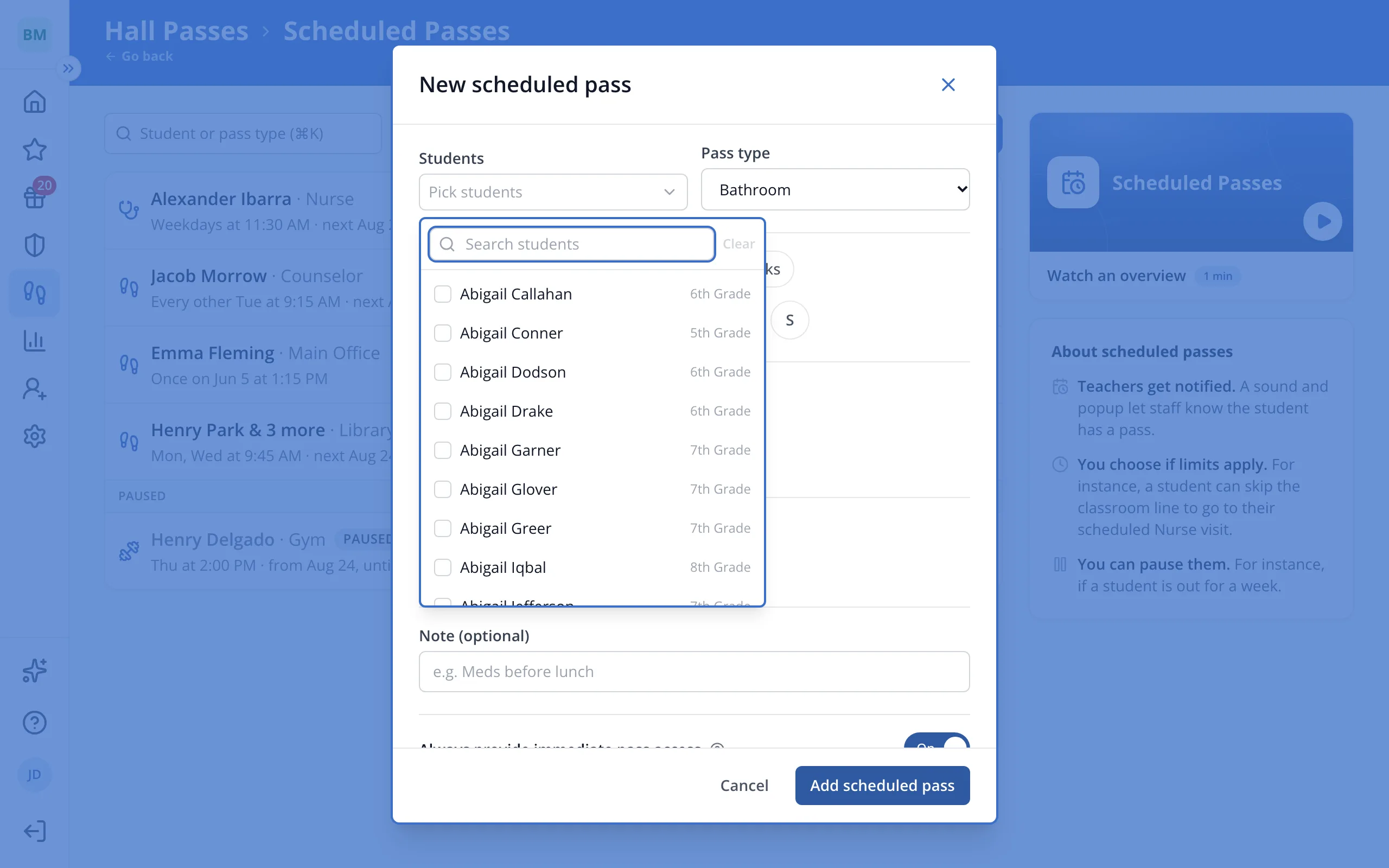
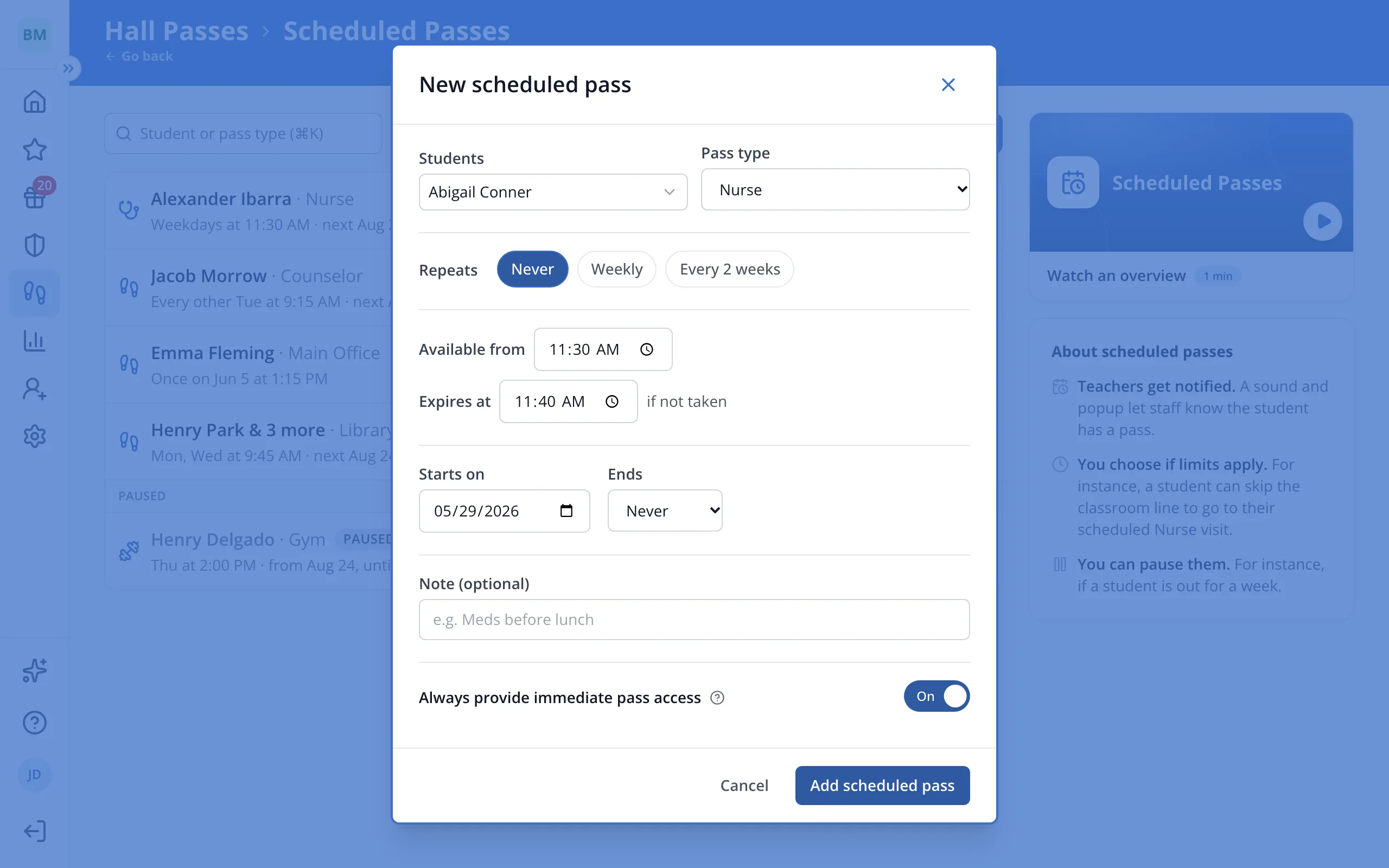
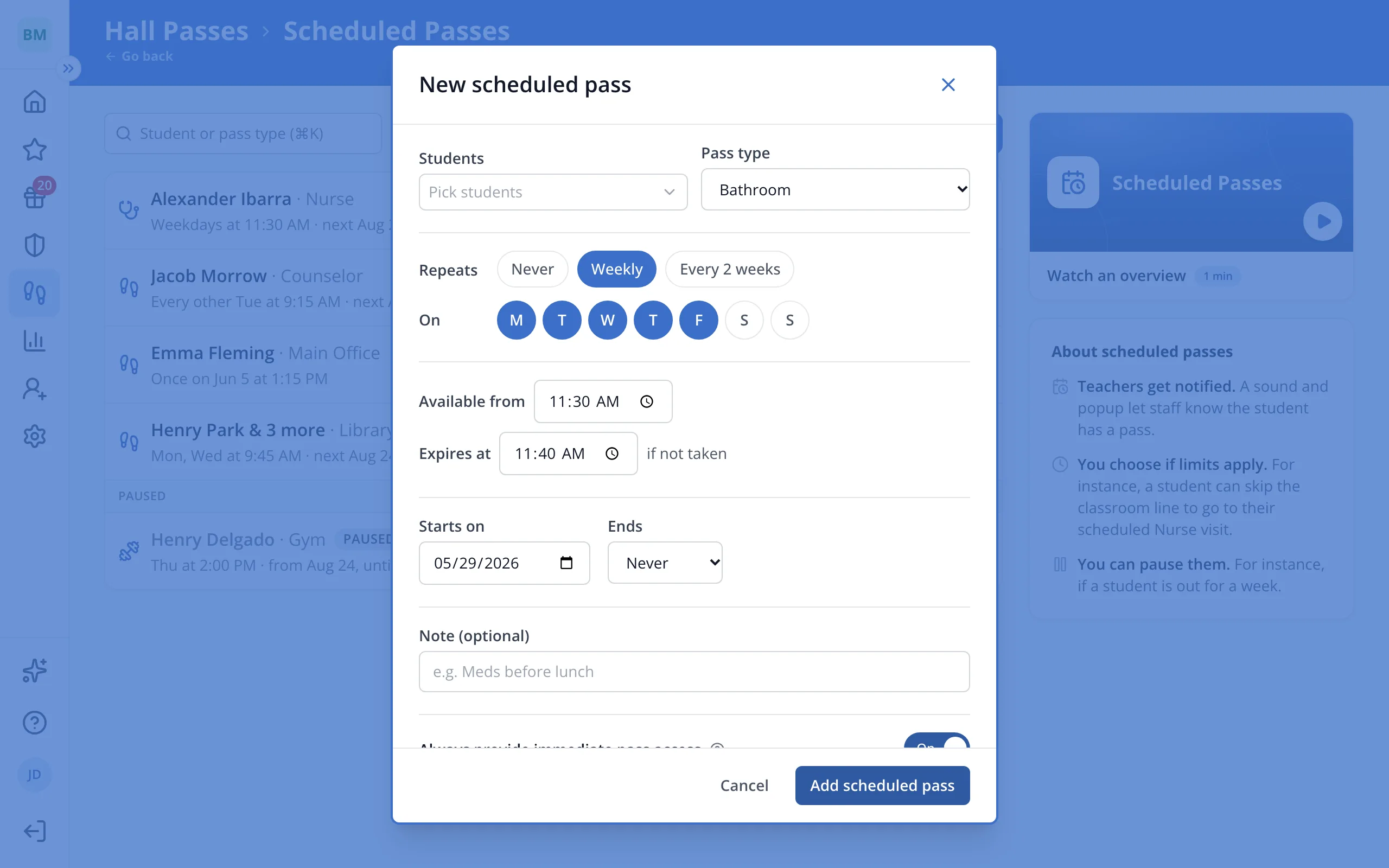
3.Click Pick students.
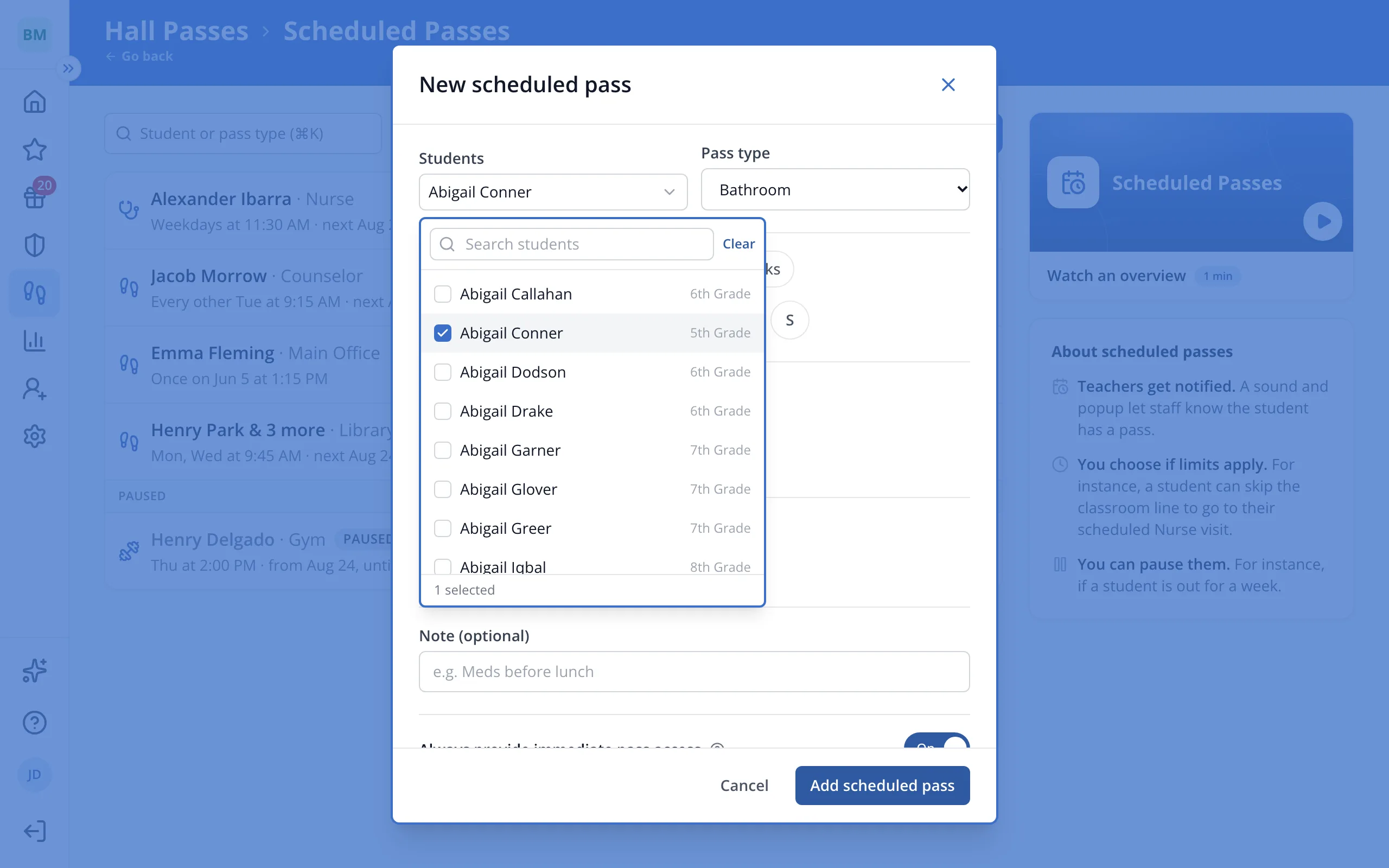
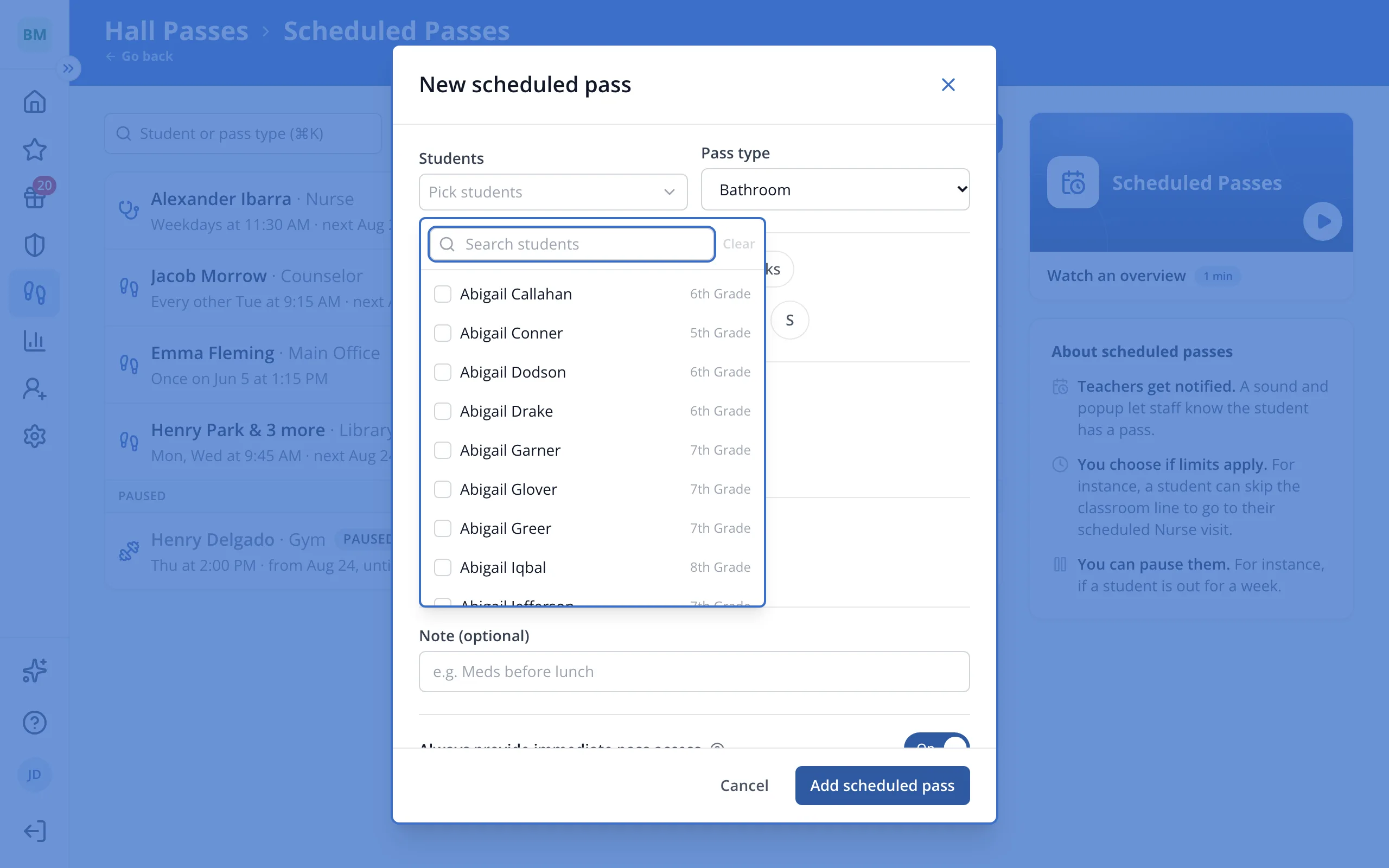
4.Search for the student, then click their name.
5.Next to Pass type, choose the pass you'd like to schedule.
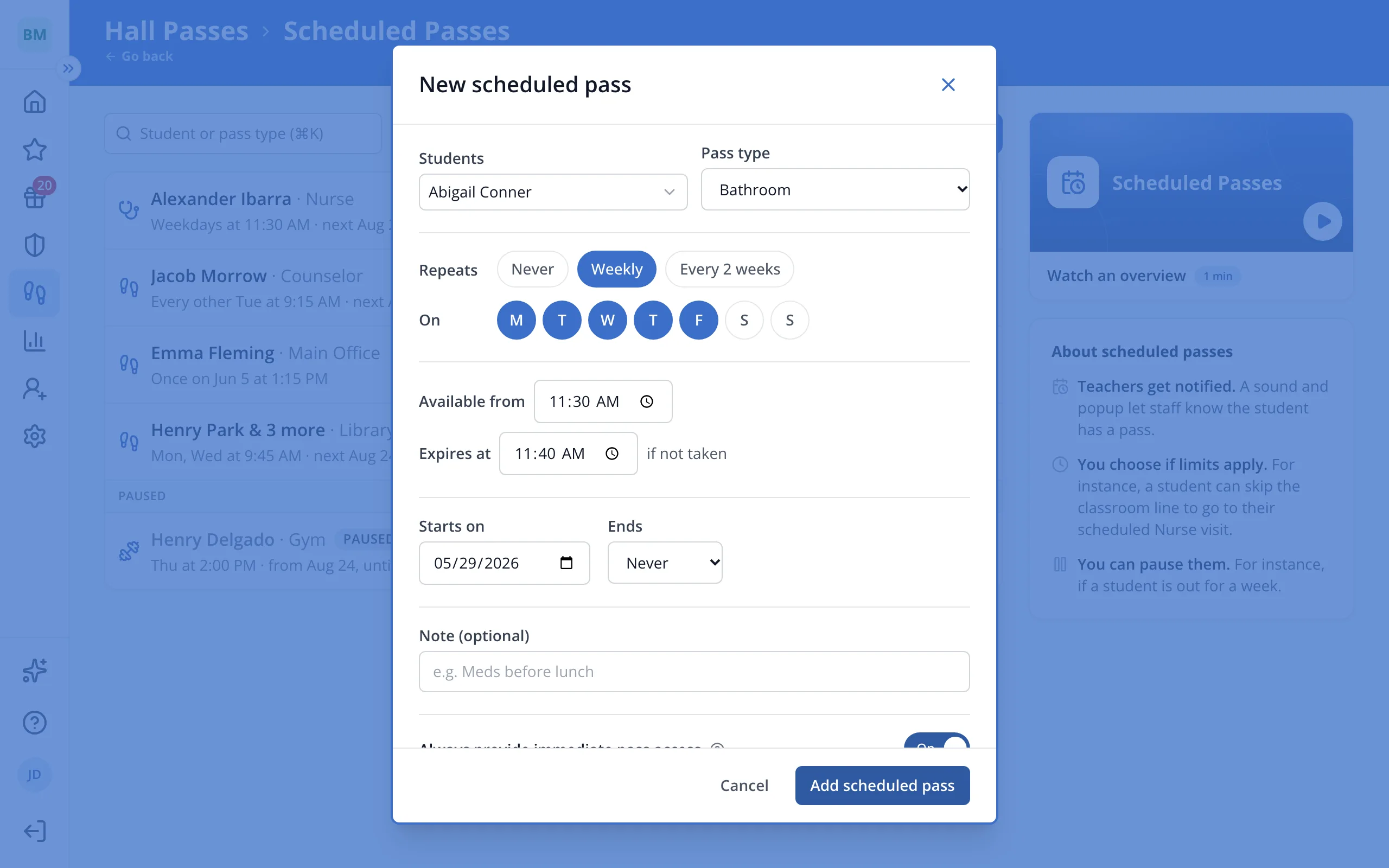
6.Next to Repeats, click Never.
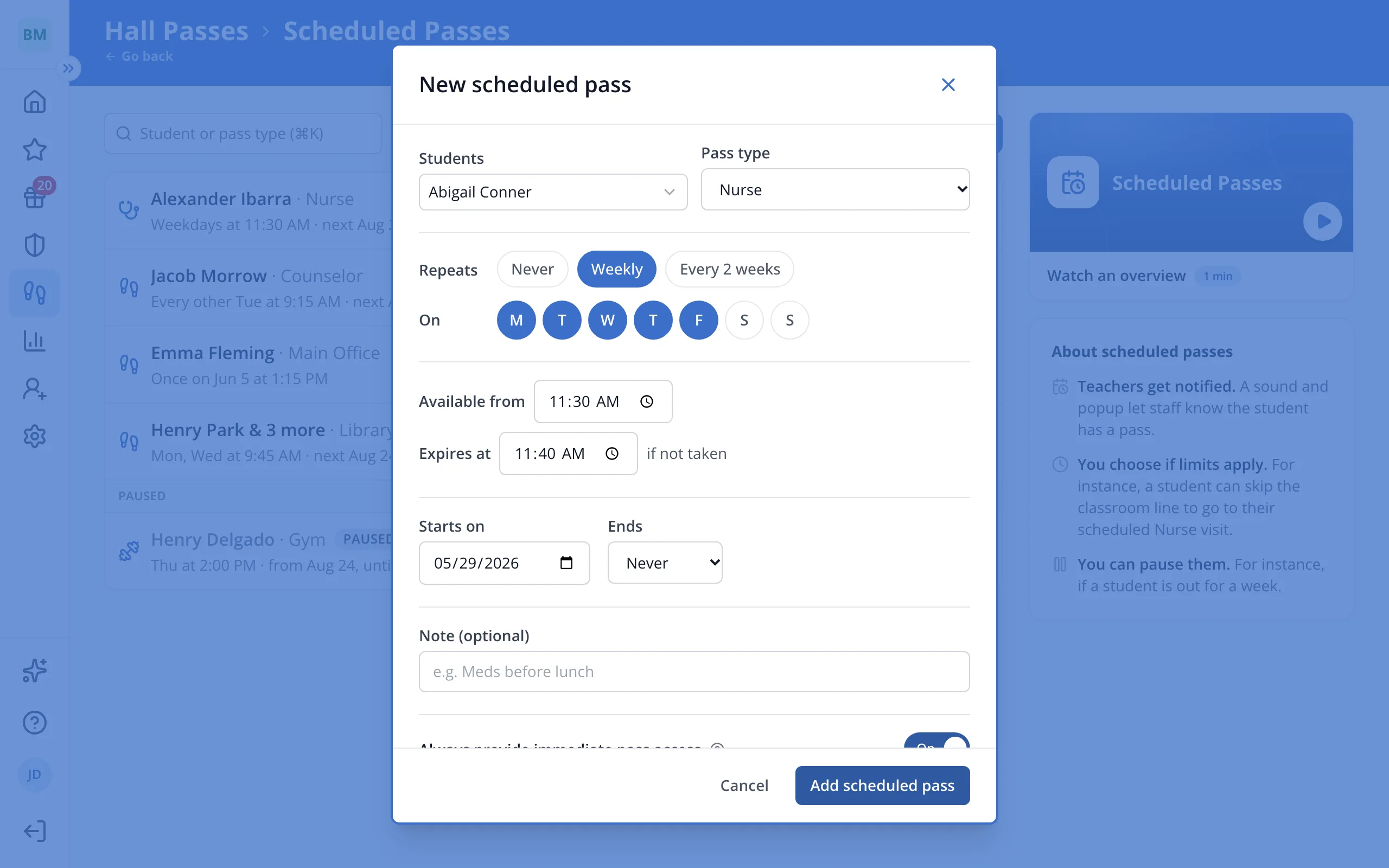
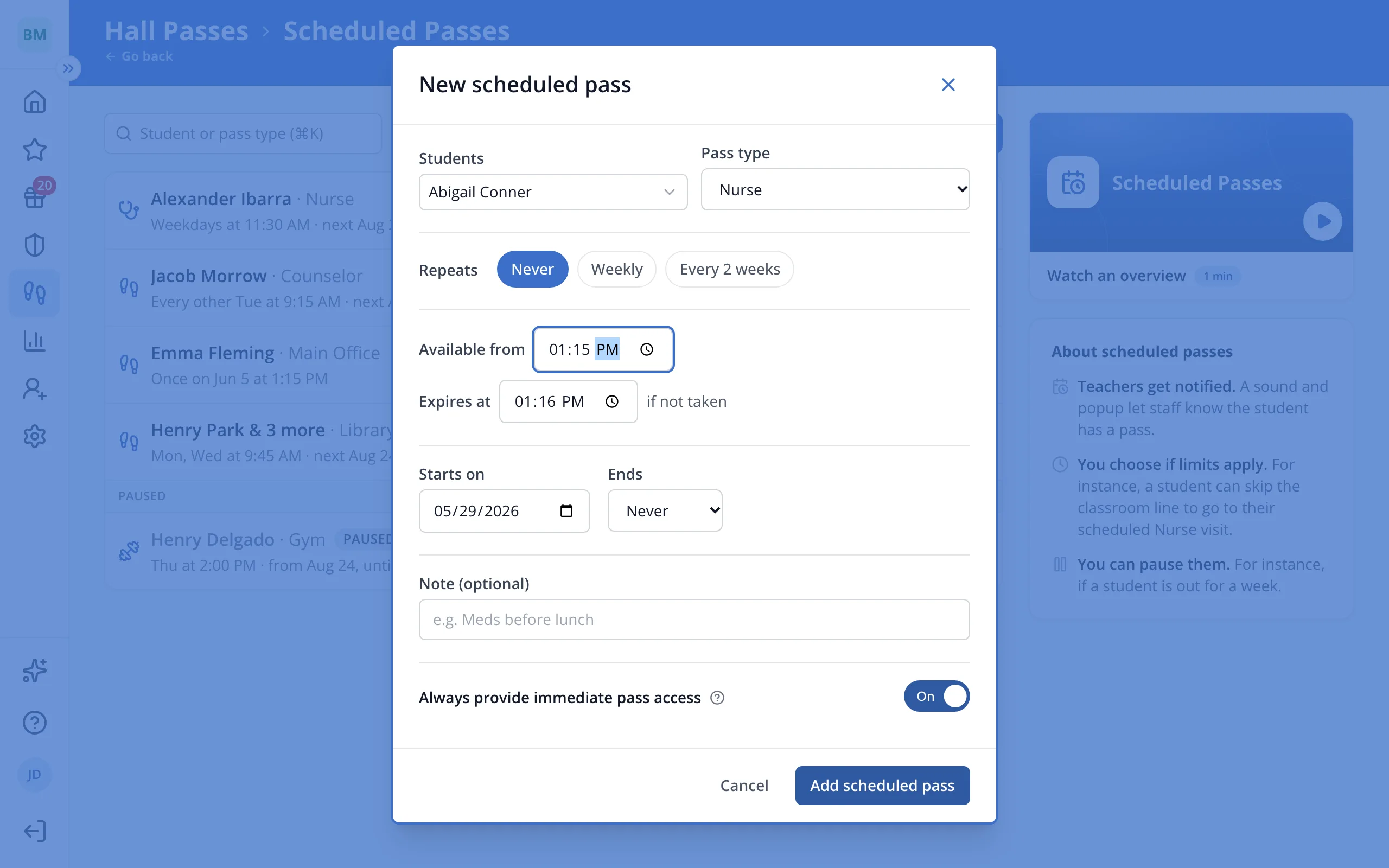
7.Set the time the pass becomes available and the time it expires if not taken.
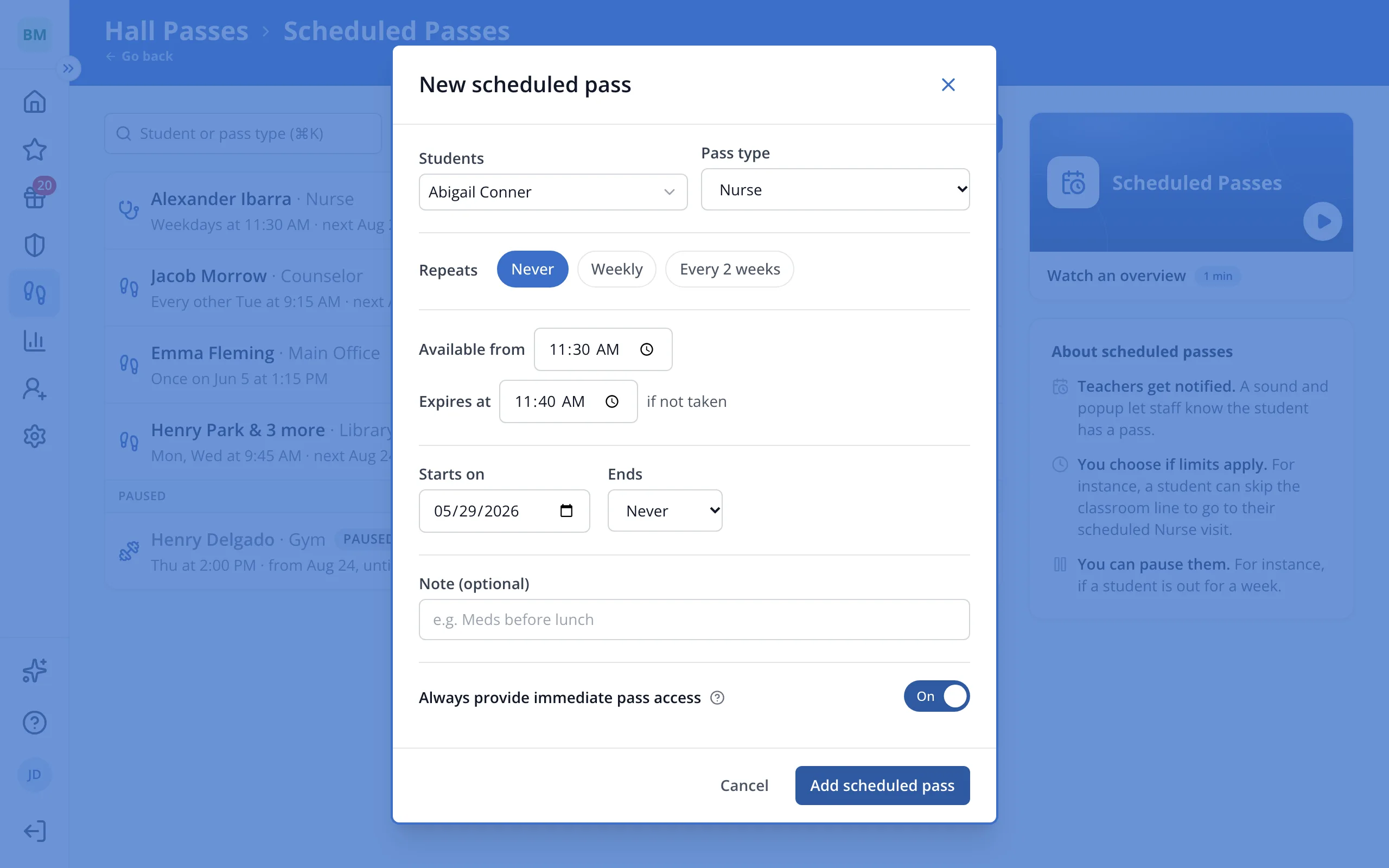
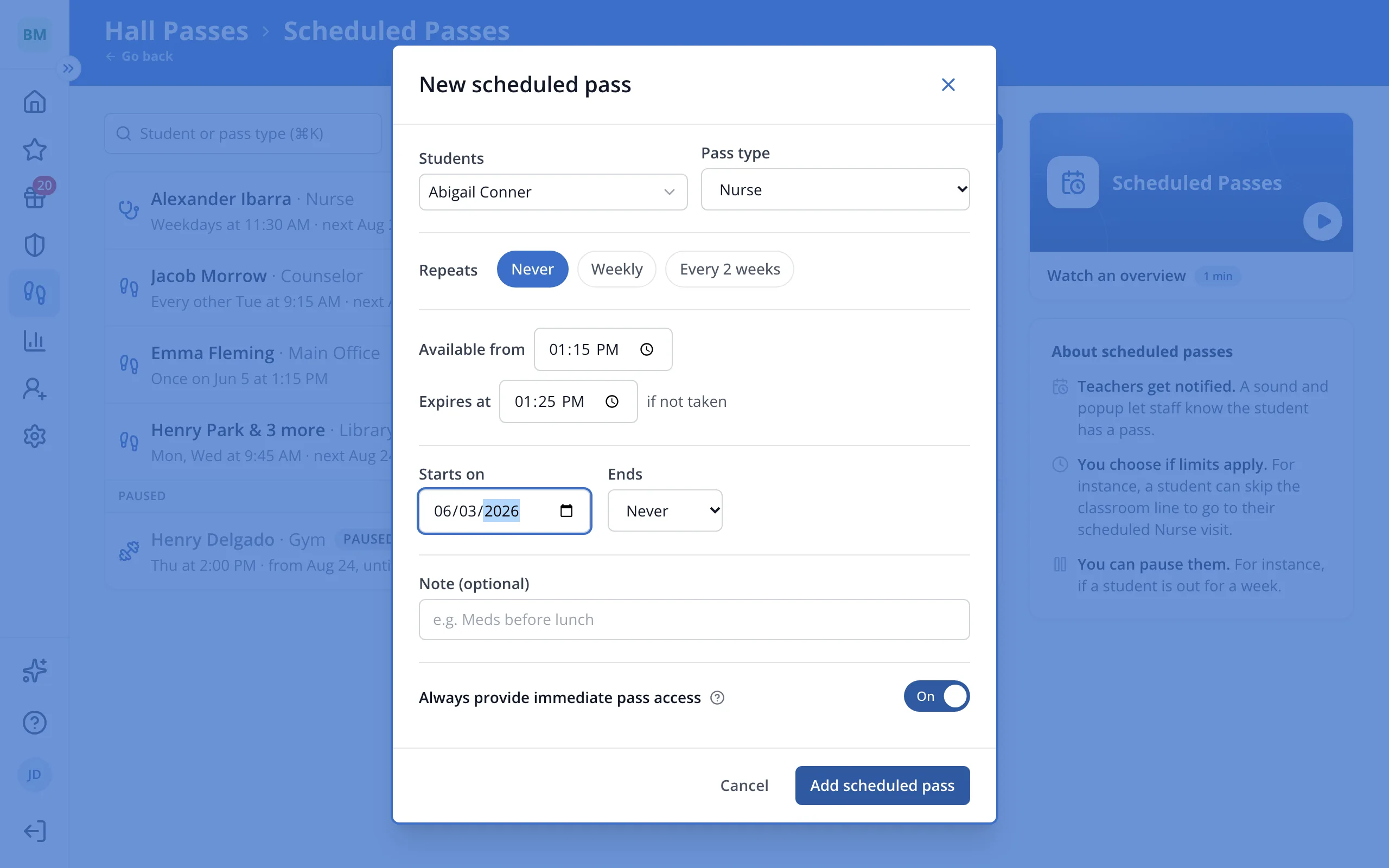
8.Next to Starts on, choose the day of the pass.
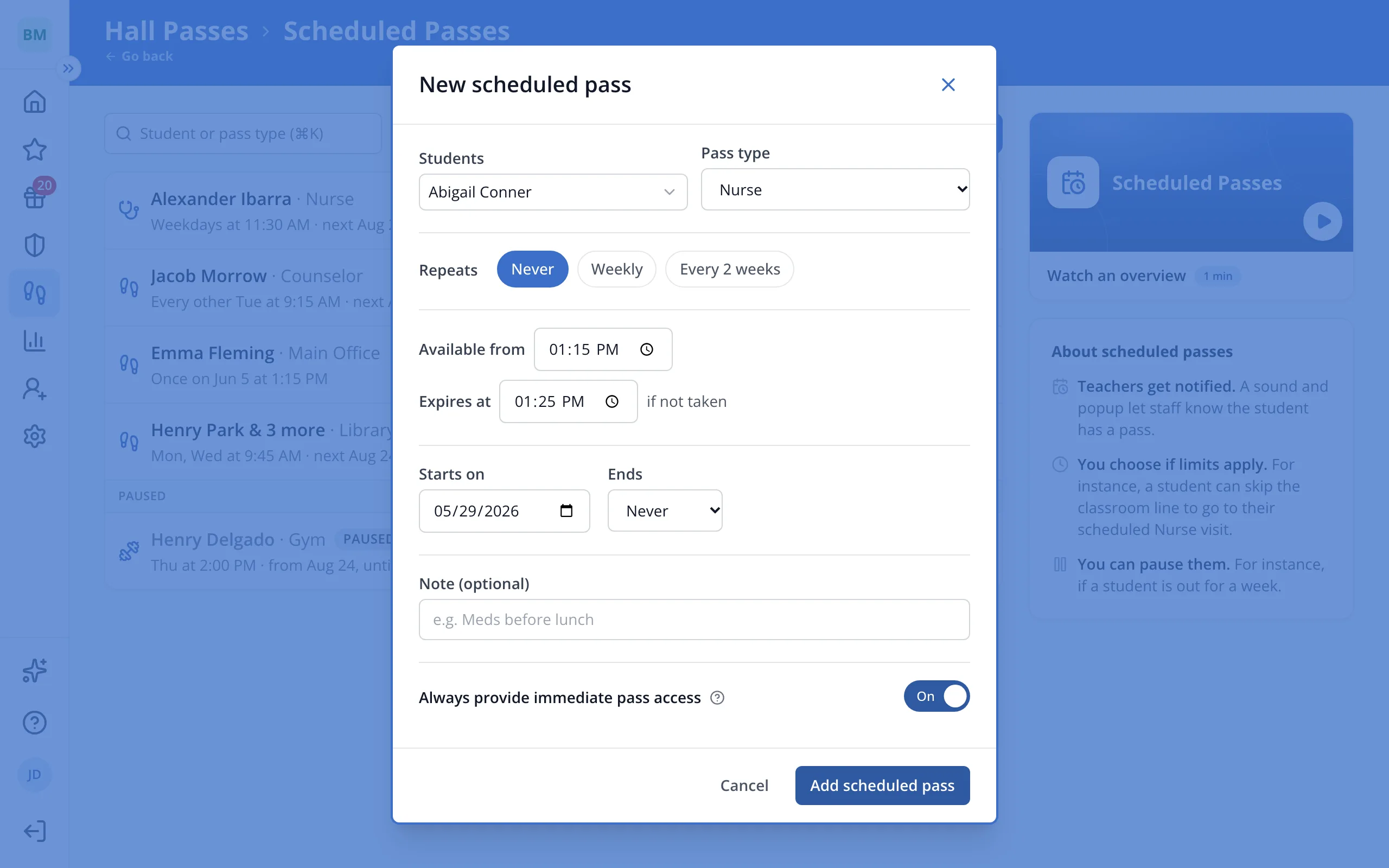
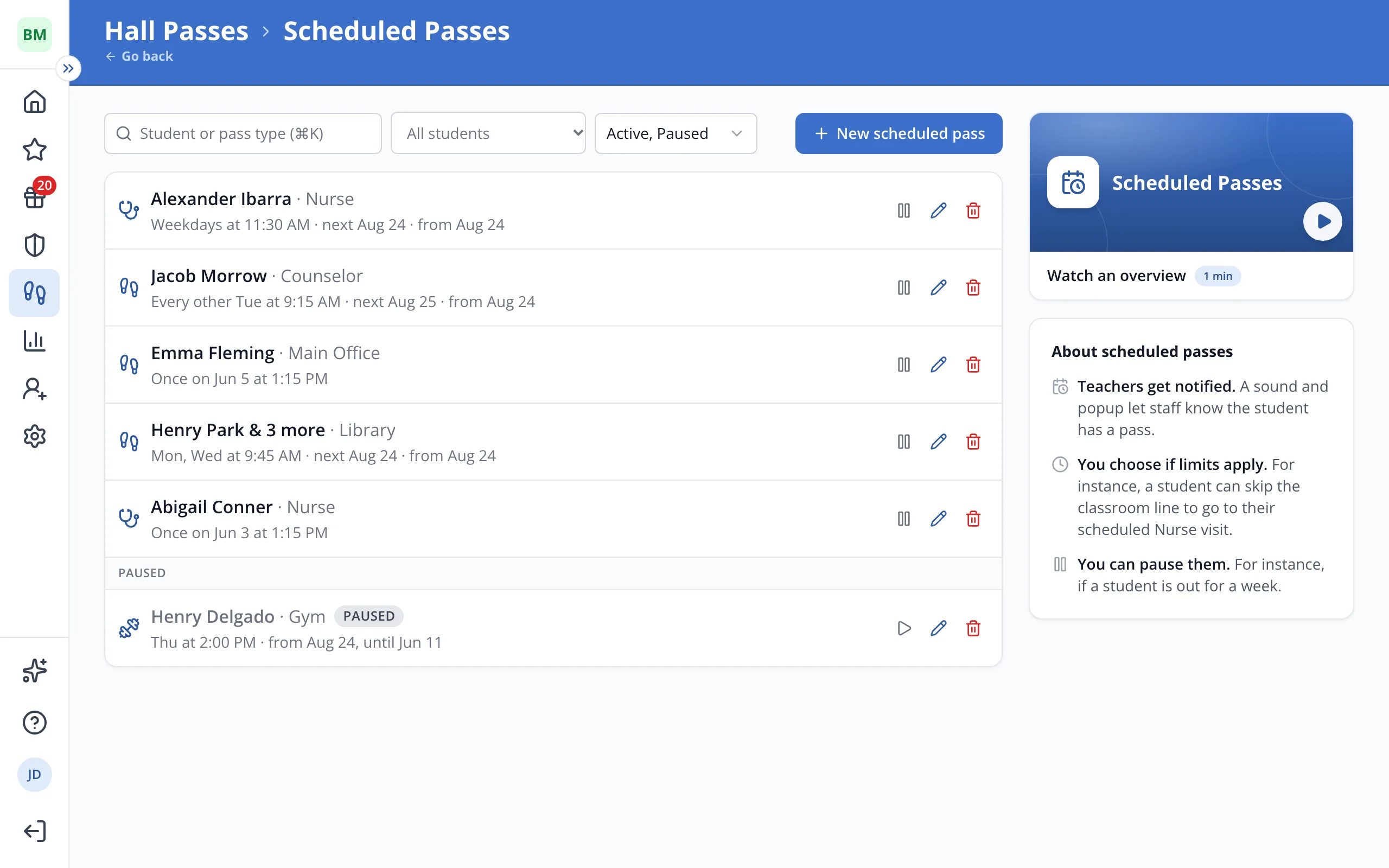
9.Click Add scheduled pass.