
Hide behavior categories
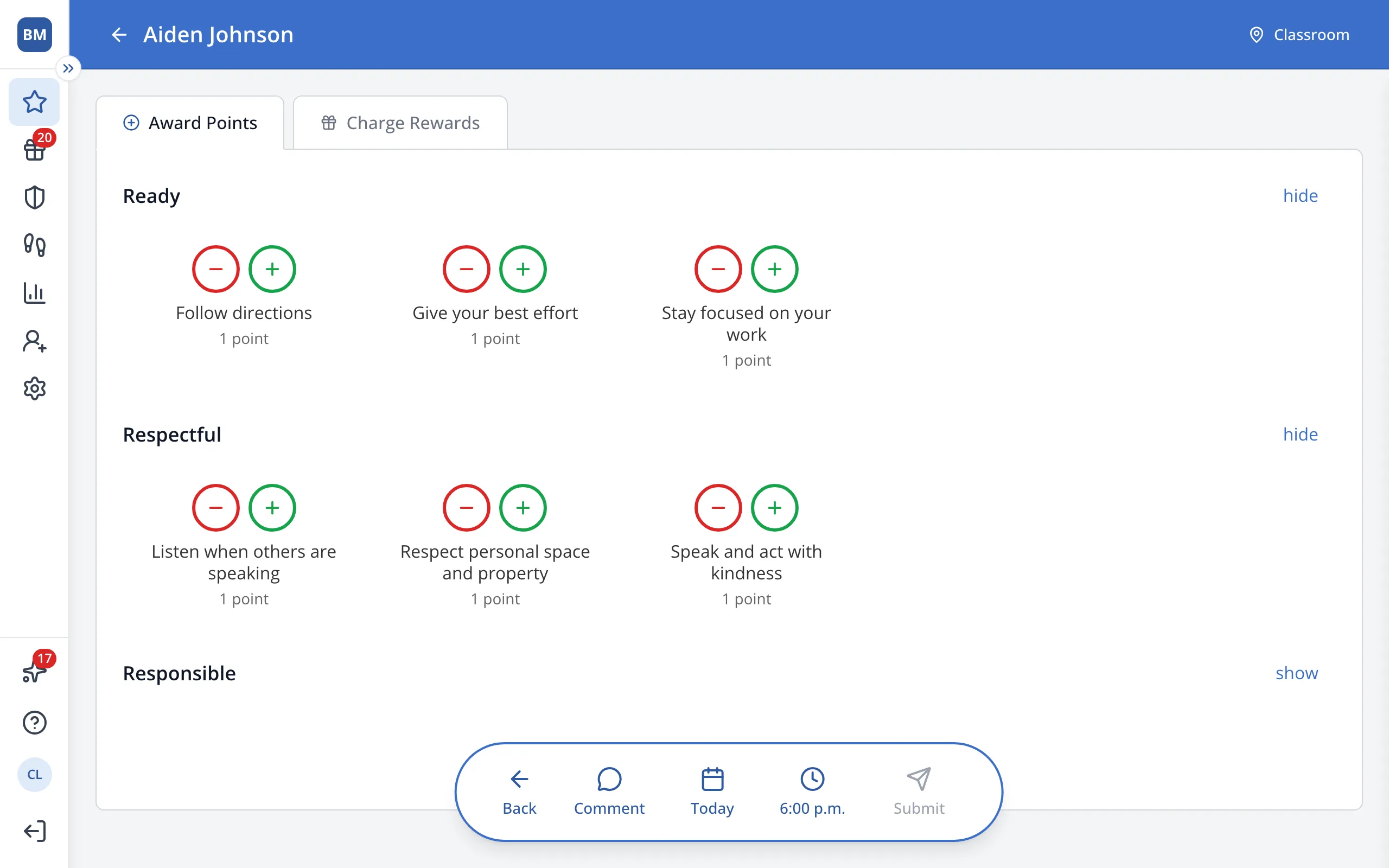
Hide categories you don't use so that behaviors you need are easier to find. Hiding categories doesn't apply across a school, only for the account of the user who hid them.
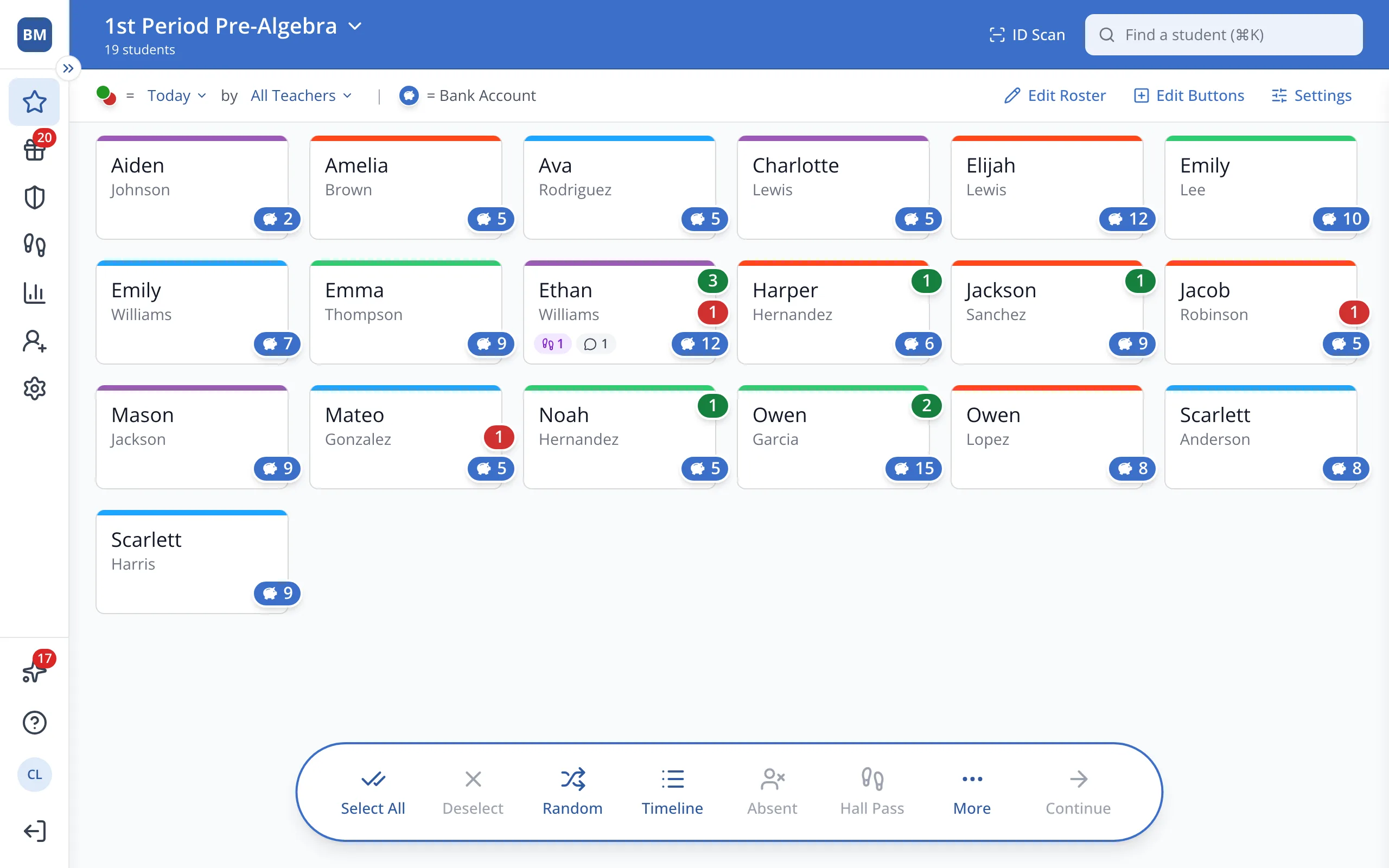
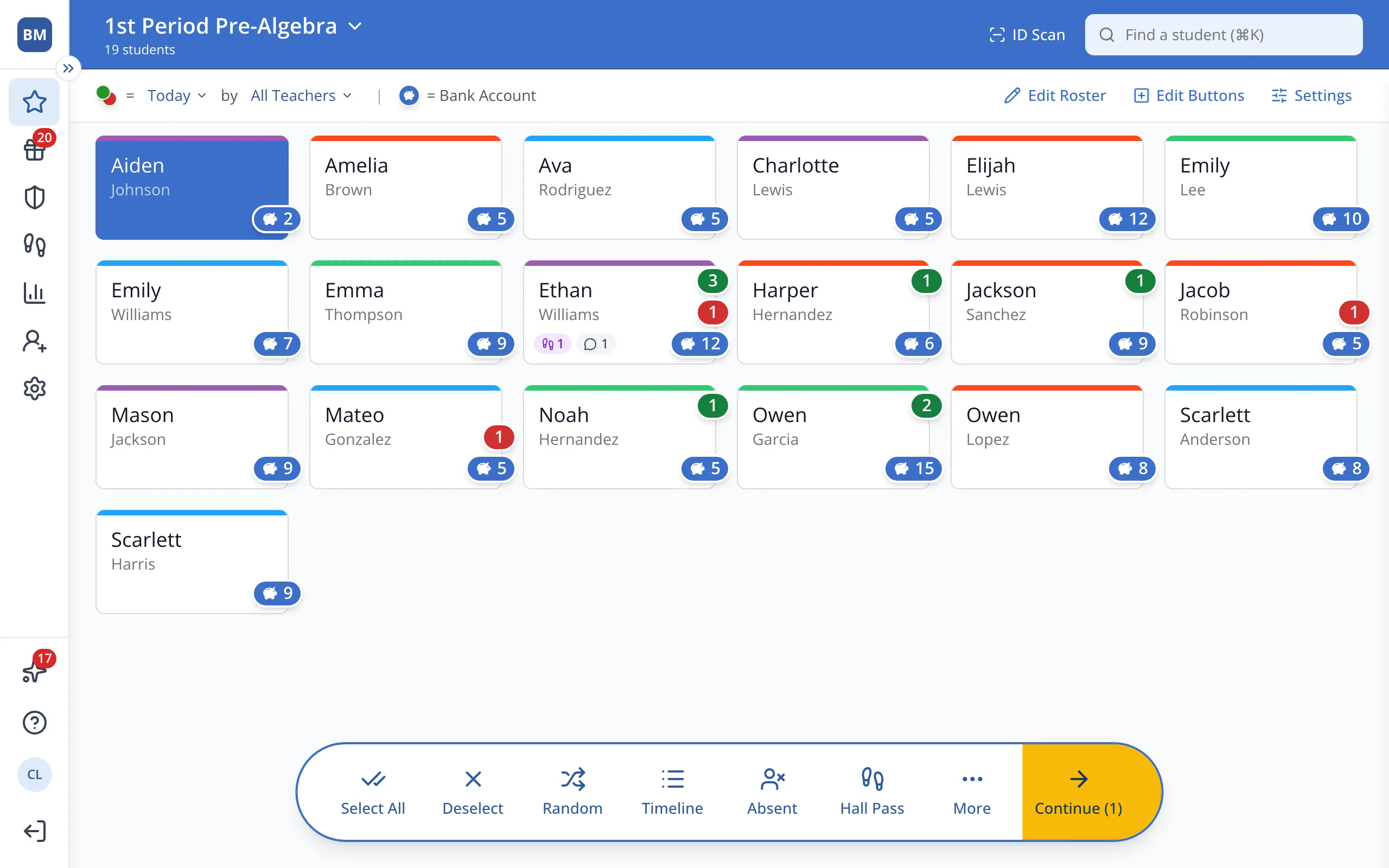
1 / 4On the Points page, click a student.
1.On the Points page, click a student.
2.In the bar at the bottom, click Continue.
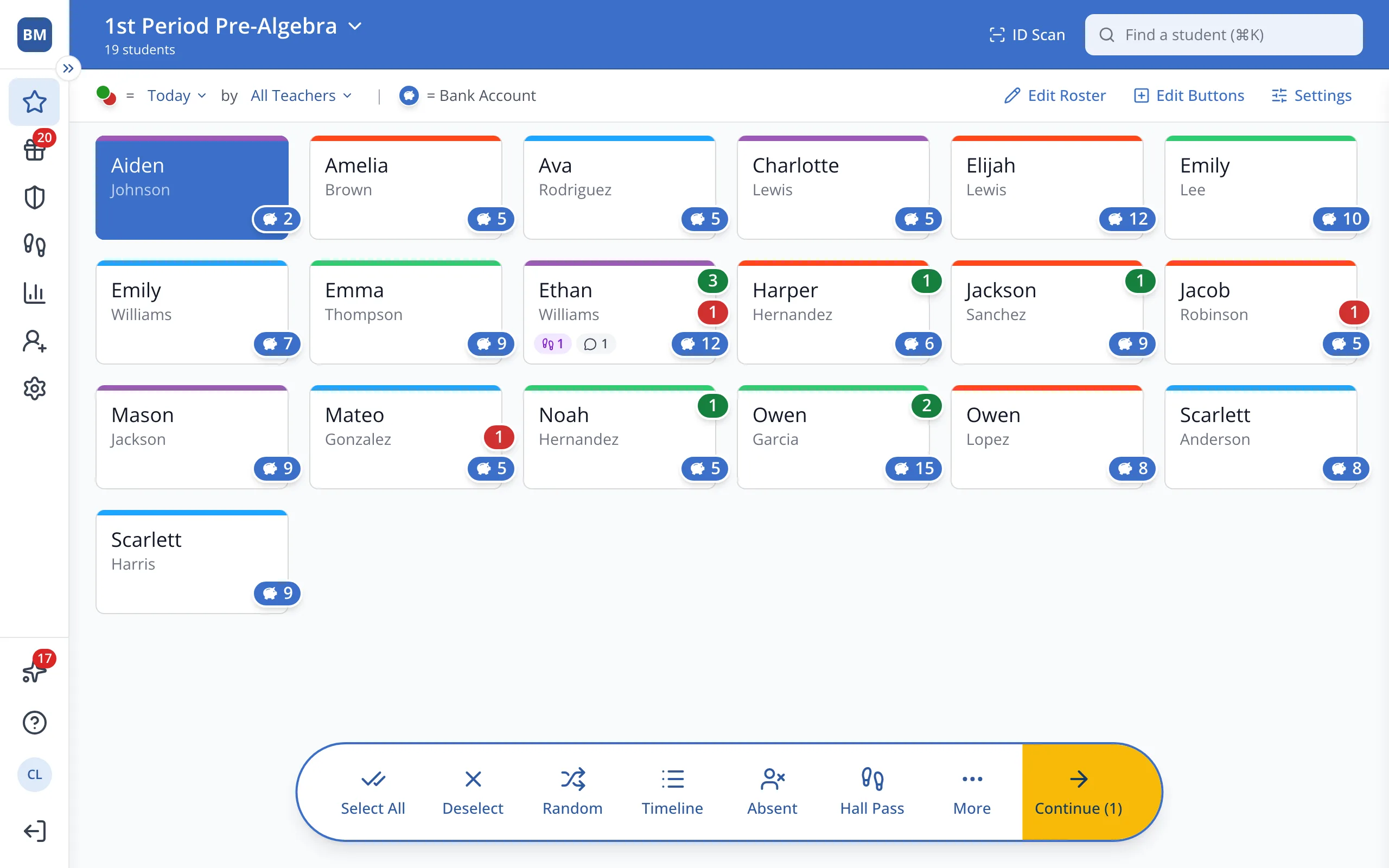
3.Next to the category you'd like to hide, click hide.
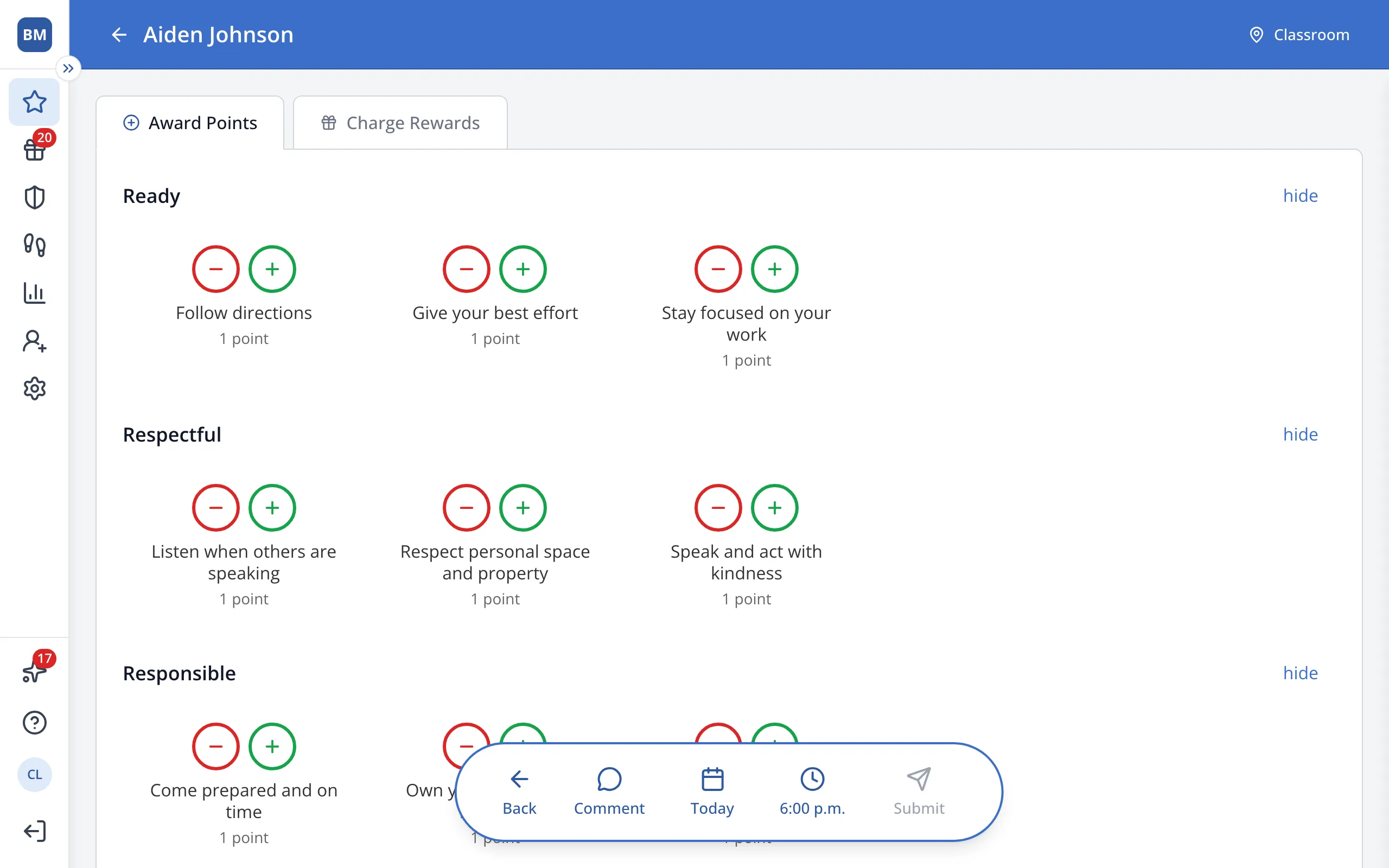
4.Click show to bring the category back.
Was this helpful?