
Understand the data displayed at the top of the home screen
The four data points reference the current week so far, giving you an at-a-glance view of how your school is doing.
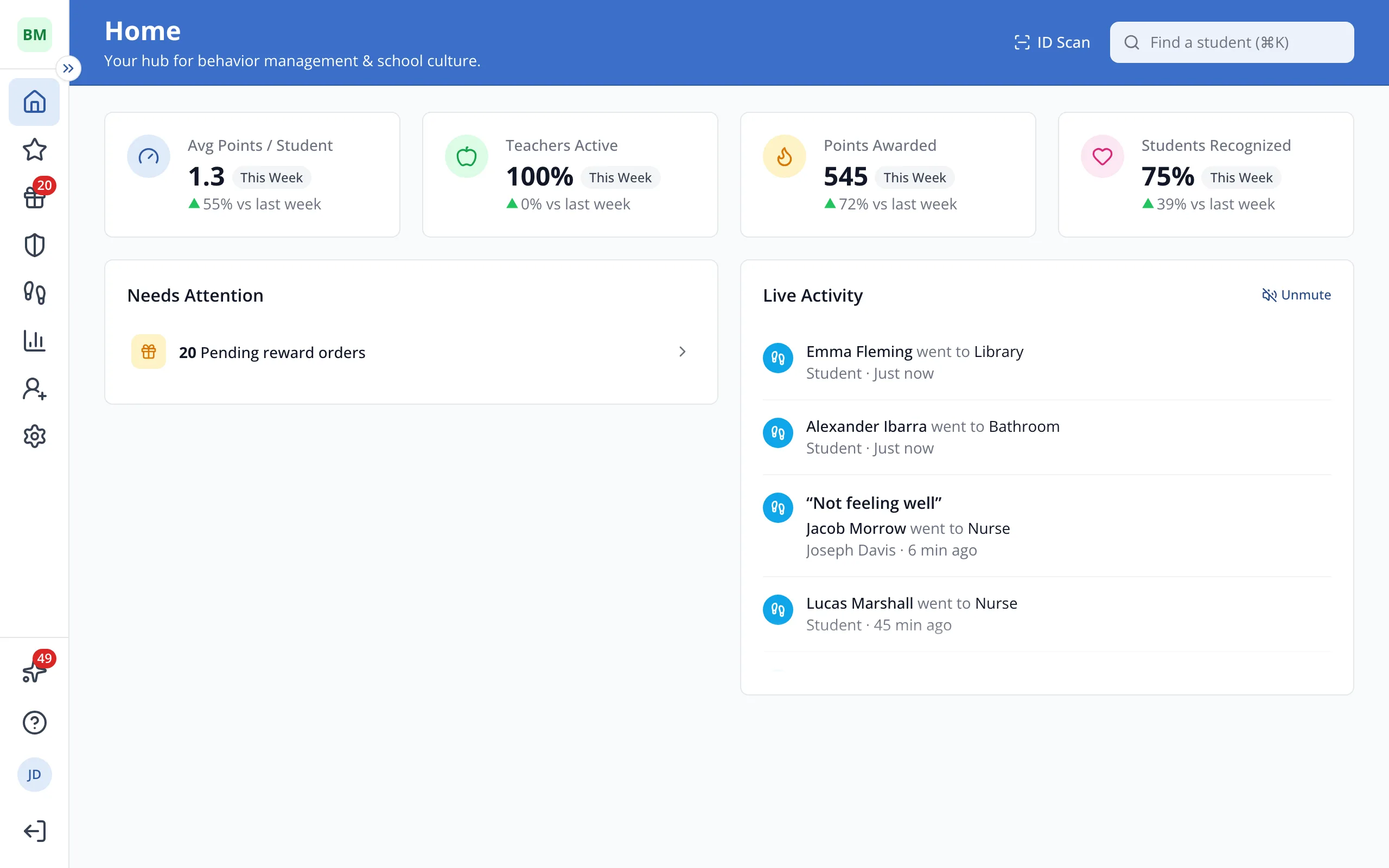
1 / 5The numbers at the top of Home count this week so far. Teachers Active is the share of teachers who gave a point this week. Students Recognized is the share of students who got one.
1.Teachers Active is the share of teachers who gave a point this week. Students Recognized is the share of students who got one.
2.Points Awarded is the total number of positive points given this week. Avg Points / Student is that total divided by the number of students.
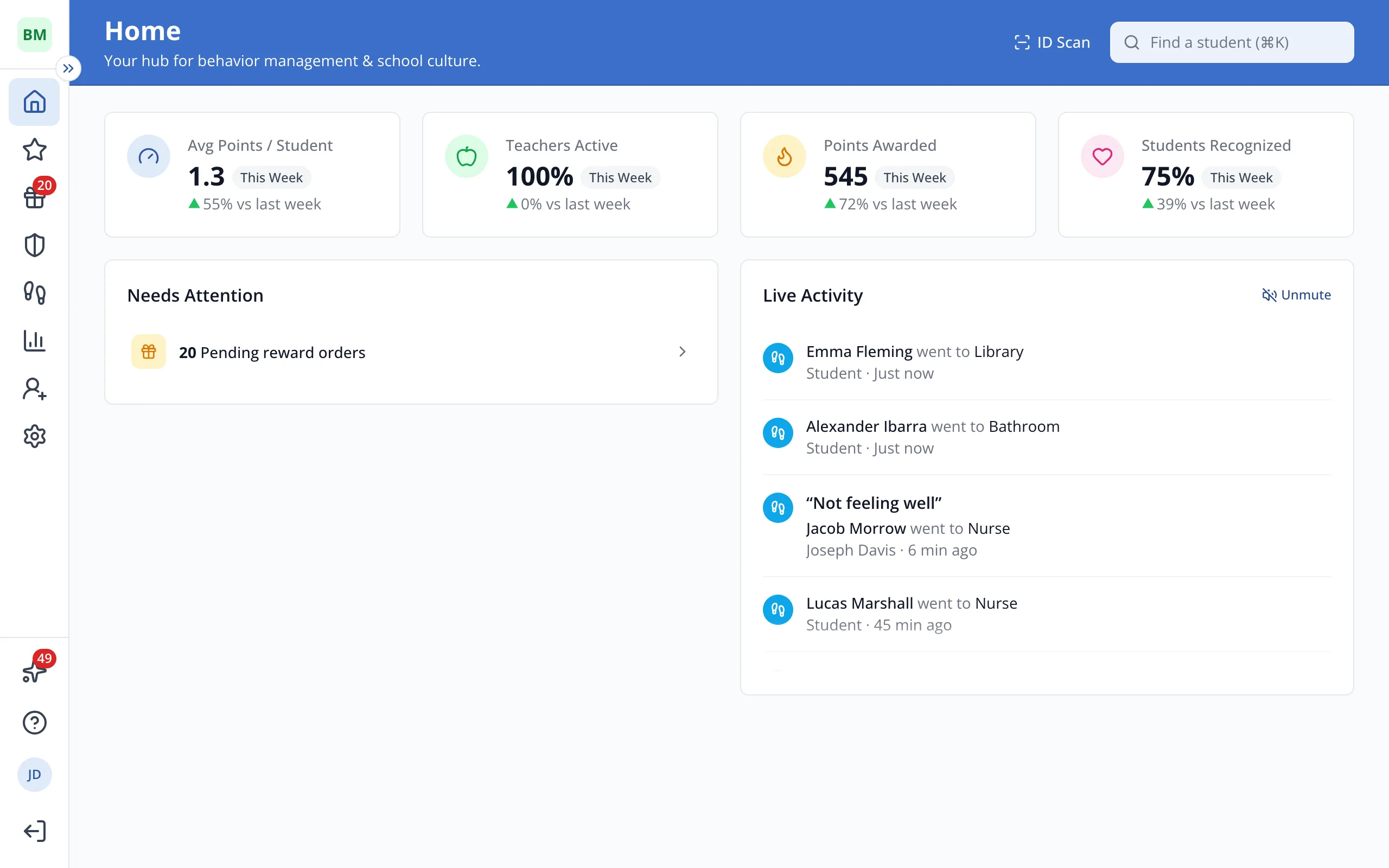
3.The arrow compares each number with the same point last week.
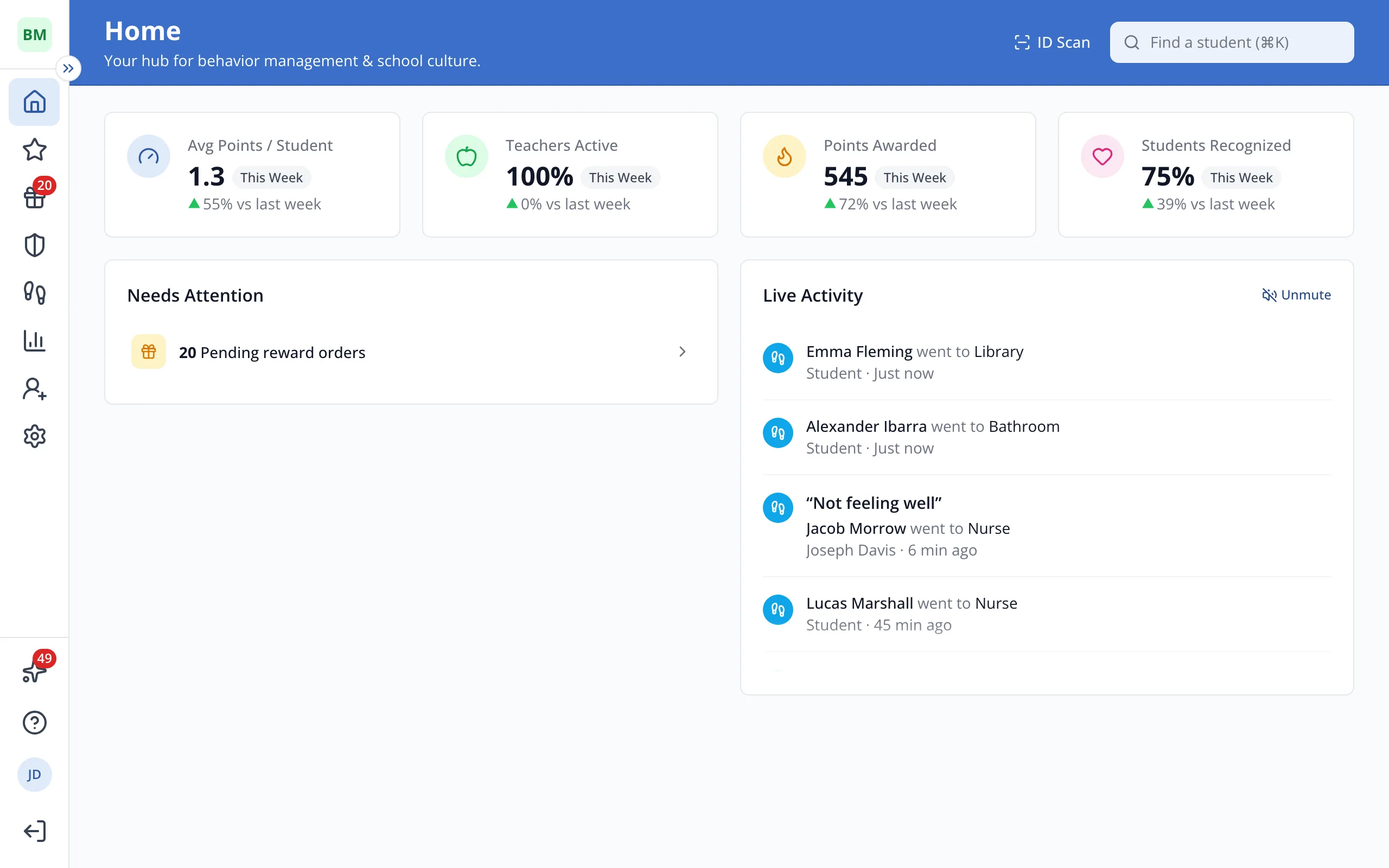
4.Click a number to open a related report, like Teachers Active.
Was this helpful?