Get weekly or monthly house shoutouts
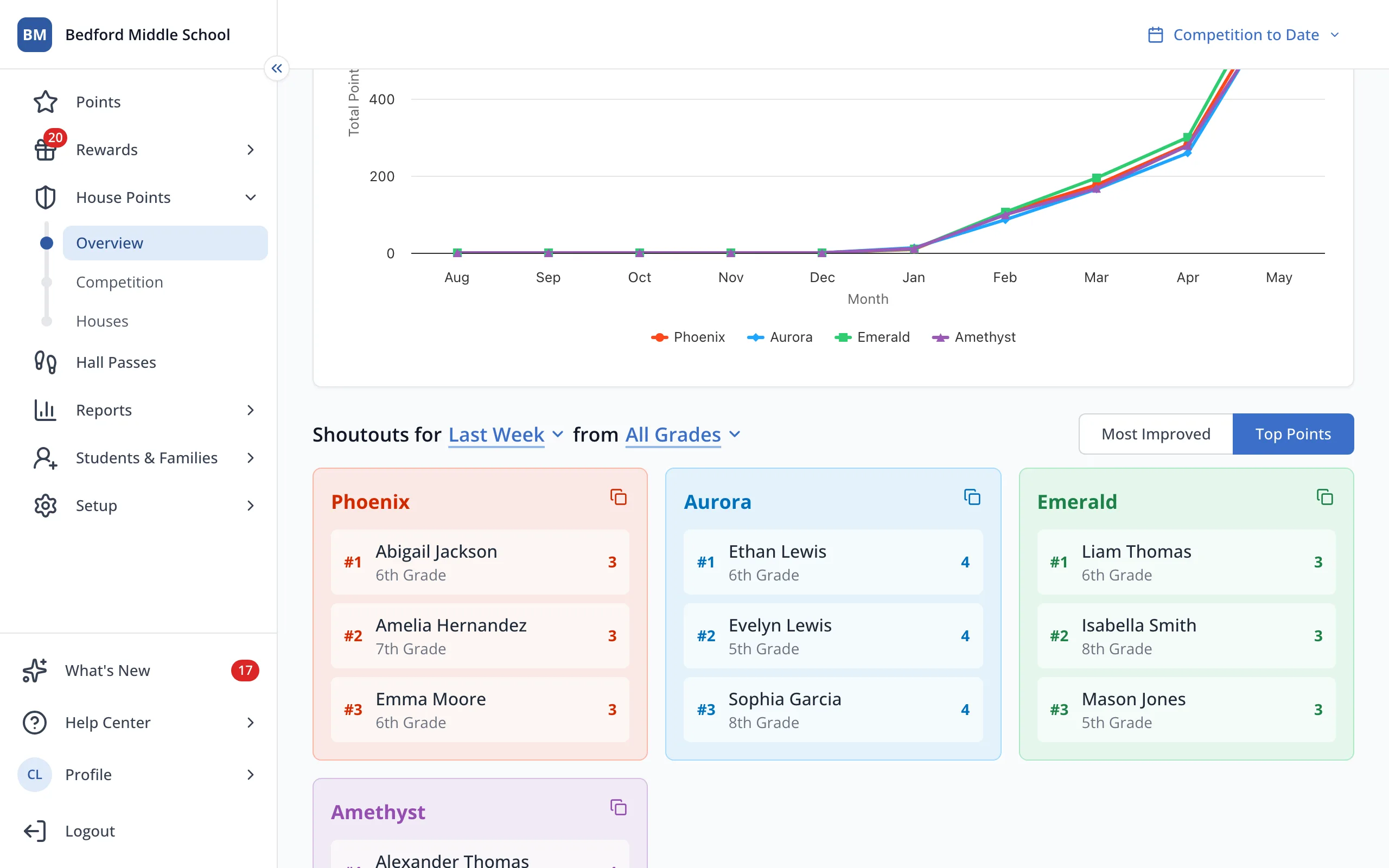
See the top three students in each House for a week or month, ready to read on the announcements.
Open in LiveSchool
Already signed in? Open this guide inside LiveSchool.
Use the Left and Right arrow keys to move between steps, and Space to play or pause.
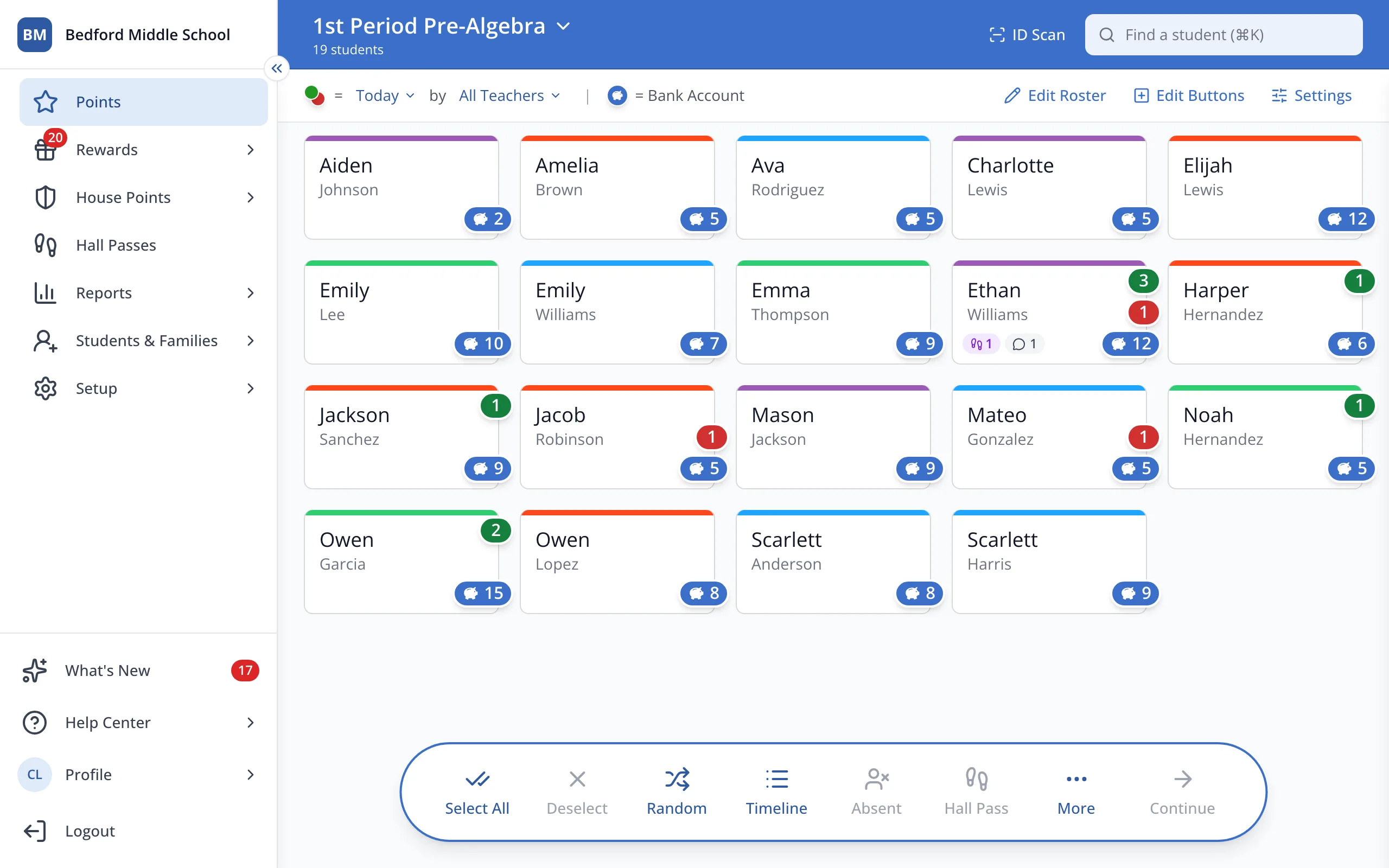
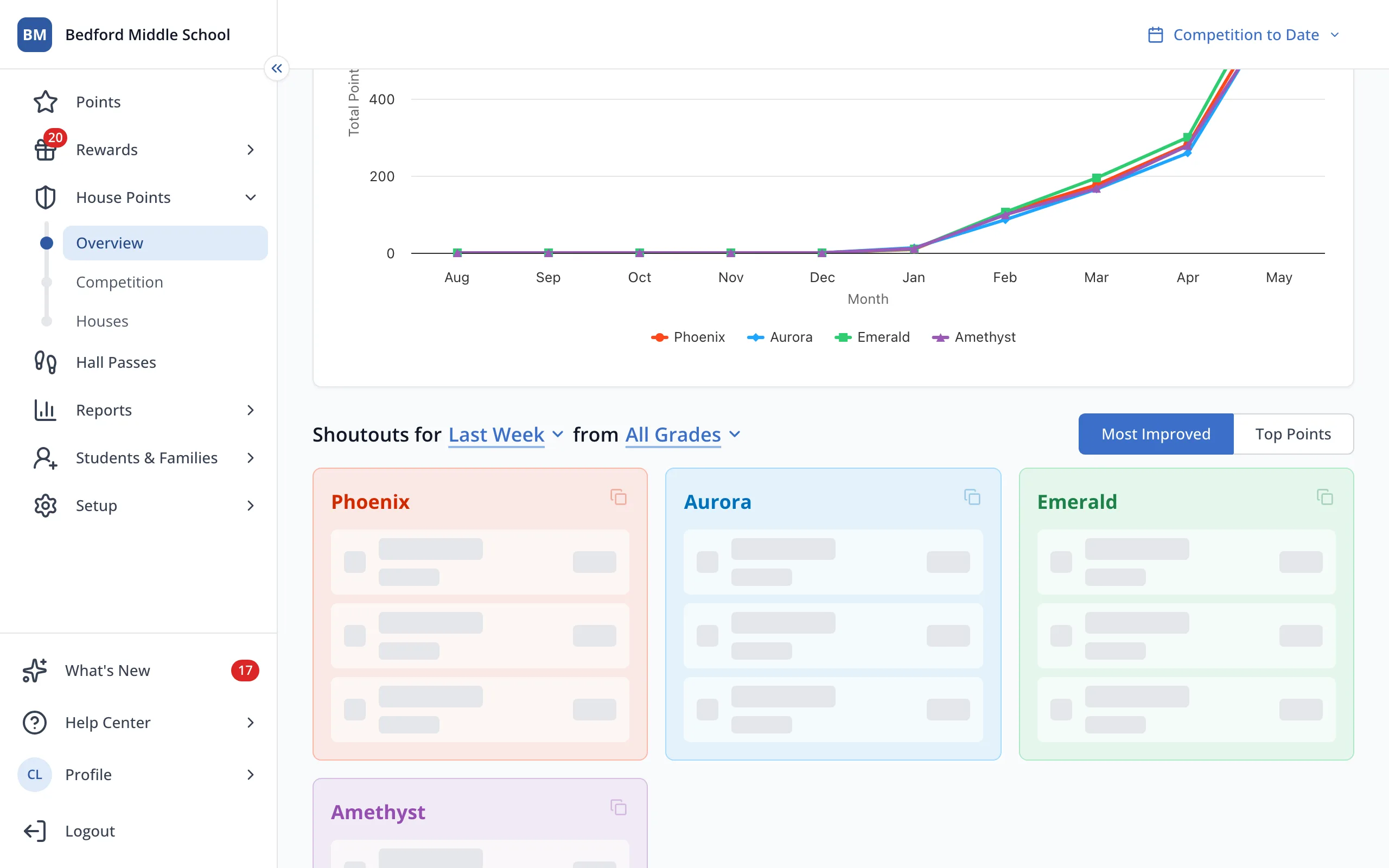
1.In the sidebar, click House Points to open the Overview.
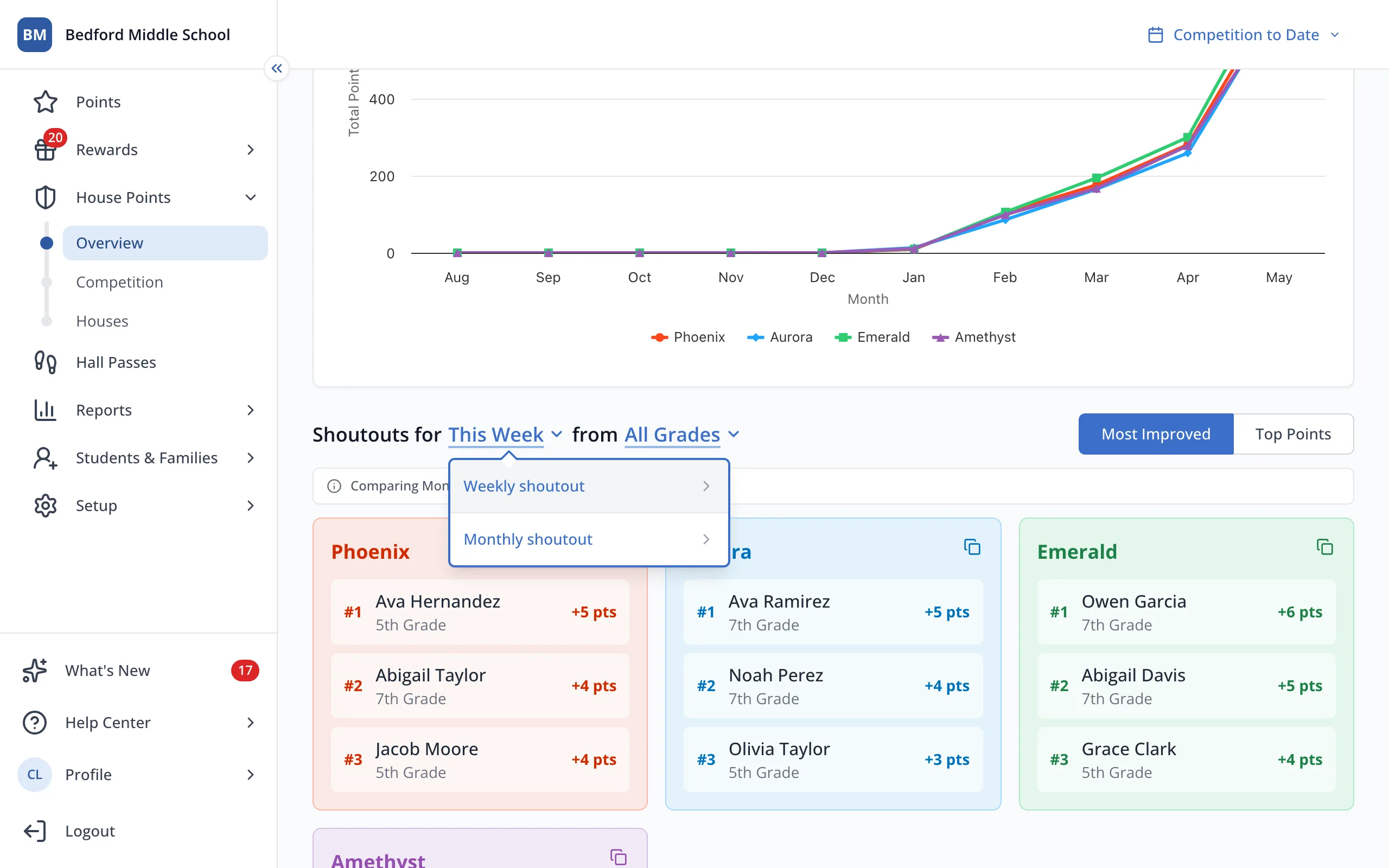
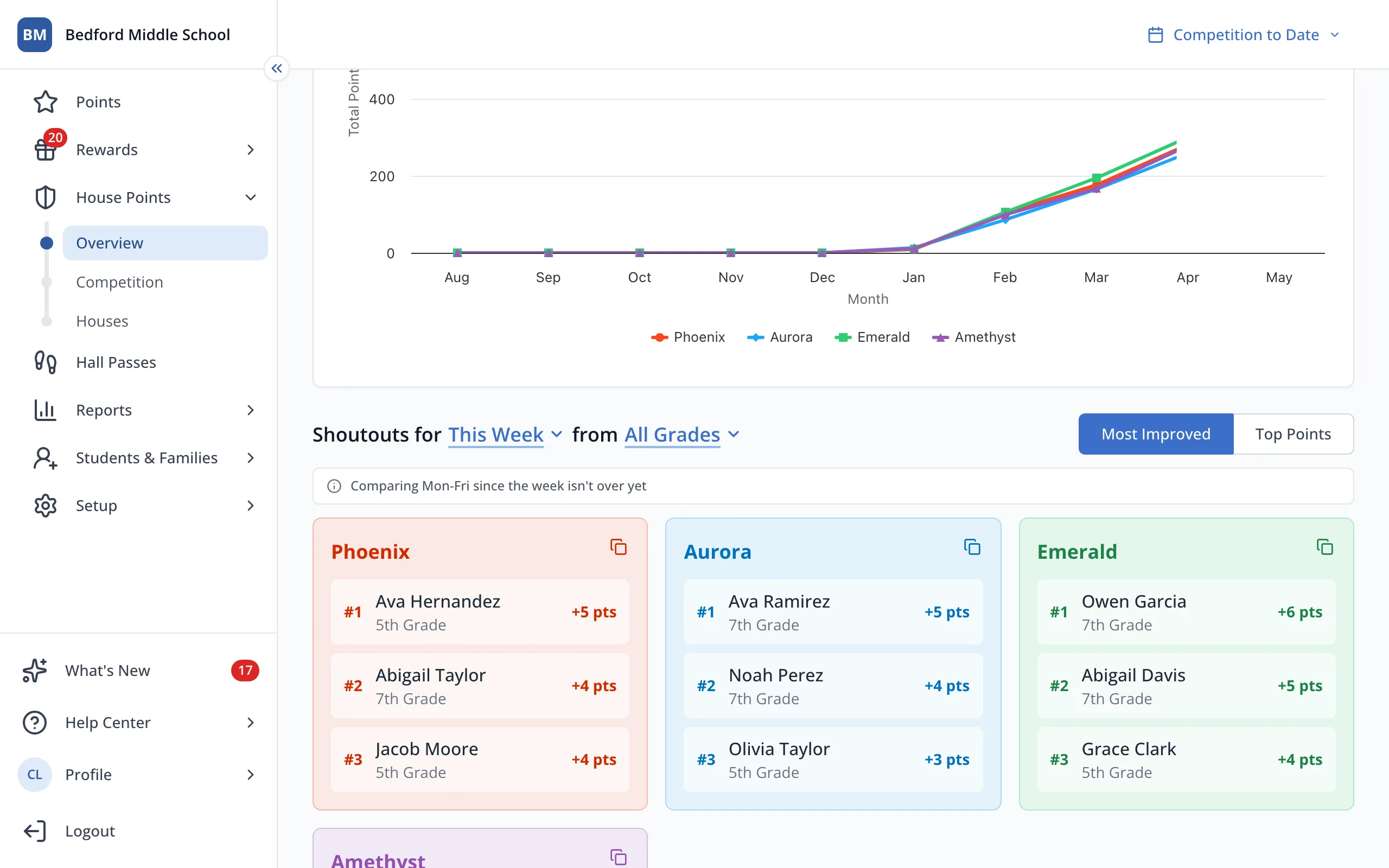
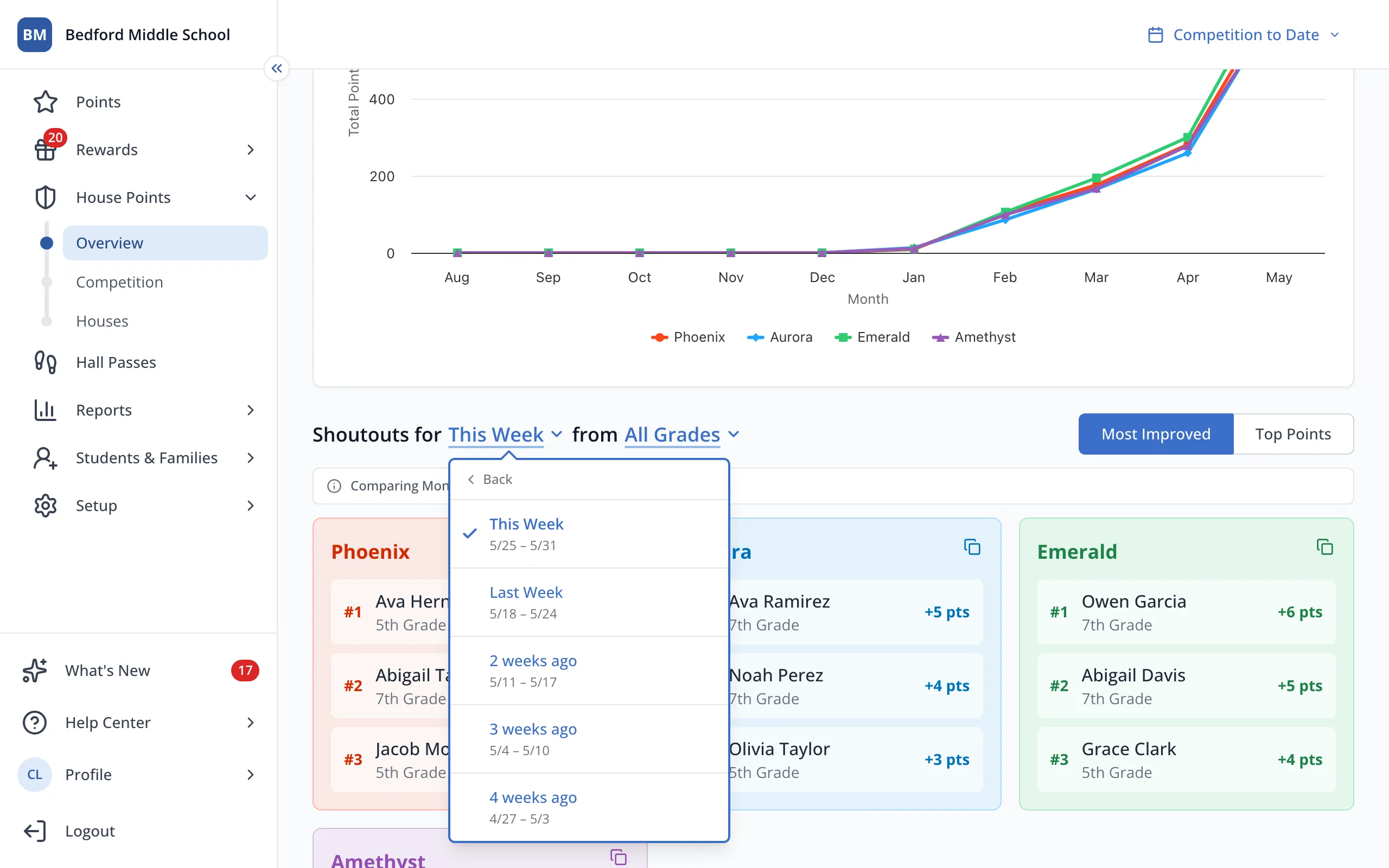
2.Next to Shoutouts for, click the time period.
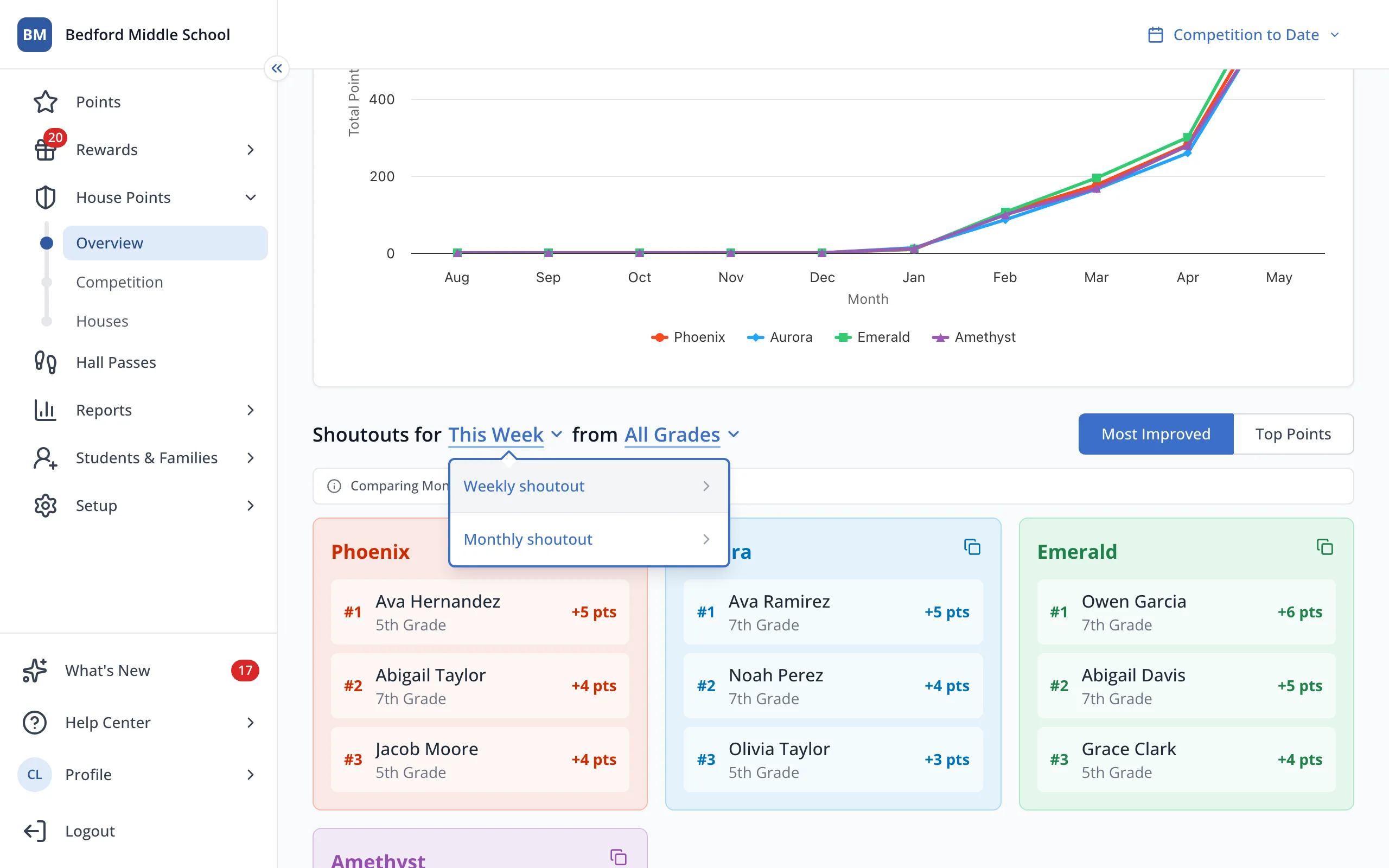
3.Click Weekly shoutout or Monthly shoutout.
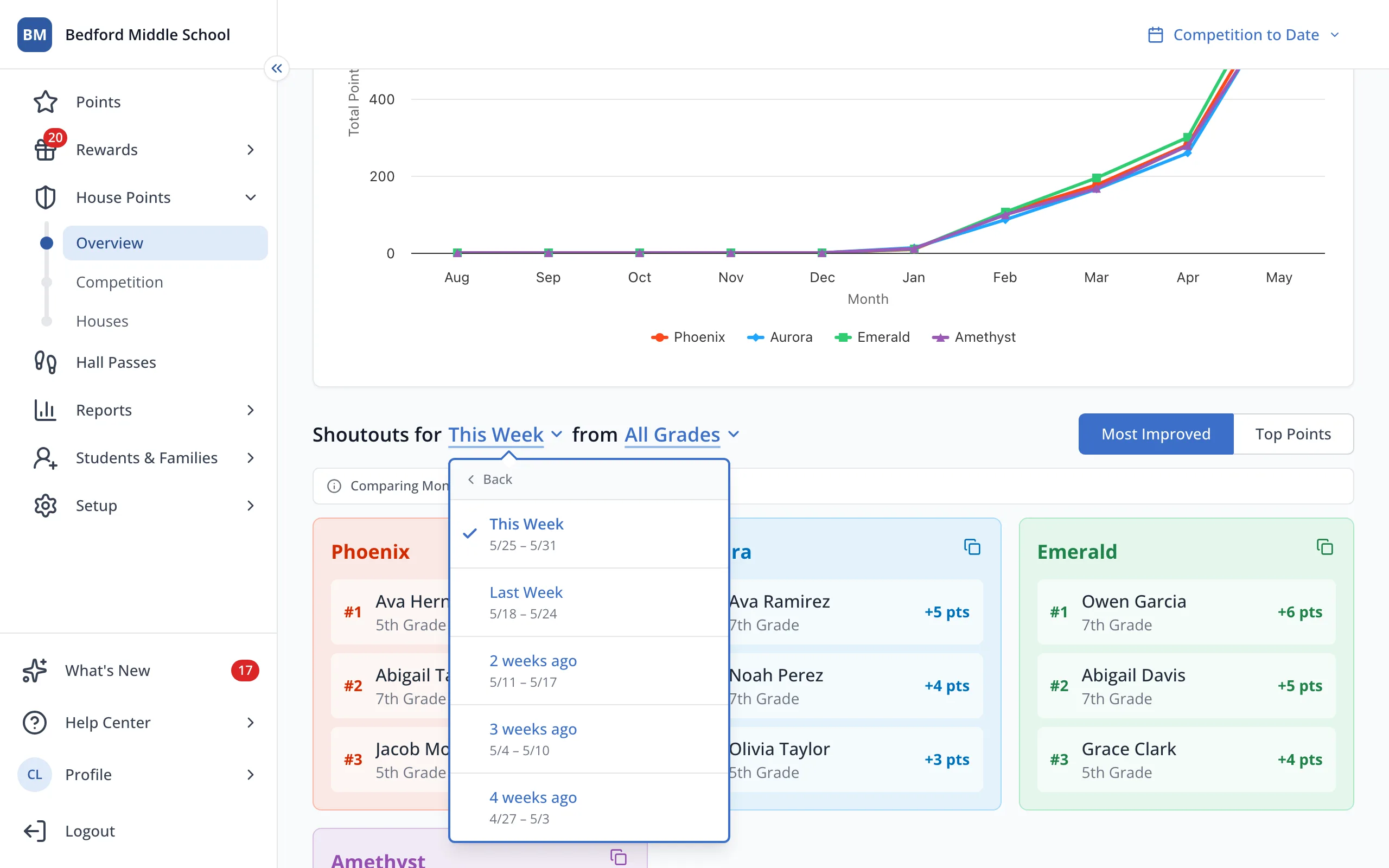
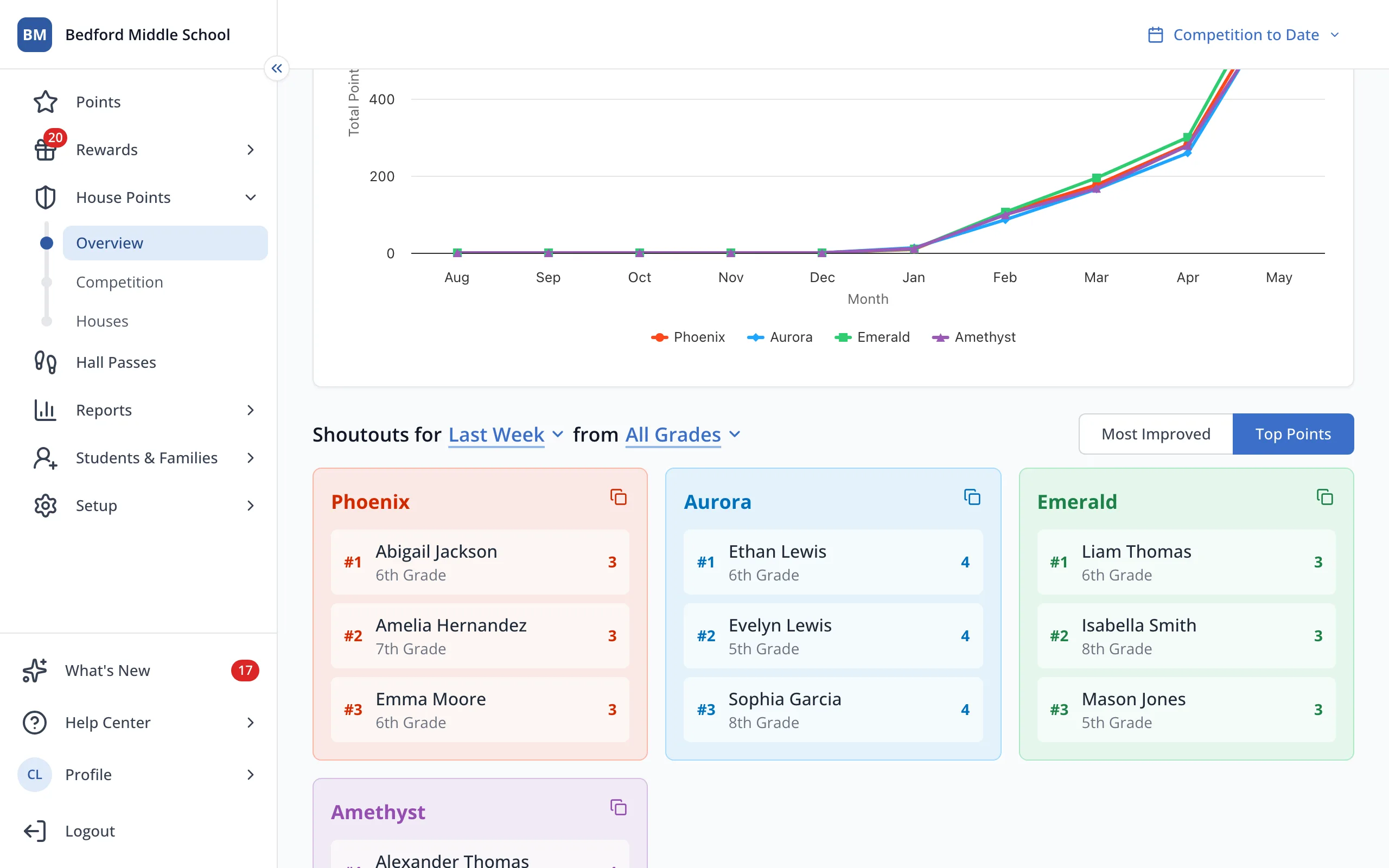
4.Click the week or month you'd like, like Last Week.
5.Click Most Improved or Top Points.
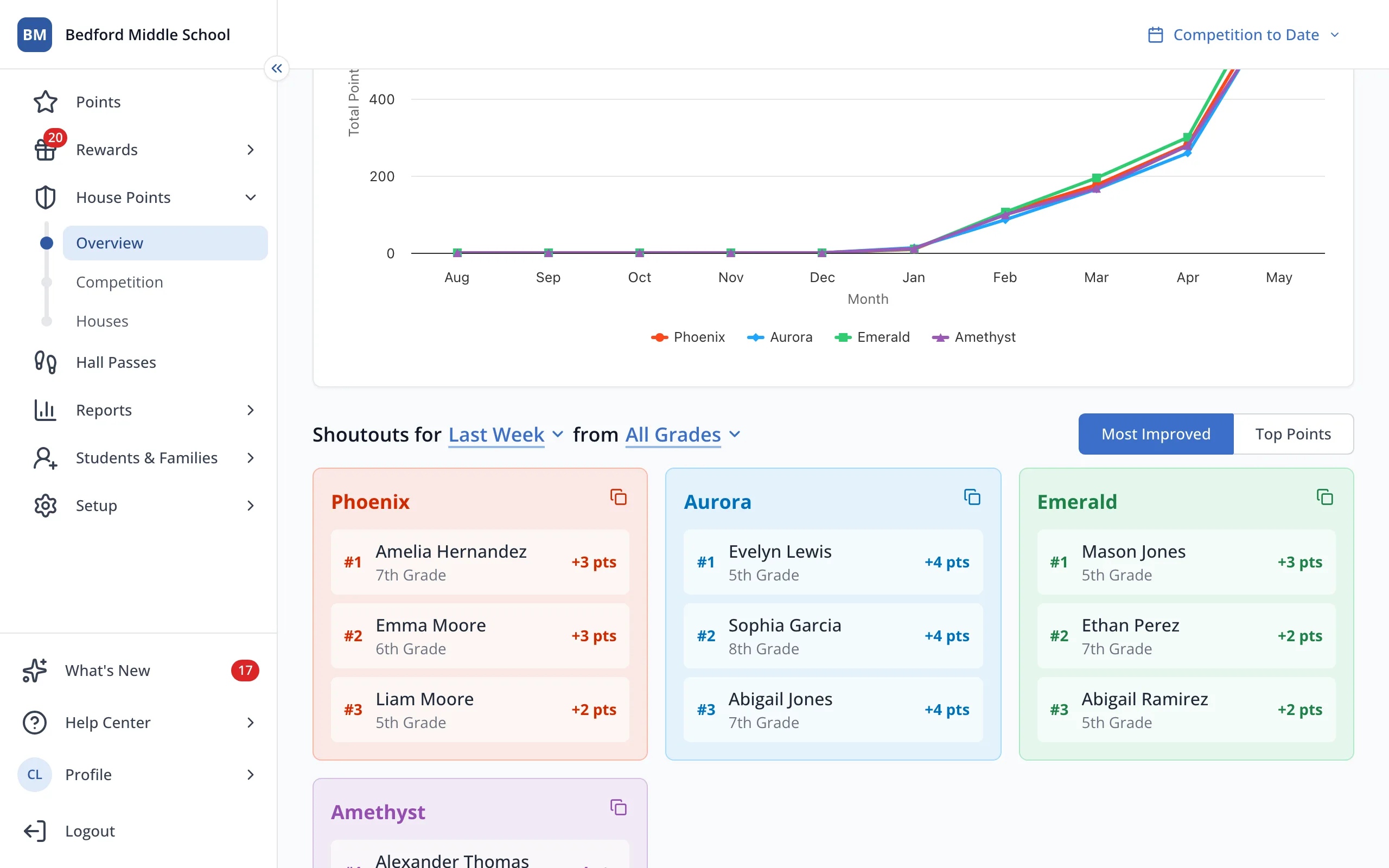
Did you know? Click All Grades to see shoutouts for one grade.
6.Click the copy button on a House to copy its shoutout.