
Give a behavior to students from a spreadsheet
Record one behavior for a whole list of students at once, like everyone who came to Saturday school.
AdminSite Leader
Open in LiveSchool
Already signed in? Open this guide inside LiveSchool.
Use the Left and Right arrow keys to move between steps, and Space to play or pause.
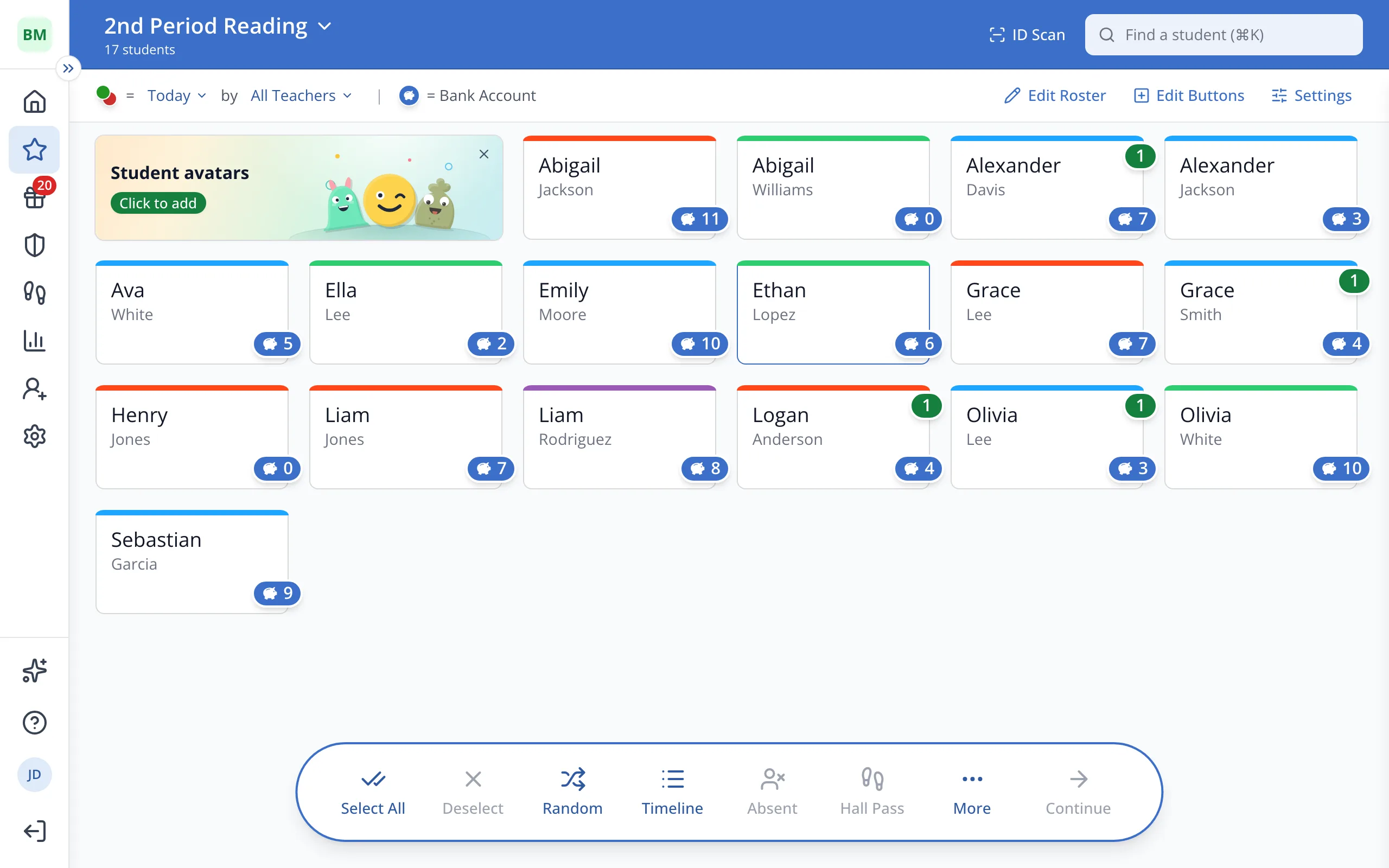
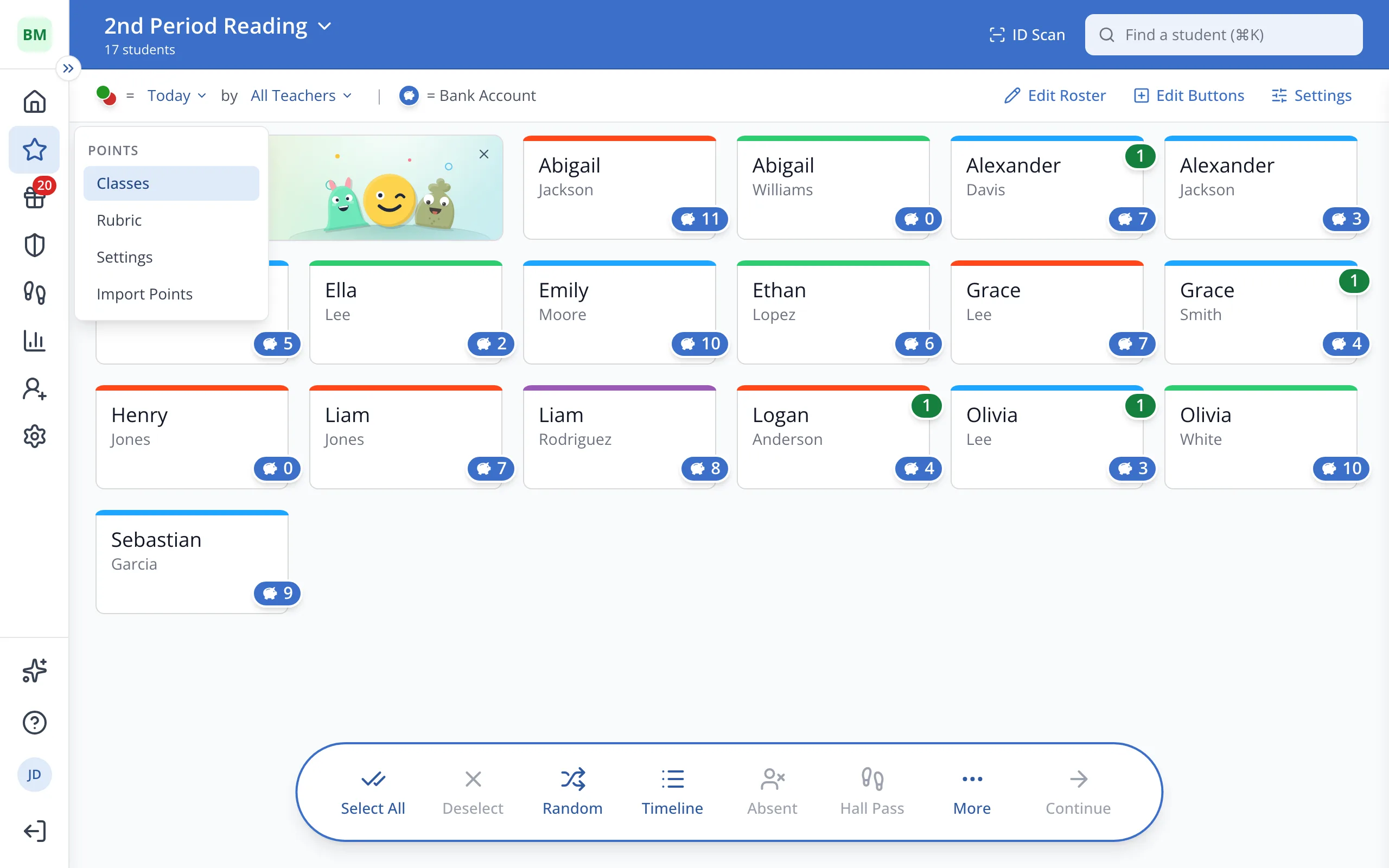
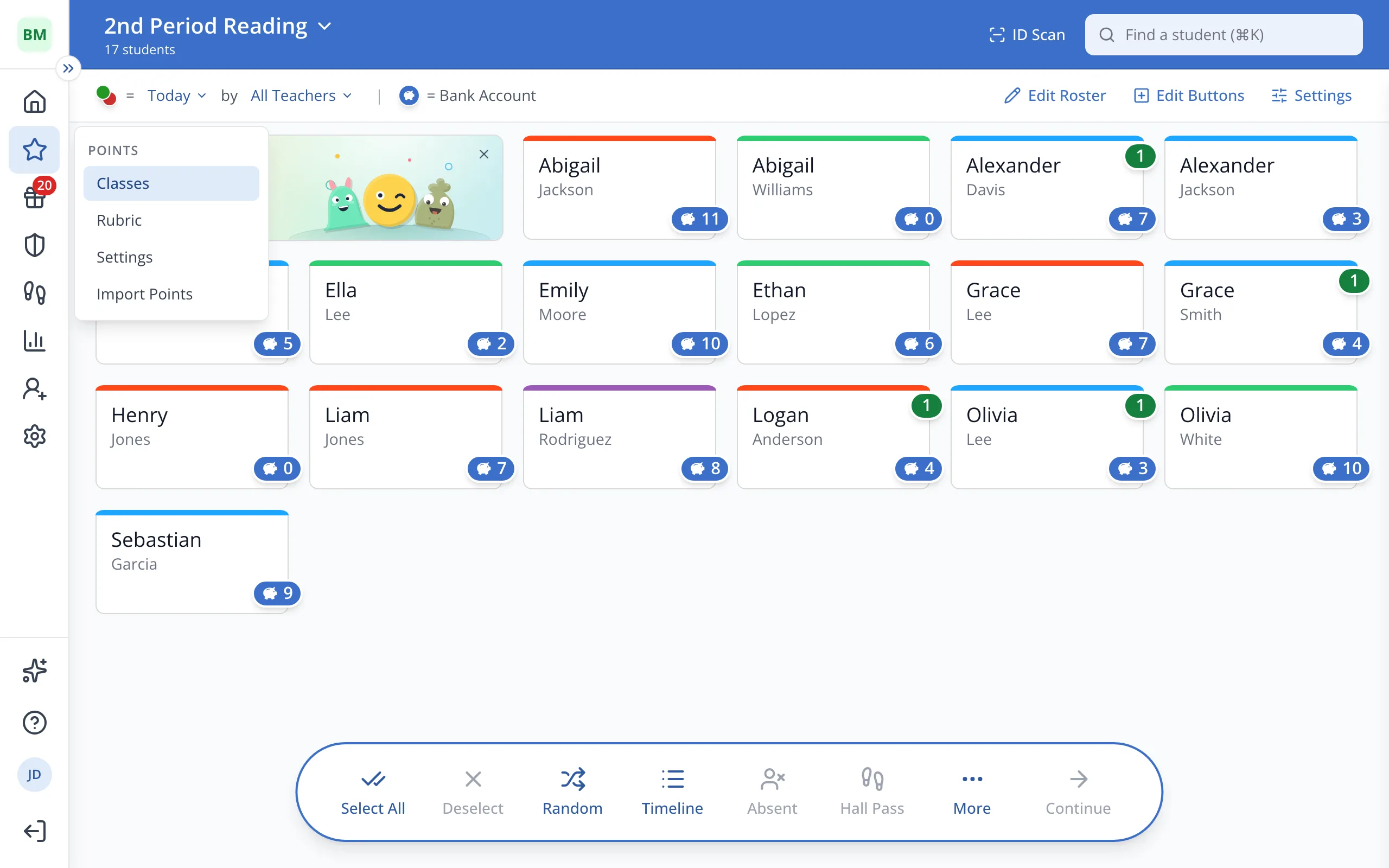
1.In the sidebar, point to Points.
2.Click Import Points.
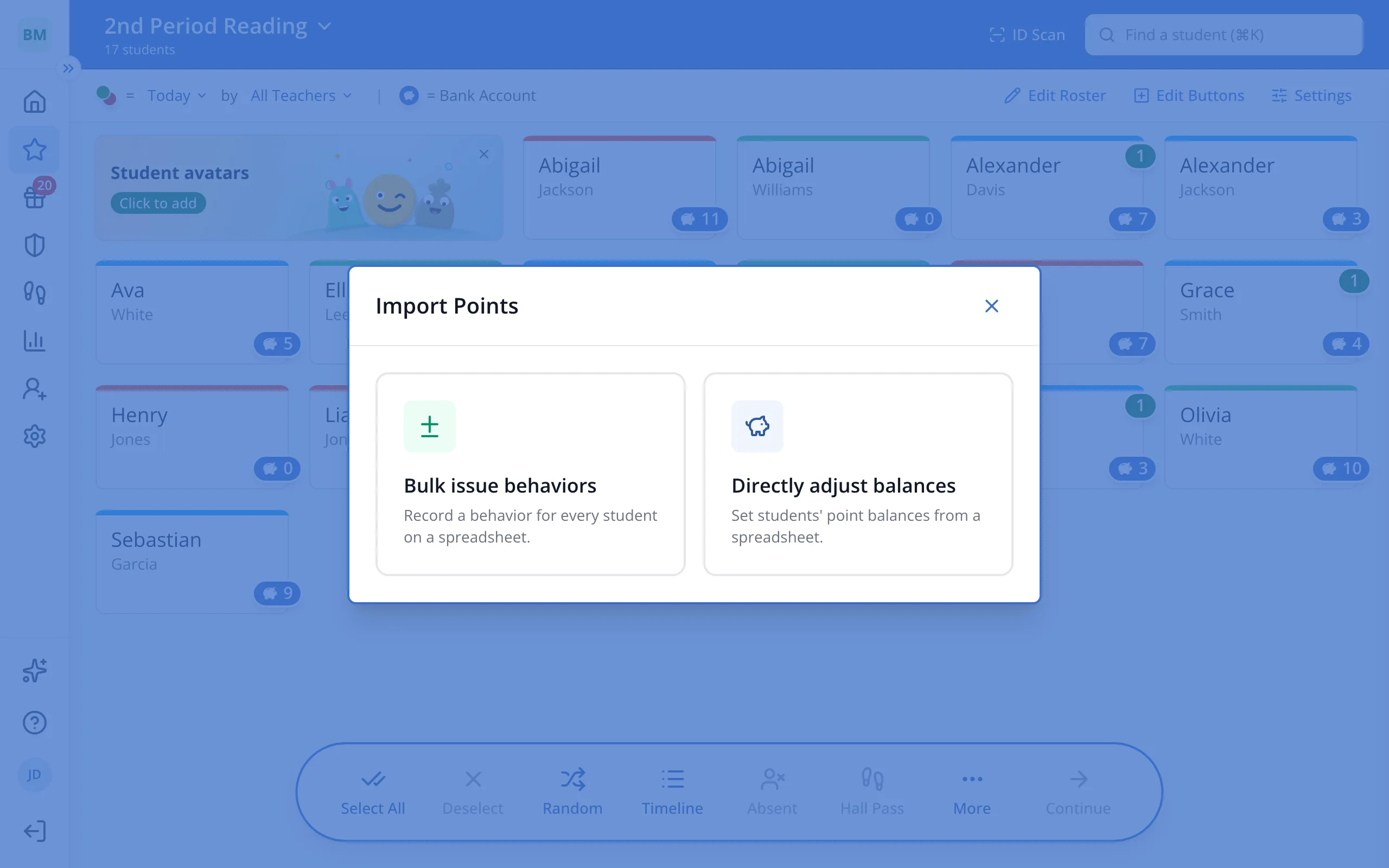
3.Click Bulk issue behaviors.
4.Drag your spreadsheet here, or click to choose it.
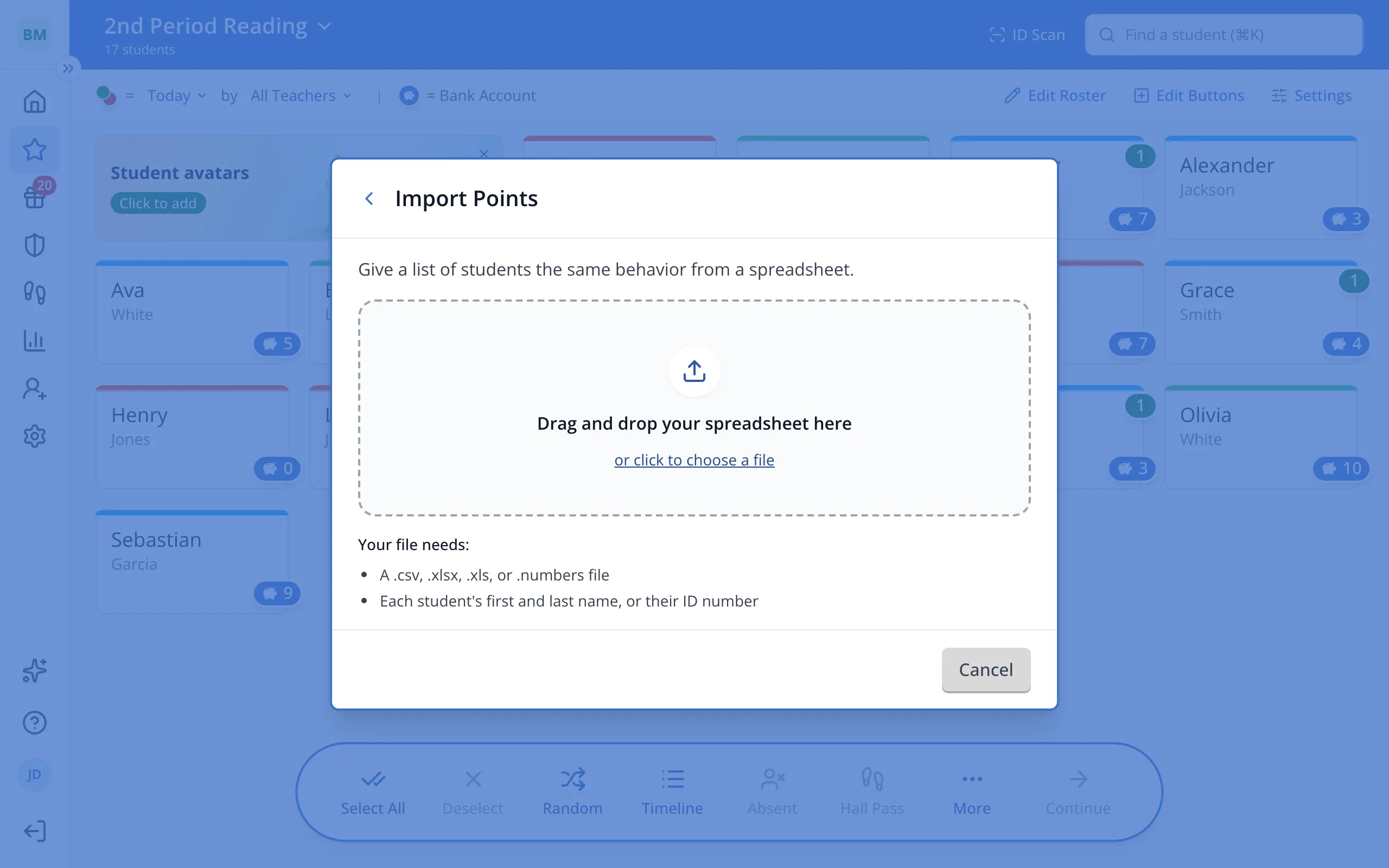
Did you know? Your file needs each student's first and last name, or their ID number.
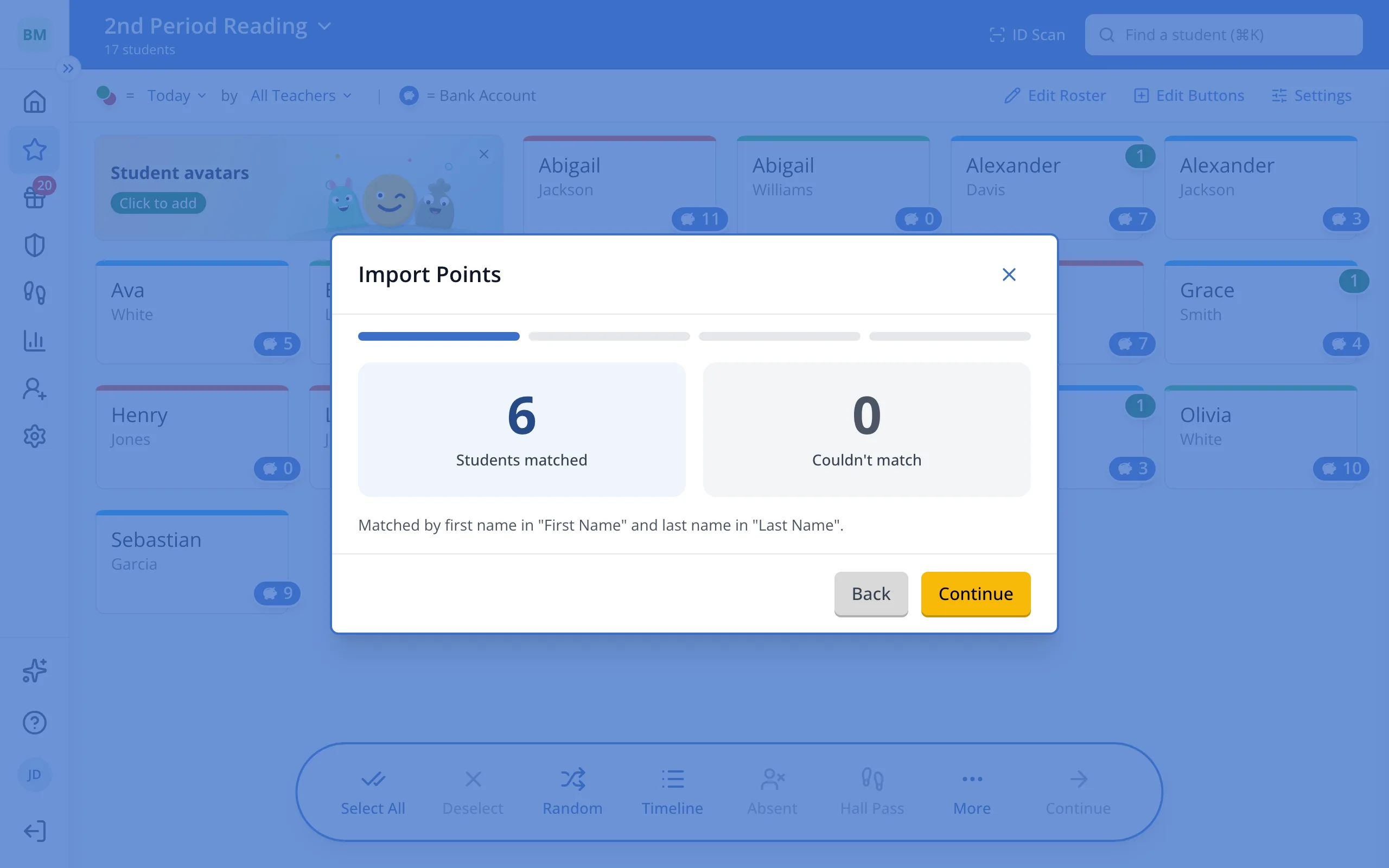
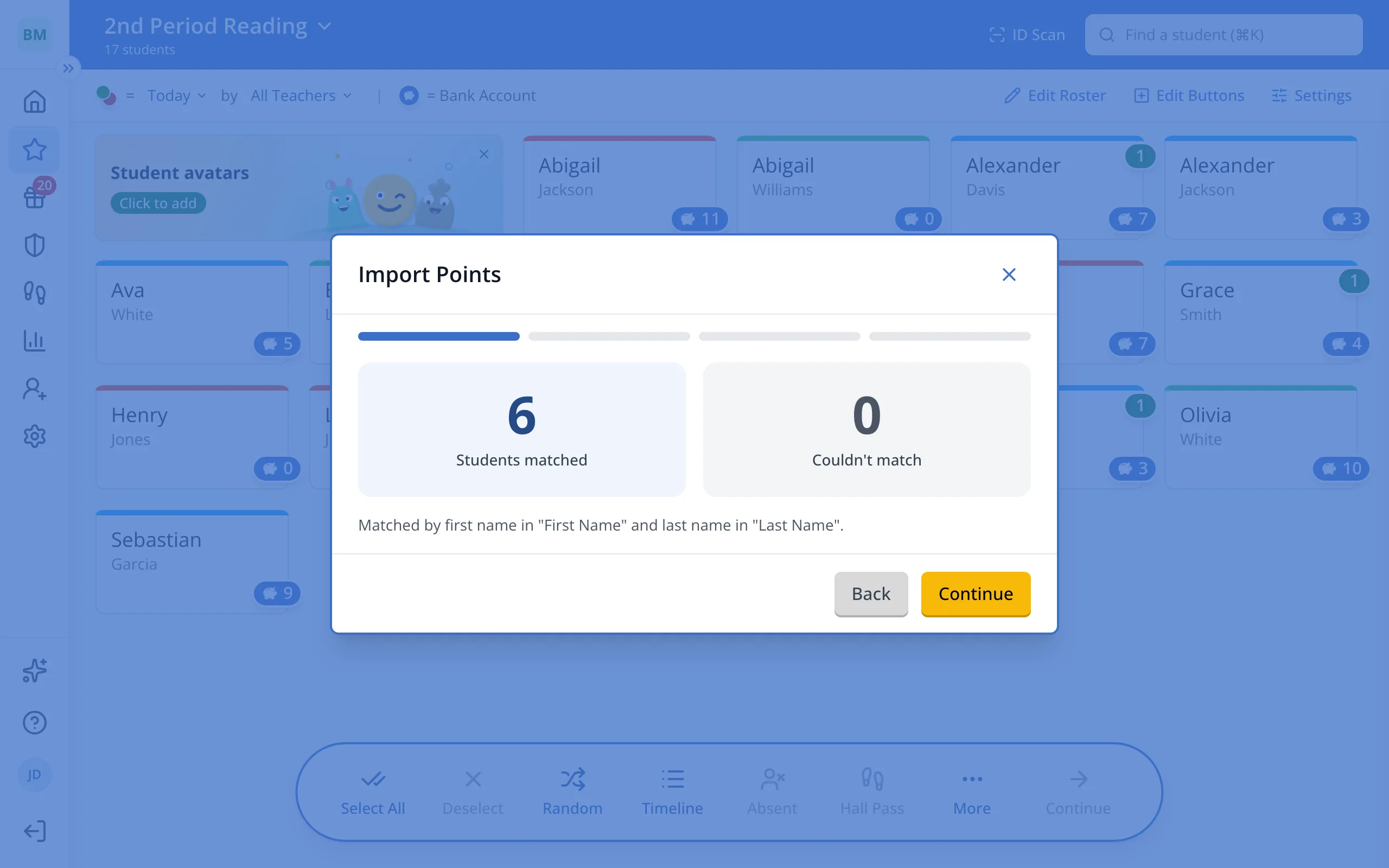
5.Check how many students matched, then click Continue.
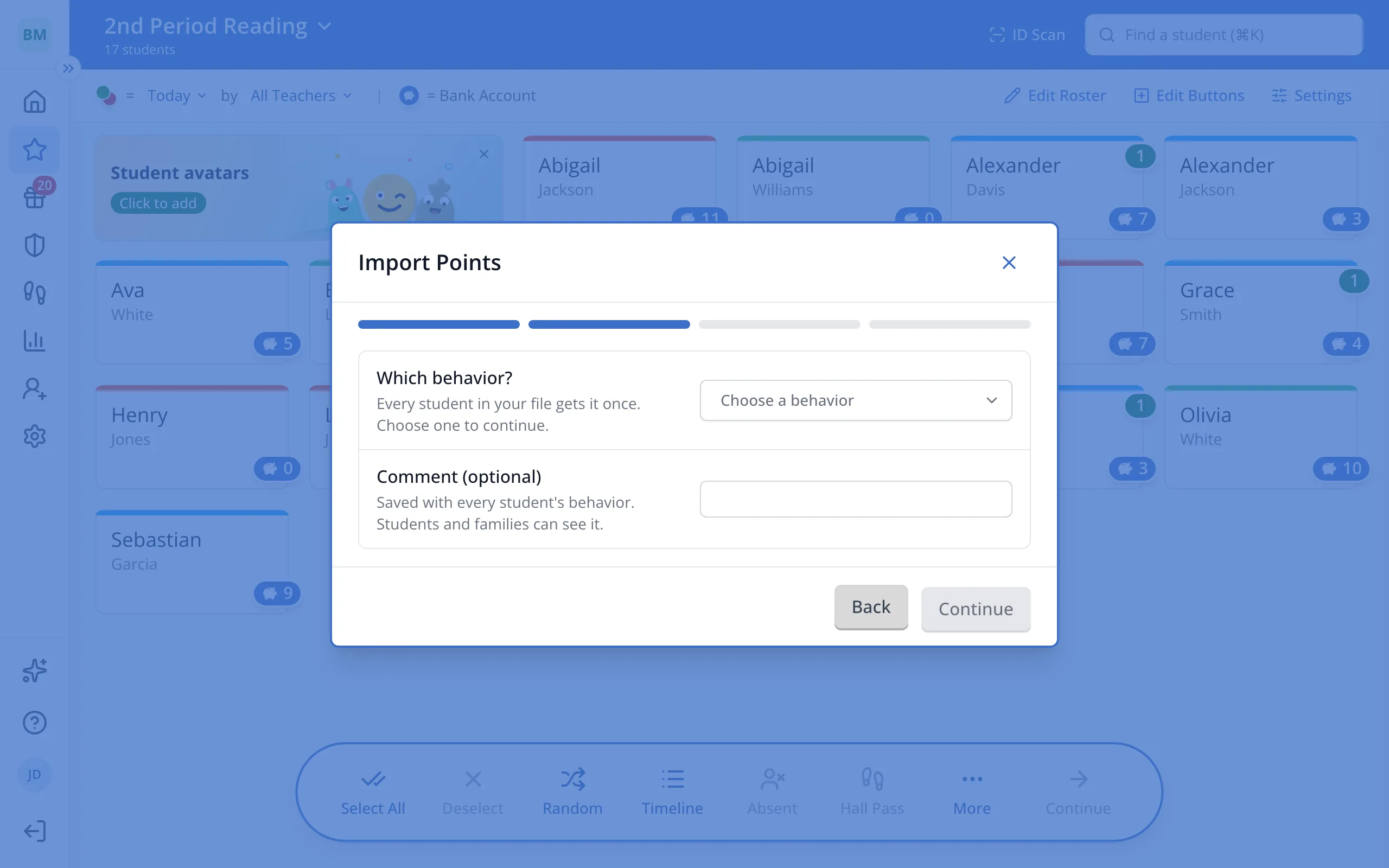
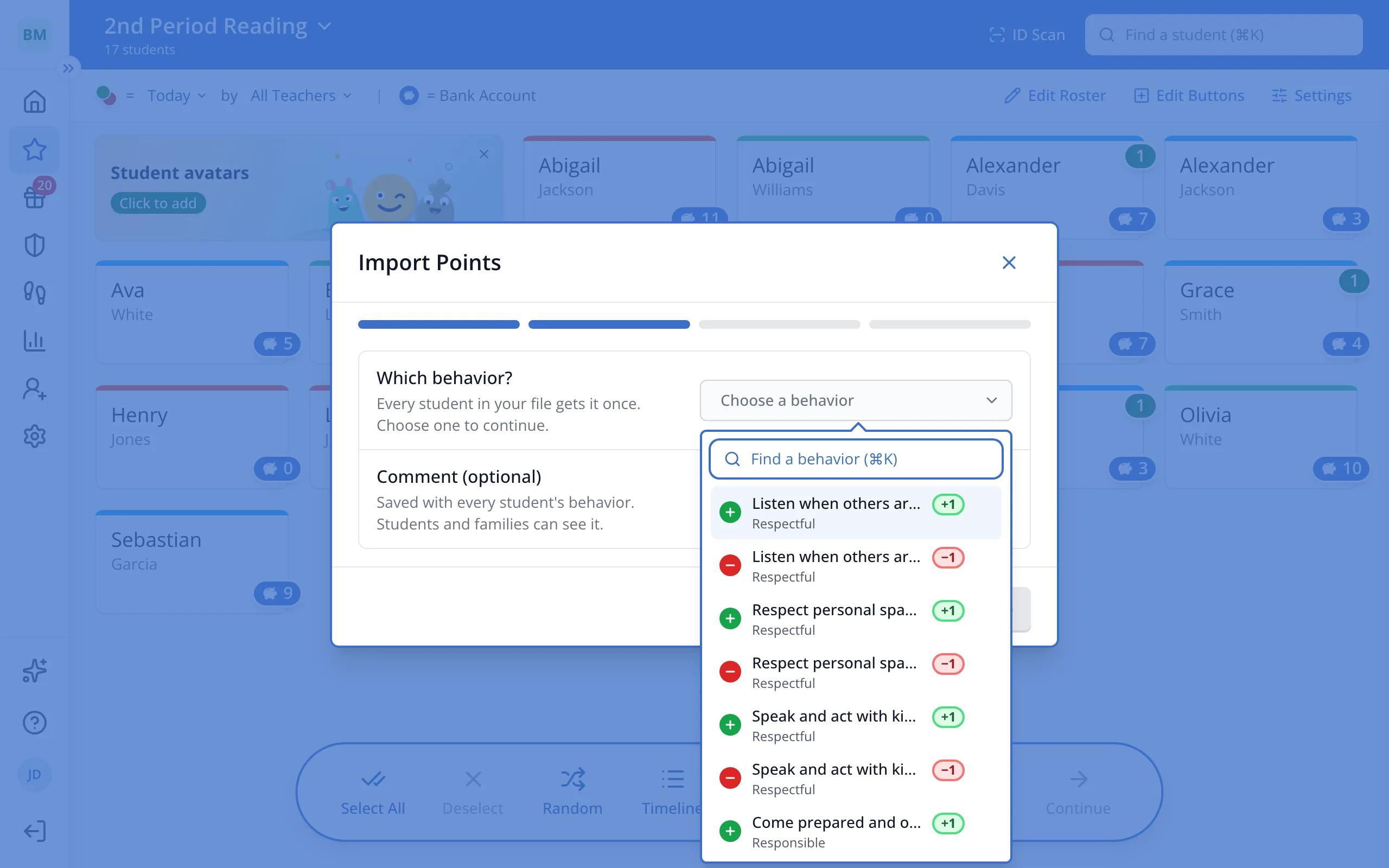
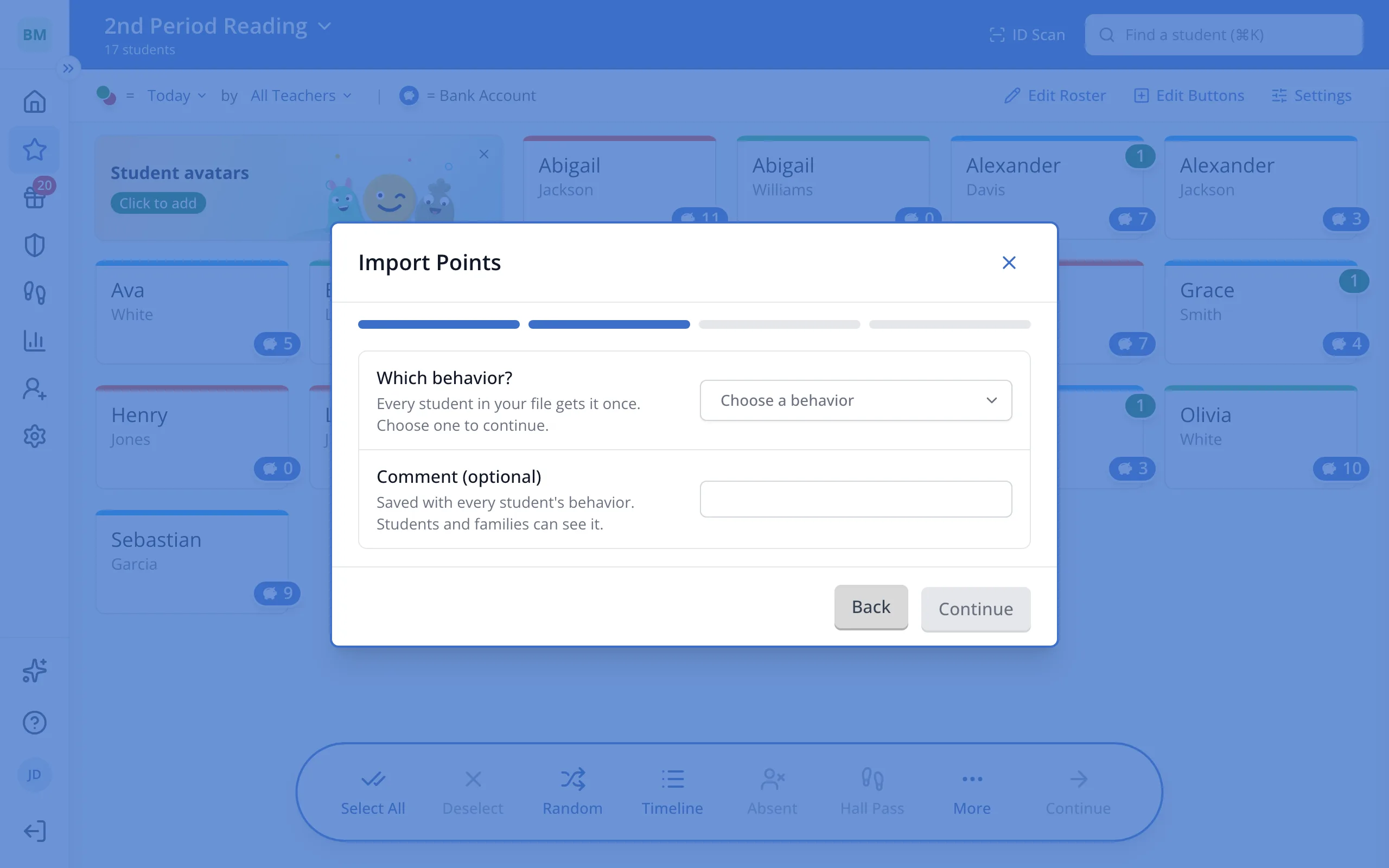
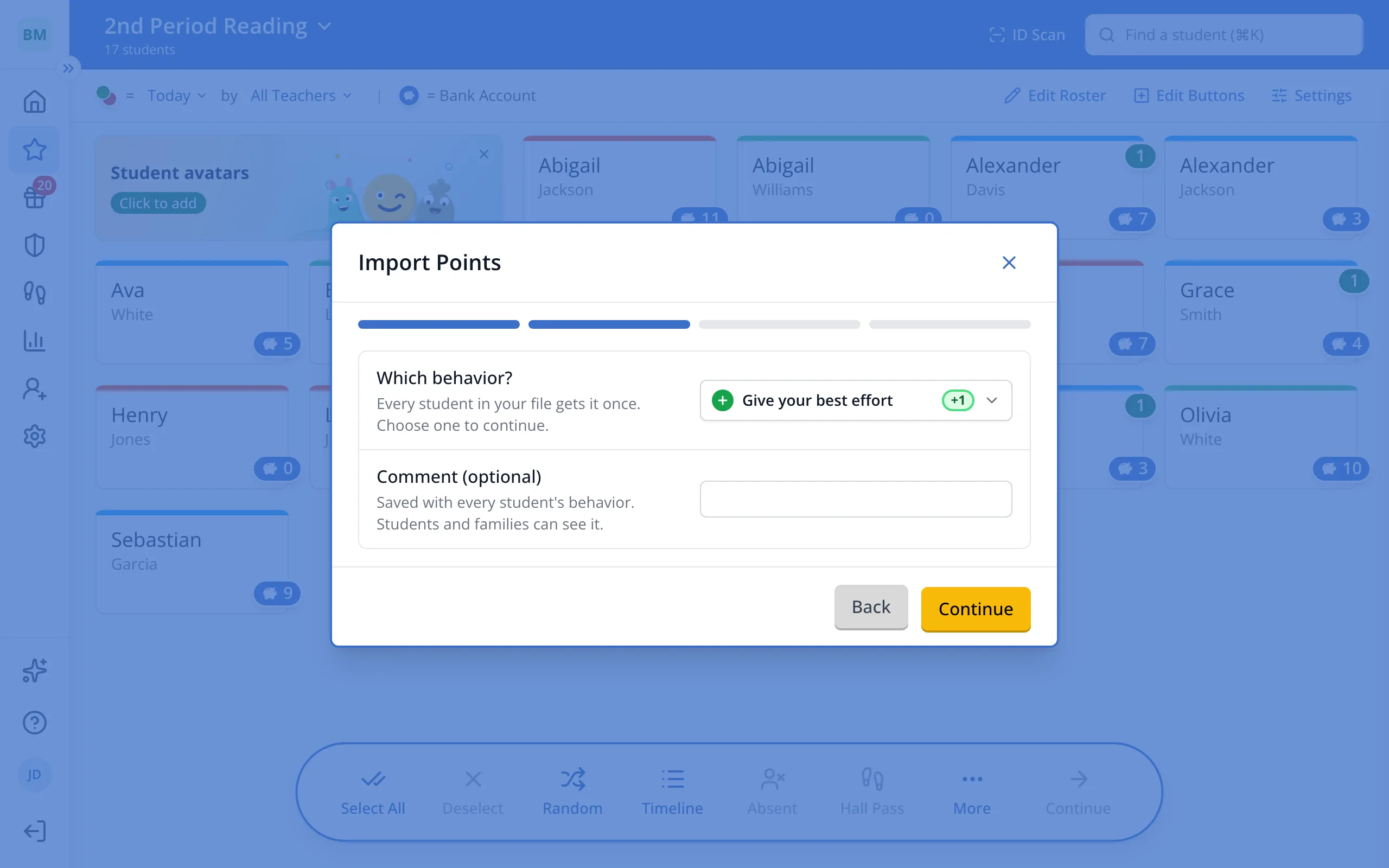
6.Click Choose a behavior and pick the behavior every student will get.
7.Click Continue.
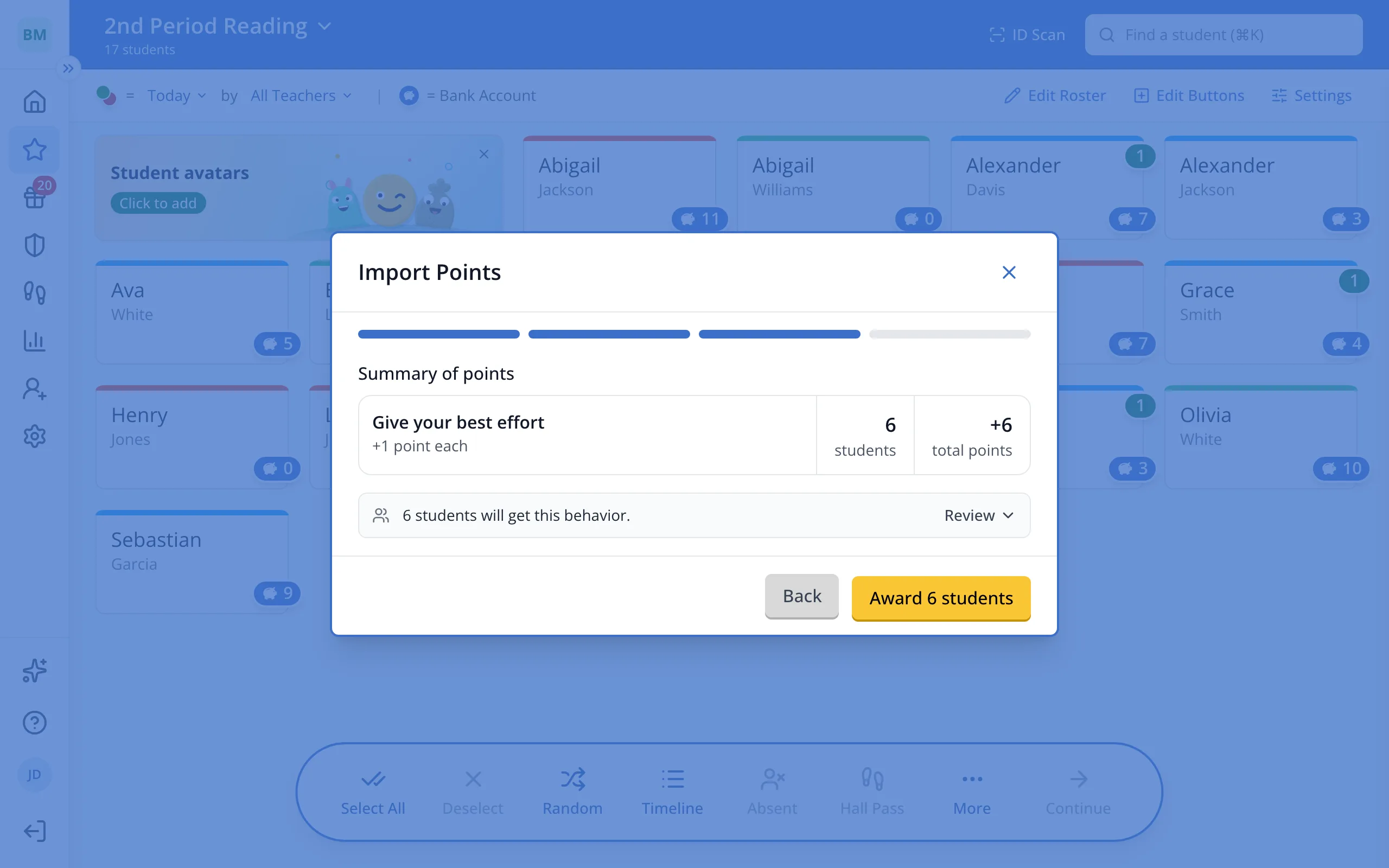
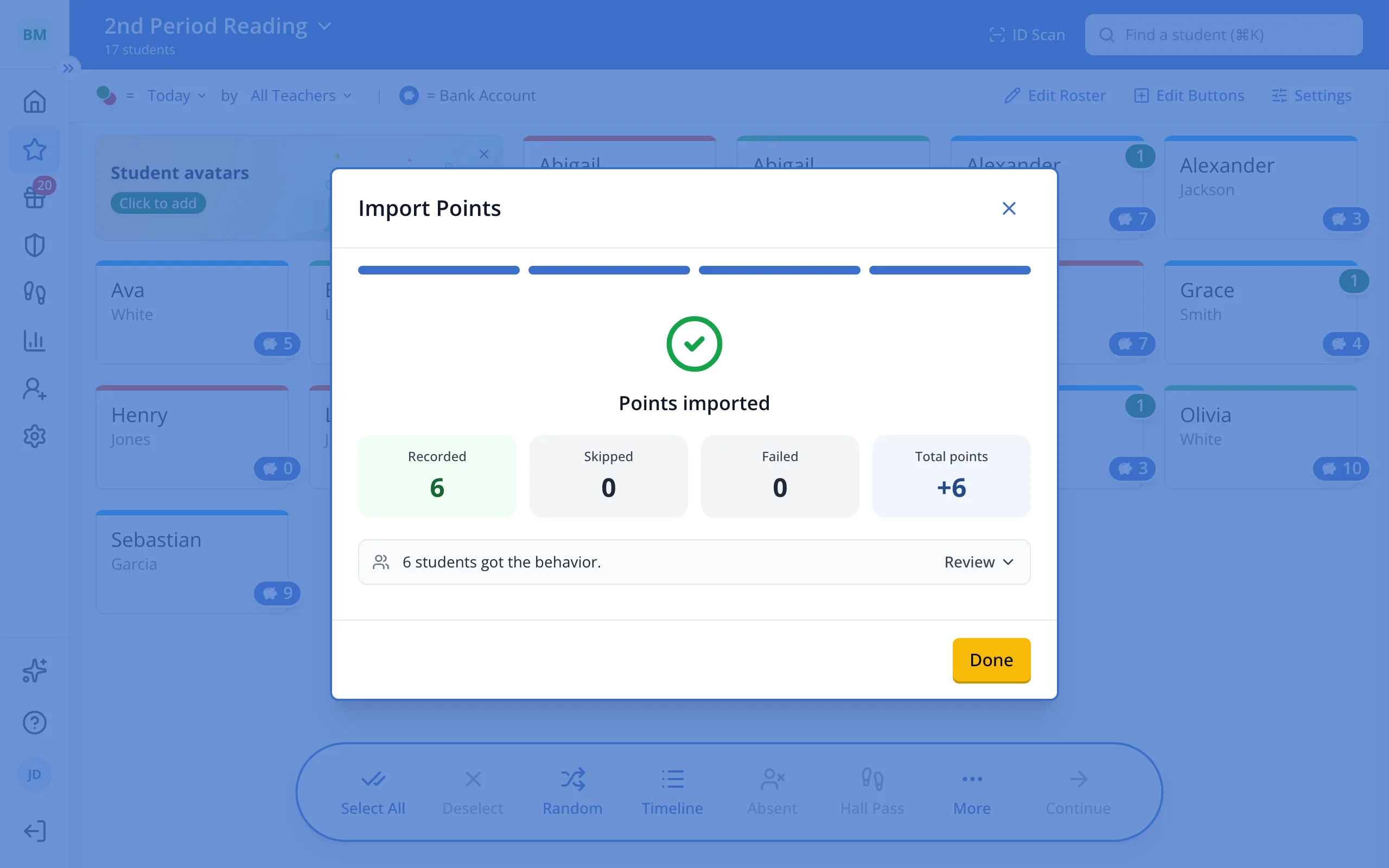
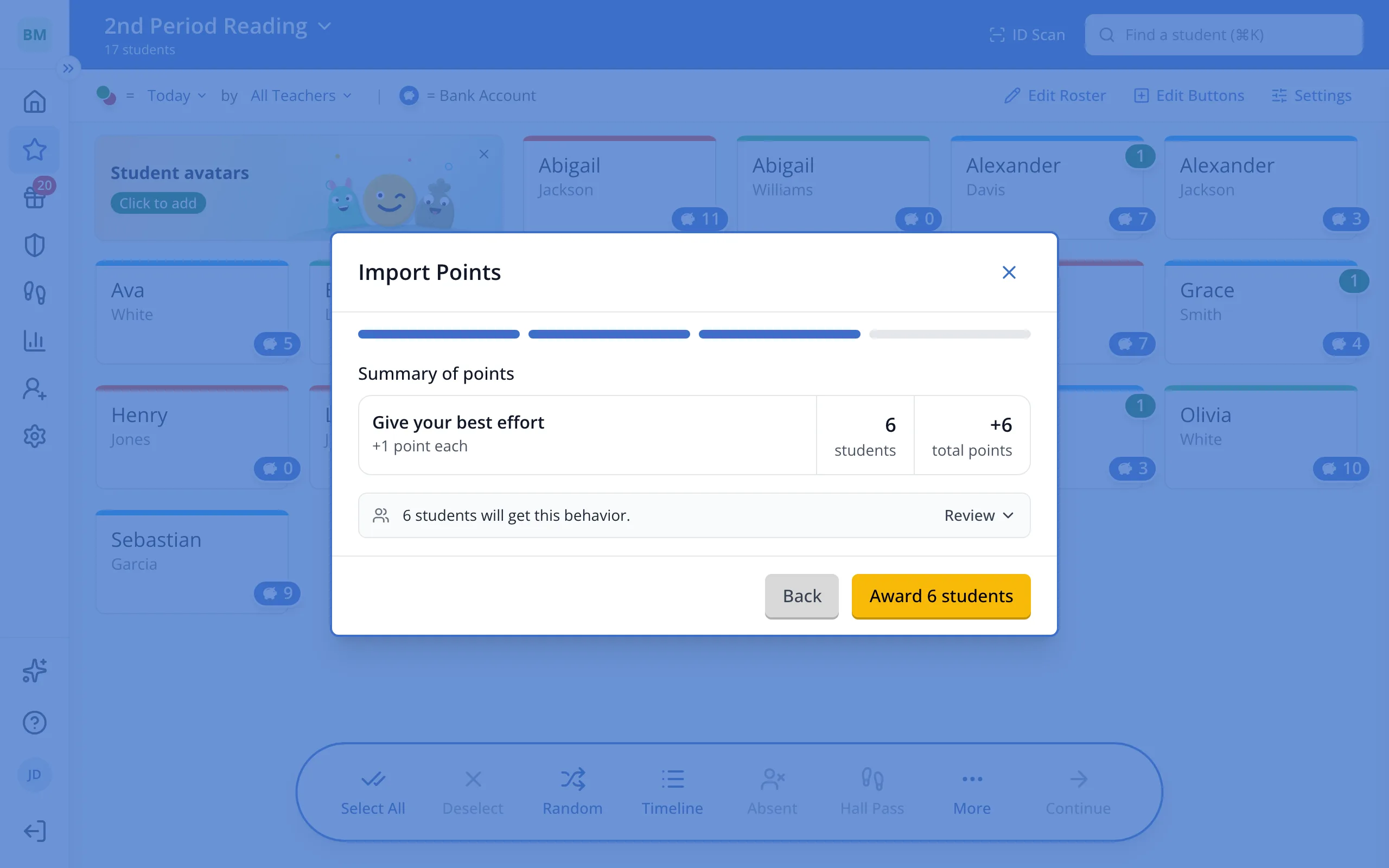
8.Check the summary, then click Award 6 students.
- Only Administrators and Site Leaders can import points.