Find house points in the app
The app has the same House Points pages as the website. On a phone, the sidebar is behind the menu button.
Open in LiveSchool
Already signed in? Open this guide inside LiveSchool.
Use the Left and Right arrow keys to move between steps, and Space to play or pause.
1.In the sidebar, tap House Points. On a phone, tap the menu button at the top left first.
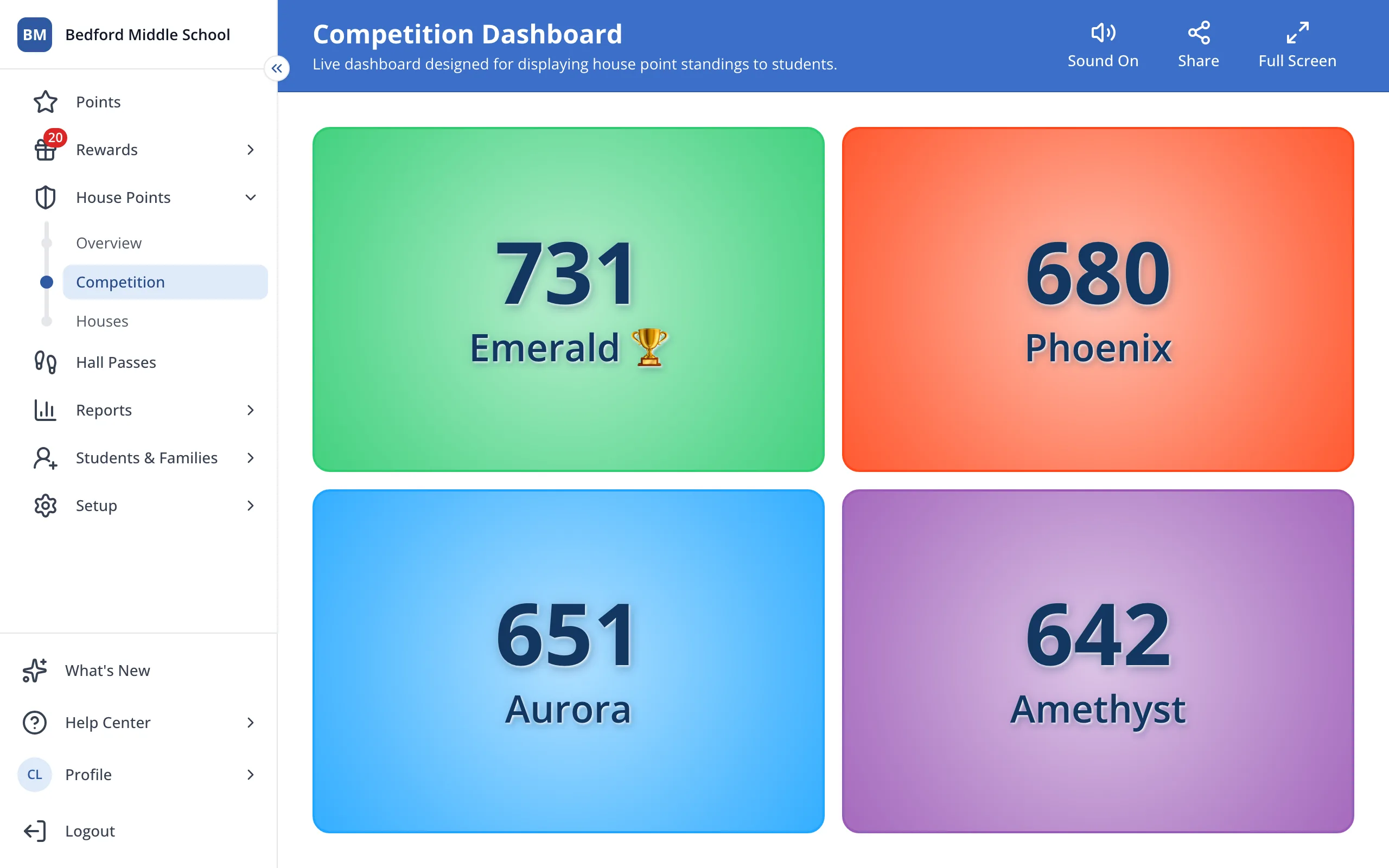
2.Tap Competition to see the house standings.
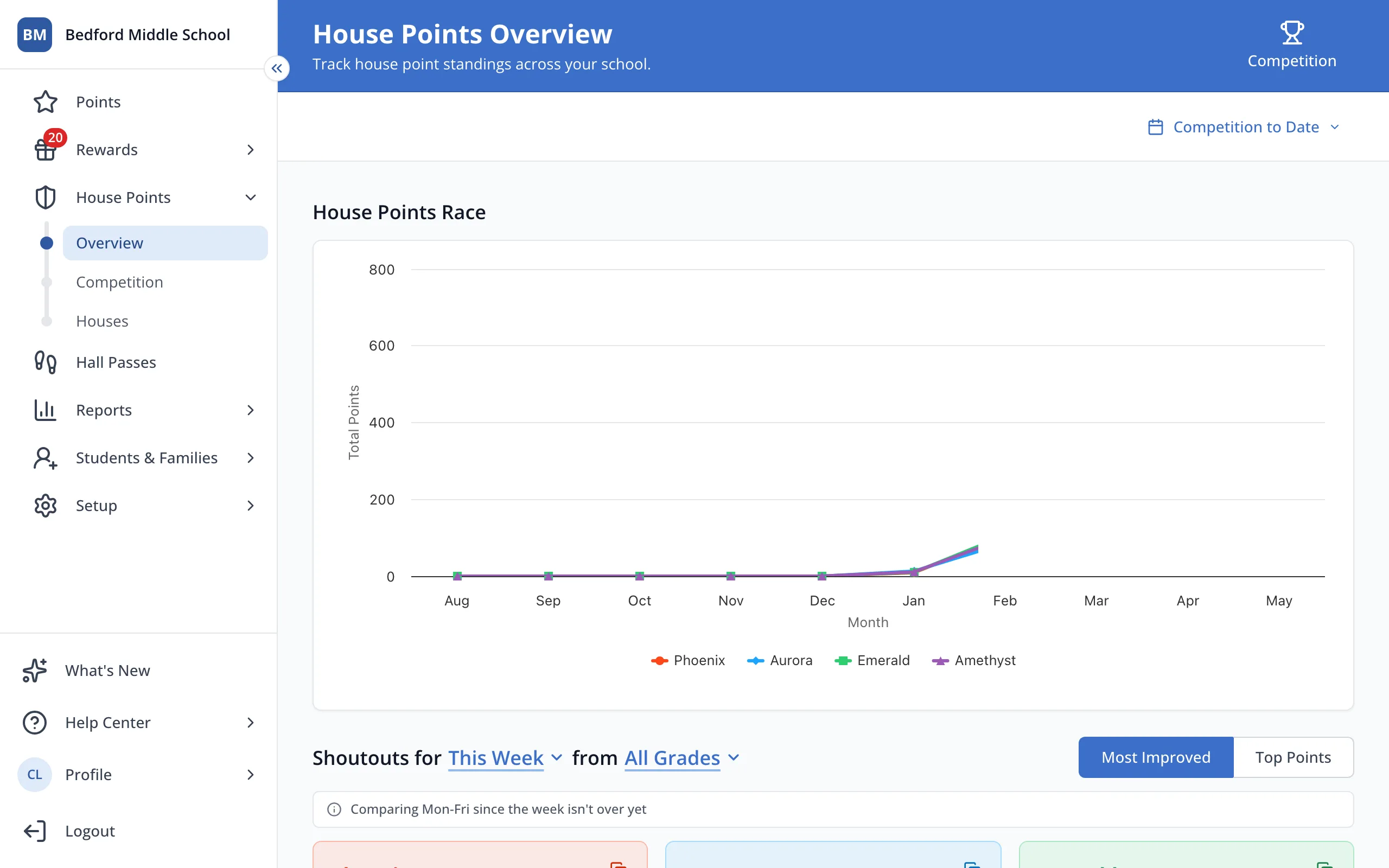
3.You're on the House Points competition page.