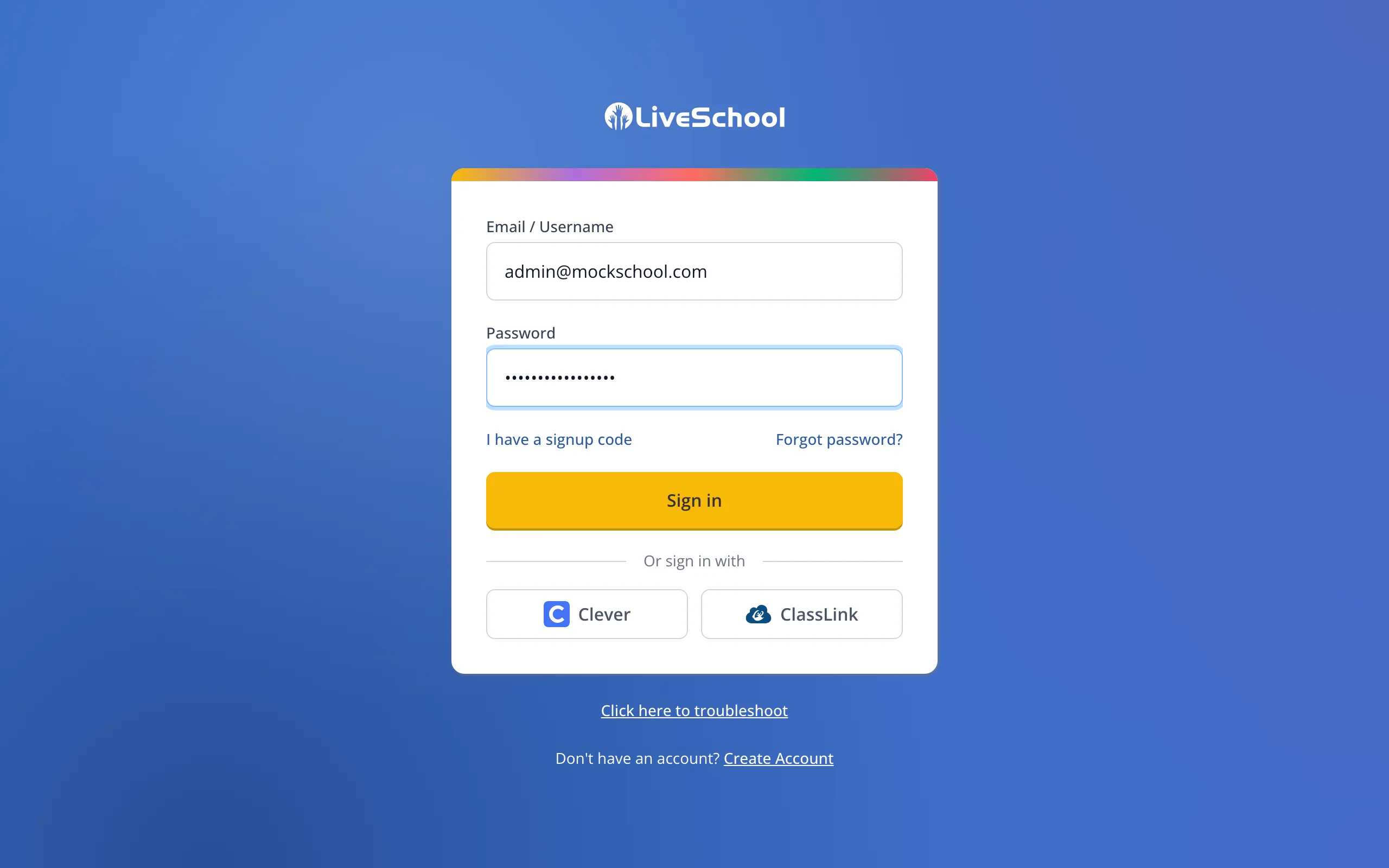
Sign in to the mobile app
The app uses the same account as the website, so sign in with the same email and password, or Clever or ClassLink.
Open in LiveSchool
Already signed in? Open this guide inside LiveSchool.
Use the Left and Right arrow keys to move between steps, and Space to play or pause.
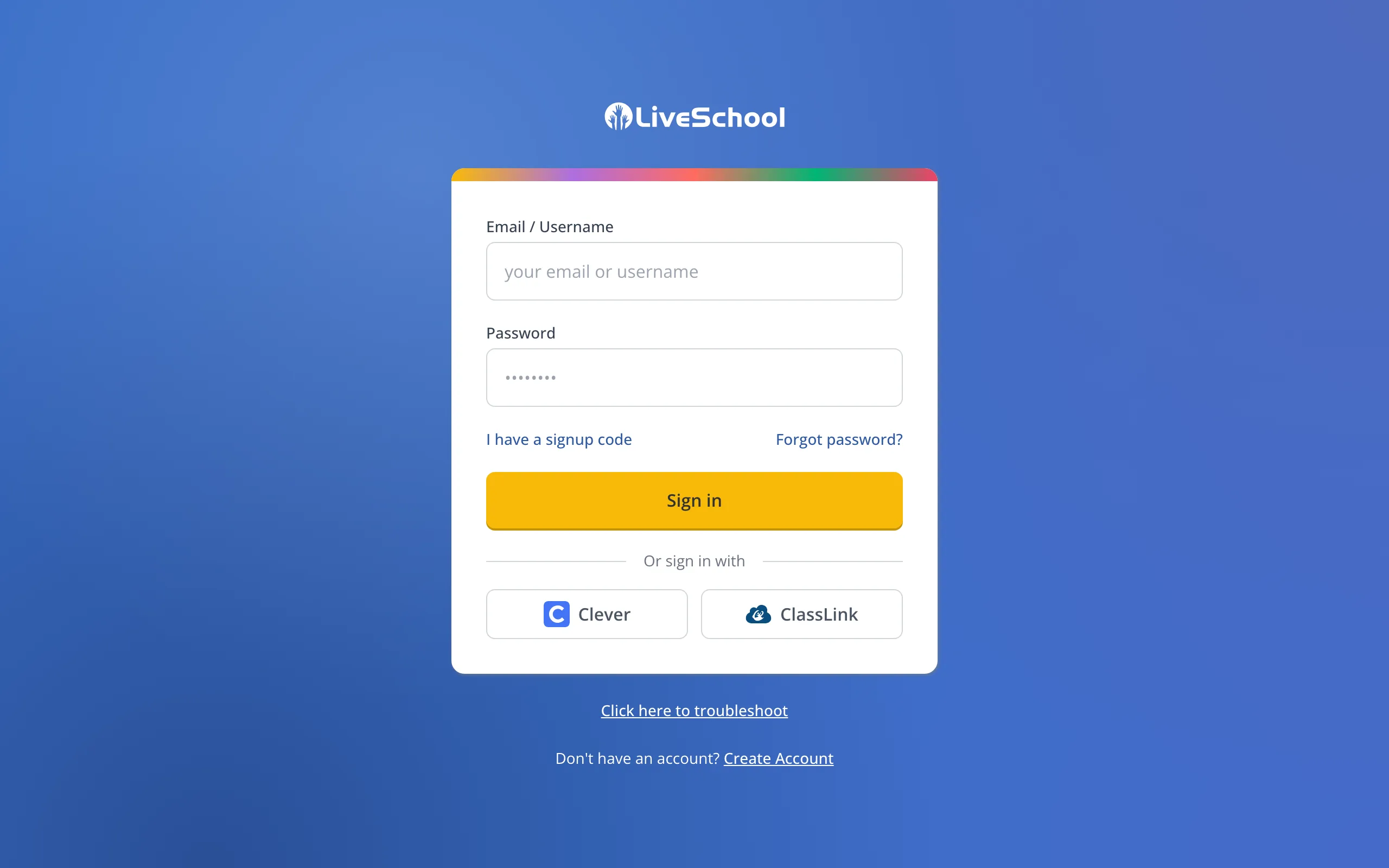
1.Open the app and type your email or username.
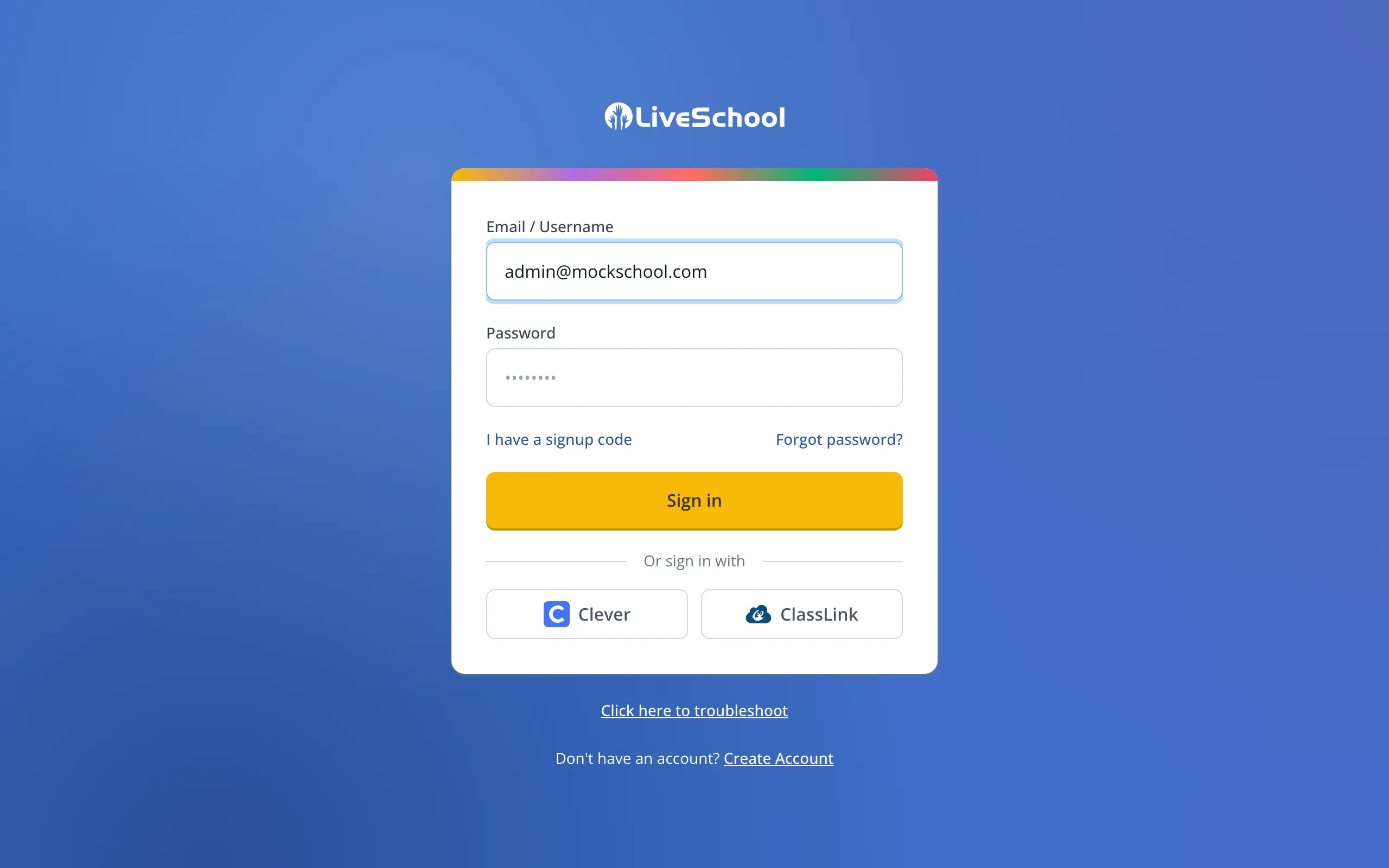
2.Type your password.
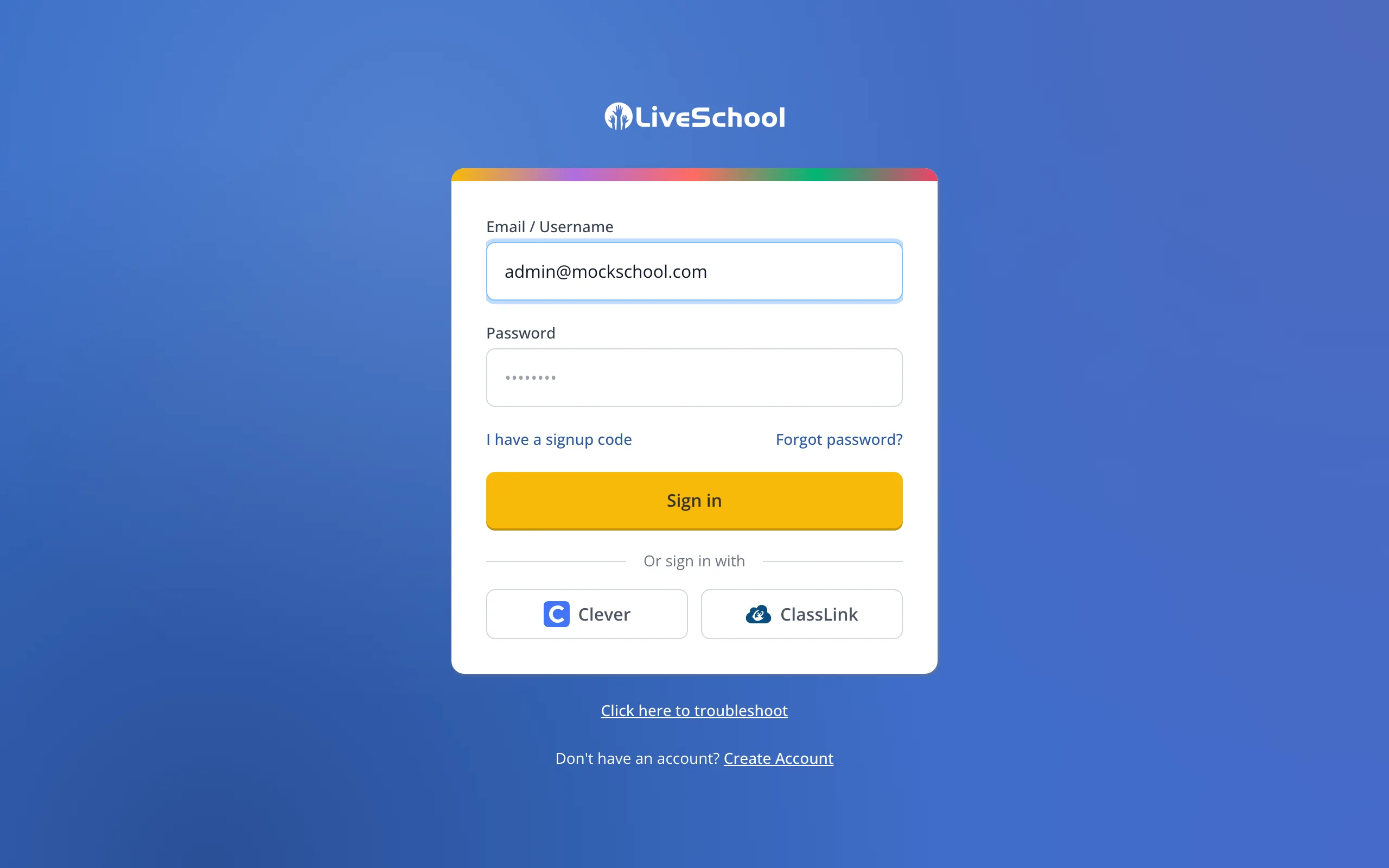
3.If your school uses Clever or ClassLink, tap Clever or ClassLink instead and sign in there.
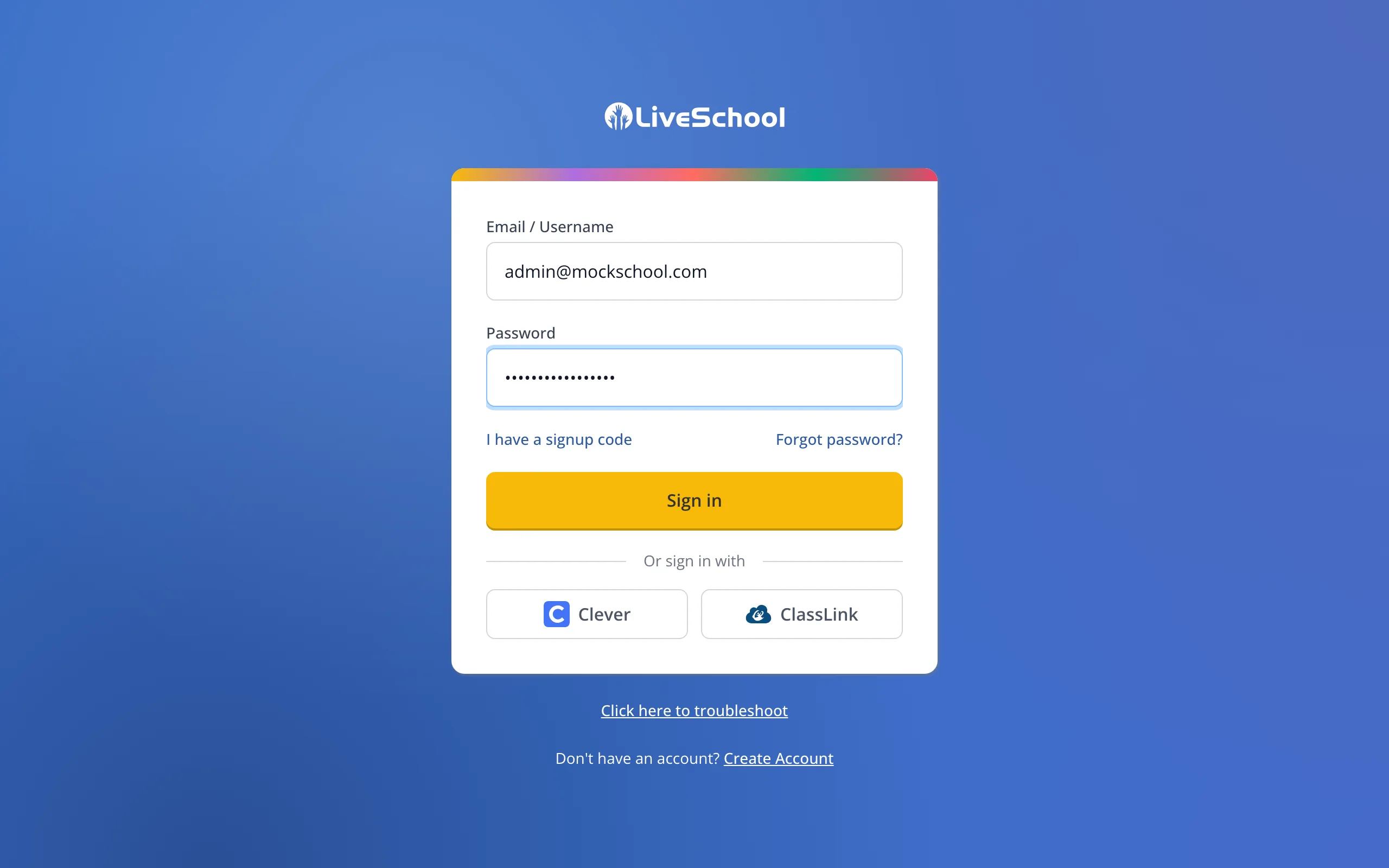
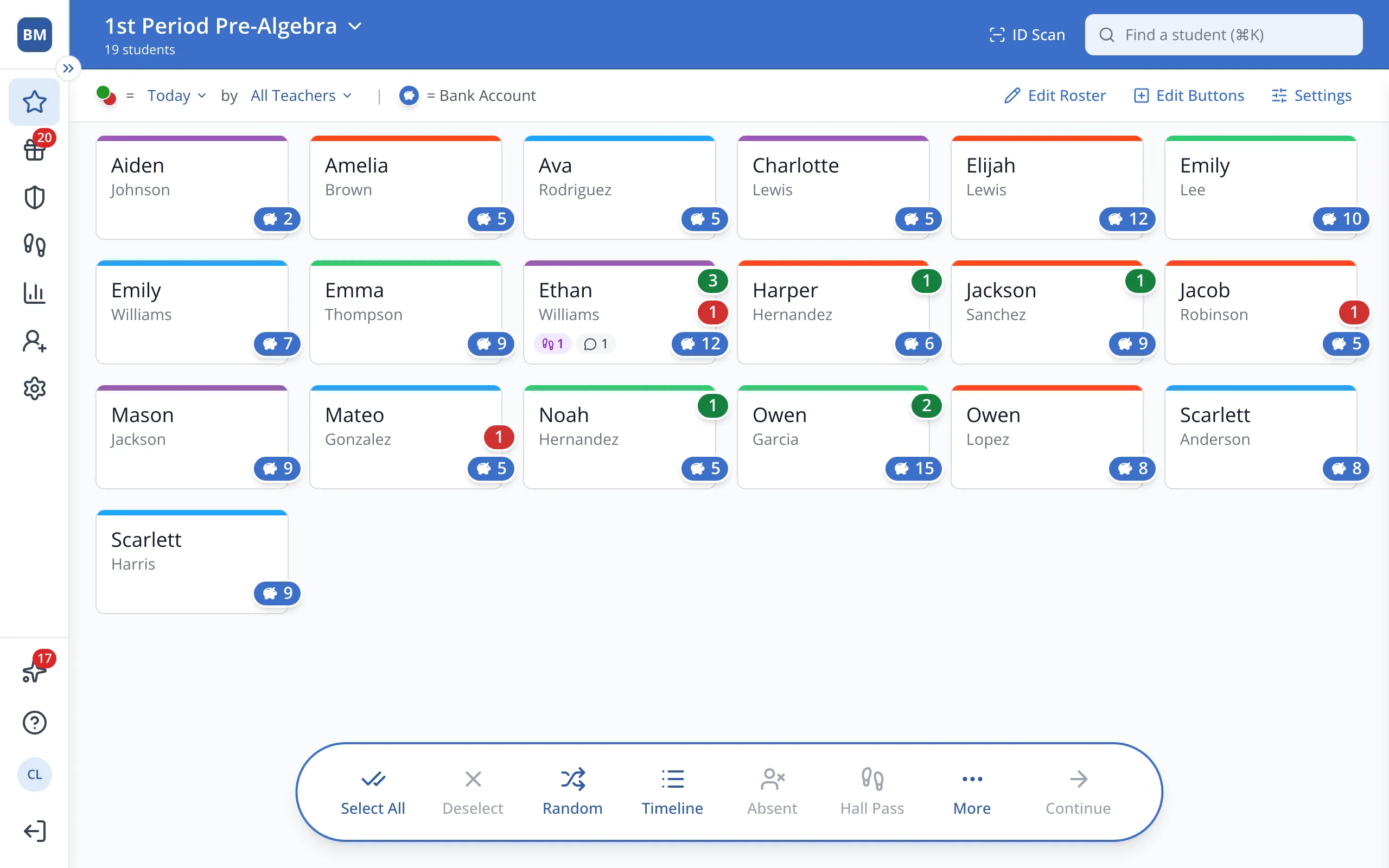
4.Otherwise, tap Sign in.