
Set up your class store
Your class store holds rewards only your students can buy, with prices you choose, separate from the School Store.
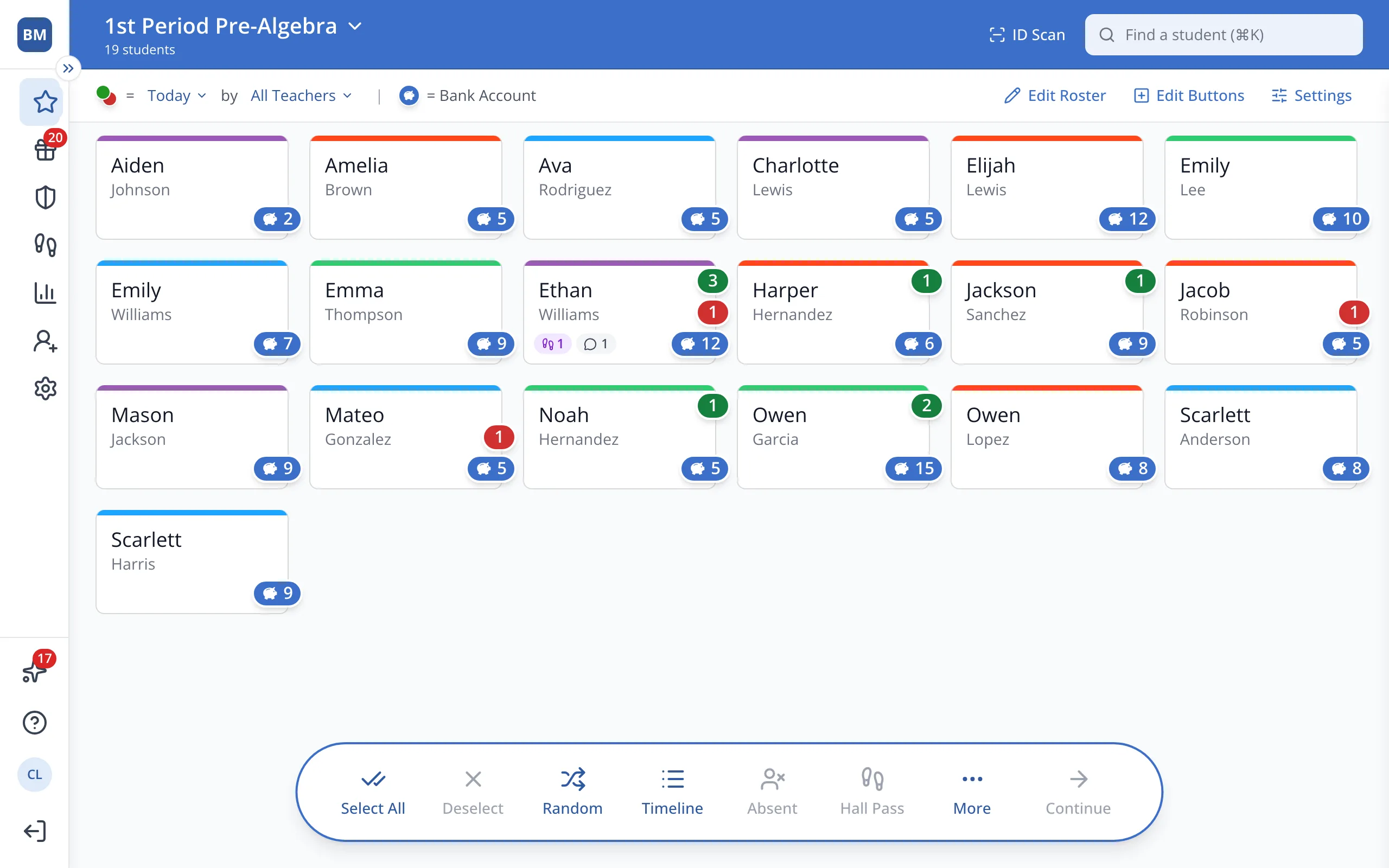
1 / 8In the sidebar, click Rewards.
1.In the sidebar, click Rewards.
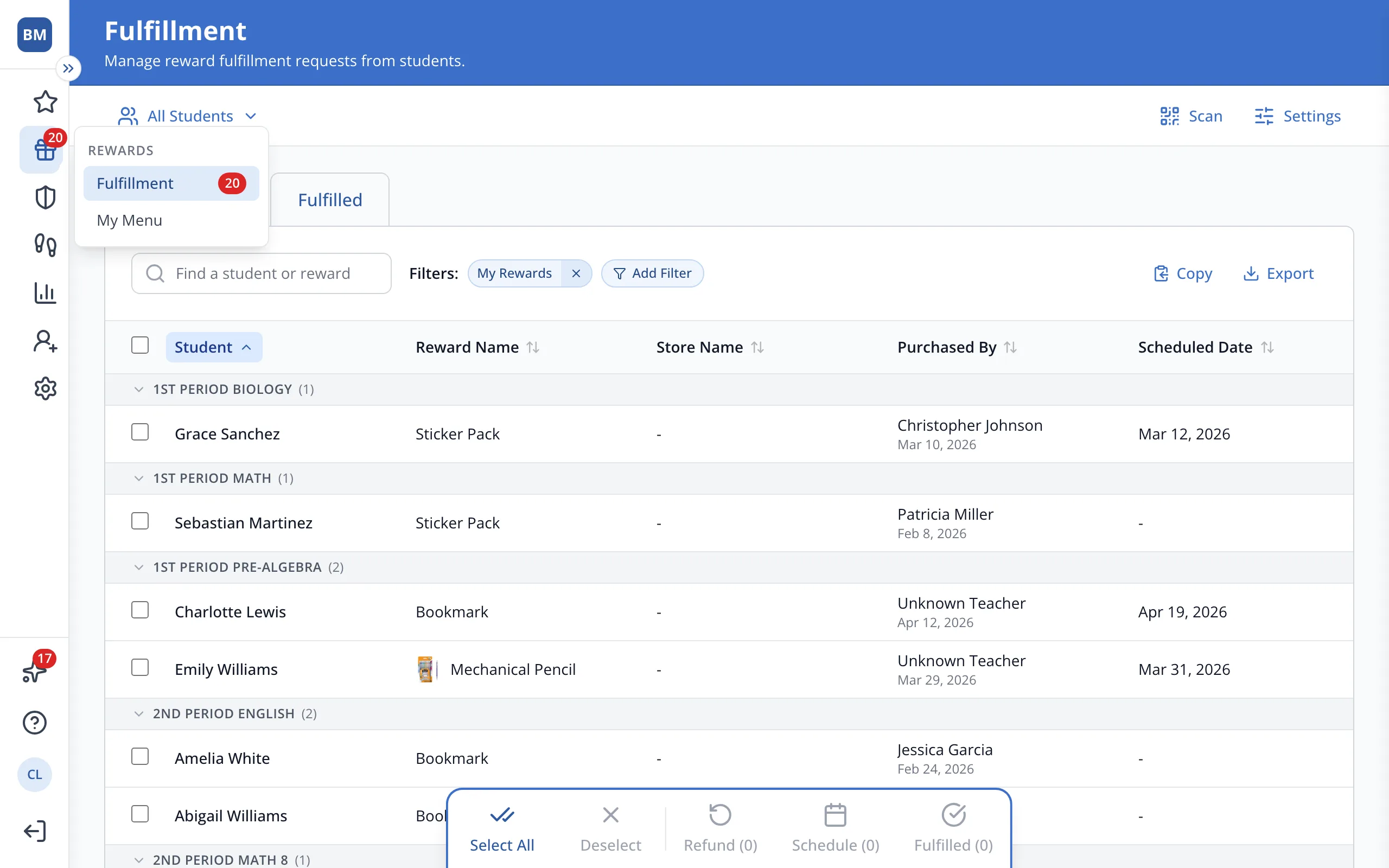
2.Click My Menu to open your class store.
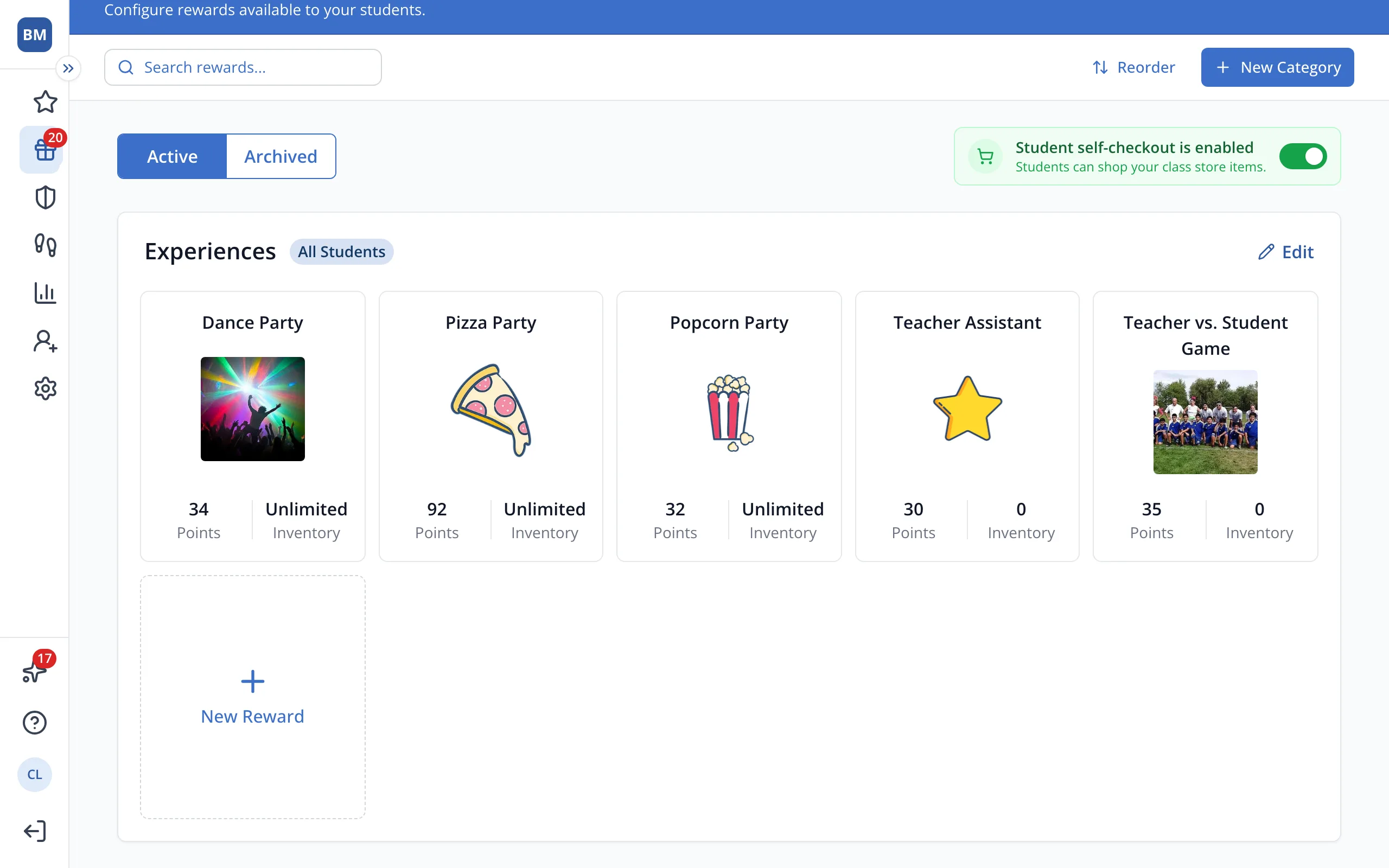
3.Click New Reward.
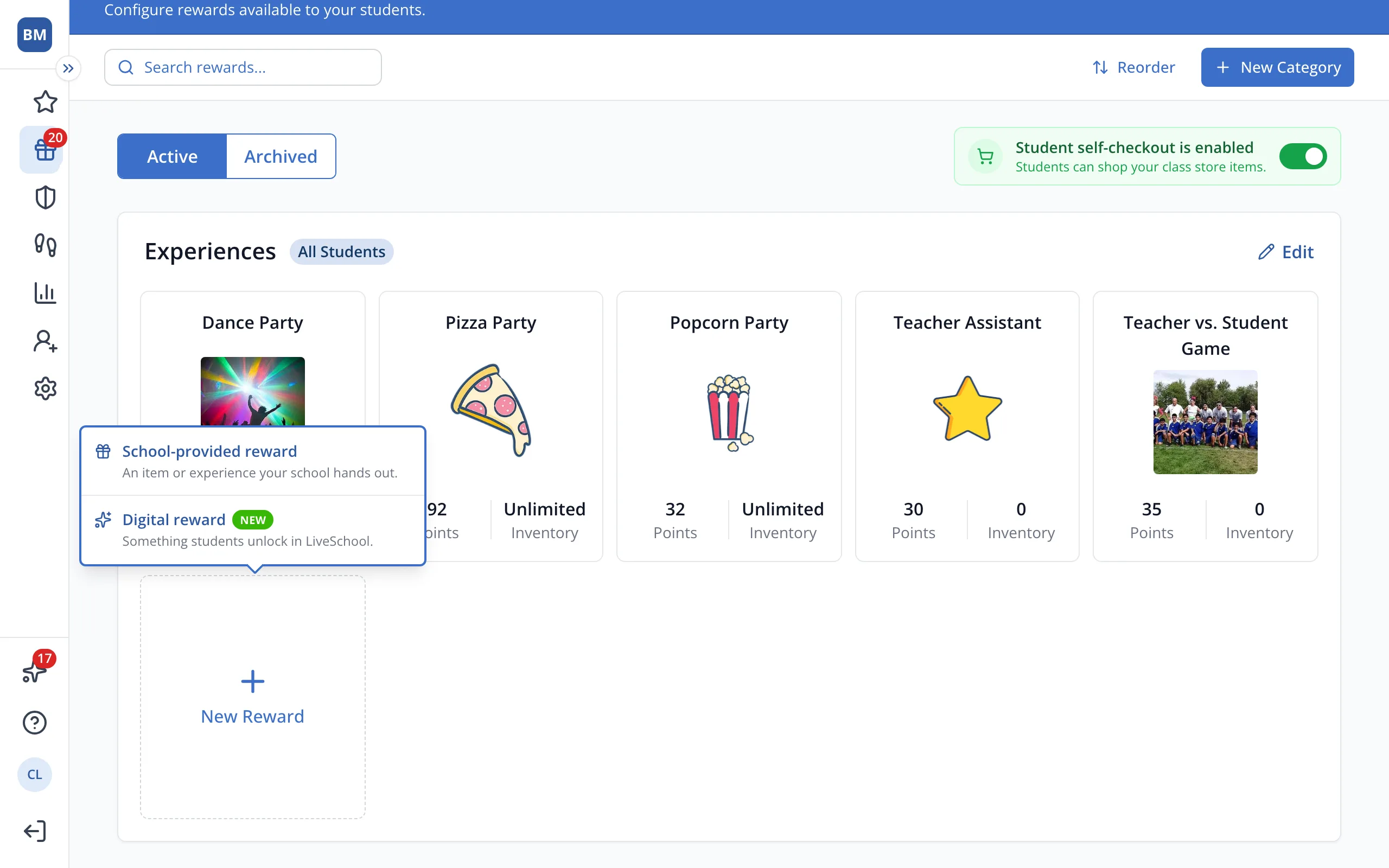
4.Click School-provided reward for something you hand out, like a homework pass.
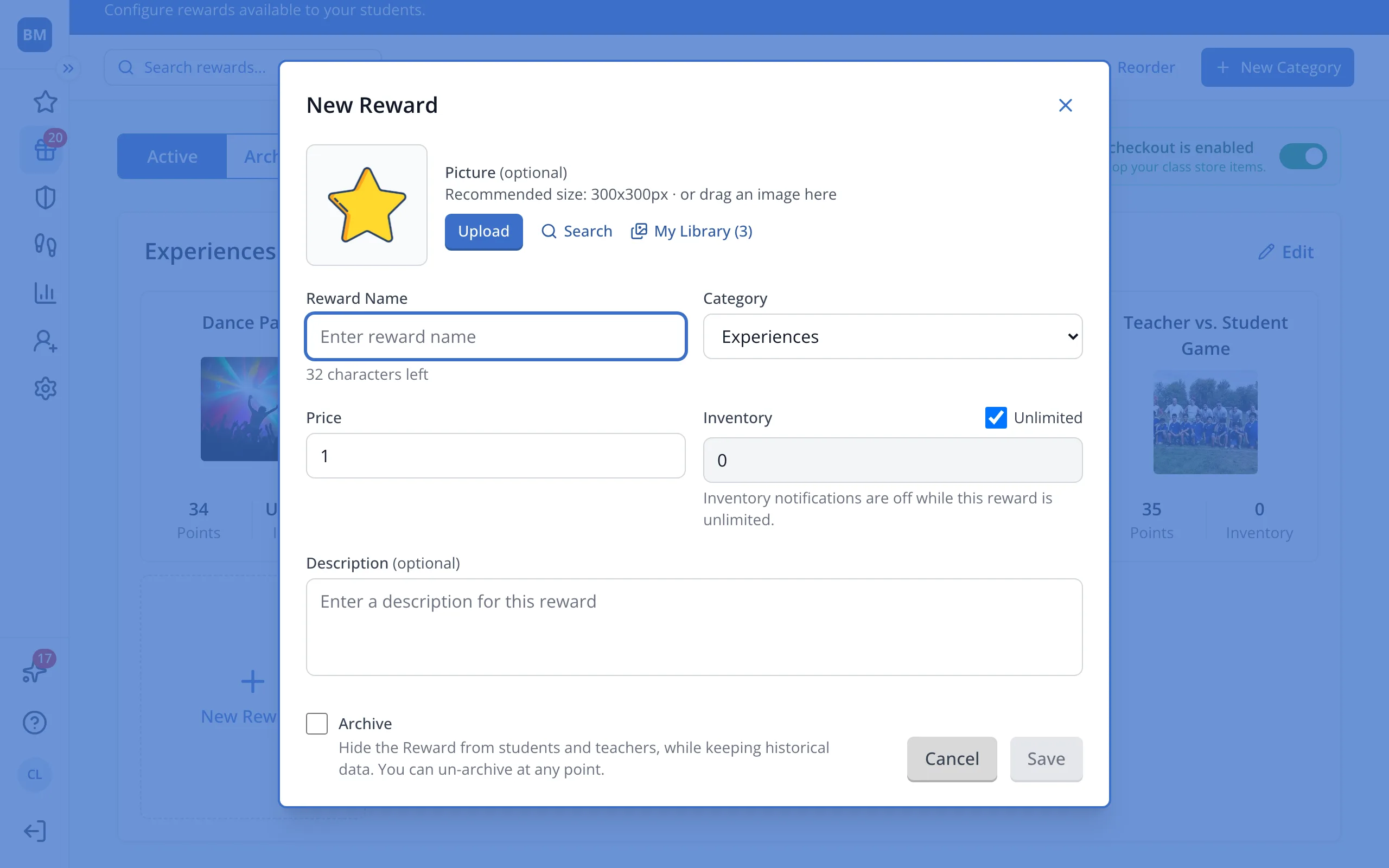
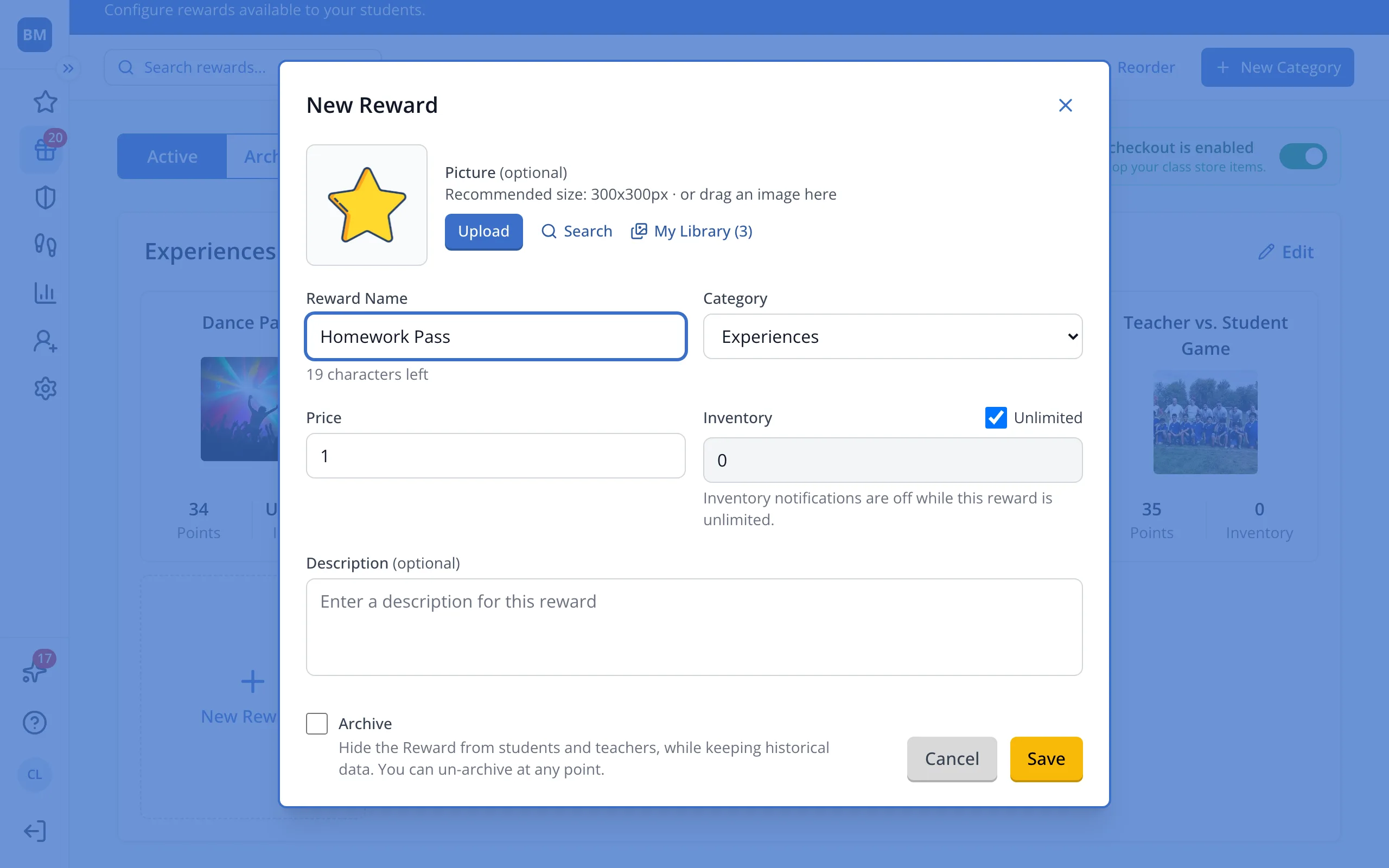
5.Type a name for the reward.
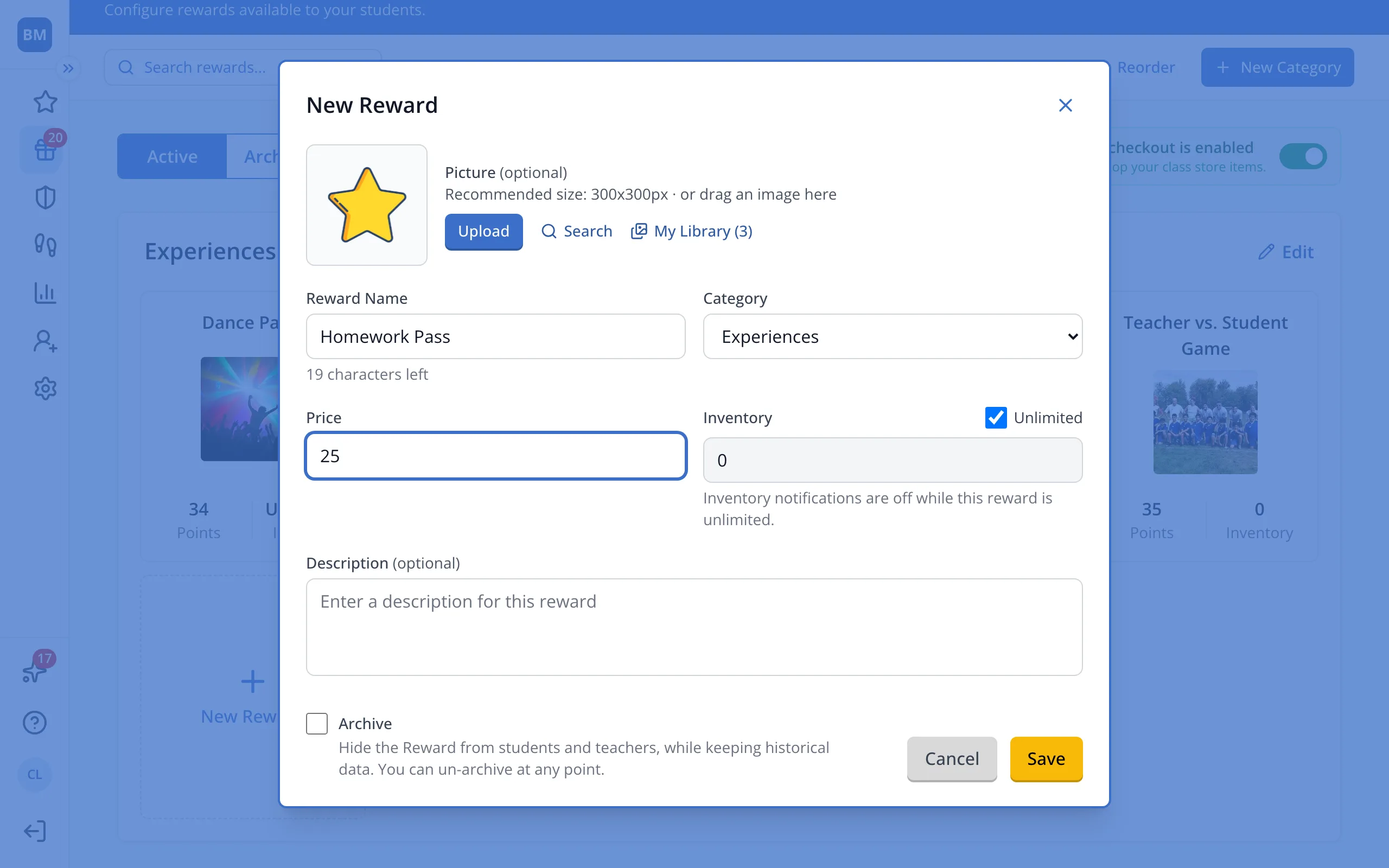
6.Type its price in points.
7.Click Save.
Was this helpful?