Make a behavior category visible only to admins or chosen staff
Only the staff you choose can see the category and give its behaviors.
AdminSite Leader
Open in LiveSchool
Already signed in? Open this guide inside LiveSchool.
Use the Left and Right arrow keys to move between steps, and Space to play or pause.
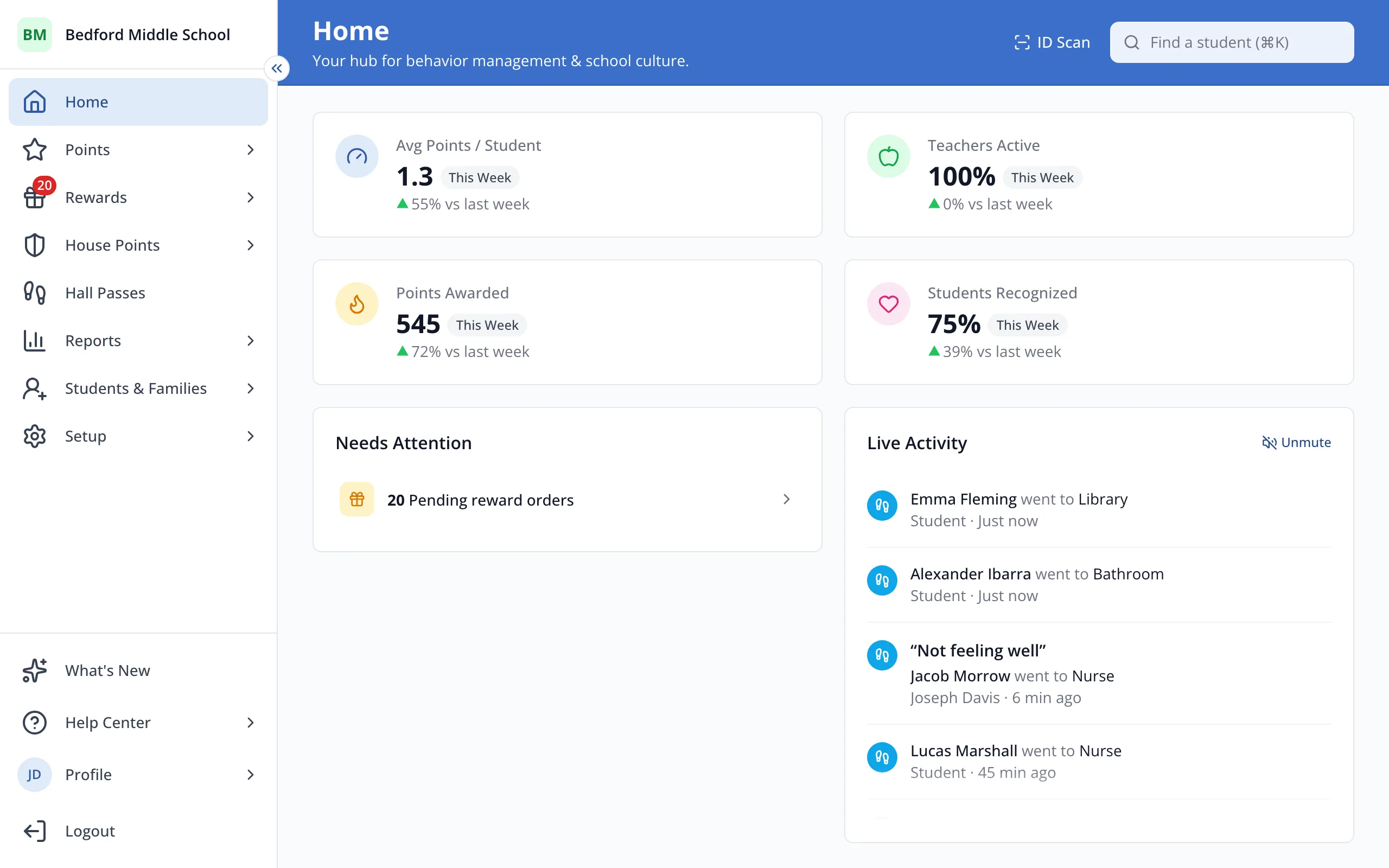
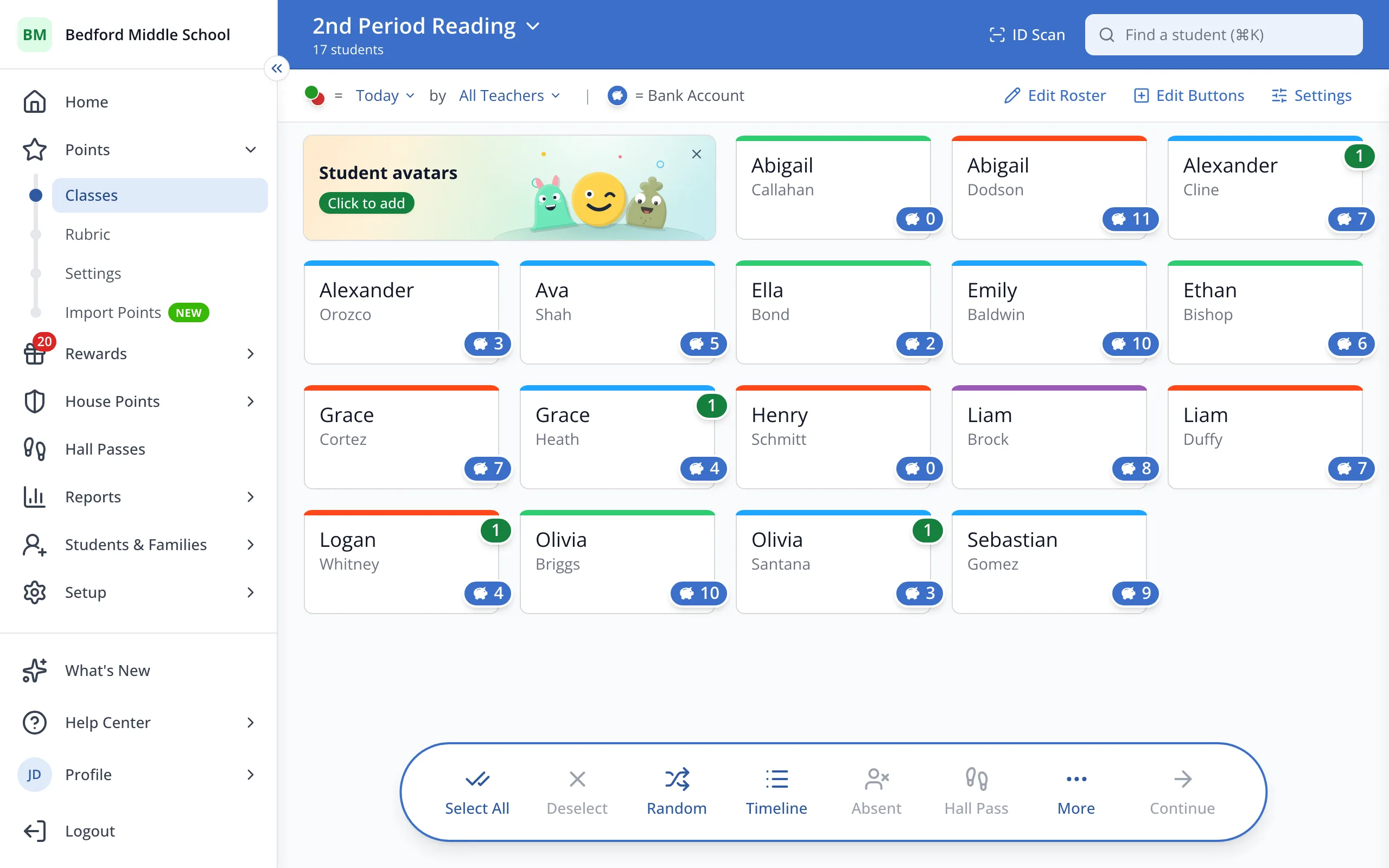
1.In the sidebar, click Points.
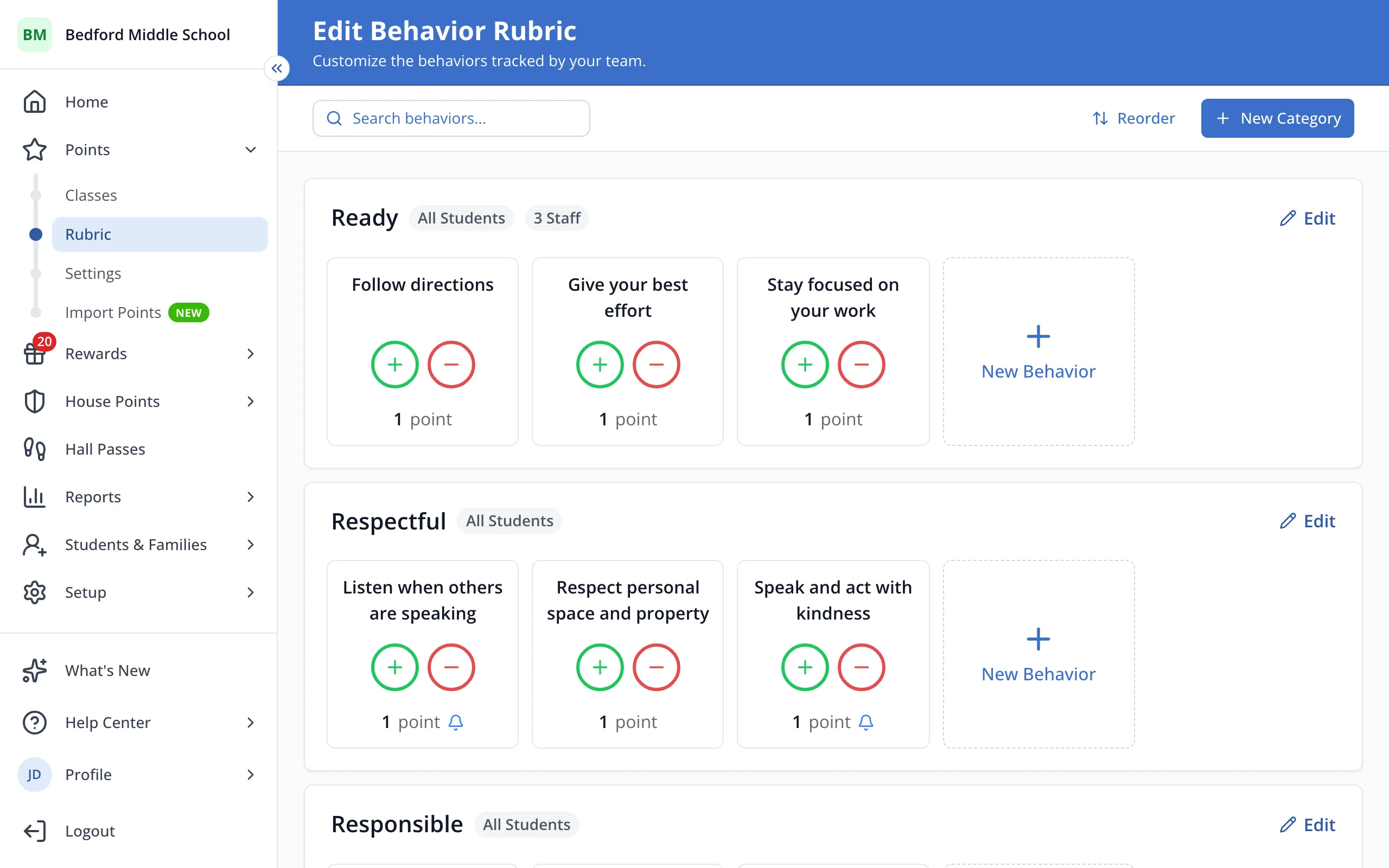
2.Click Rubric.
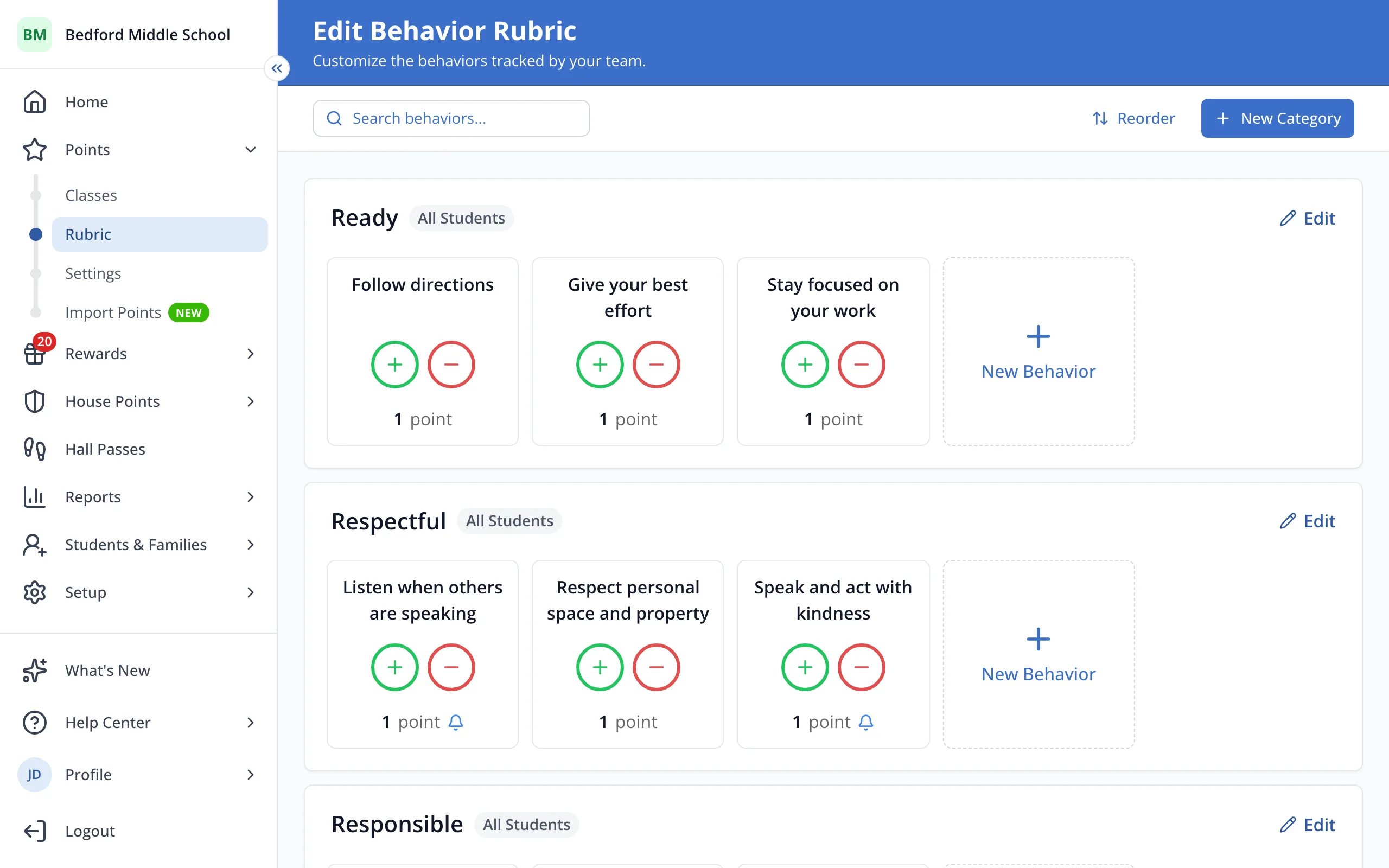
3.Next to the category you'd like to limit, click Edit.
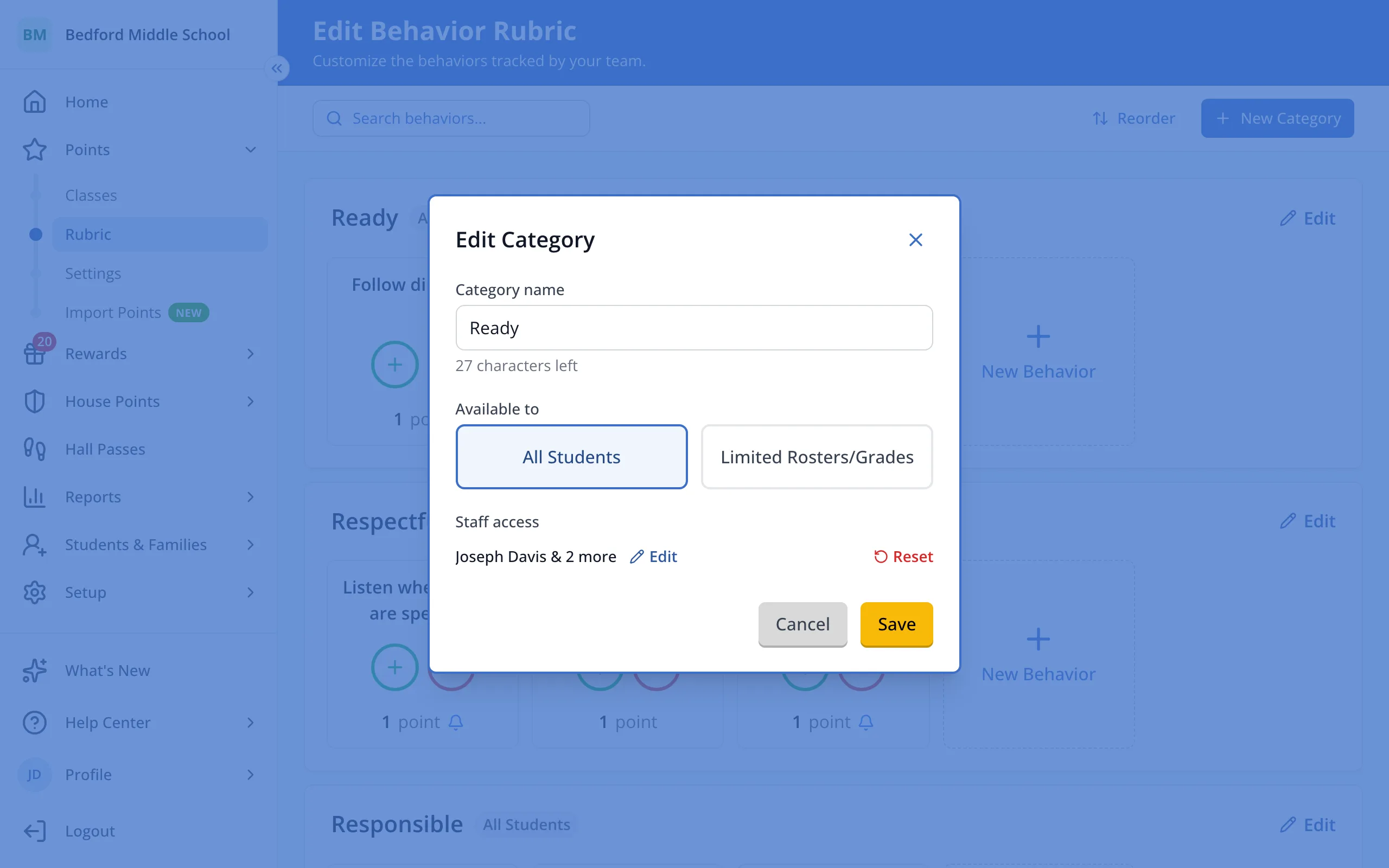
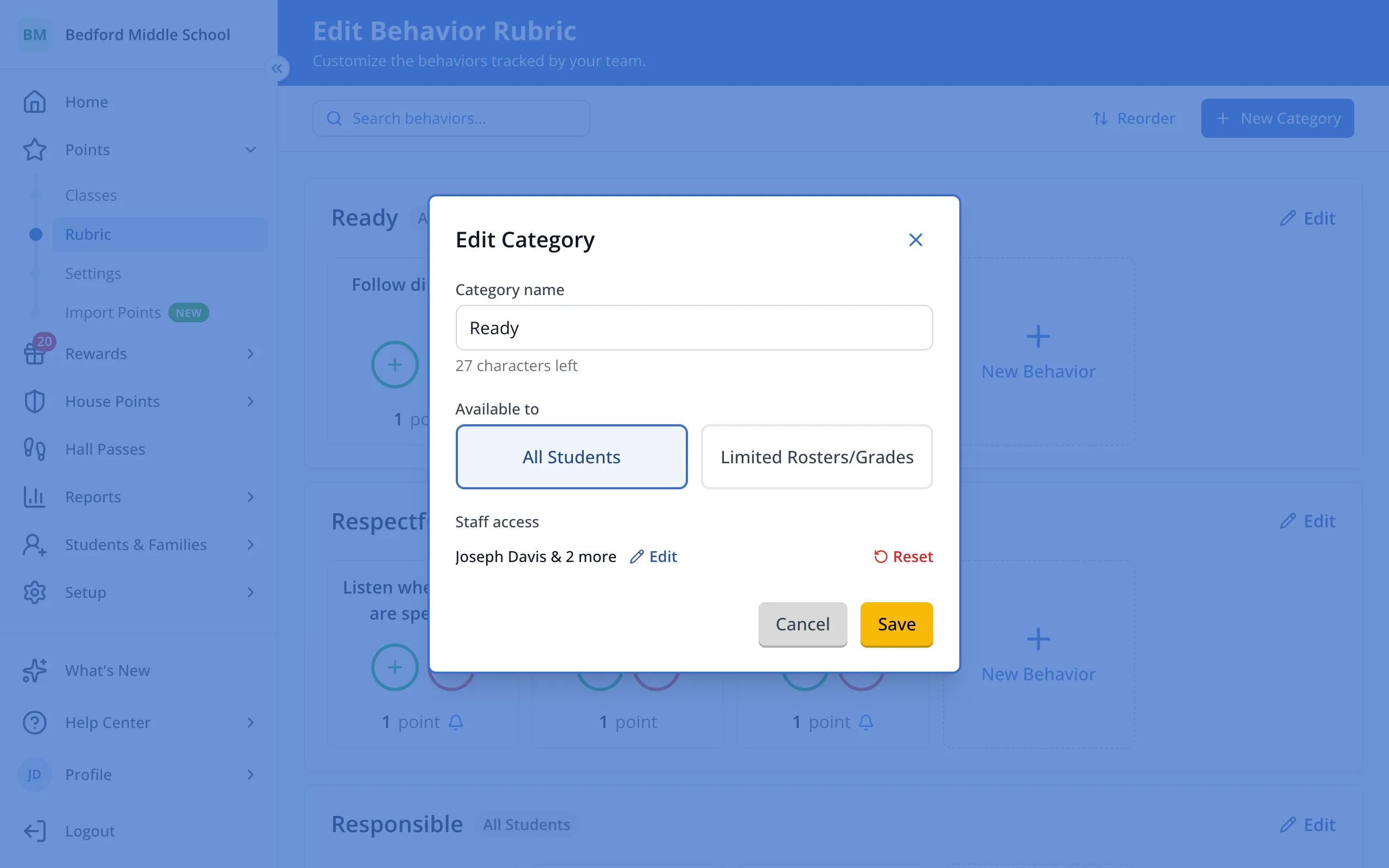
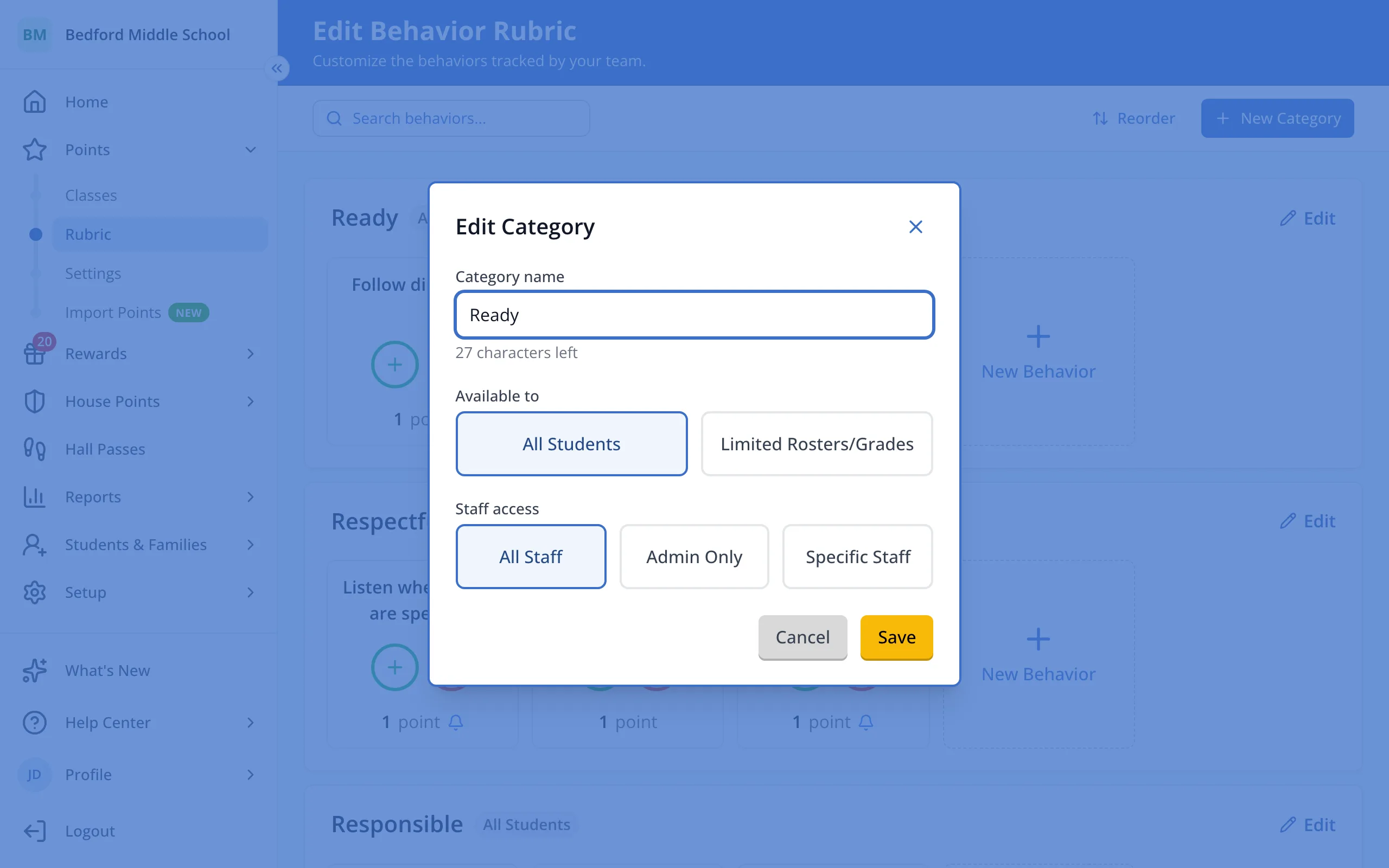
4.Under Staff access, click Admin Only for admins and site leaders, or Specific Staff to choose who sees it.
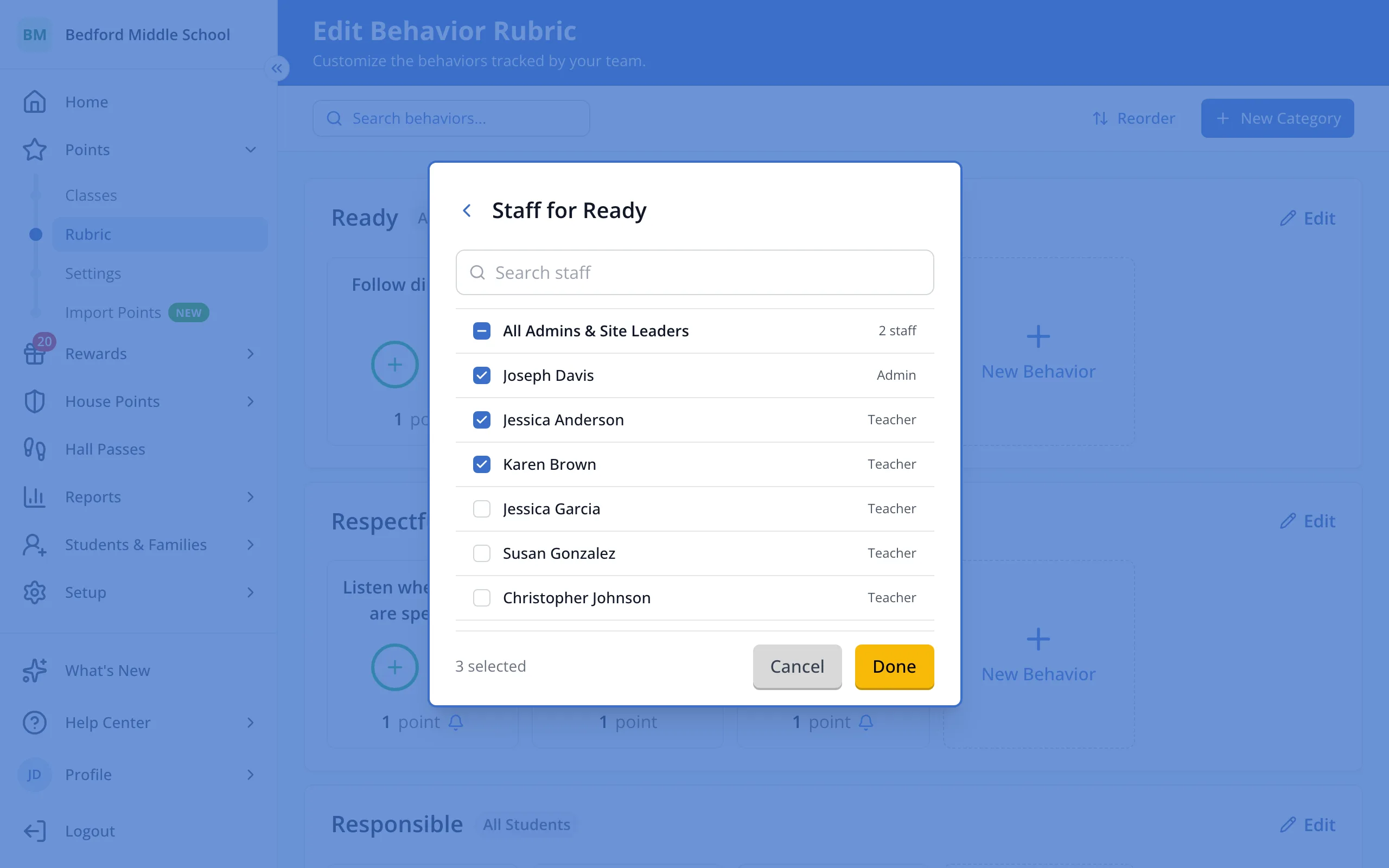
5.If you picked Specific Staff, check the staff who can see the category.
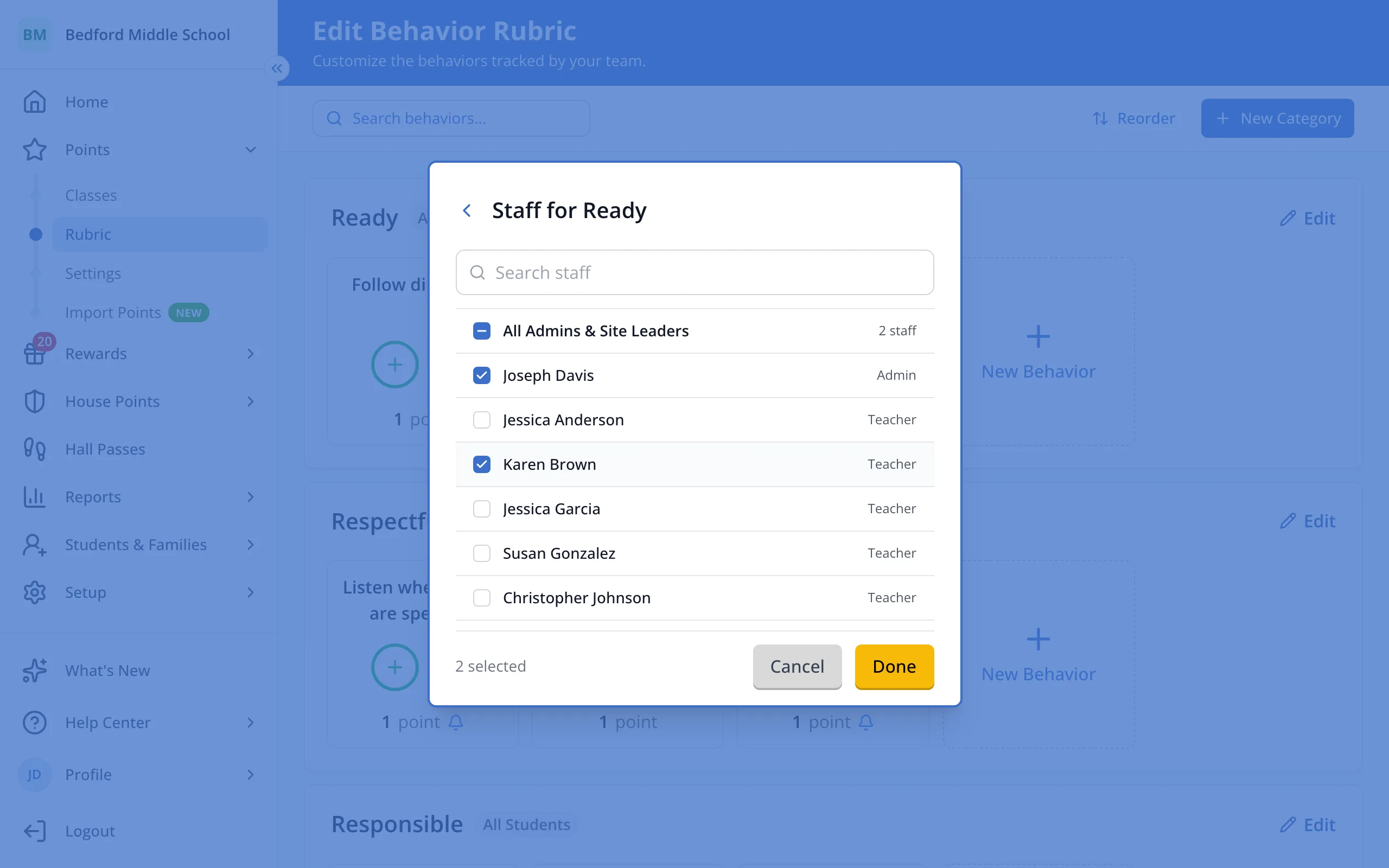
Did you know? Admins you leave unchecked won't see it when giving points either.
6.Click Done.
7.Click Save.