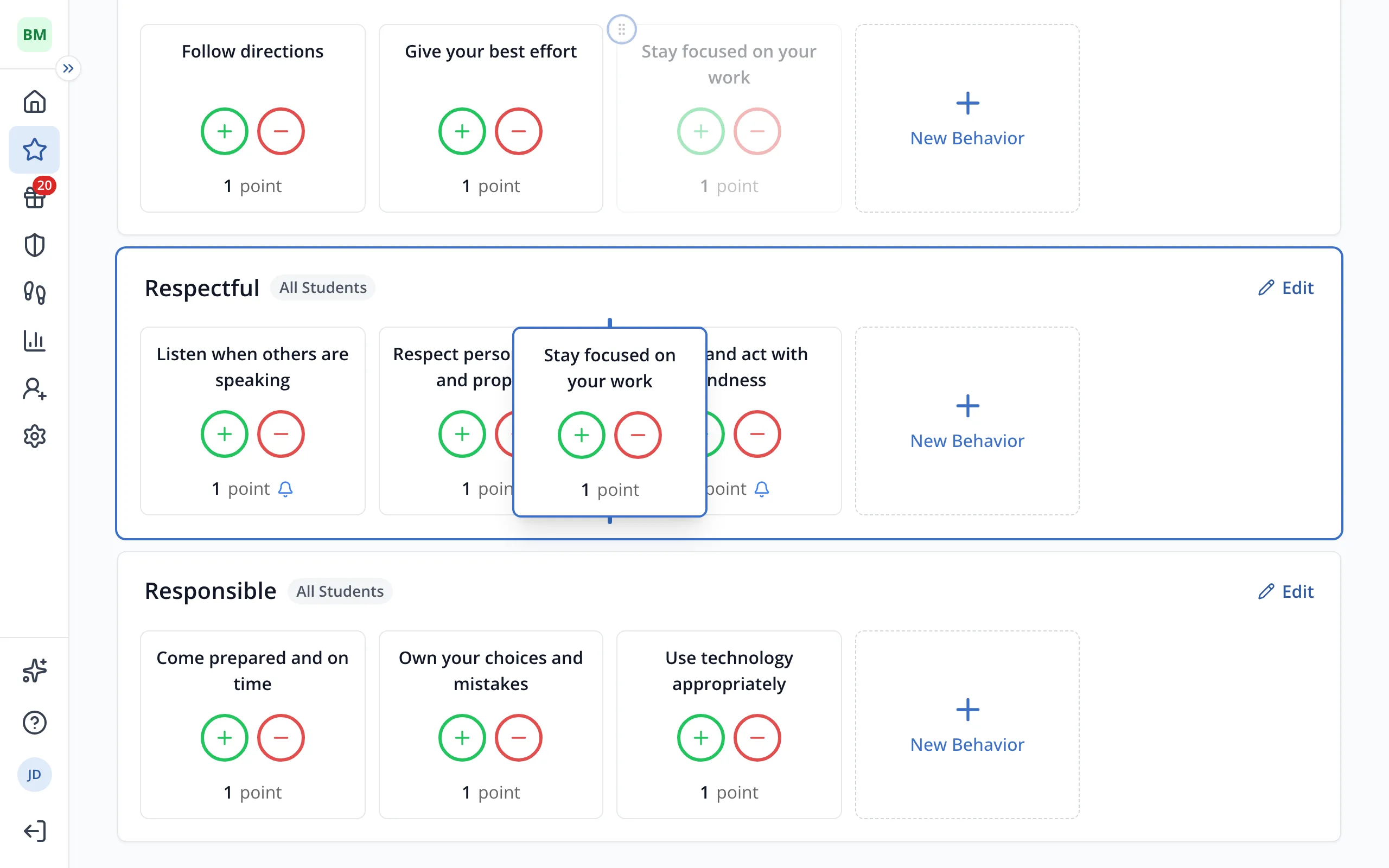
Move a behavior to a different category
Reorganize your rubric without starting over.
AdminSite Leader
Open in LiveSchool
Already signed in? Open this guide inside LiveSchool.
Use the Left and Right arrow keys to move between steps, and Space to play or pause.
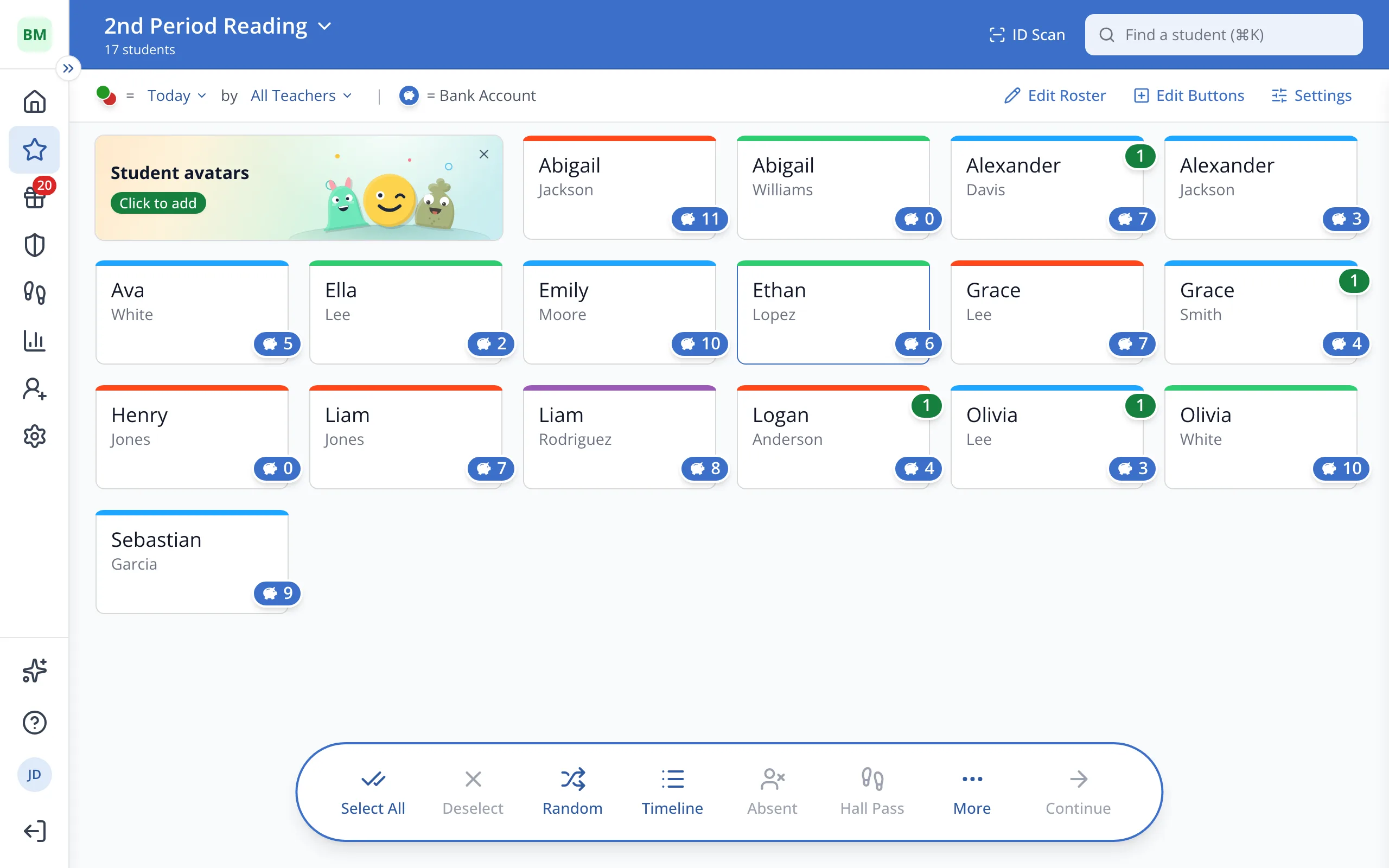
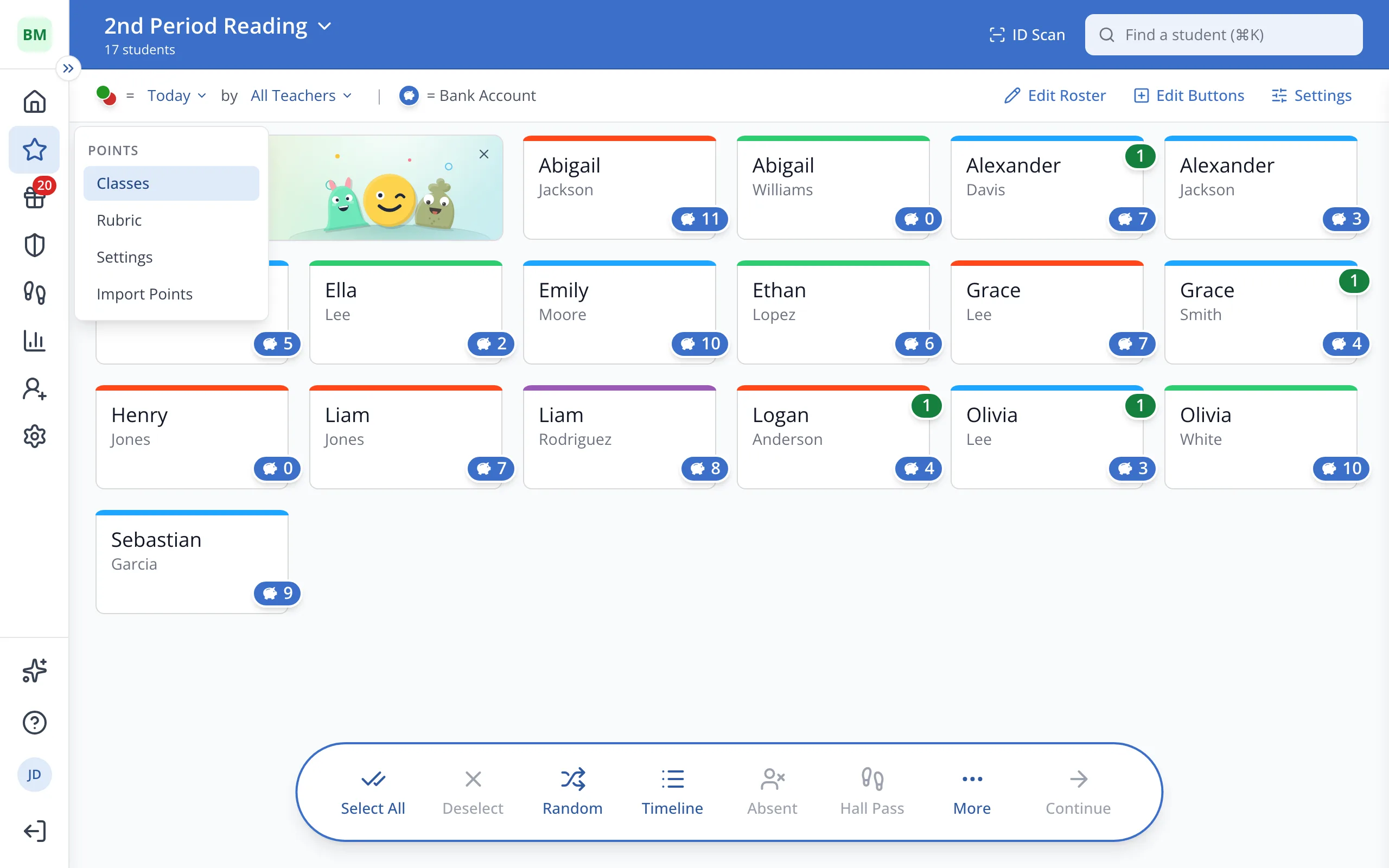
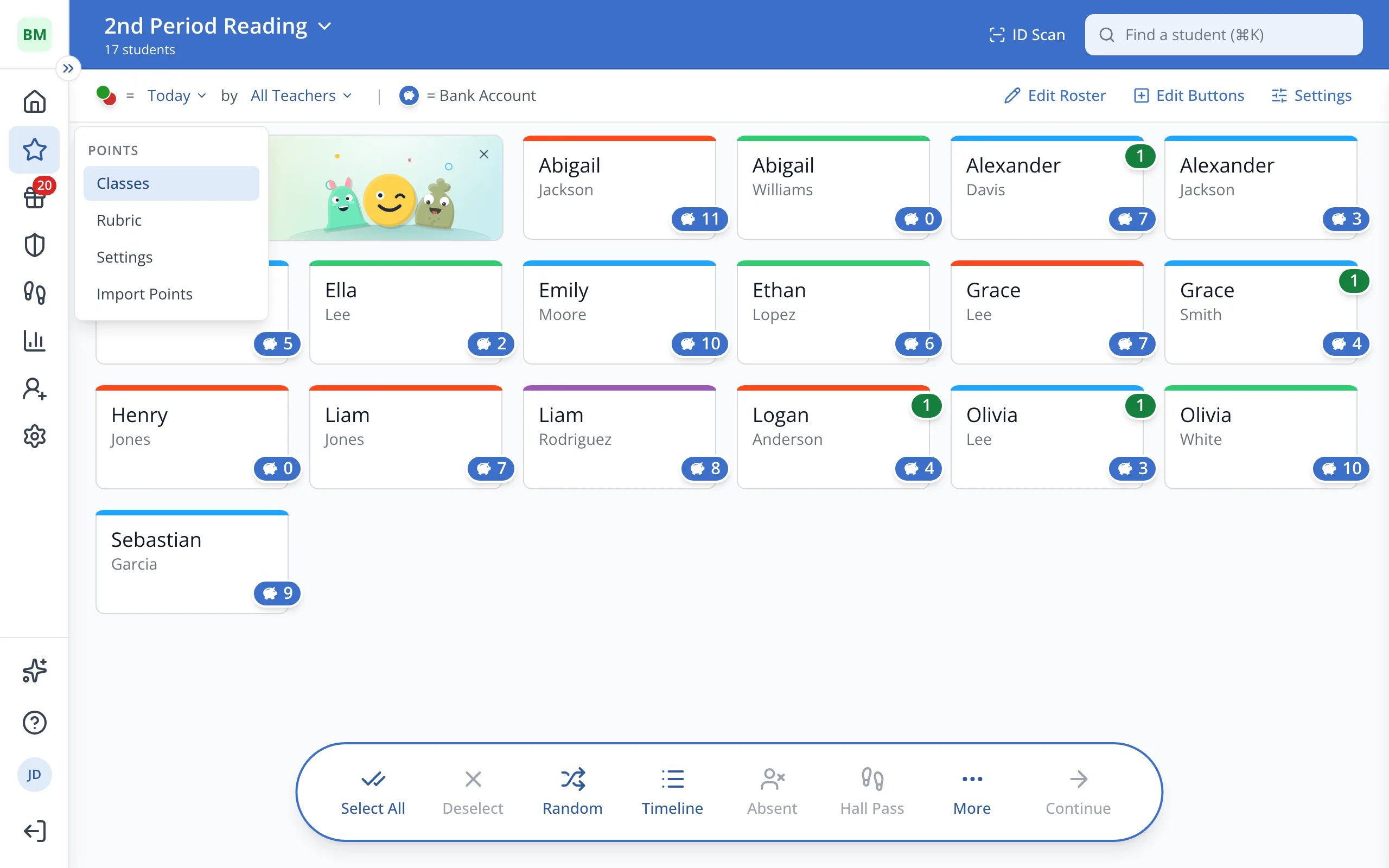
1.In the sidebar, point to Points.
2.Click Rubric.
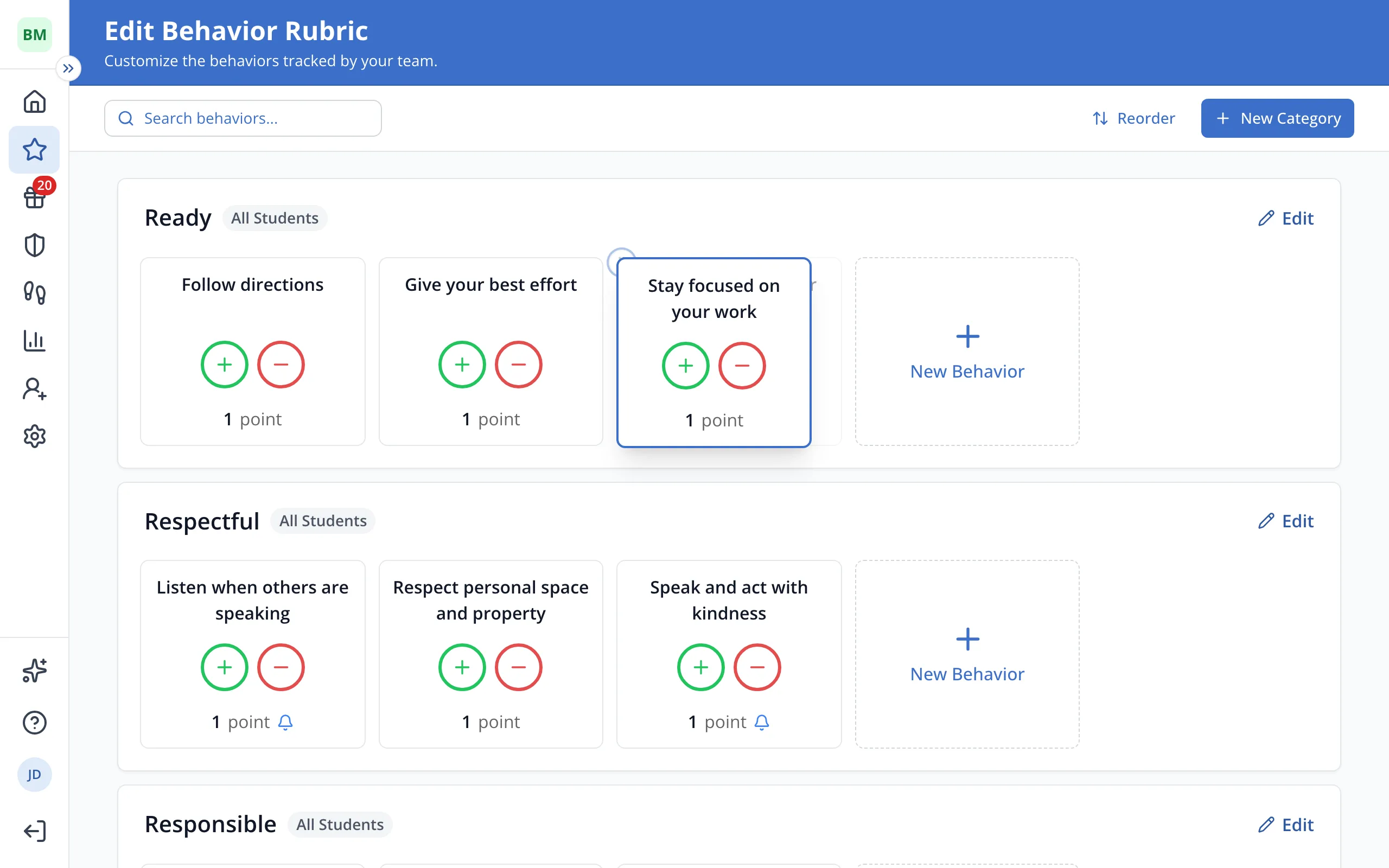
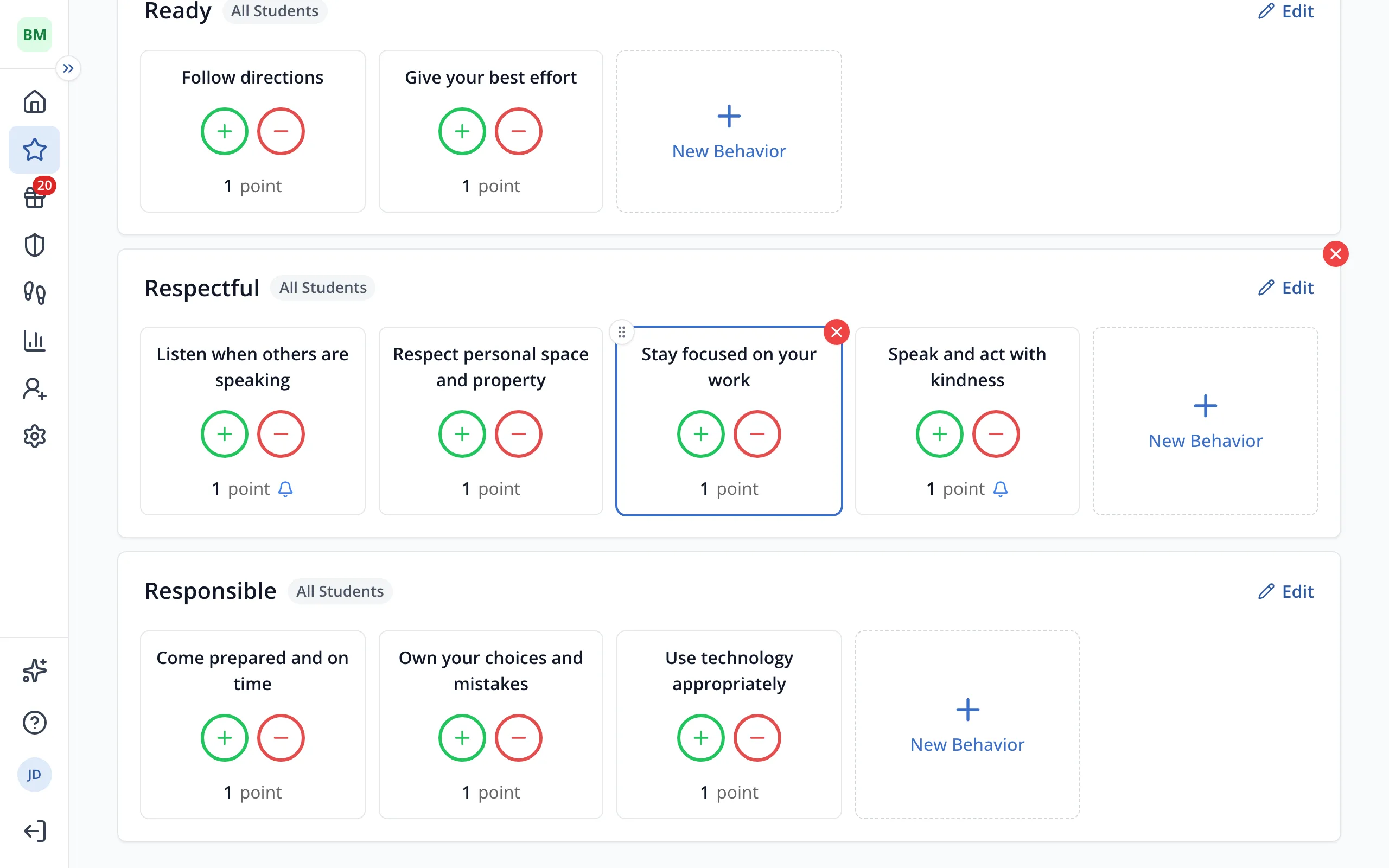
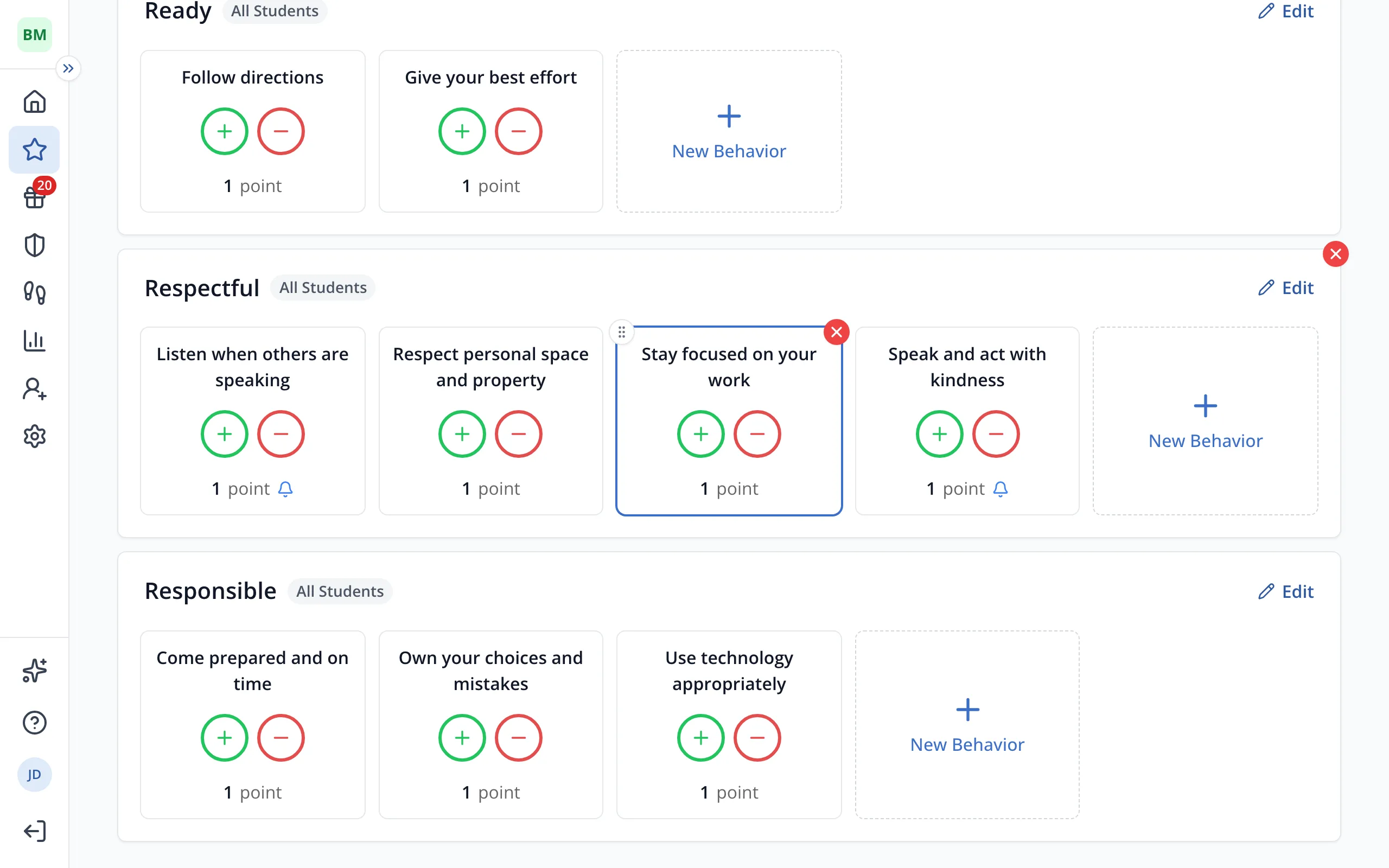
3.Point to the behavior you'd like to move, then drag it by the handle in its top-left corner.
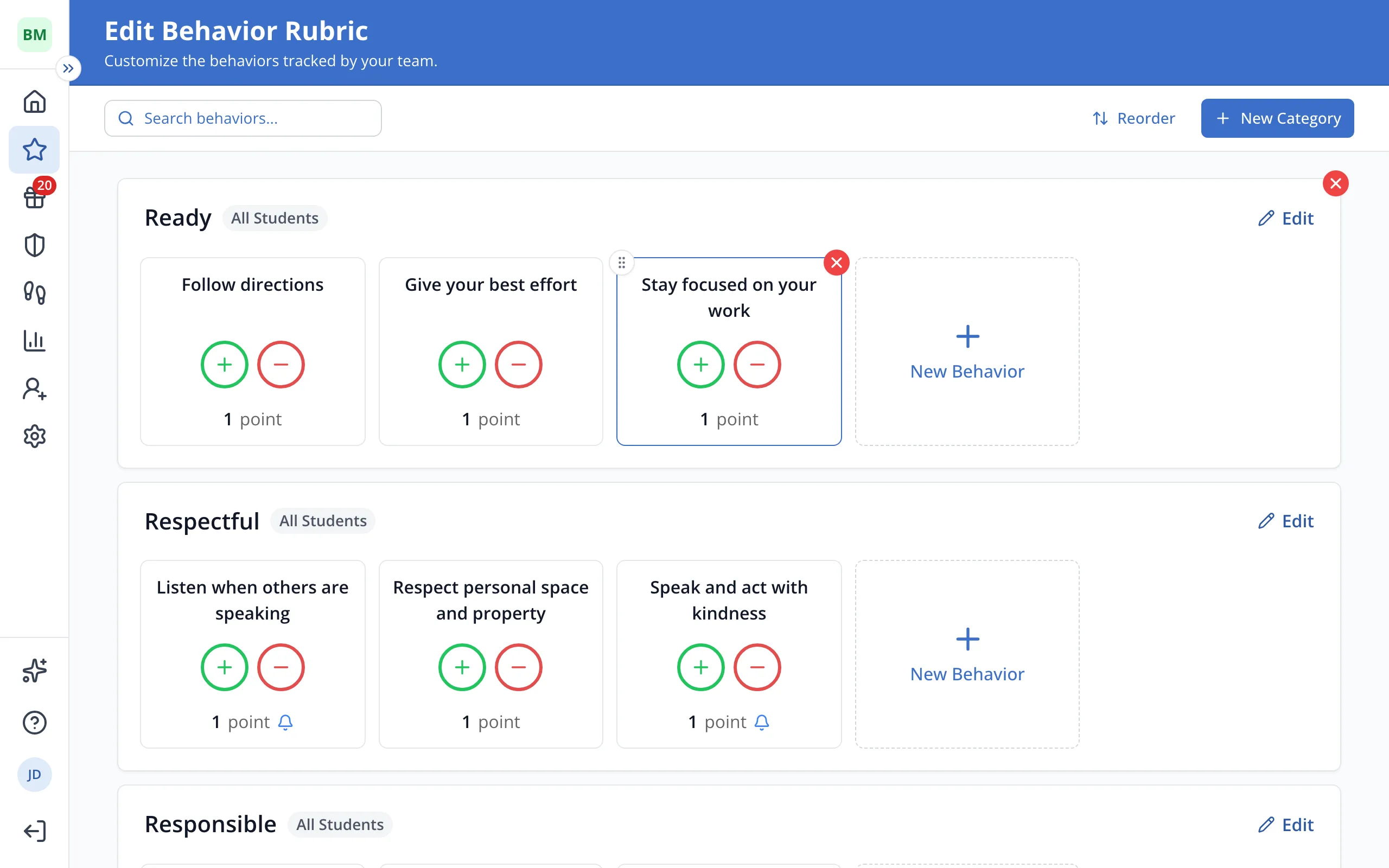
Did you know? You can also click the behavior and change its Category.
4.Drop it in the category you'd like. A blue line shows where it will land.