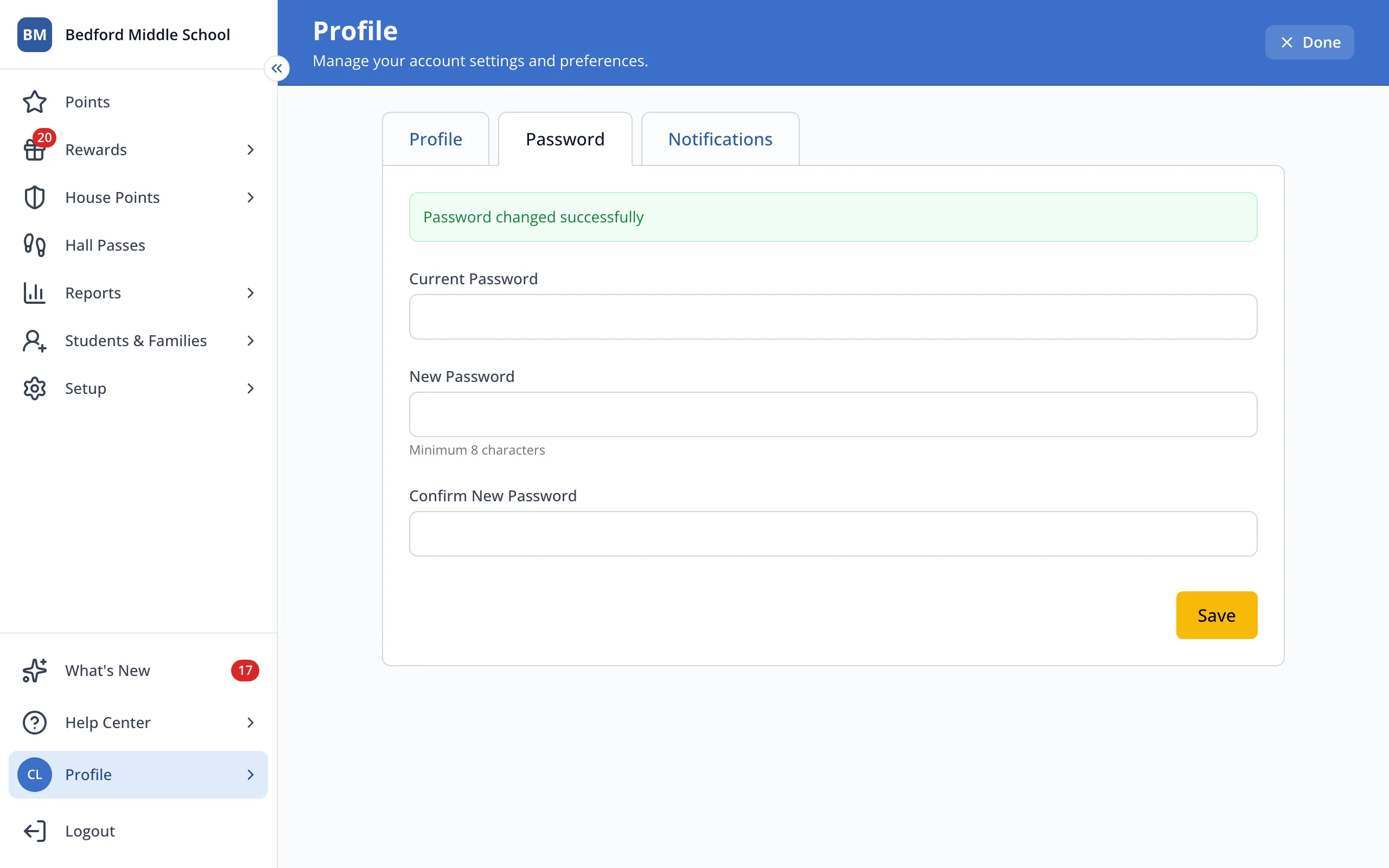
Change your password
Change it any time while you're signed in. You'll need your current password.
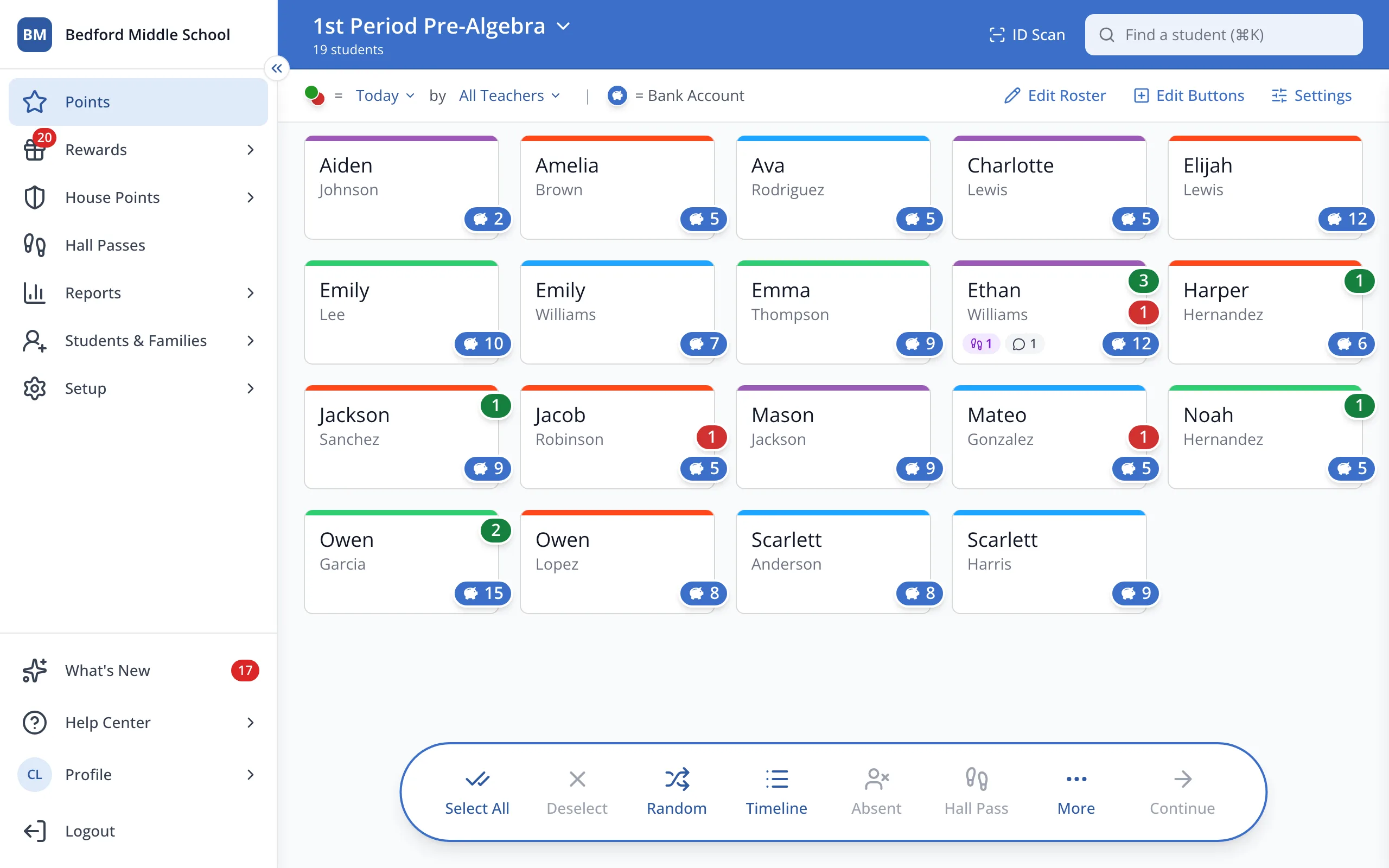
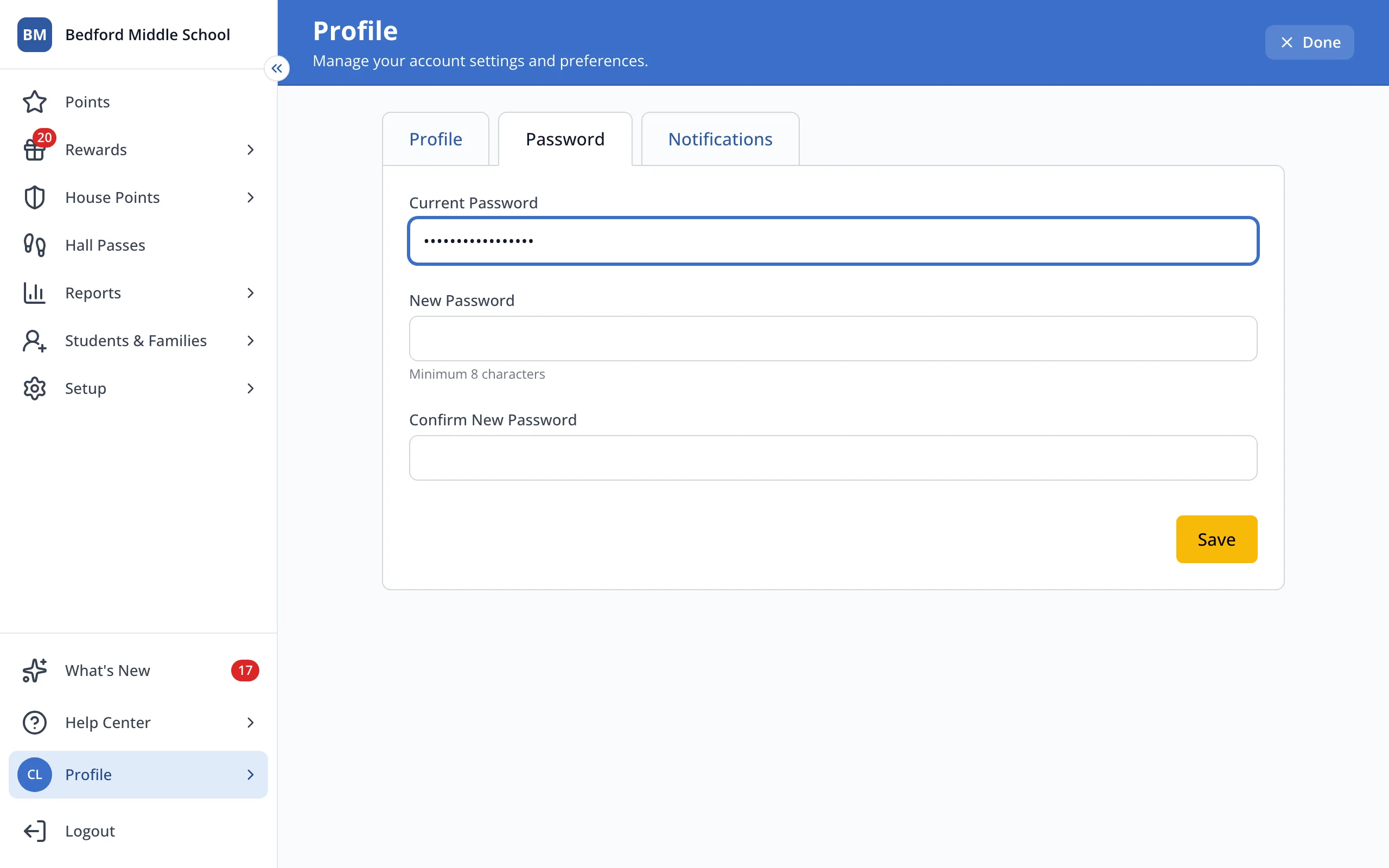
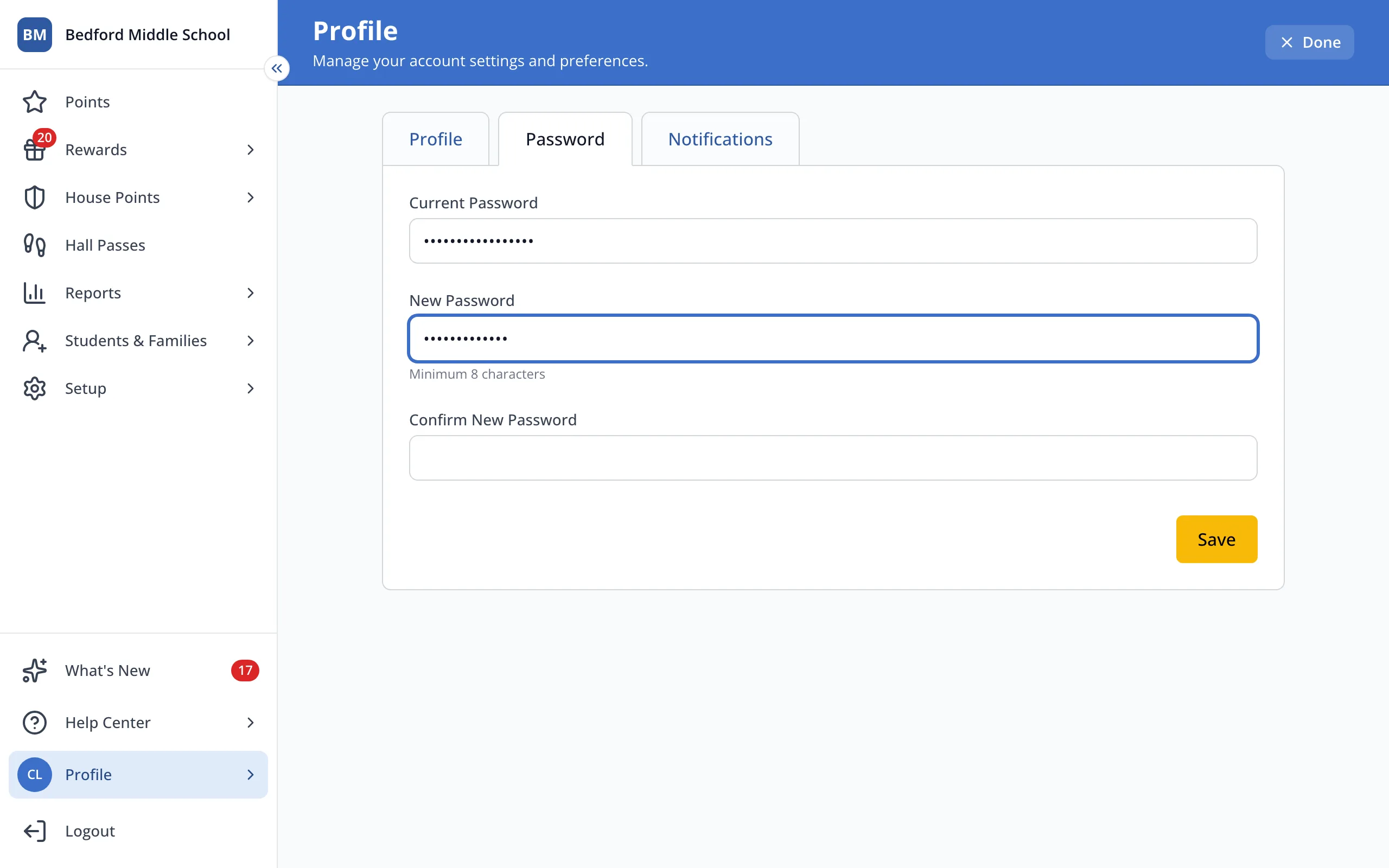
Use the Left and Right arrow keys to move between steps, and Space to play or pause.
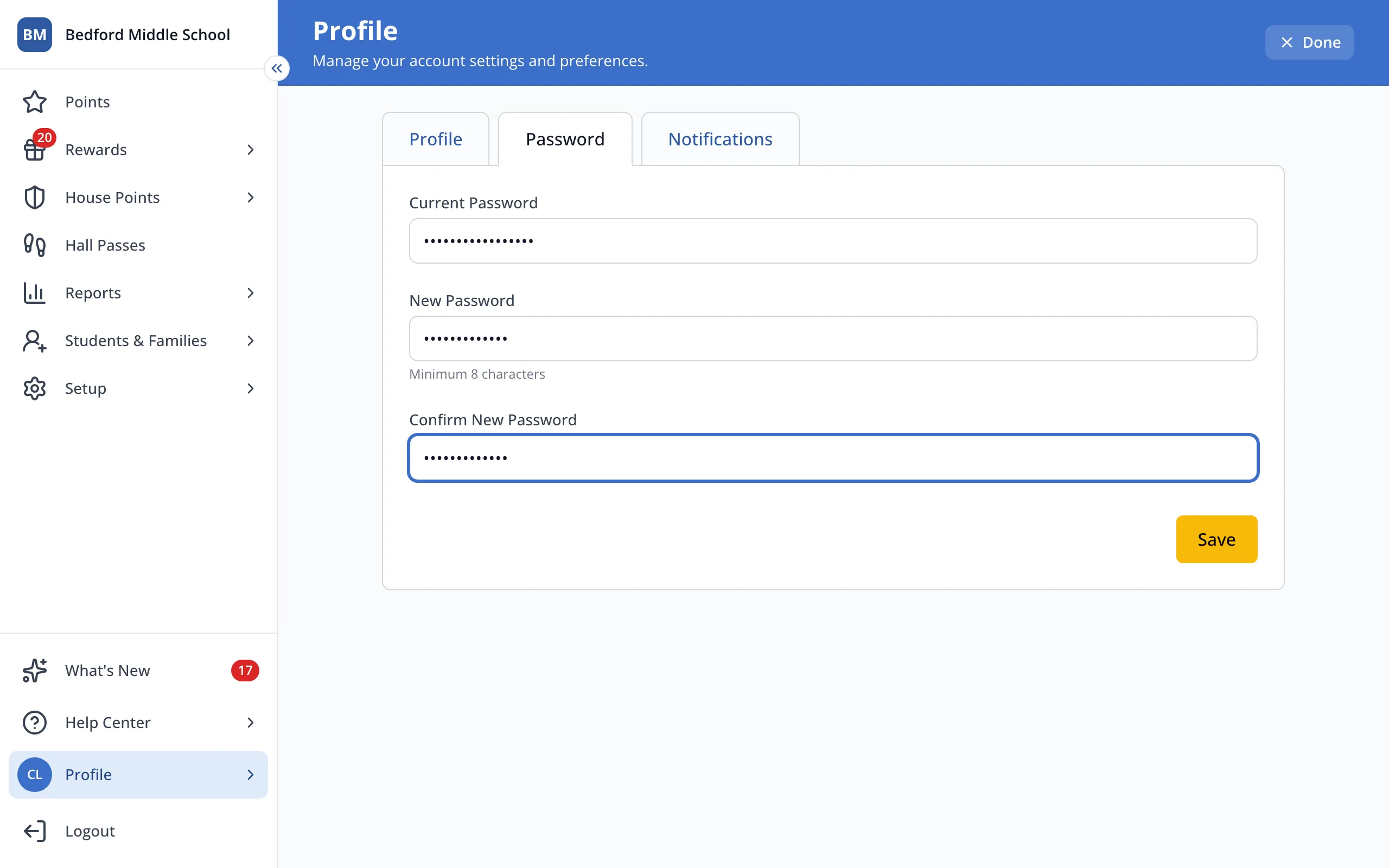
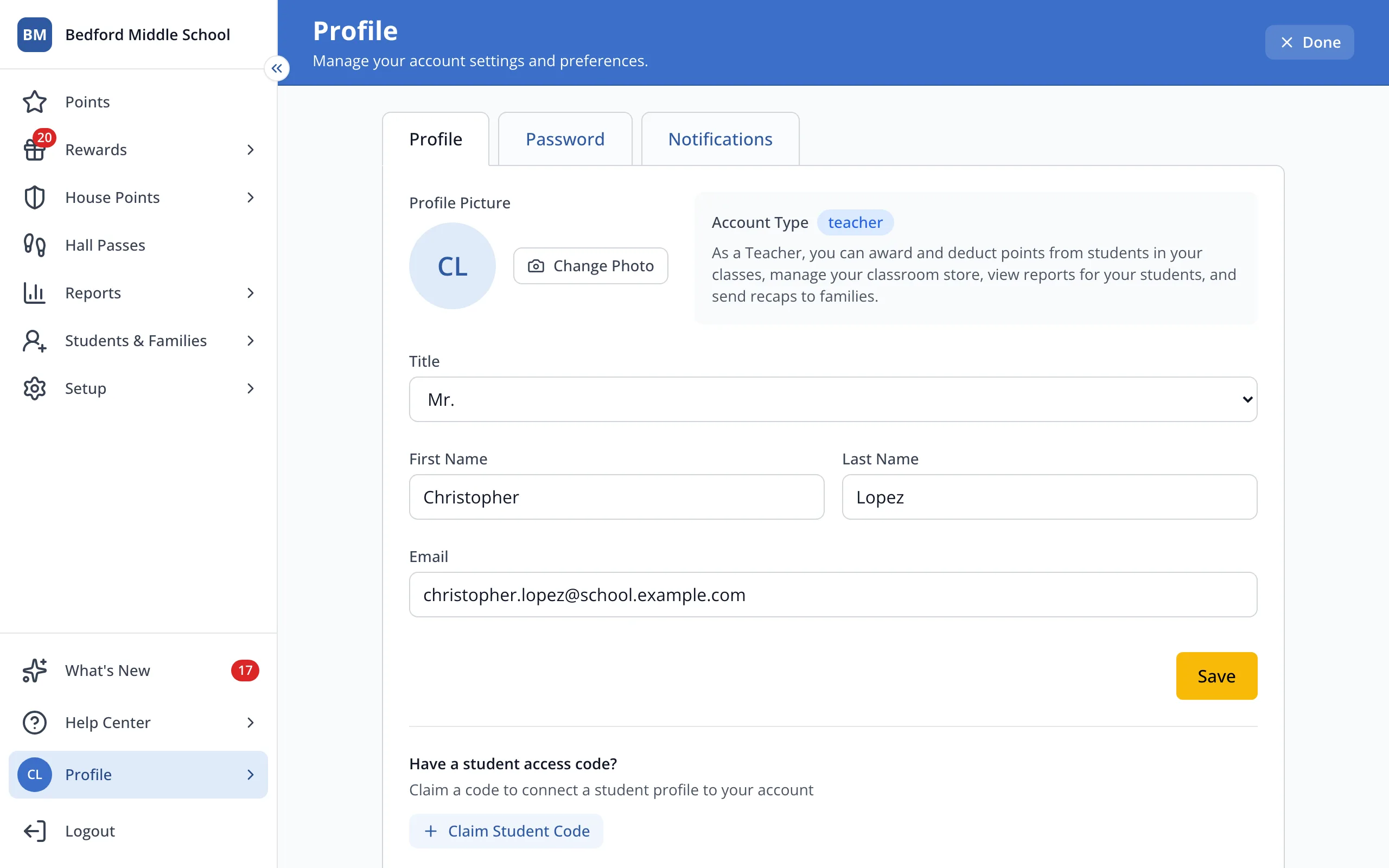
1.At the bottom of the sidebar, click Profile.
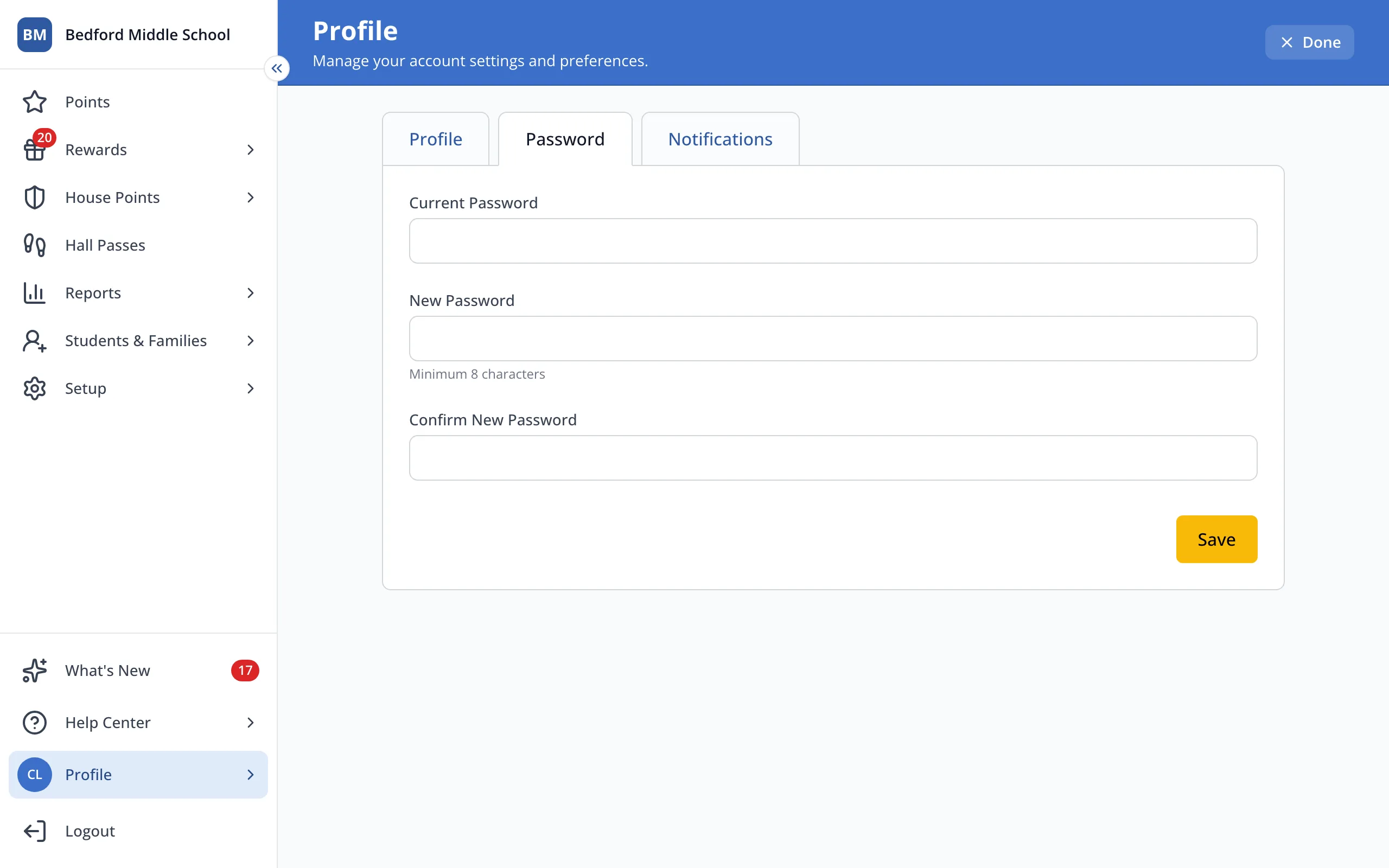
2.Click Password.
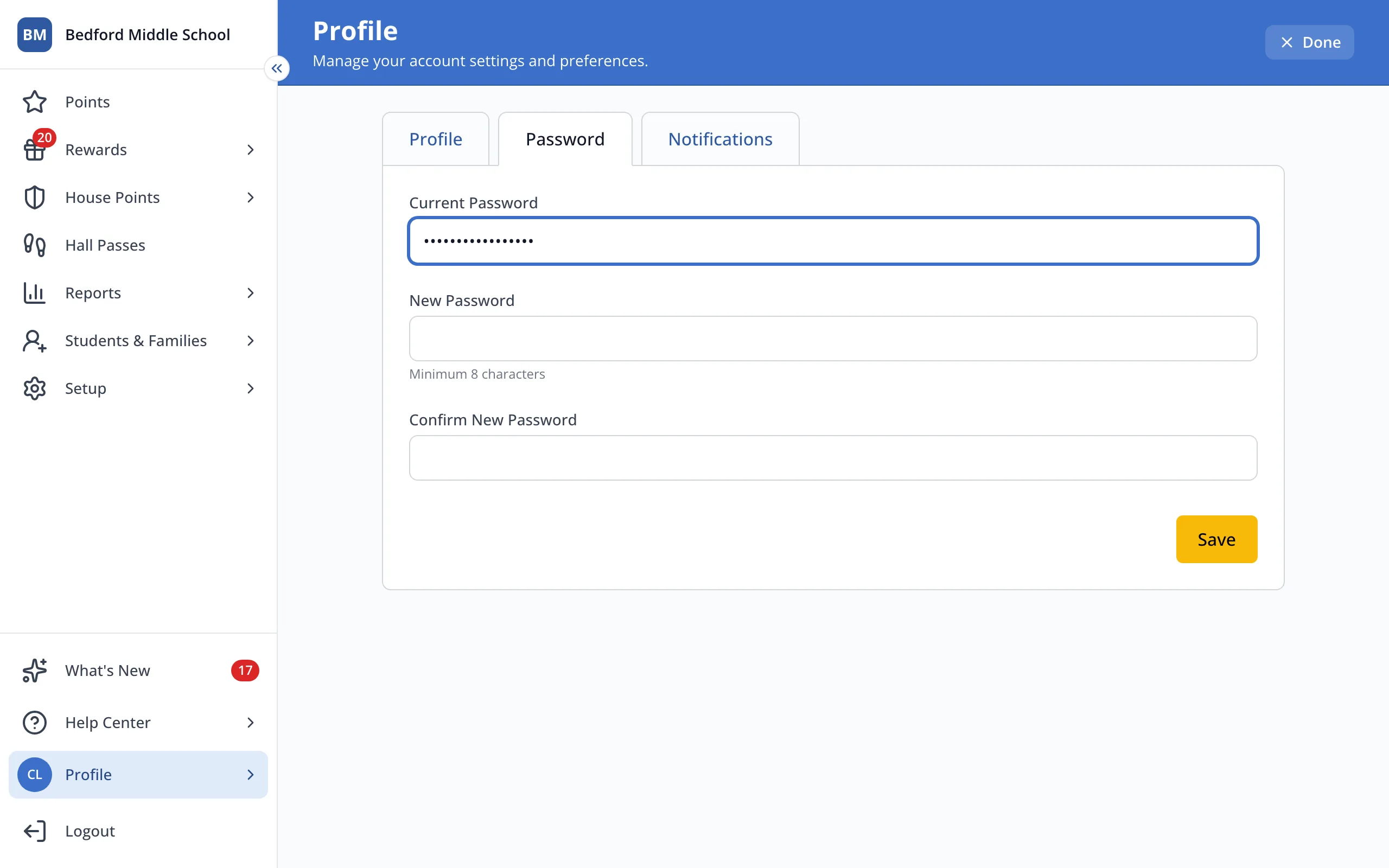
3.Type your current password.
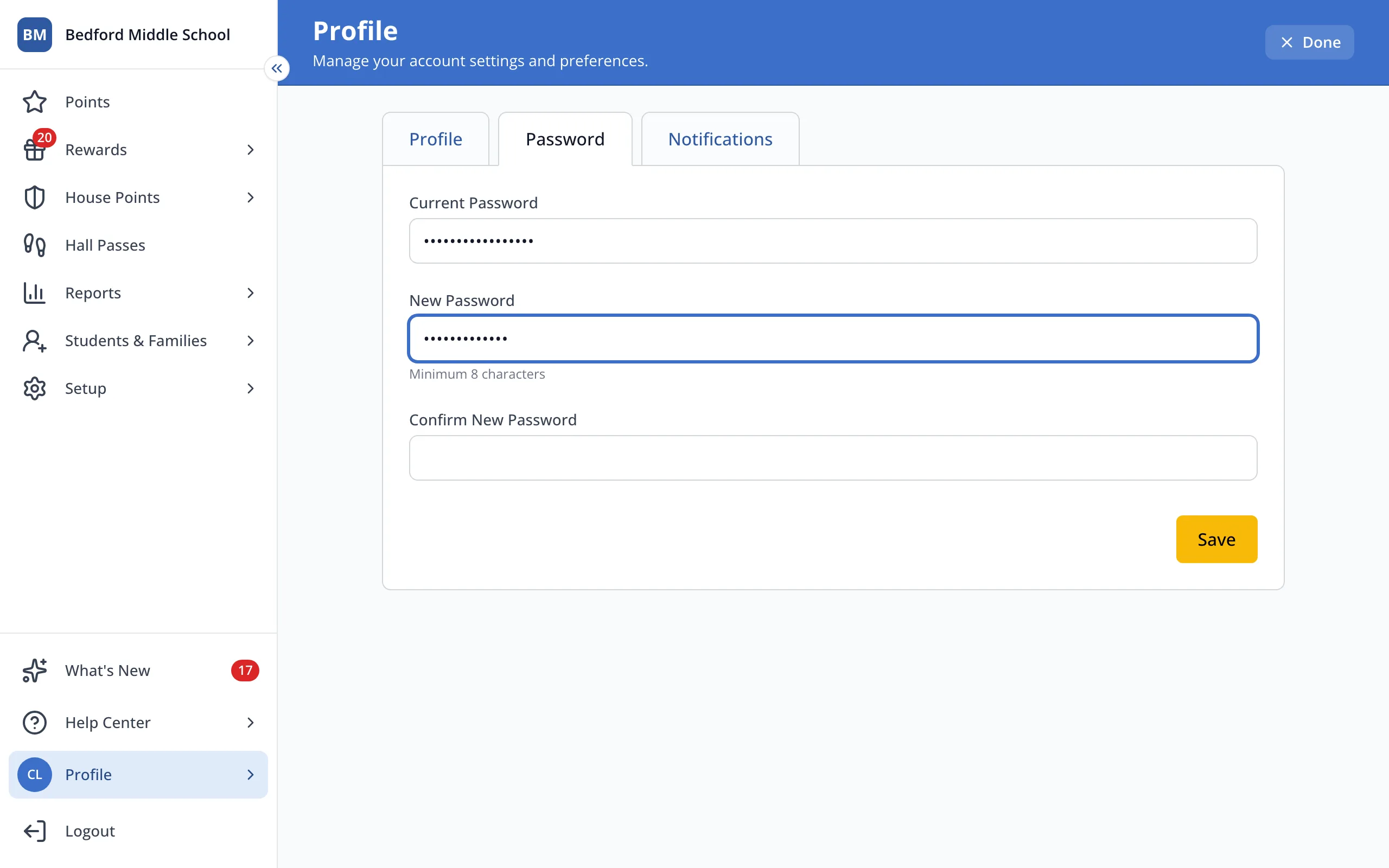
4.Type a new password with at least 8 characters.
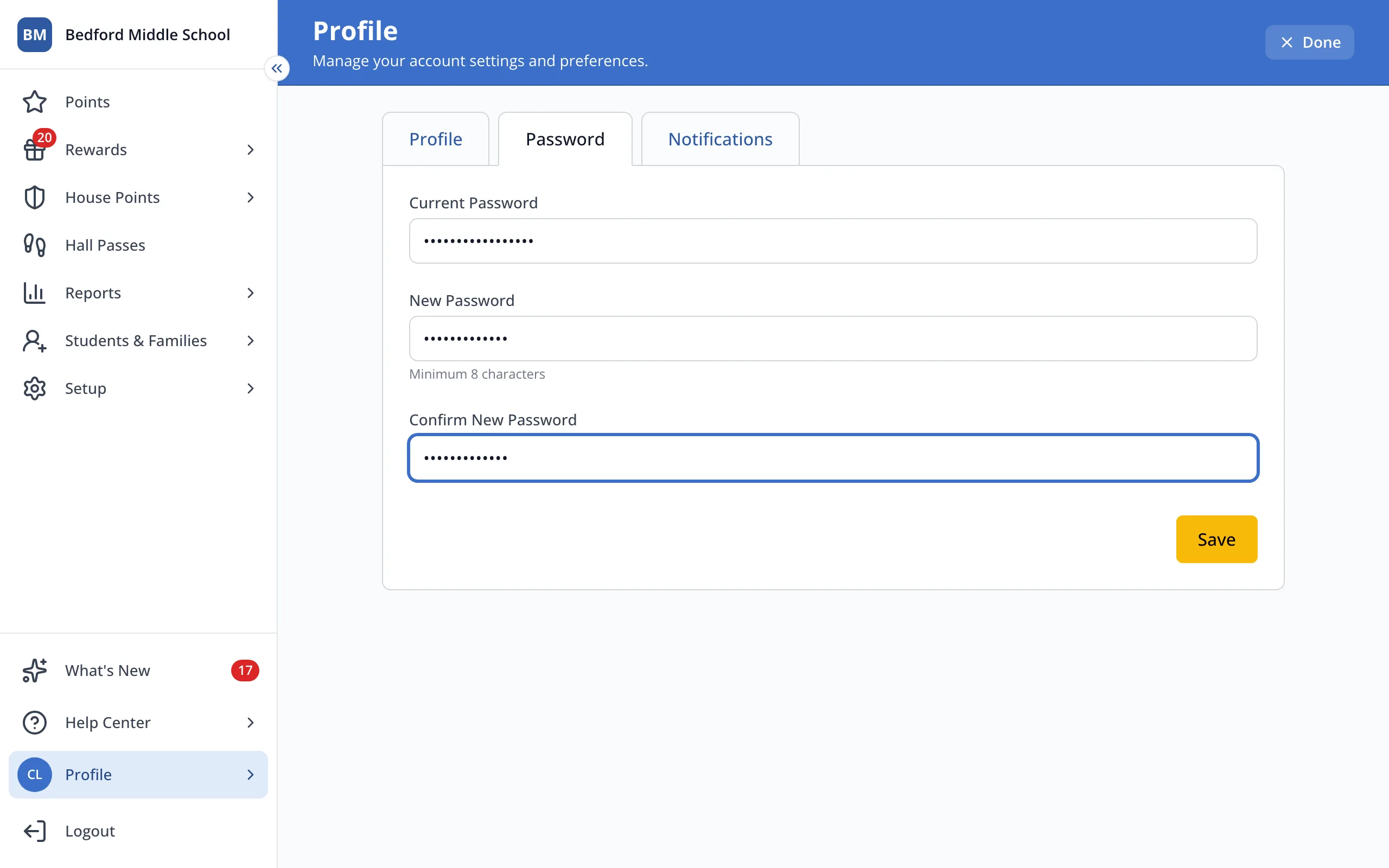
5.Type it again to confirm it.
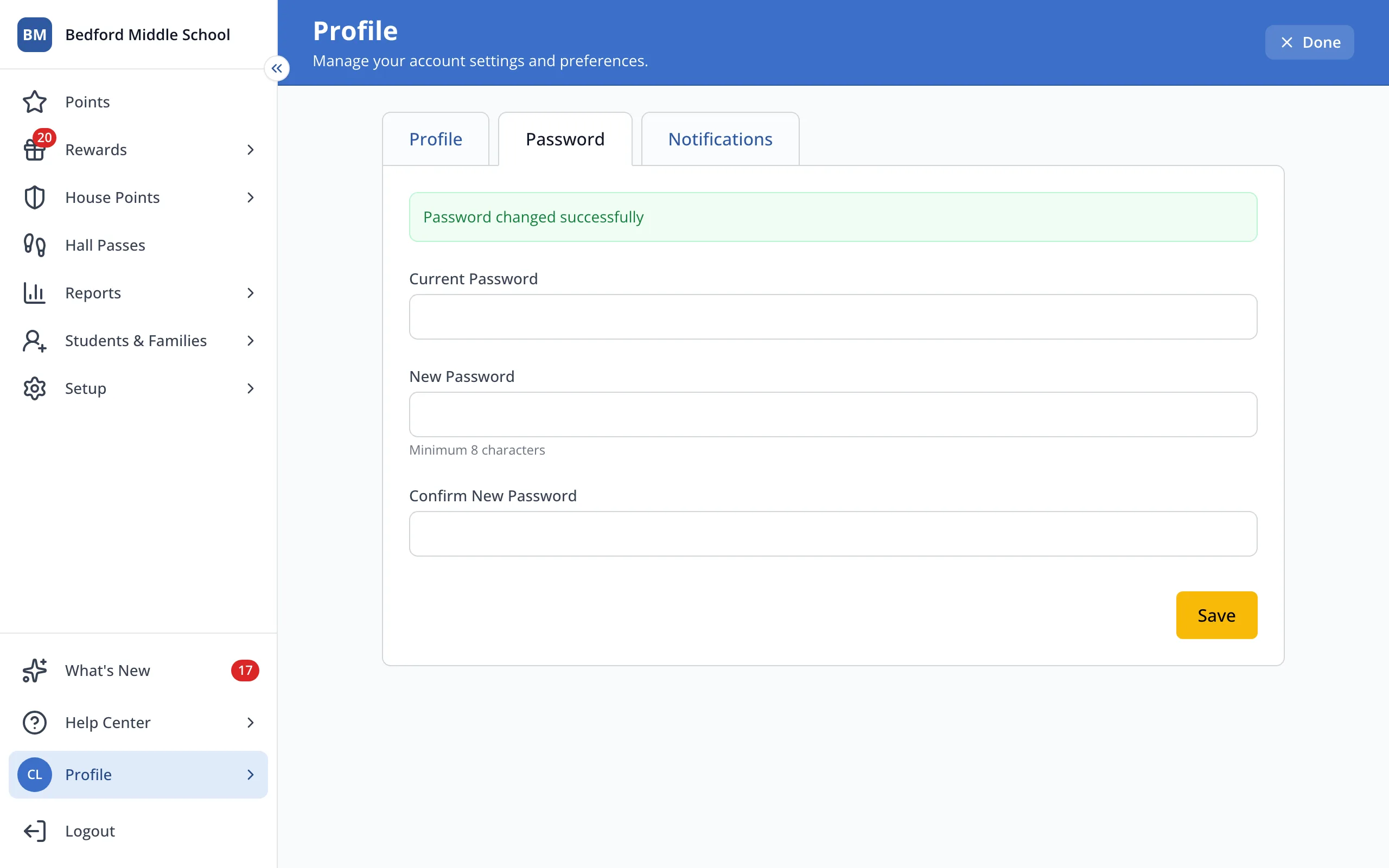
6.Click Save.
7.Use your new password the next time you sign in.