
Finish setting up your account when sign-in says check your email
Your account doesn't have a password yet, so we email you a link to set one up.
Use the Left and Right arrow keys to move between steps, and Space to play or pause.
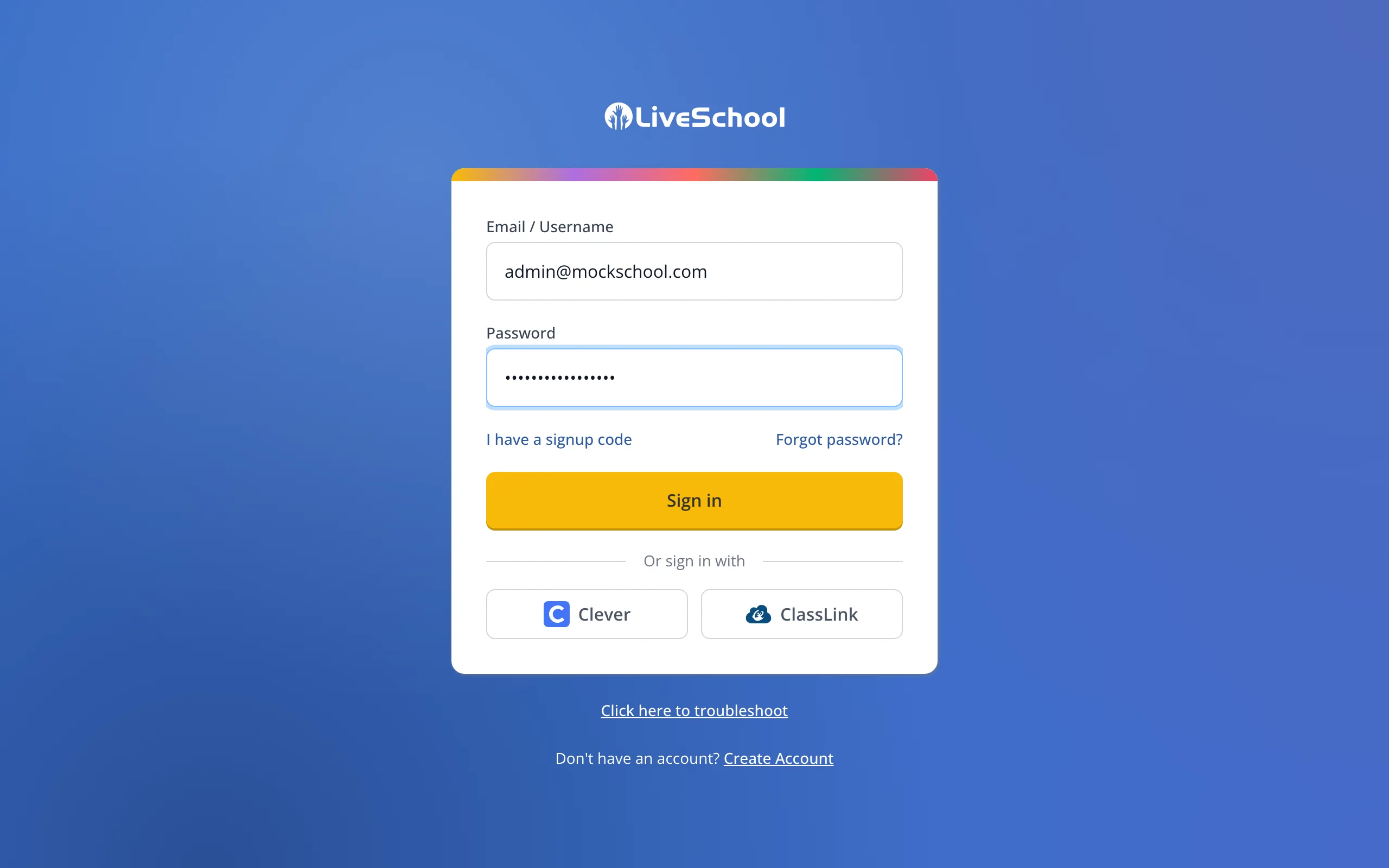
1.Sign in with your email as usual.
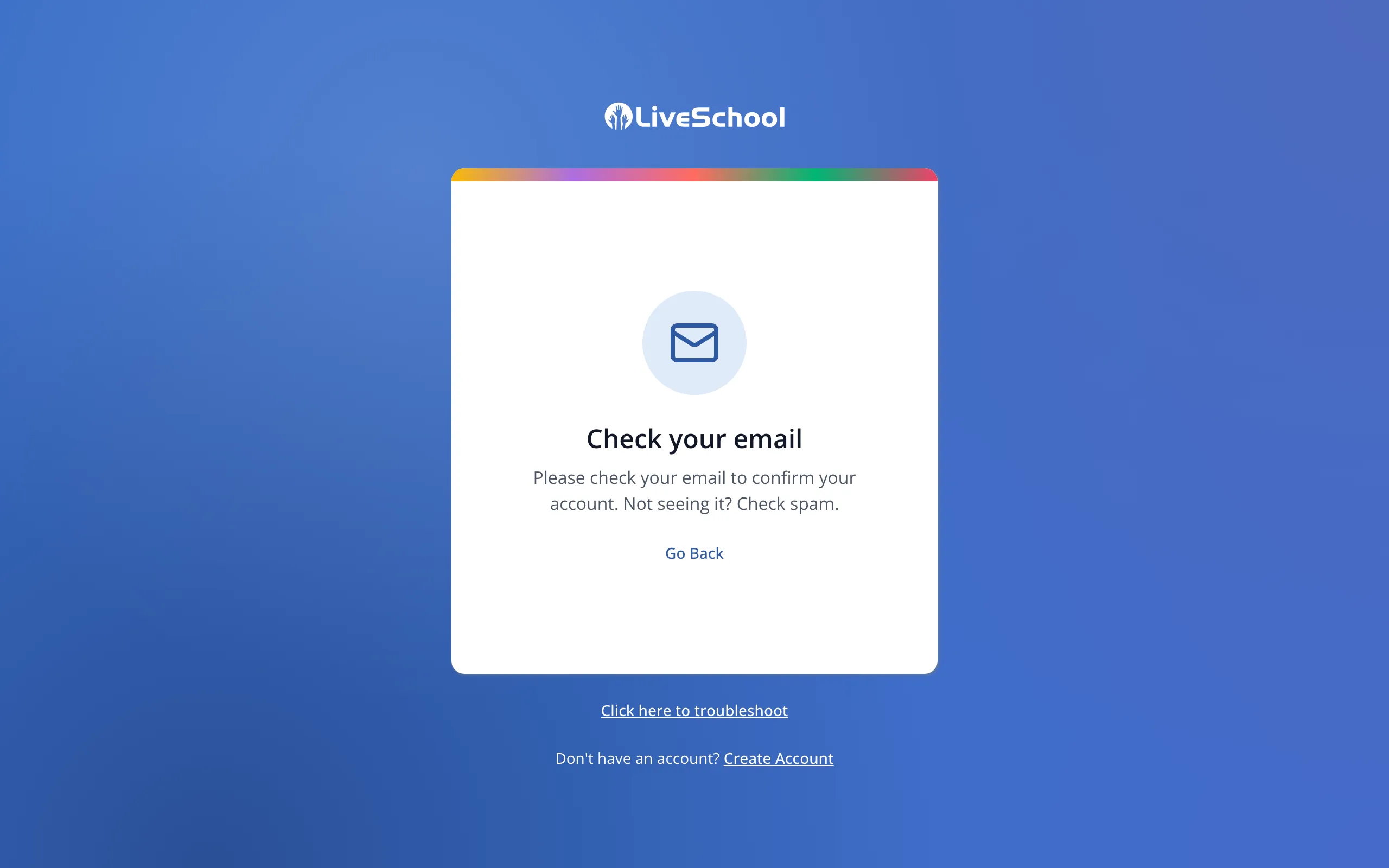
2.If you see Check your email, open the email we sent and click its link to set your password.
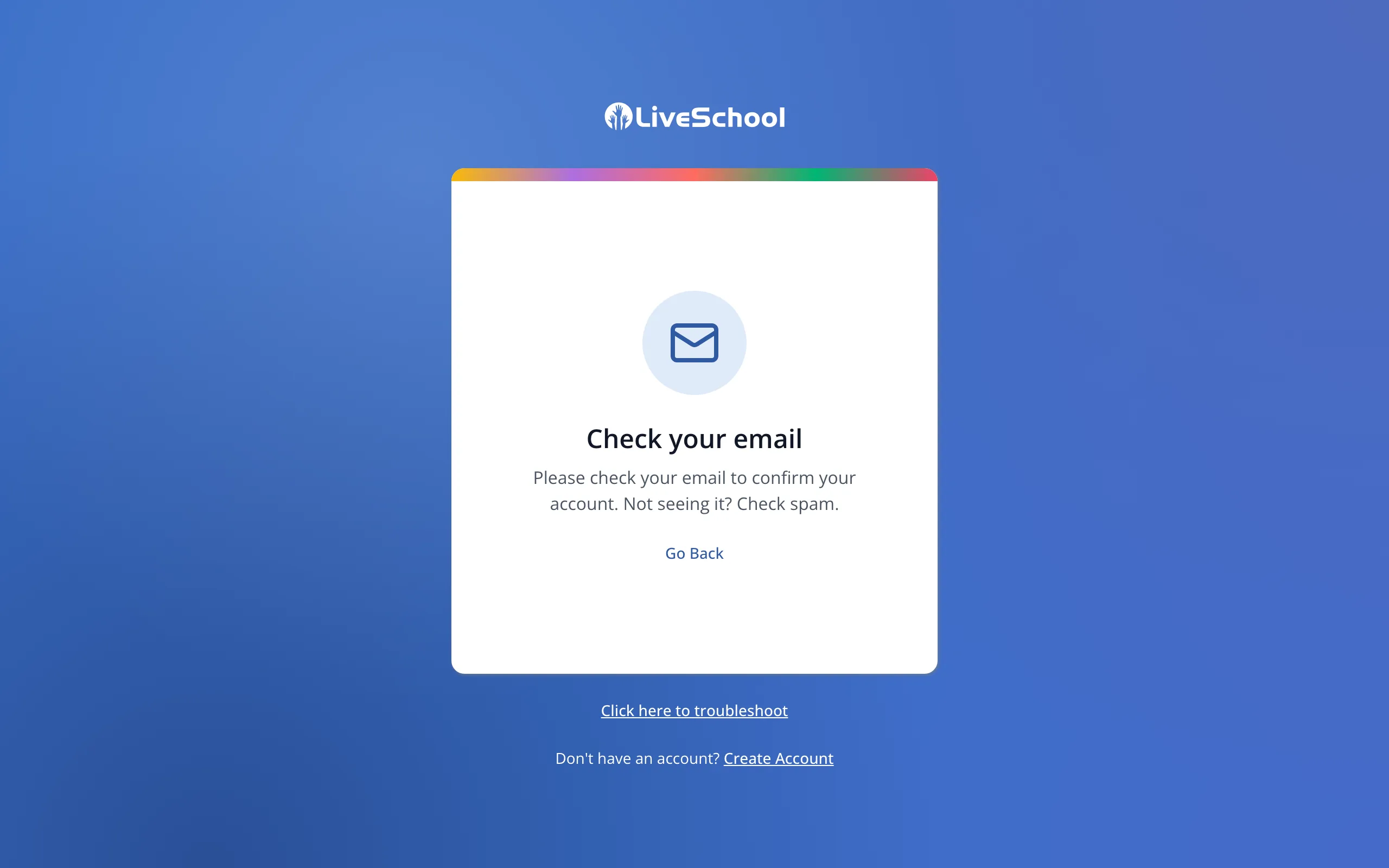
Did you know? Not in your inbox? Check your spam folder.