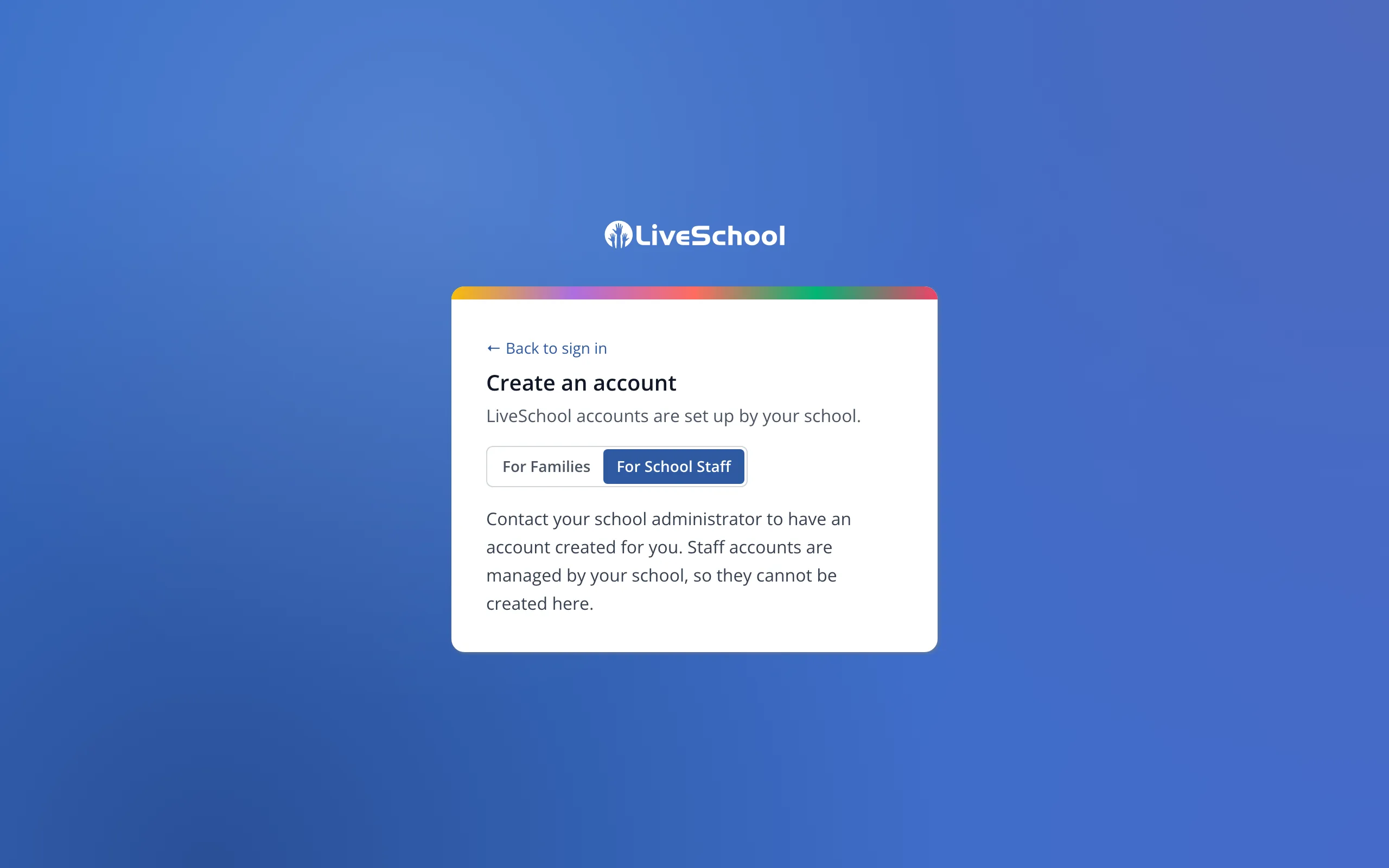
Get an account if you don't have one yet
Staff accounts are created by your school, so you can't sign yourself up.
Use the Left and Right arrow keys to move between steps, and Space to play or pause.
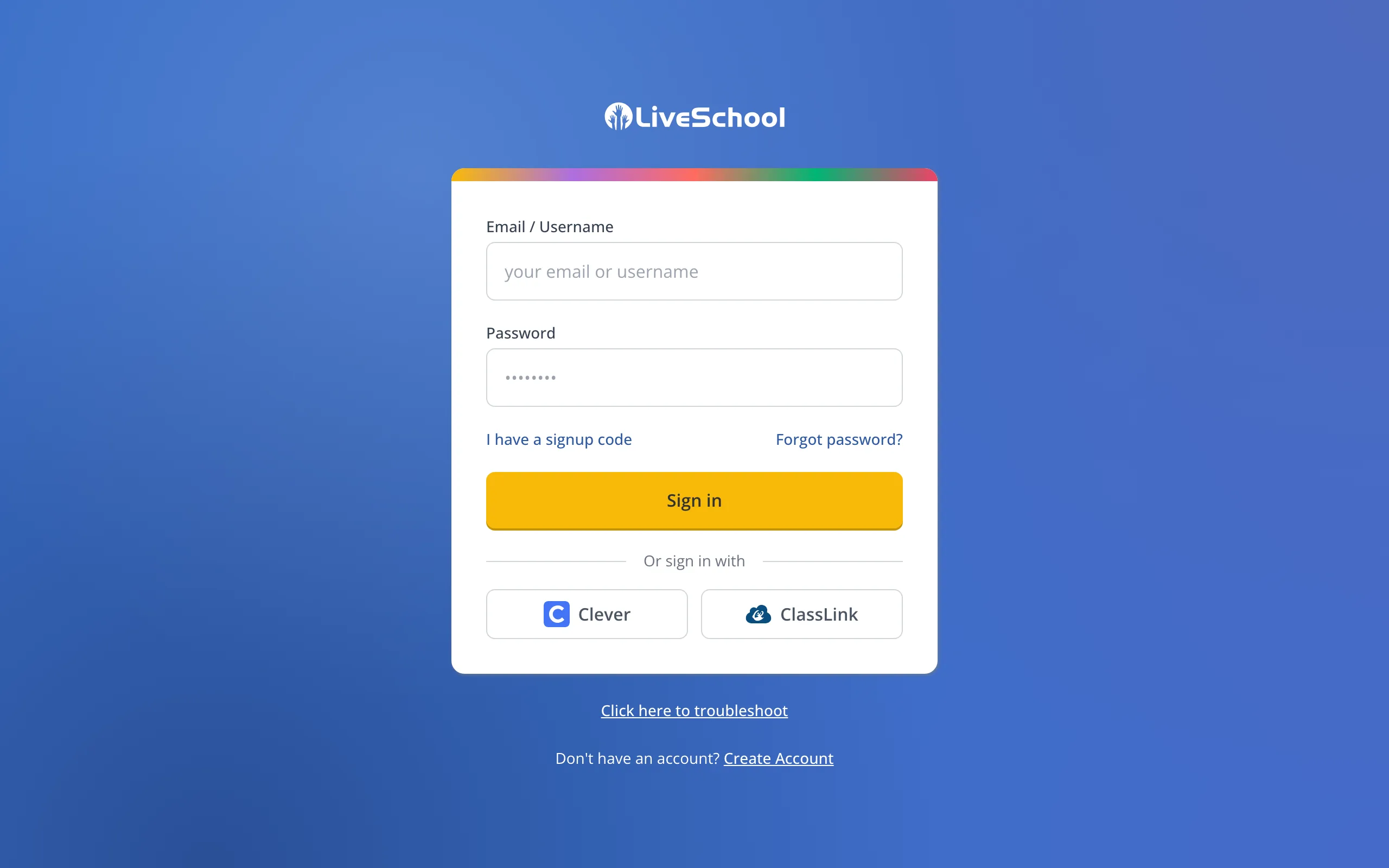
1.On the sign-in page, click Create Account.
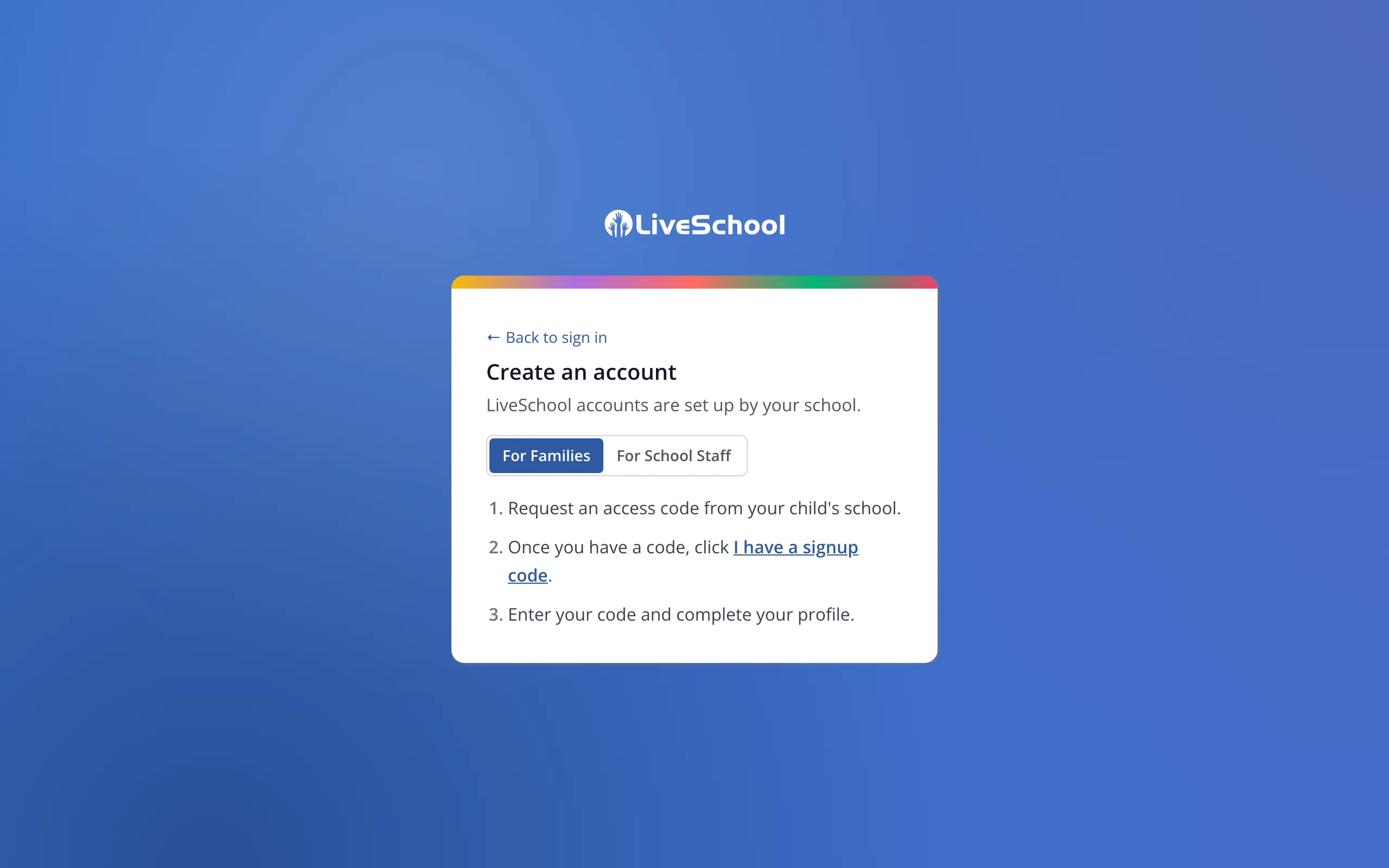
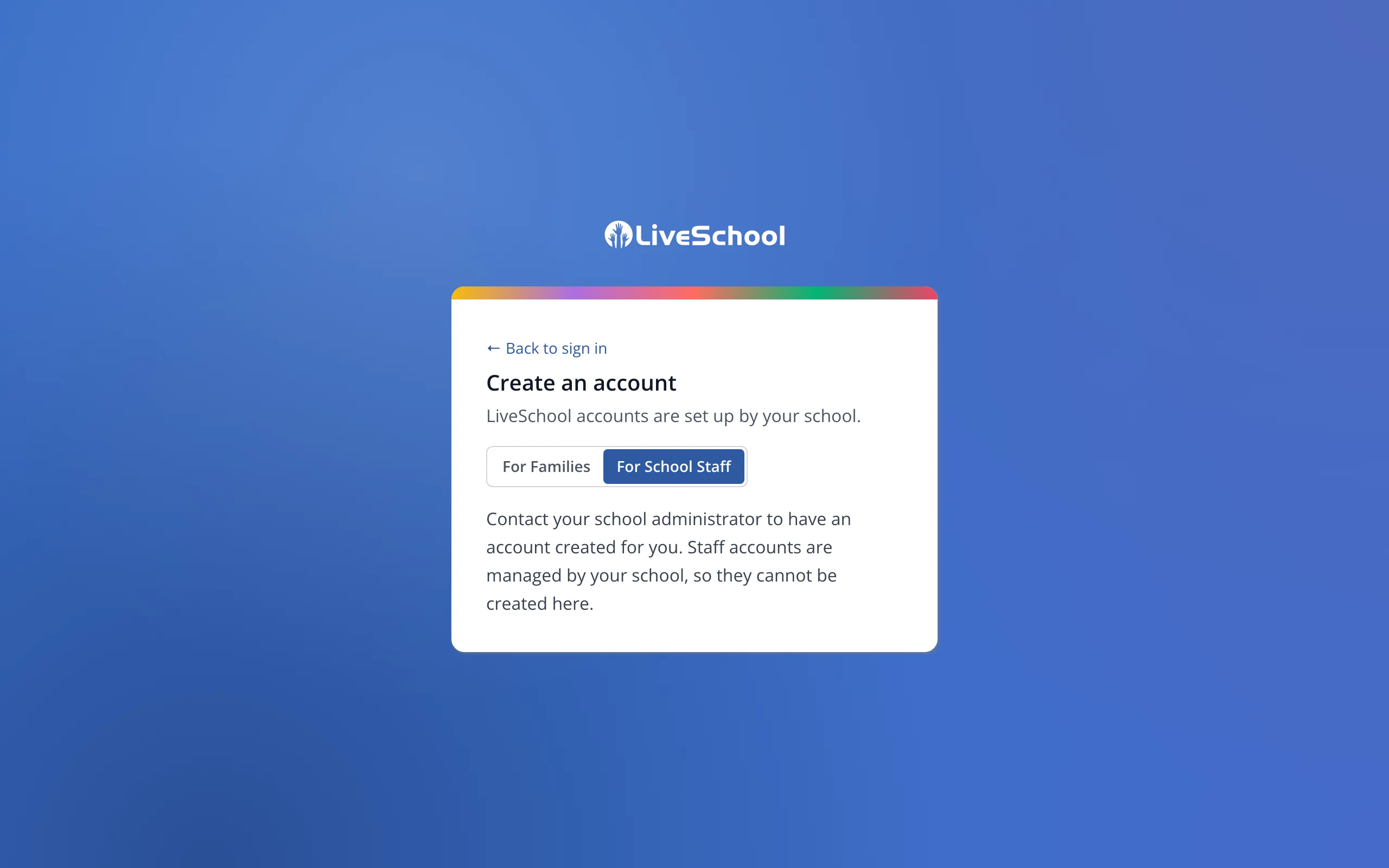
2.Click For School Staff.
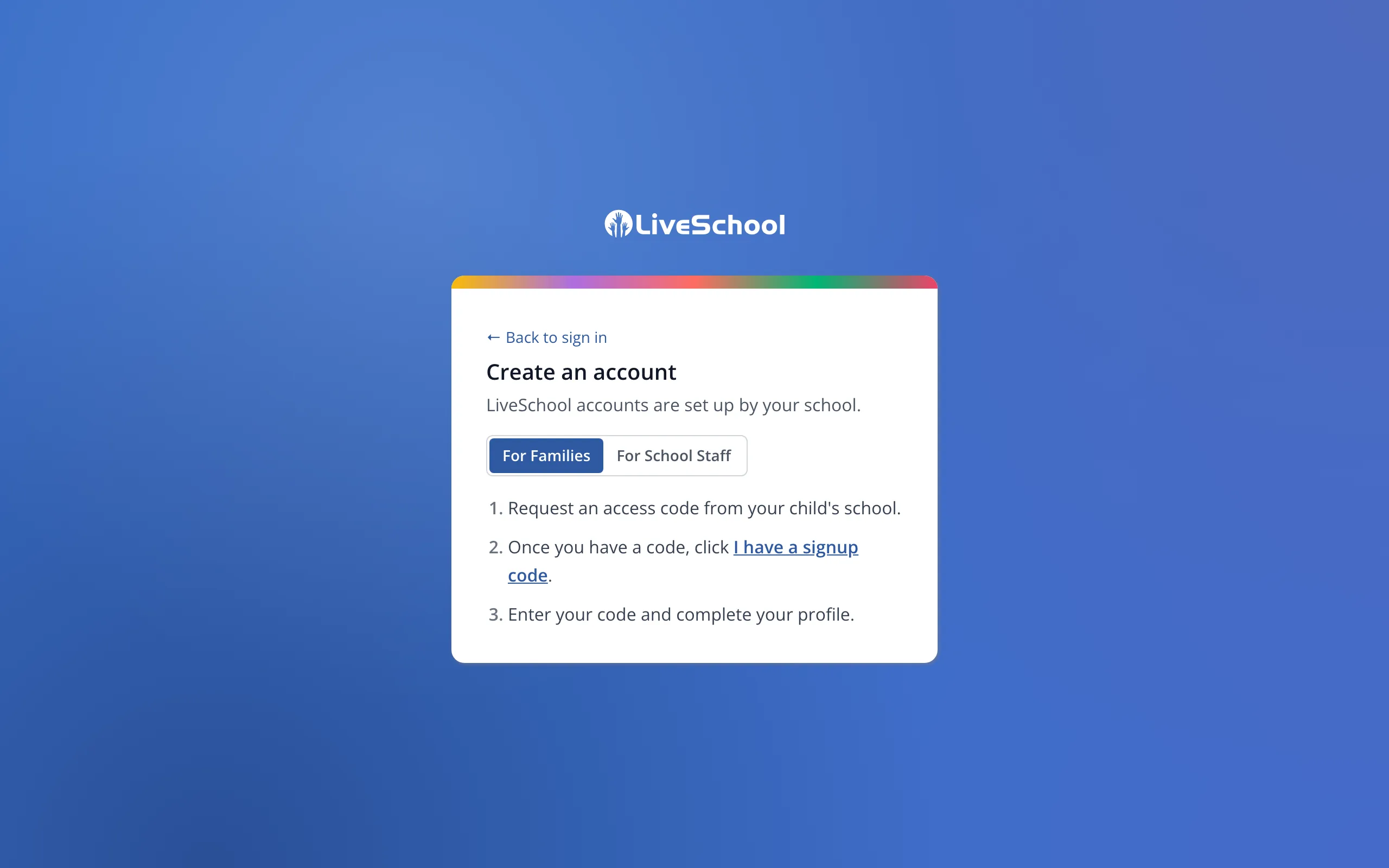
3.Ask your school administrator to create your account. You'll get an email invite to set your password.