Reset your forgotten LiveSchool password
For accounts that sign in with a password. The reset link goes to the email address on your account.
Use the Left and Right arrow keys to move between steps, and Space to play or pause.
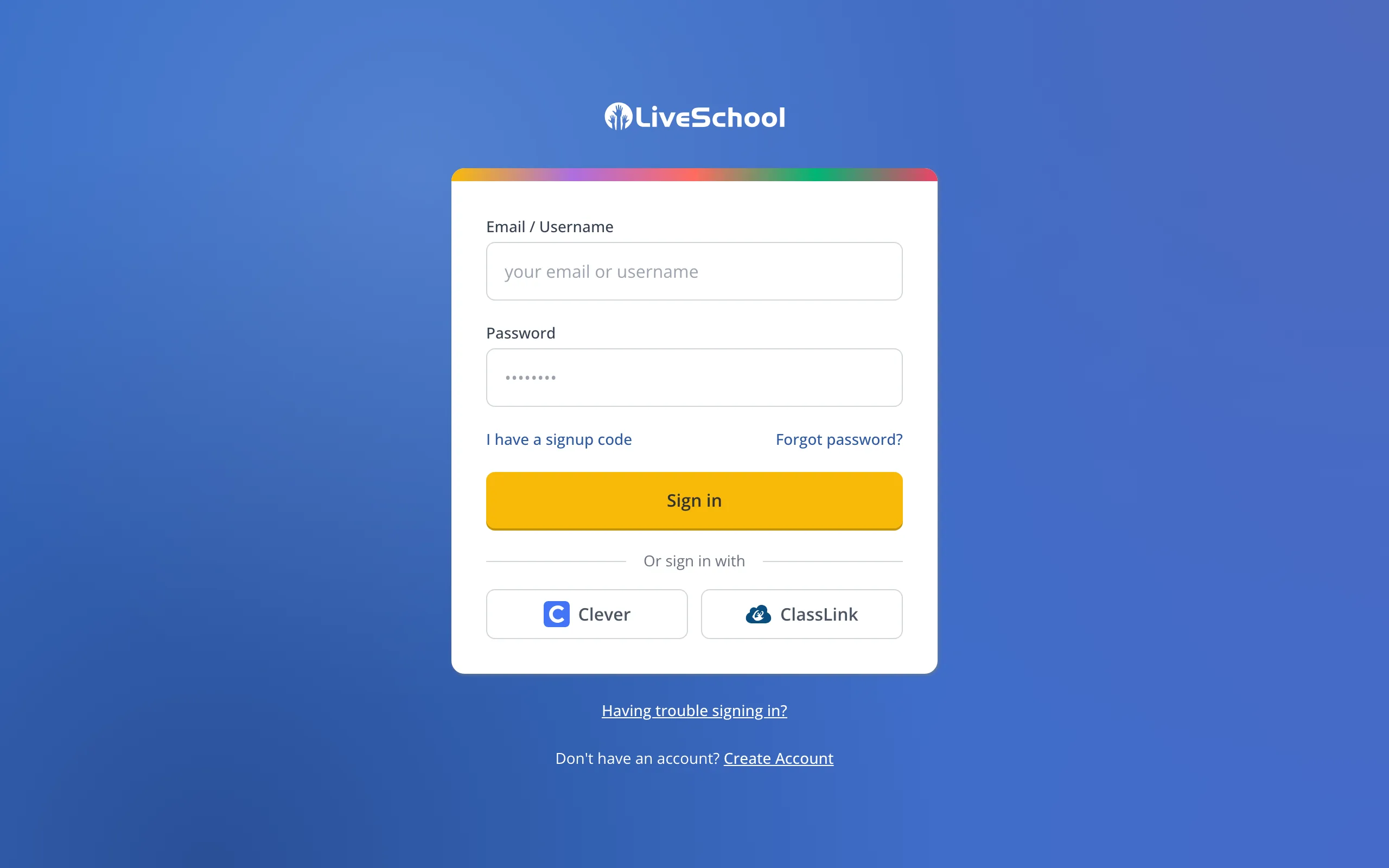
1.On the sign-in page, click Forgot password?
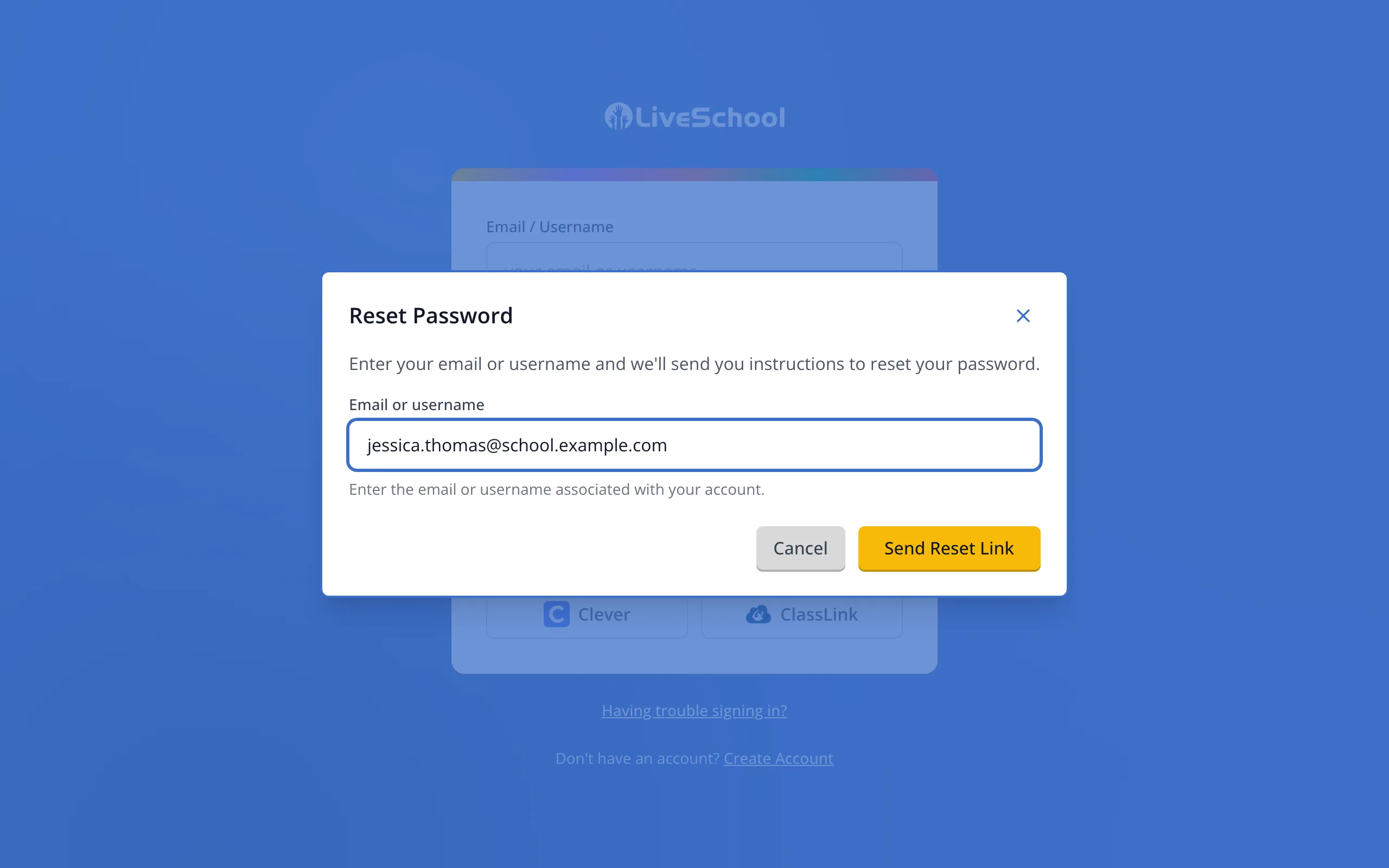
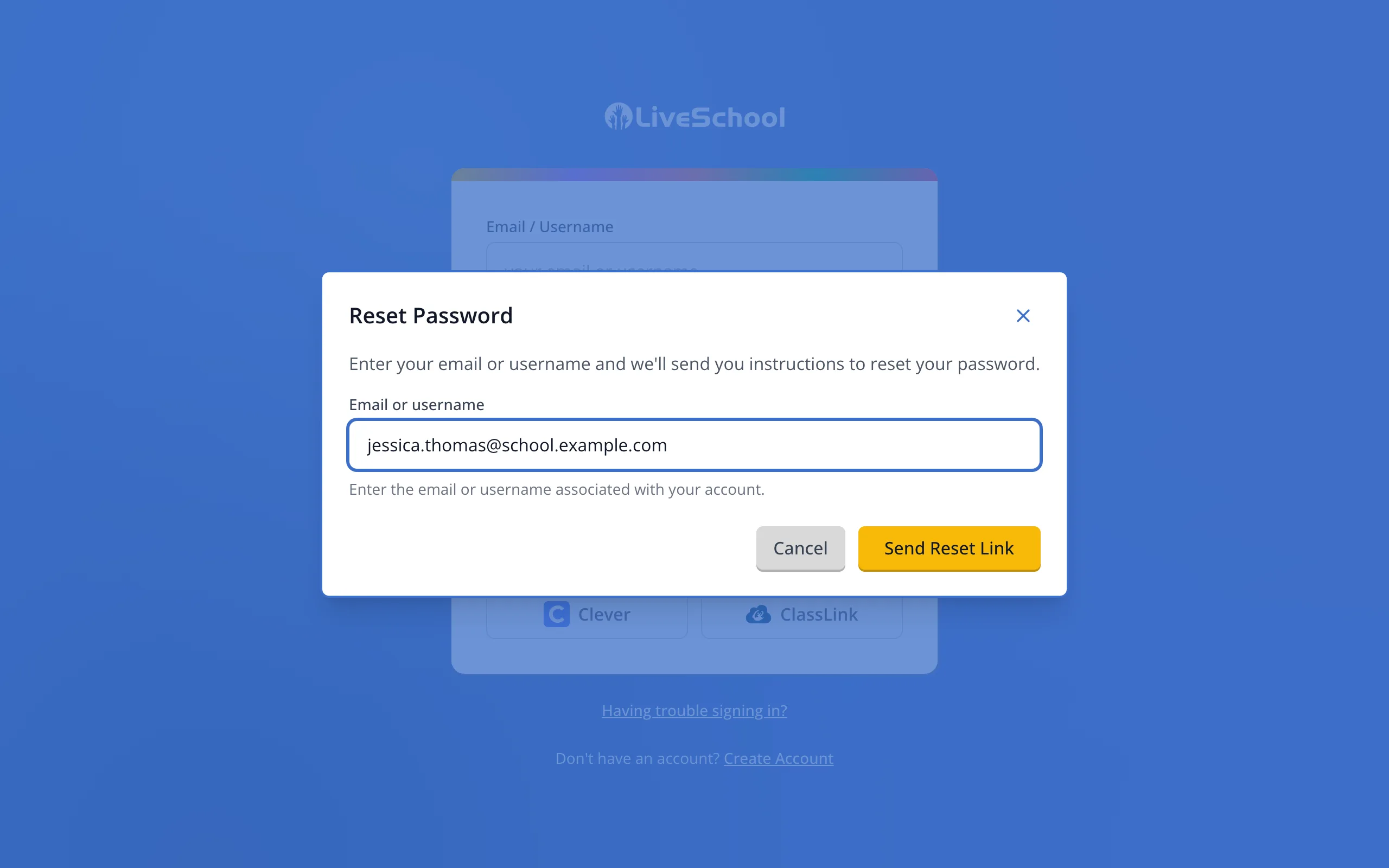
2.Type your email or username.
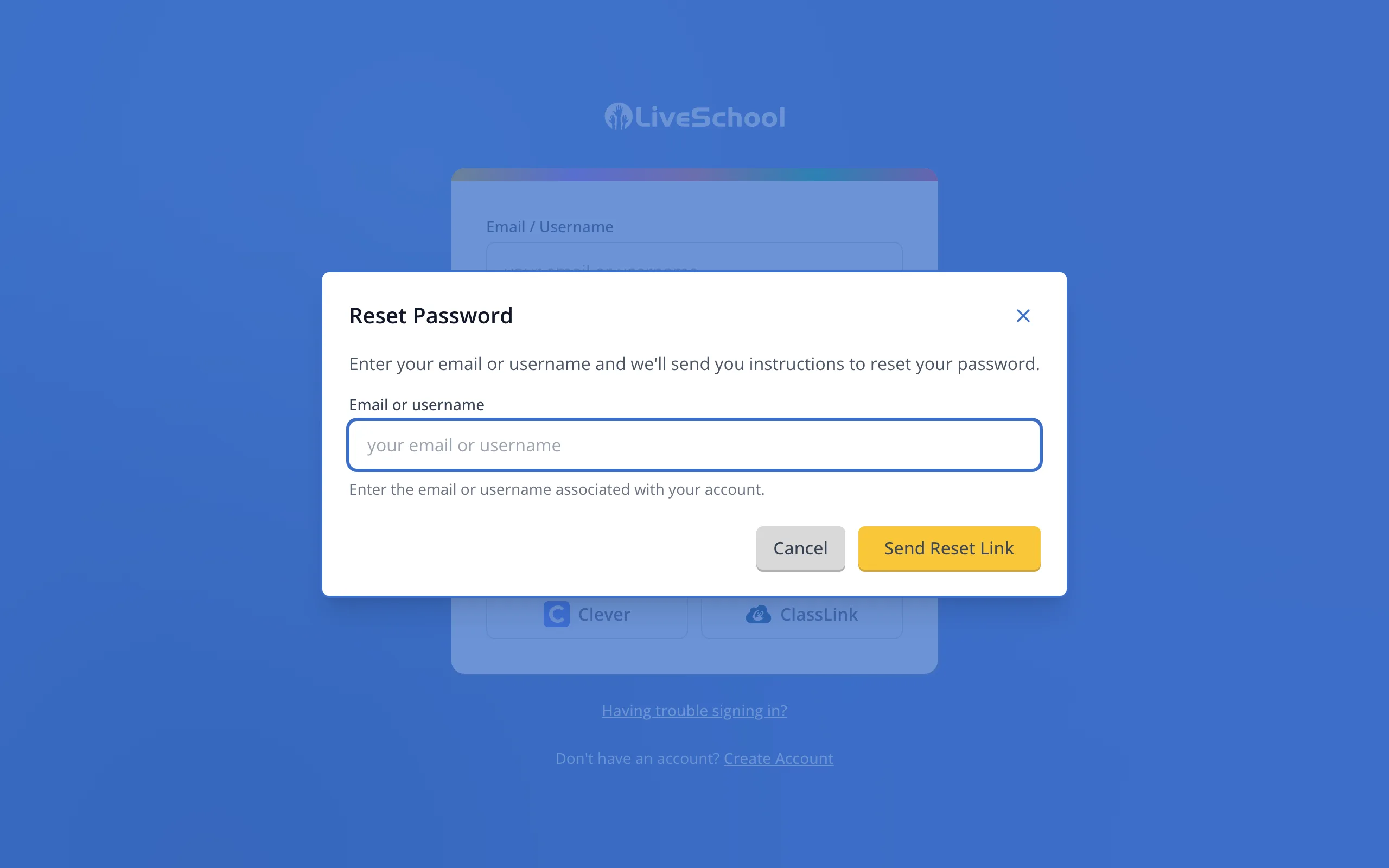
3.Click Send Reset Link. We'll email you a link to reset your password.
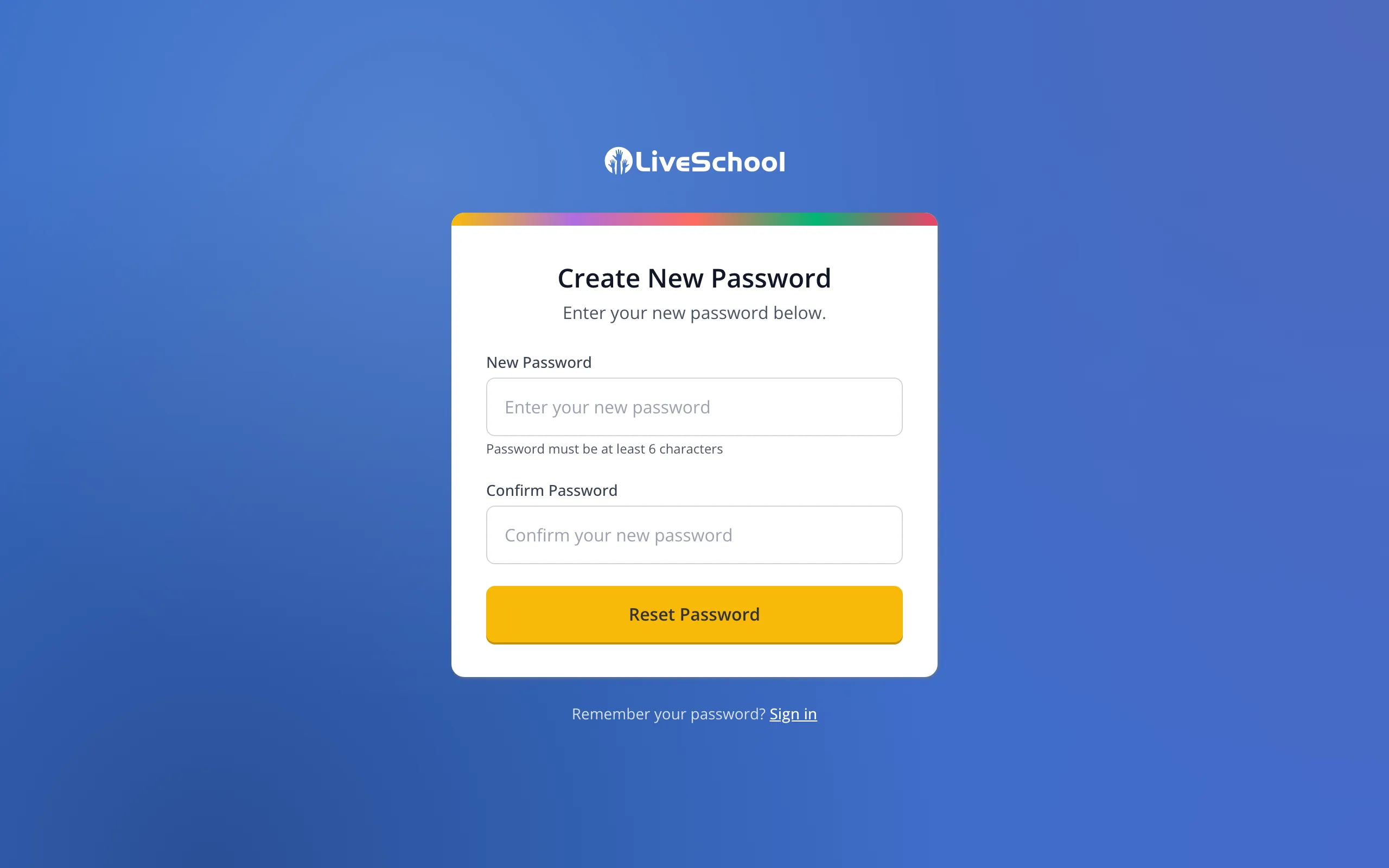
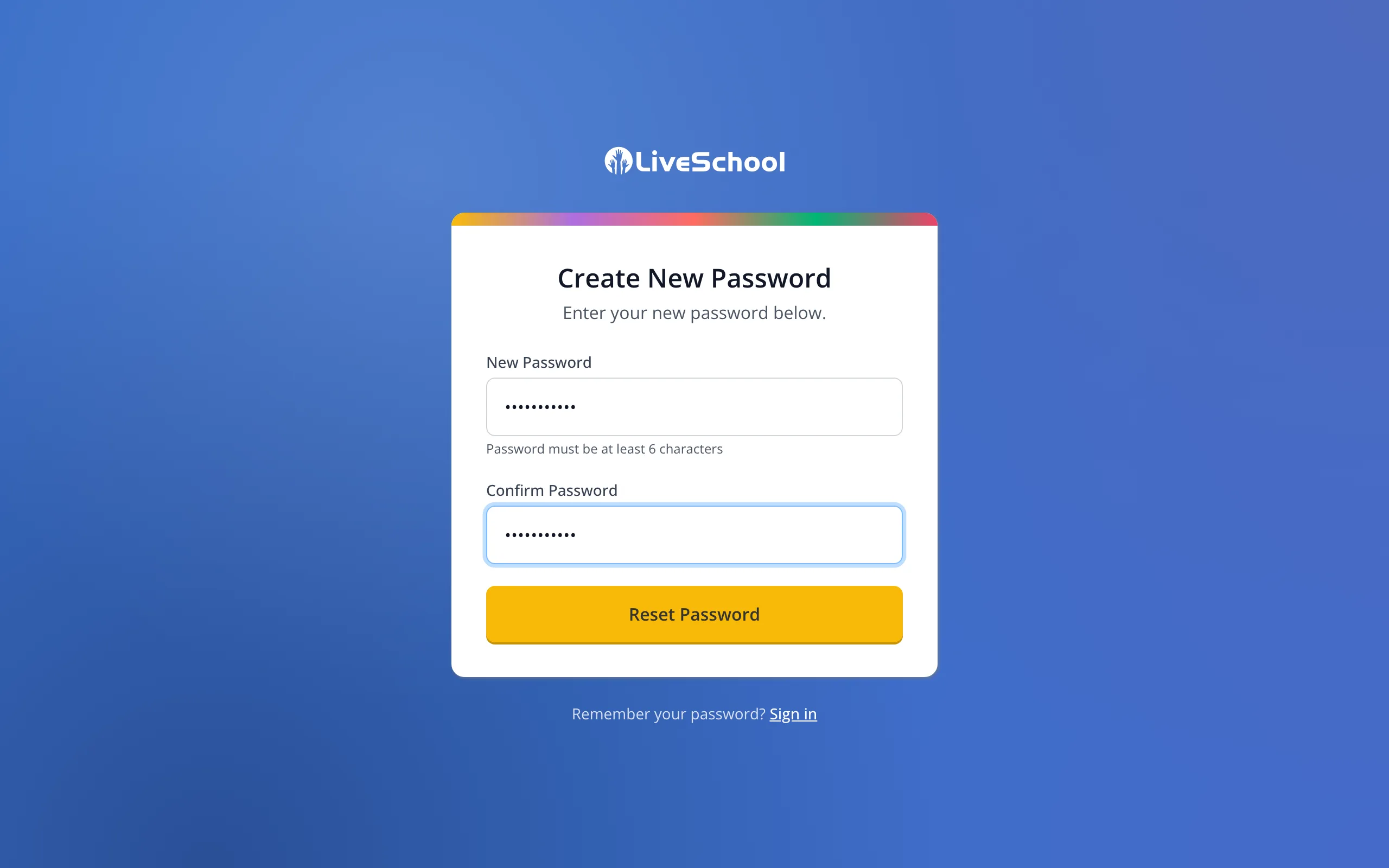
4.Click the link in the email. On the page it opens, type a new password with at least 6 characters.
Did you know? Check your spam folder if the email isn't in your inbox.
5.Type it again to confirm it.
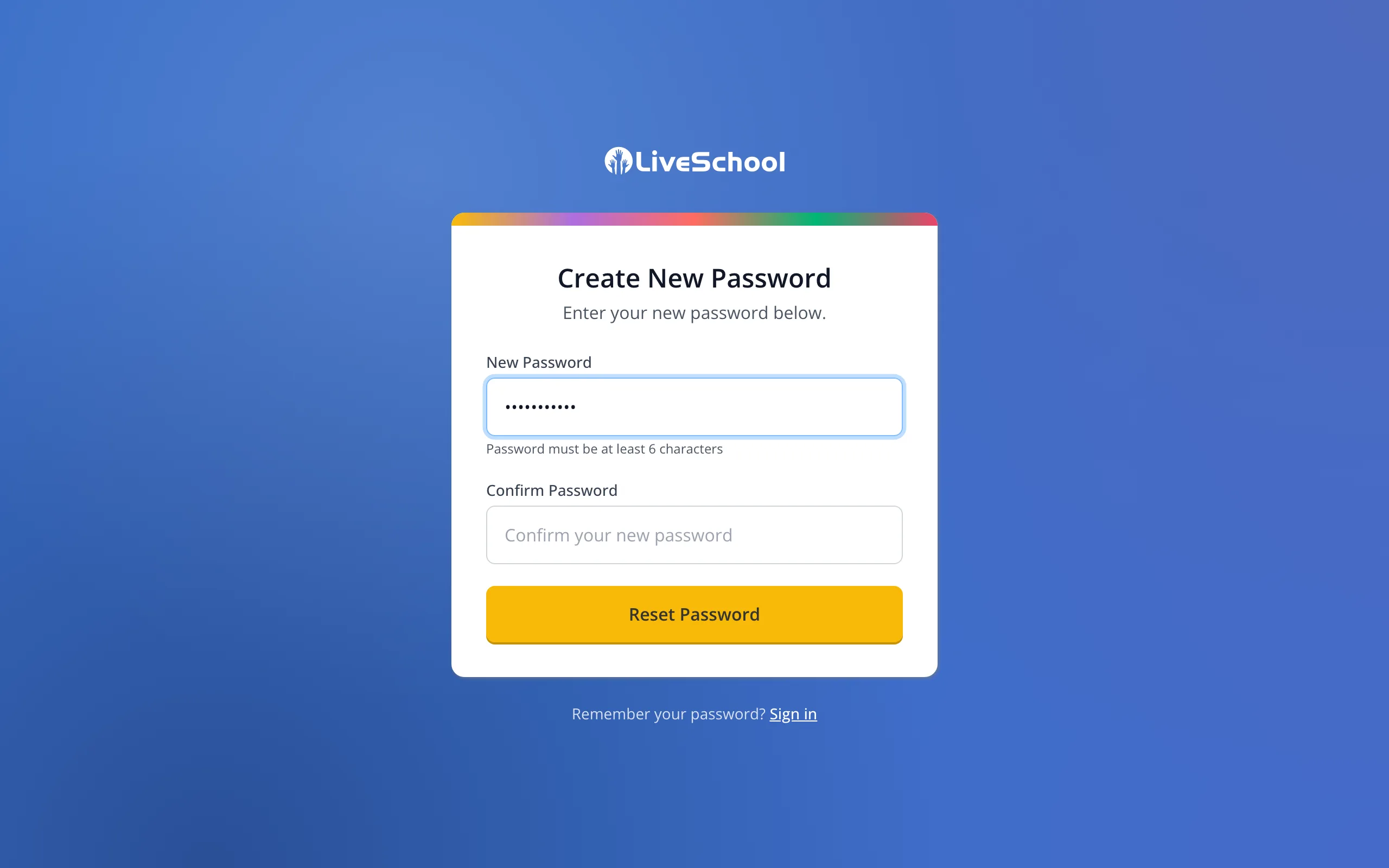
6.Click Reset Password.
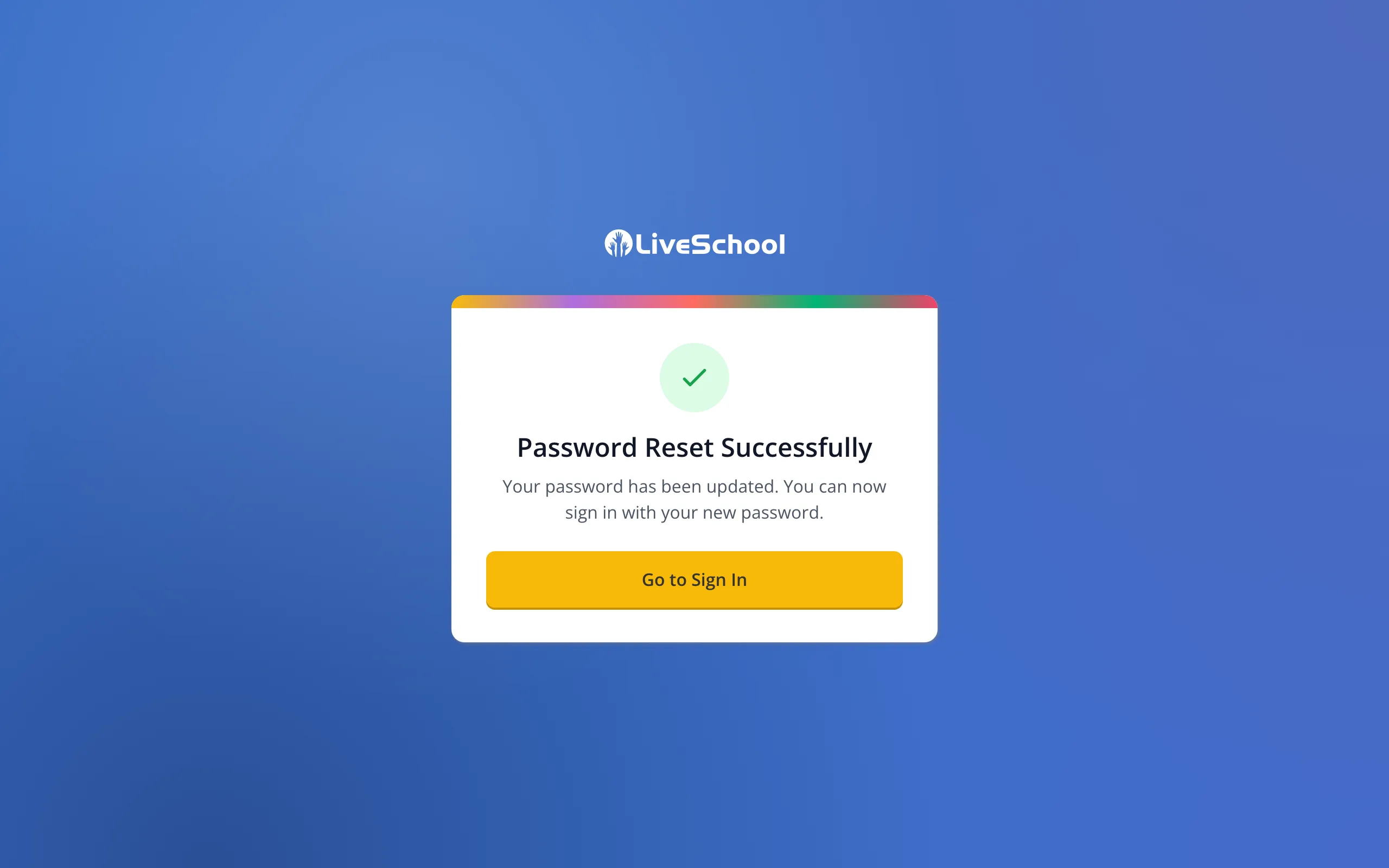
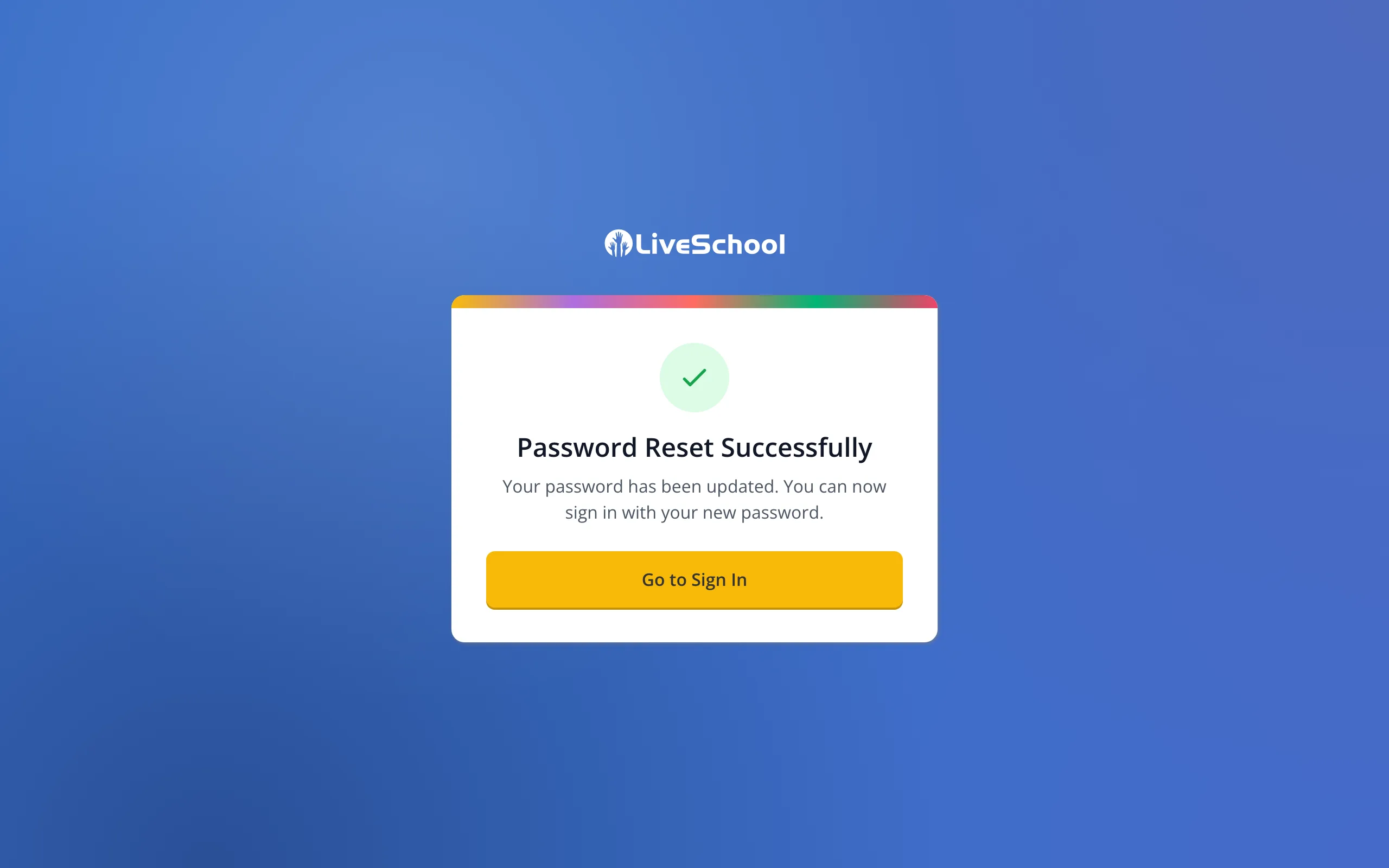
7.You can now sign in with your new password.