
See new features and updates
Visit the What's New page to see newly released features.
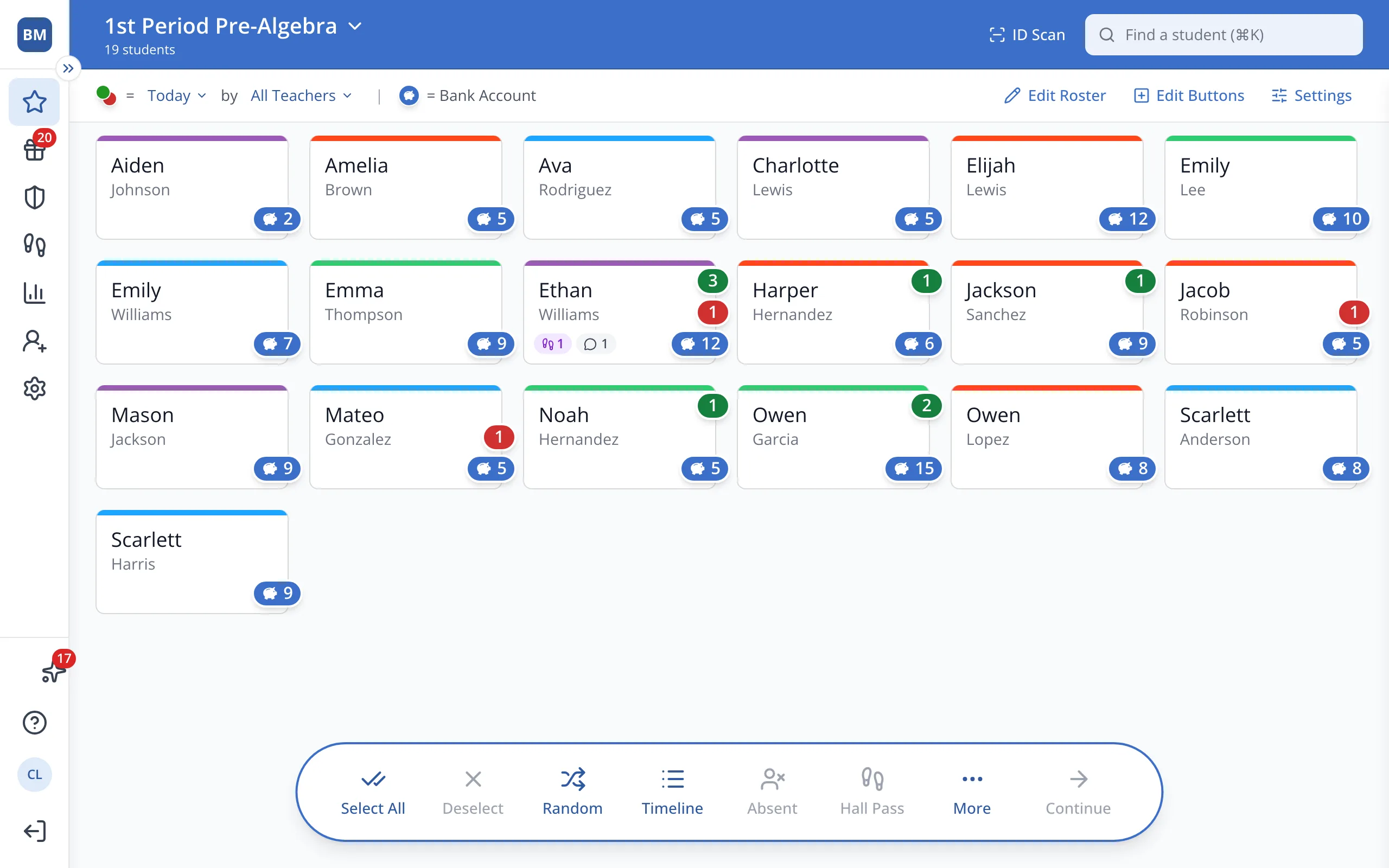
1 / 4In the sidebar, click What's New.
1.In the sidebar, click What's New.
2.Click Show me on an update to go straight to that feature. It's highlighted on the screen so you can find it right away.
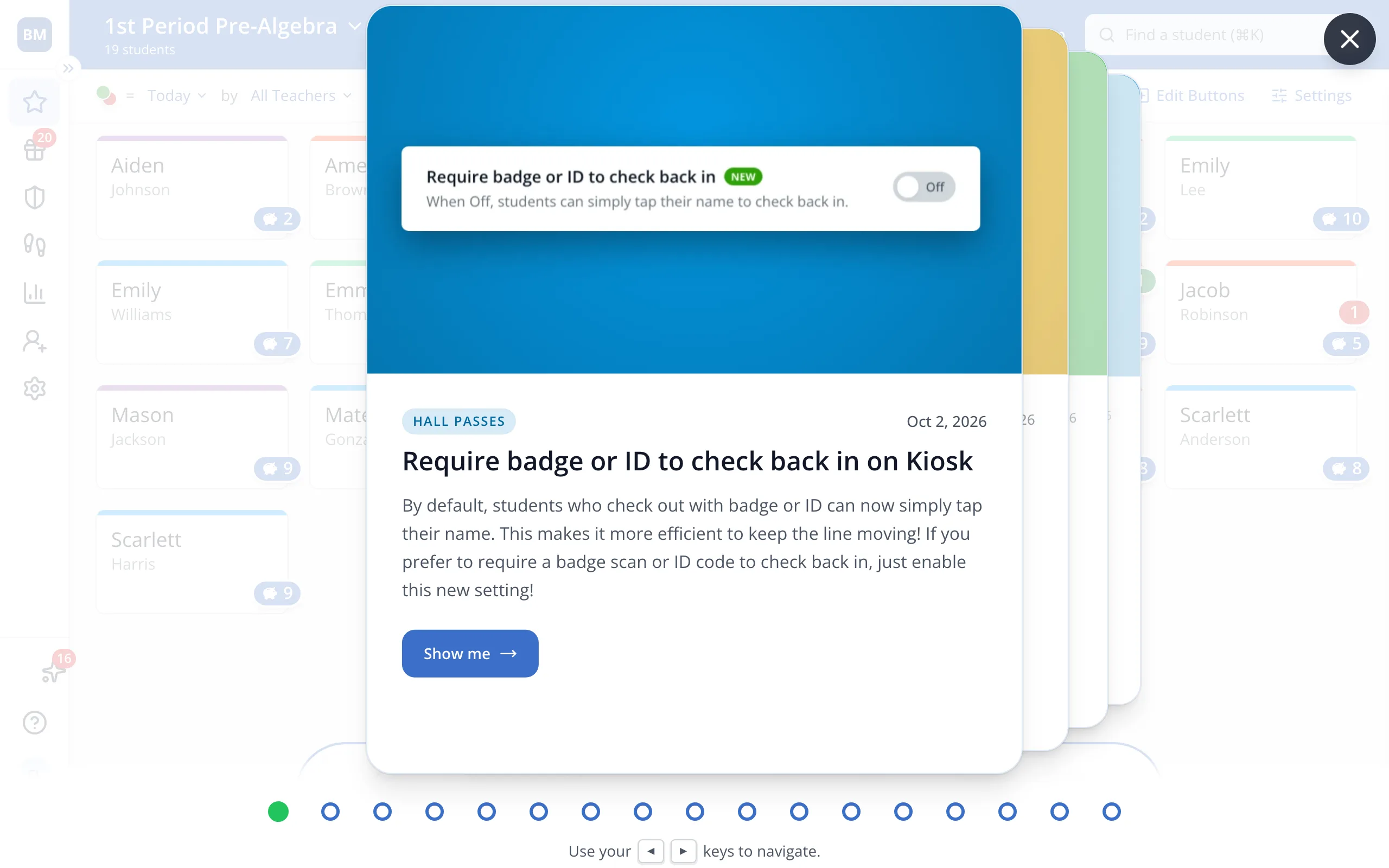
3.Read the update, then press the right arrow key, or click the next update behind it.
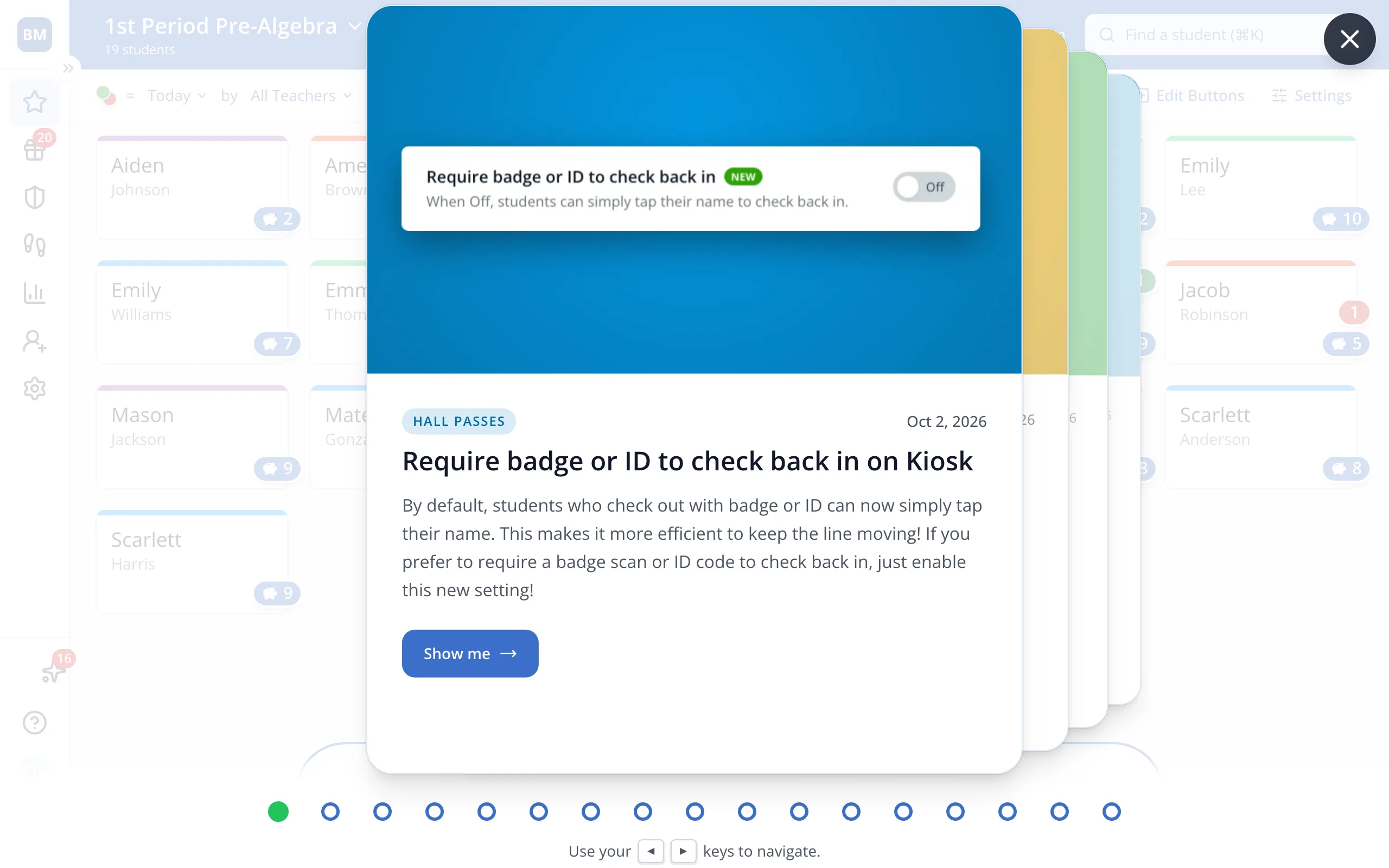
4.Click X when you're done.

Was this helpful?