
Site Launch Guide
Launch your school culture system with the LiveSchool Site Launch Guide. Step-by-step setup, staff training, and resources for educators to get started.

About This Guide
Welcome to the LiveSchool Site Launch Guide! We're excited to help you launch an amazing school culture system this year.
This guide outlines all the major steps you'll take to set up your LiveSchool system, and then introduce it to your staff. We've structured each major step as a chapter, and you can work through these chapters on your own time.
This guide focuses on setting up your LiveSchool site, not on what teachers will be doing with LiveSchool.
Note that every chapter might not be applicable to you — LiveSchool is a highly customizable system, so you may skip chapters that cover features you're not yet using.
⏰ Time Expectations
You should set aside 1 hour to go through this Launch Guide completely. You can do this in a single sitting, or break it into smaller sessions. Each Chapter should take about 5 to 10 minutes to complete on your own.
🧰 Supporting Resources
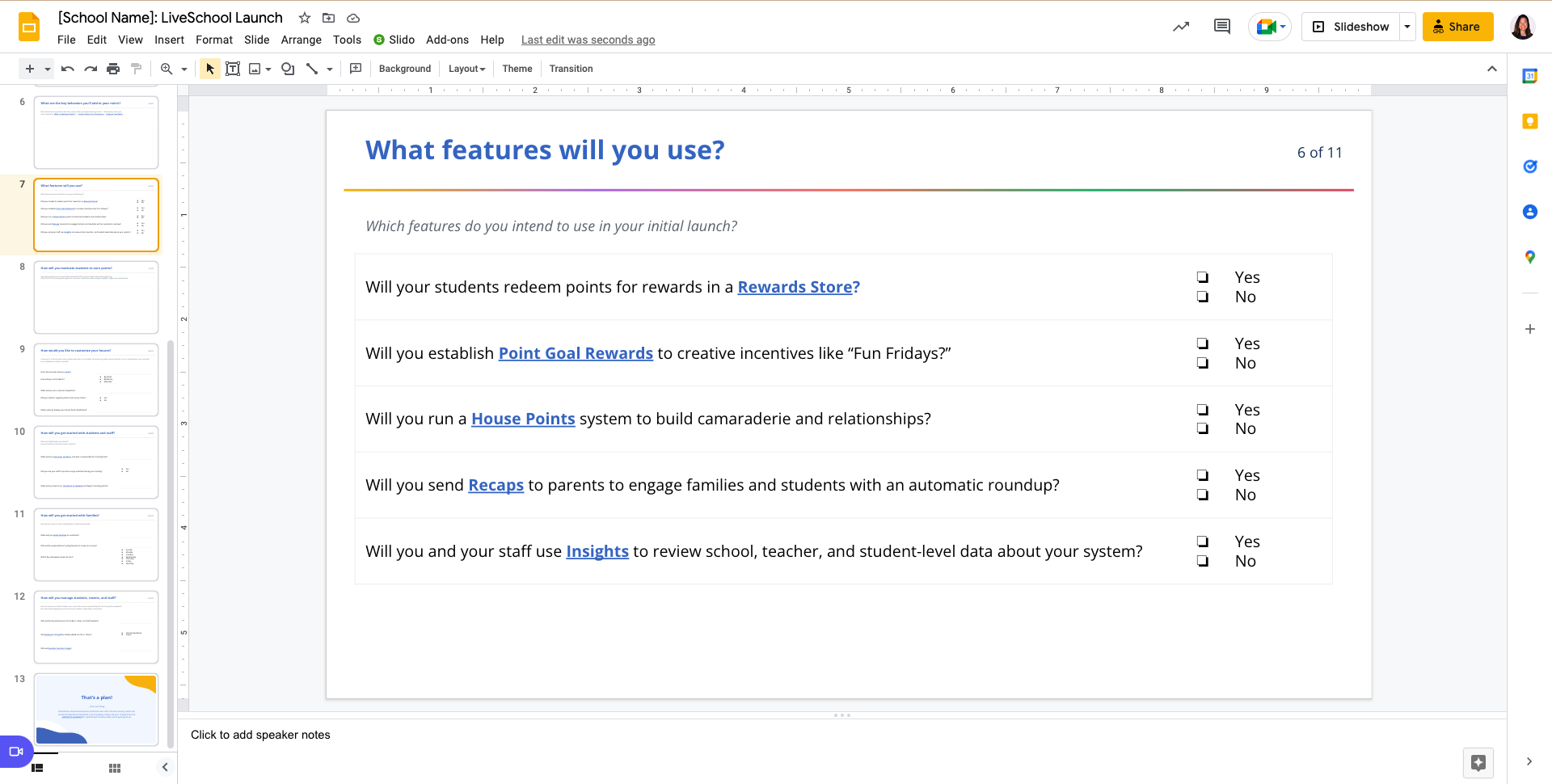
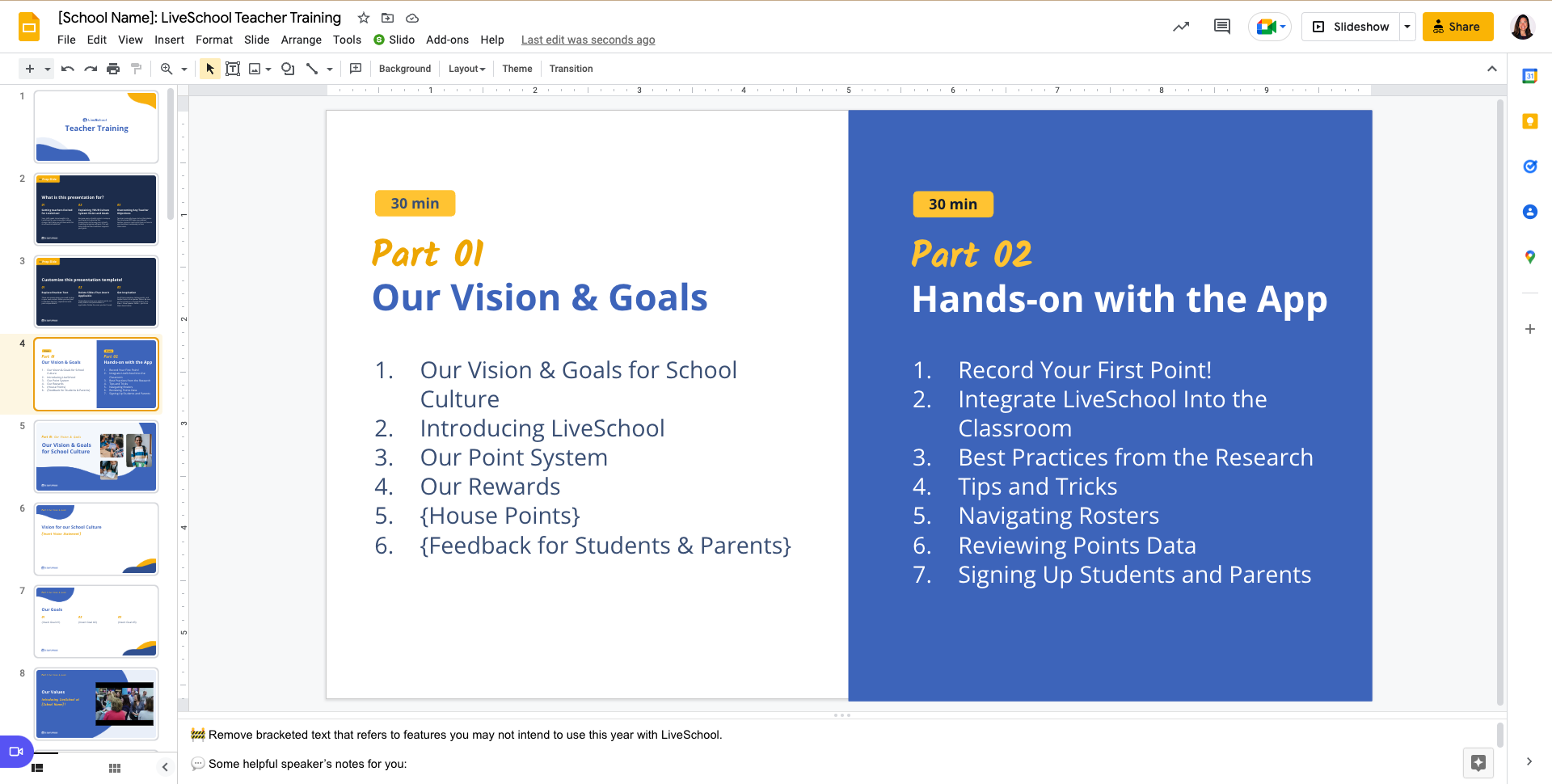
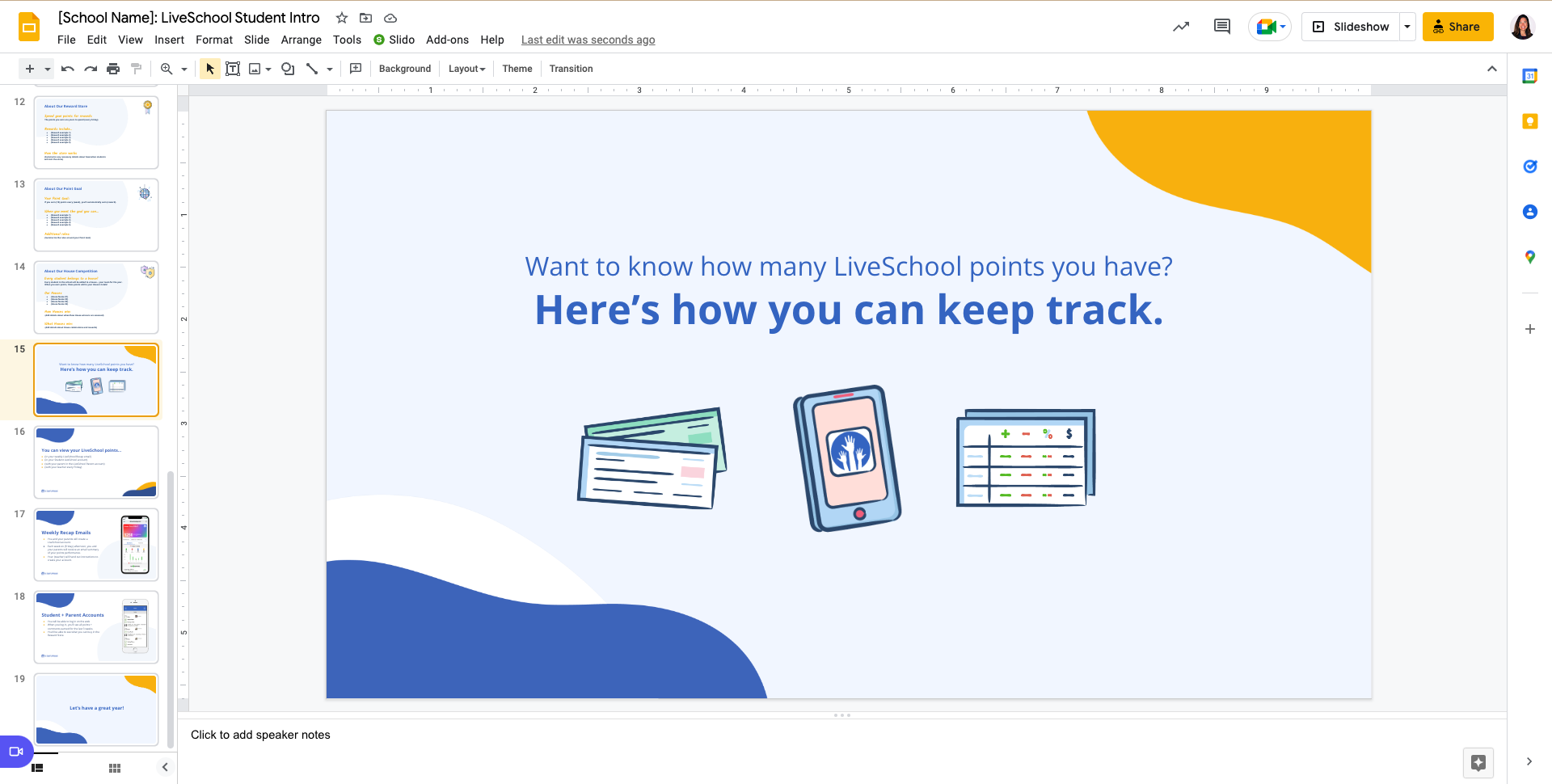
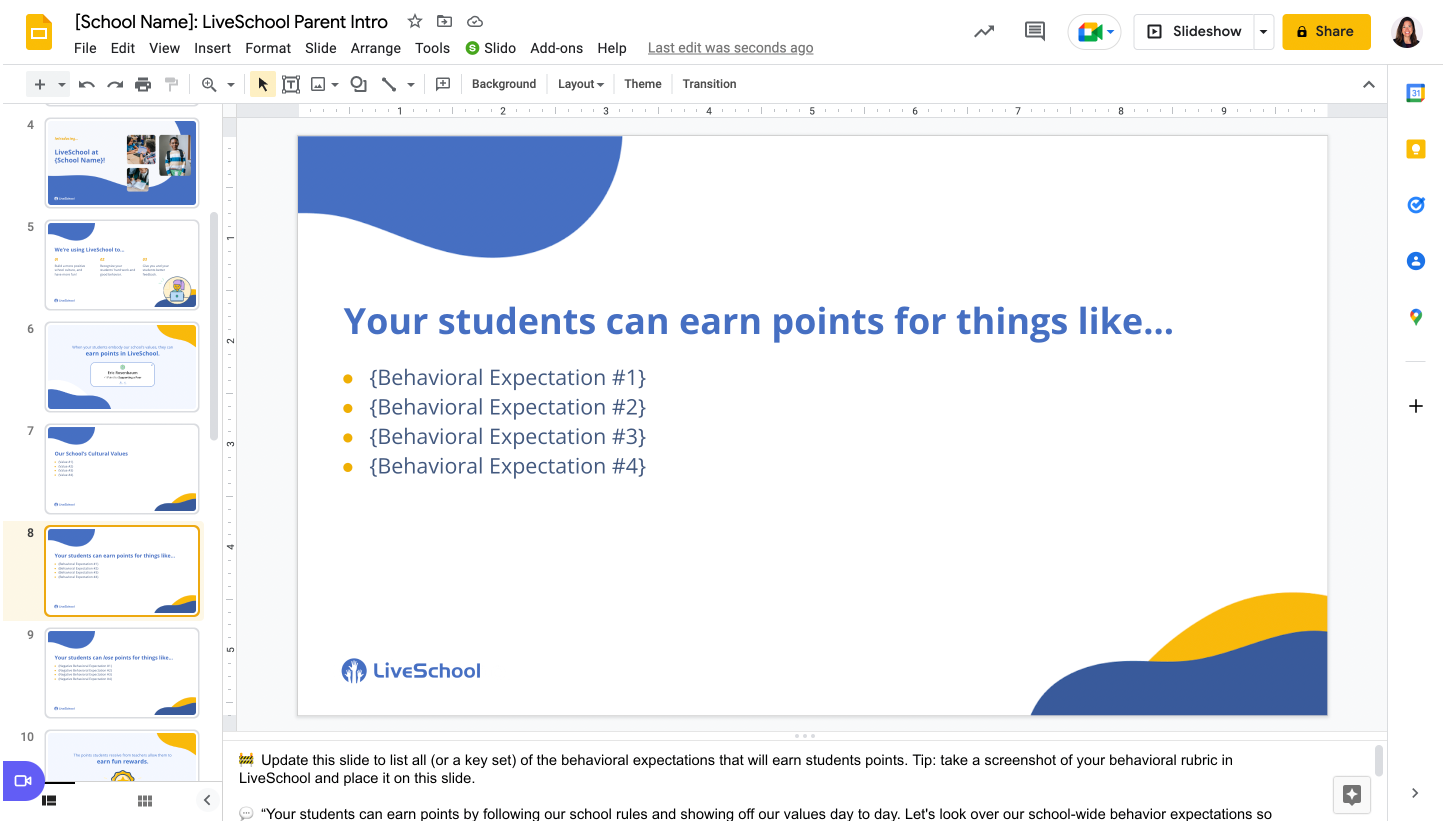
As you work through this guide, please refer back to the 3 key resources we've created for you, found linked below! Each of these important tools are made for you to copy and customize for your own needs.
💡One Last Thing...
Sometimes schools have intense protection over their internet security, which can unintentionally block LiveSchool in your building. Please ask your IT department to whitelist LiveSchool for optimal performance while you're getting set up.
Related posts
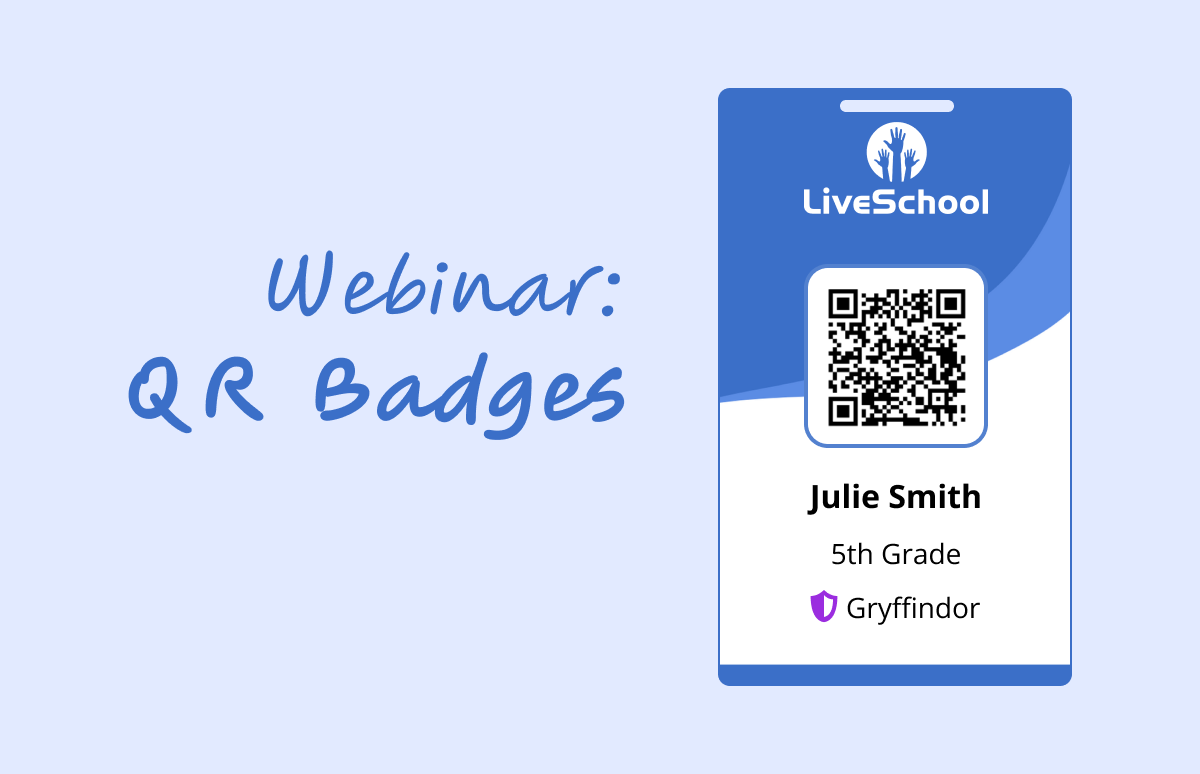
Recording: Increase Efficiency with QR Badges
Learn how QR Badges can revolutionize your store, enhance student engagement, and more!

April 17th: New Feature: Absences, Student Setup & Live Q&A
We are hosting 30-minute webinars this Spring to highlight new features coming to LiveSchool!
April 15th: New Feature: Absences, Student Setup & Live Q&A
We are hosting 30-minute webinars this Spring to highlight new features coming to LiveSchool!