
Add a comment to a point
Add a comment to provide more details on what happened.
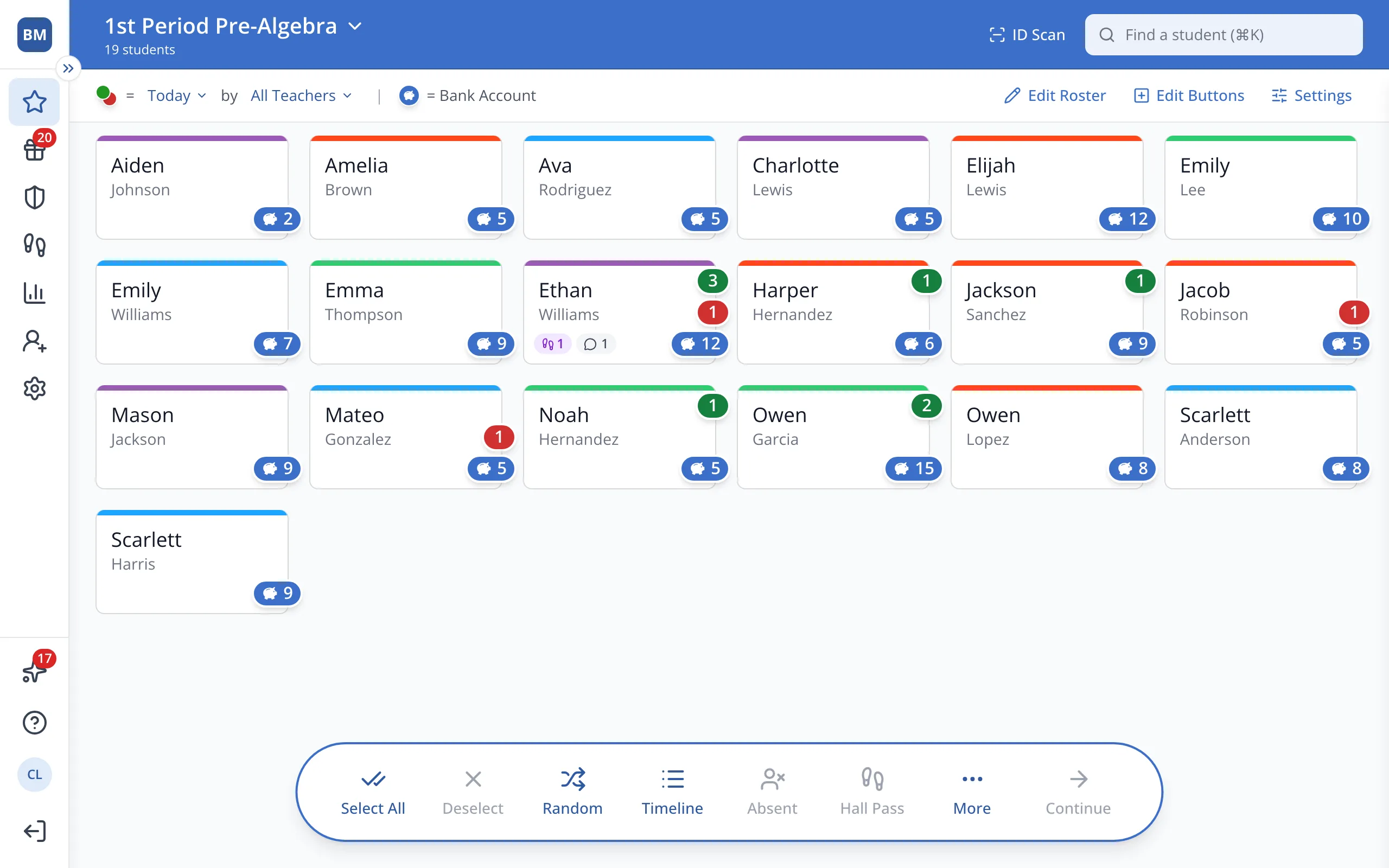
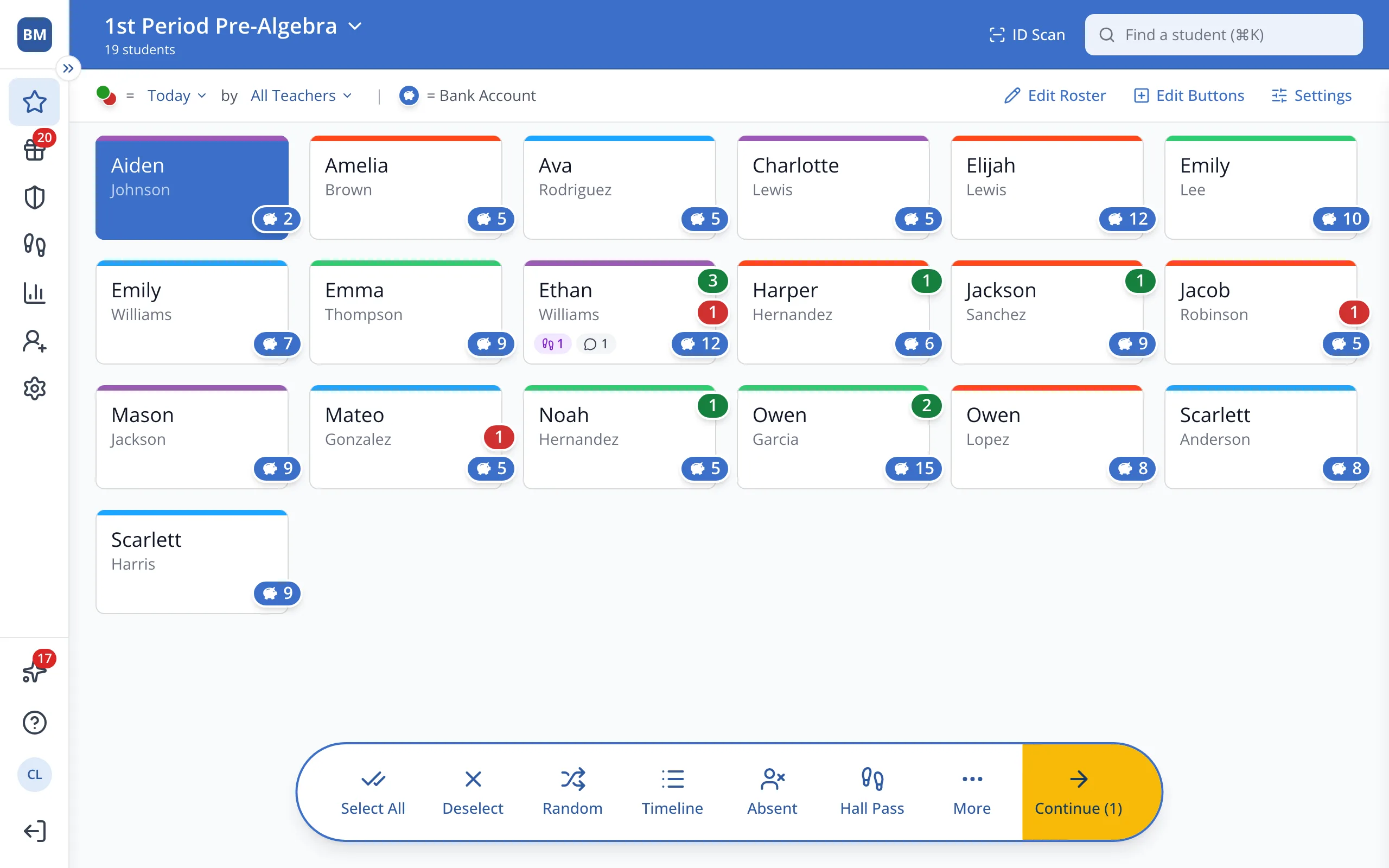
1 / 8On the Points page, click the student.
1.On the Points page, click the student's button.
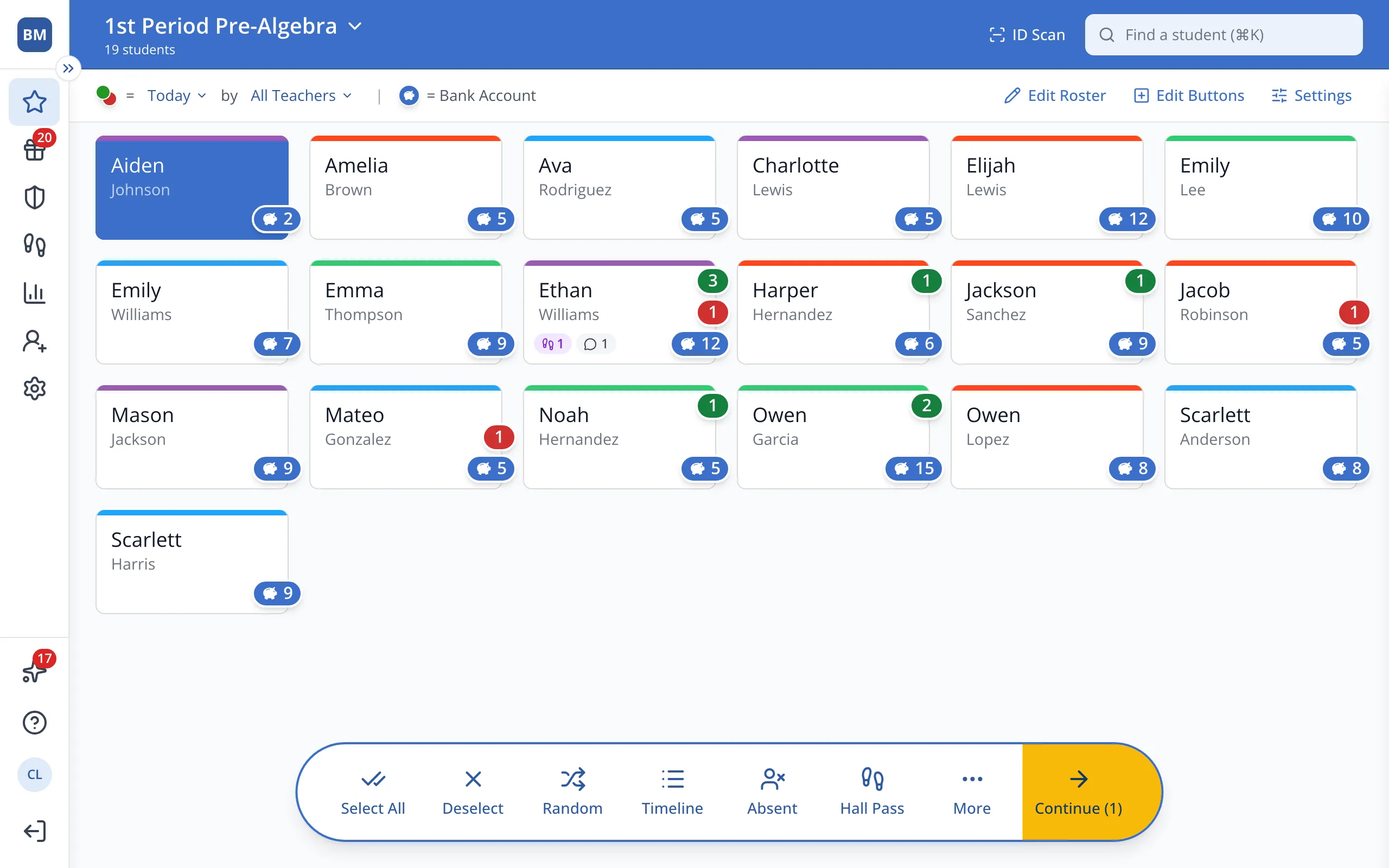
2.In the bar at the bottom, click Continue.
3.Click the green + next to the behavior you'd like to reward.
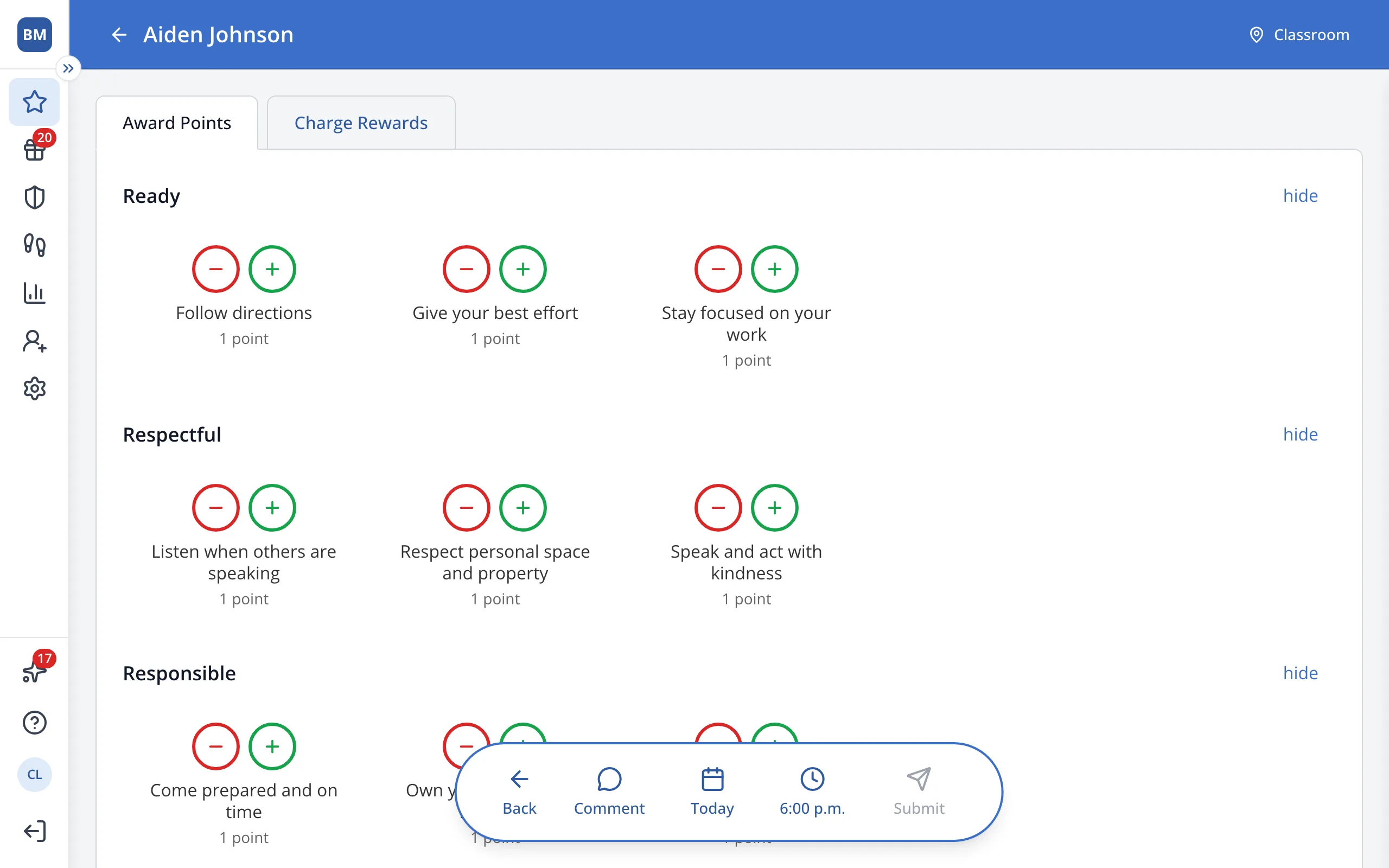
4.In the bar at the bottom, click Comment.
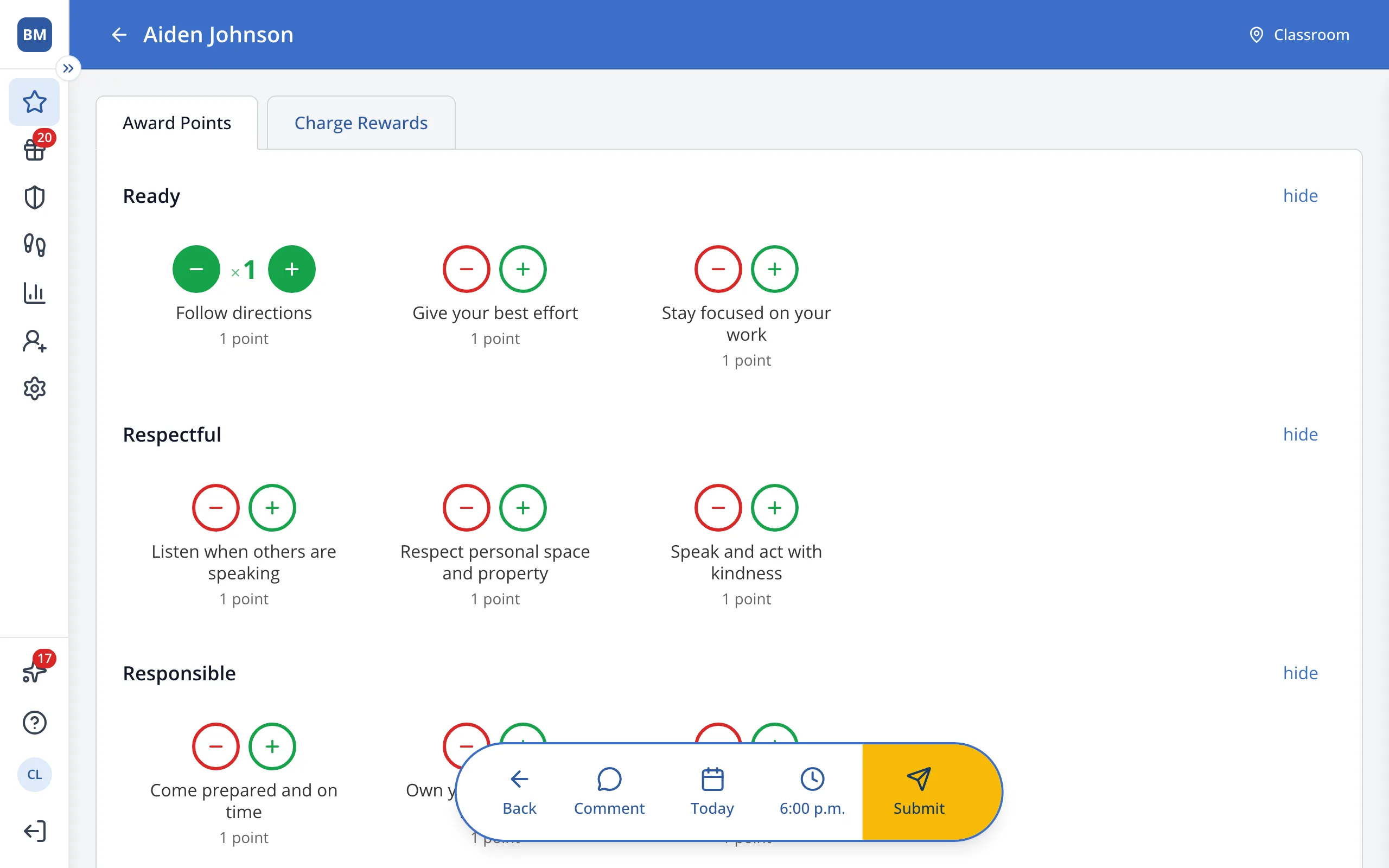
Tip: Students and families can see your comments.
5.Type your comment in the box.
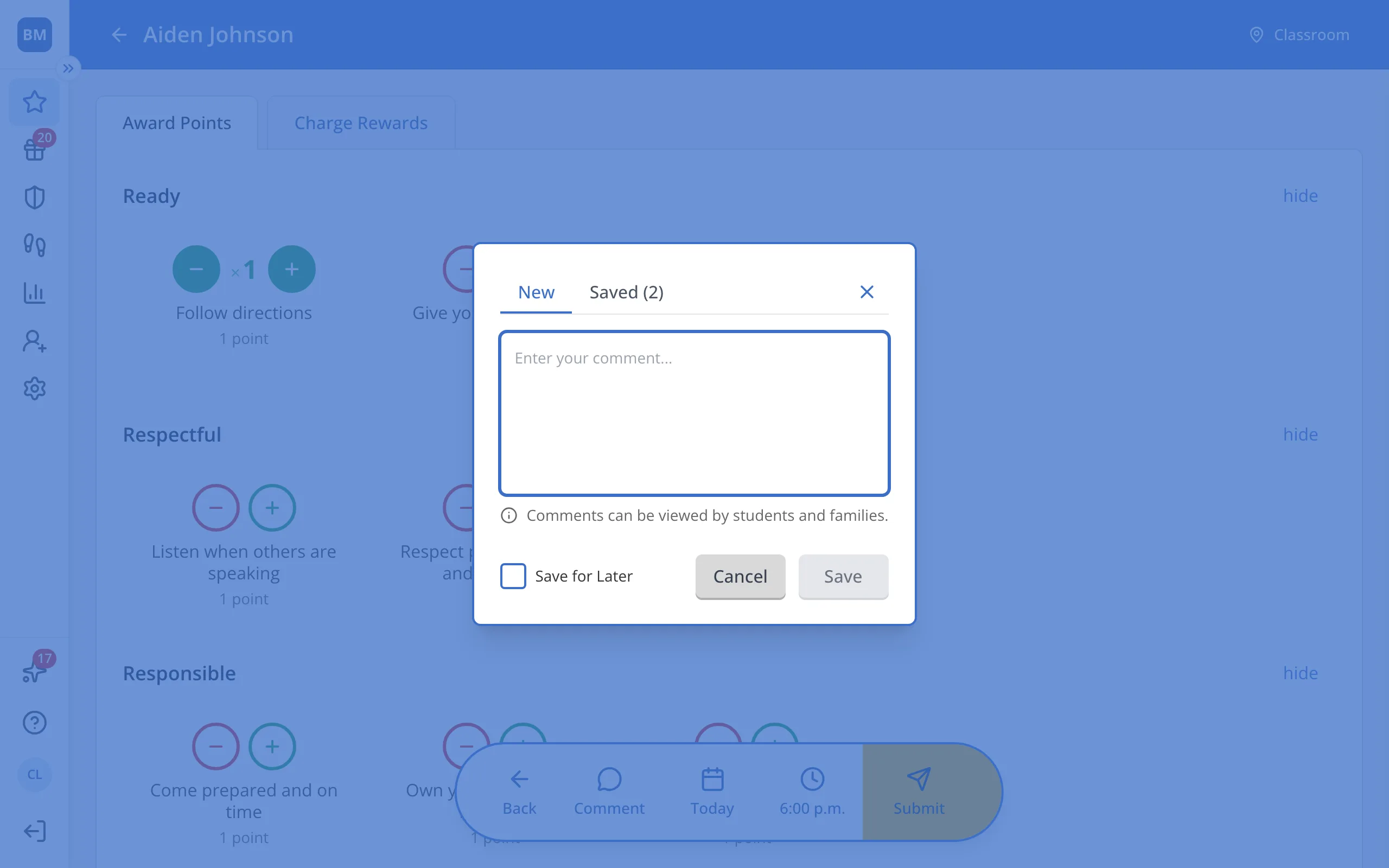
Tip: Check Save for Later to reuse this comment. Find it later under Saved.
6.Click Save.
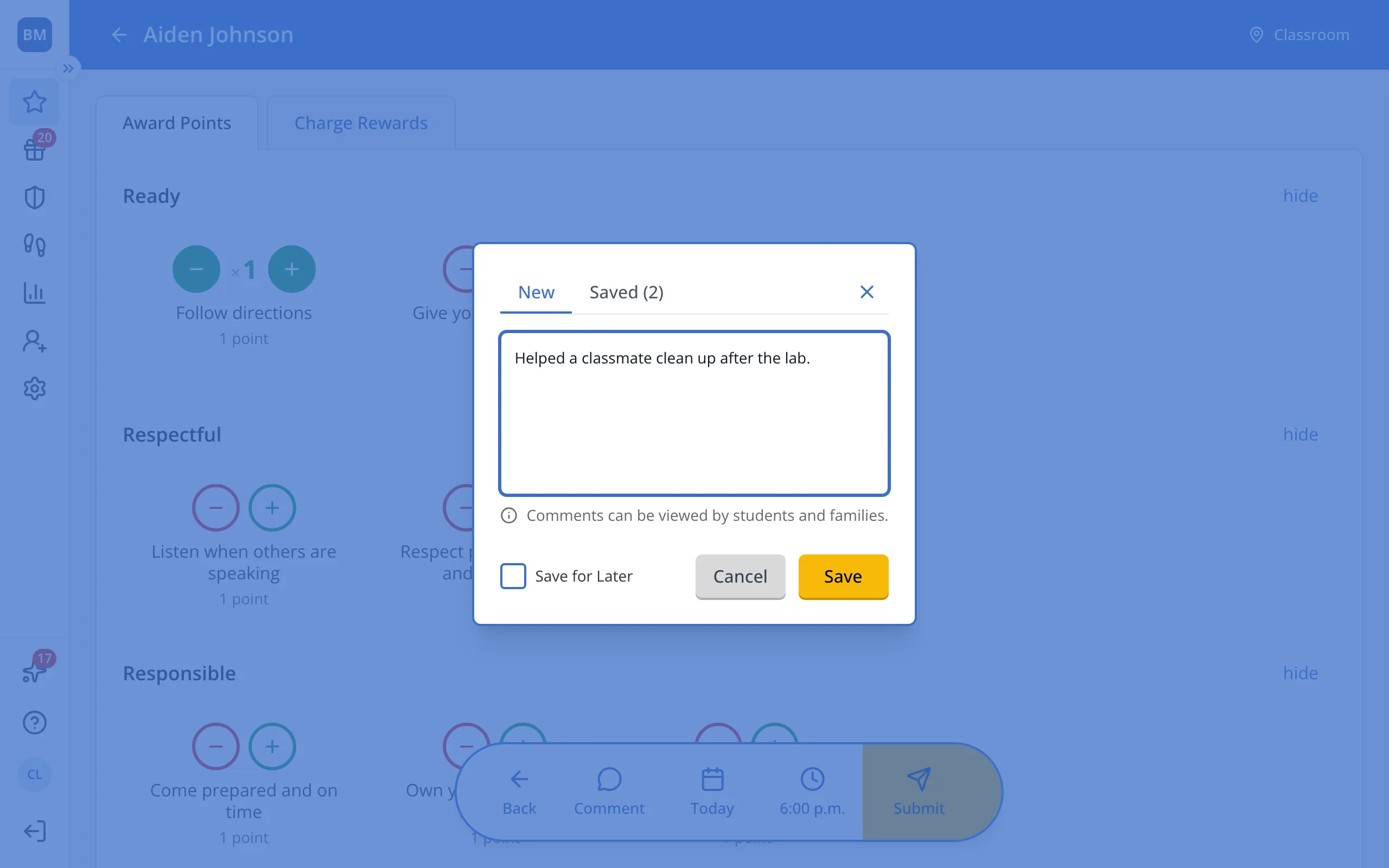
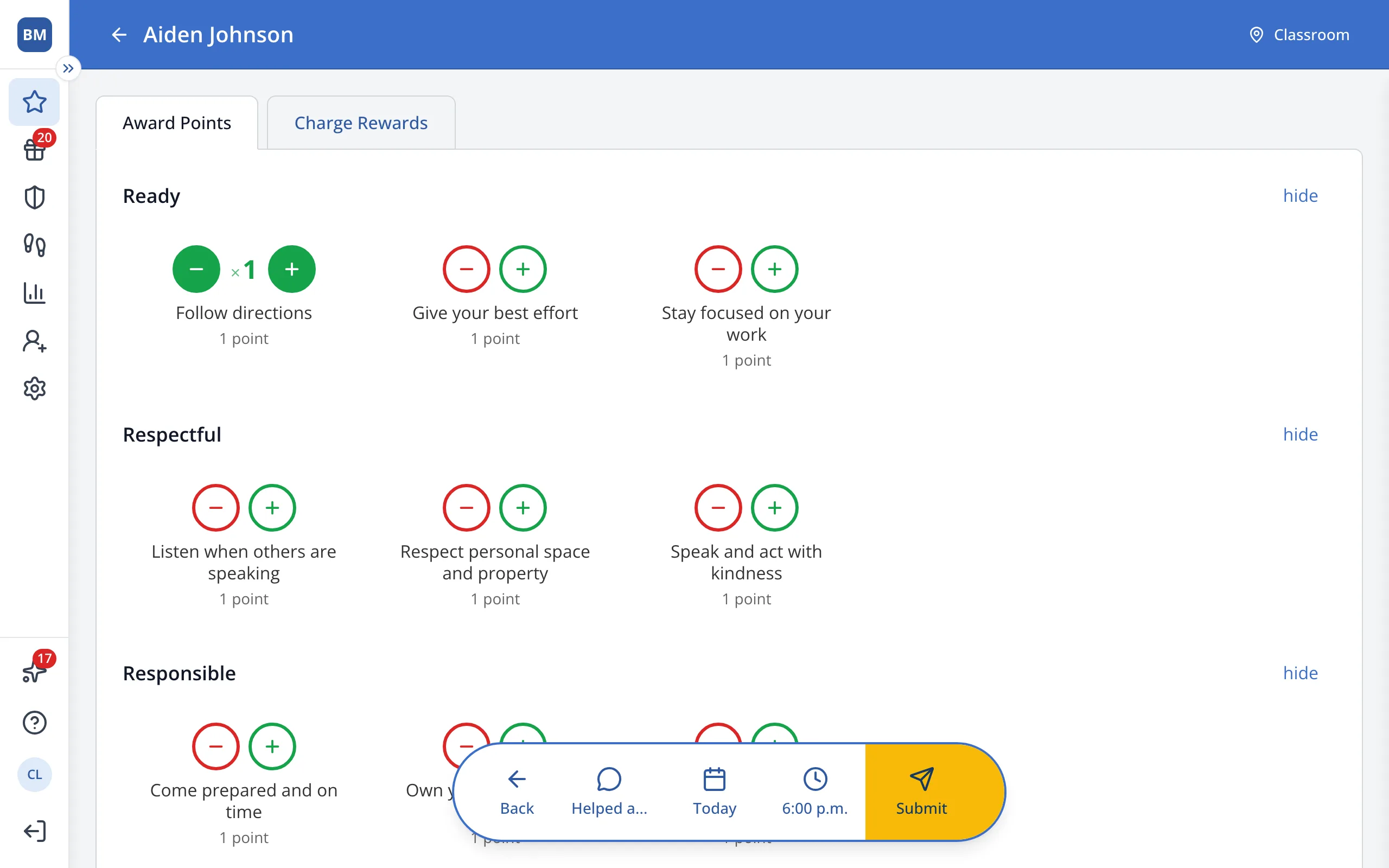
7.In the bar at the bottom, click Submit to give the point with your comment.
Was this helpful?