
Give a student a point
Every point goes with a behavior from your rubric, so it records what the student did well.
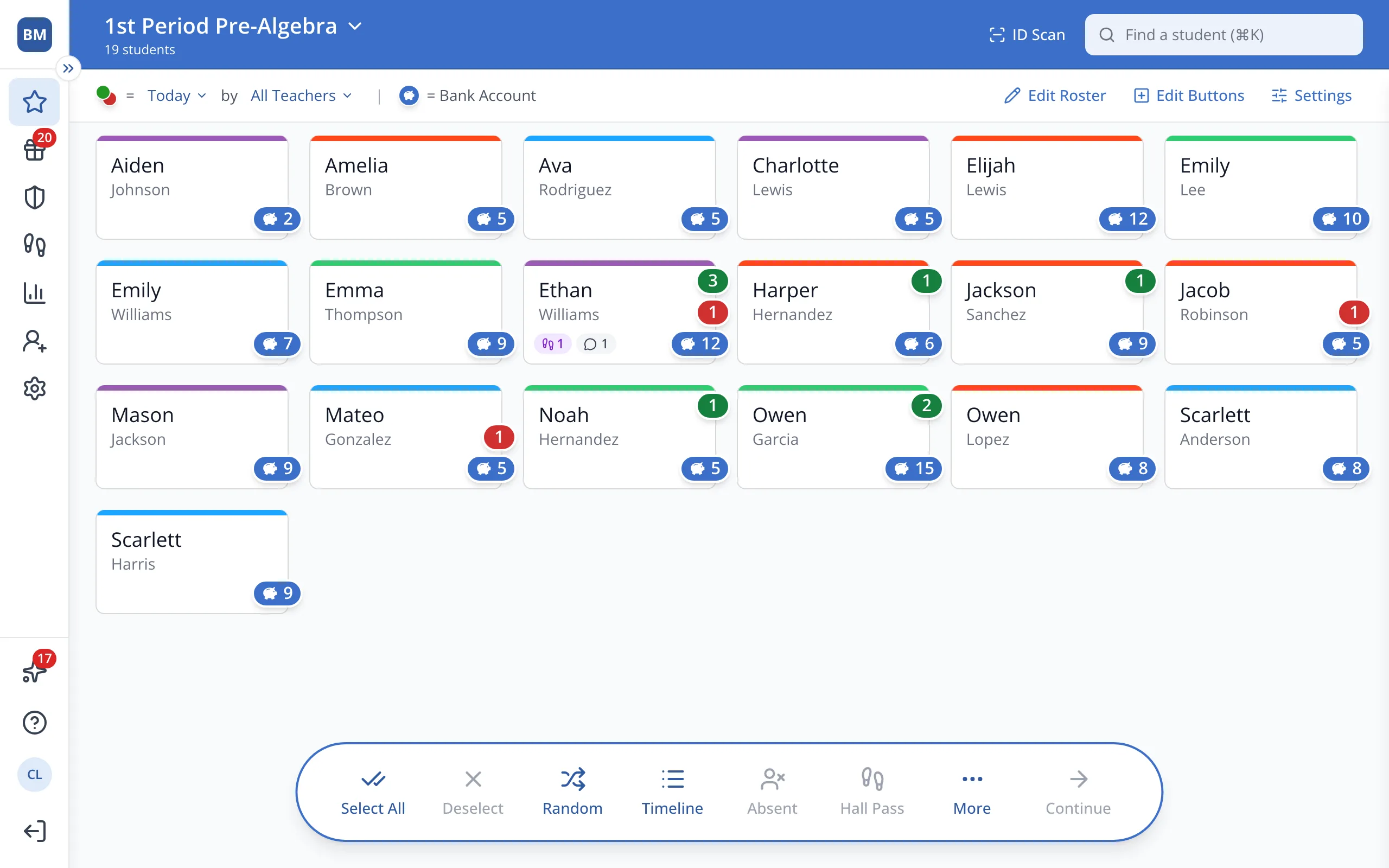
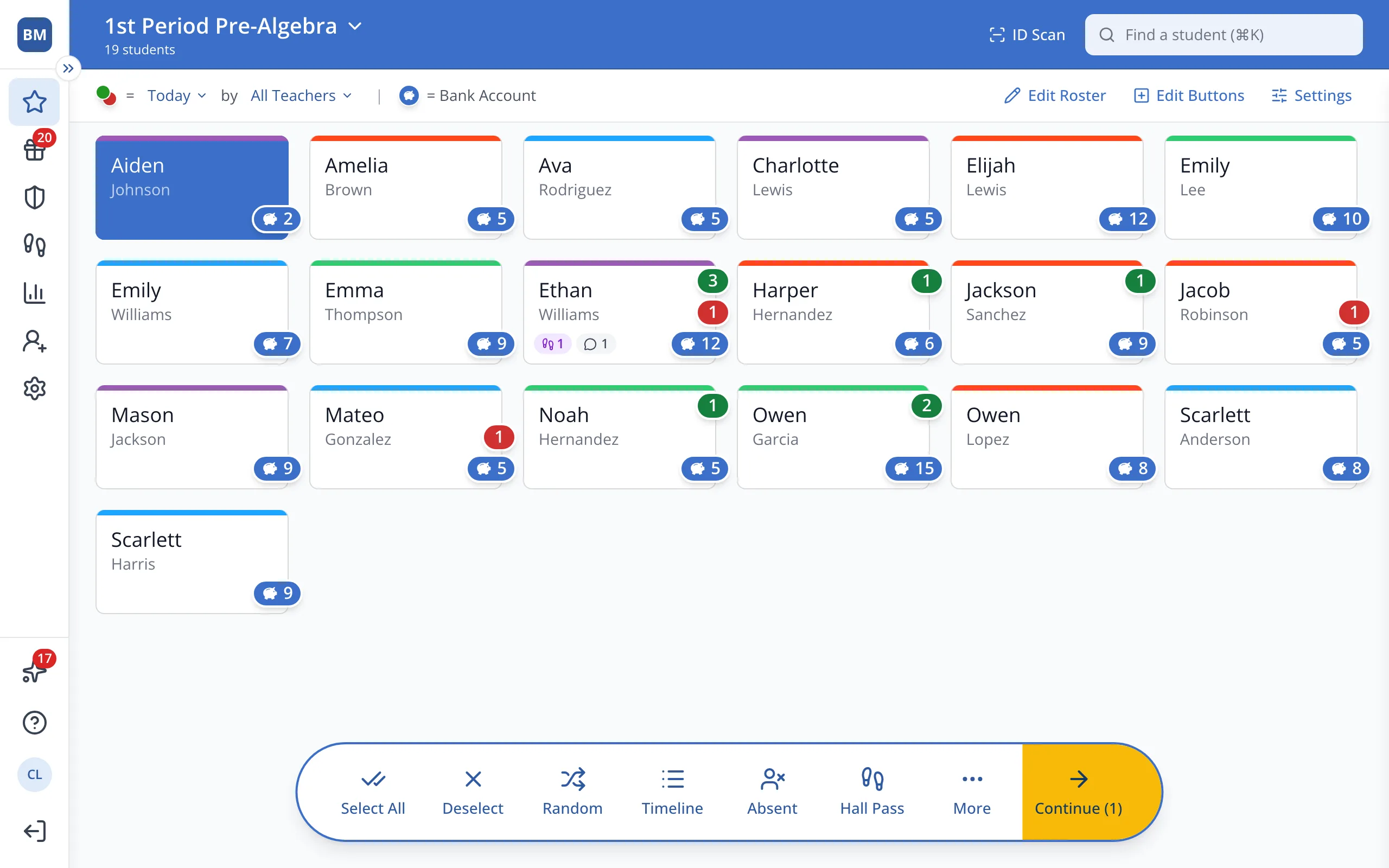
1 / 5On the Points page, click the student.
1.On the Points page, click the student's button.
Tip: Click more than one student to give them all the same point at once.
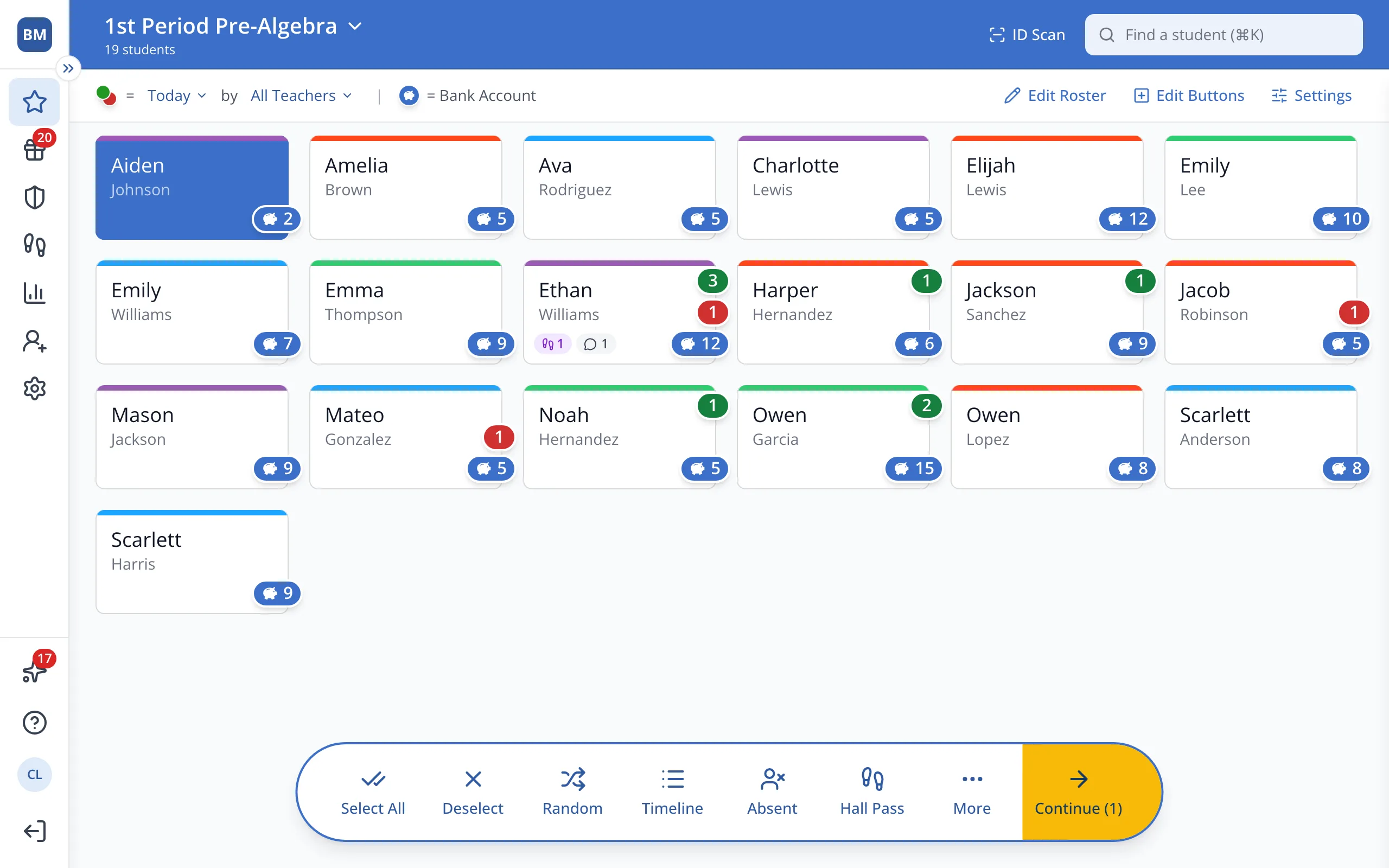
2.In the bar at the bottom, click Continue.
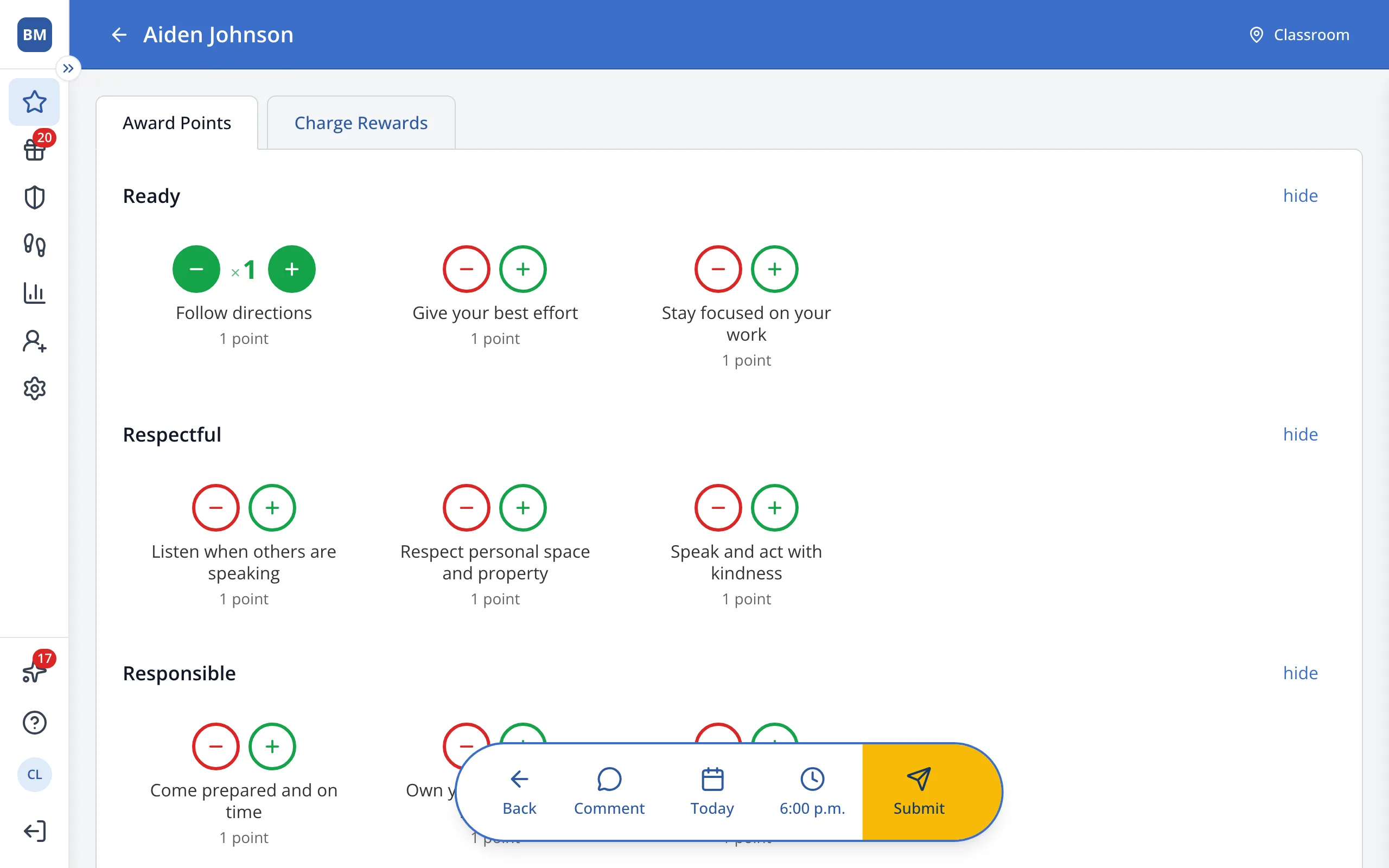
3.Click the green + next to the behavior you'd like to reward.
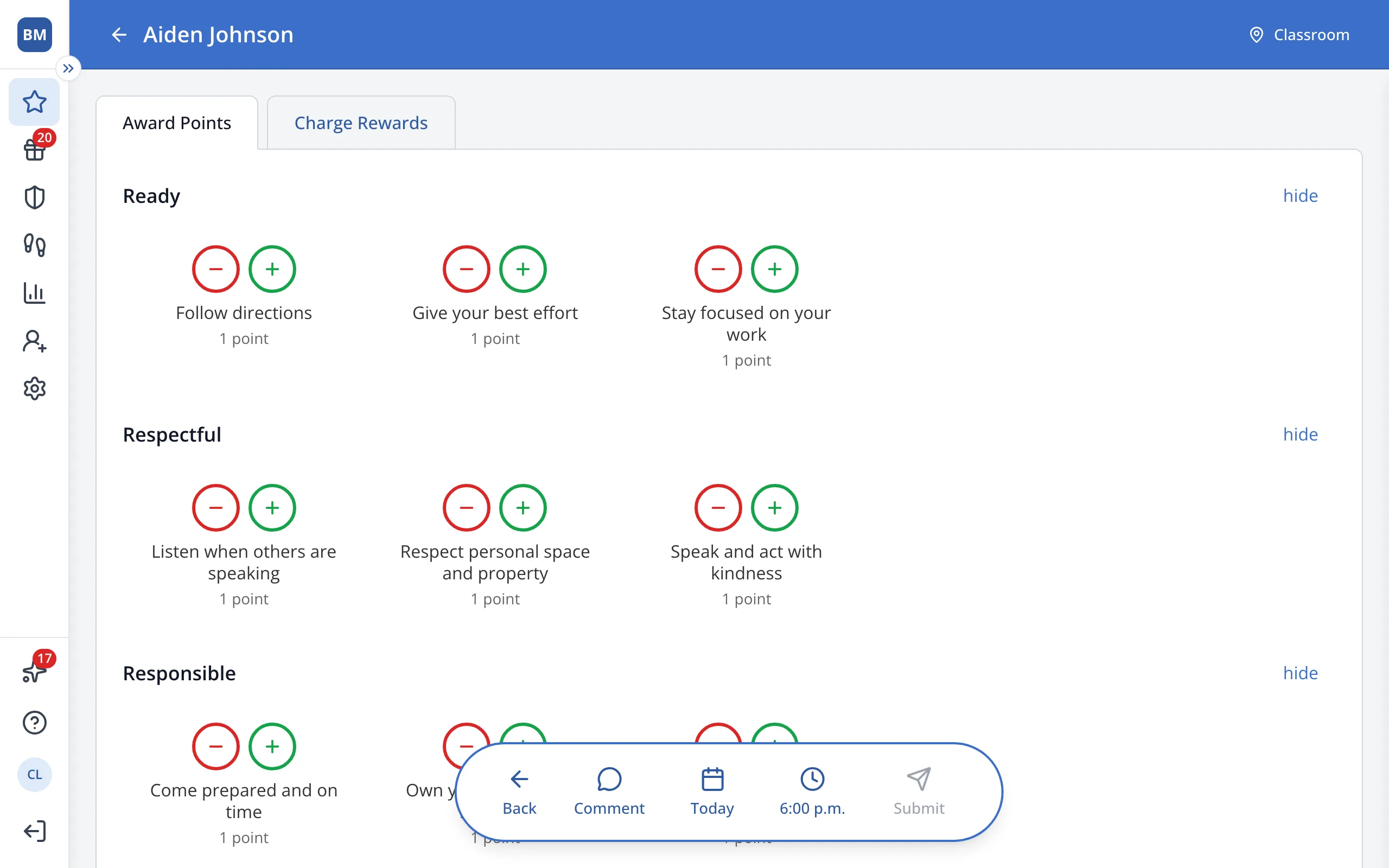
4.In the bar at the bottom, click Submit.
Was this helpful?