
Track attendance with a behavior
Add behaviors like On time or Tardy so attendance shows up in your points reports.
AdminSite Leader
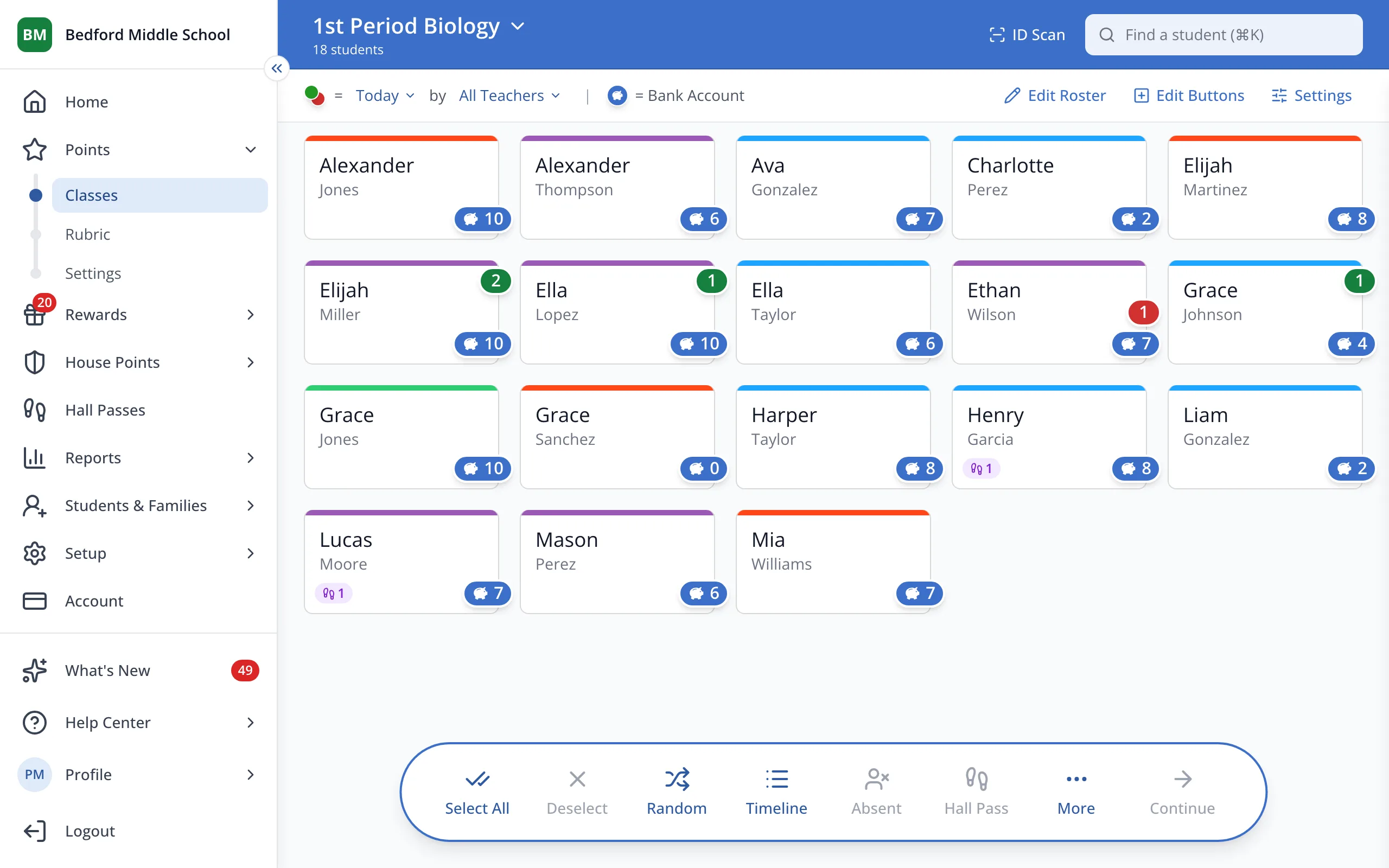
1 / 5In the sidebar, under Points, click Rubric.
1.In the sidebar, under Points, click Rubric.
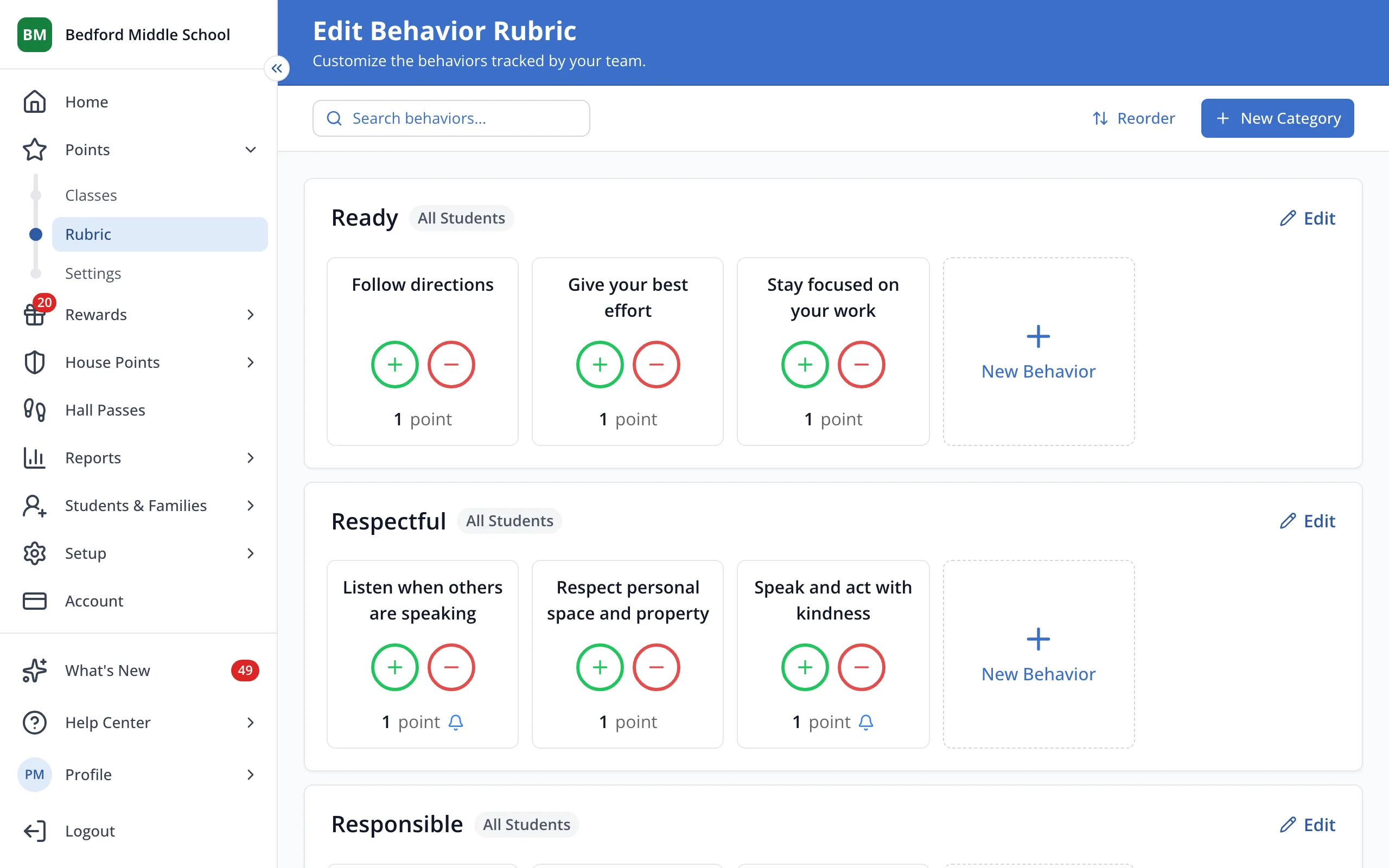
2.Click New Behavior in the category where it belongs.
Tip: Students can also check themselves in by scanning their badge at a kiosk.
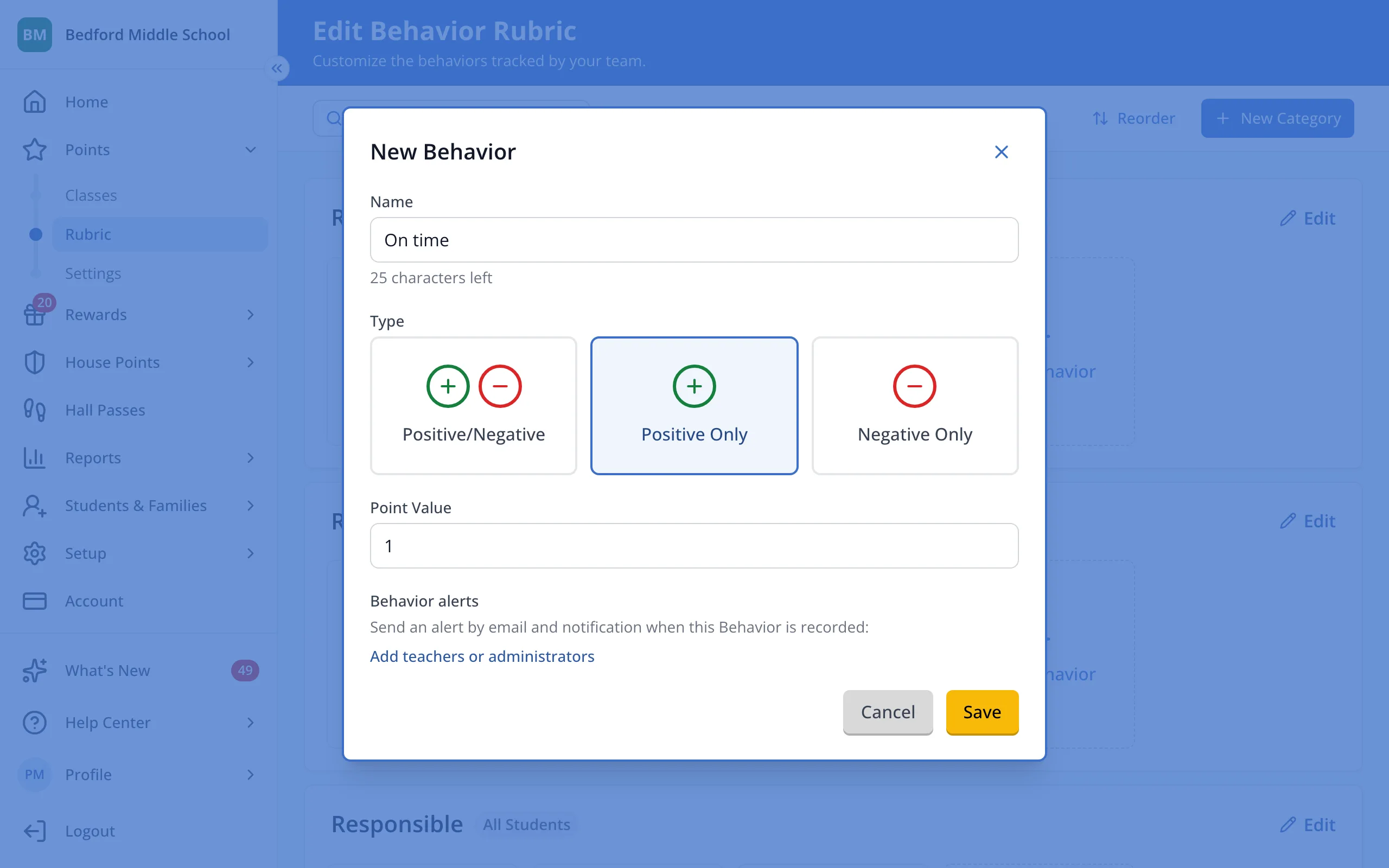
3.Type a name like On time or Tardy.
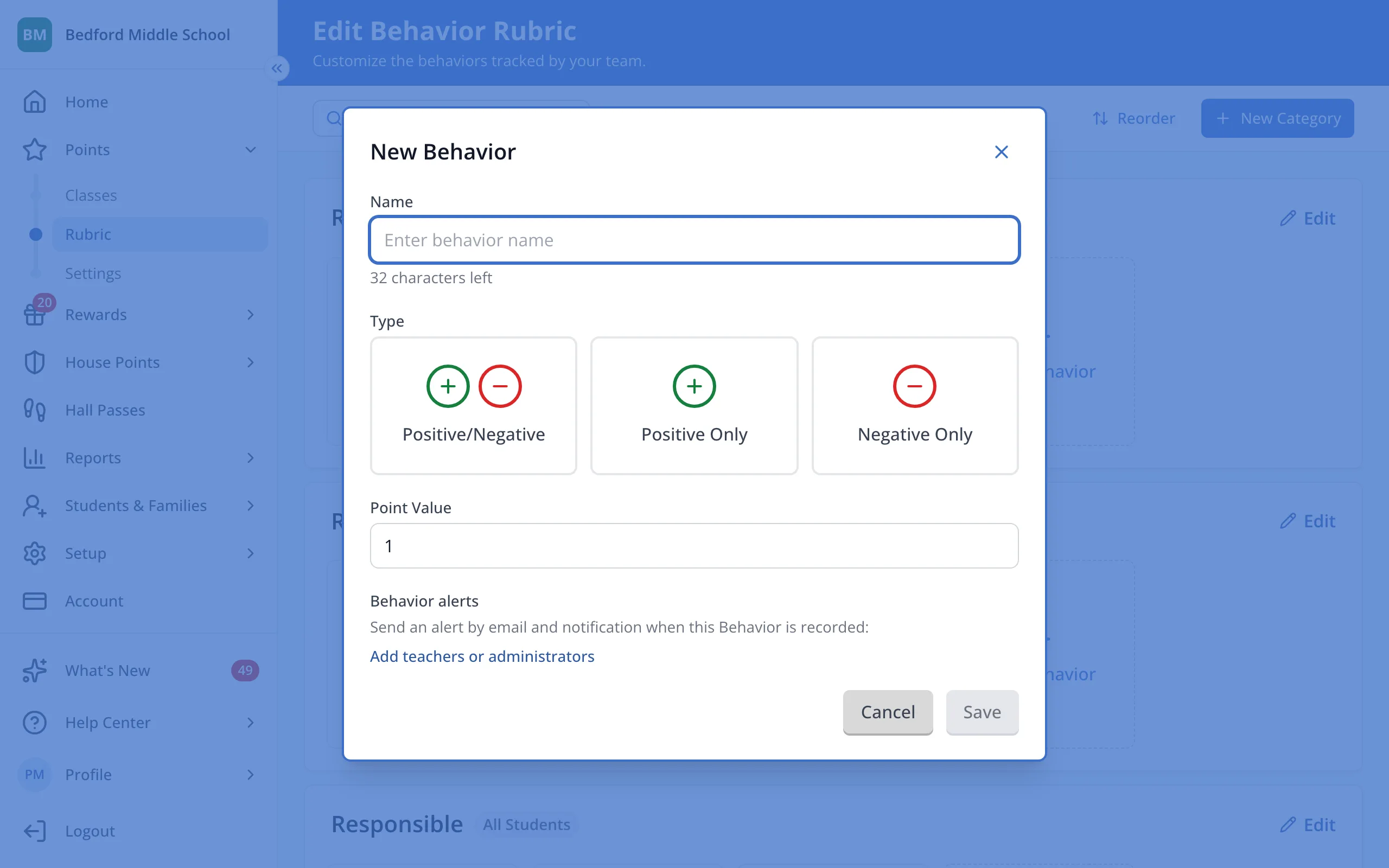
4.Choose Positive Only for on time, or Negative Only for tardy.
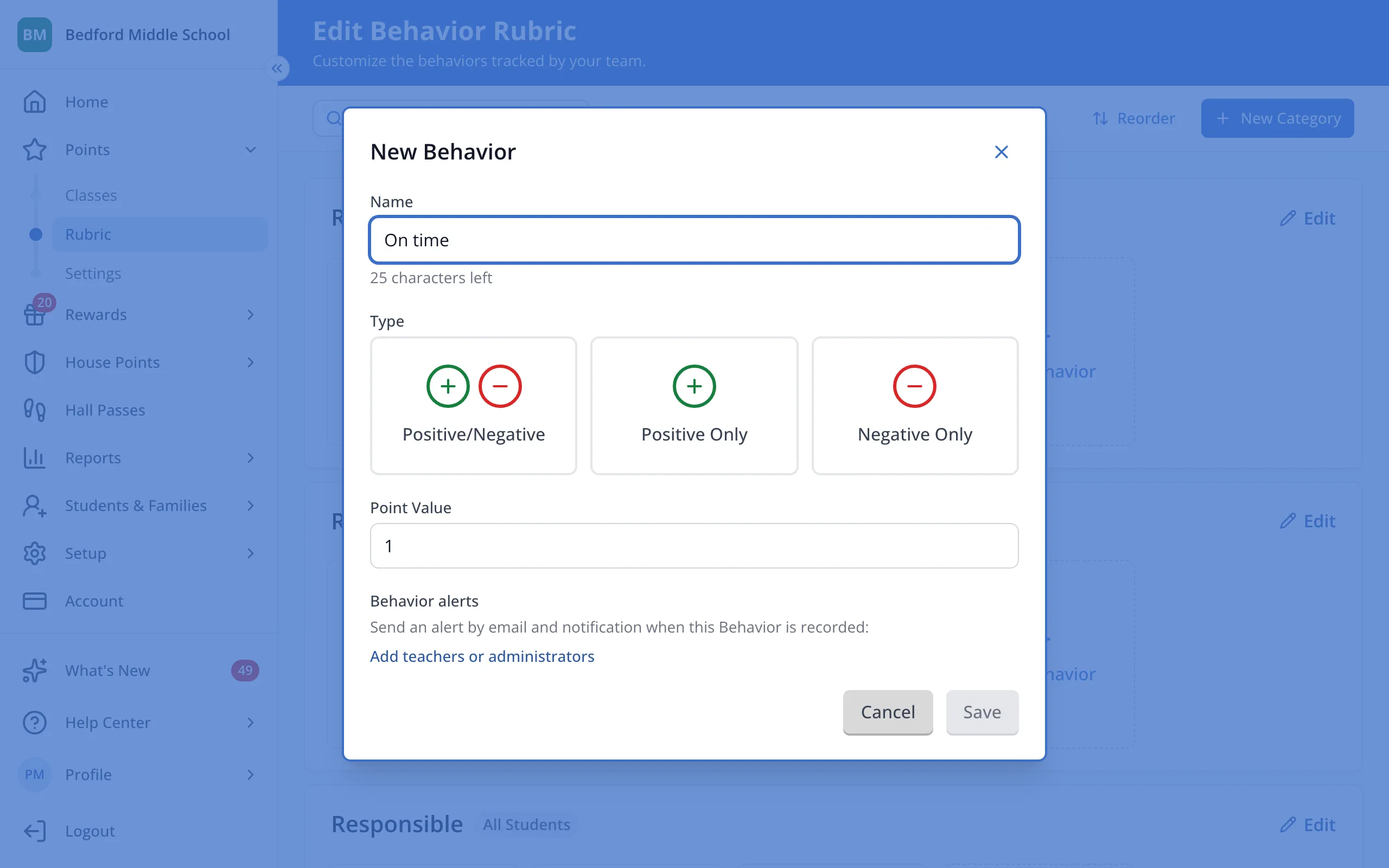
5.Click Save.
Was this helpful?