Print student ID badges
ID badges can be scanned in LiveSchool to give points or make a reward purchase.
Open in LiveSchool
Already signed in? Open this guide inside LiveSchool.
Use the Left and Right arrow keys to move between steps, and Space to play or pause.
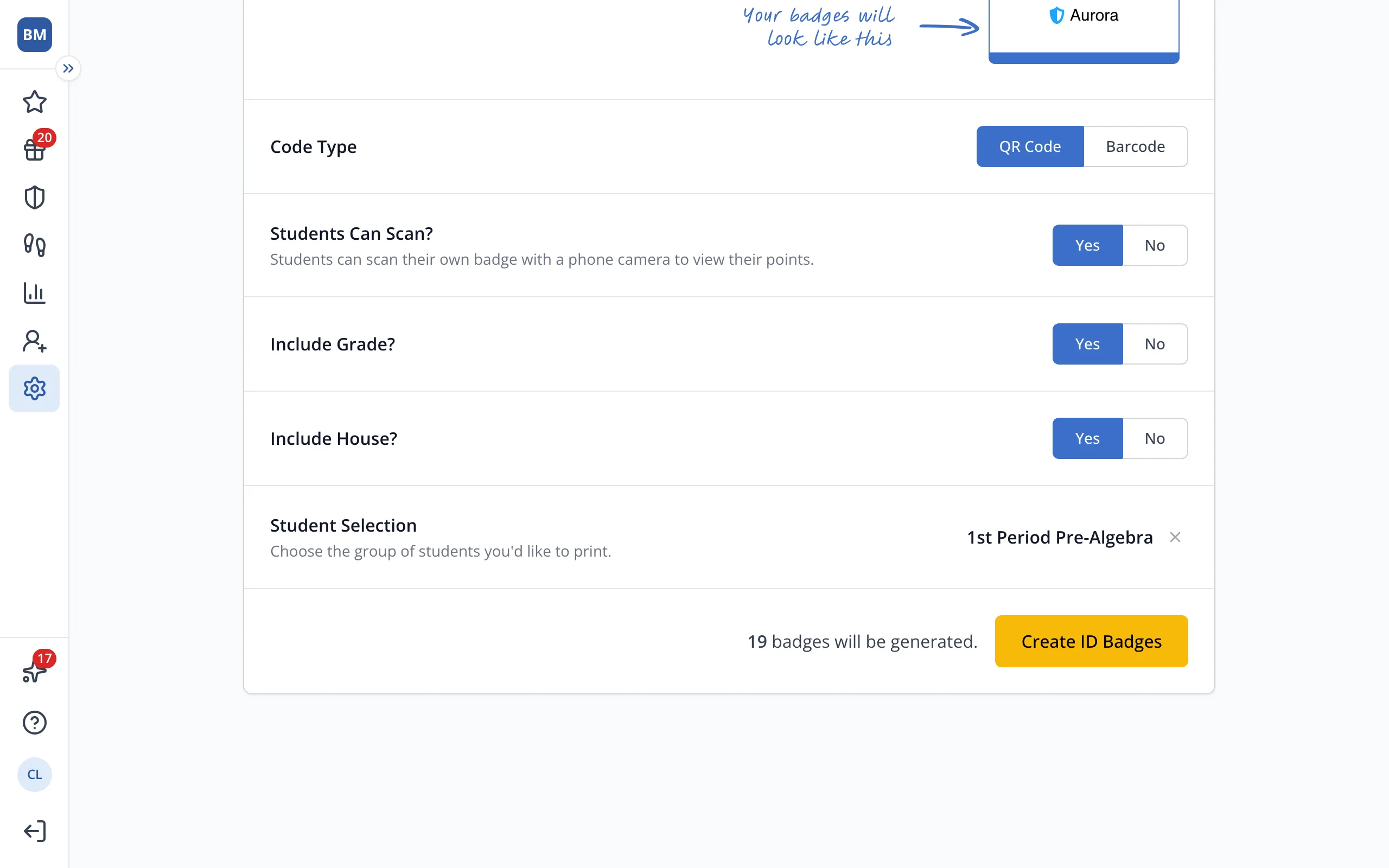
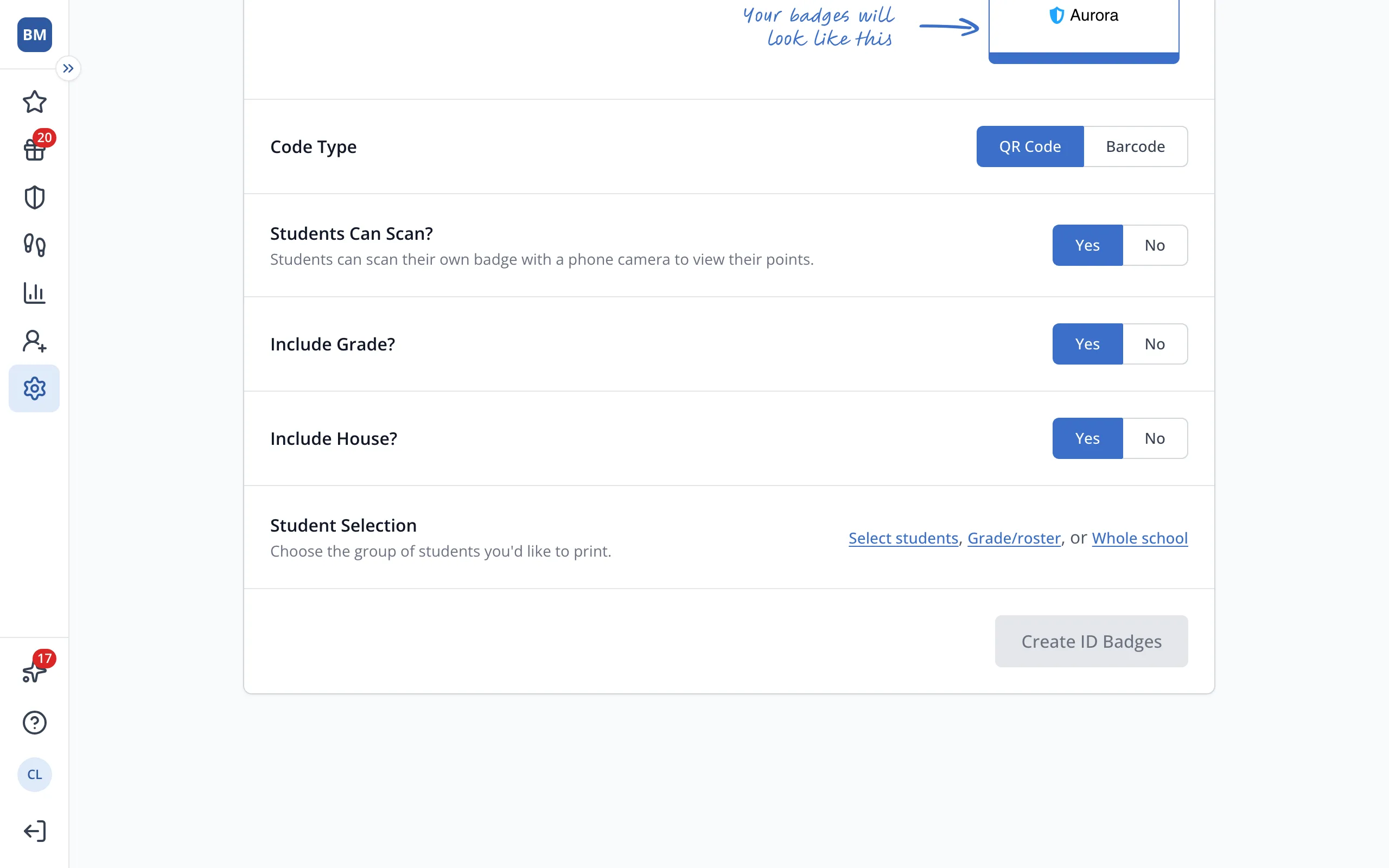
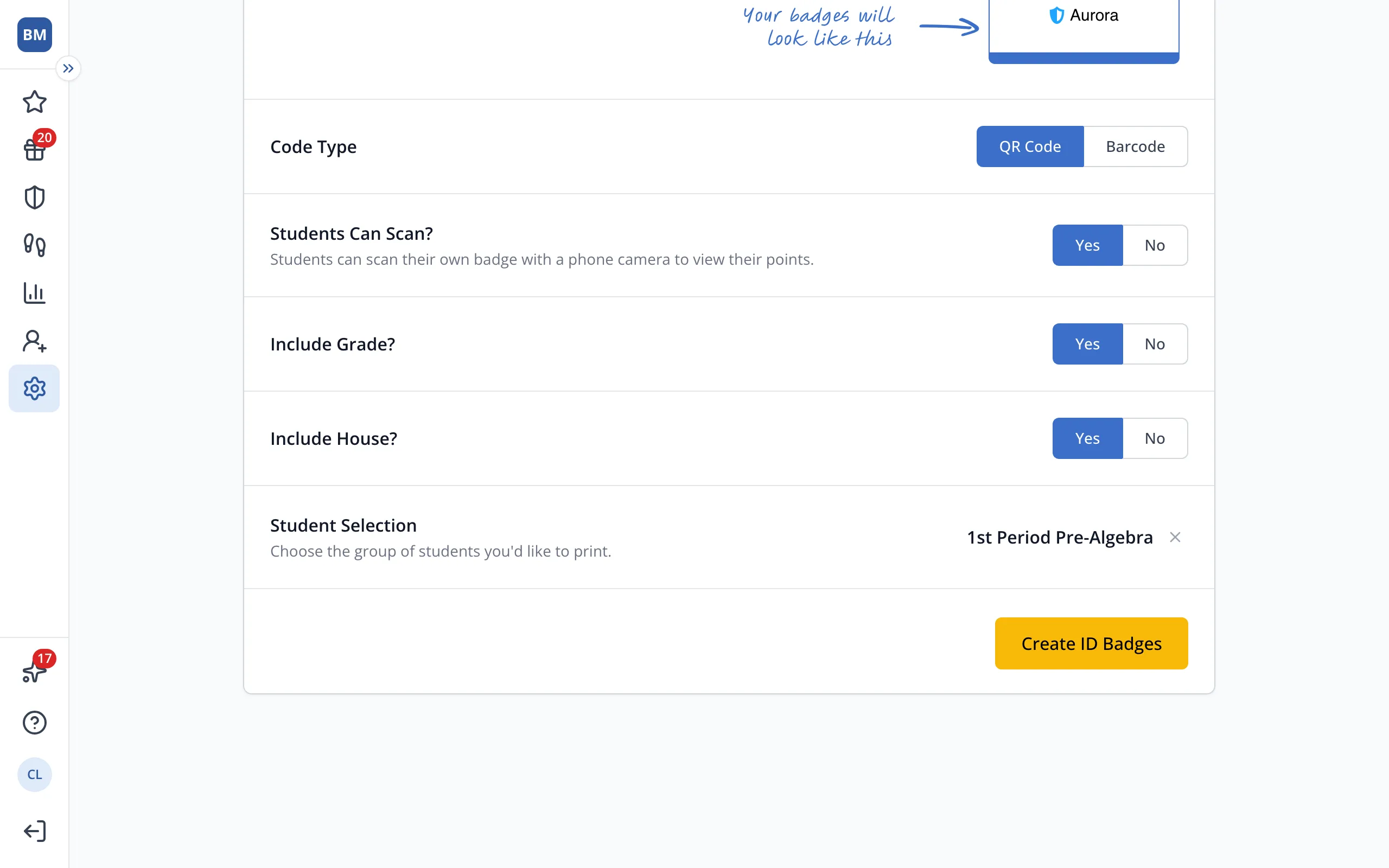
1.On the ID Badges page under Setup, click Grade/roster.
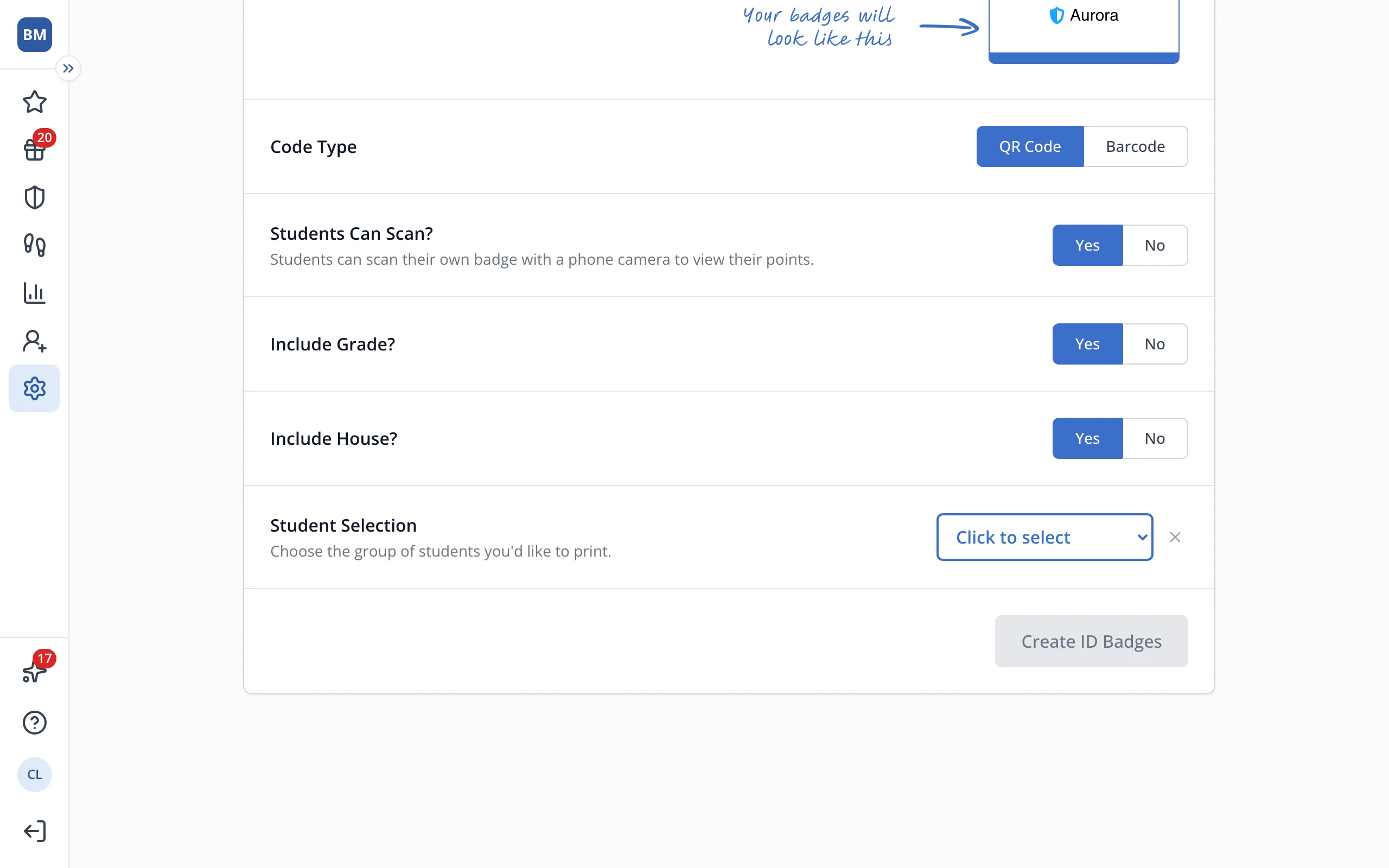
2.Pick the grade or roster you'd like badges for.
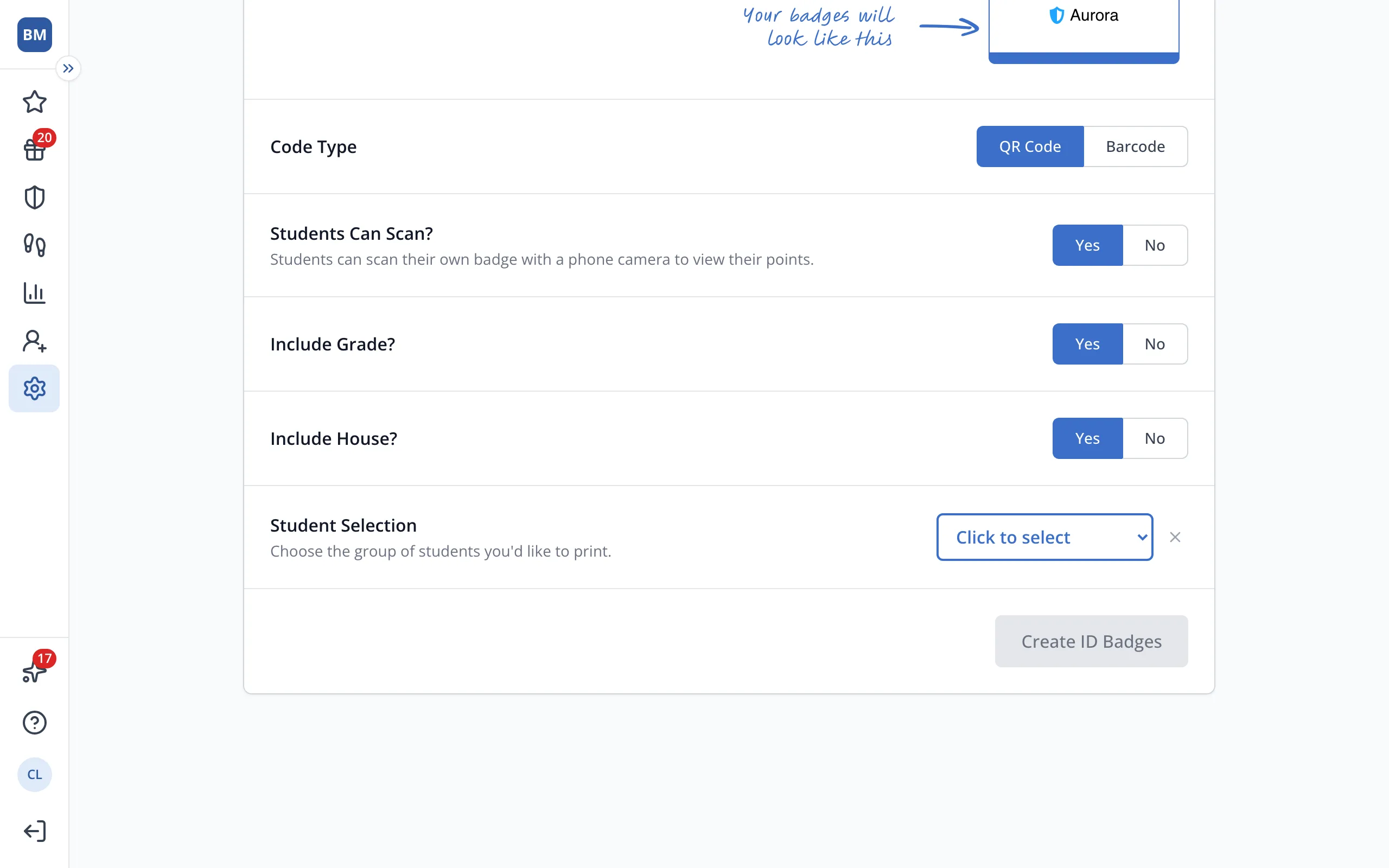
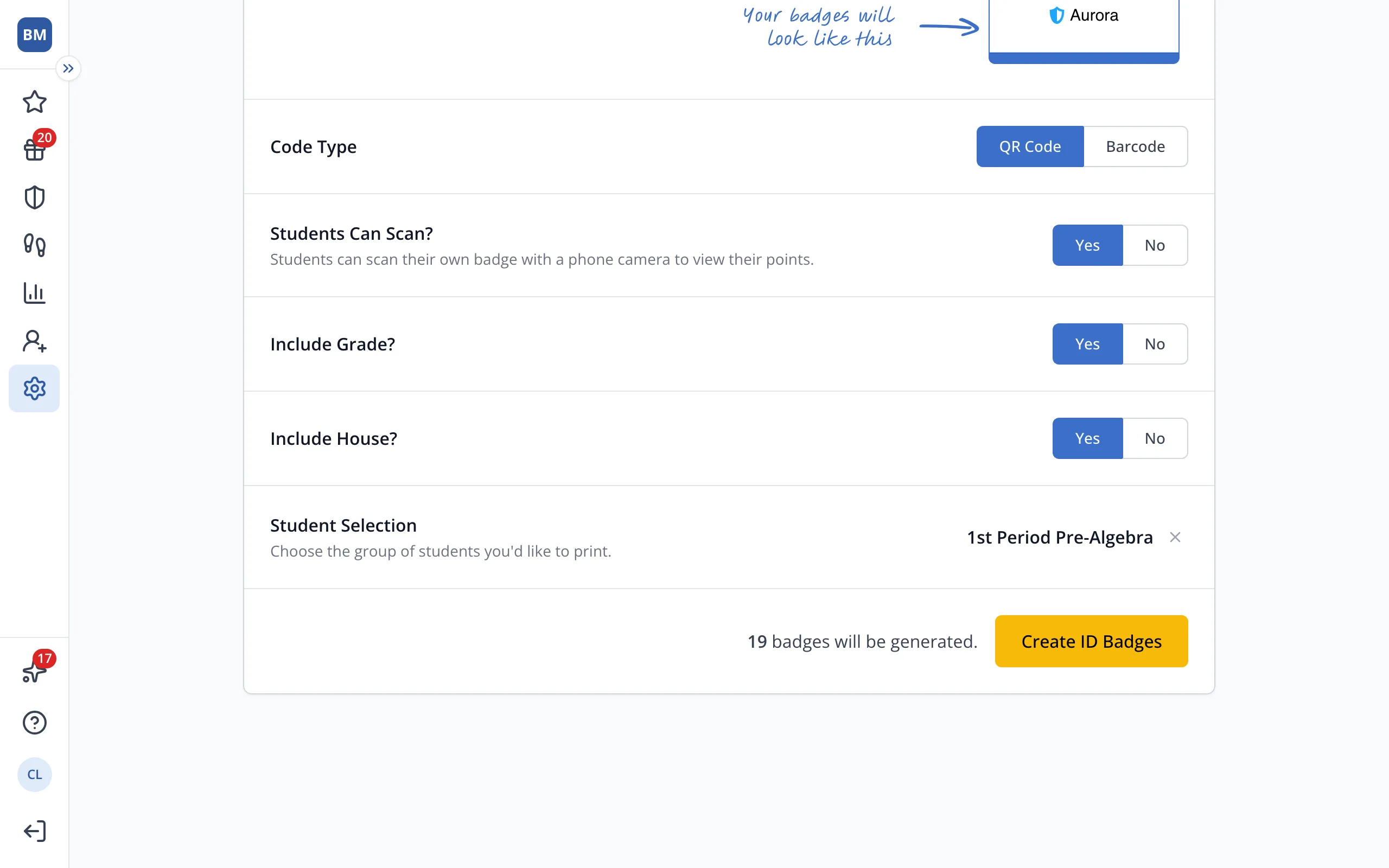
3.Click Create ID Badges. A PDF of badges downloads, ready to print.