
Add a new behavior to your rubric
Additional behaviors can be added to your rubric at any point in the year.
AdminSite Leader
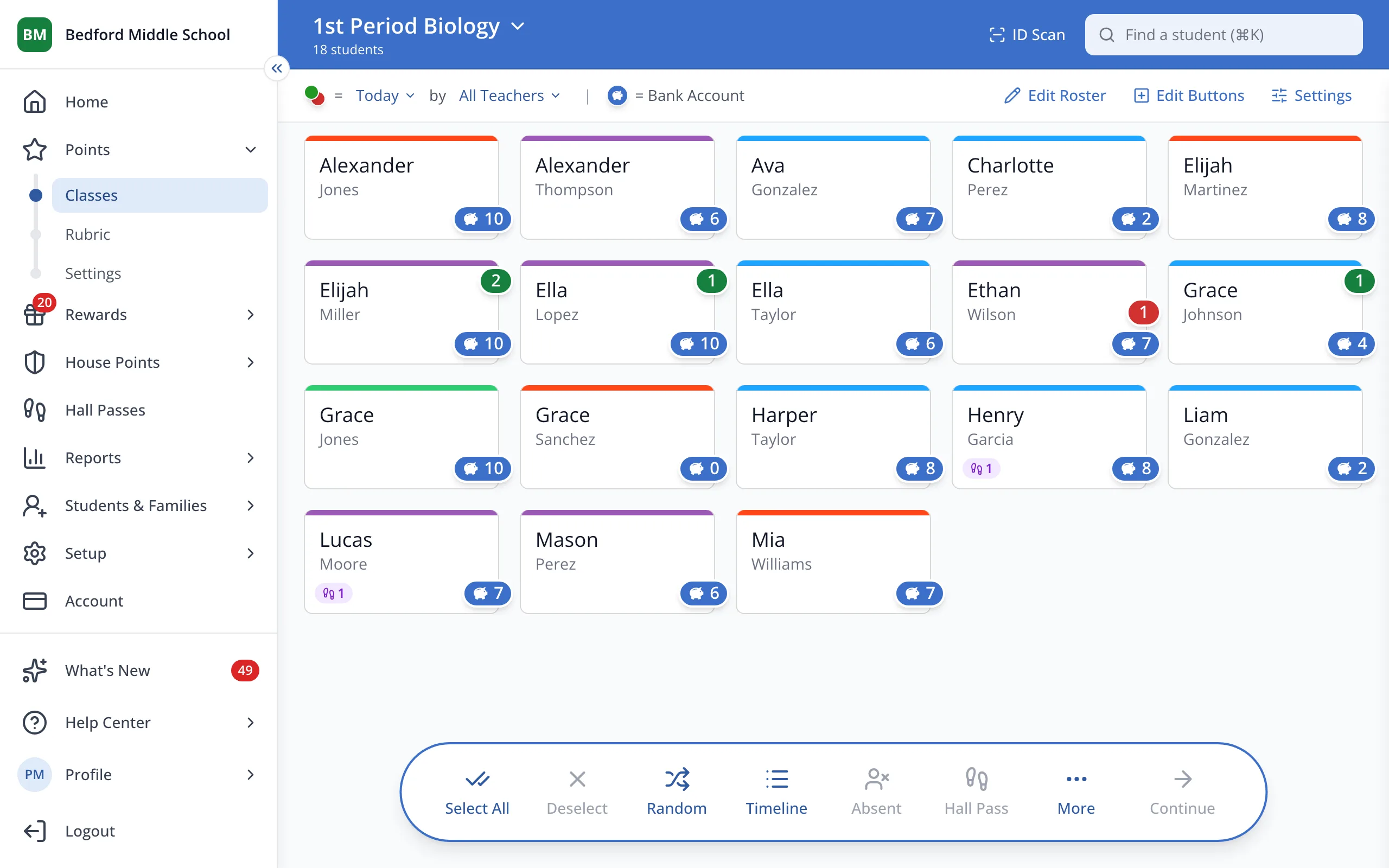
1 / 6In the sidebar, under Points, click Rubric.
1.In the sidebar, under Points, click Rubric.
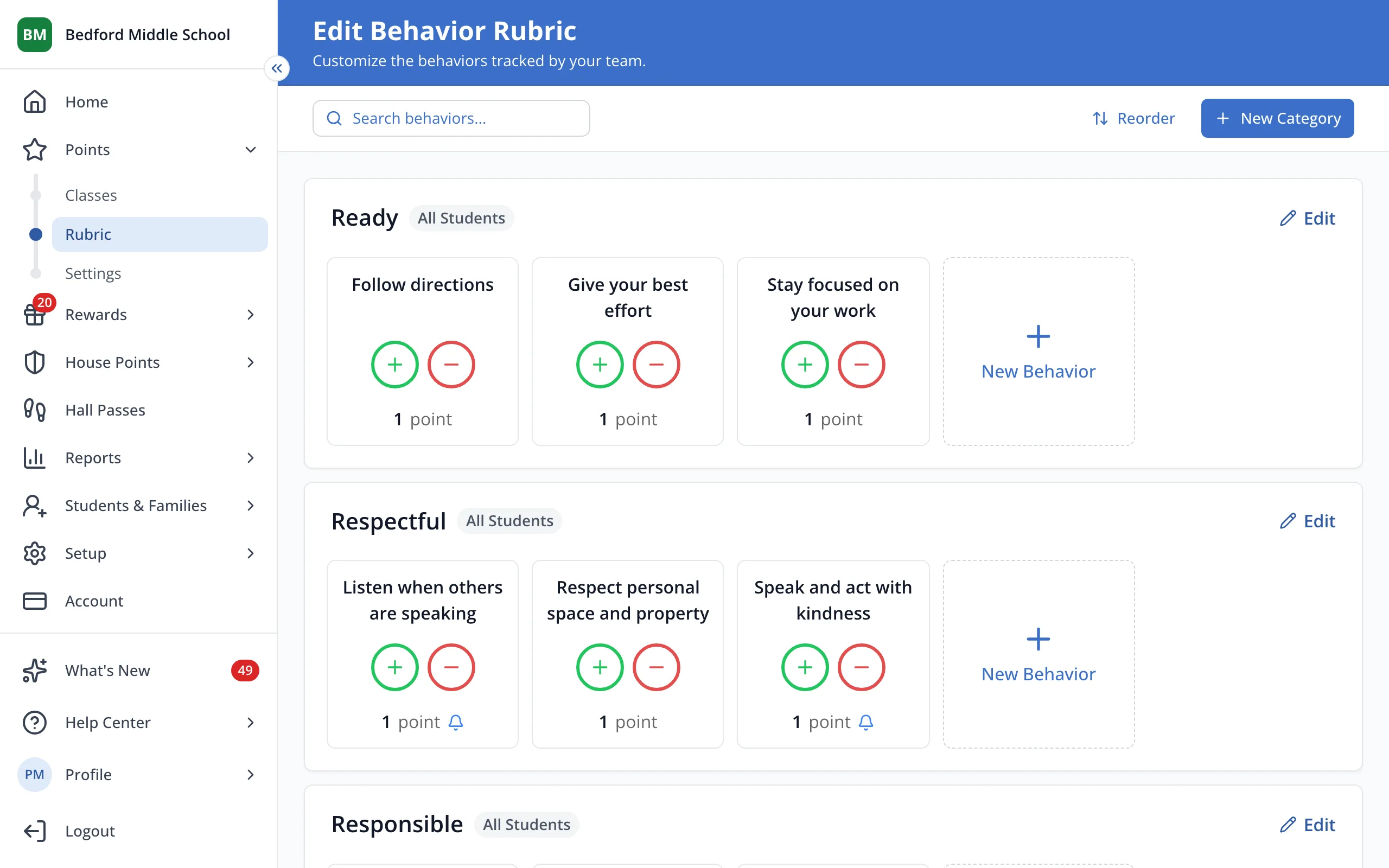
2.Under the category it belongs in, click New Behavior. You can also create an additional category if needed.
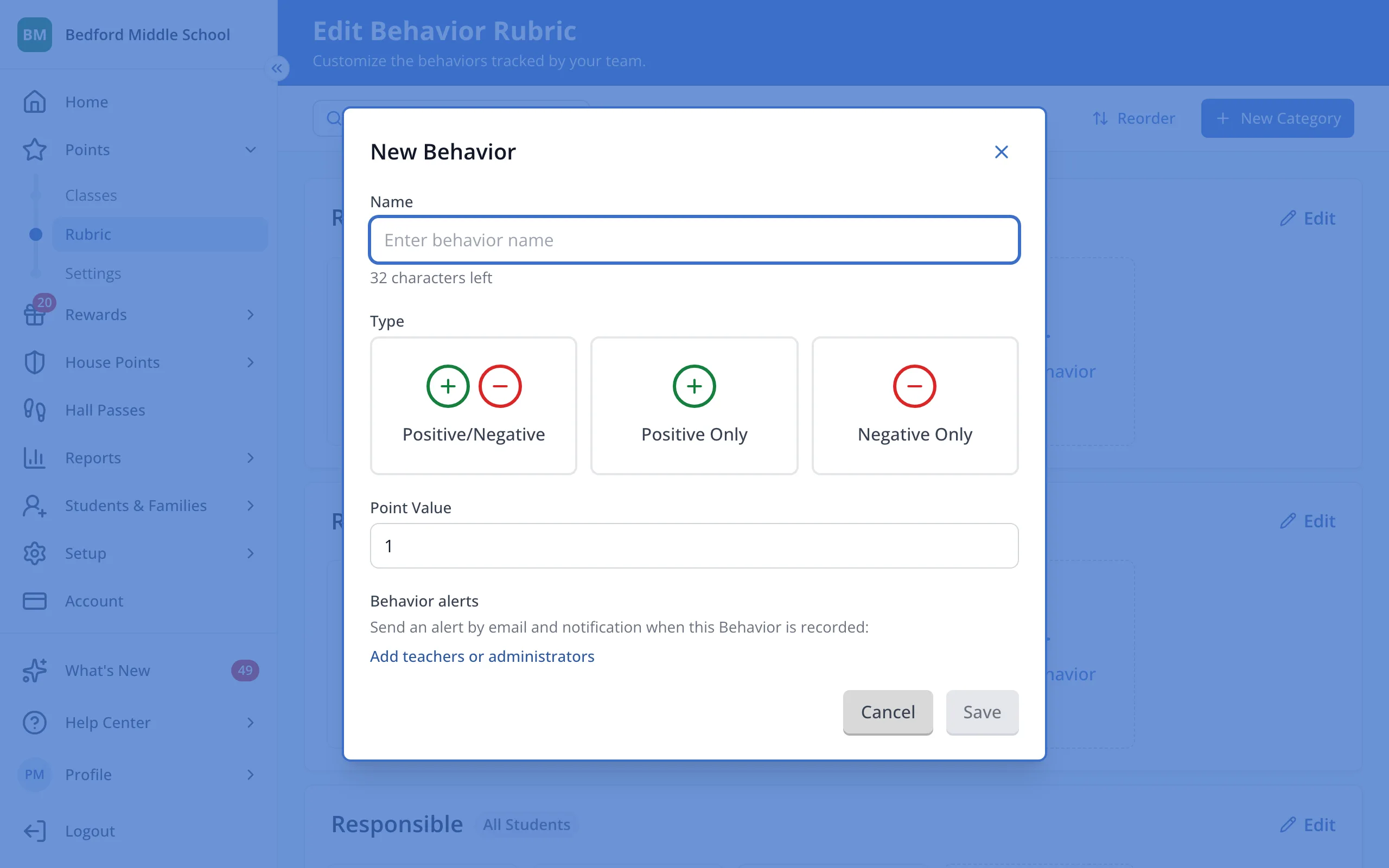
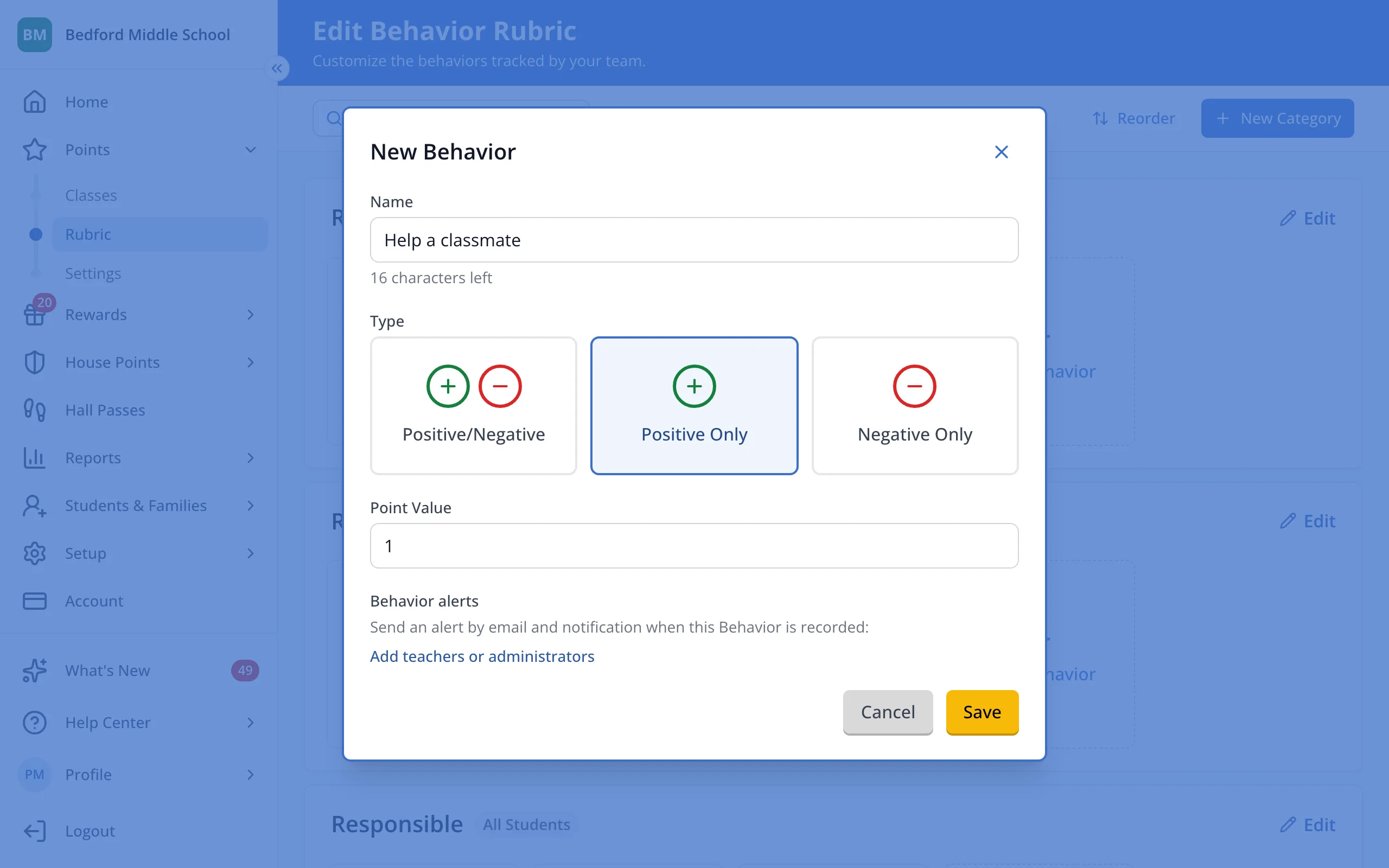
3.Type the name of the behavior you want to recognize.
4.Under Type, choose between Positive Only, Negative Only, or Positive/Negative.
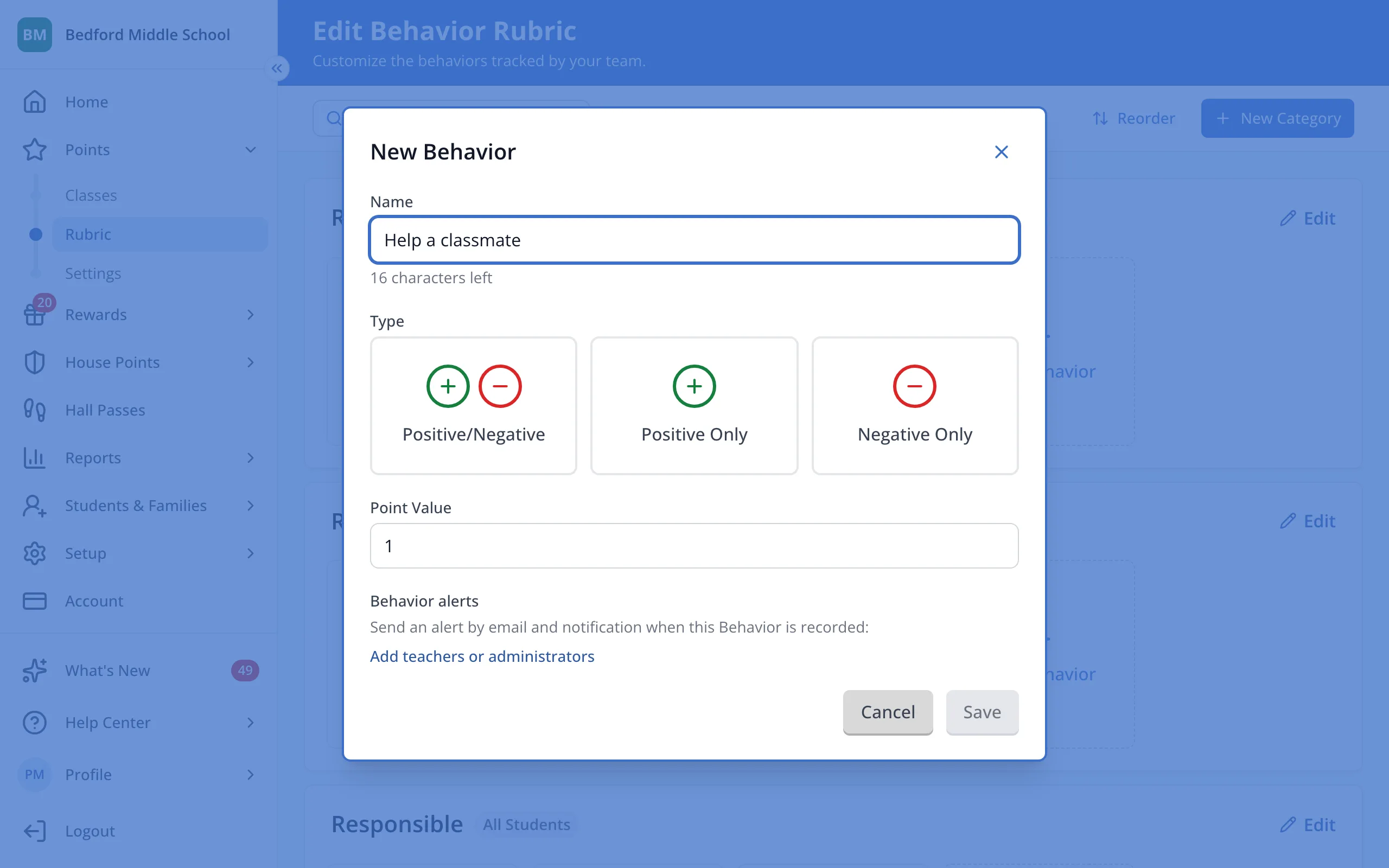
5.Click Save.
Was this helpful?