
Give a student a demerit
Demerits record negative behavior, and count in the red bubble on the student's button.
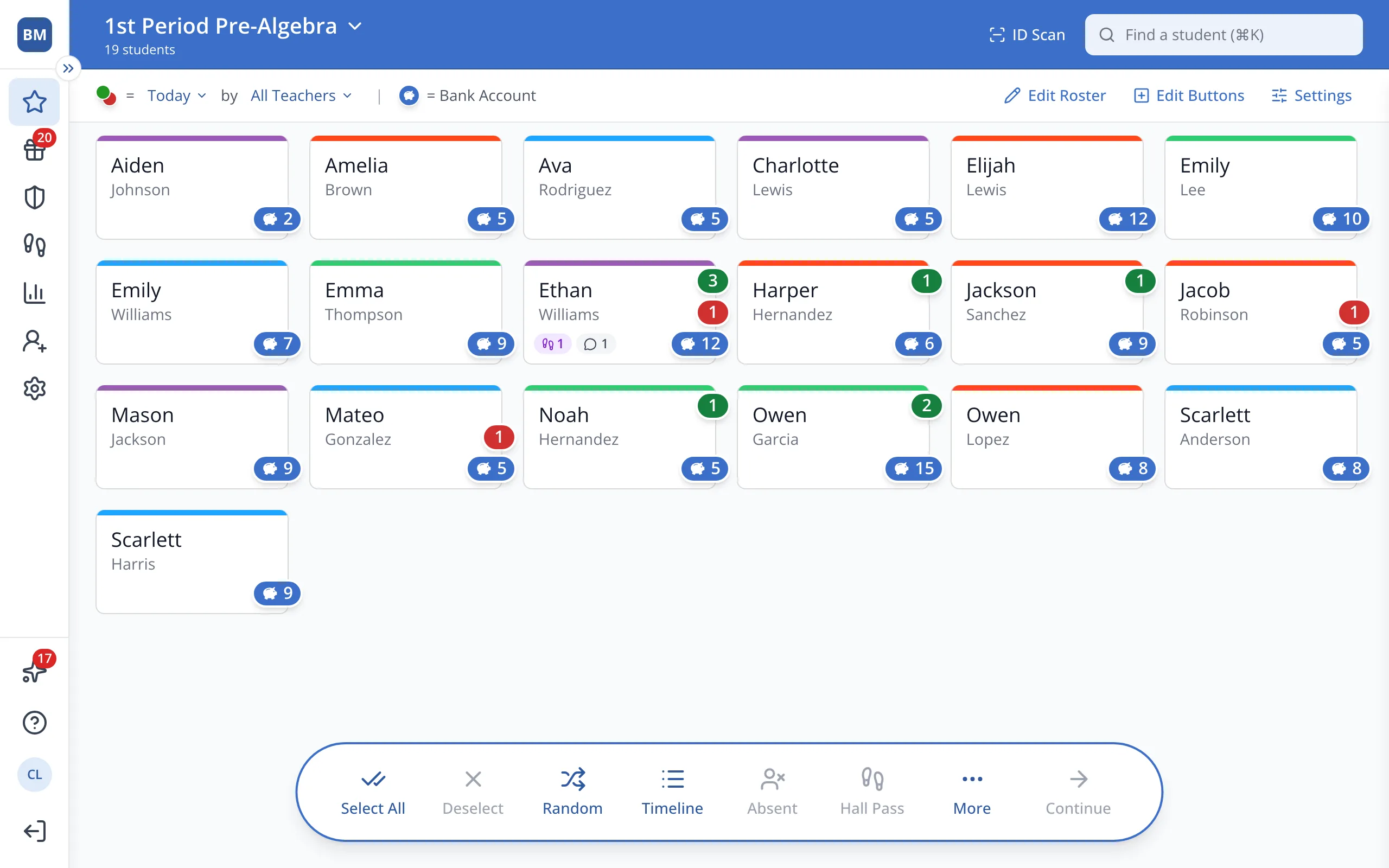
1 / 5On the Points page, click the student.
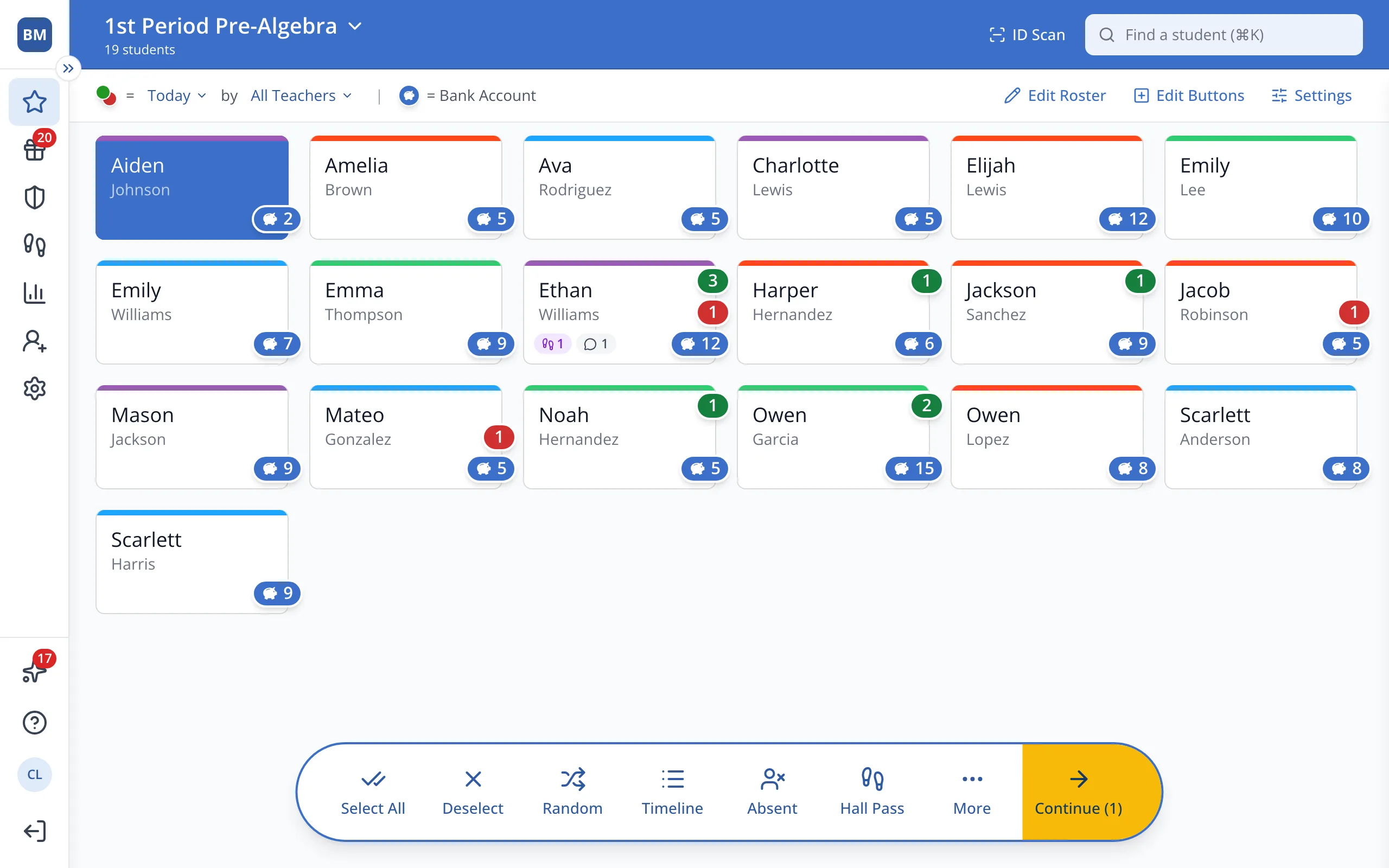
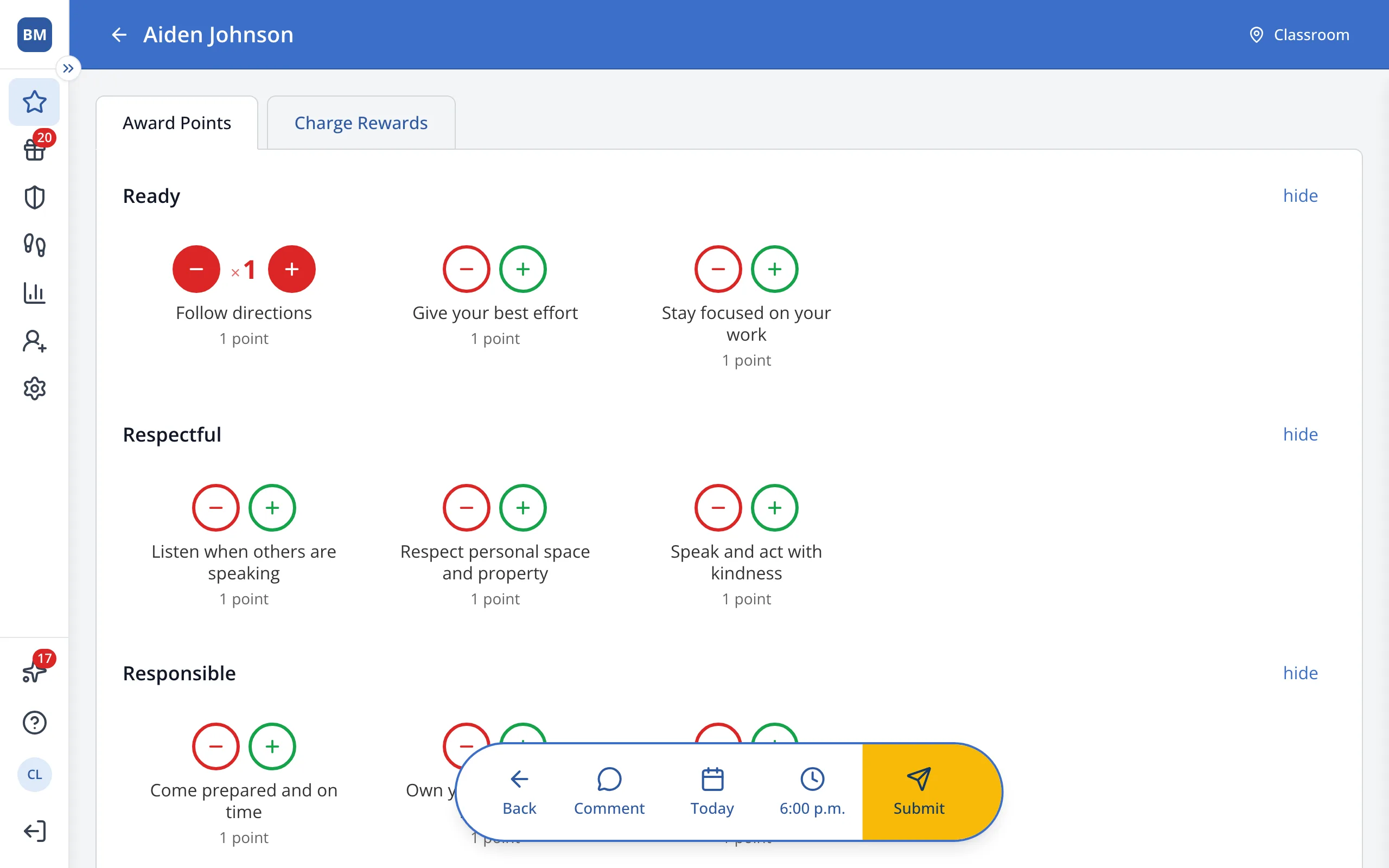
1.On the Points page, click the student's button.
2.In the bar at the bottom, click Continue.
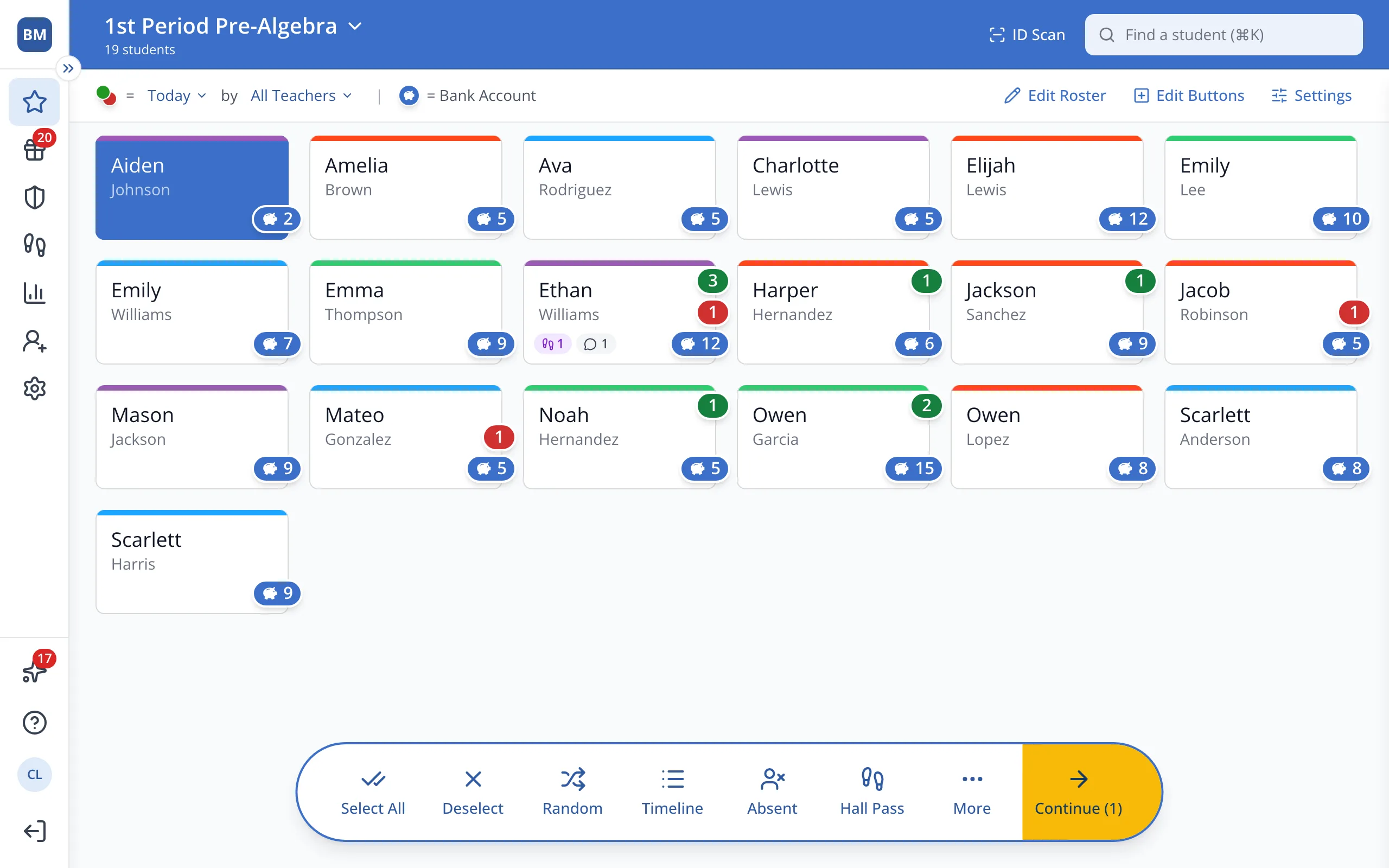
3.Click the red minus button for the behavior you'd like to use.
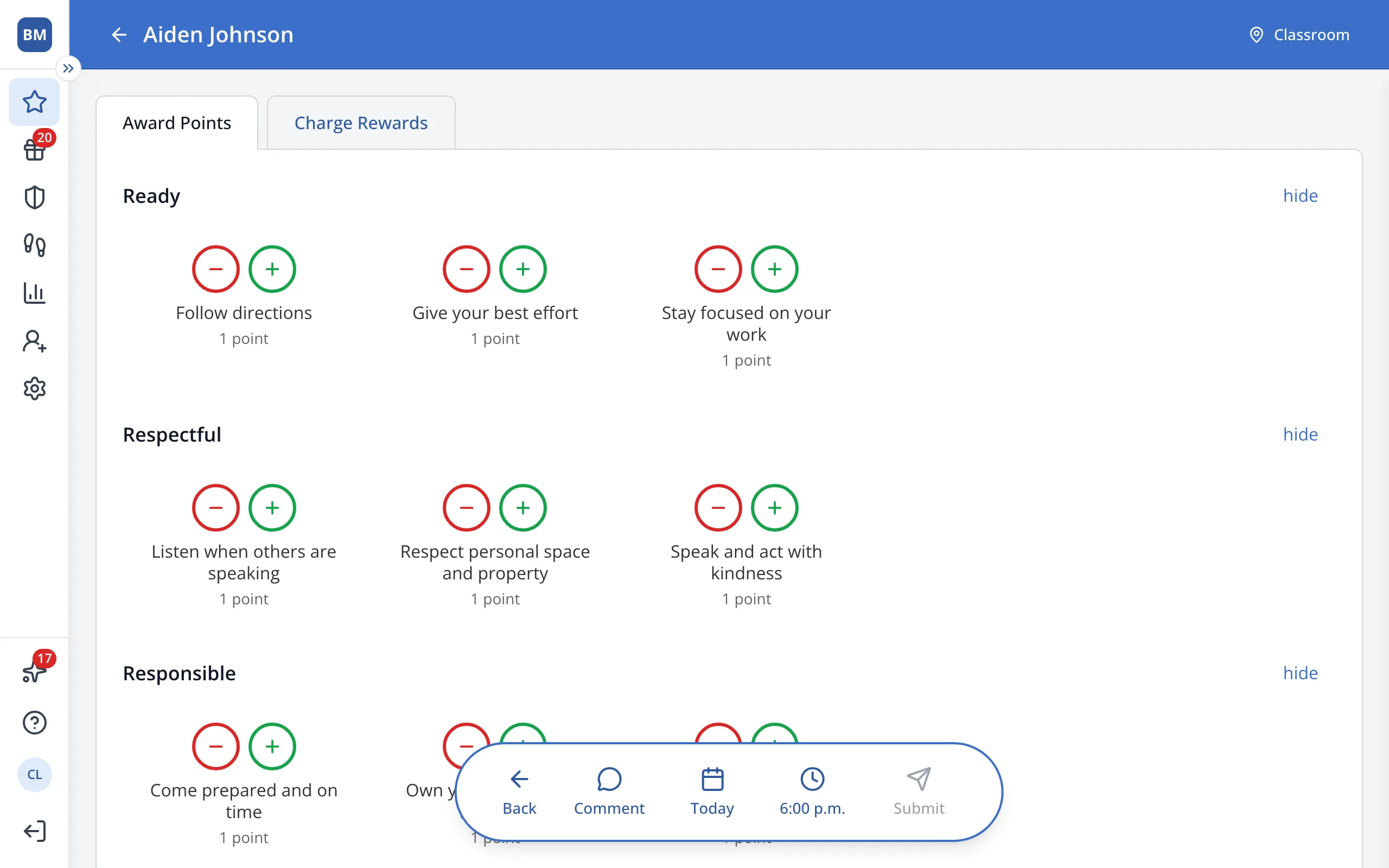
Tip: Behaviors without a red minus button only give points.
4.In the bar at the bottom, click Submit.
Tip: Picked the wrong behavior? Click Undo on the pop-up that appears.
Was this helpful?