
Get notified when a behavior is recorded
Select staff who will receive an email and push notification each time anyone records that behavior.
AdminSite Leader
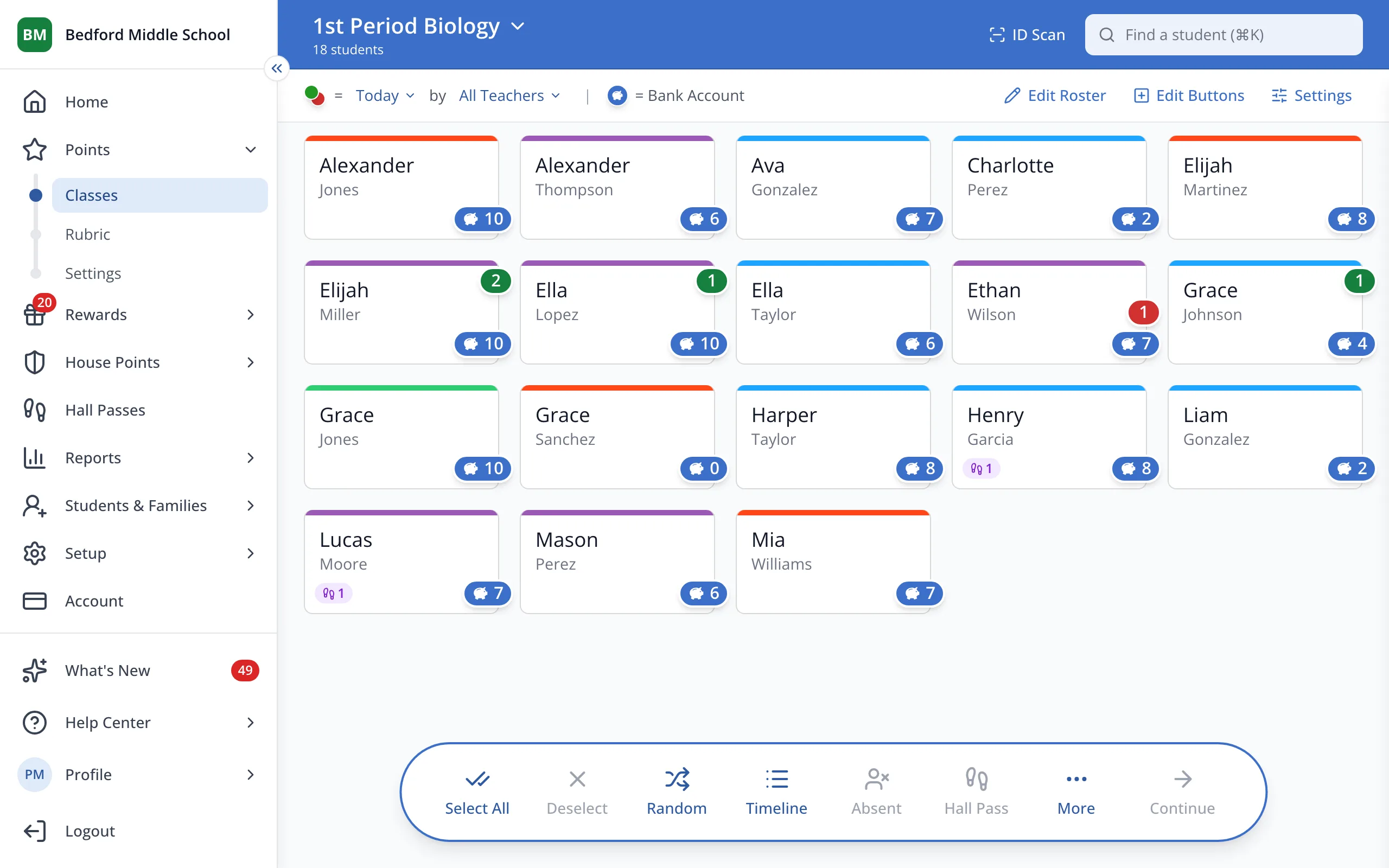
1 / 7In the sidebar, under Points, click Rubric.
1.In the sidebar, under Points, click Rubric.
2.Click the behavior.
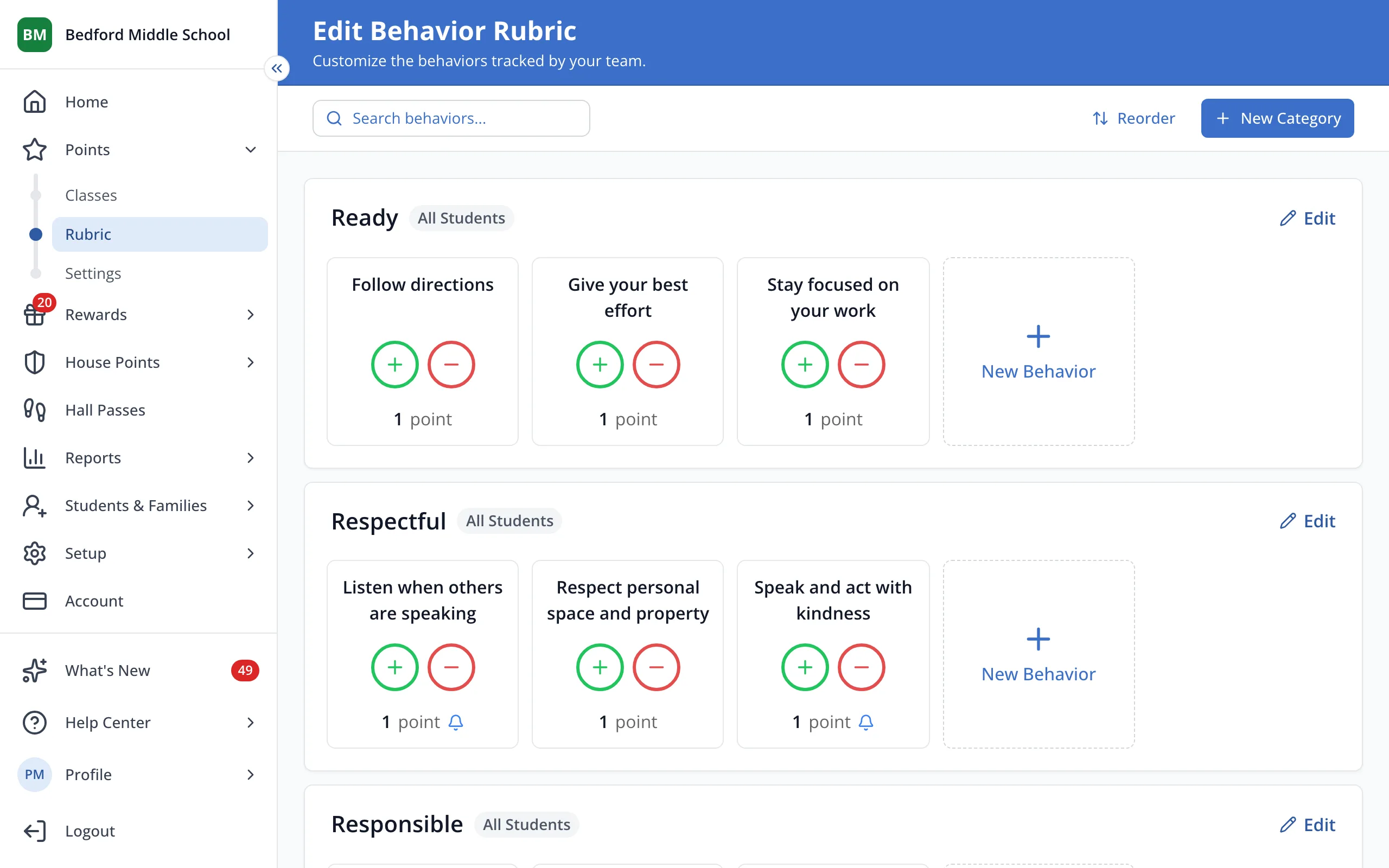
Tip: Any behavior with set notifications will display a bell icon.
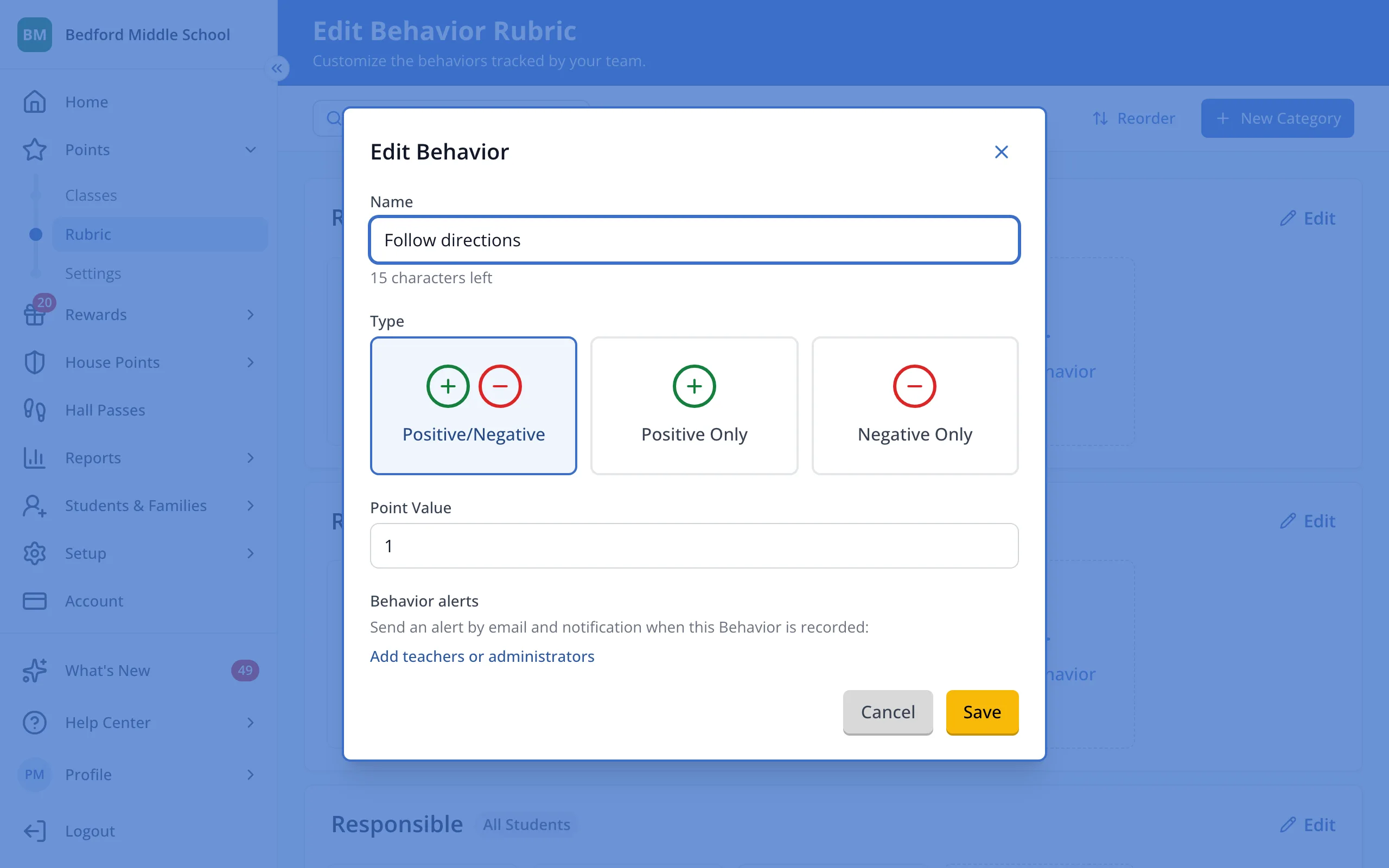
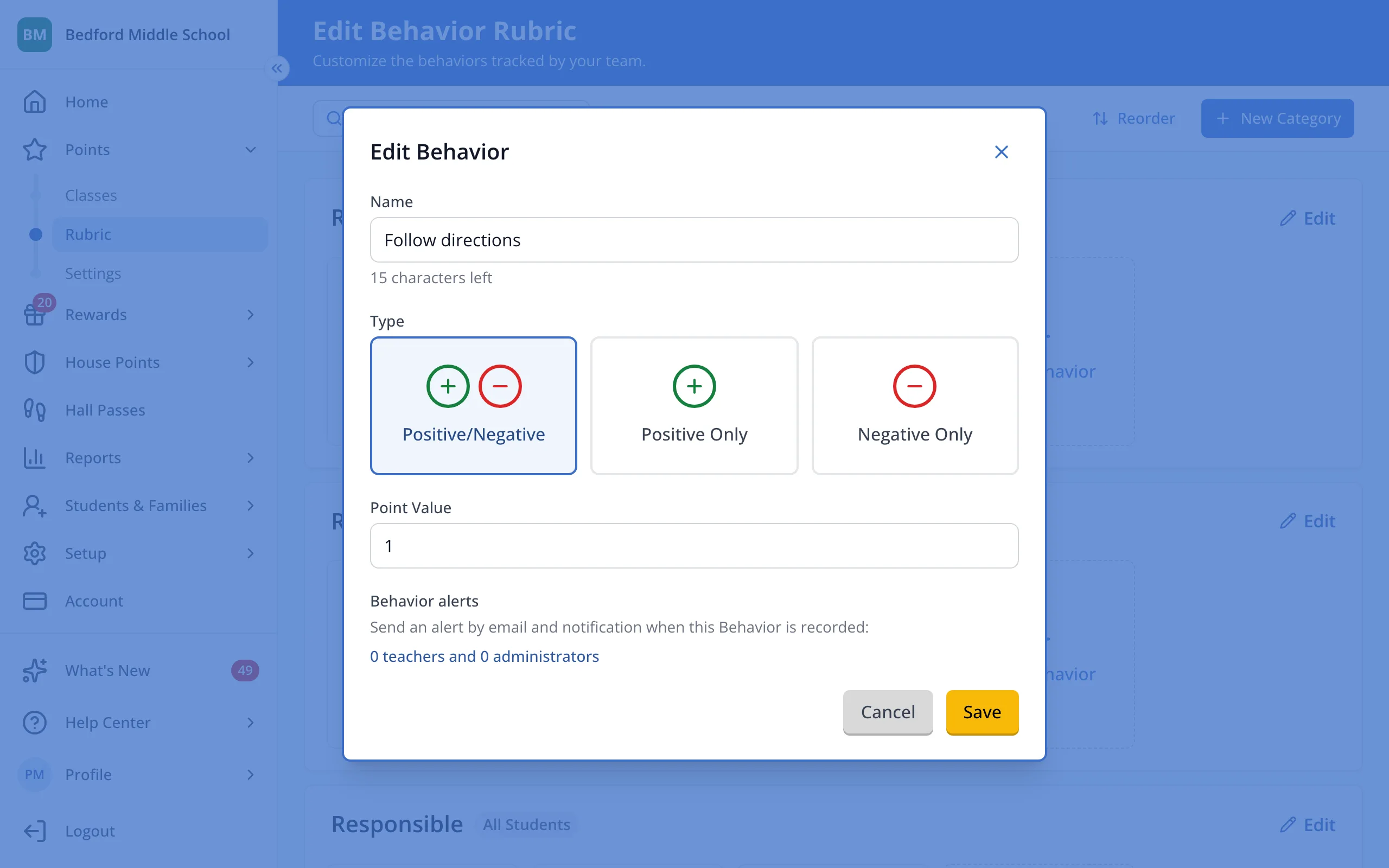
3.Under Behavior alerts, click Add teachers or administrators.
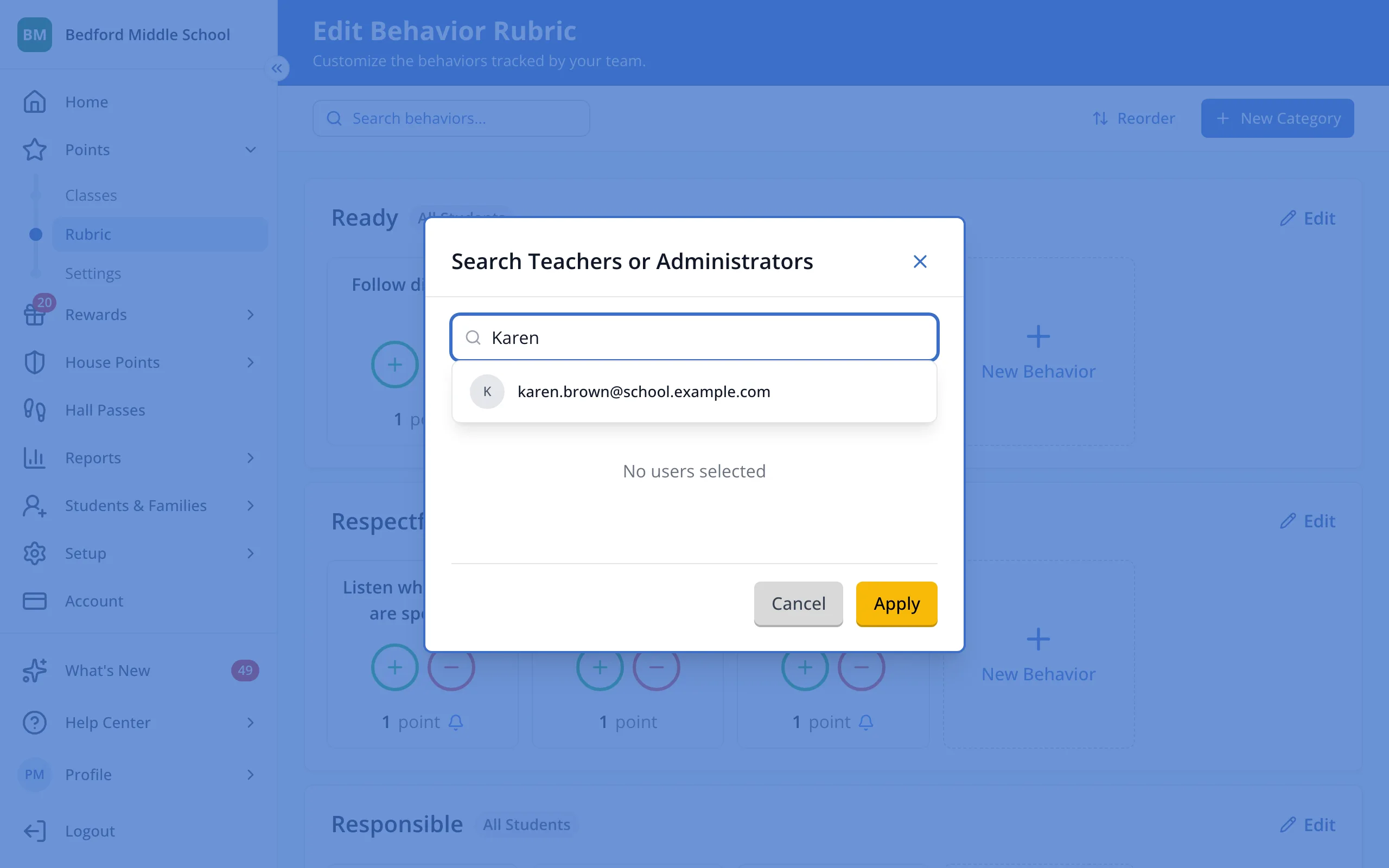
4.Type a staff member's name.
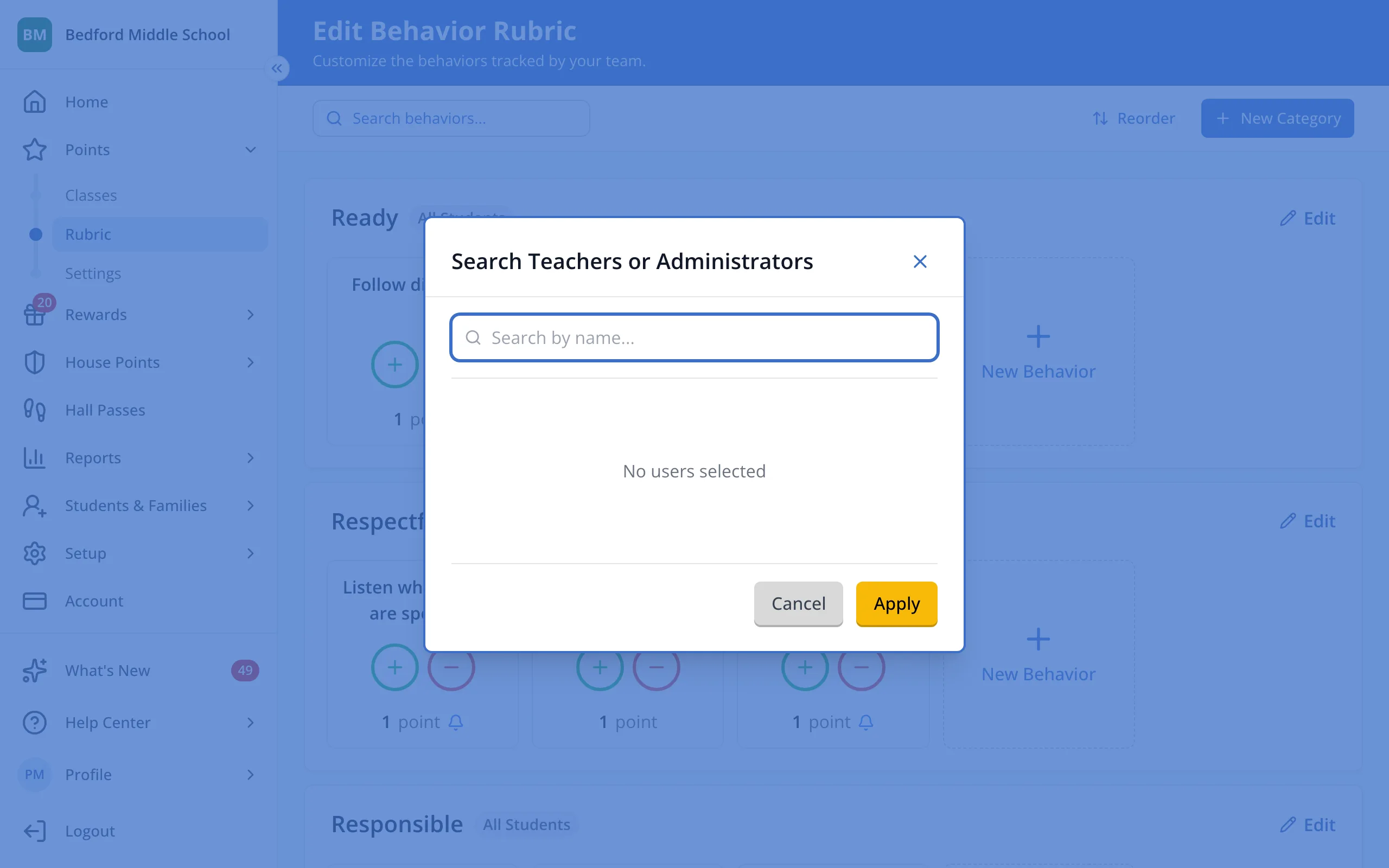
5.Click the staff member, then any others.
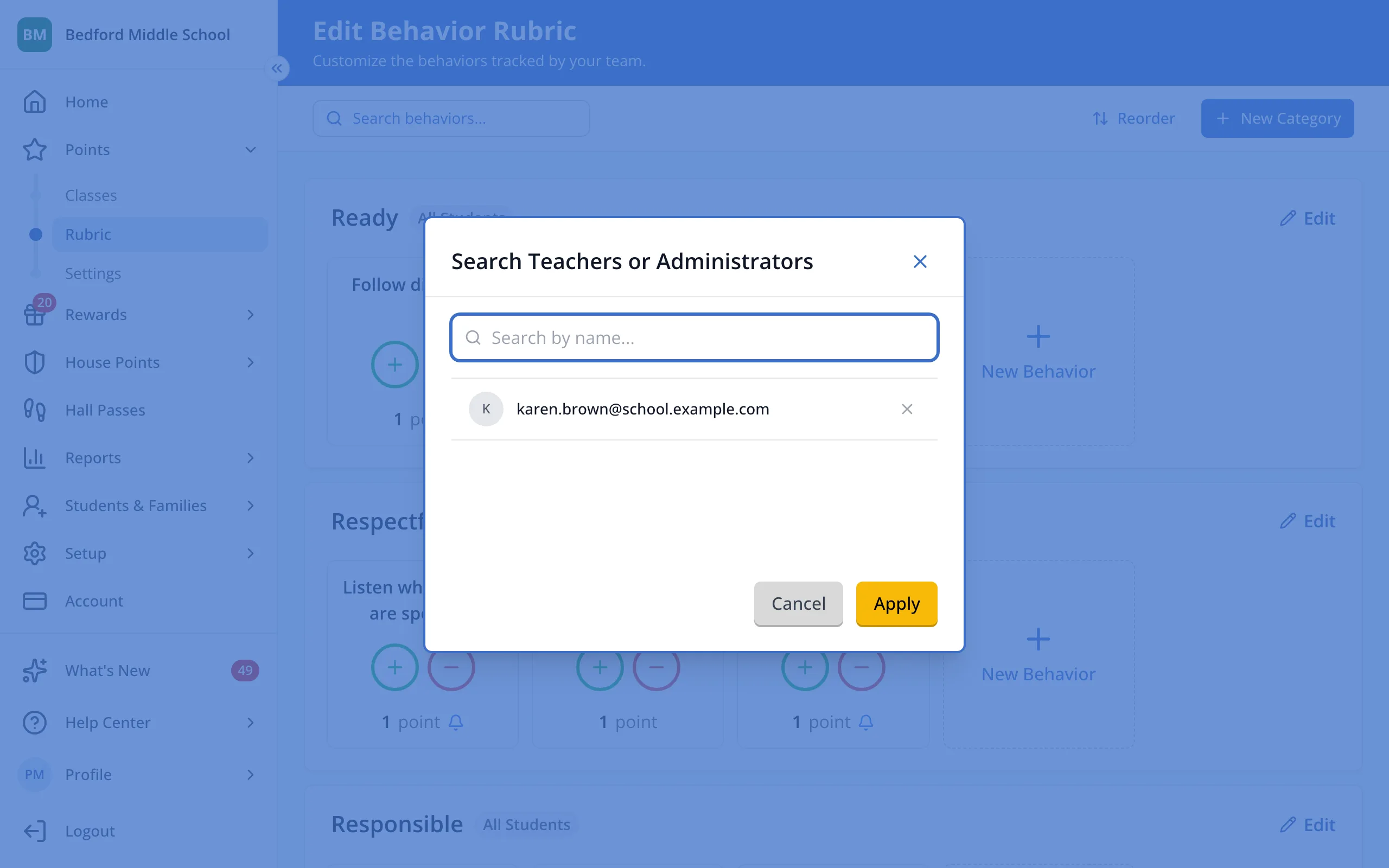
6.Click Apply.
7.Click Save.
Was this helpful?