
Enable bulk entry of behaviors
Teachers can give the same behavior to a student several times in one transaction, up to the limit you choose.
AdminSite Leader
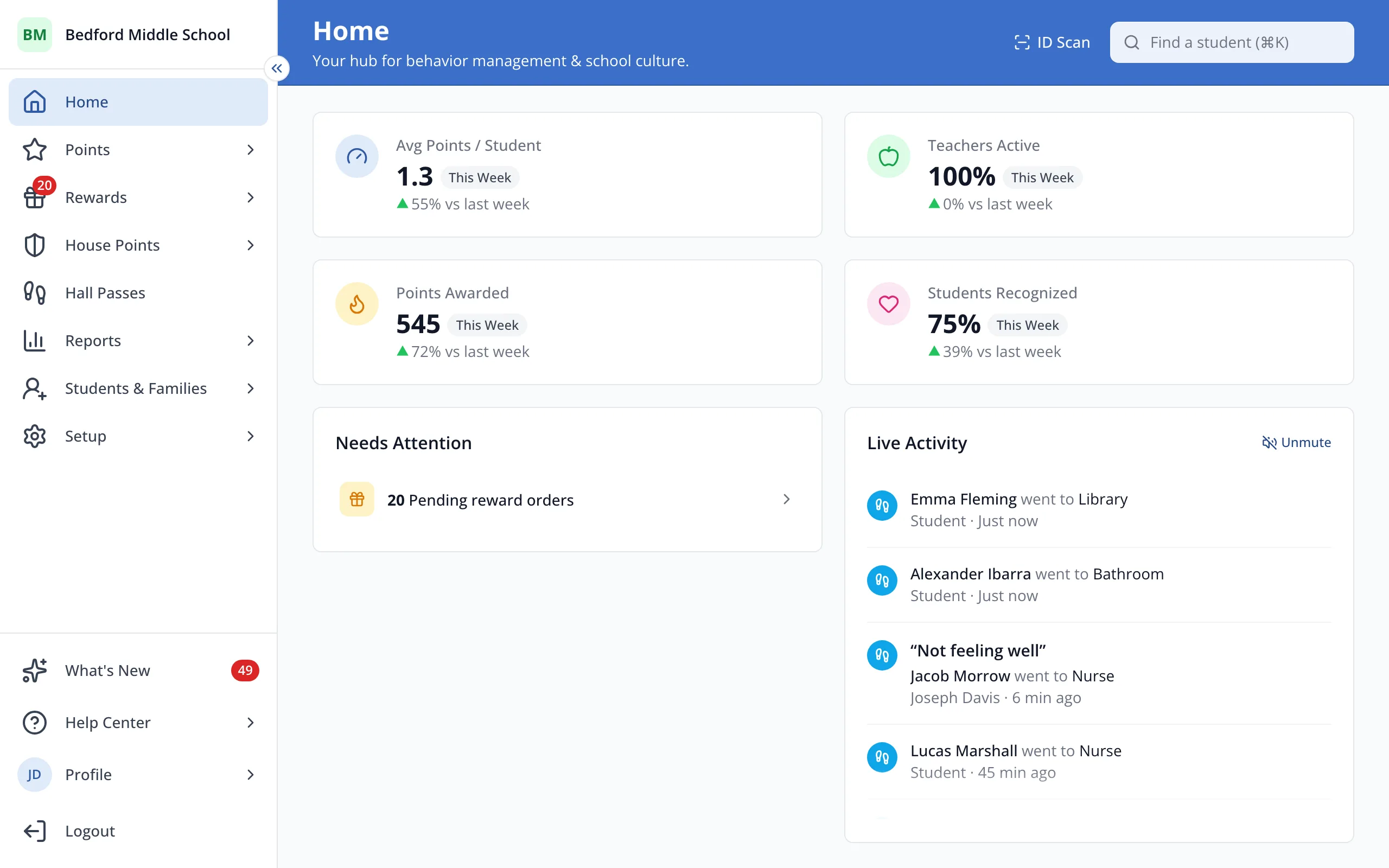
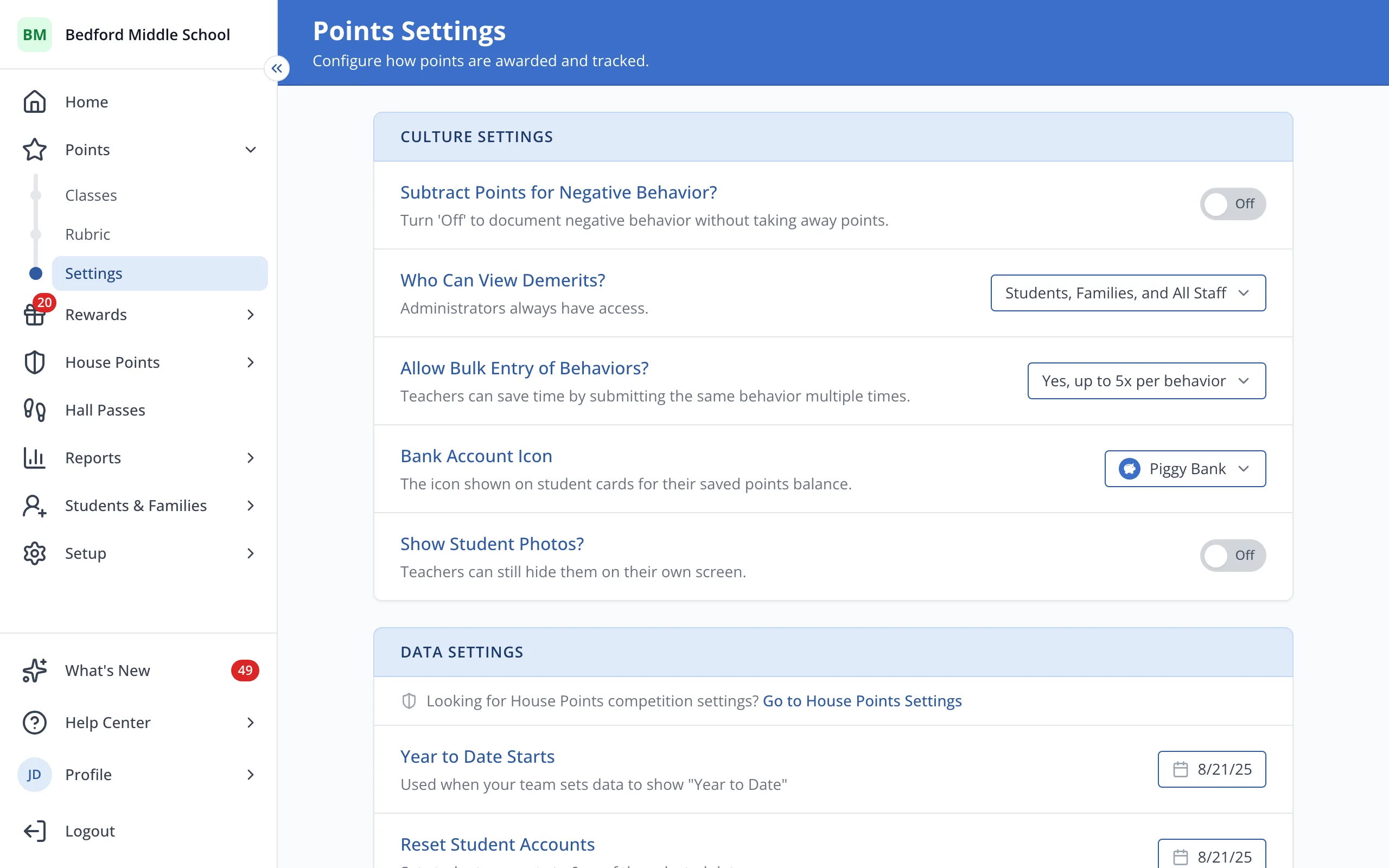
1 / 5In the sidebar, click Points.
1.In the sidebar, click Points.
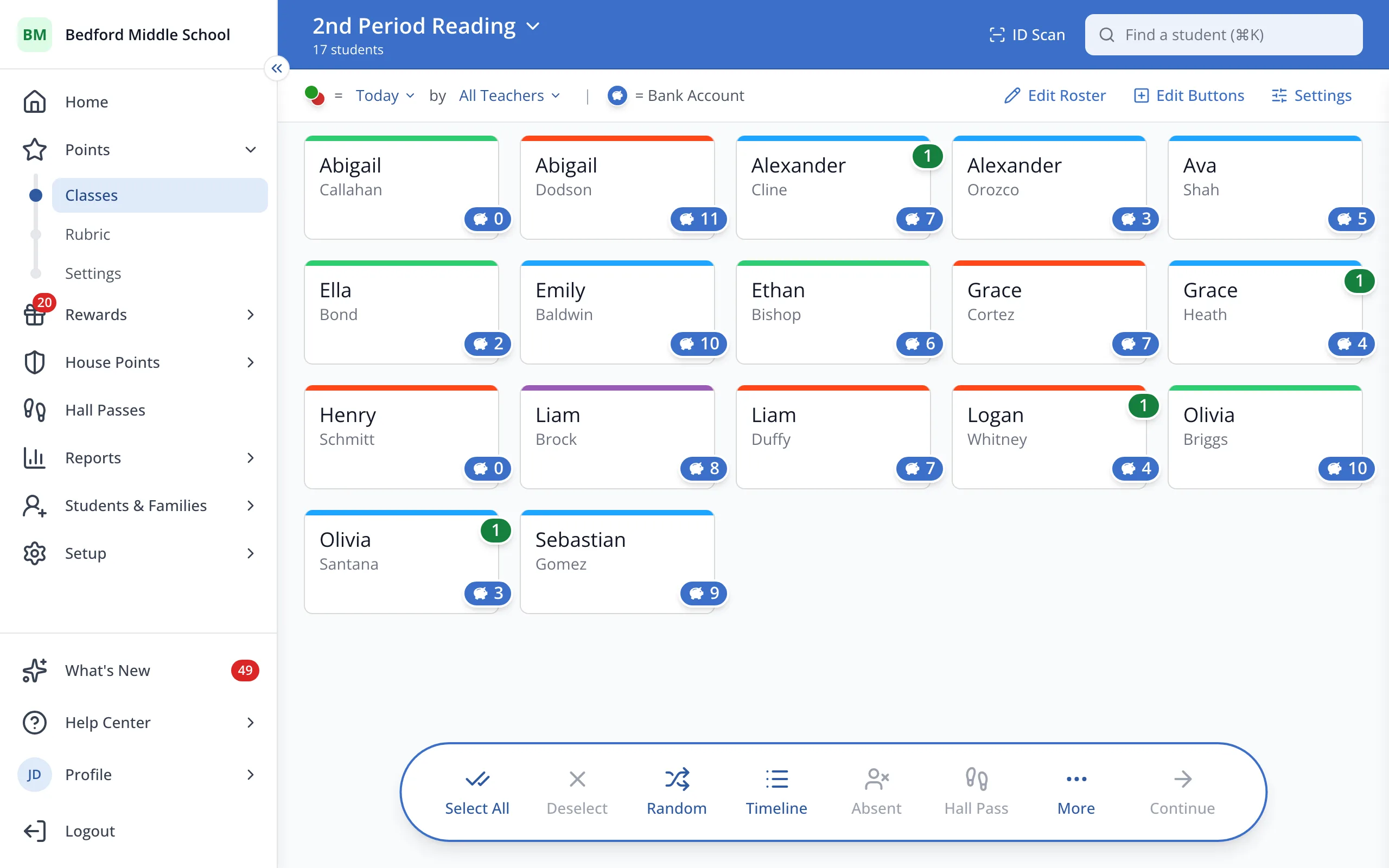
2.Click Settings.
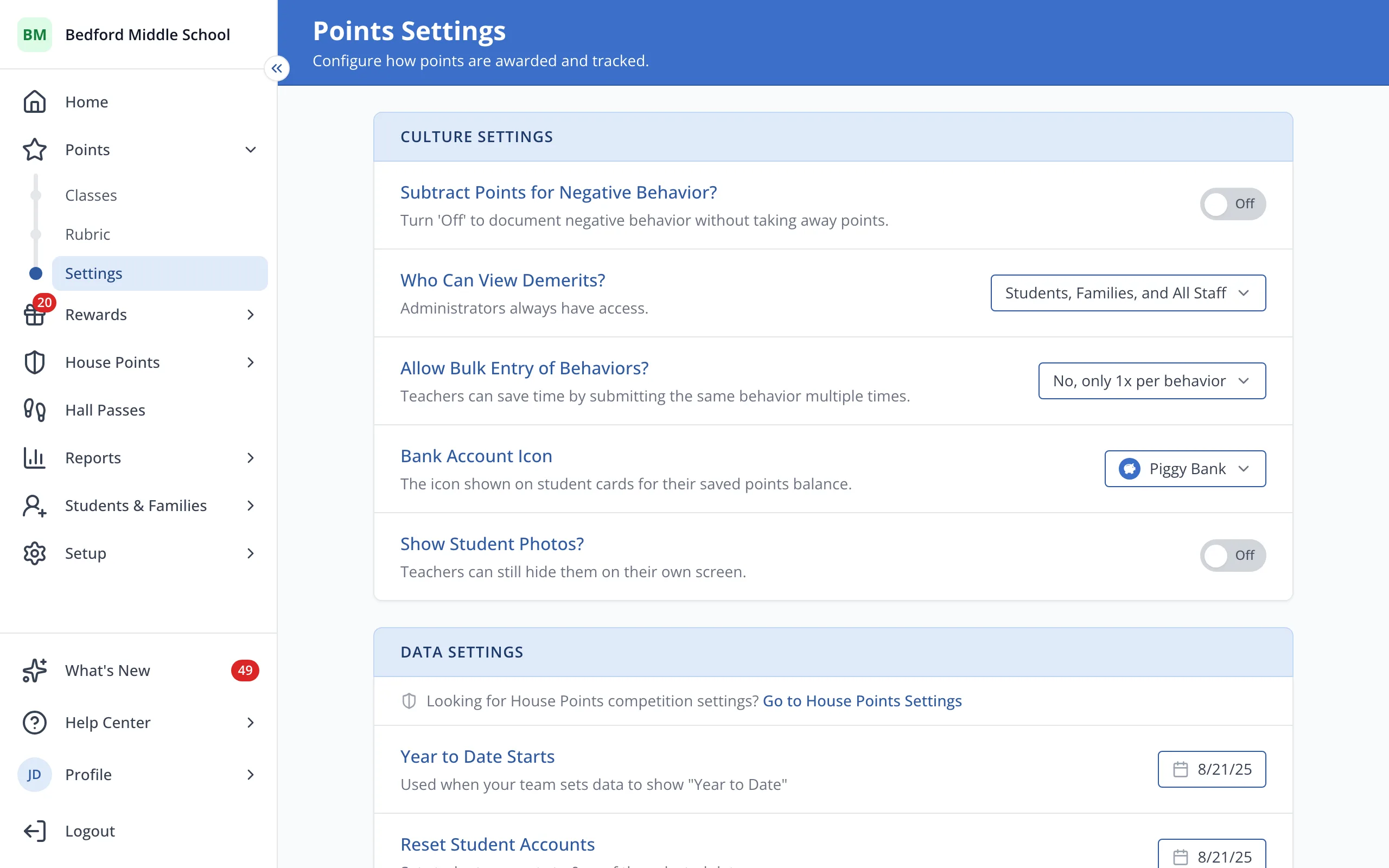
3.Next to "Allow Bulk Entry of Behaviors?" open the dropdown and choose from the options listed.
4.Click the most times teachers can give one behavior at once, like Yes, up to 5x per behavior.
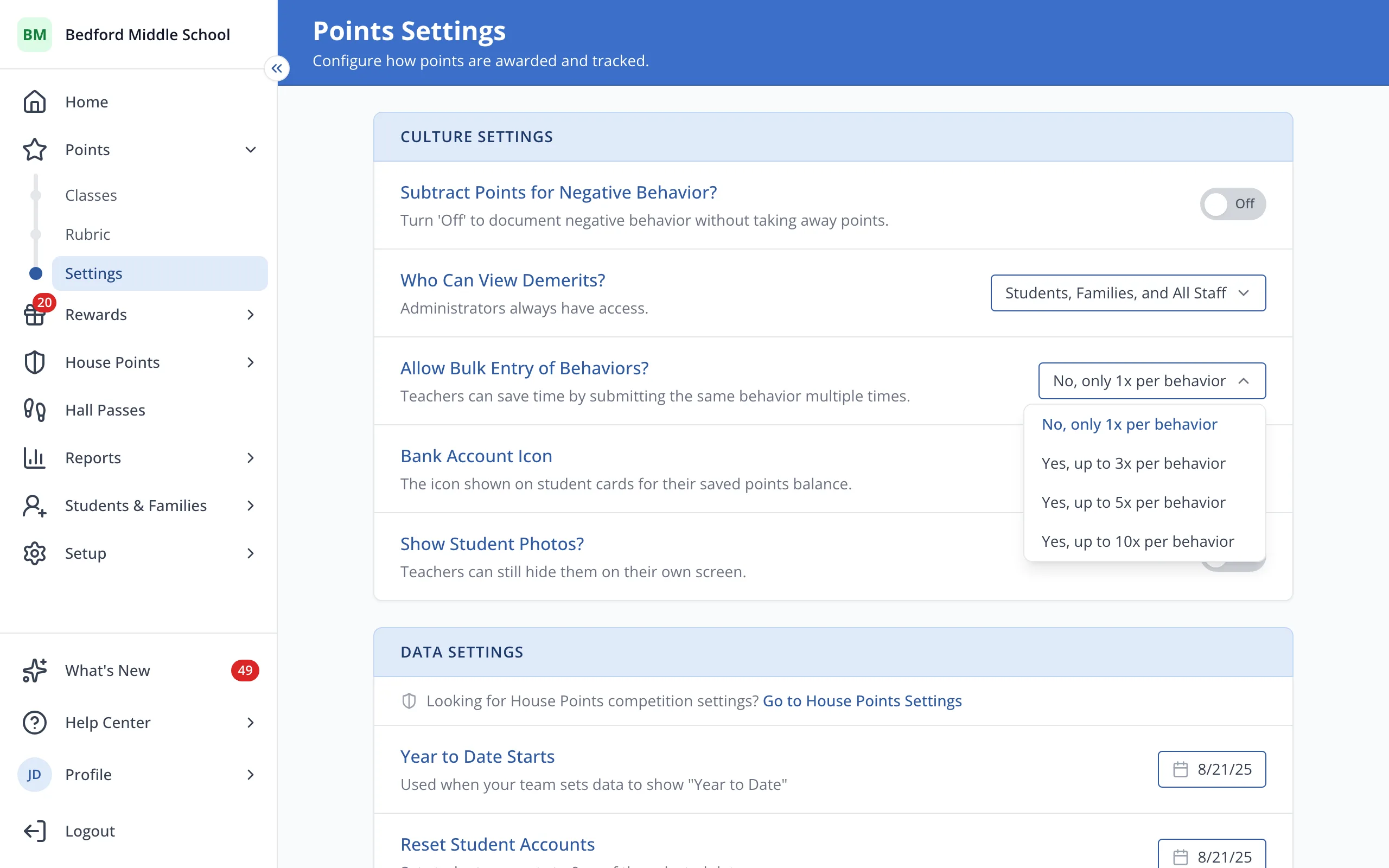
5.Teachers can now increase the value of a behavior selected up to that many times before they submit.
Was this helpful?