
Give several points for one behavior
Give more than one point for the same behavior when a moment deserves extra recognition.
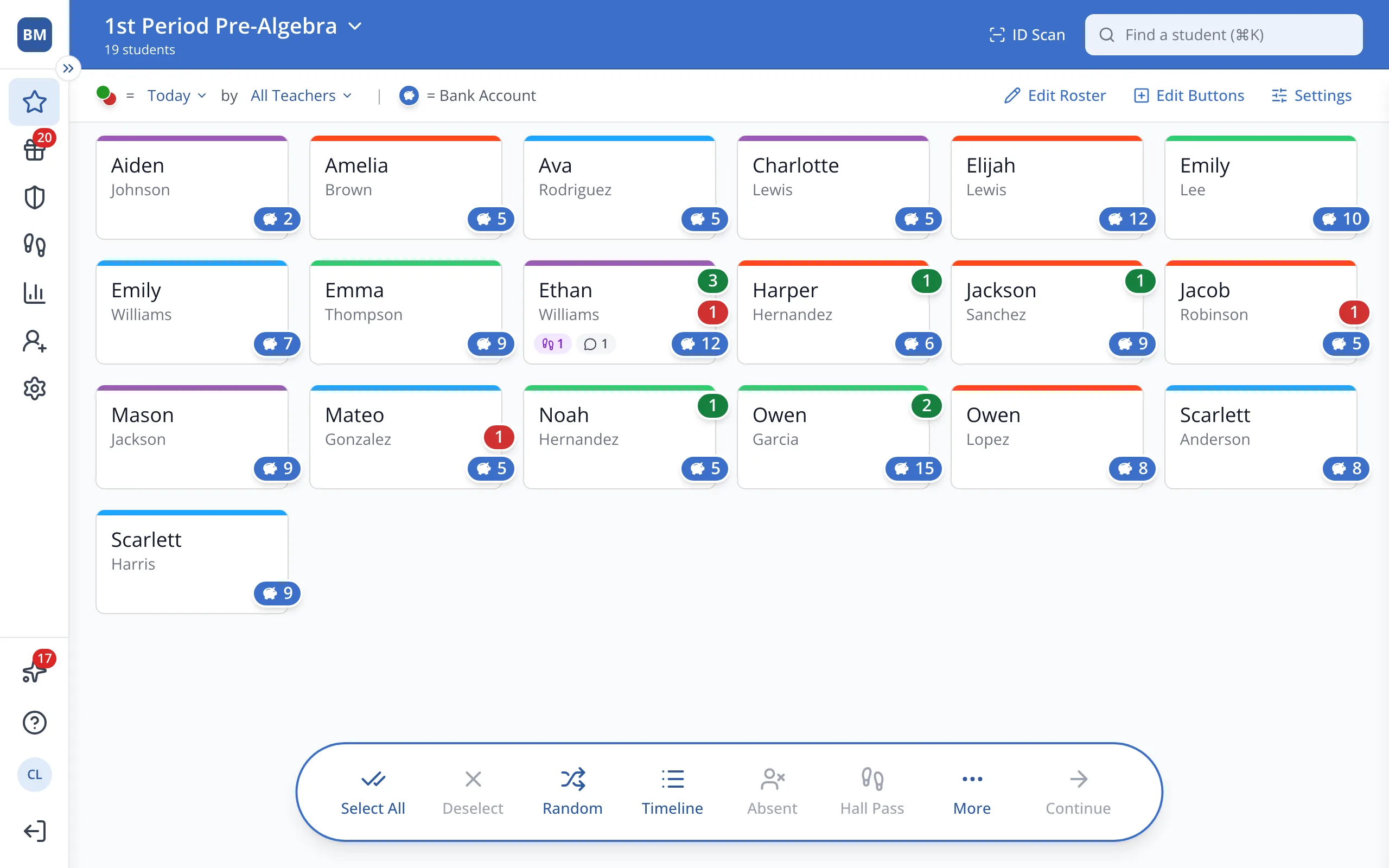
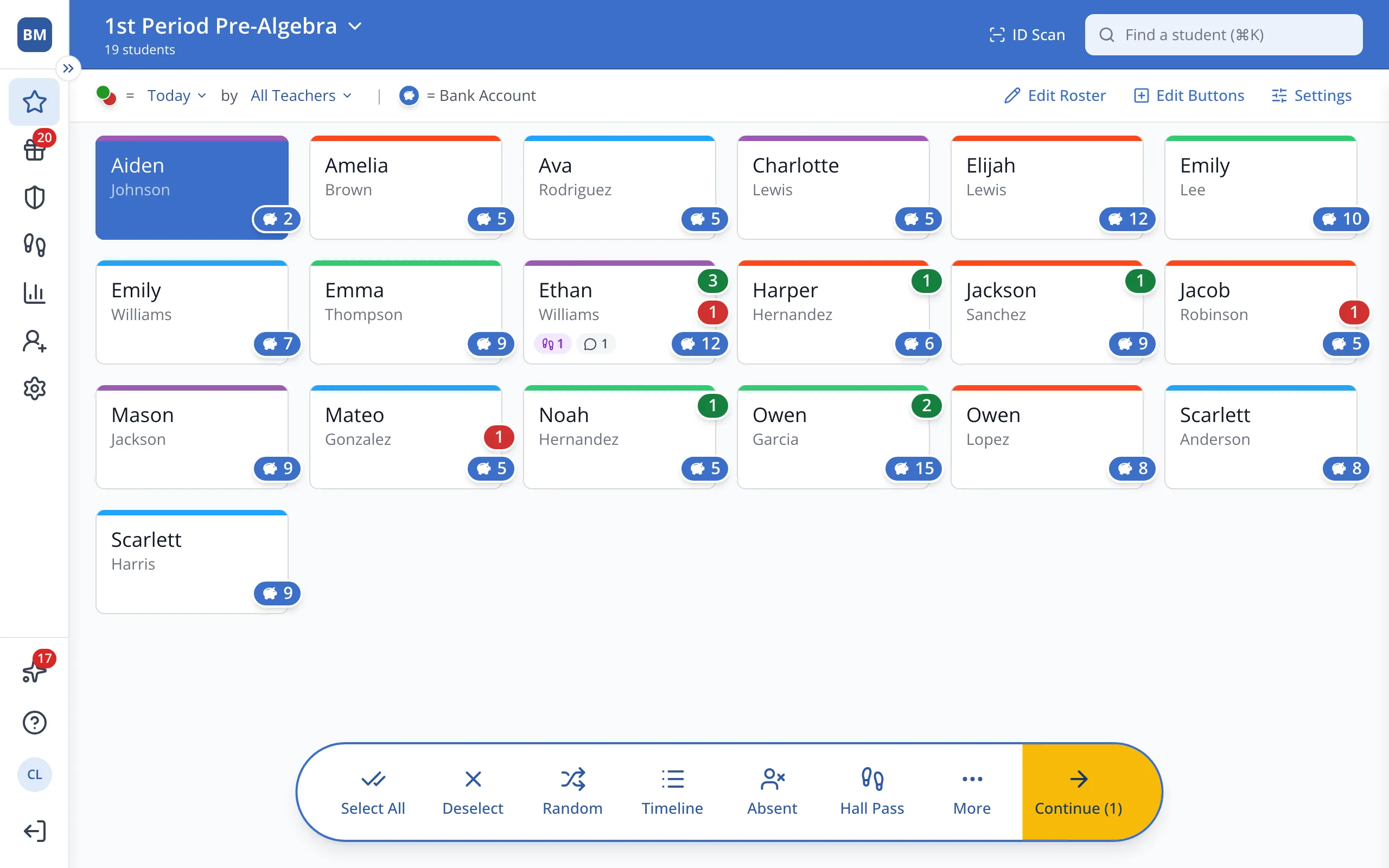
1 / 6On the Points page, click the student.
1.On the Points page, click the student's button.
2.In the bar at the bottom, click Continue.
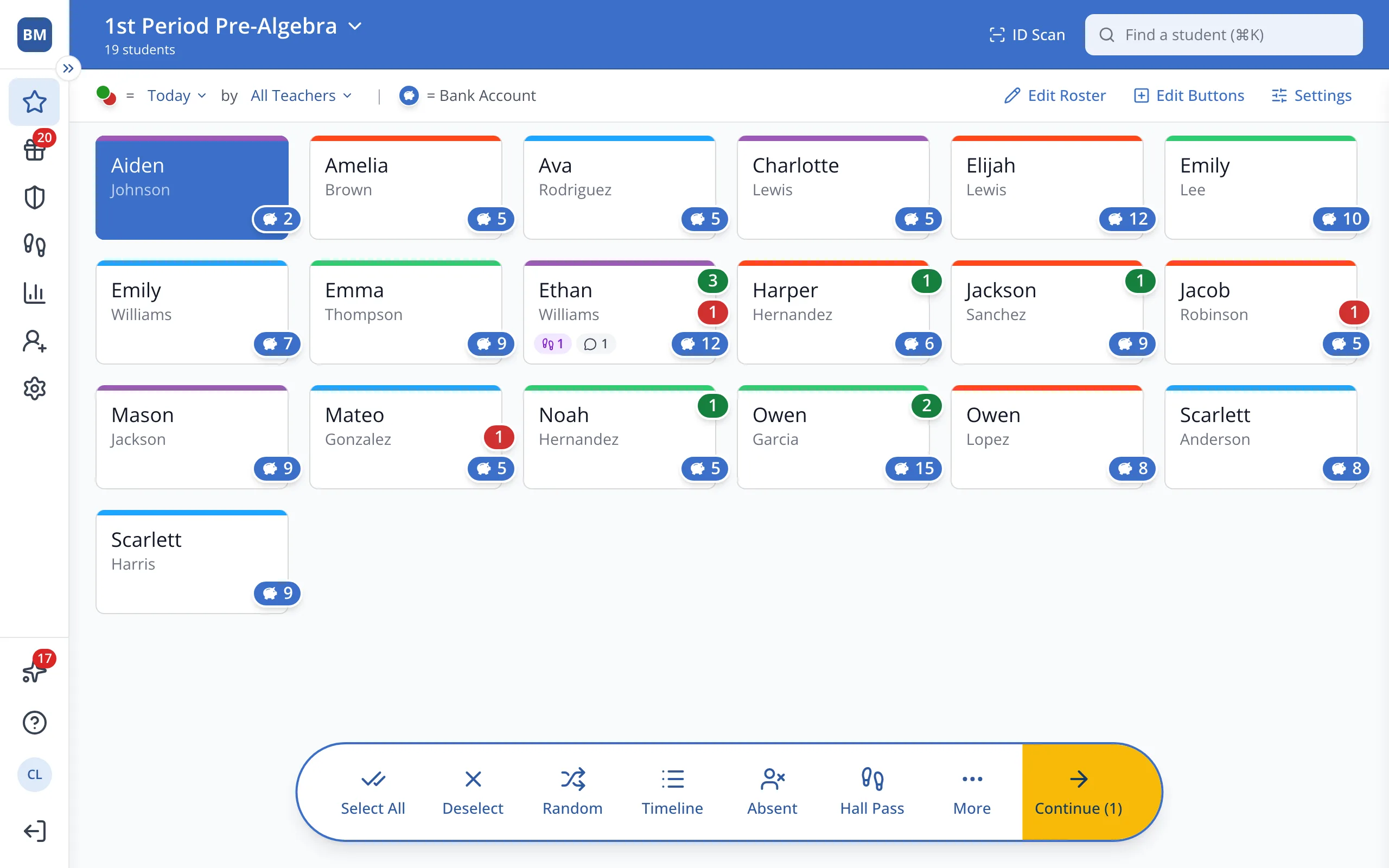
3.Click the green + under the behavior you'd like to give.
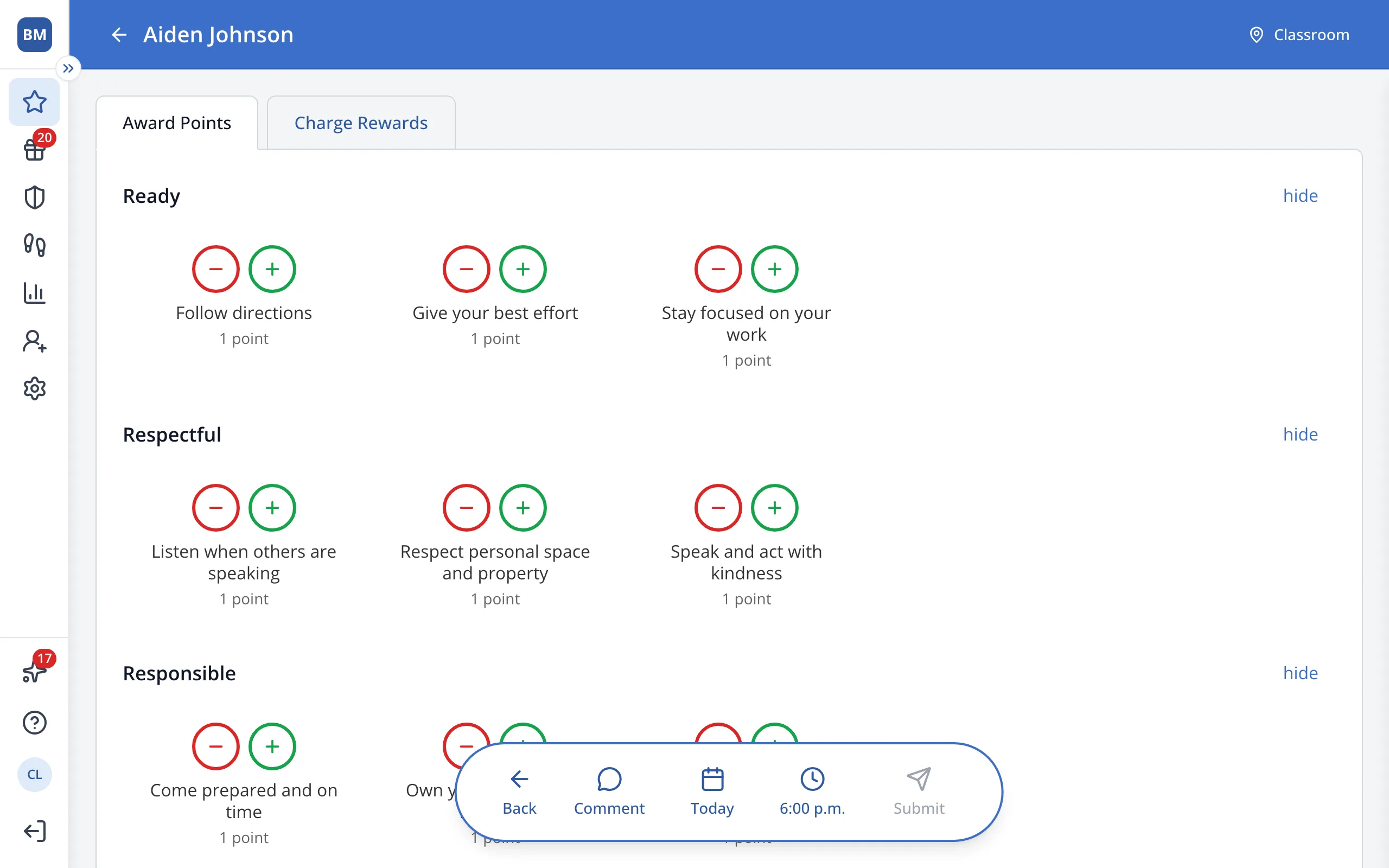
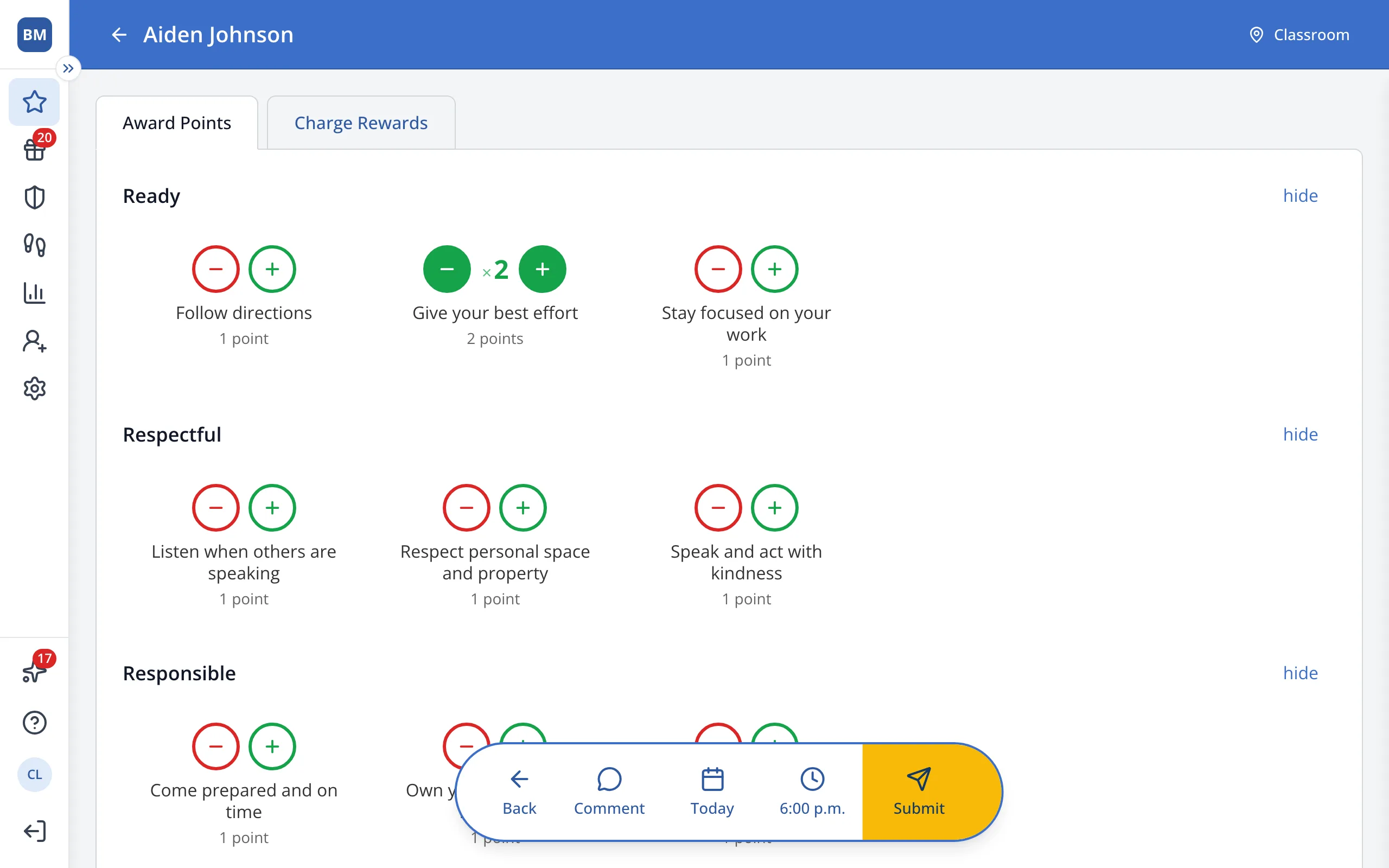
4.Click + again for each extra point.
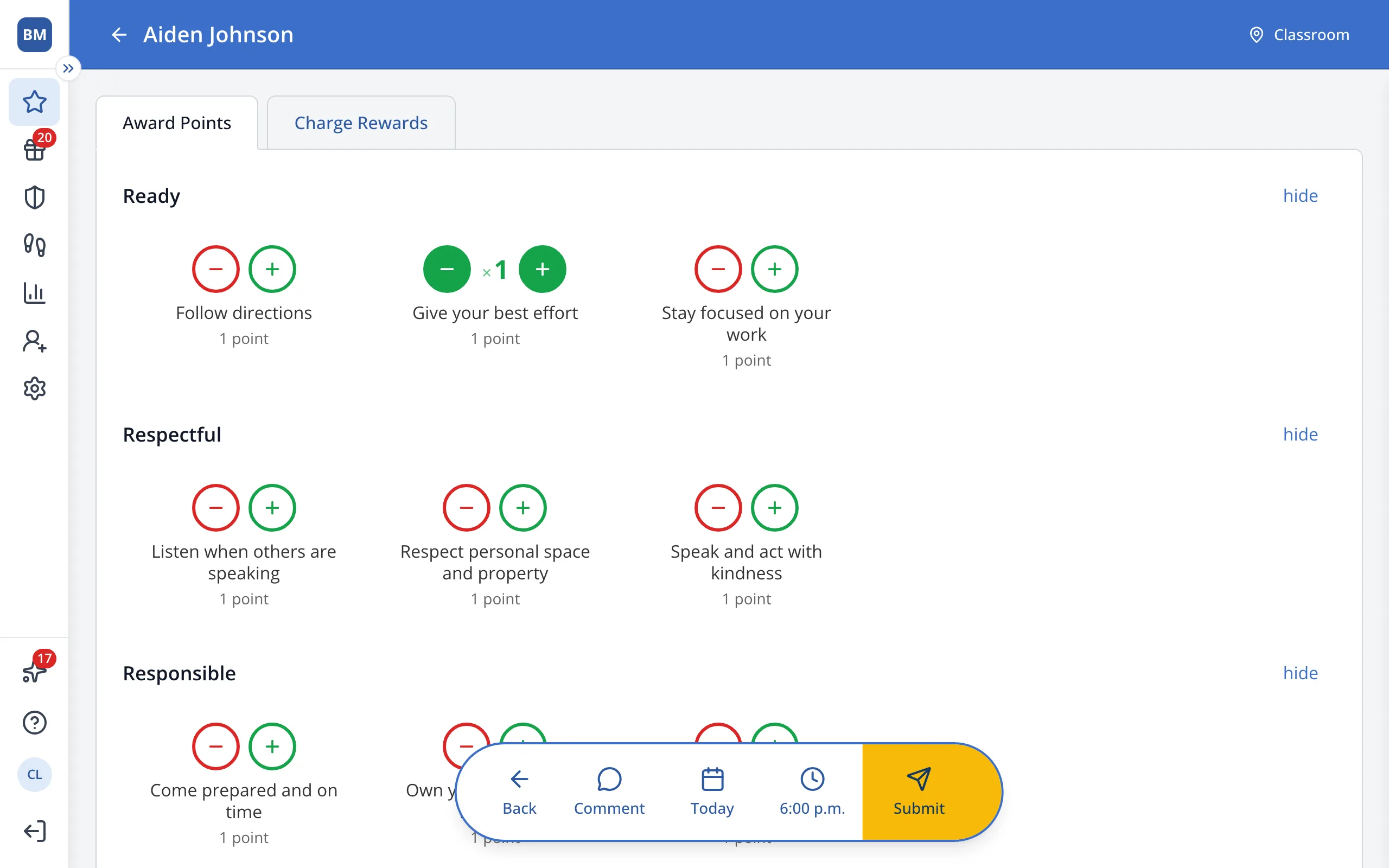
Tip: Your school sets the most times you can give one behavior at once.
5.In the bar at the bottom, click Submit.
Was this helpful?