
Give the same point to several students
When several students earn the same thing, give it to all of them at once.
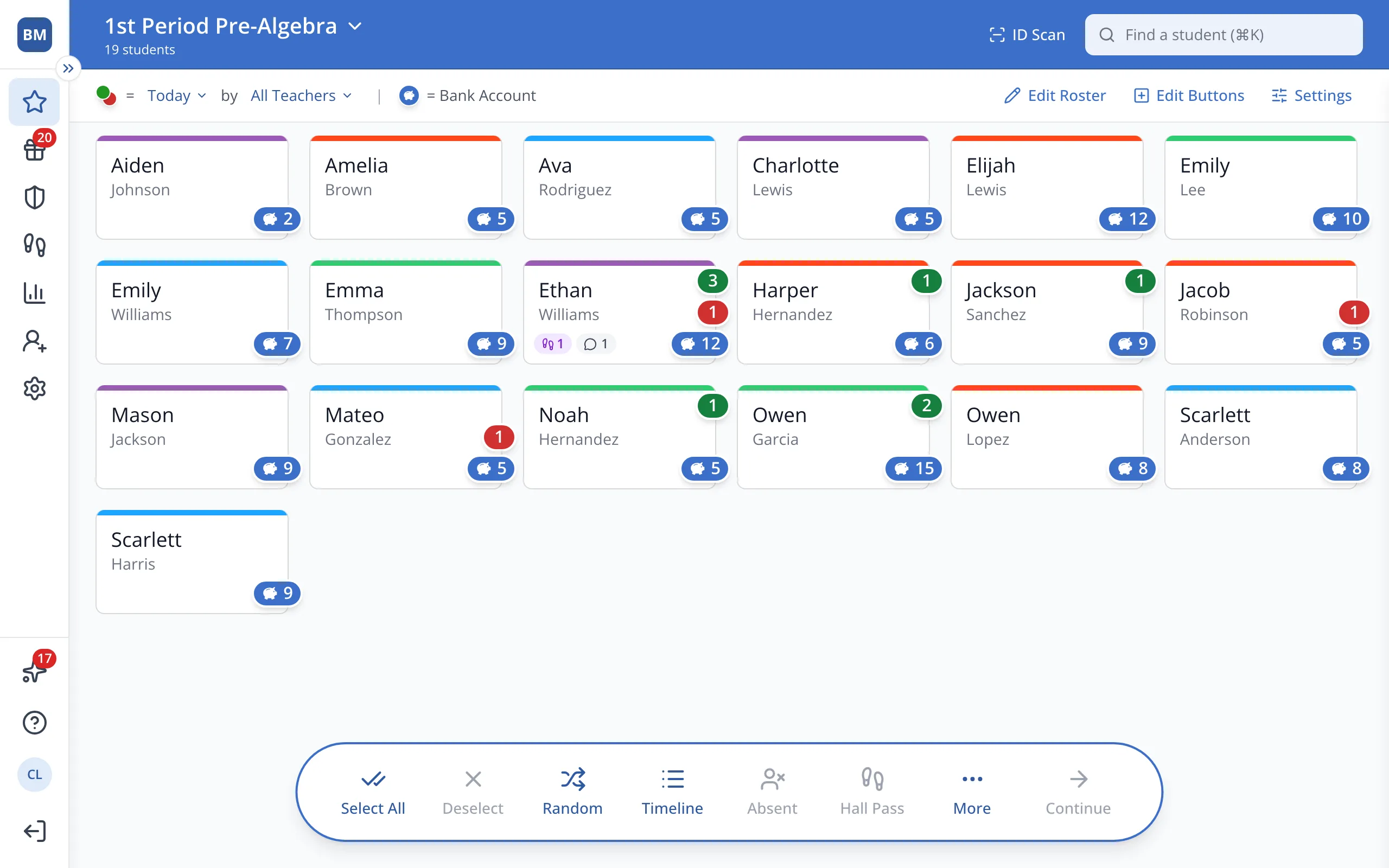
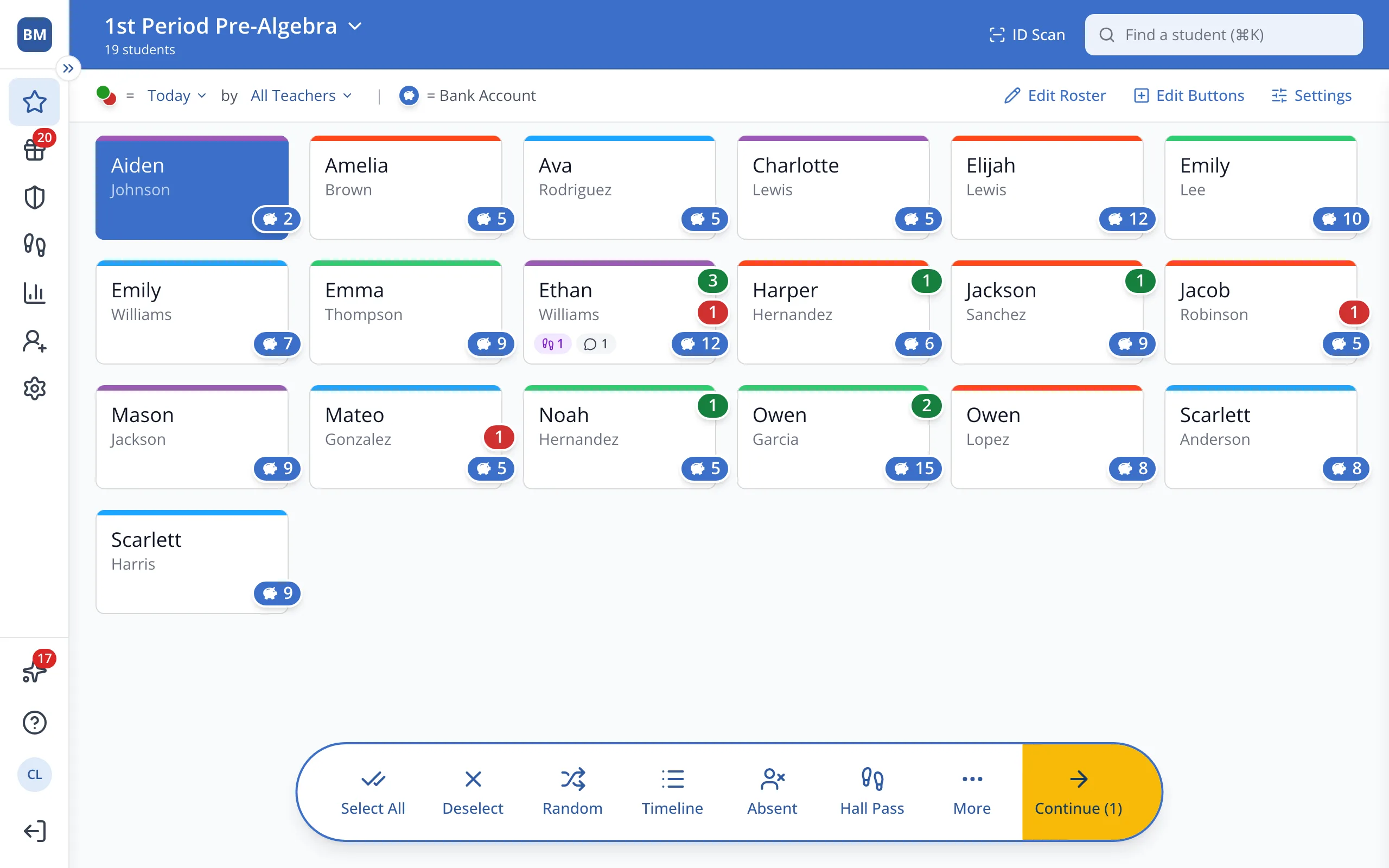
1 / 6On the Points page, click the first student to select them.
1.On the Points page, click the first student's button to select them.
2.Click the other students who earned the point.
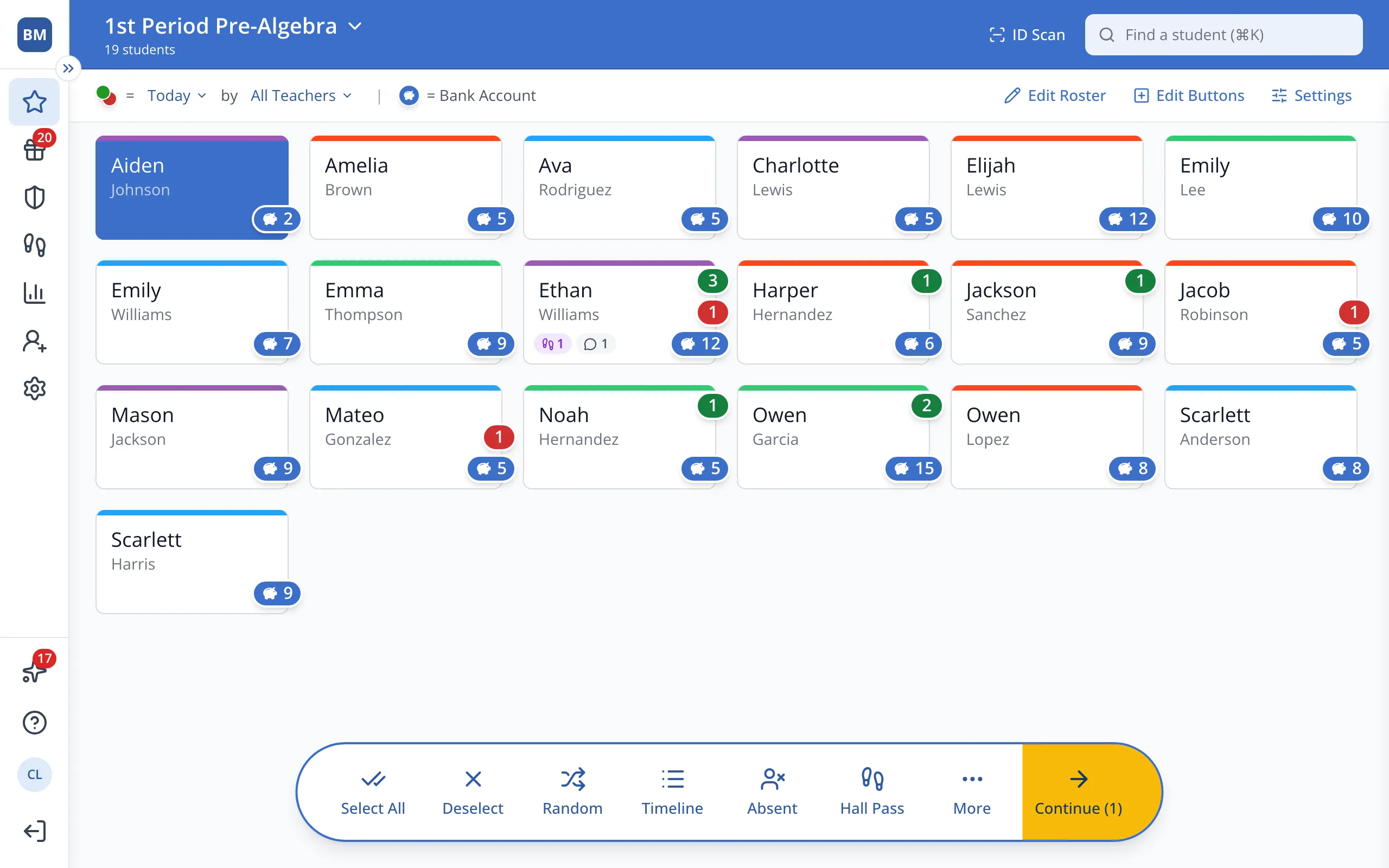
Tip: Click Select All in the bar at the bottom to select the whole roster.
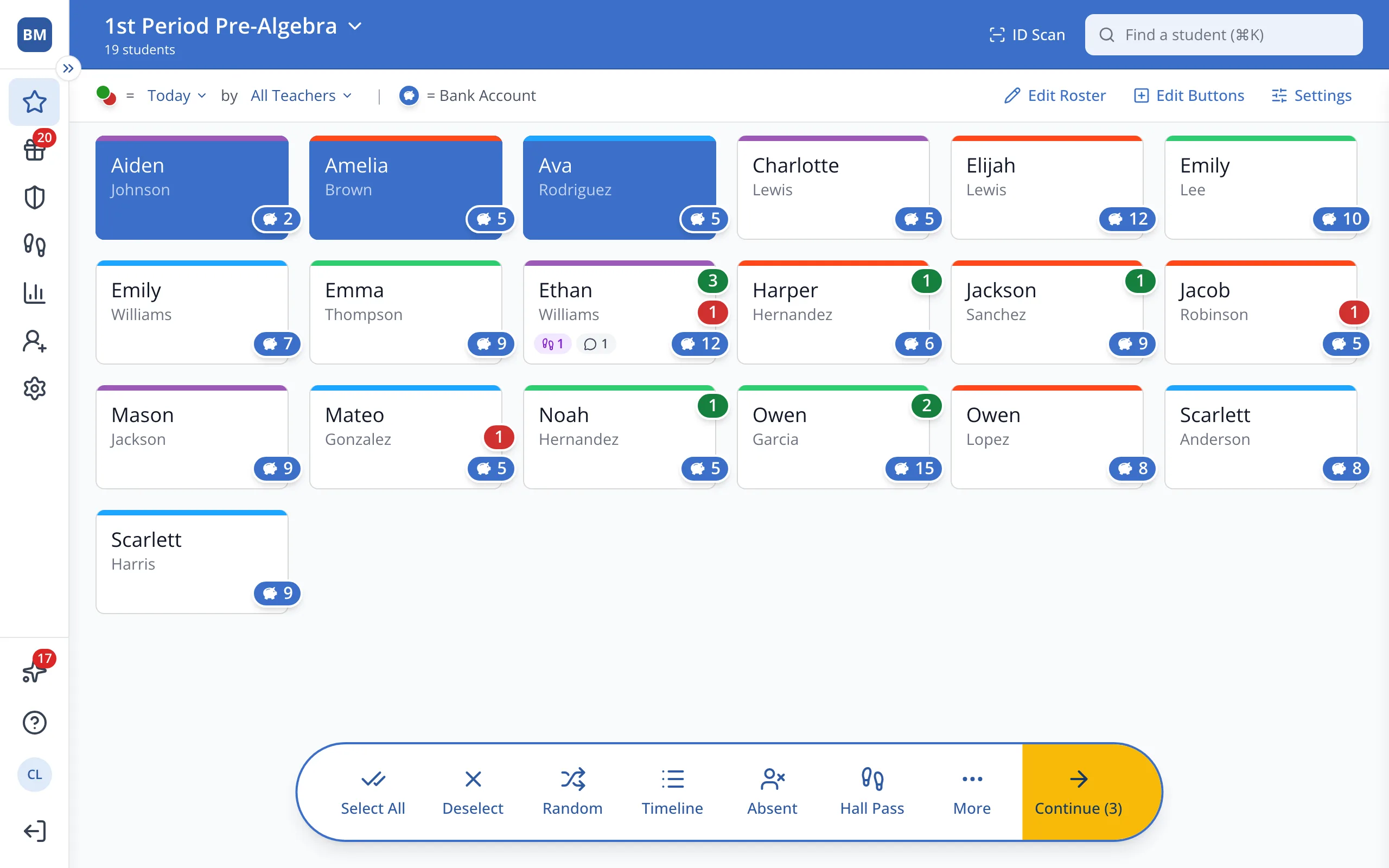
3.In the bar at the bottom, click Continue.
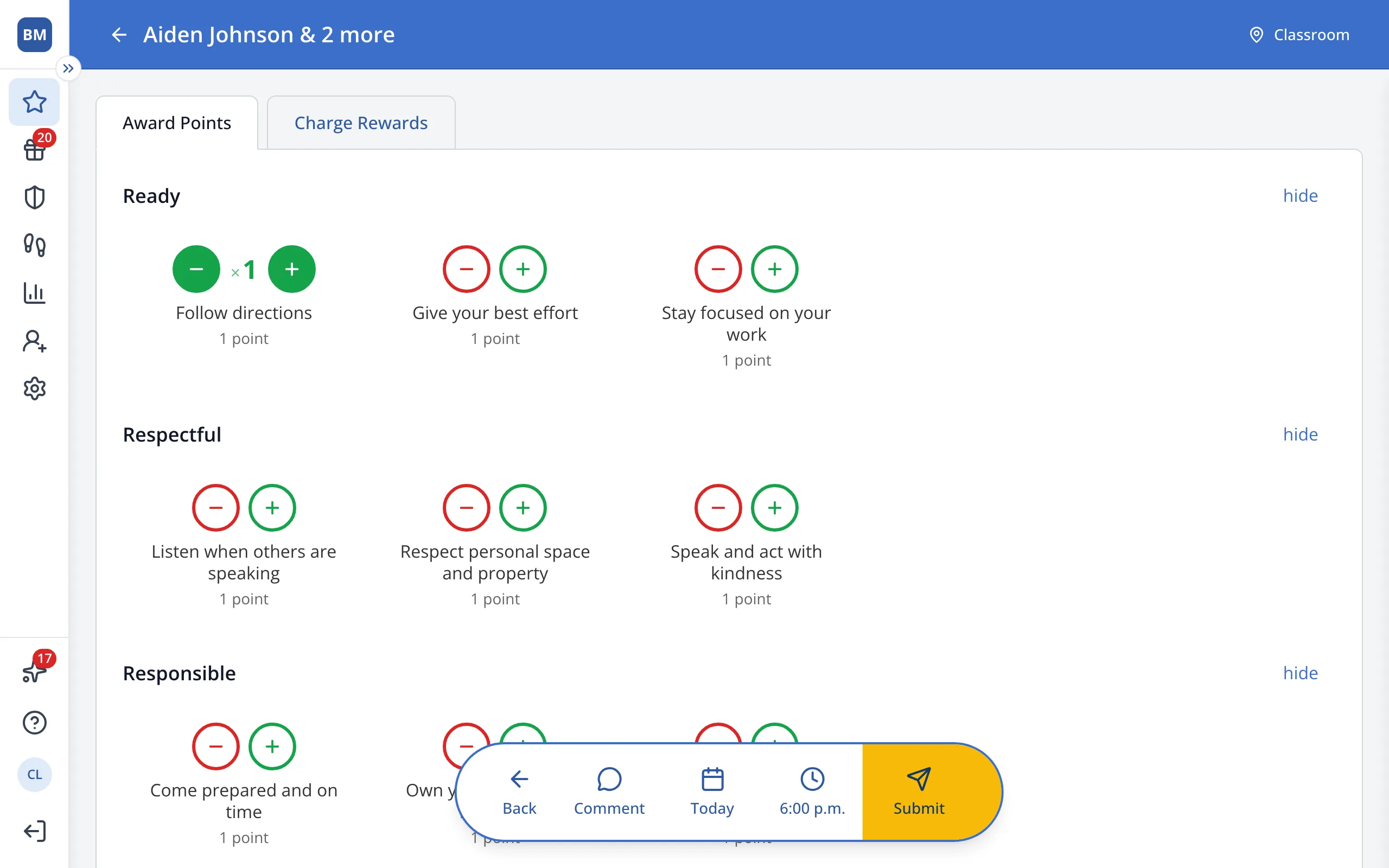
4.Click the green + under the behavior you'd like to give.
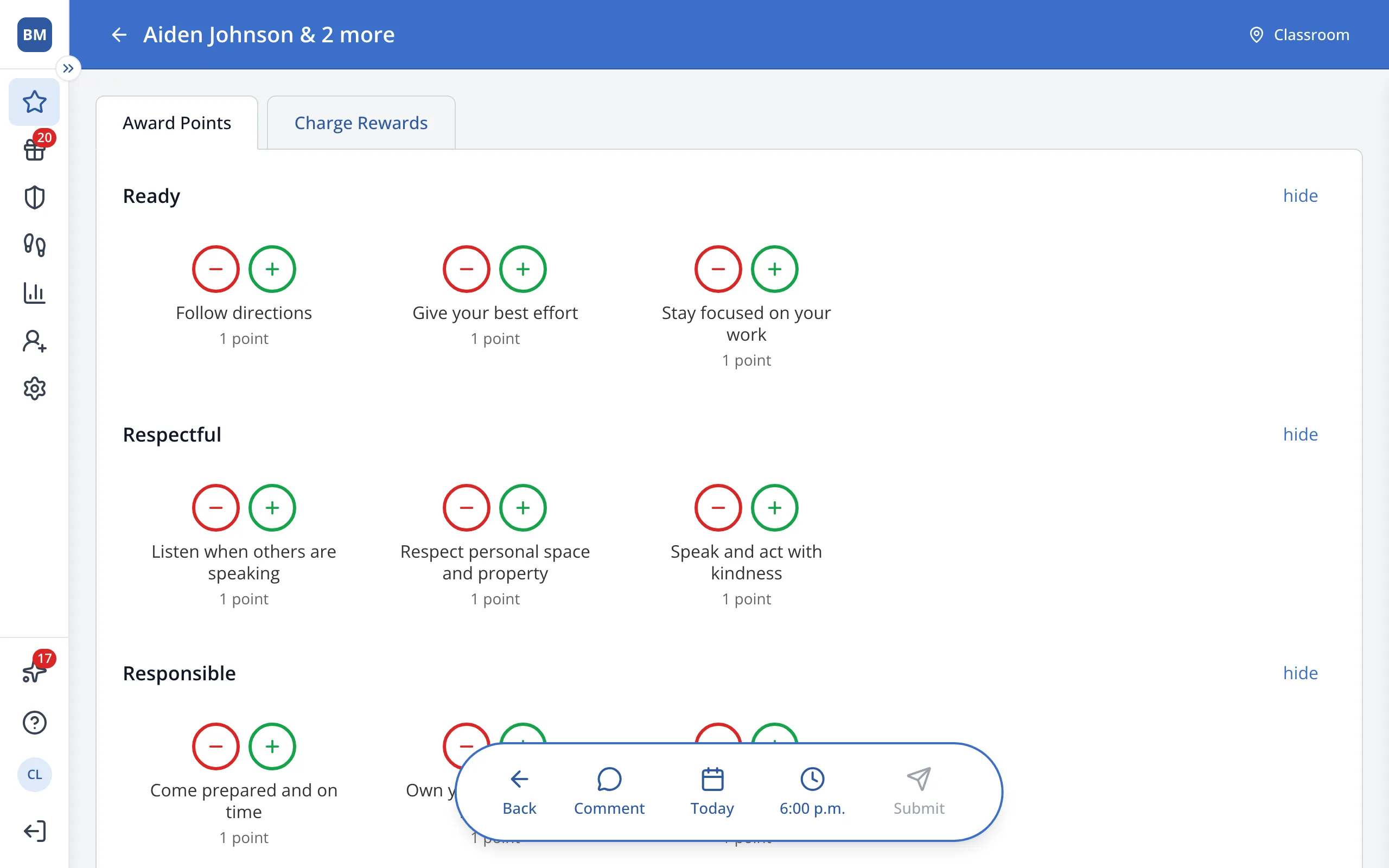
5.Click Submit in the bar at the bottom.
Was this helpful?