
Fix an accidental resetting of bank accounts
Moving the reset date back undoes a reset made by mistake.
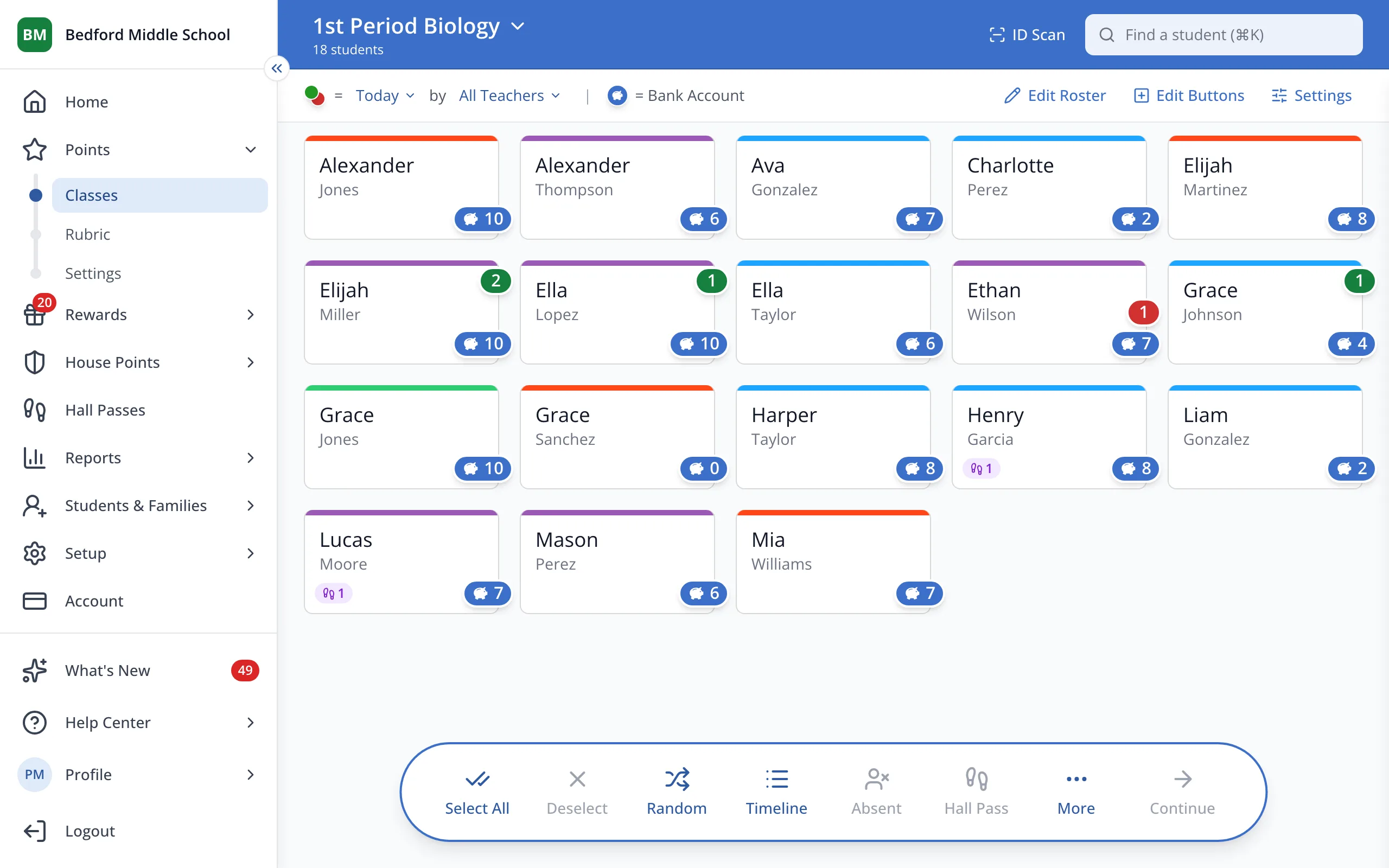
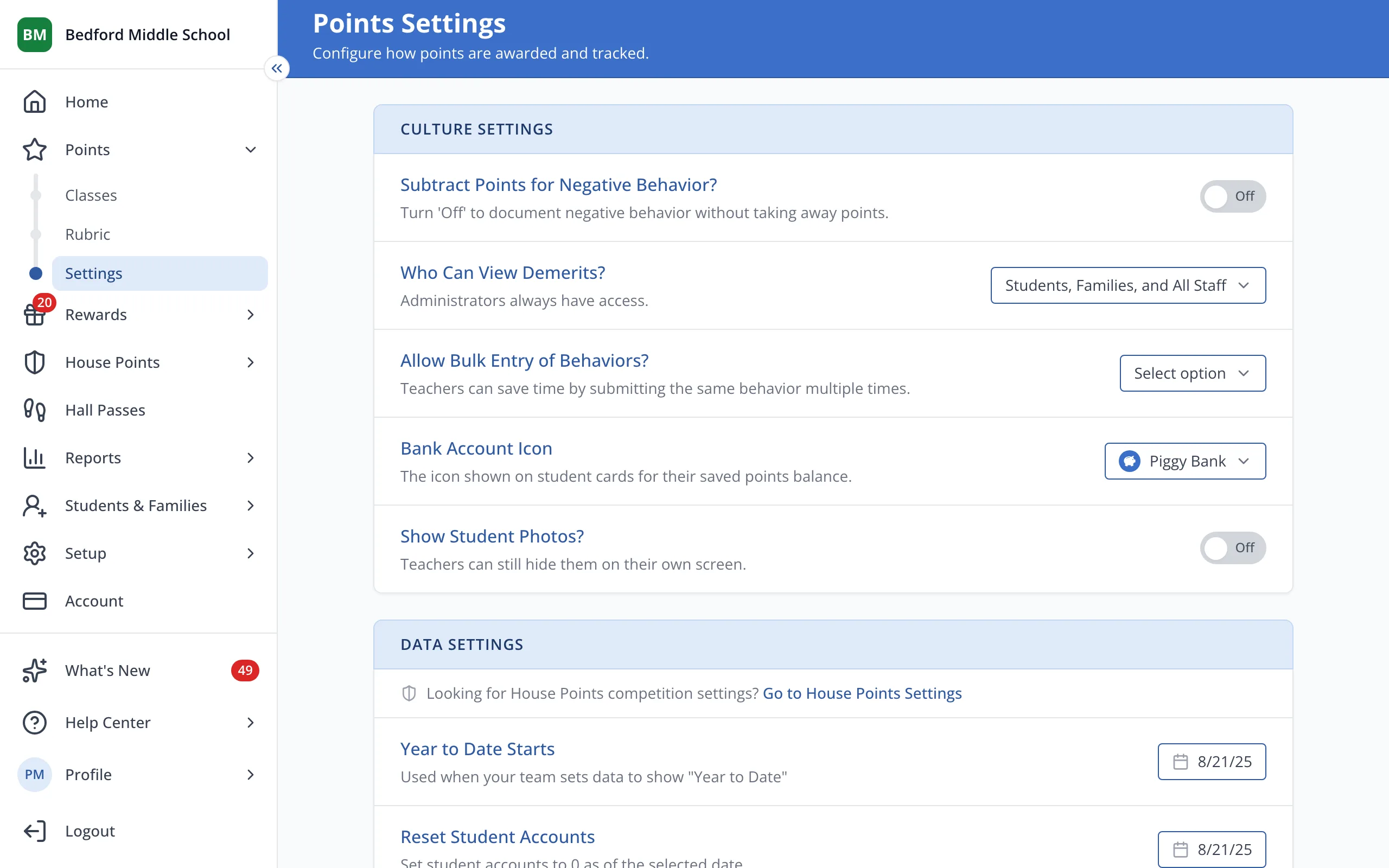
1 / 2In the sidebar, under Points, click Settings.
1.In the sidebar, under Points, click Settings.
2.To undo a reset, click the date under Reset Student Accounts and pick an earlier one.
Was this helpful?