
Reset student bank account balances
Whether at the start of the year, a new quarter, or for a fresh start, resetting bank accounts will set student balances back to 0.
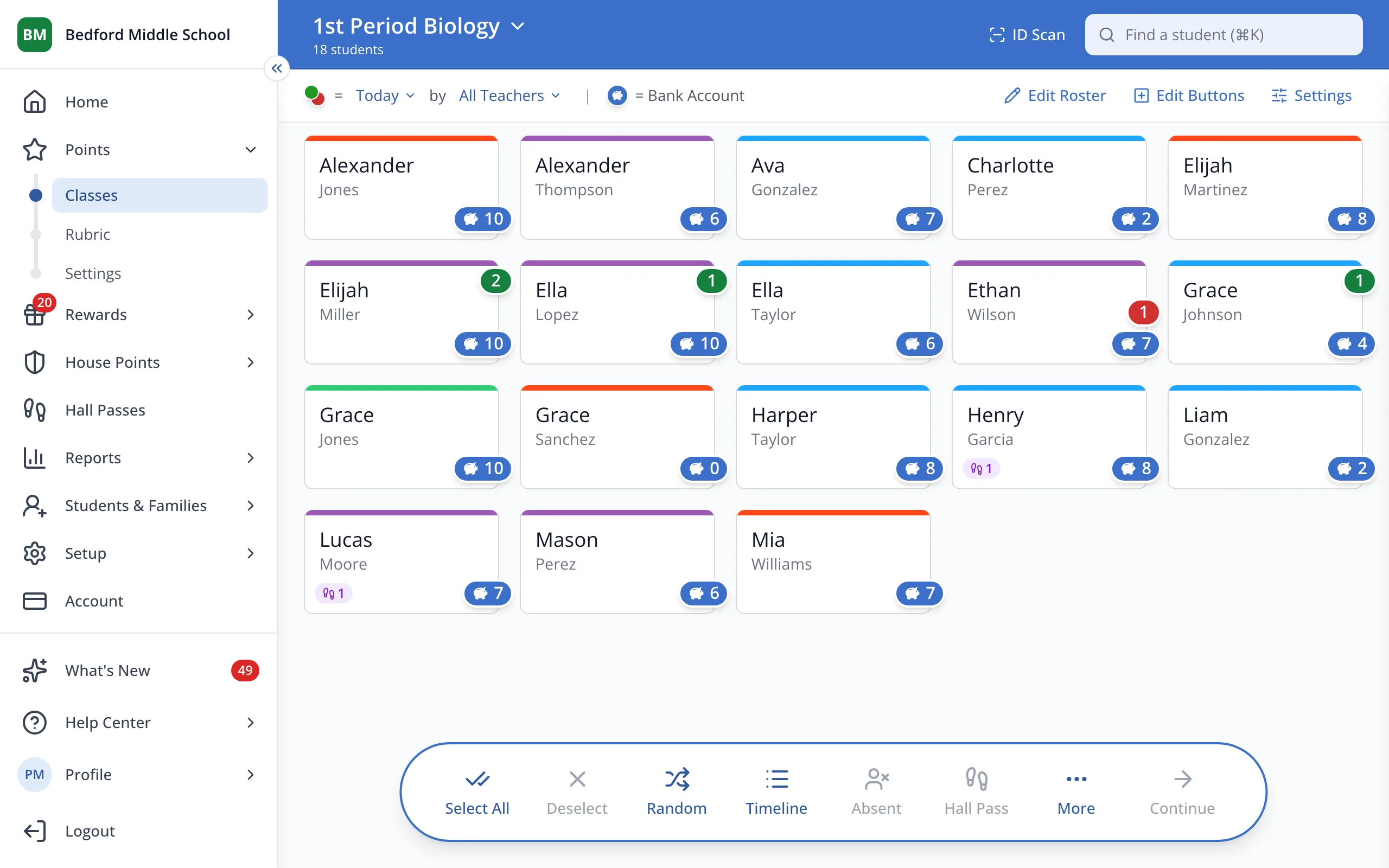
1 / 5In the sidebar, under Points, click Settings.
1.In the sidebar, under Points, click Settings.
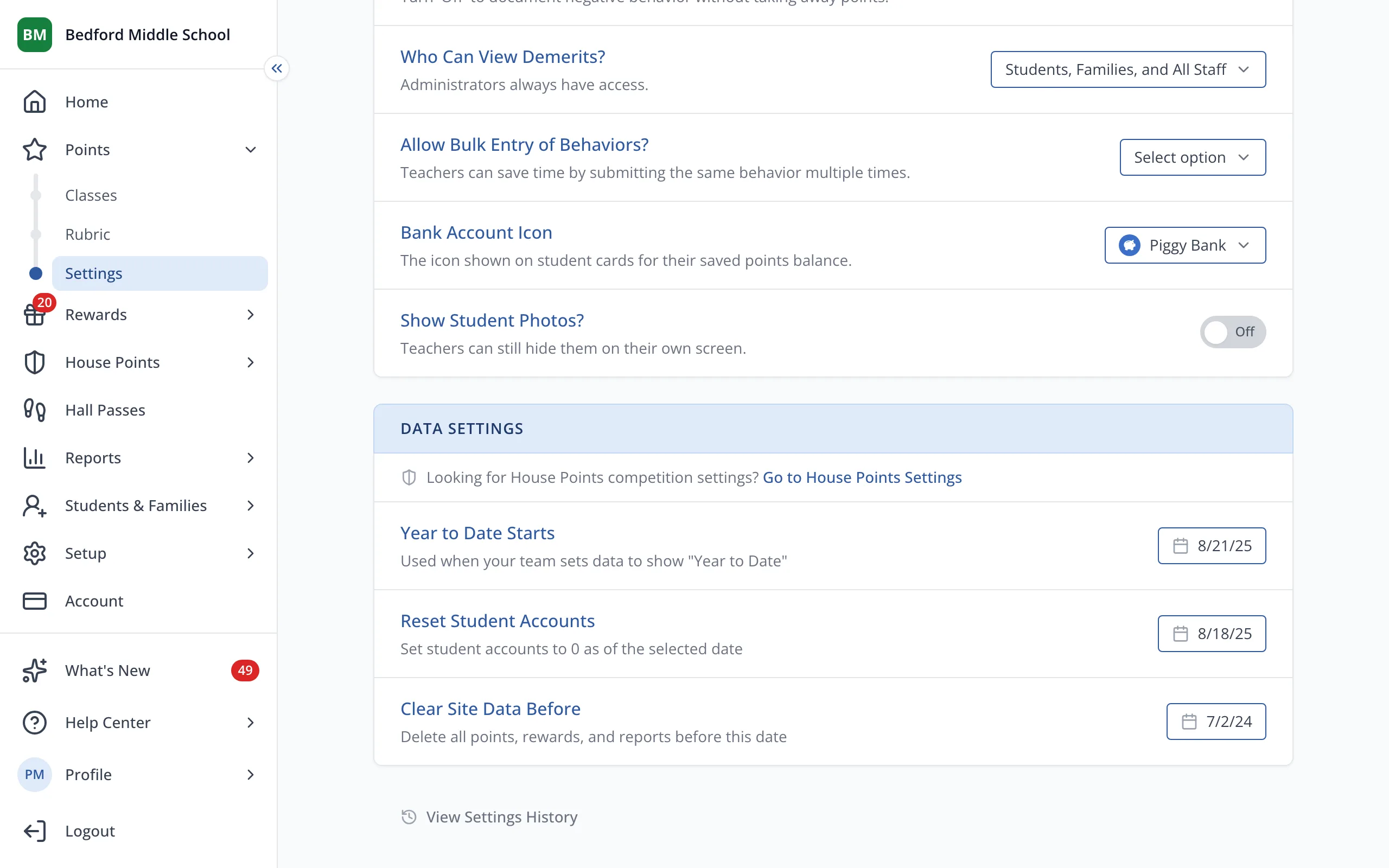
2.Next to Reset Student Accounts, choose the day on which you'd like balances to reset.
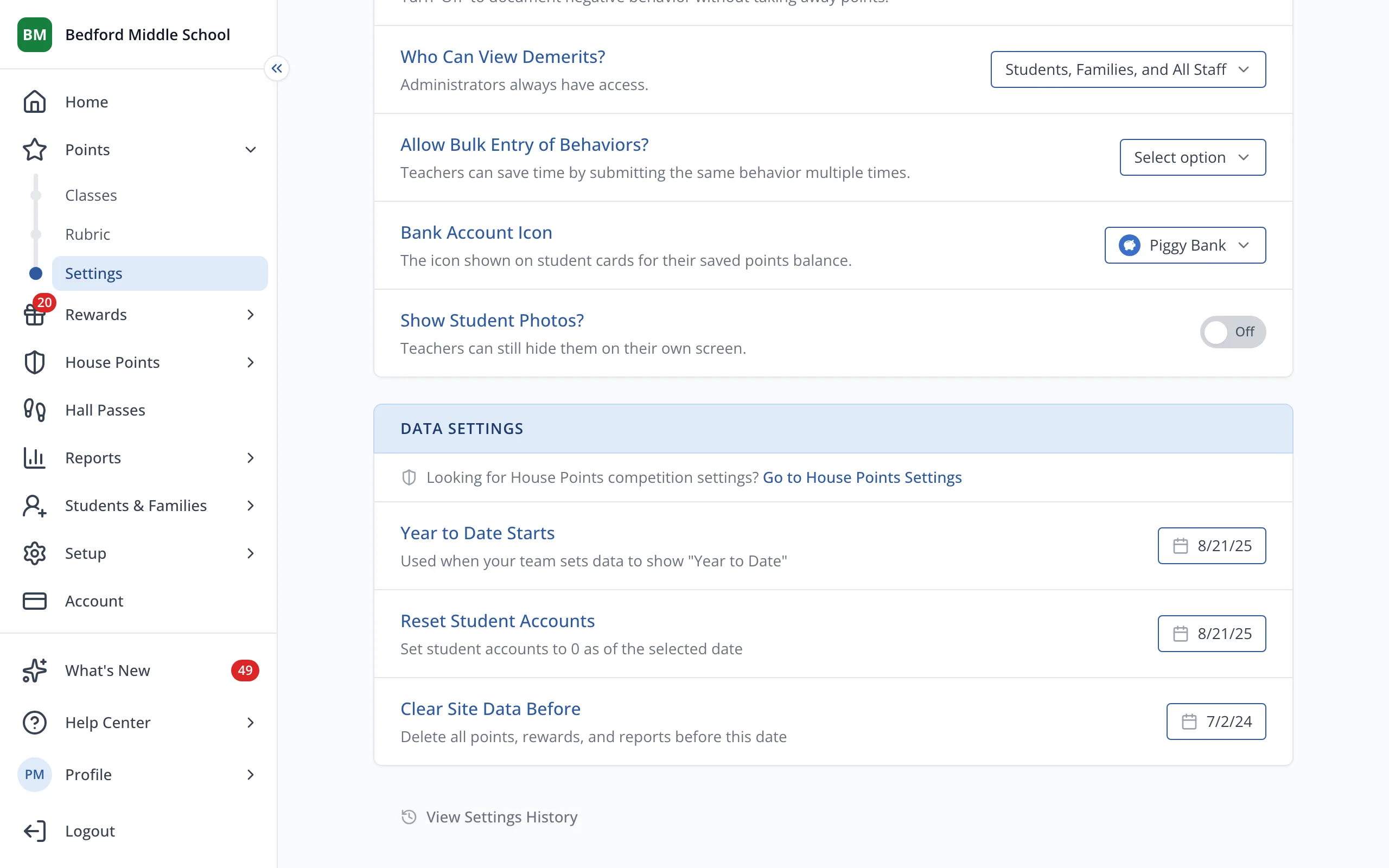
3.Click Reset Accounts to confirm.
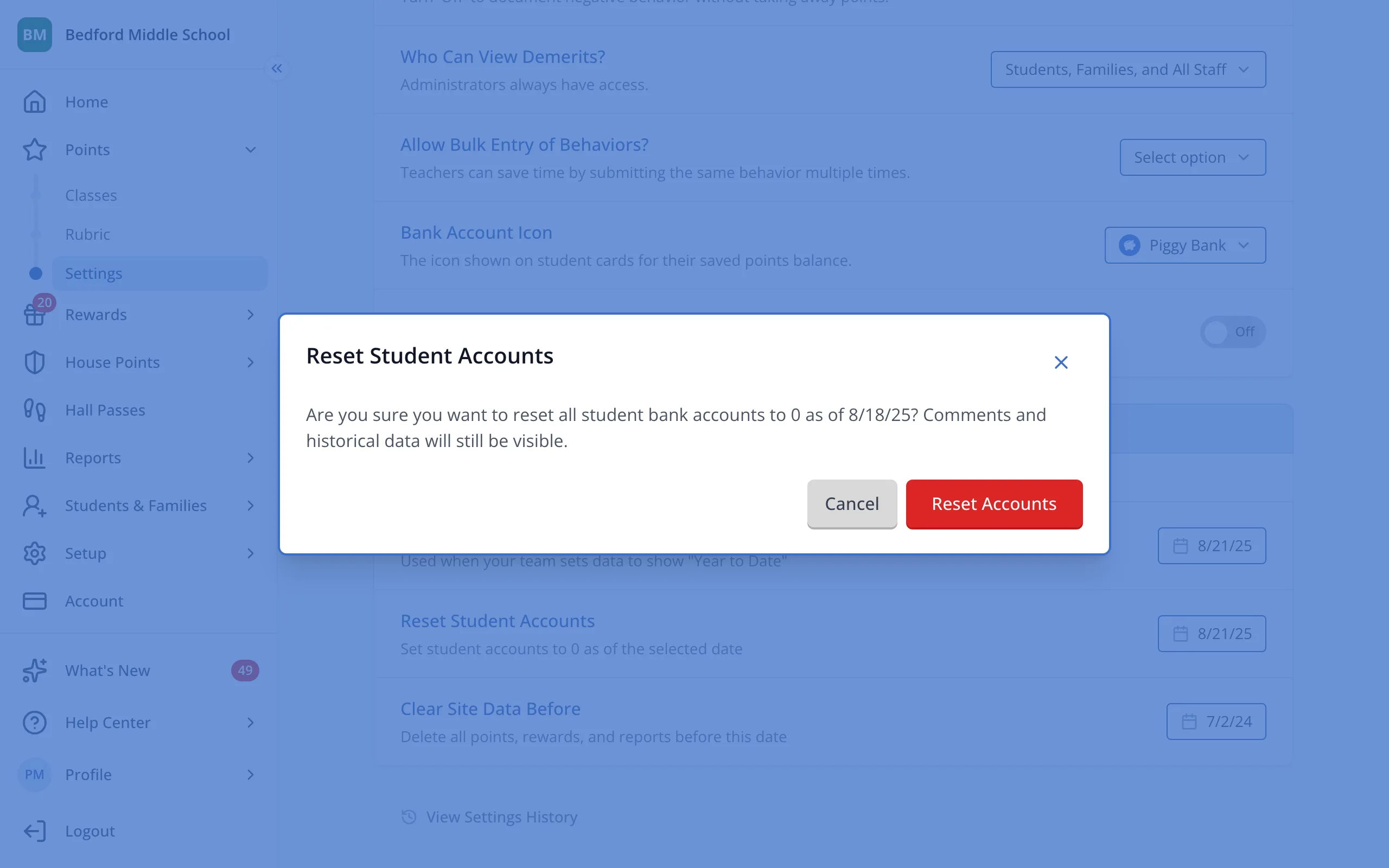
4.For clearer reporting, set Year to Date to the same date set for "Reset Student Accounts".
Was this helpful?