
Charge a student for a reward
Rewards are paid from the blue Bank Account, so the points a student earned still count in their green bubble.
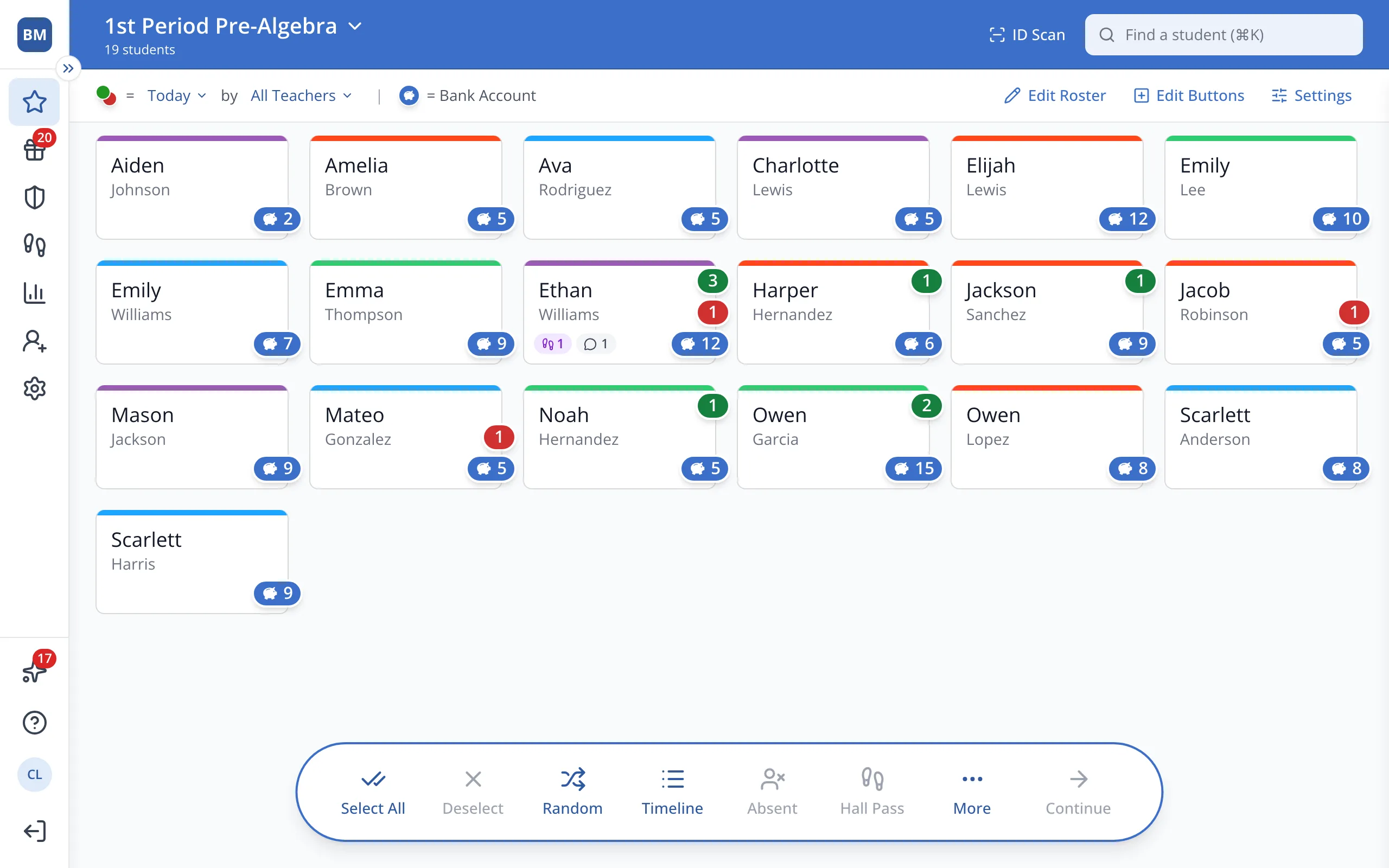
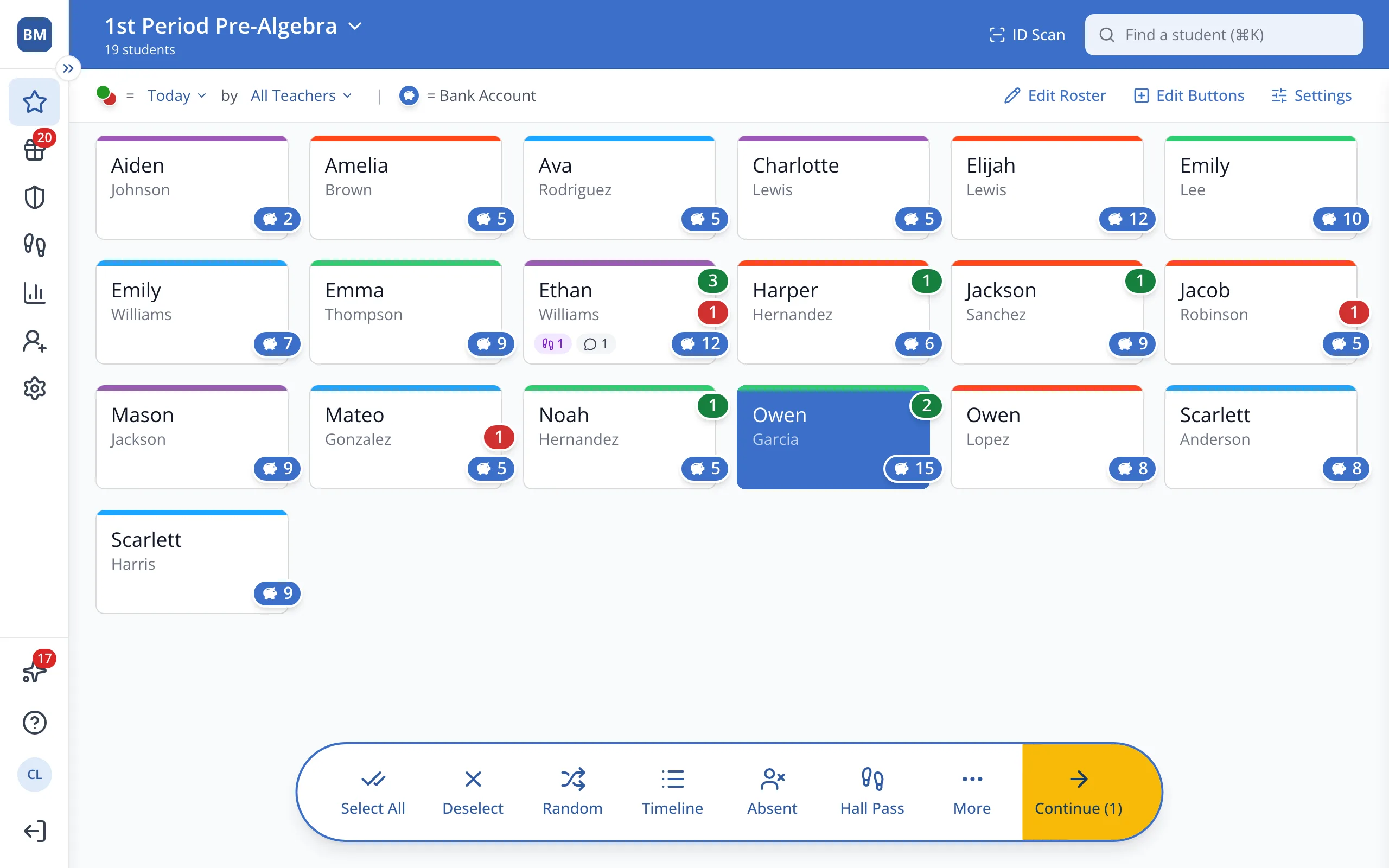
1 / 6On the Points page, click the student.
1.On the Points page, click the student's button.
2.In the bar at the bottom, click Continue.
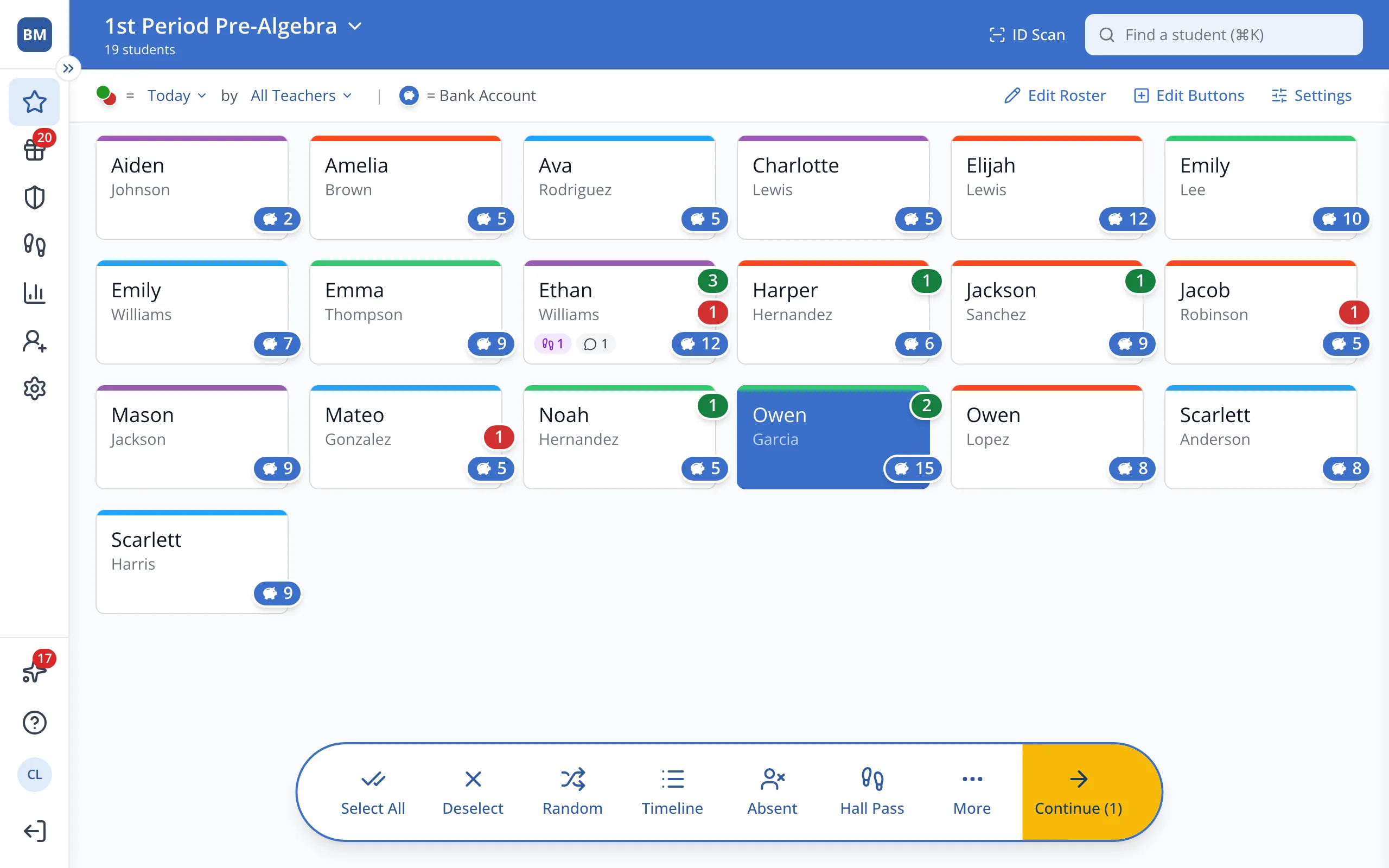
3.Click the Charge Rewards tab.
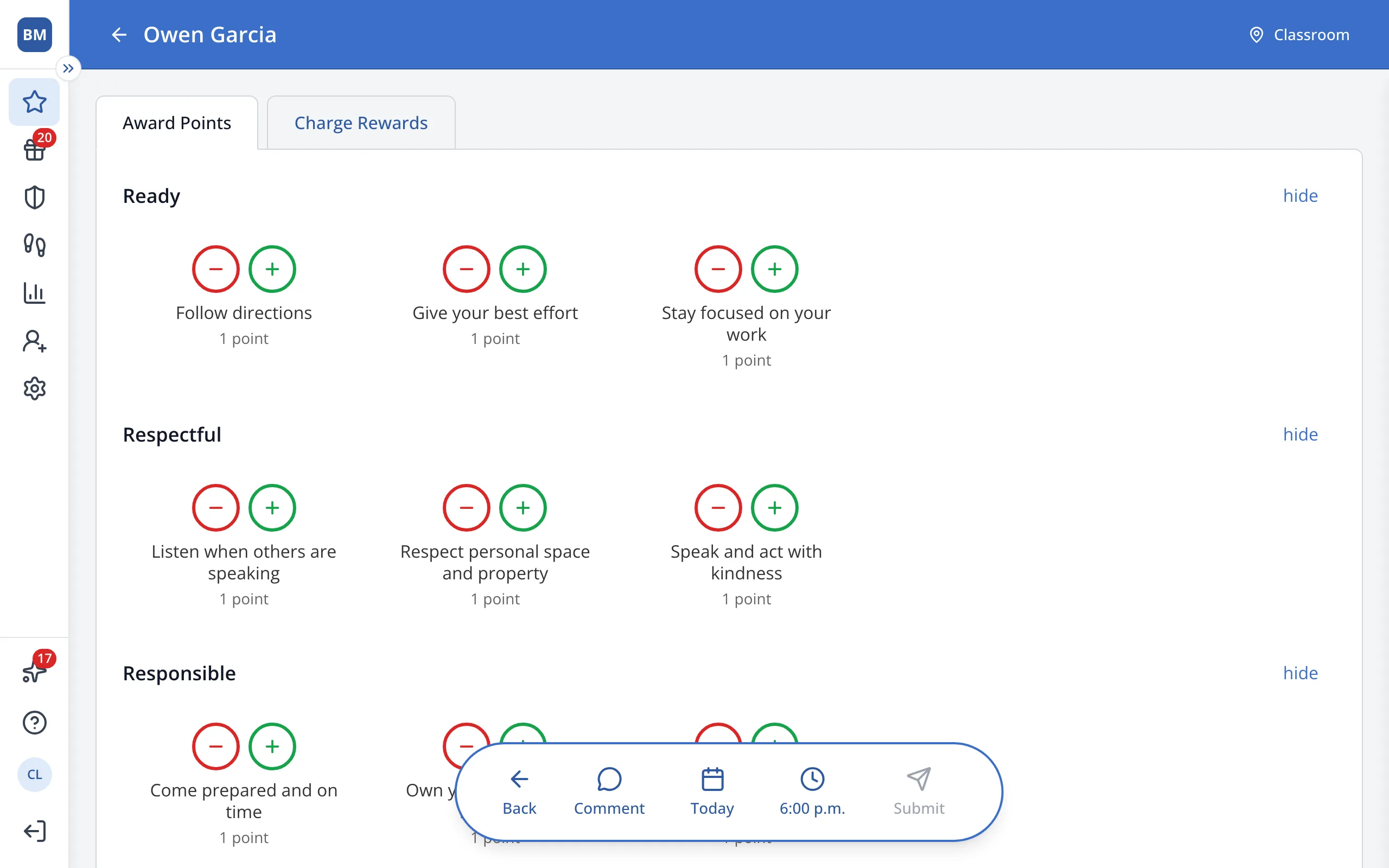
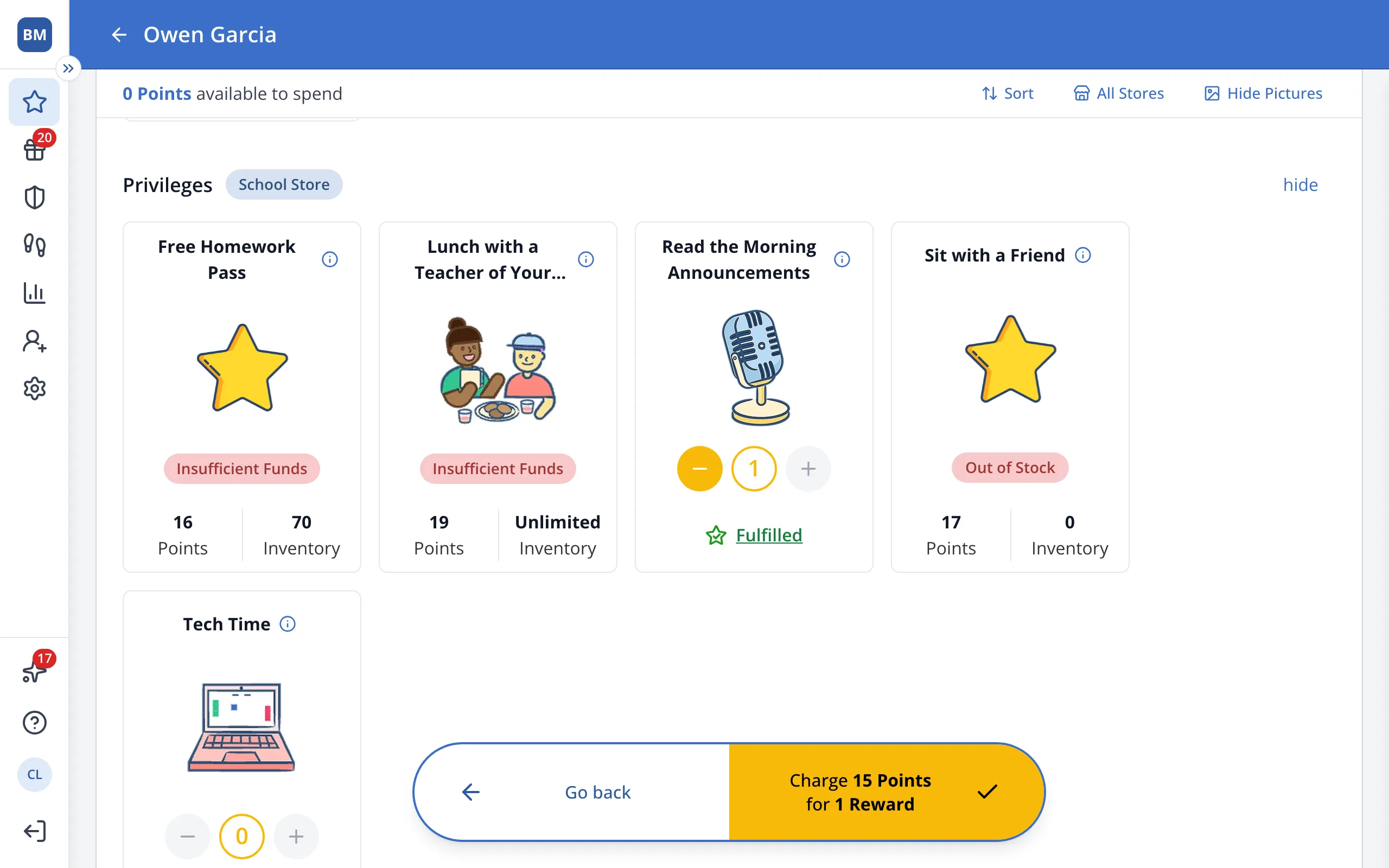
4.Find the reward the student wants and click + to add it.
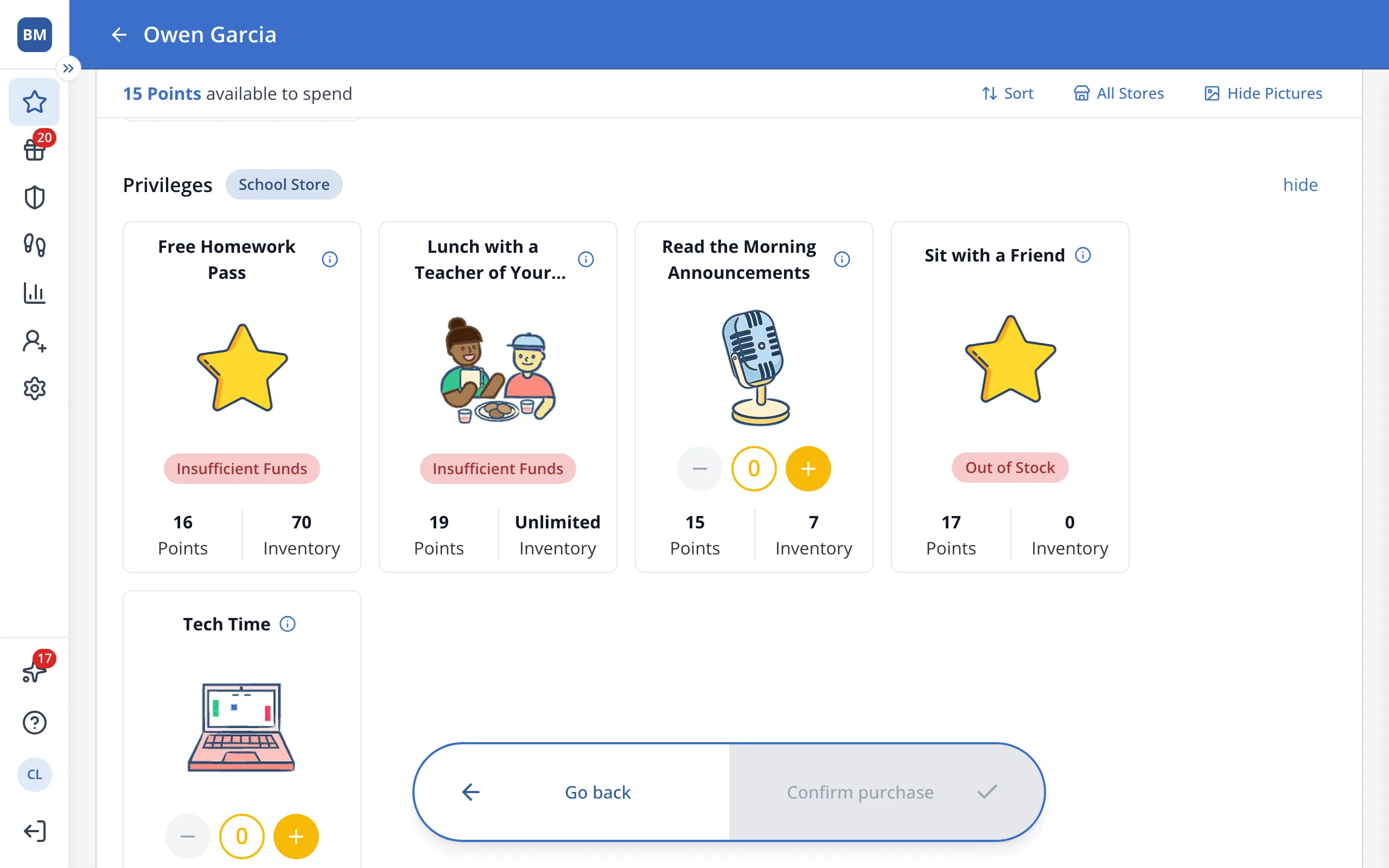
Tip: Click Fulfilled under the reward to give it later or on a set date.
5.In the bar at the bottom, click Charge.
Was this helpful?