
Charge points for a reward by scanning a badge
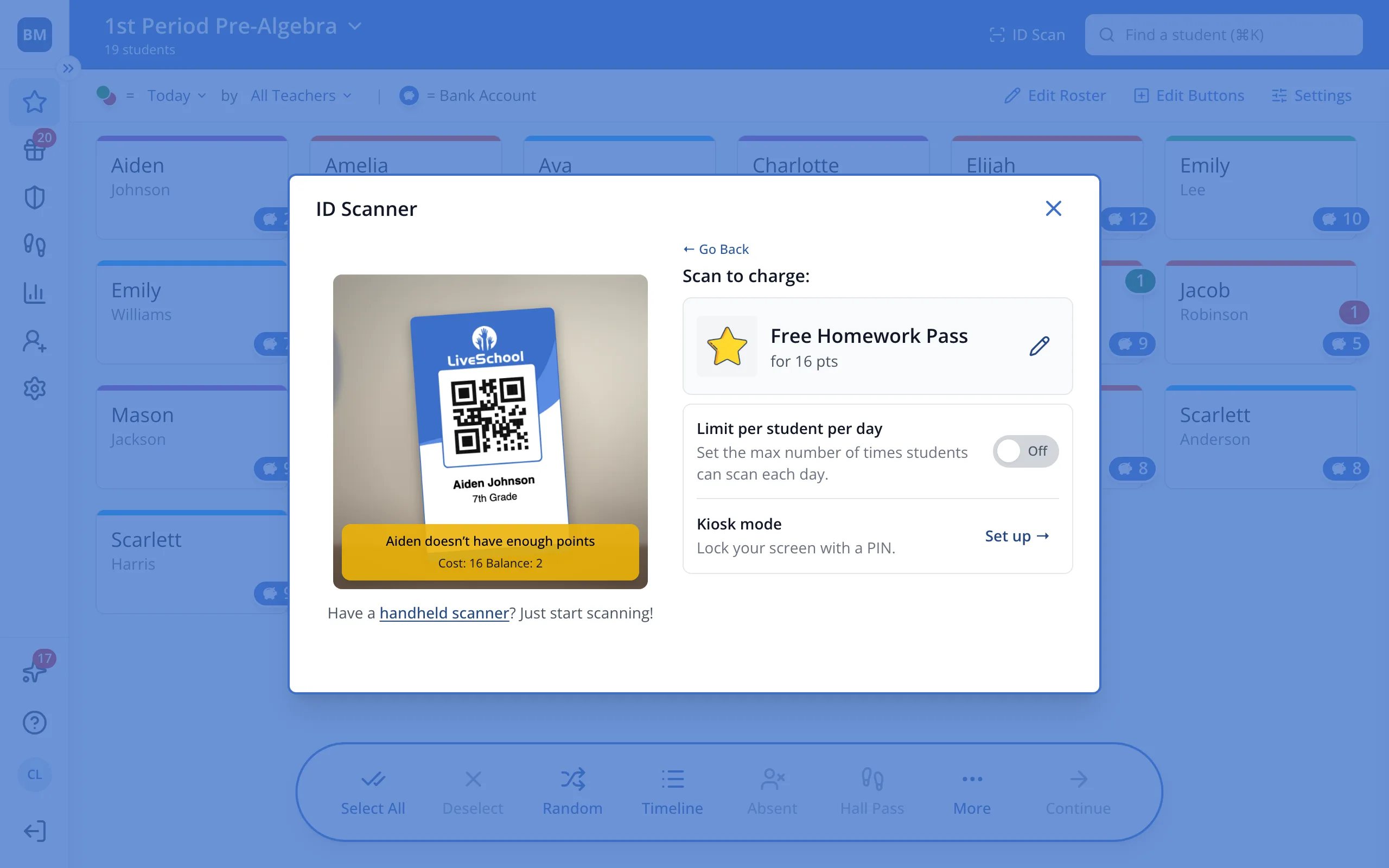
Pick the reward once, then each badge you scan pays for it from that student's Bank Account.
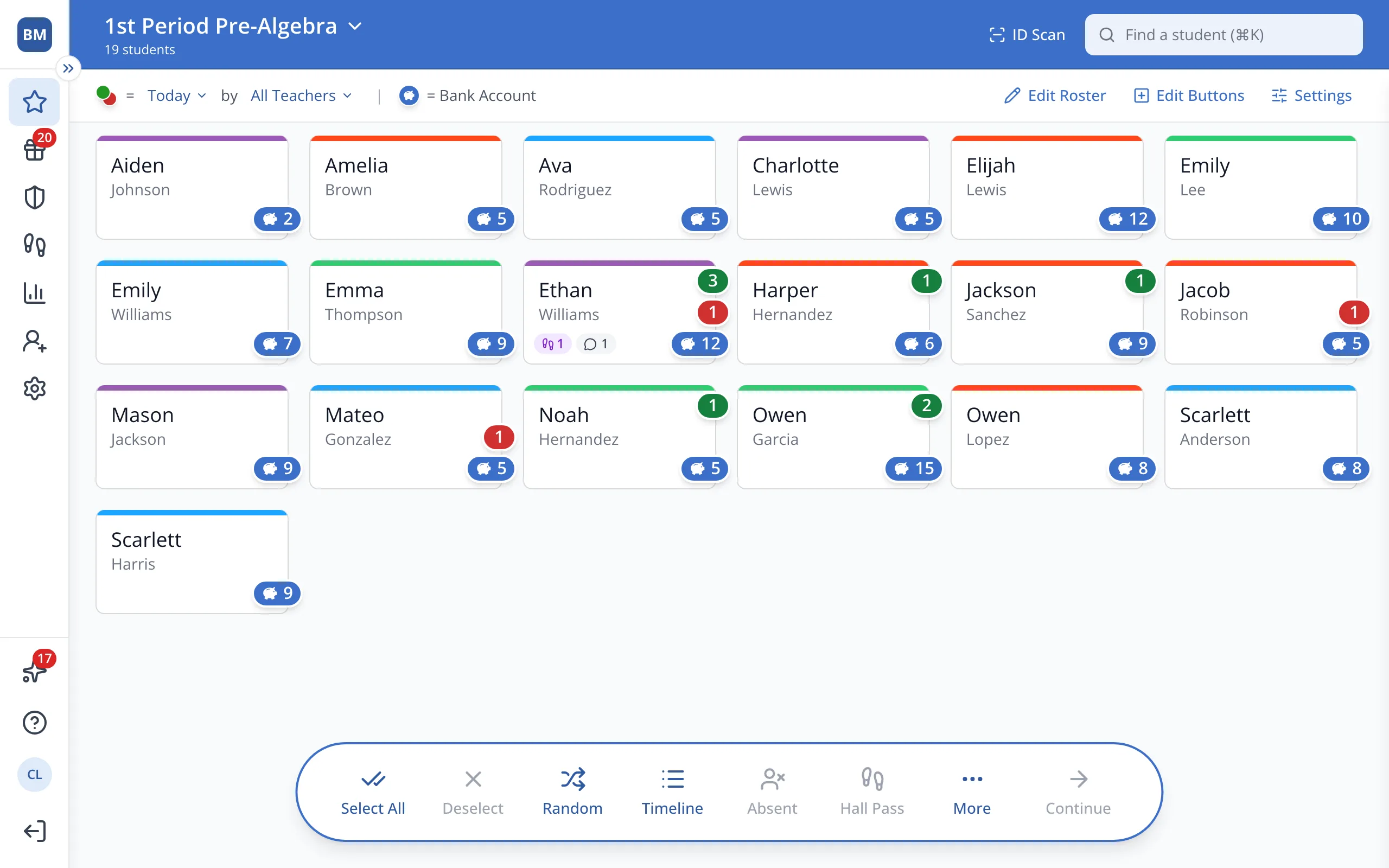
1 / 5At the top of the Points page, click ID Scan.
1.At the top of the Points page, click ID Scan.
2.Click Rapid Record Mode.
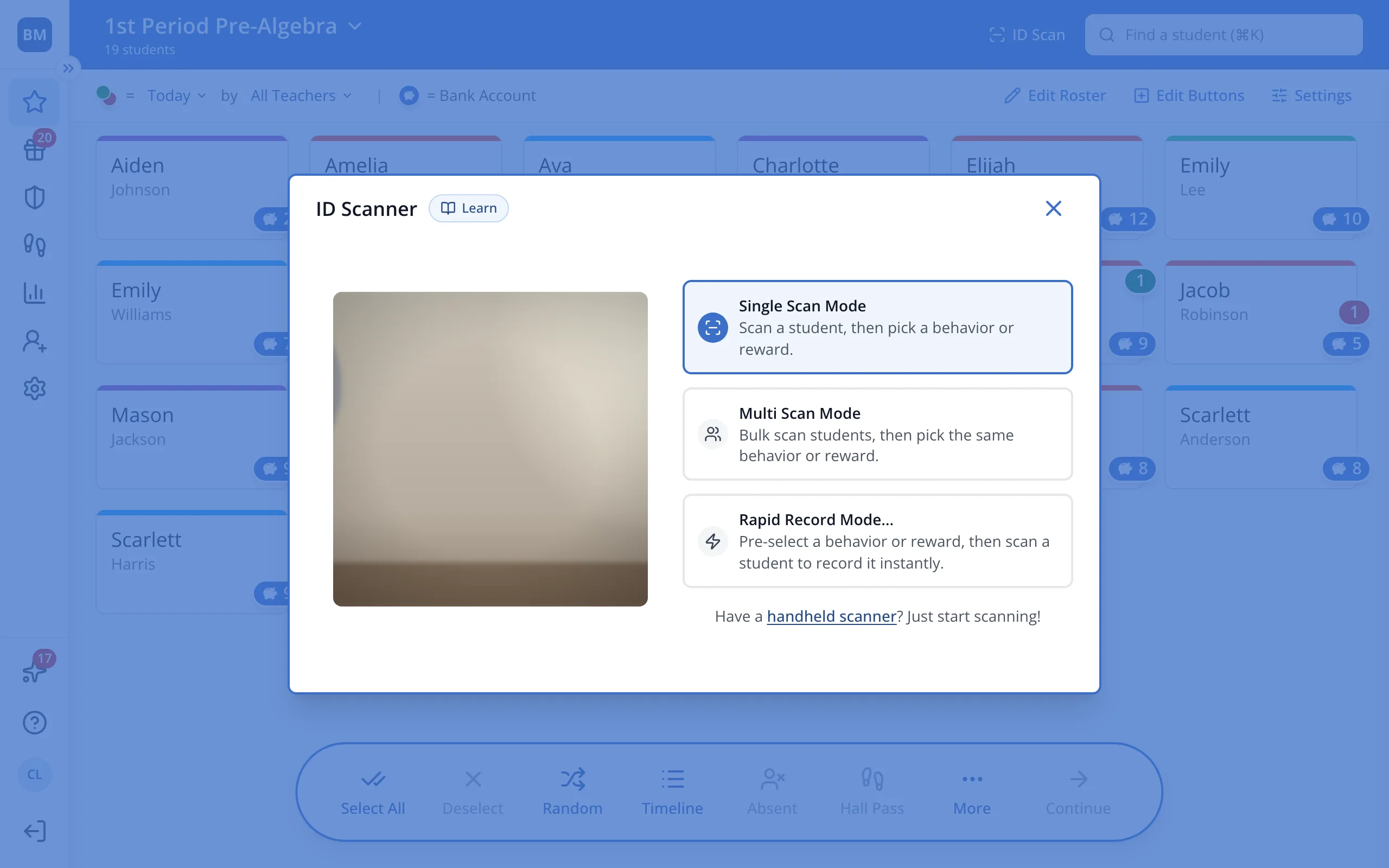
3.Click Charge a Reward.
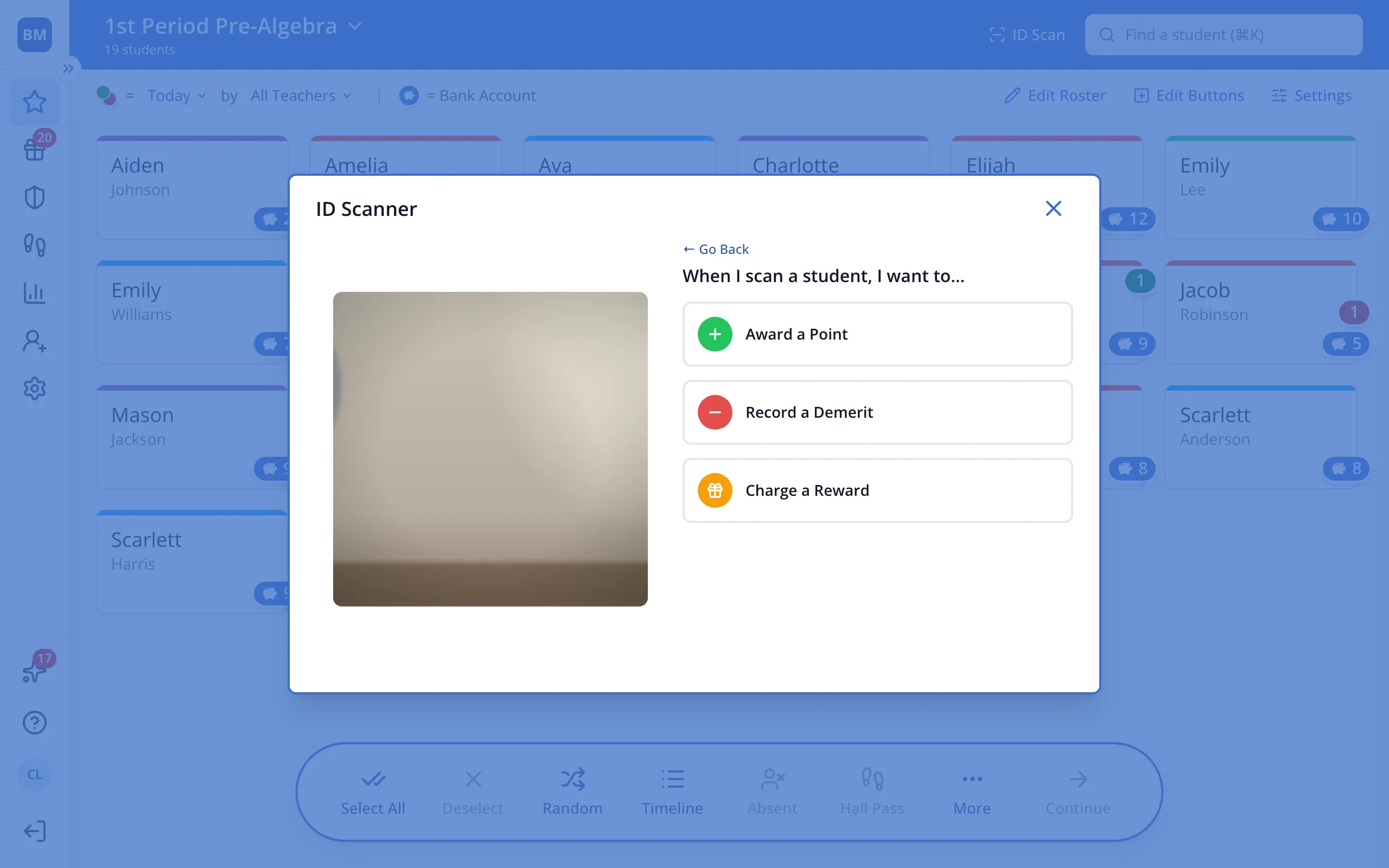
4.Click the reward.
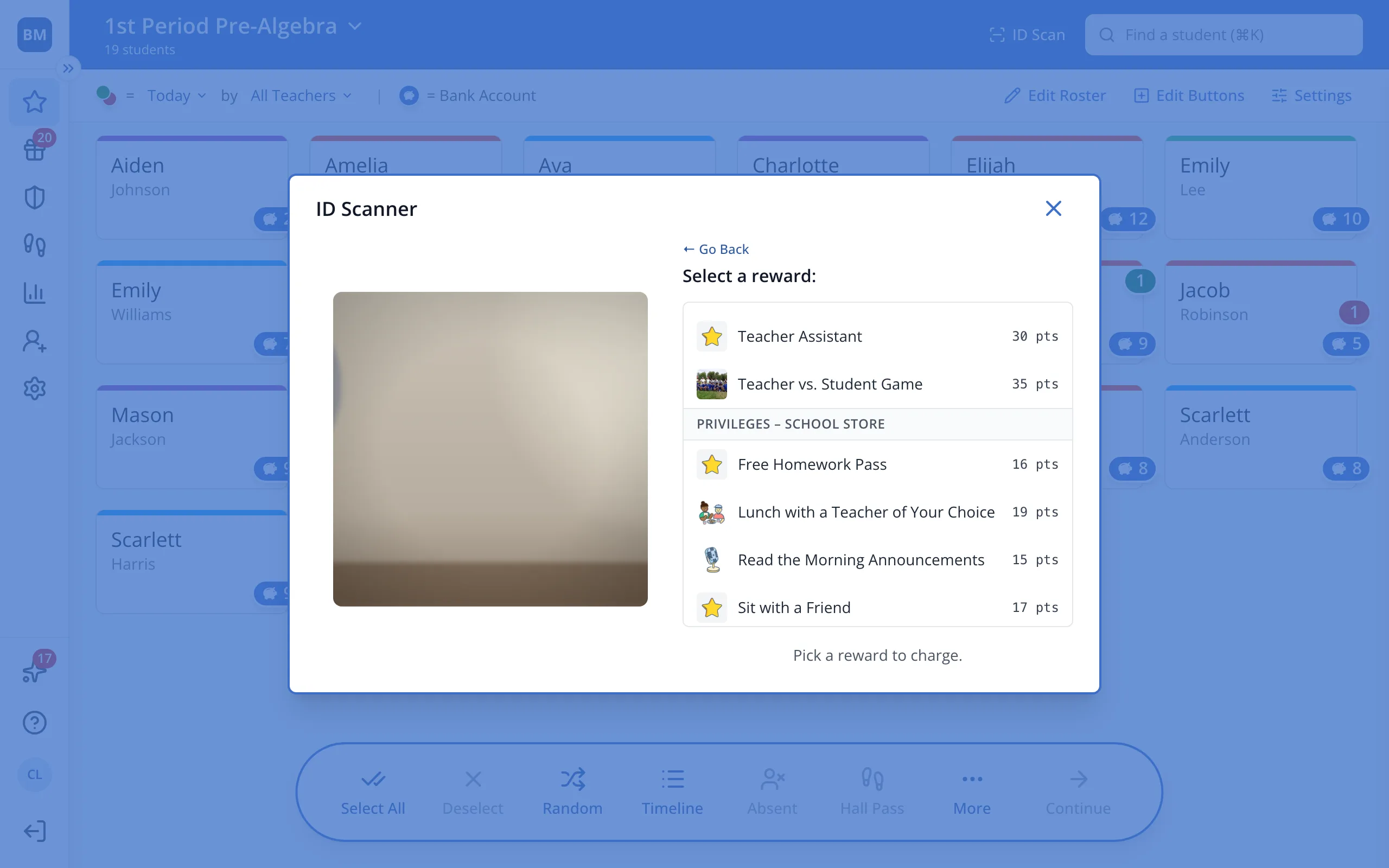
5.Scan each student's badge to charge them for it.
Was this helpful?