
Use the timer, stopwatch or calculator
Classroom tools open right on the Points page, so you don't have to leave it.
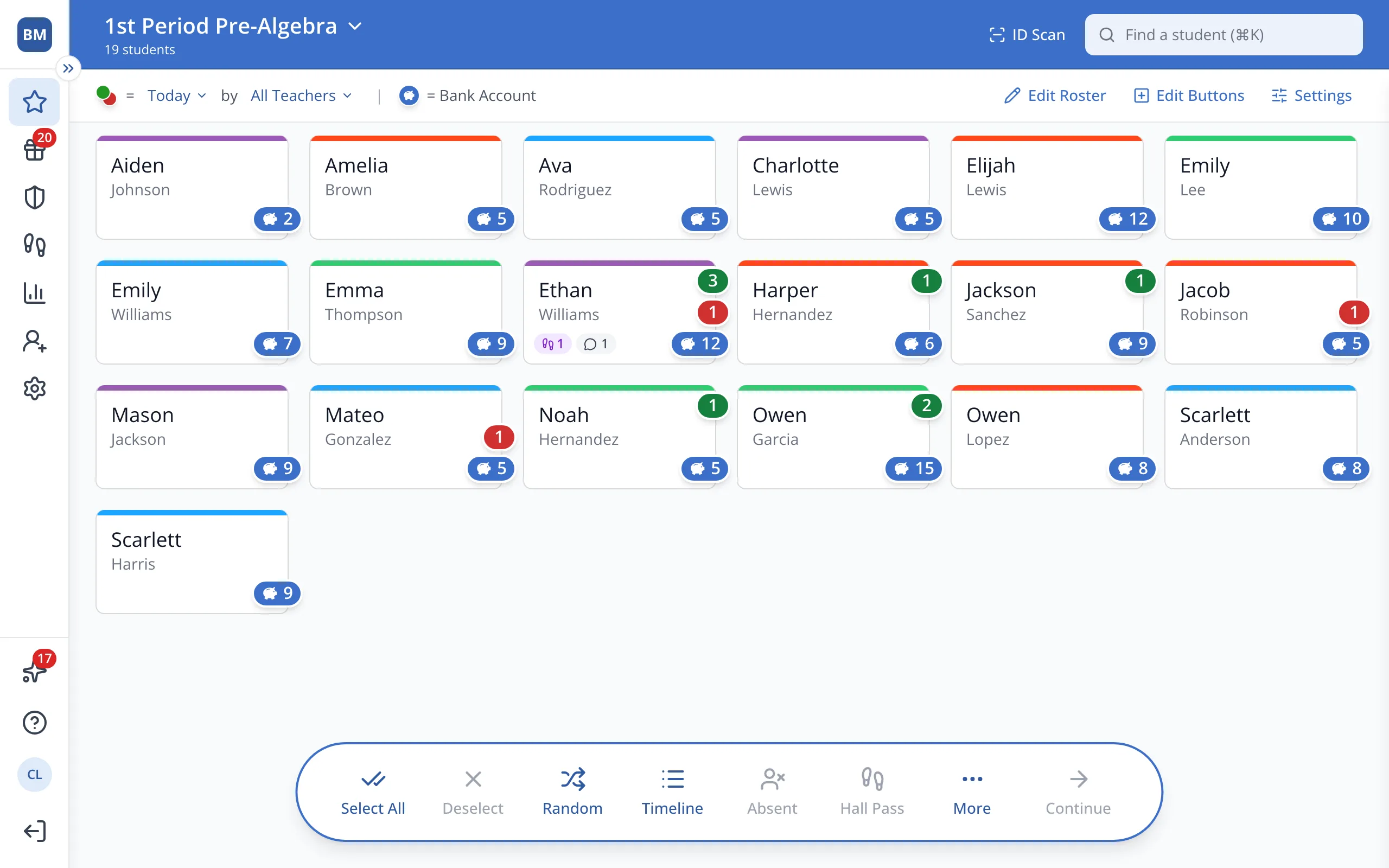
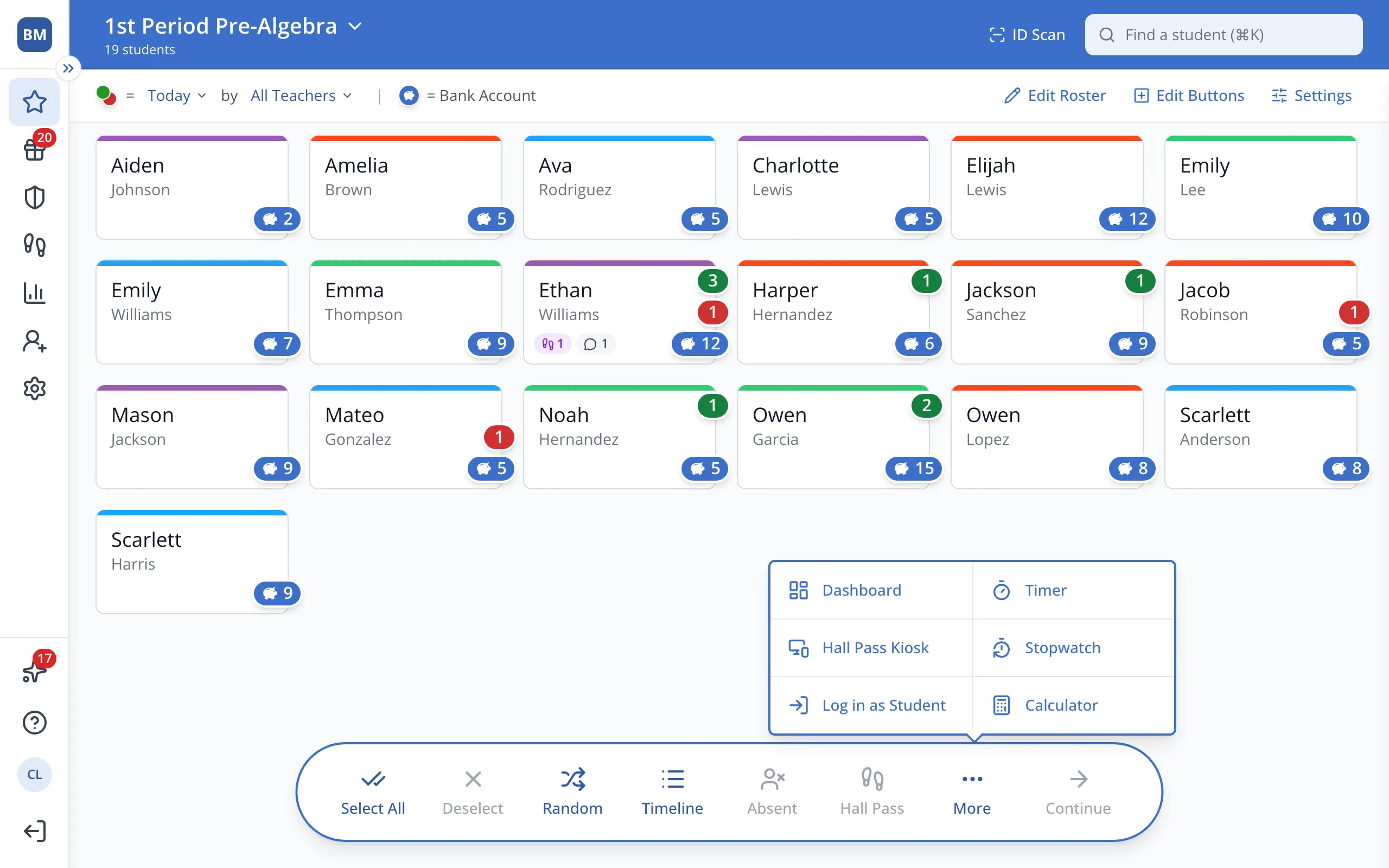
1 / 5In the bar at the bottom of the Points page, click More.
1.In the bar at the bottom of the Points page, click More.
2.Click Timer, Stopwatch or Calculator.
Was this helpful?