
Pick a random student
Call on students fairly, without choosing them yourself.
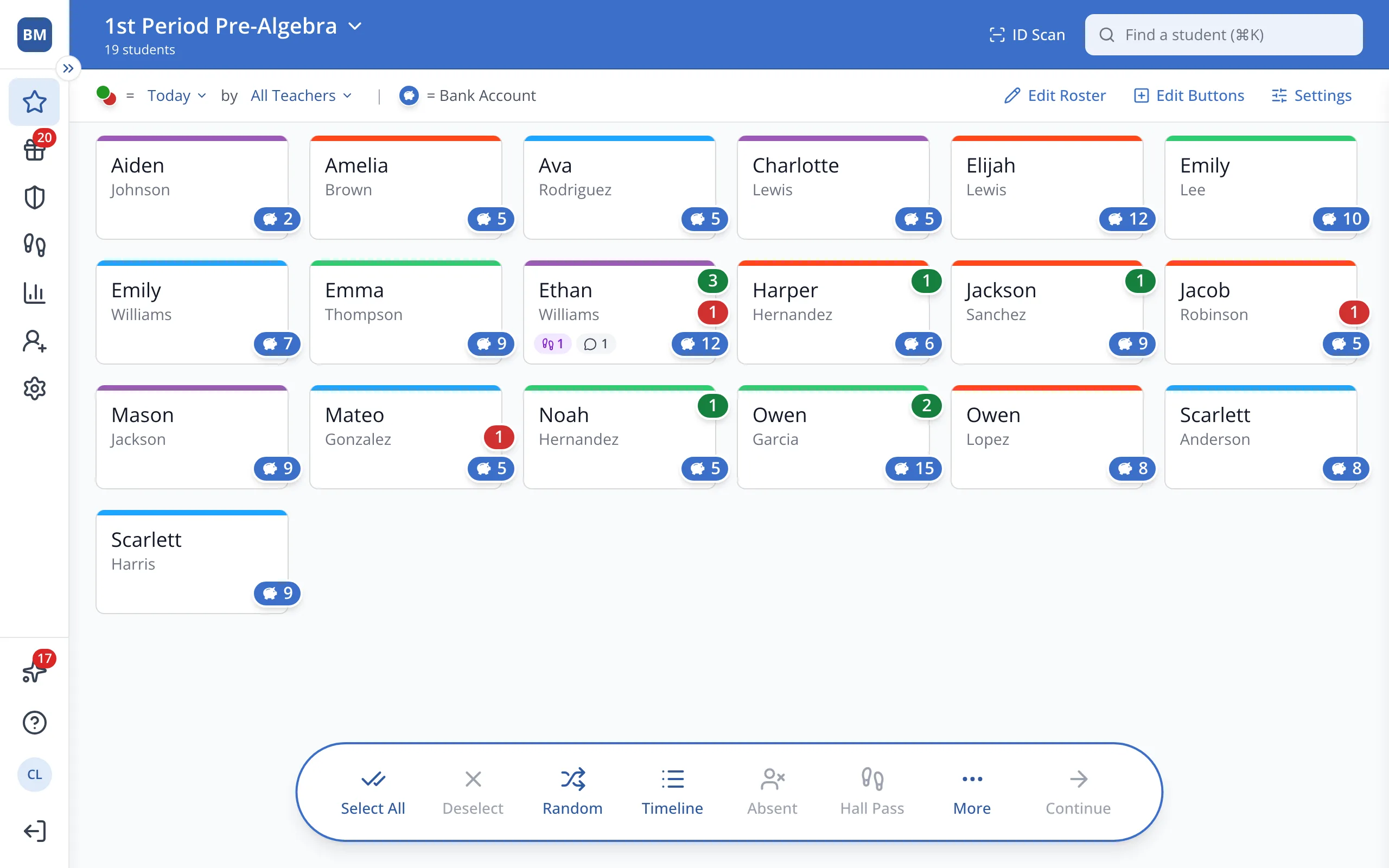
1 / 3In the bar at the bottom of the Points page, click Random.
1.In the bar at the bottom of the Points page, click Random.
Tip: Select two or more students first to pick only from that group.
2.While the names spin, click Just this once to skip ahead, or Always to skip the spin every time.
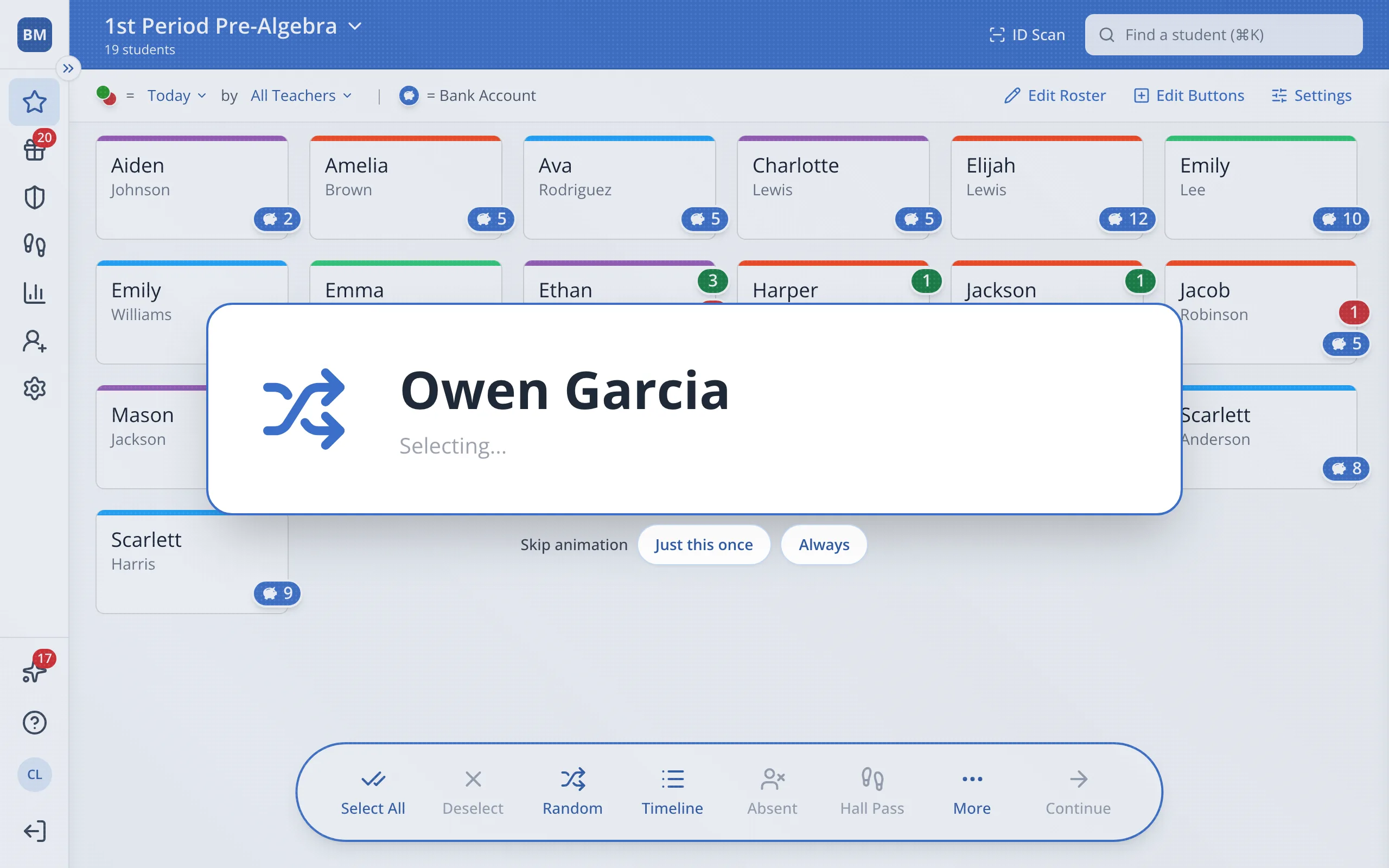
Tip: Random skips students who were picked recently, plus anyone absent or out on a hall pass, so turns get spread around the class.
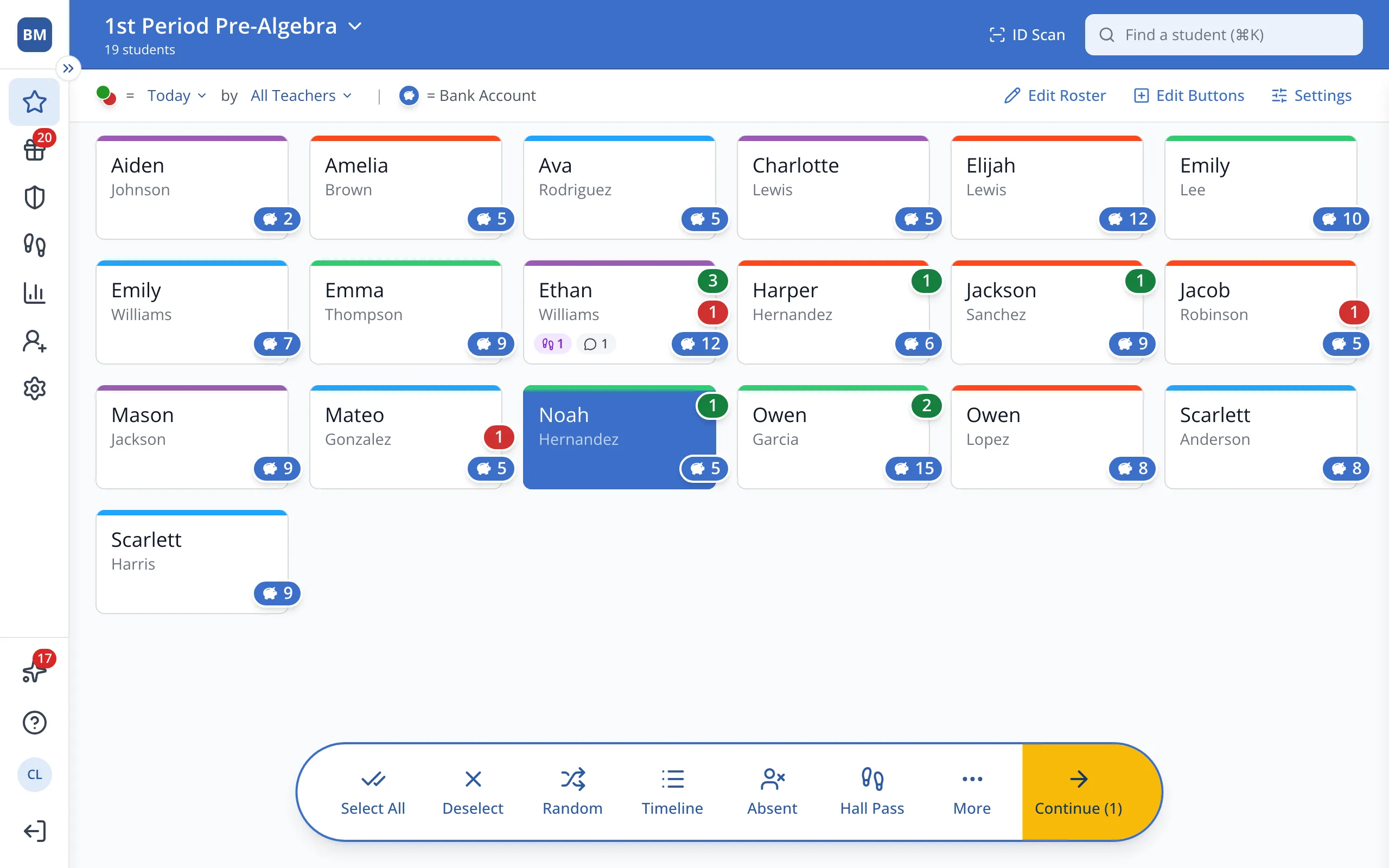
3.Click Continue to give the chosen student a point.
Was this helpful?