Edit a point you already gave
Change a behavior transaction without deleting the point.
Open in LiveSchool
Already signed in? Open this guide inside LiveSchool.
Use the Left and Right arrow keys to move between steps, and Space to play or pause.
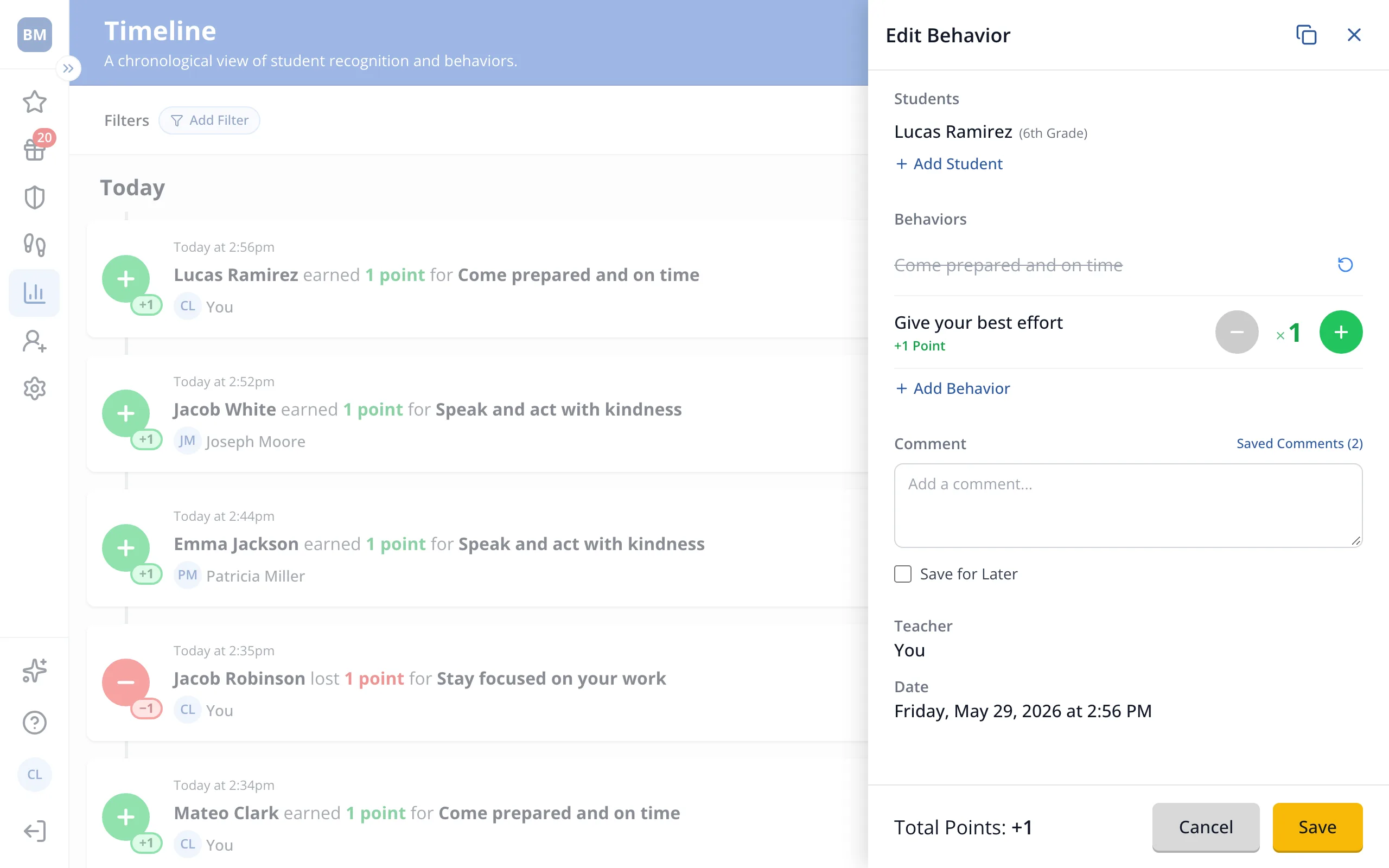
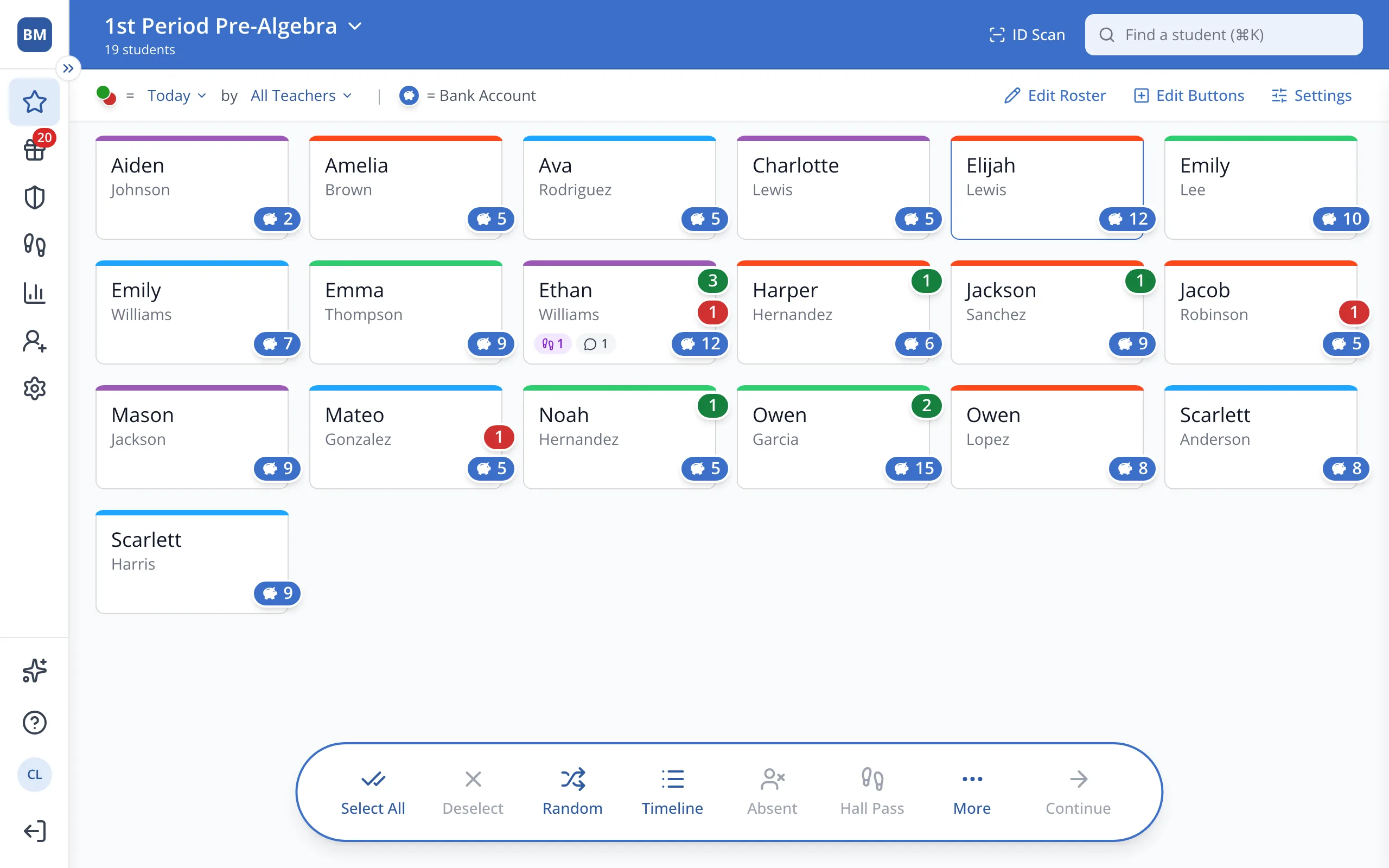
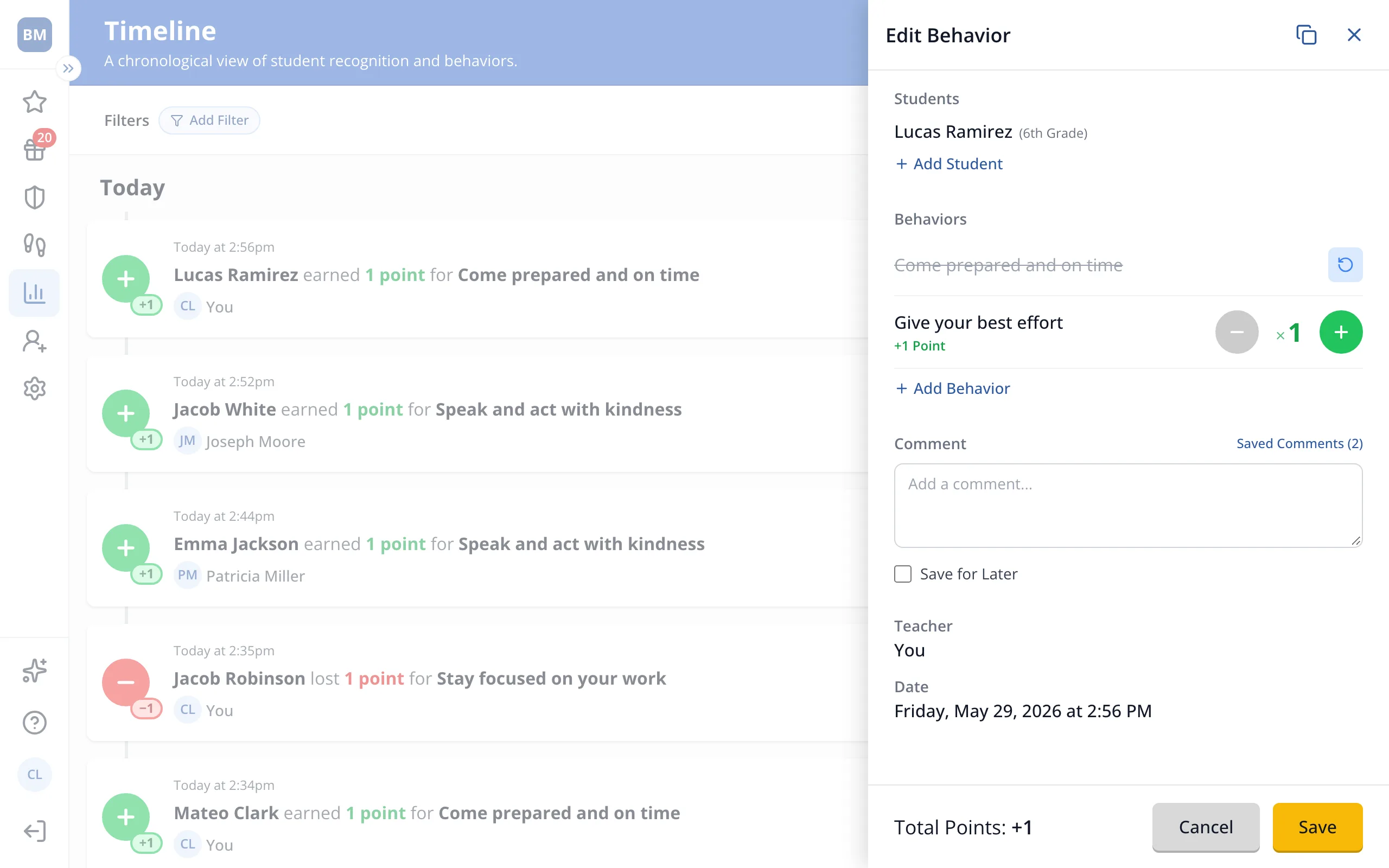
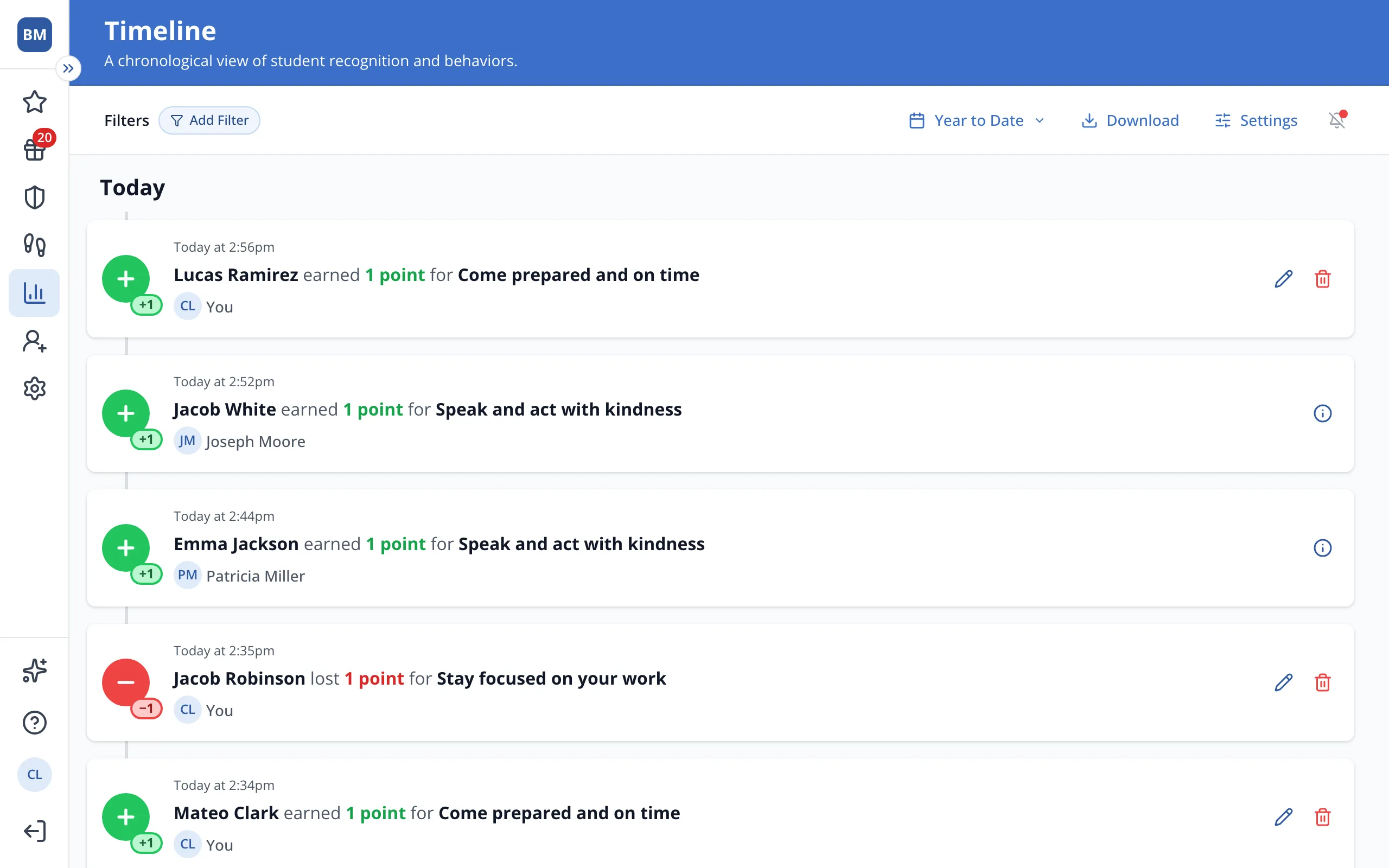
1.In the sidebar, click Reports. The Timeline will open.
2.Click the pencil next to the point you'd like to change.
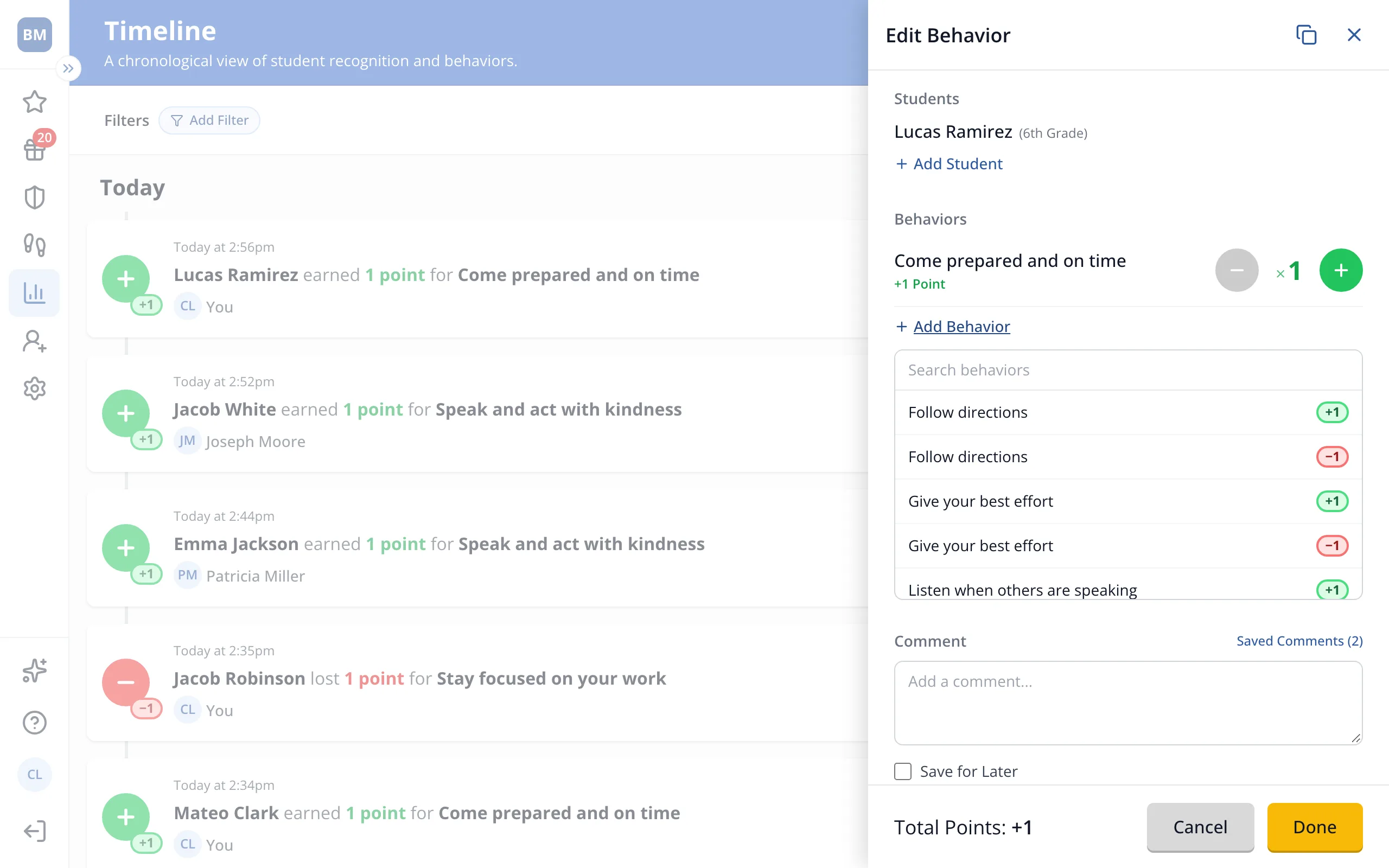
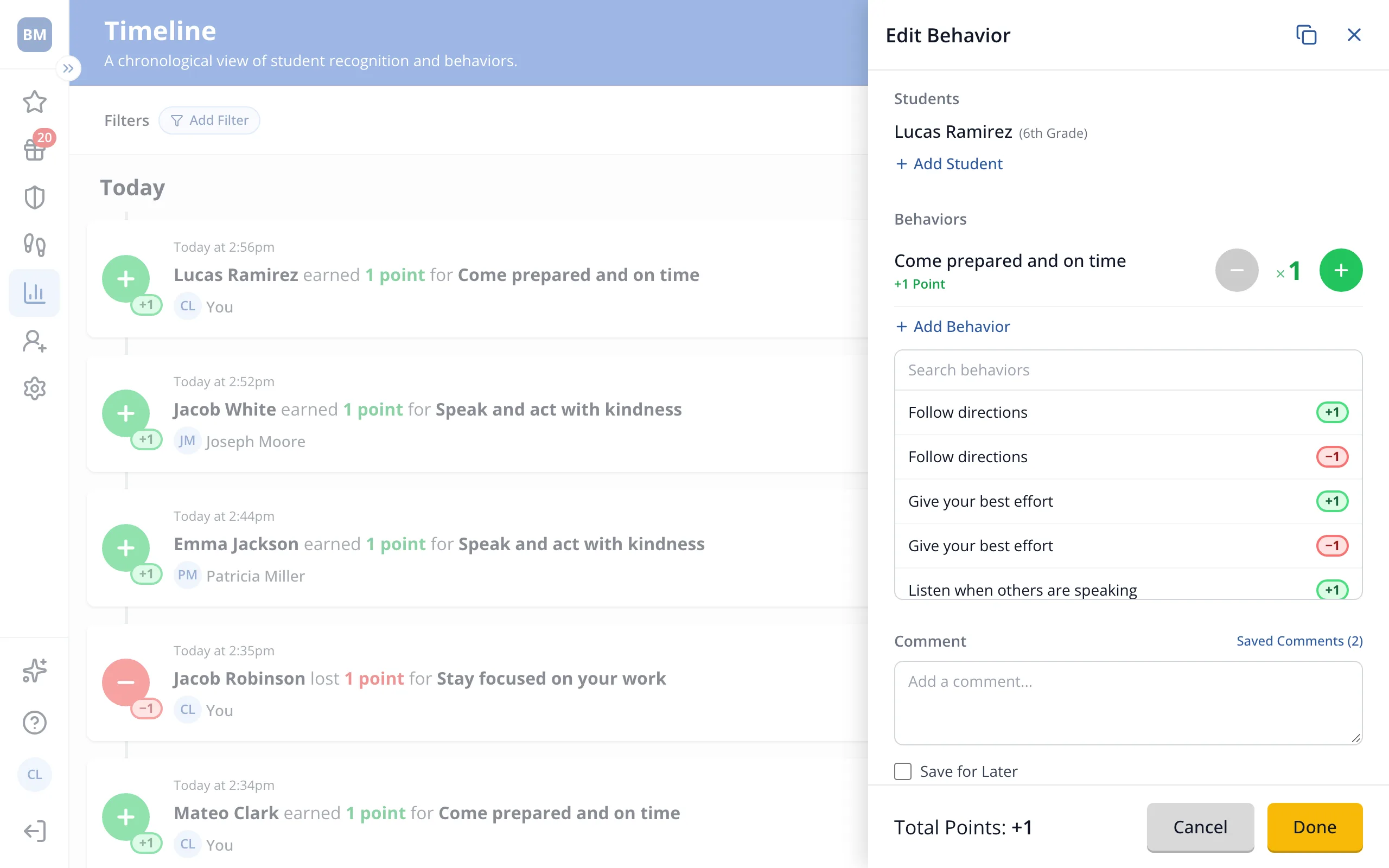
3.Under Behaviors, click Add Behavior.
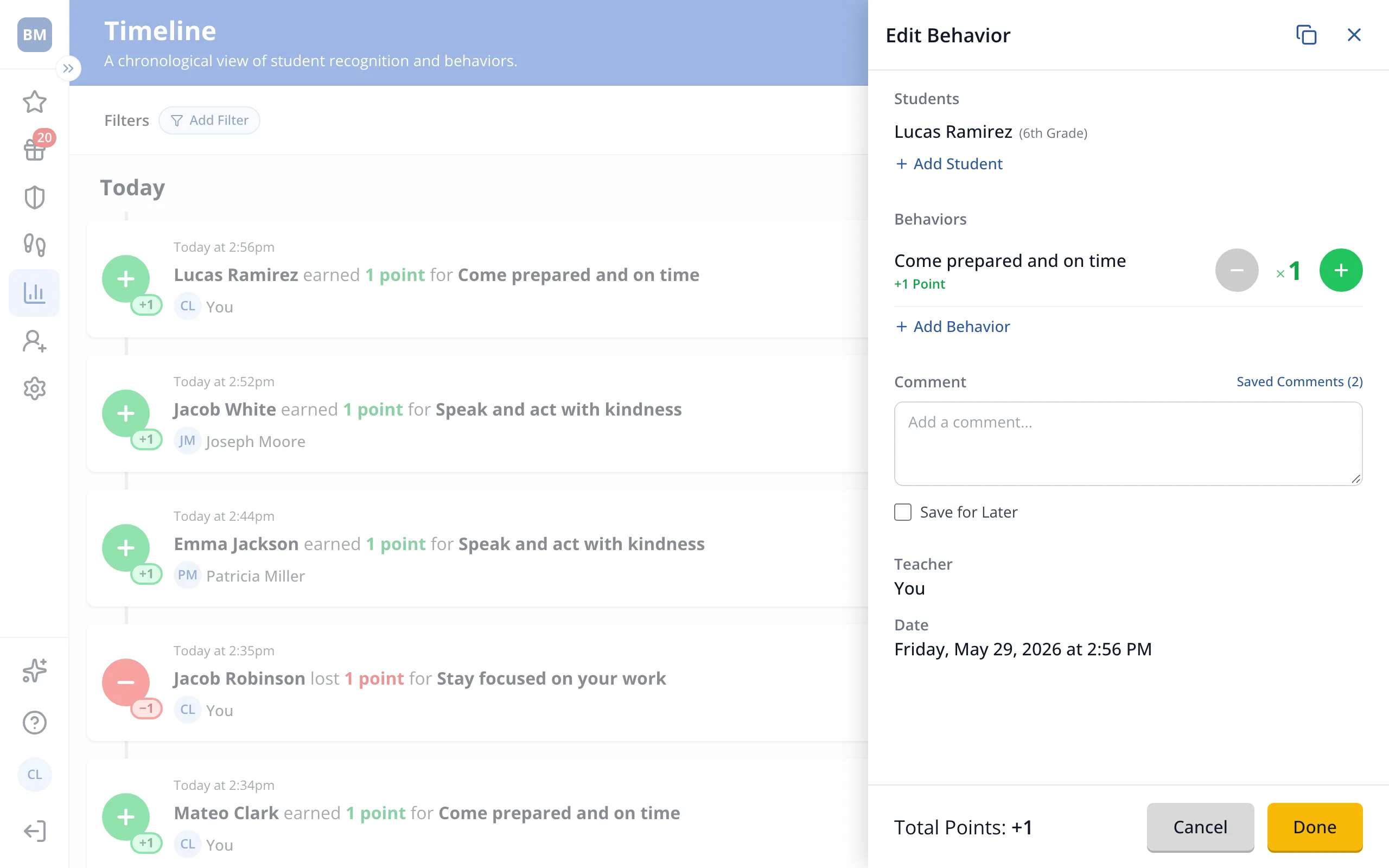
Did you know? You can also add or remove students here, or change how many times it was given.
4.Click the behavior you meant to give.
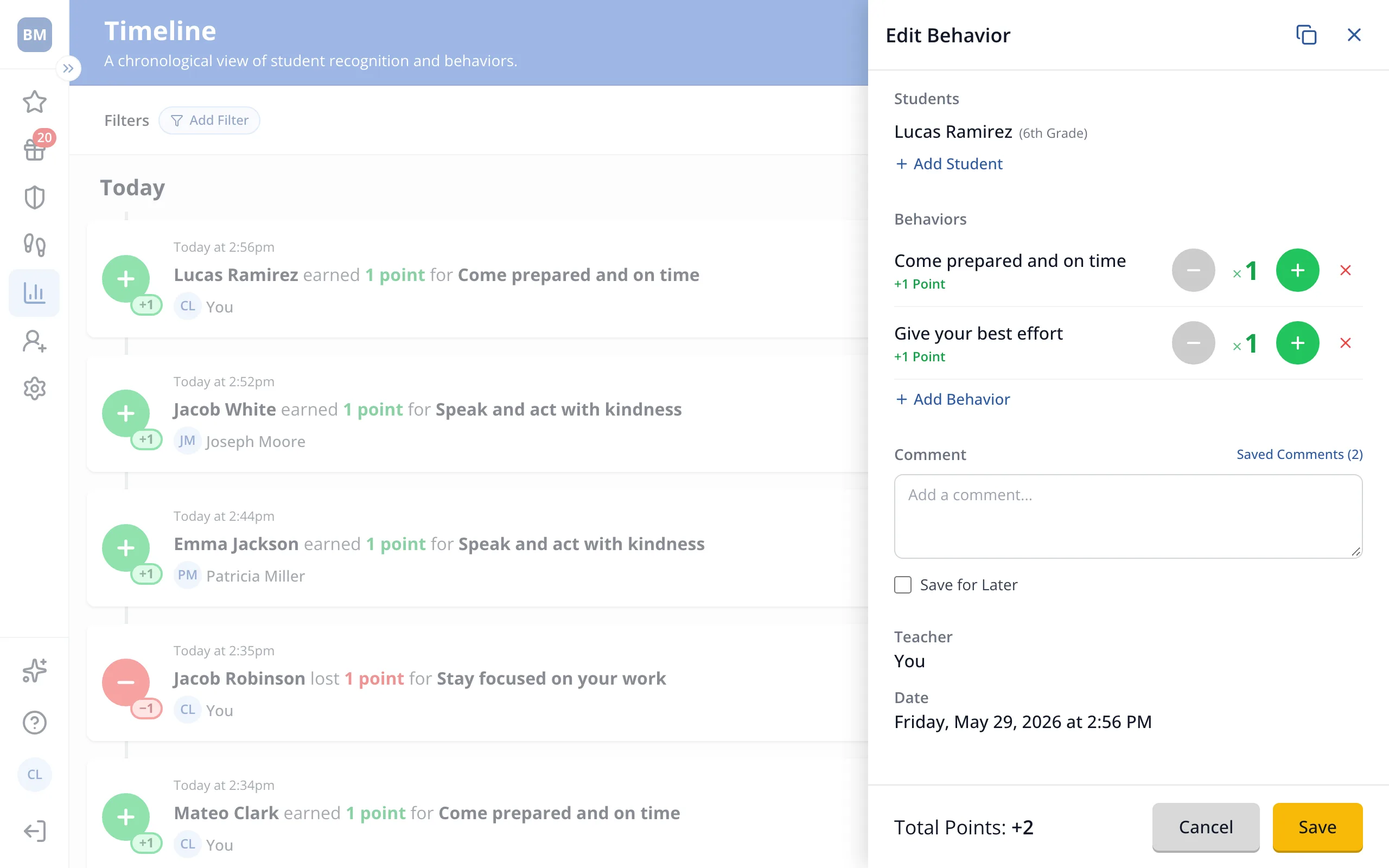
5.Next to the wrong behavior, click the X to take it off.
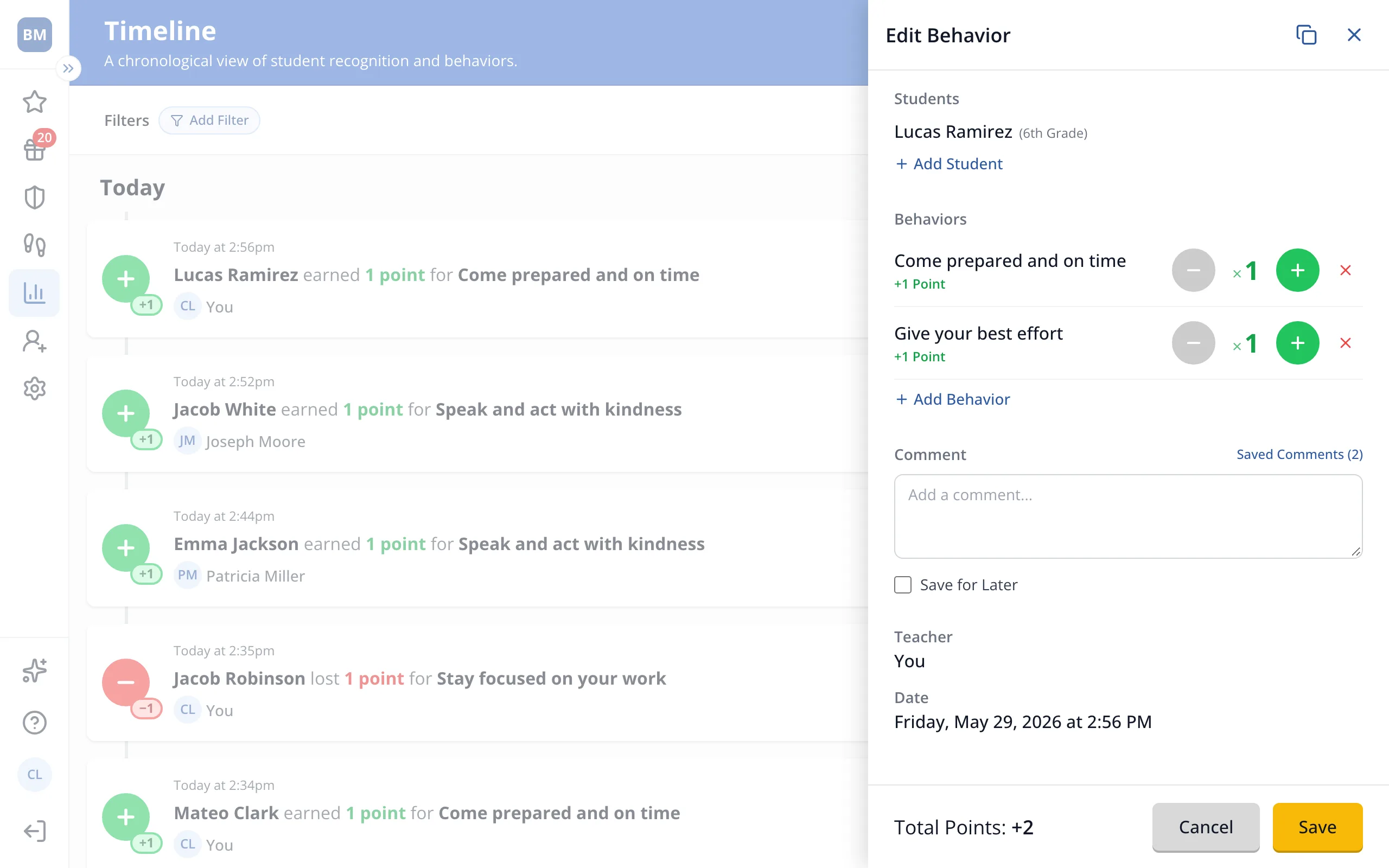
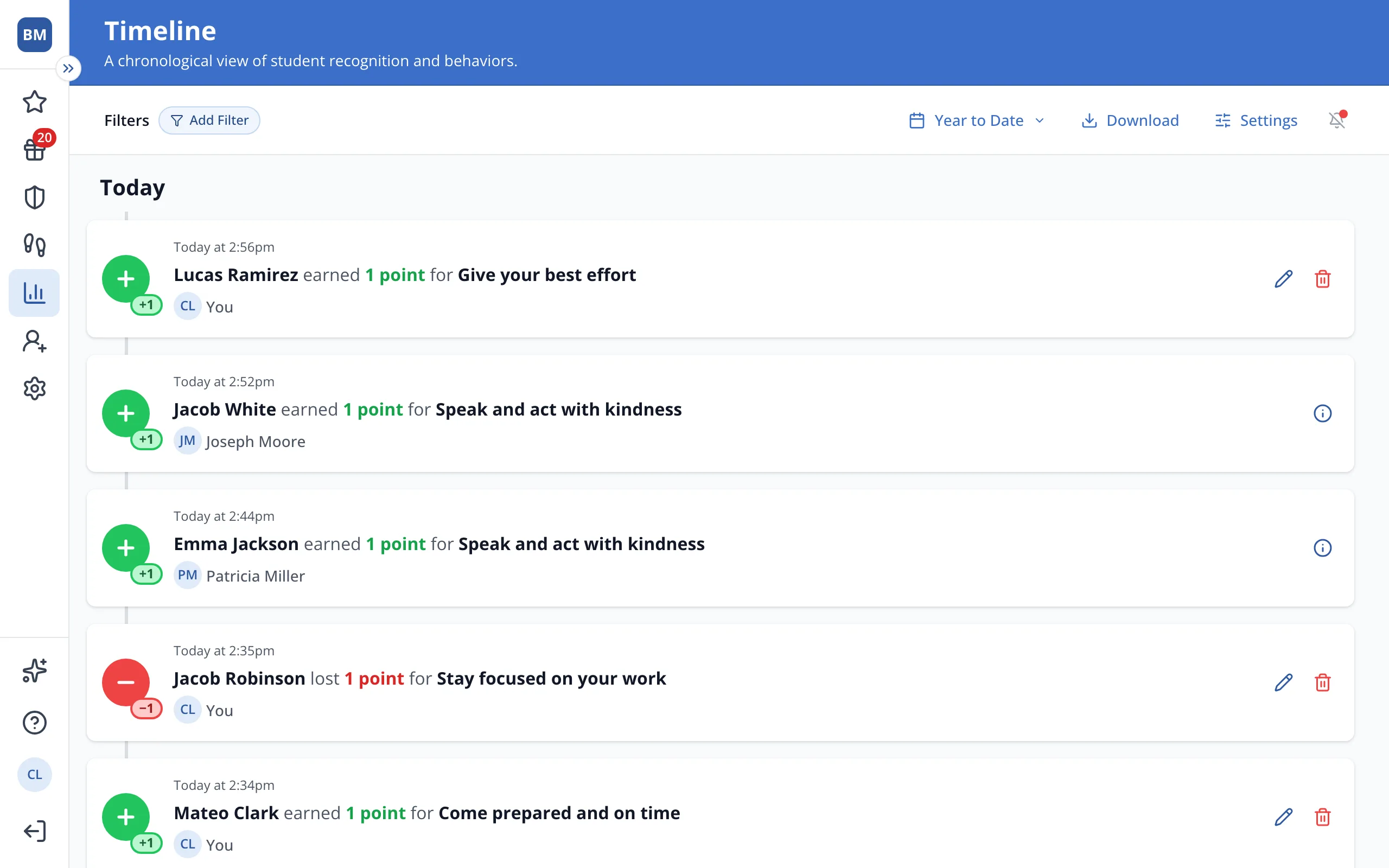
6.Click Save.