
Undo a point you gave by mistake
A deleted point no longer counts toward the student's totals.
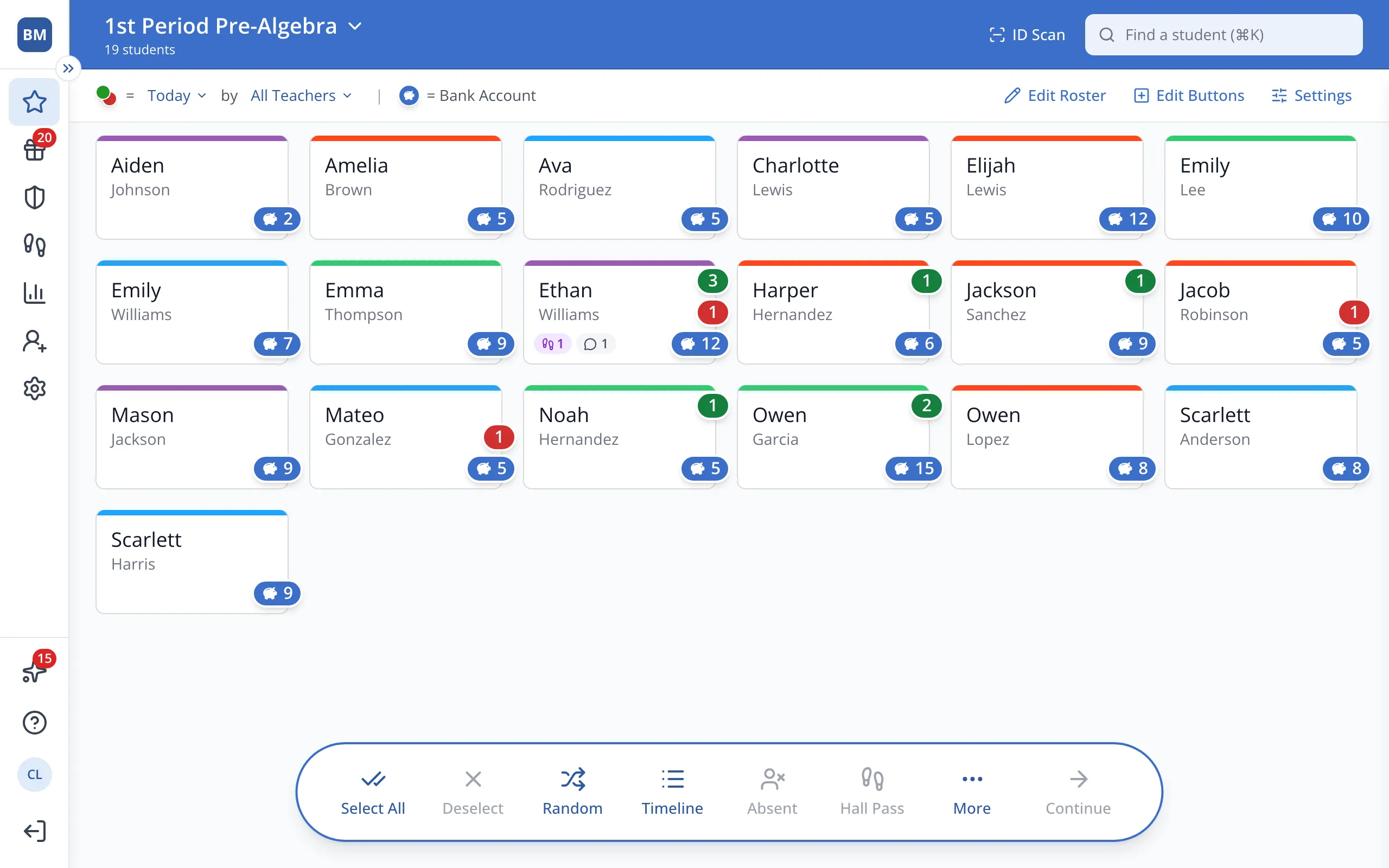
1 / 4On the Points page, with no students selected, click Timeline in the bar at the bottom.
1.On the Points page, with no students selected, click Timeline in the bar at the bottom.
Tip: Right after you give a point, you can also click Undo in the message that pops up.
2.Find the point you gave by mistake and click the trash can next to it.
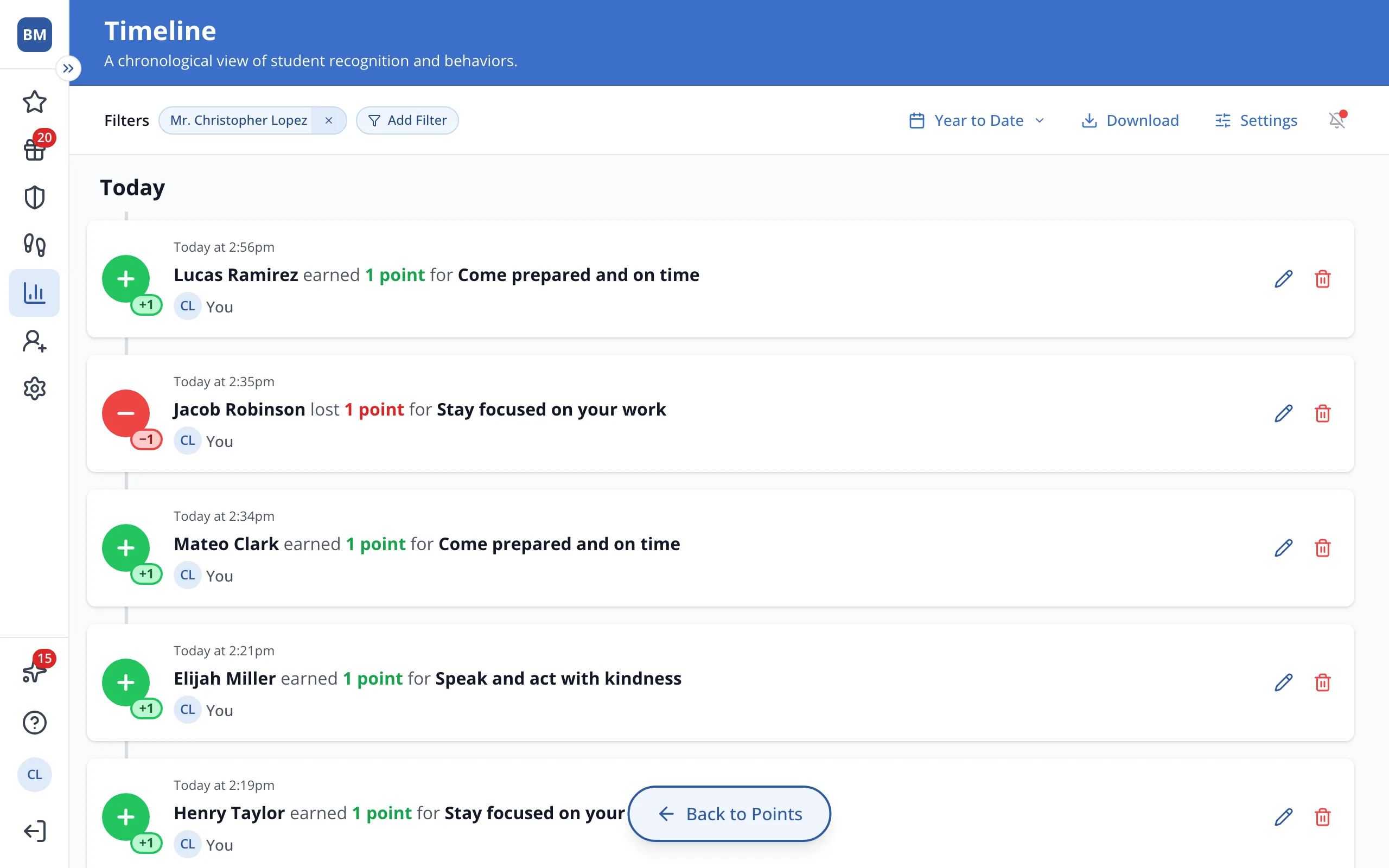
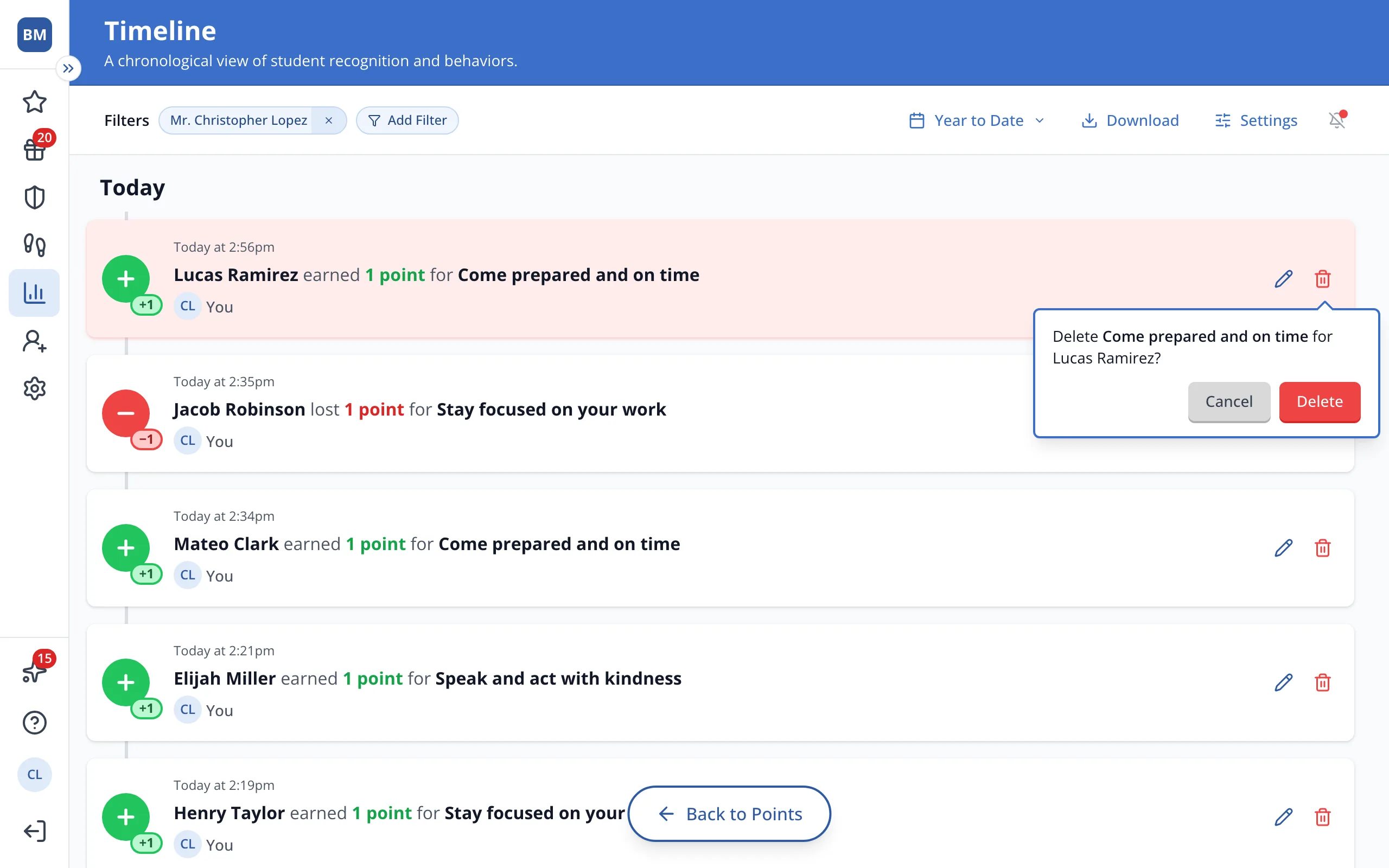
3.Click Delete.
Was this helpful?