
Copy or download a student's access code to help register them or their families
Students and families use the access code to sign up and connect to the student. Each student has their own.
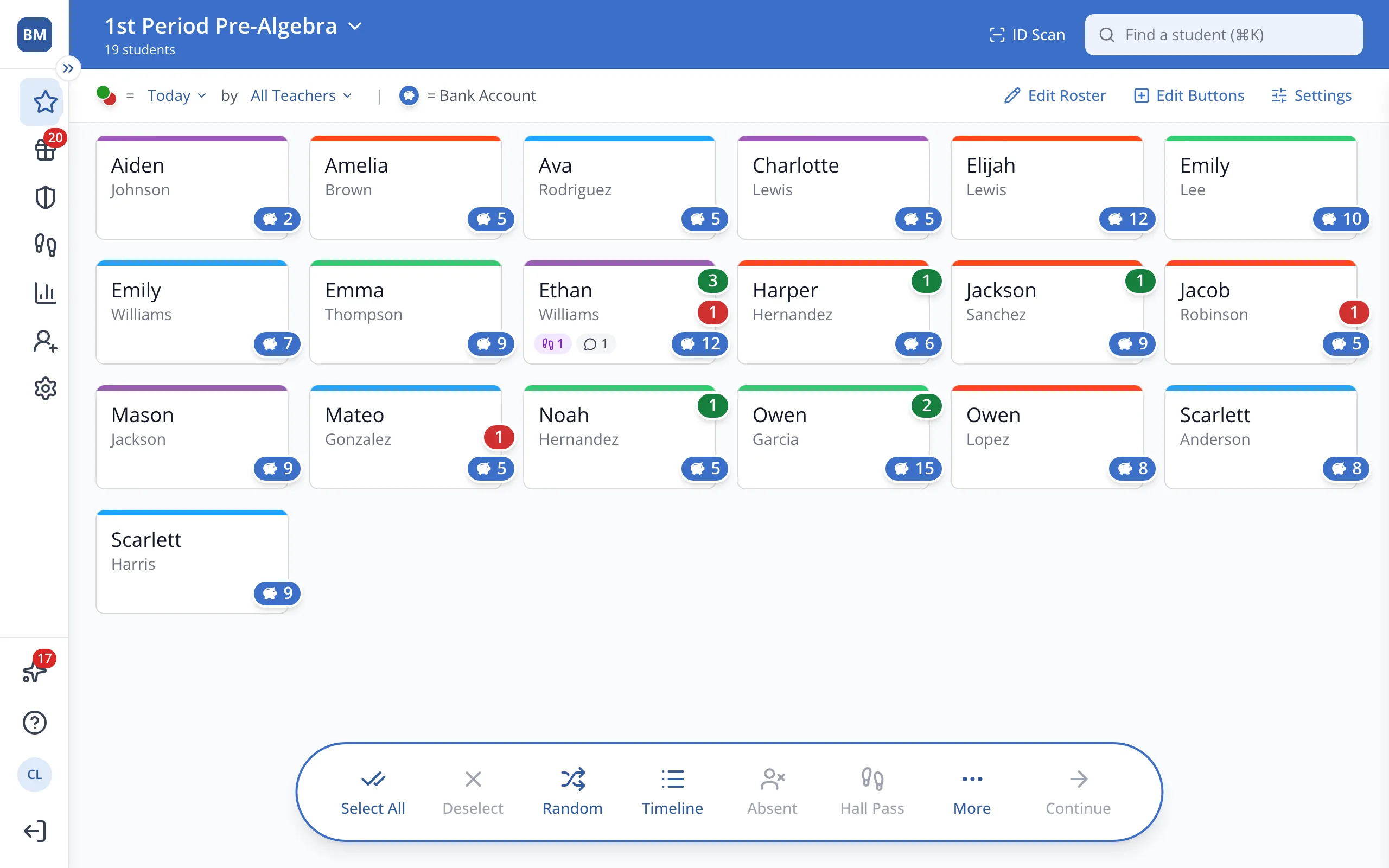
1 / 6In the sidebar, click Setup.
1.In the sidebar, click Setup.
2.Click Students.
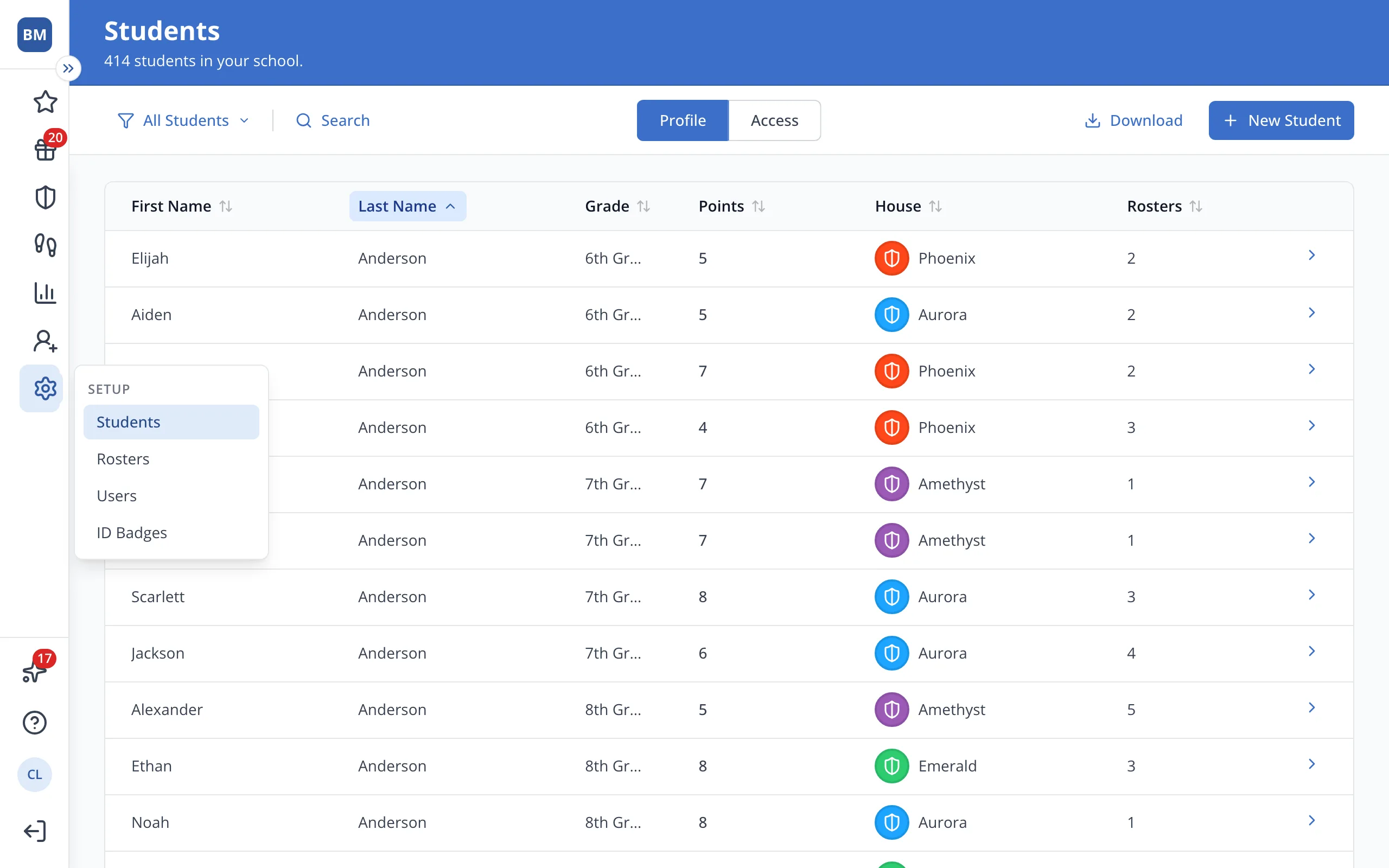
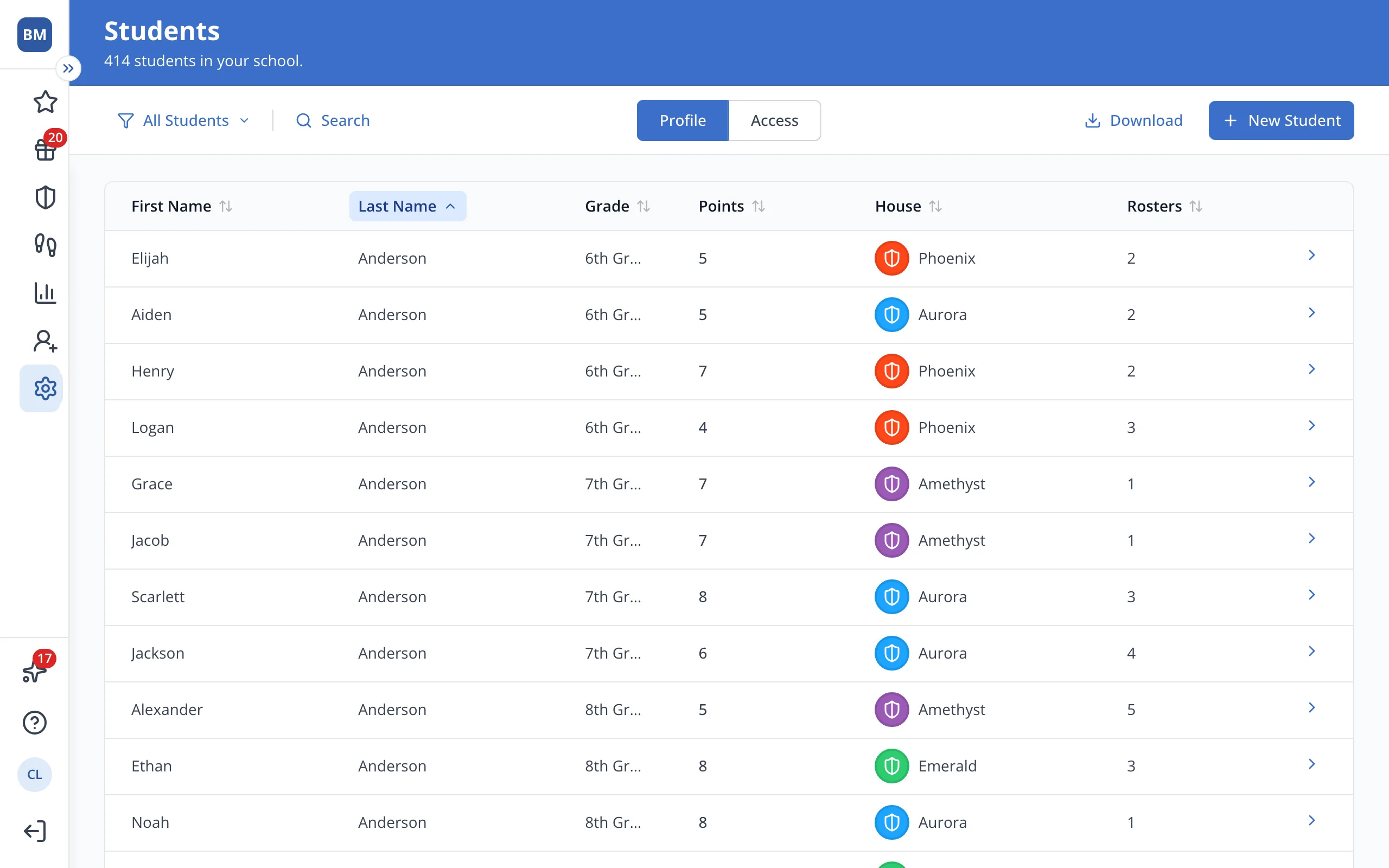
3.Click the student's name.
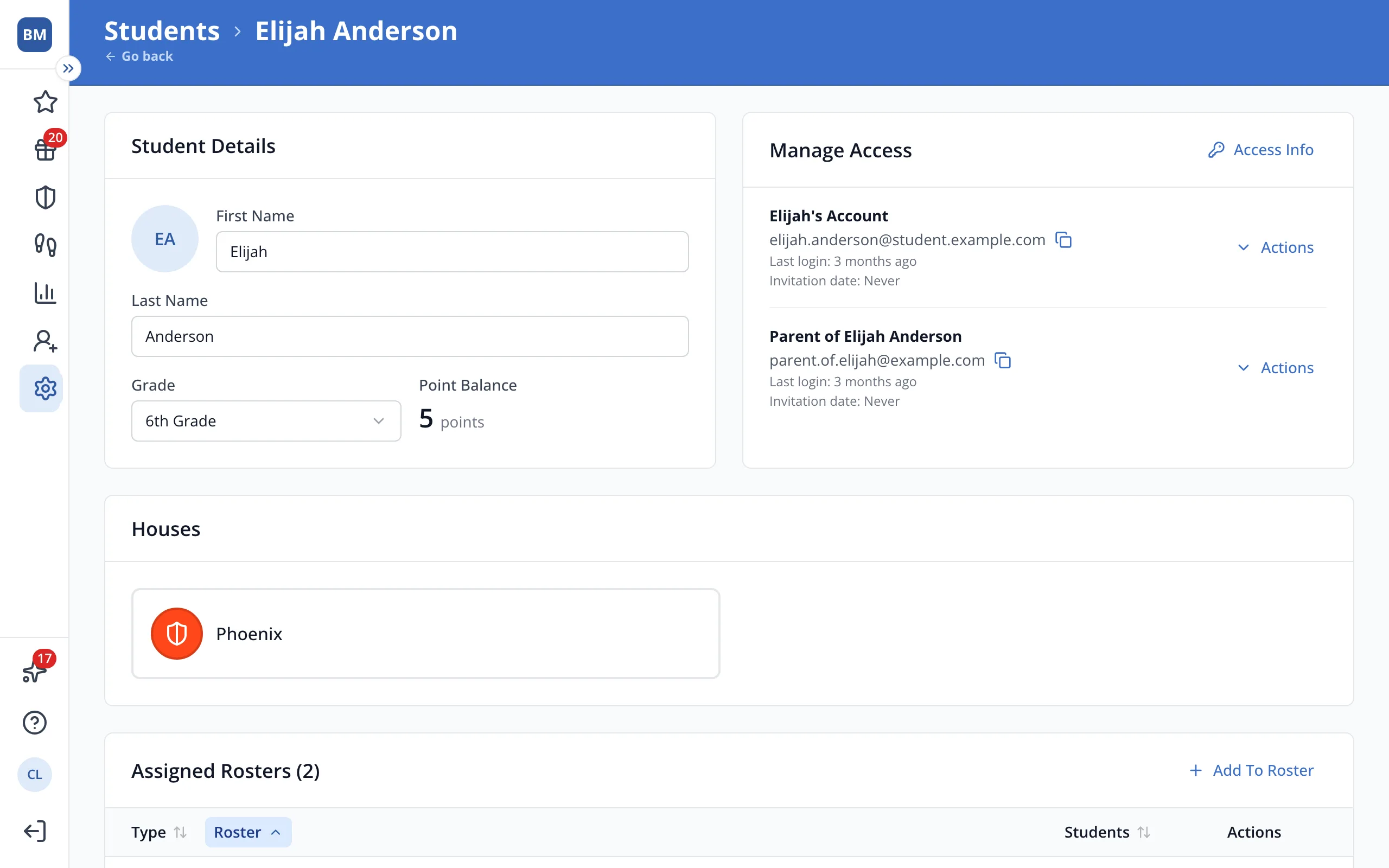
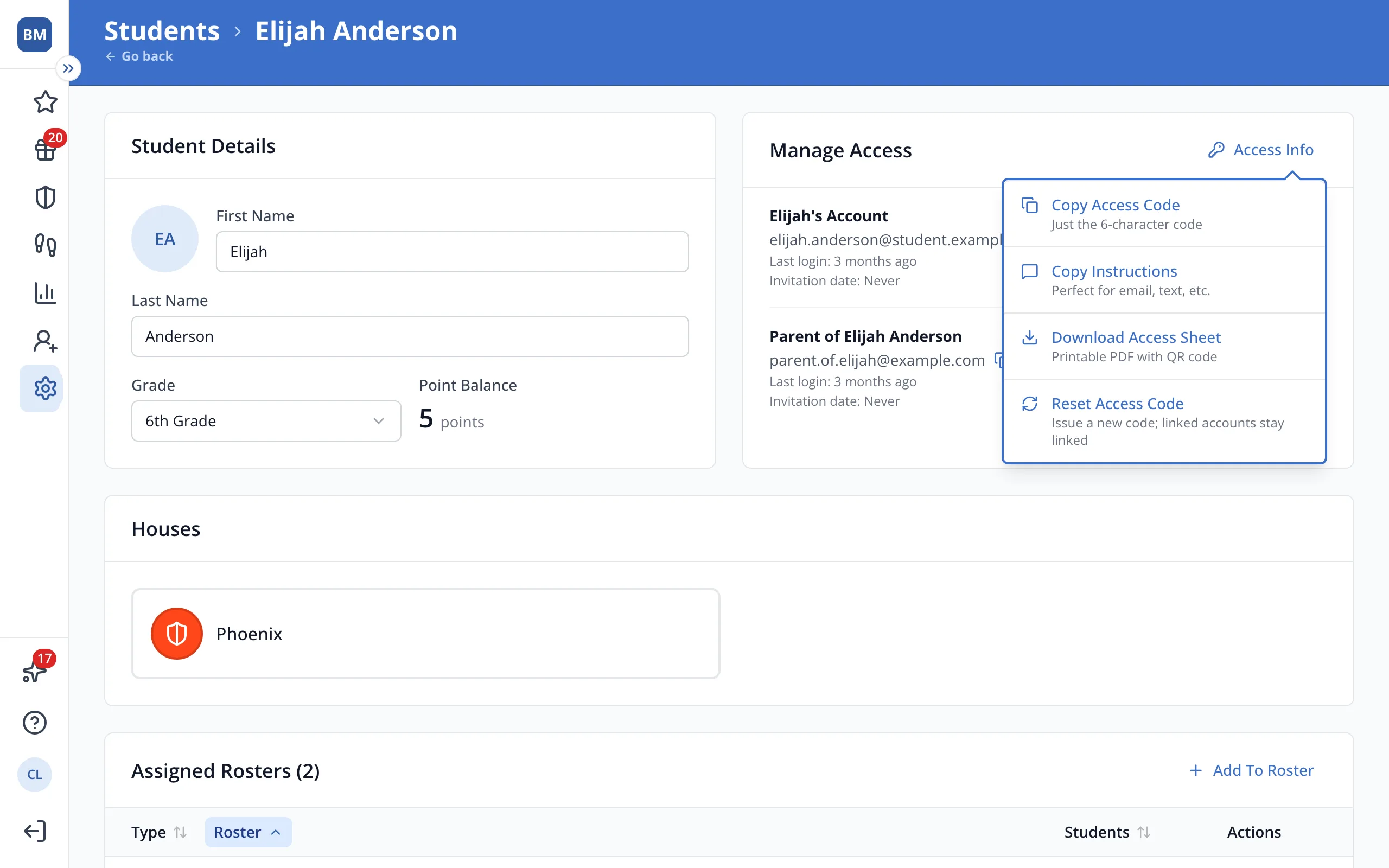
4.In Manage Access, click Access Info.
5.Choose Copy Access Code for the code, Copy Instructions for a signup link to email or text, or Download Access Sheet for a printable PDF with a QR code.
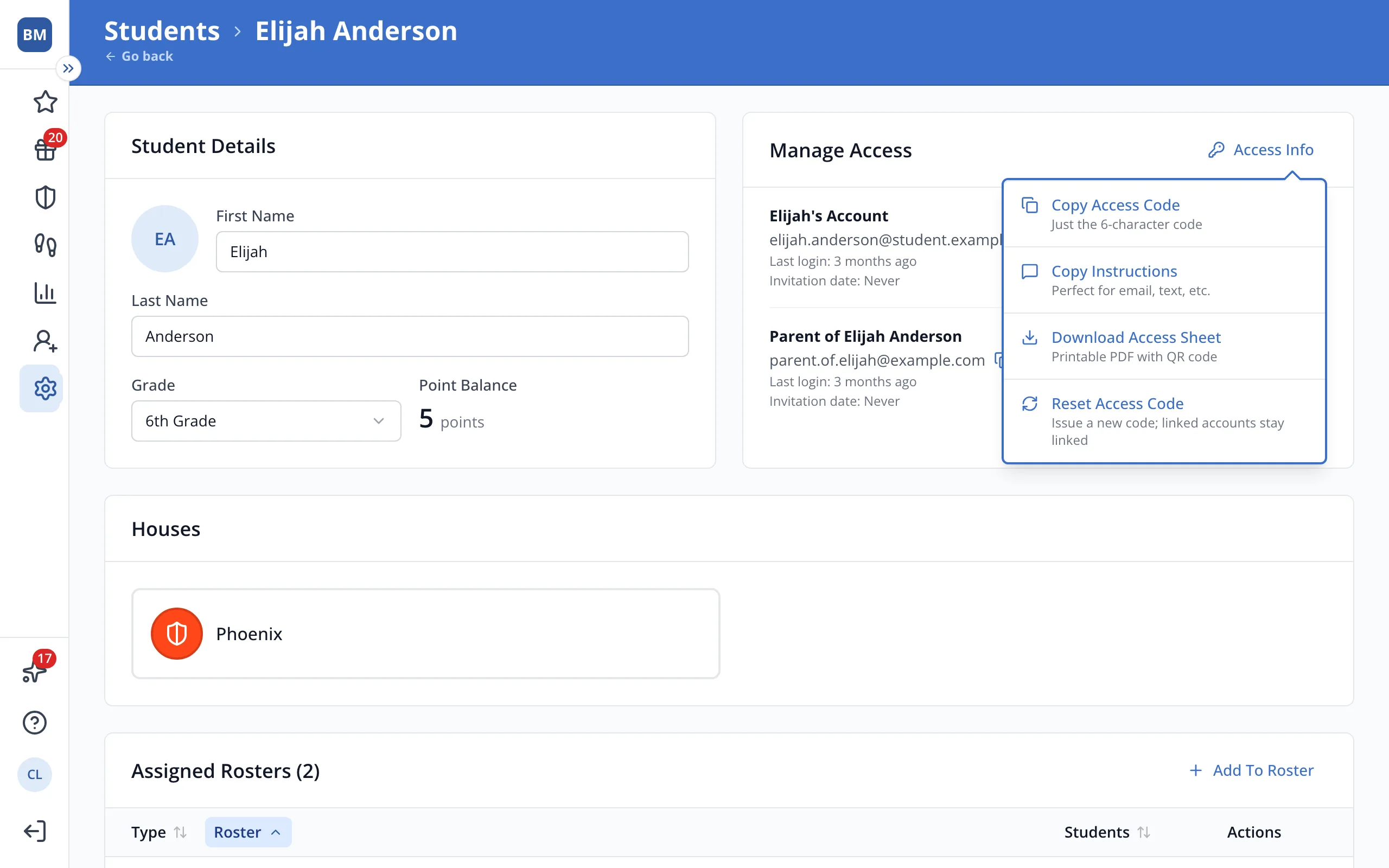
6.Click Copy Access Code, then paste it wherever you need it.
Was this helpful?