
Reset the password for your parent/guardian account
Request a reset link to be sent to your registered email. Passwords can also be set by school staff.
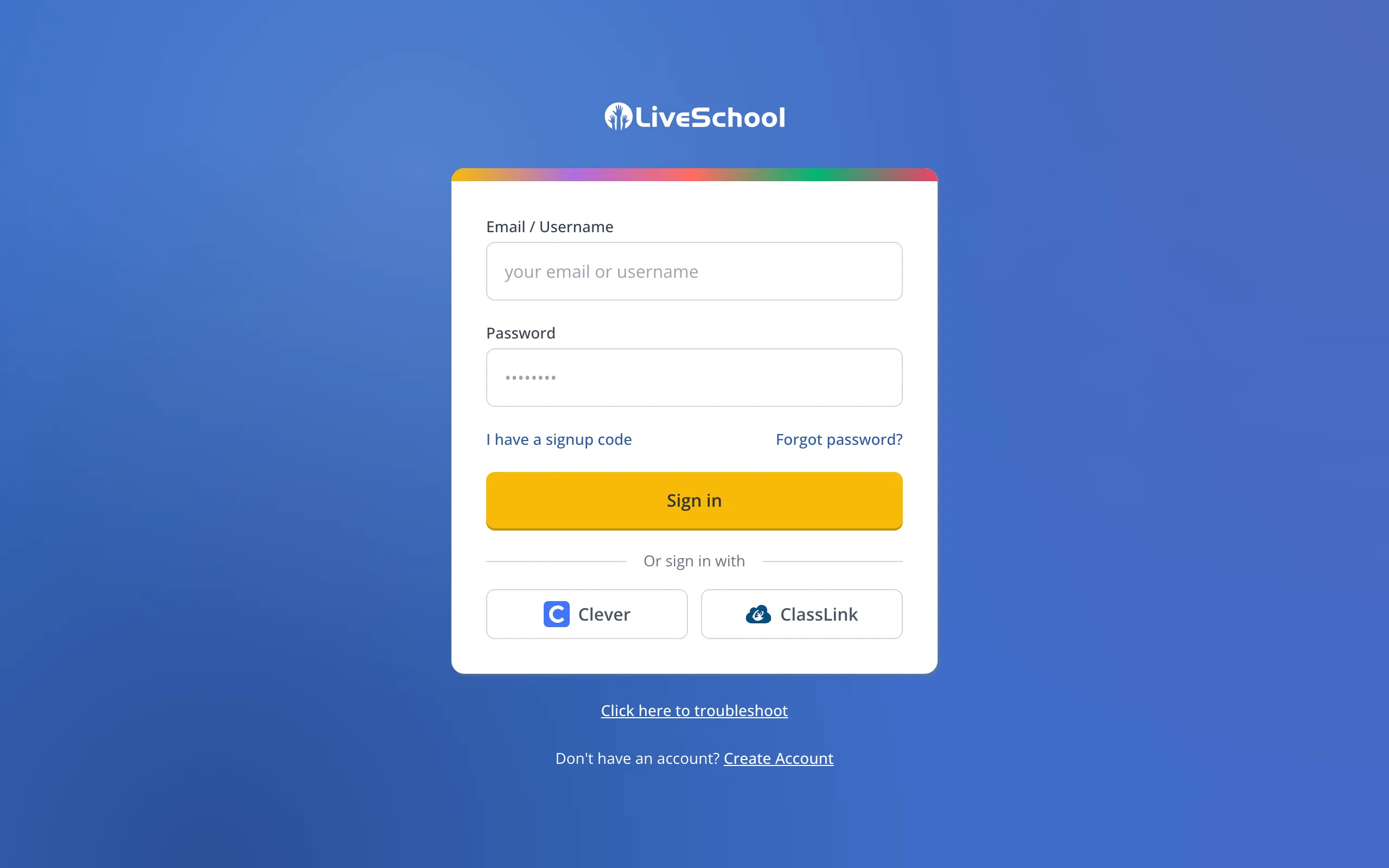
1 / 7On the sign-in page, click Forgot password?
1.On the sign-in page, click Forgot password?
2.Type the email you use for your family account.
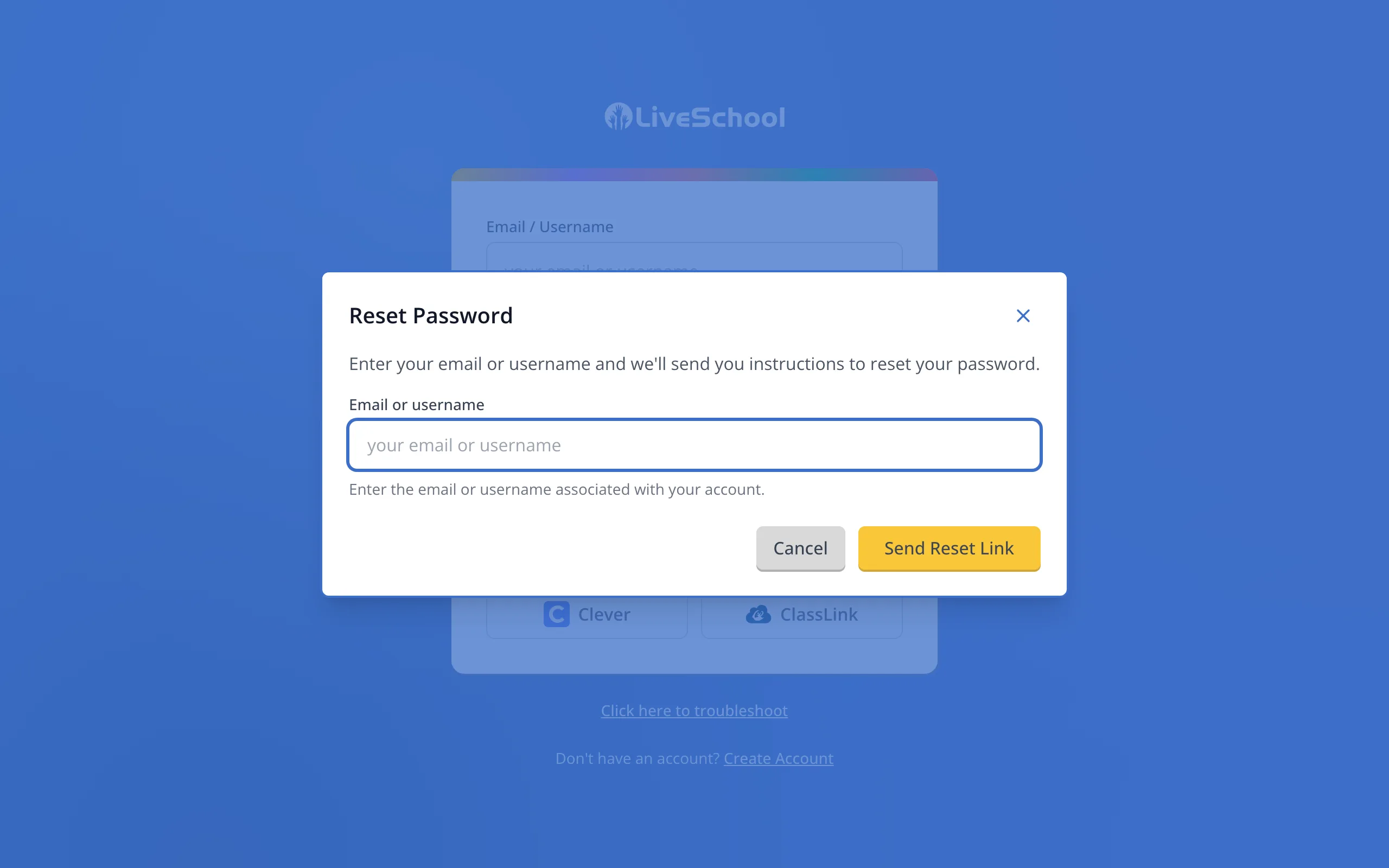
3.Click Send Reset Link. A reset link will go to your email.
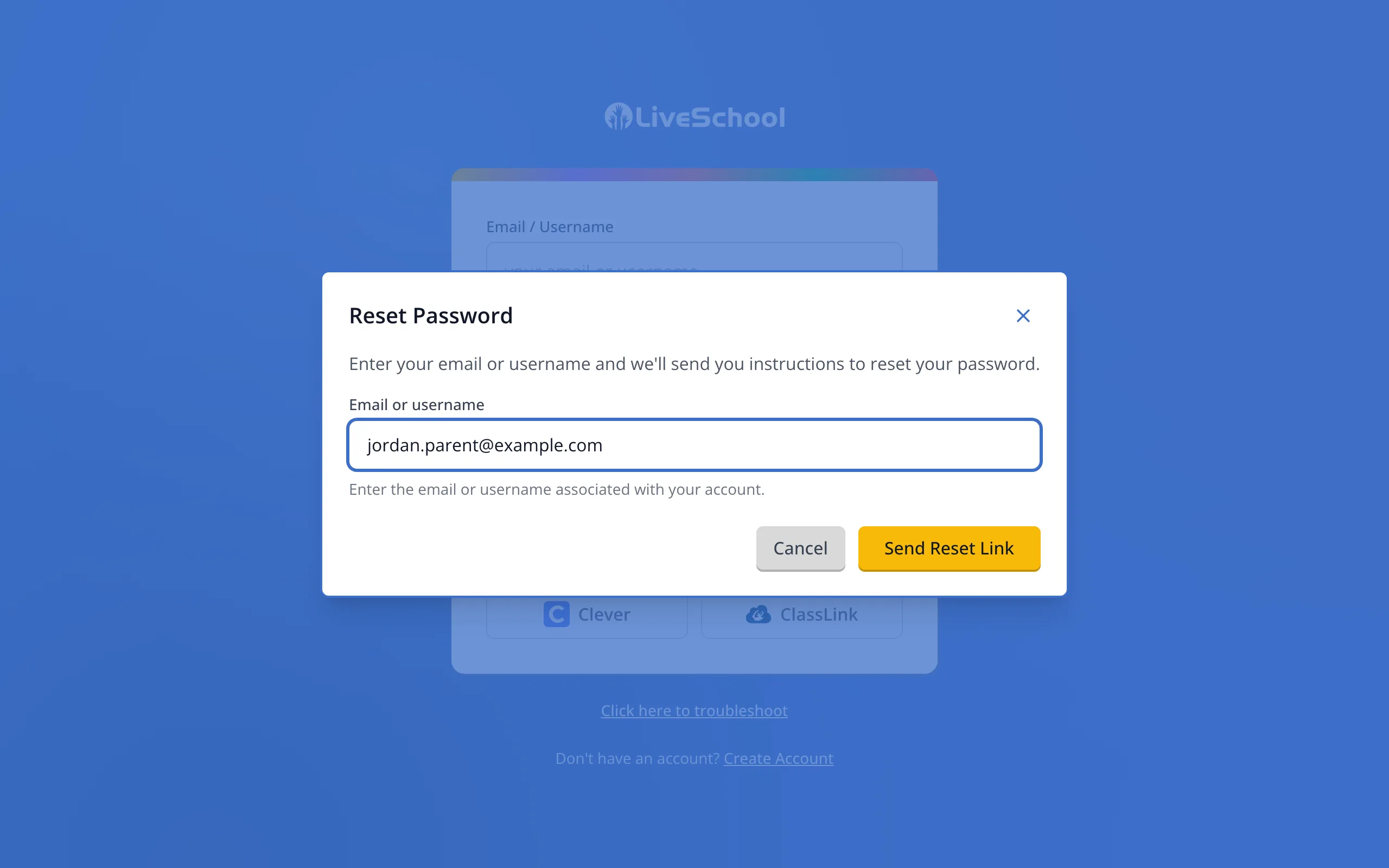
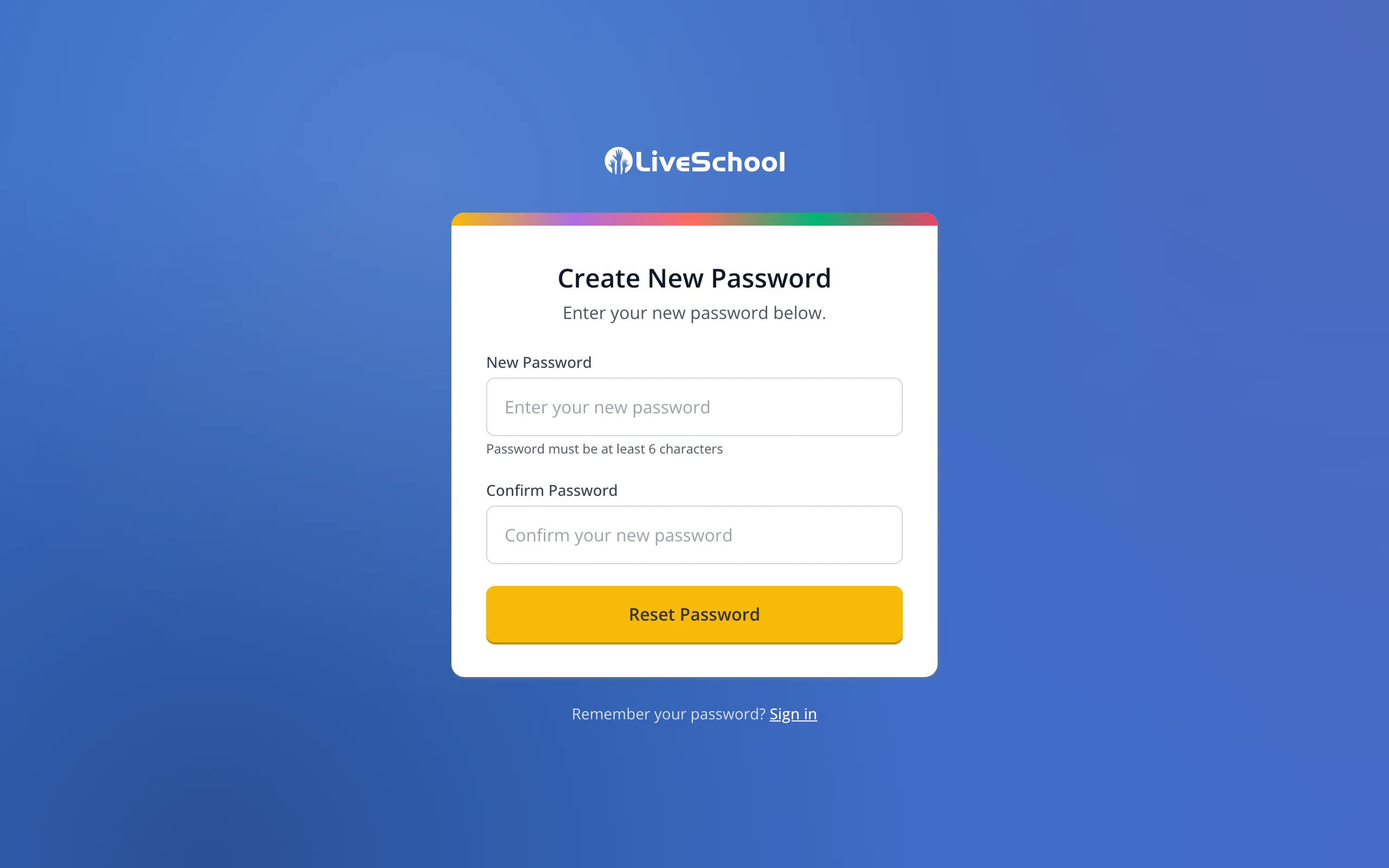
4.Click the link in the email. On the page it opens, type a new password with at least 6 characters.
Tip: Check your spam folder if the email isn't in your inbox.
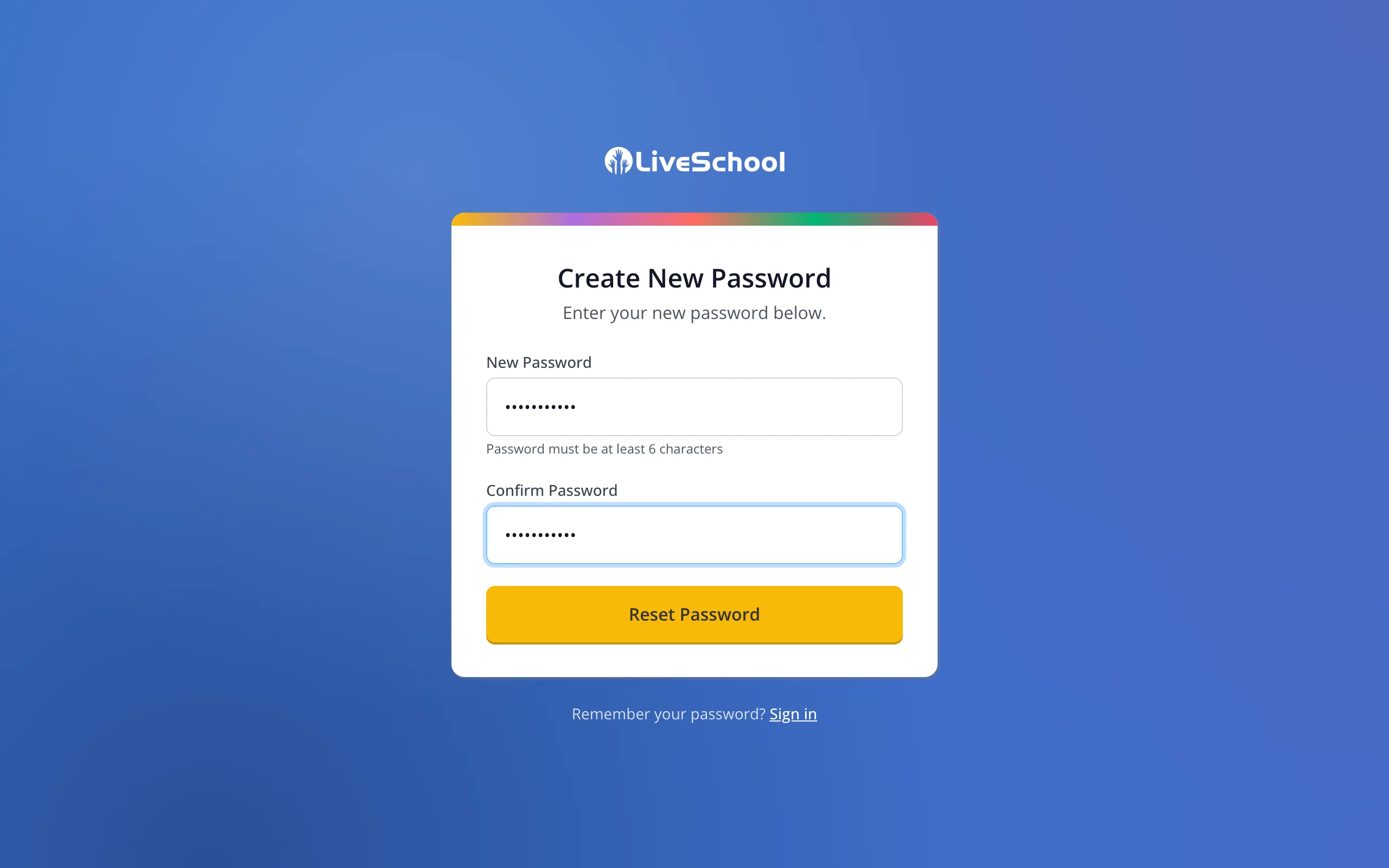
5.Type it again to confirm it.
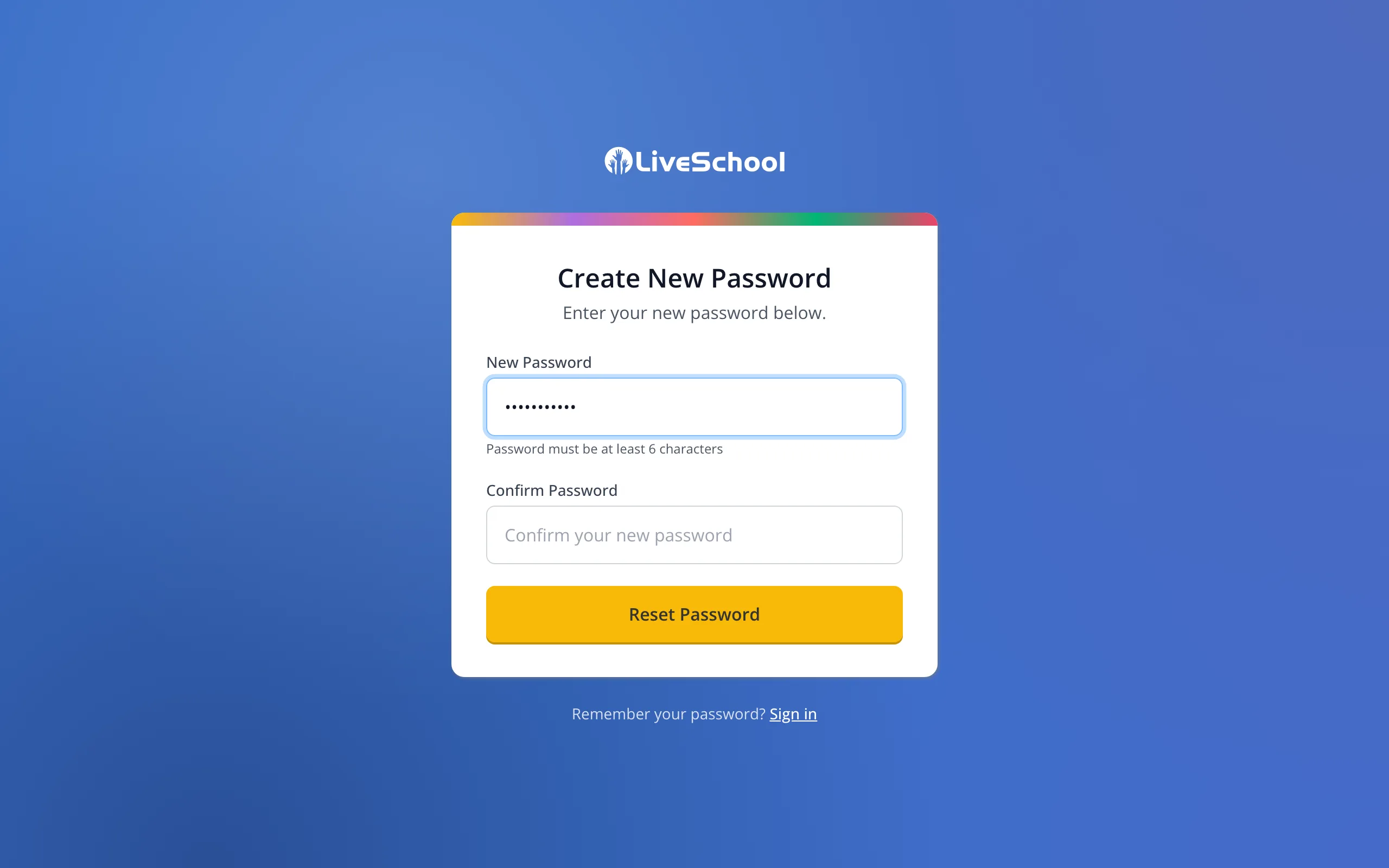
6.Click Reset Password.
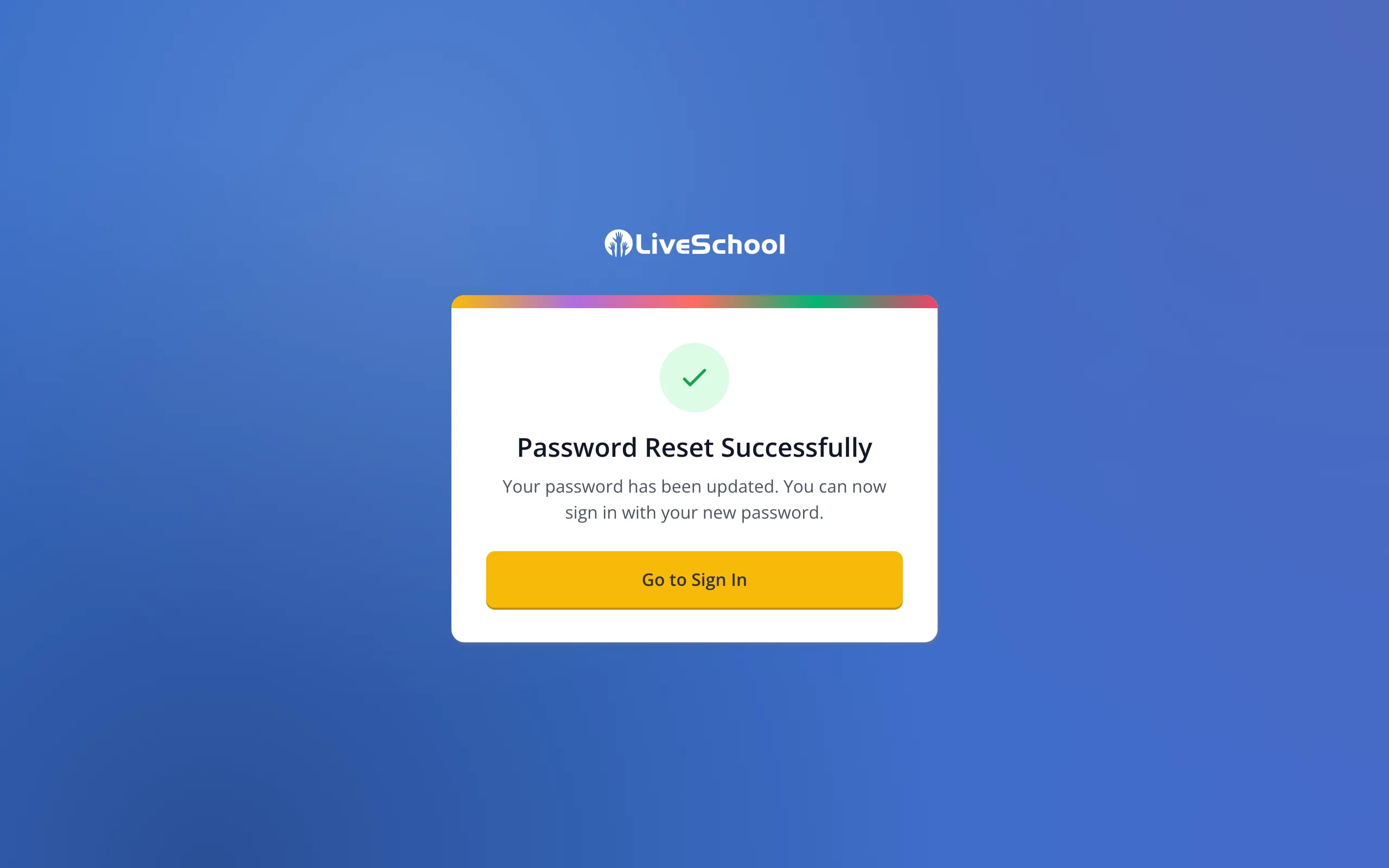
7.You can now sign in with your new password.
Was this helpful?