
Set up your school for the first time with a spreadsheet
Importing doesn't check off the task for you. Check it off once your students and staff look right.
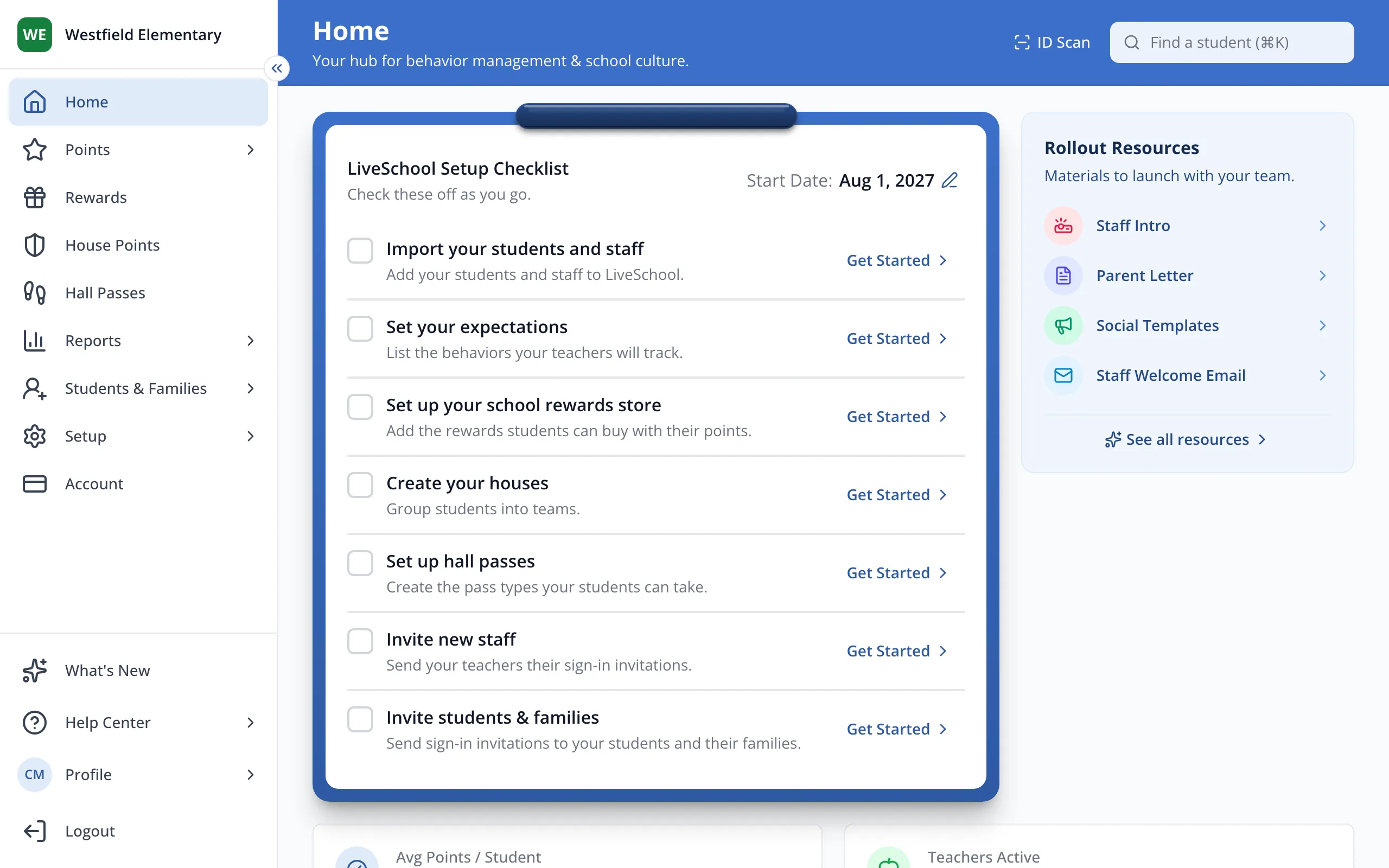
1 / 11On Home, in your LiveSchool Setup Checklist, click Get Started next to Import your students and staff.
1.On Home, in your LiveSchool Setup Checklist, click Get Started next to Import your students and staff.
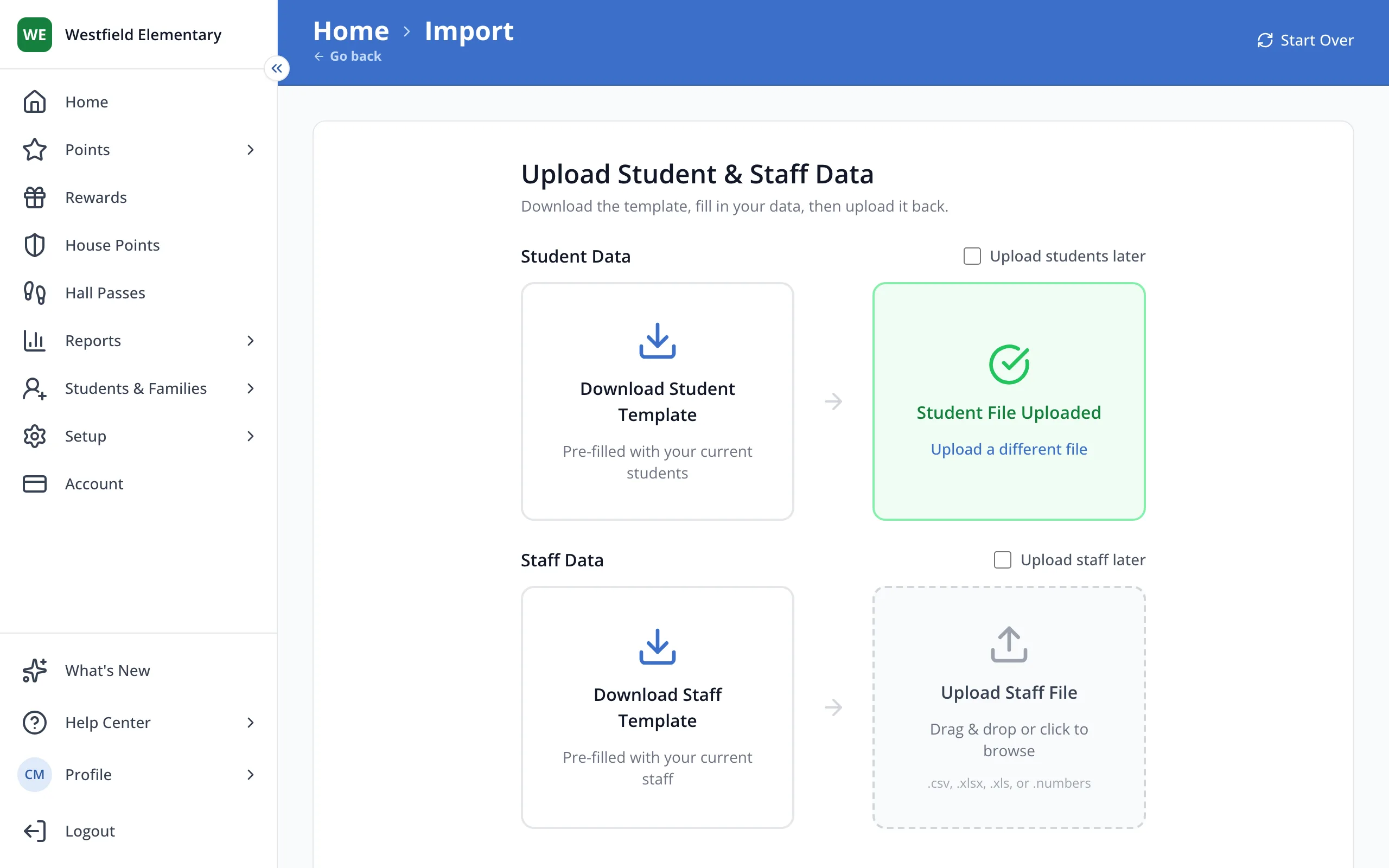
2.Click Download Student Template.
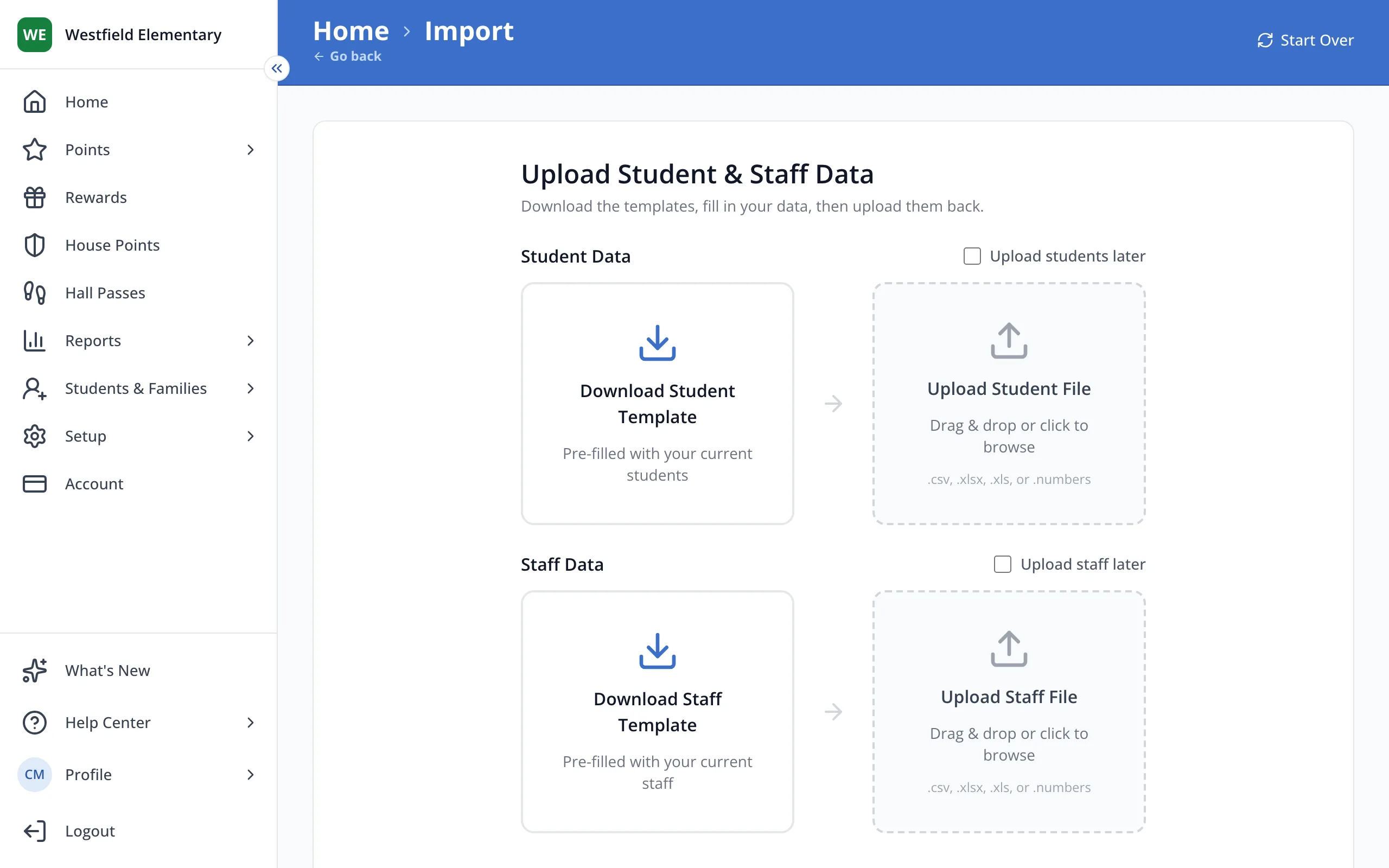
3.Fill in each student's name and grade, one per row, then drop the file here.
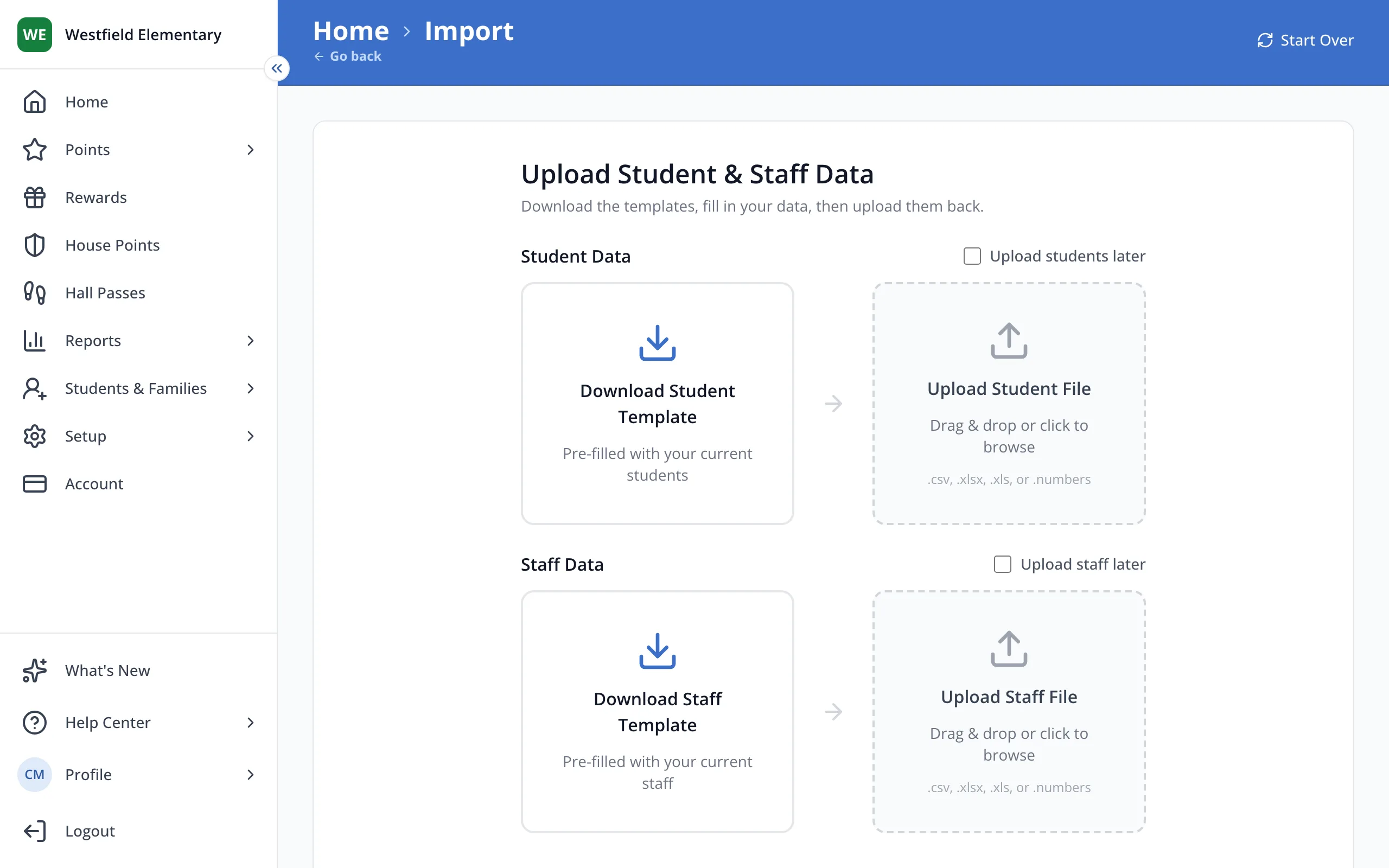
4.Click Download Staff Template.
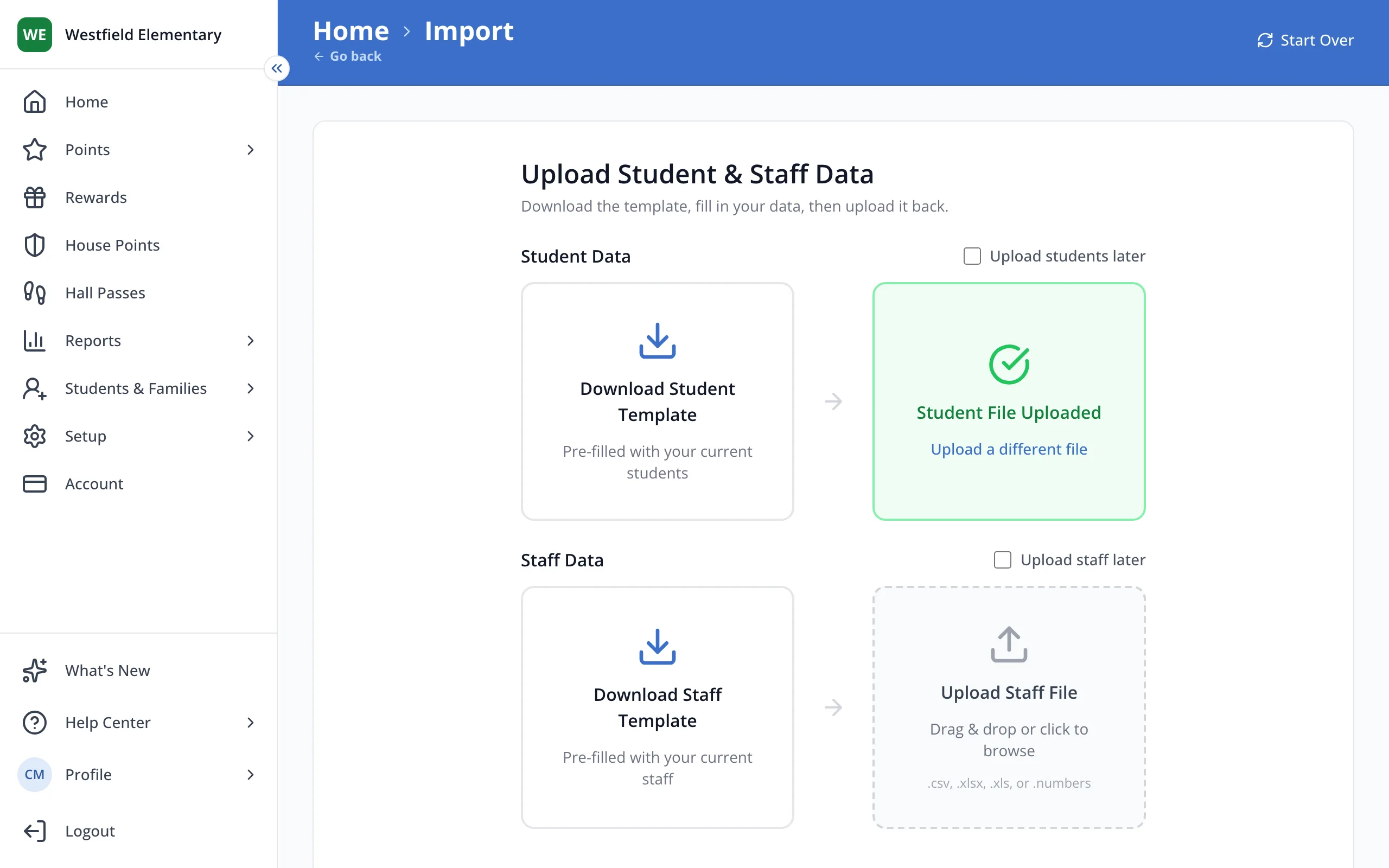
Tip: No staff list yet? Check Upload staff later to import only your students.
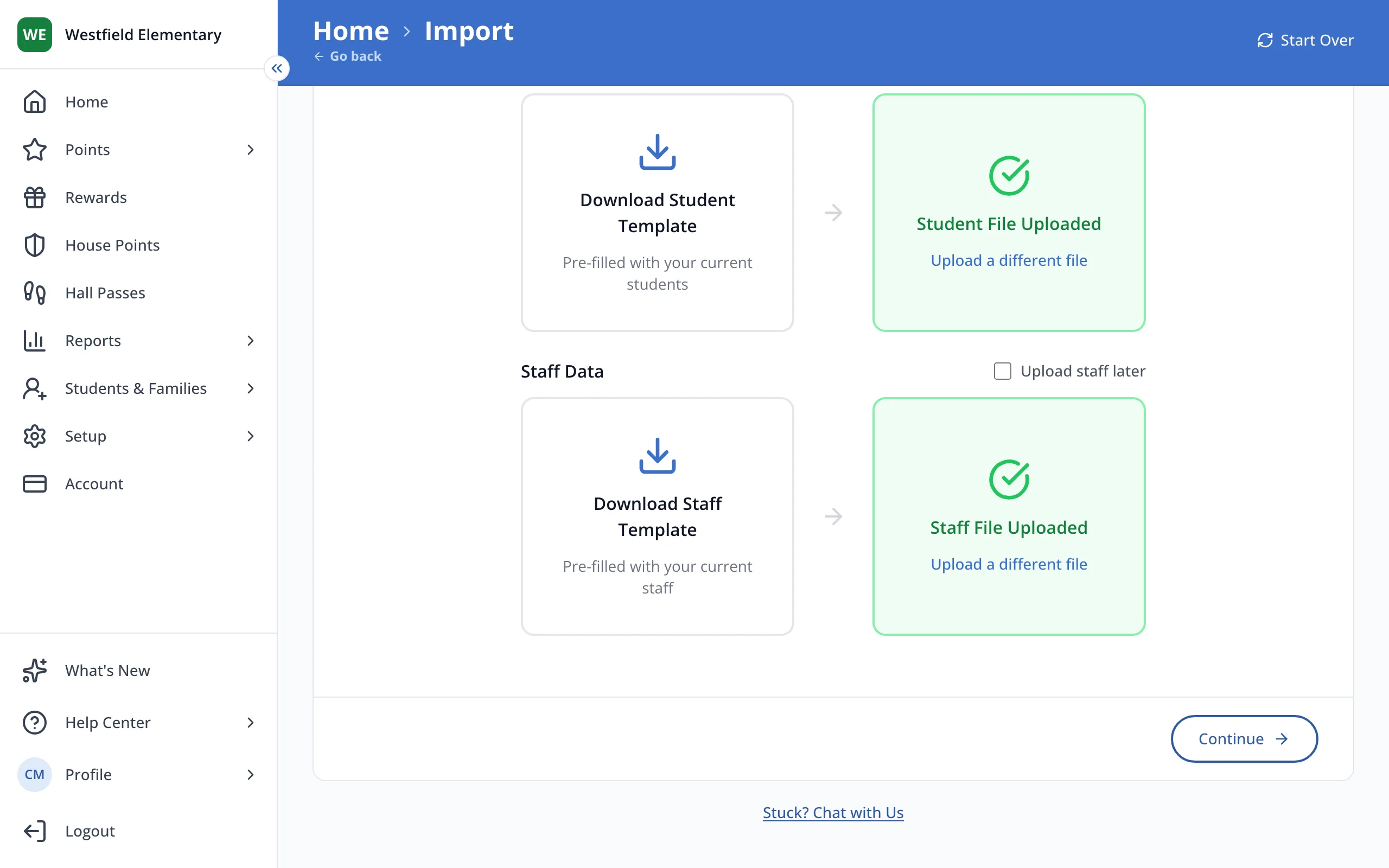
5.Fill in each staff member's name and email, then drop the file here.
6.Click Continue.
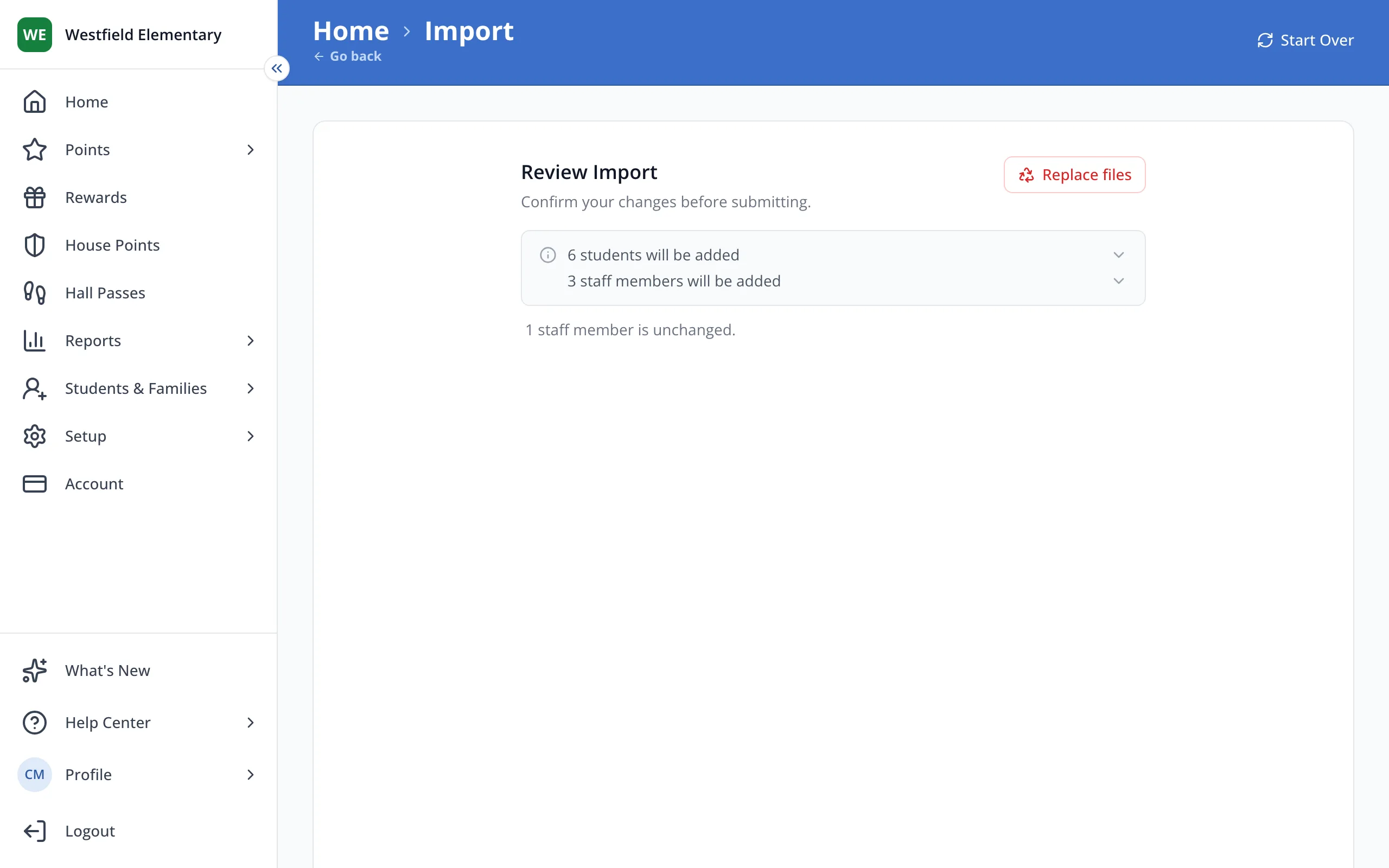
7.Check how many students and staff will be added.
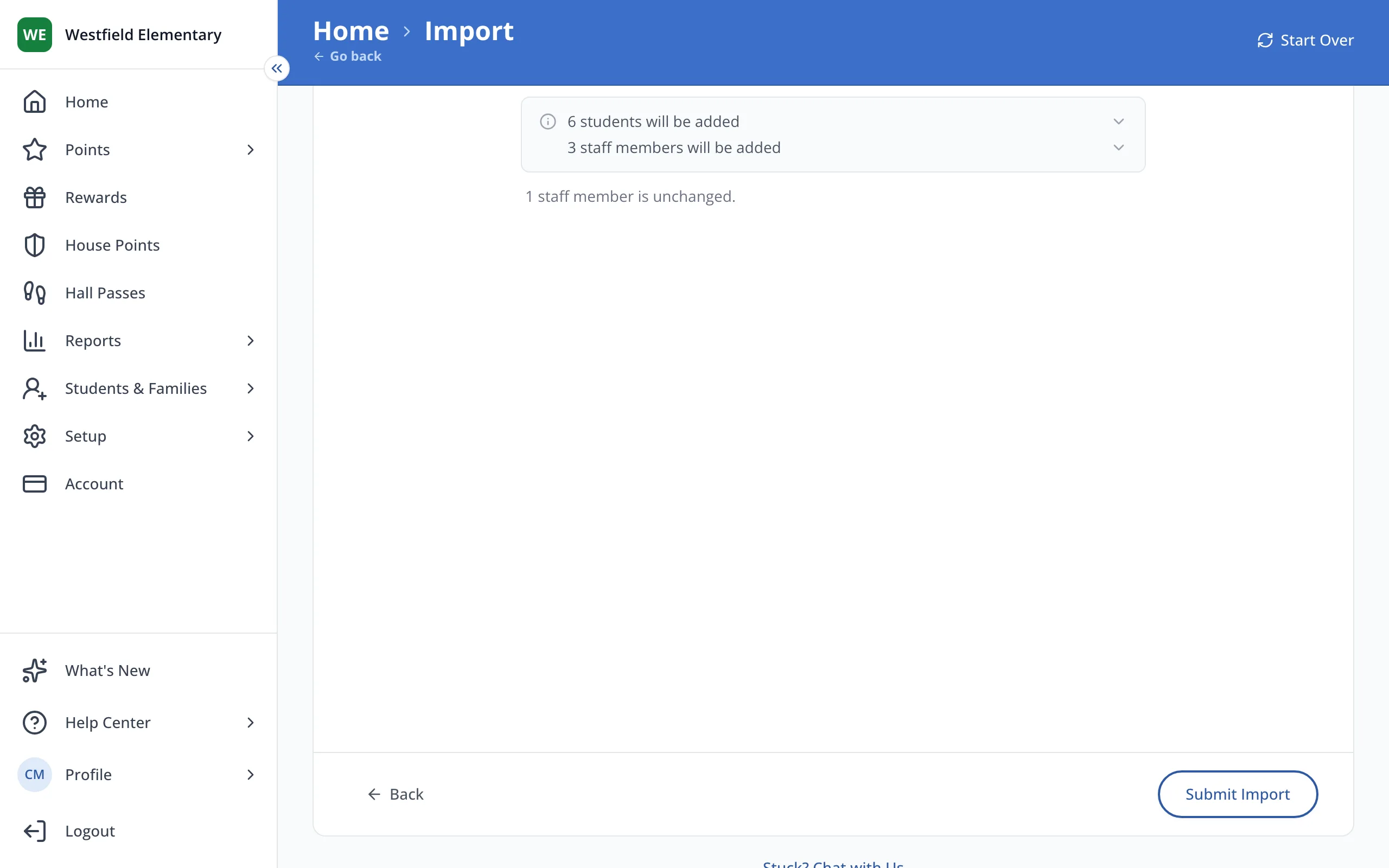
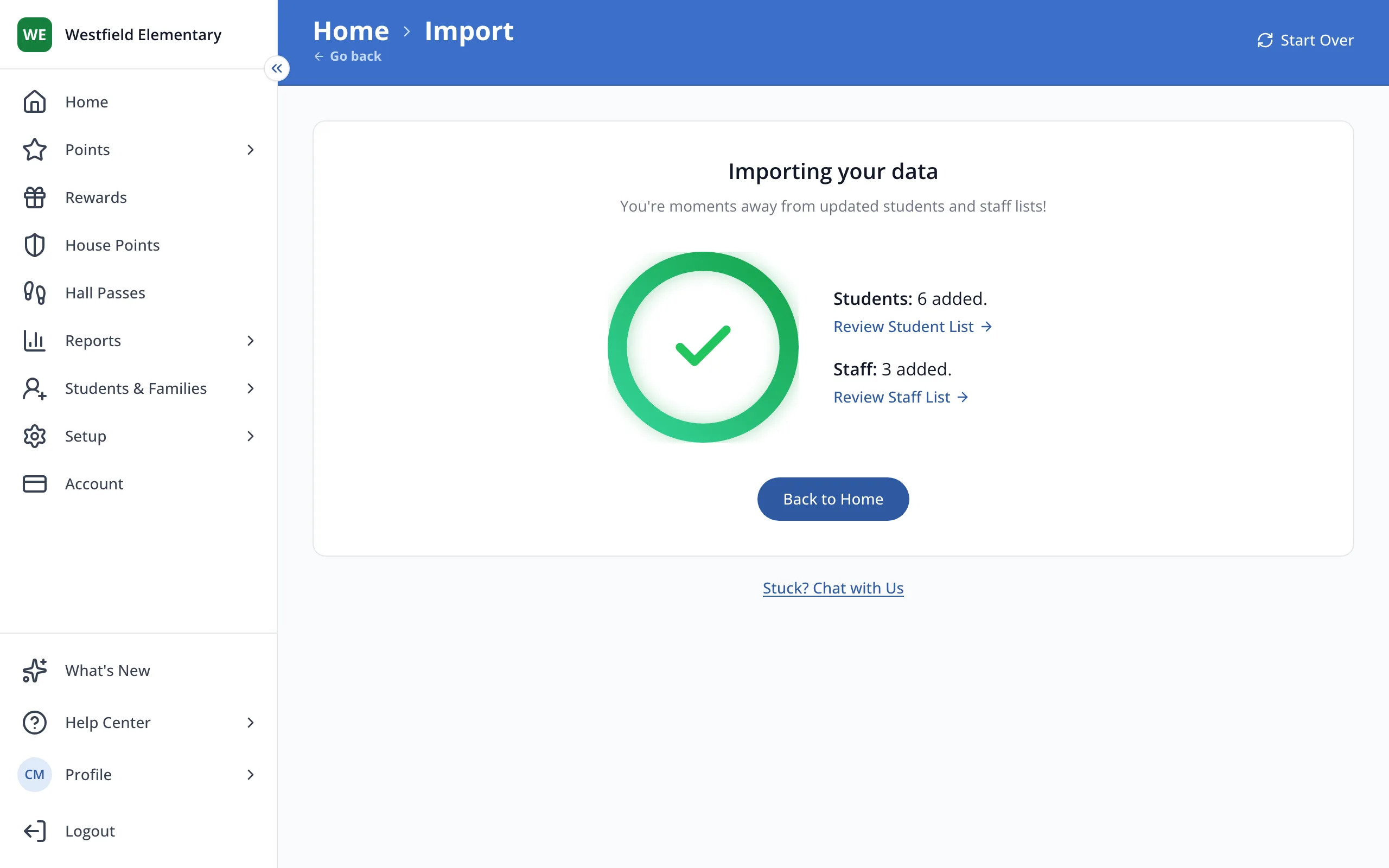
8.Click Submit Import.
9.When your import finishes, click Back to Home.
10.Click the box next to Import your students and staff to check it off.
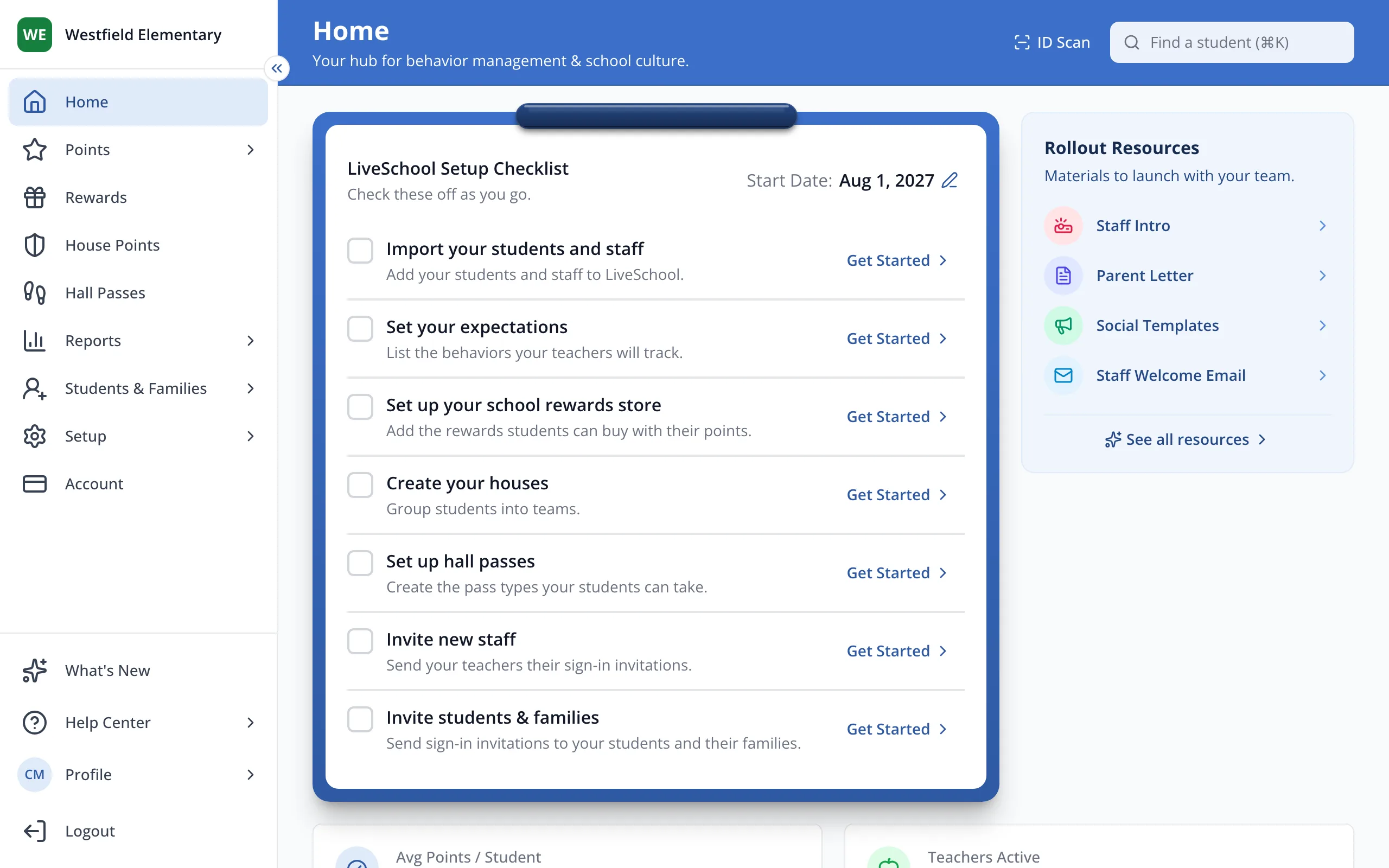
Tip: Click a checked box again to uncheck it.
- Only site leaders see the setup checklist on Home.