
Complete the welcome wizard for a new school
Complete a few initial questions to kick off your LiveSchool setup.
AdminSite Leader
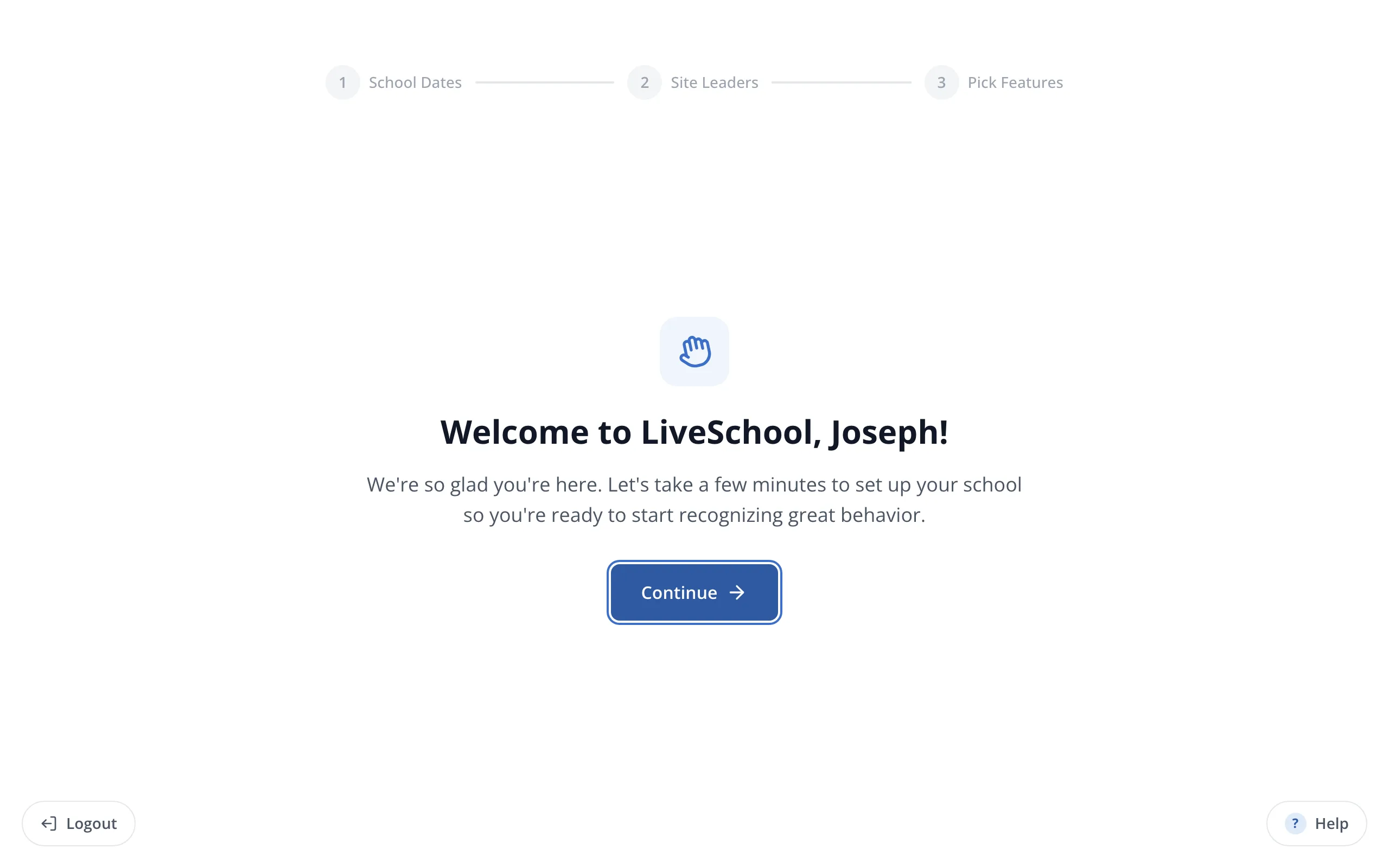
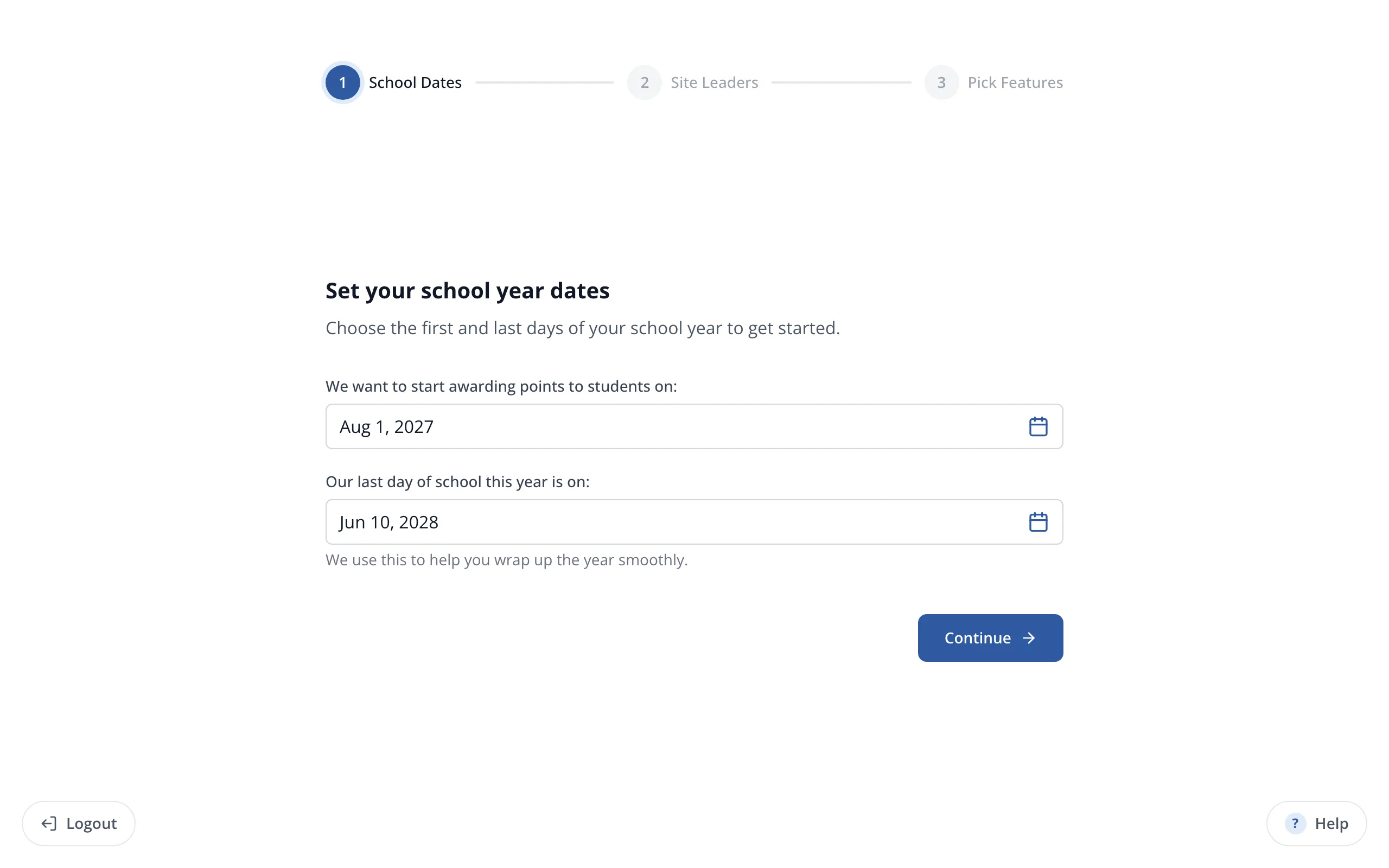
1 / 9On the Welcome to LiveSchool screen, click Continue.
1.On the Welcome to LiveSchool screen, click Continue.
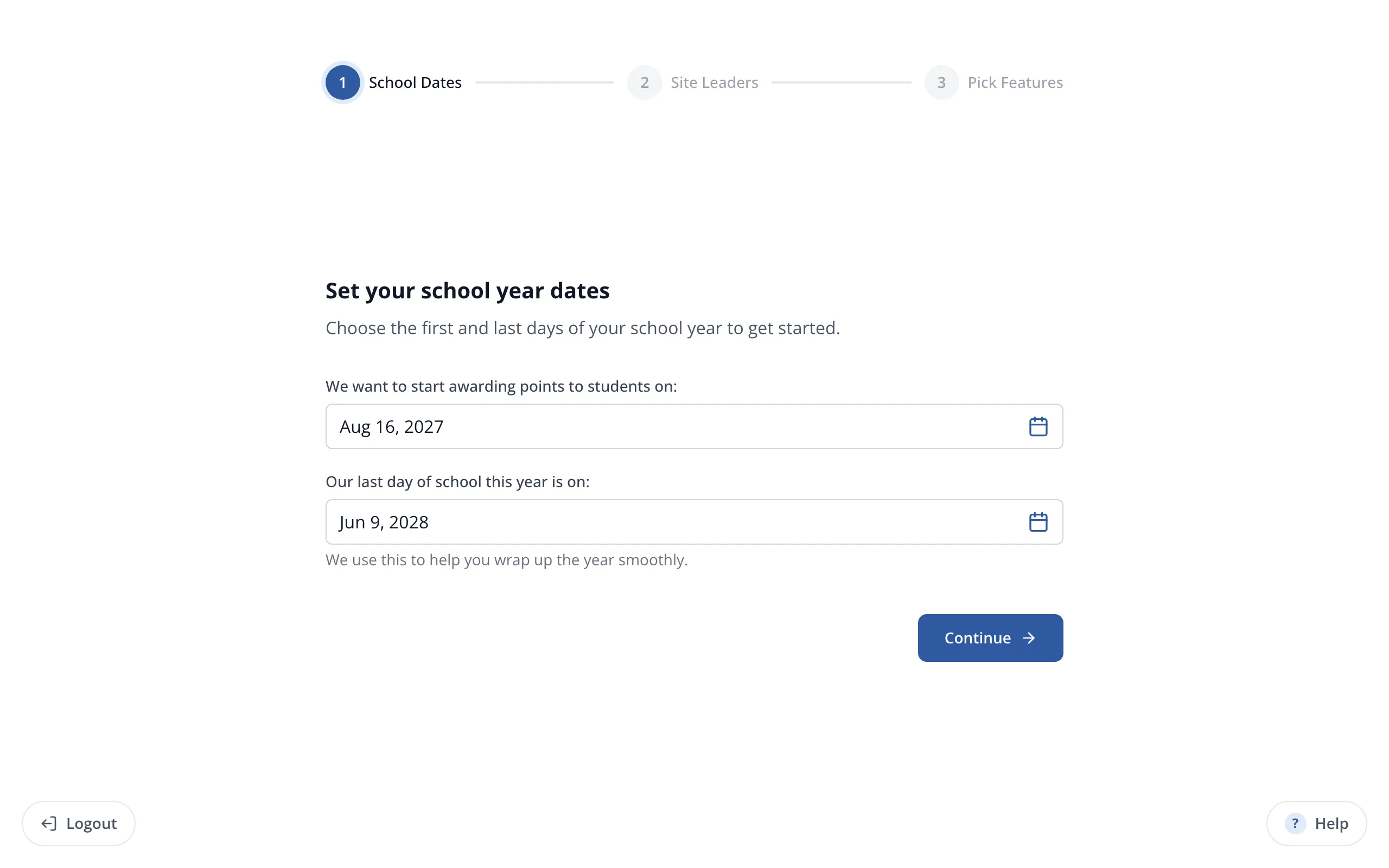
2.Set the first day you'd like to start awarding points.
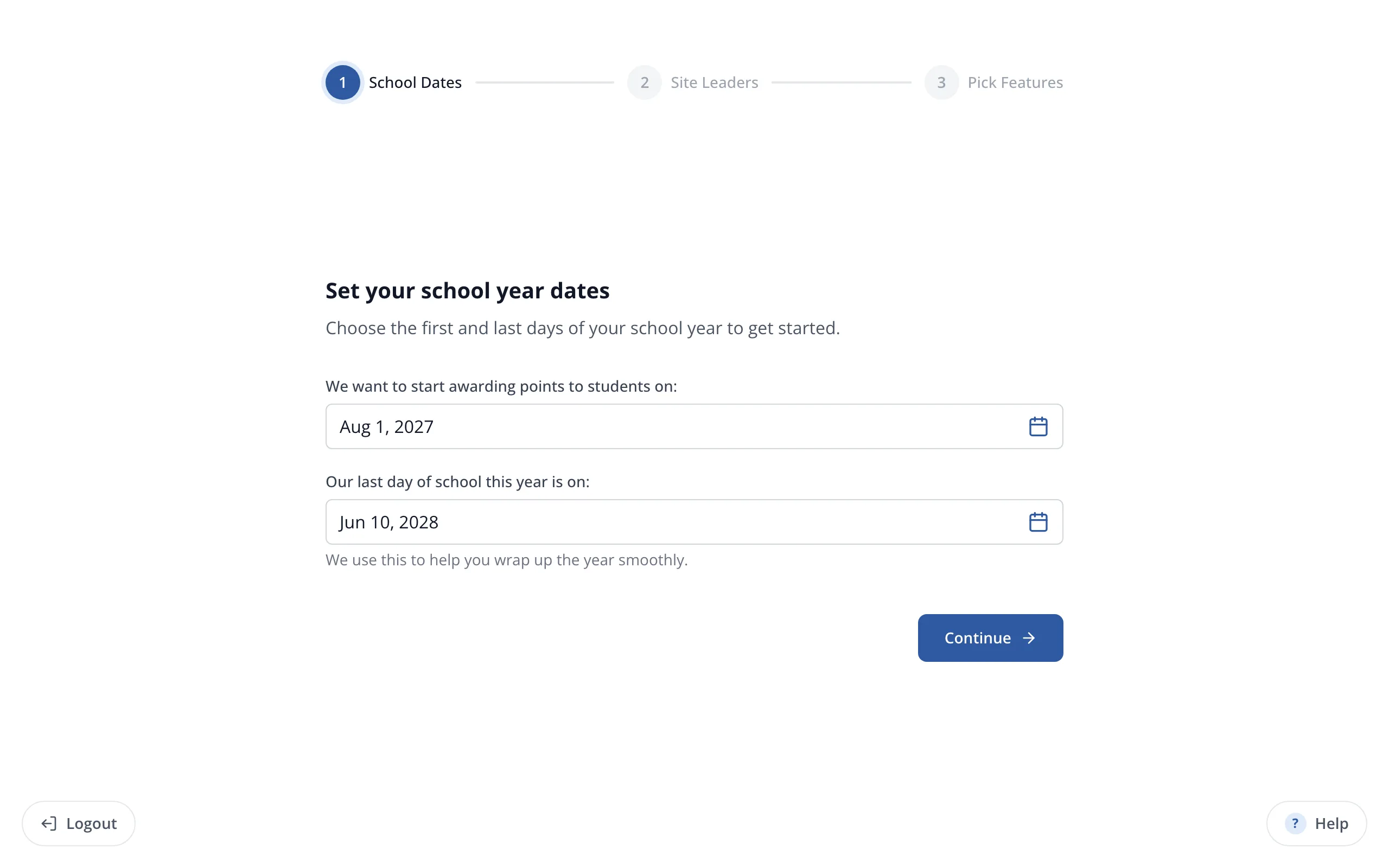
3.Set your last day of school.
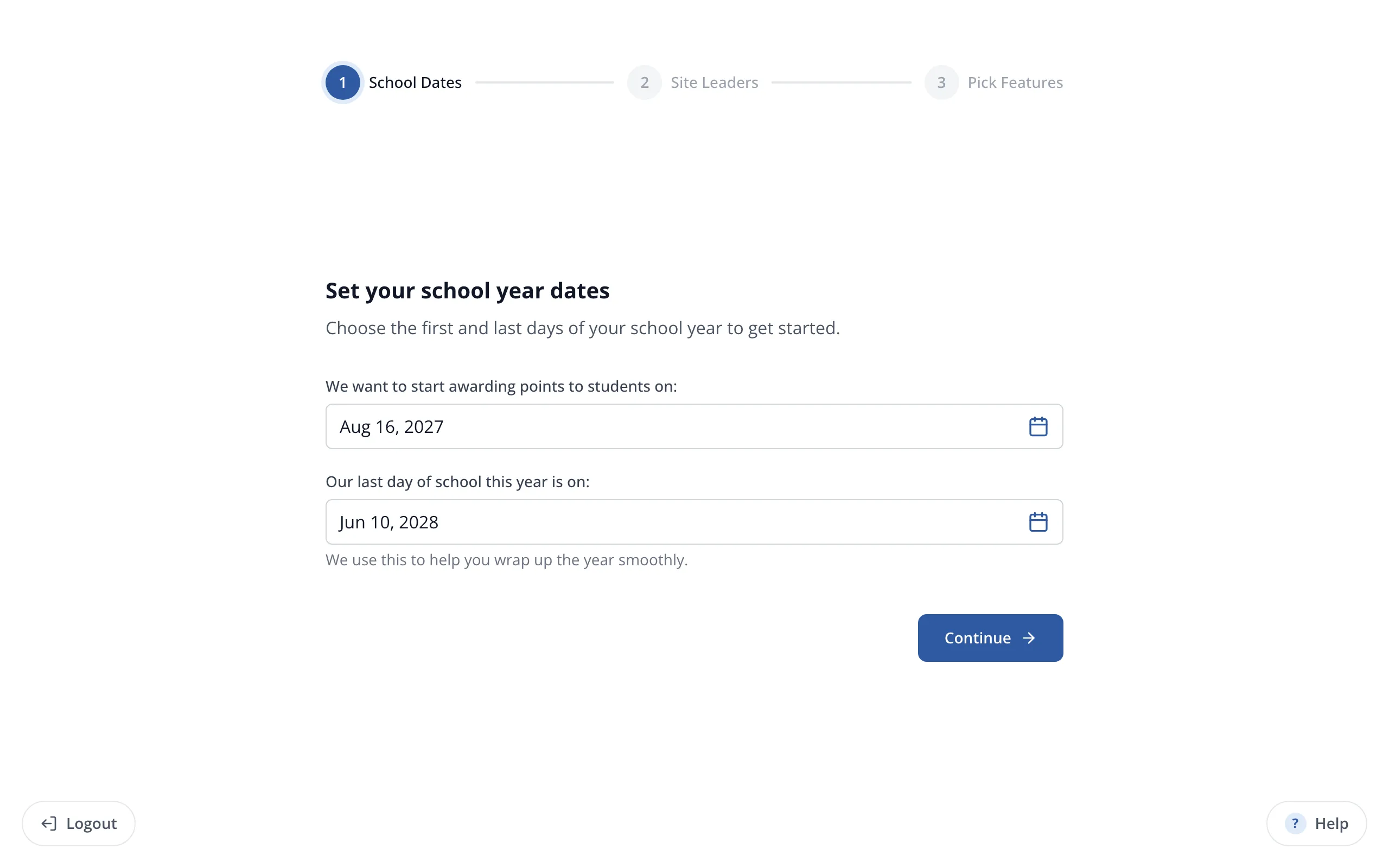
4.Click Continue.
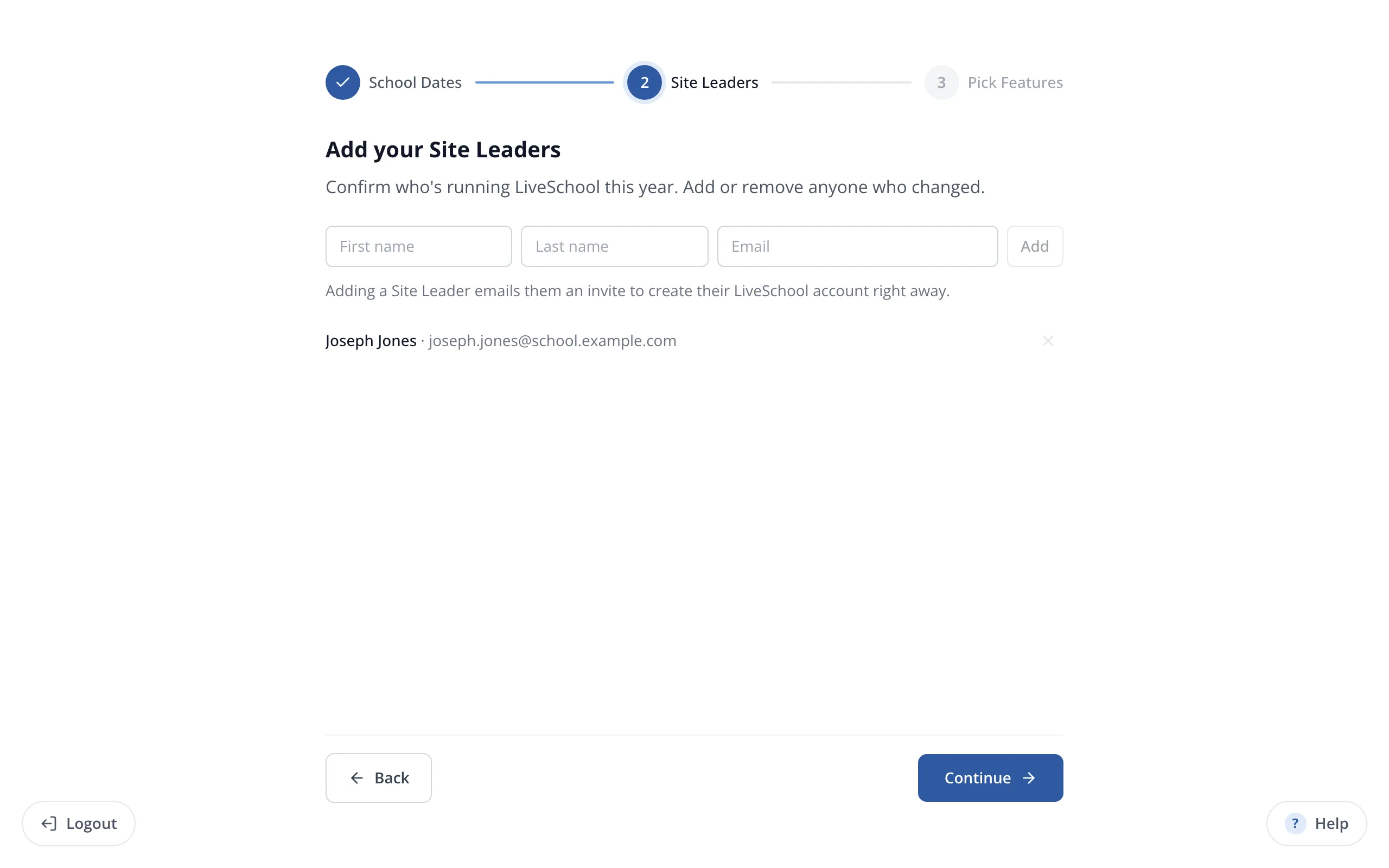
5.To add another site leader, enter their name and email, then click Add.
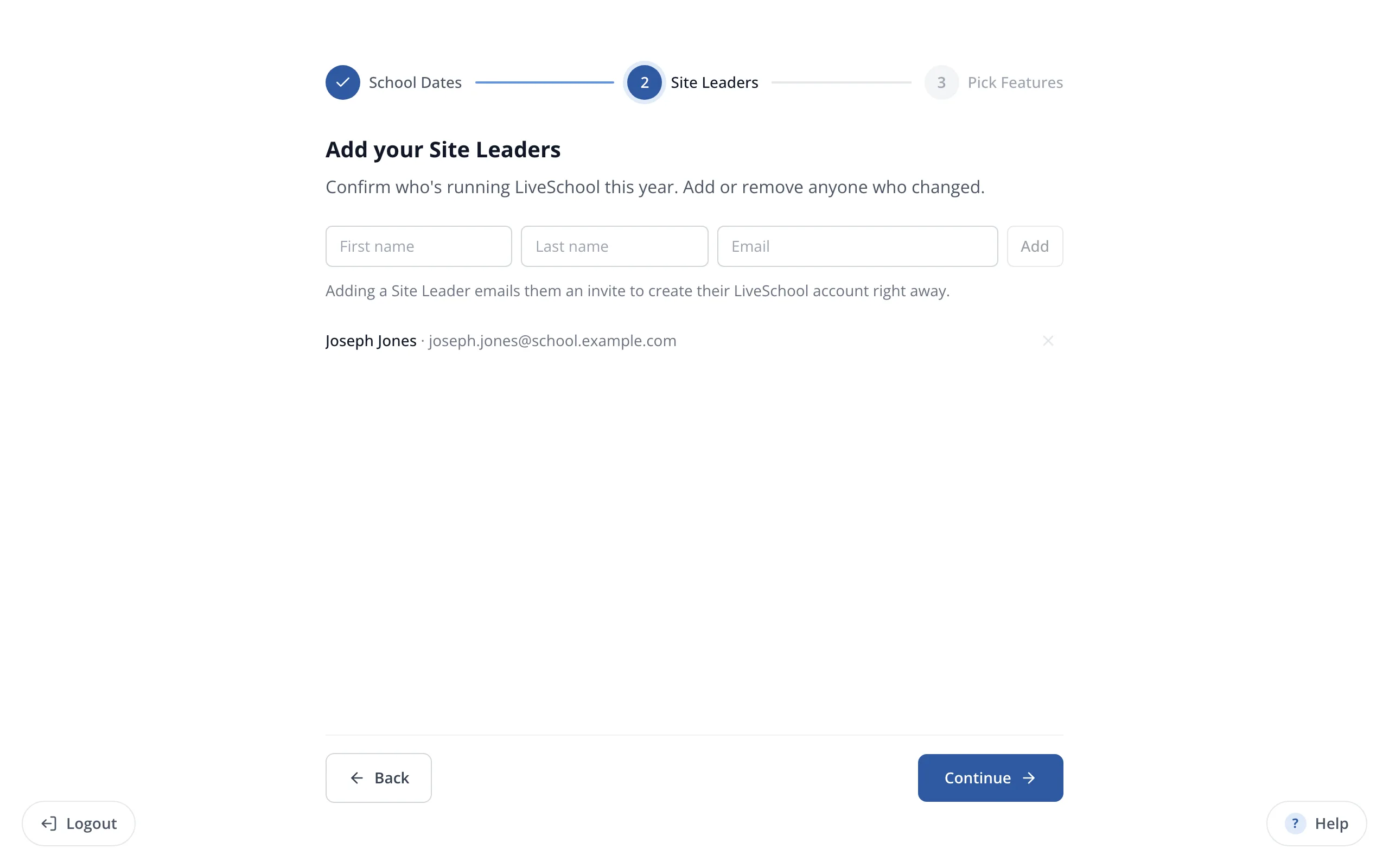
6.When your site leaders are listed, click Continue.
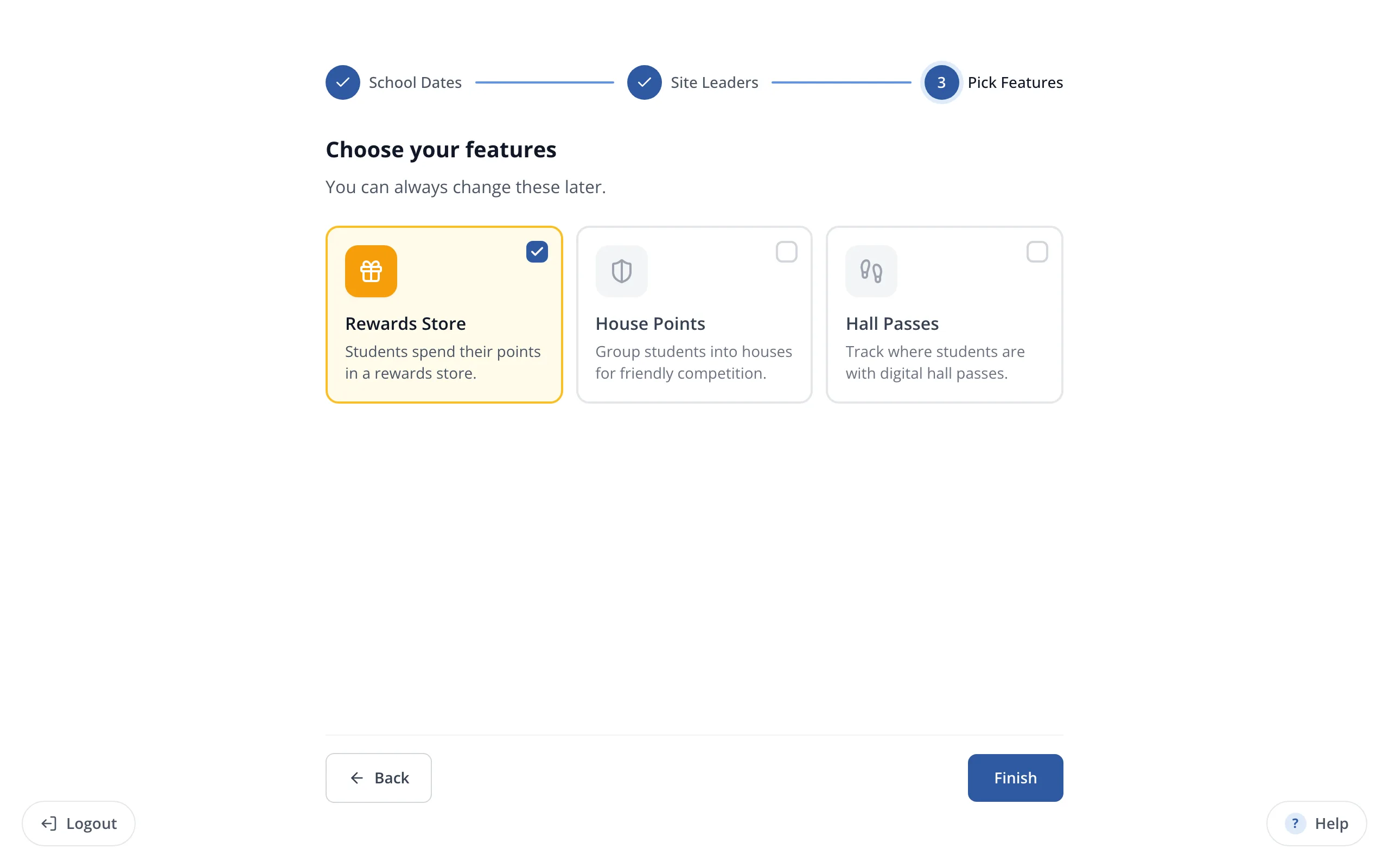
7.Choose the features your school will use, like Rewards Store.
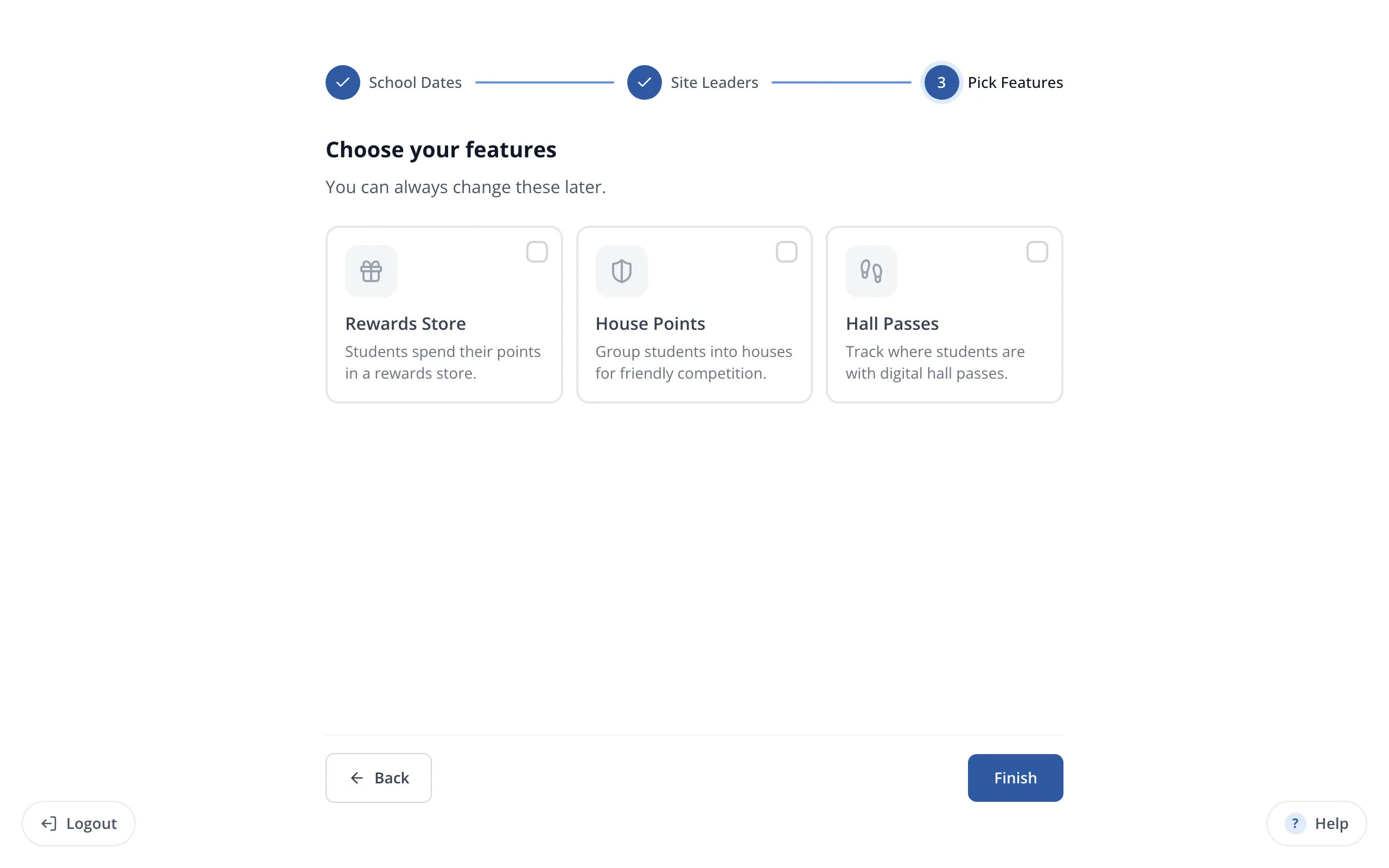
Tip: You can turn features on or off later from Account.
8.Click Finish.
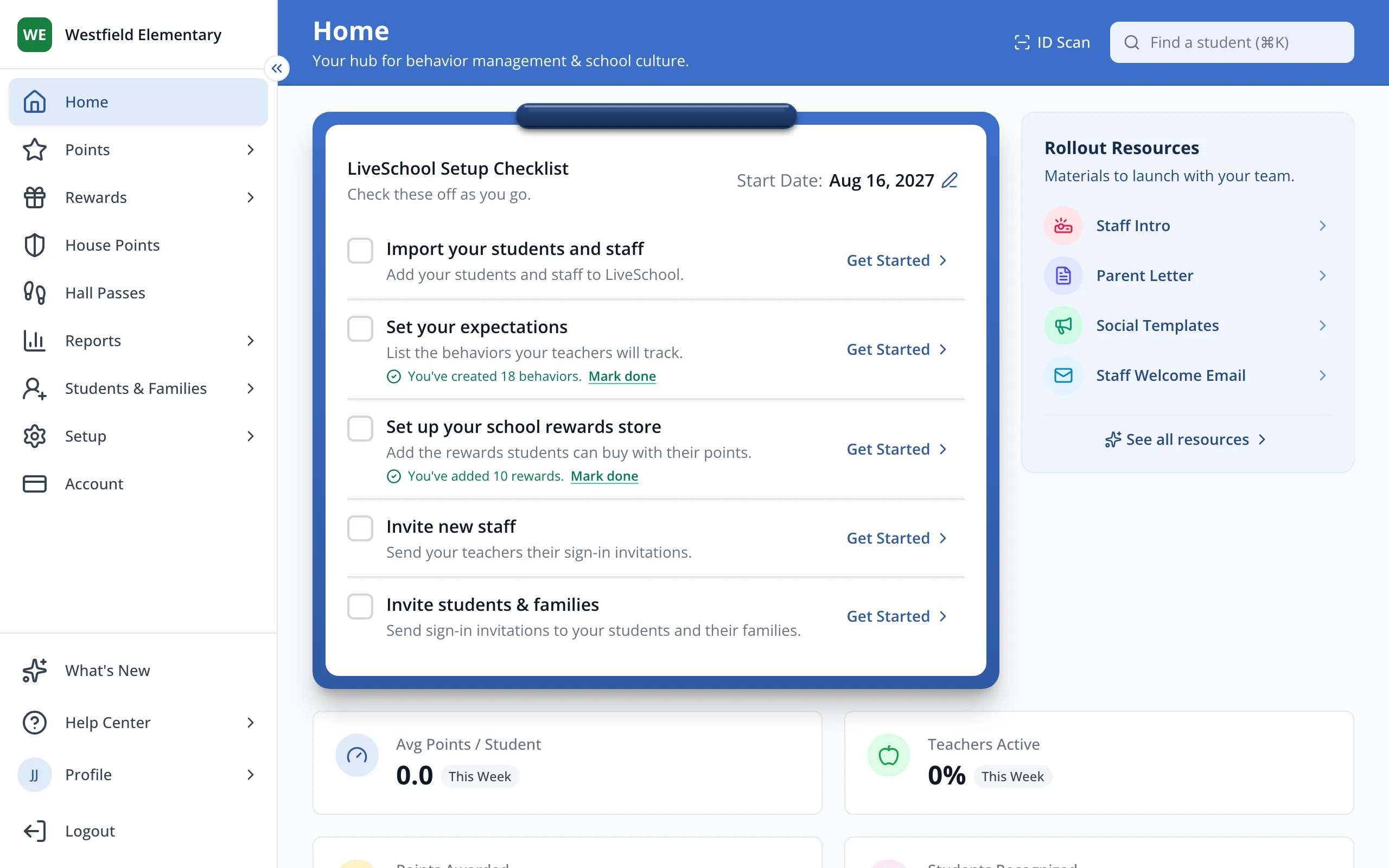
9.Your setup checklist on Home lists what to do next.
- The welcome wizard opens on its own the first time a site leader signs in.
Was this helpful?