Confirm your Clever or ClassLink students and staff for a new school year
Your students and staff sync from Clever or ClassLink. Check they look right for the new year, then check the task off on Home.
AdminSite Leader
Open in LiveSchool
Already signed in? Open this guide inside LiveSchool.
Use the Left and Right arrow keys to move between steps, and Space to play or pause.
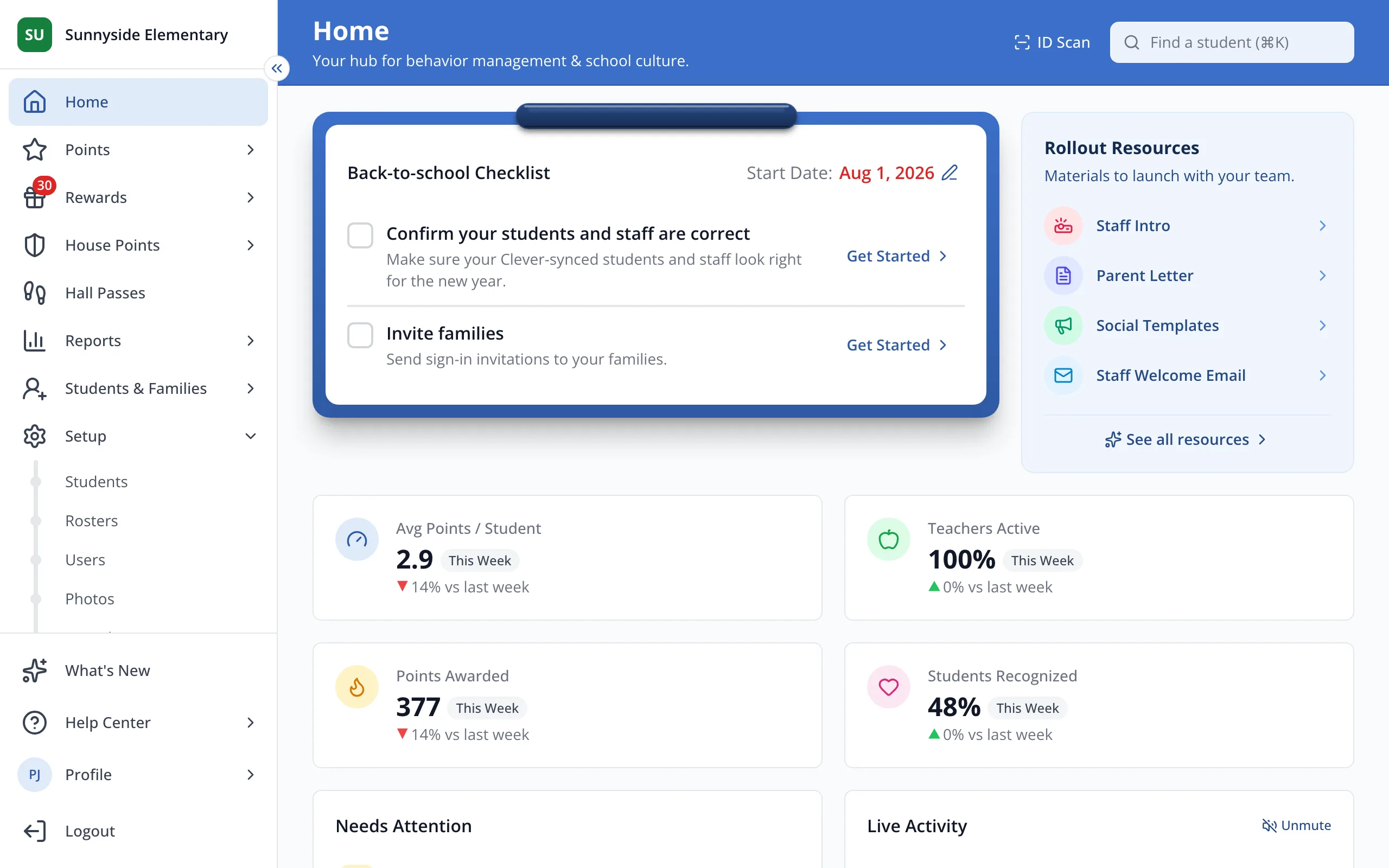
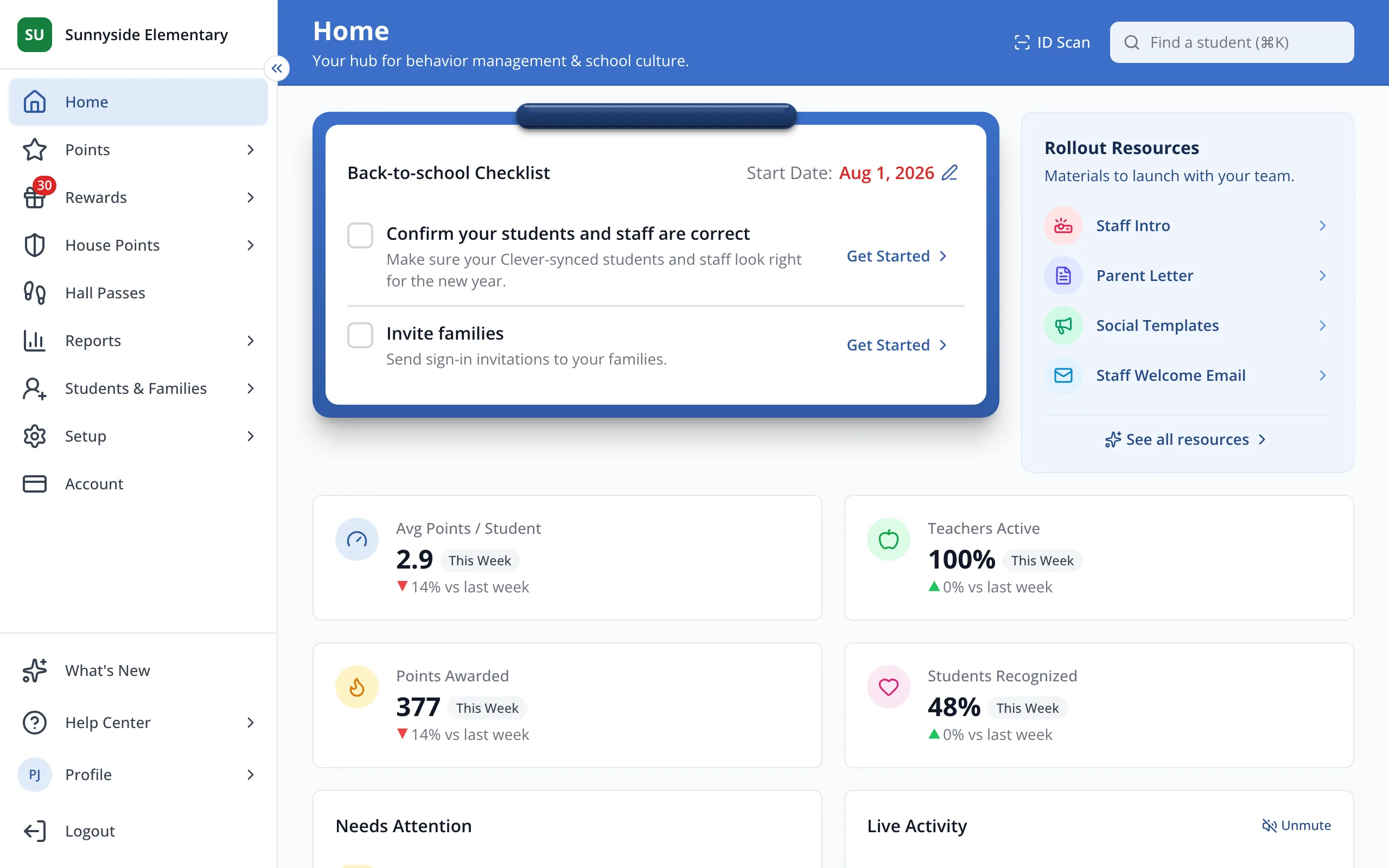
1.On Home, under Back-to-school Checklist, click Get Started next to Confirm your students and staff are correct.
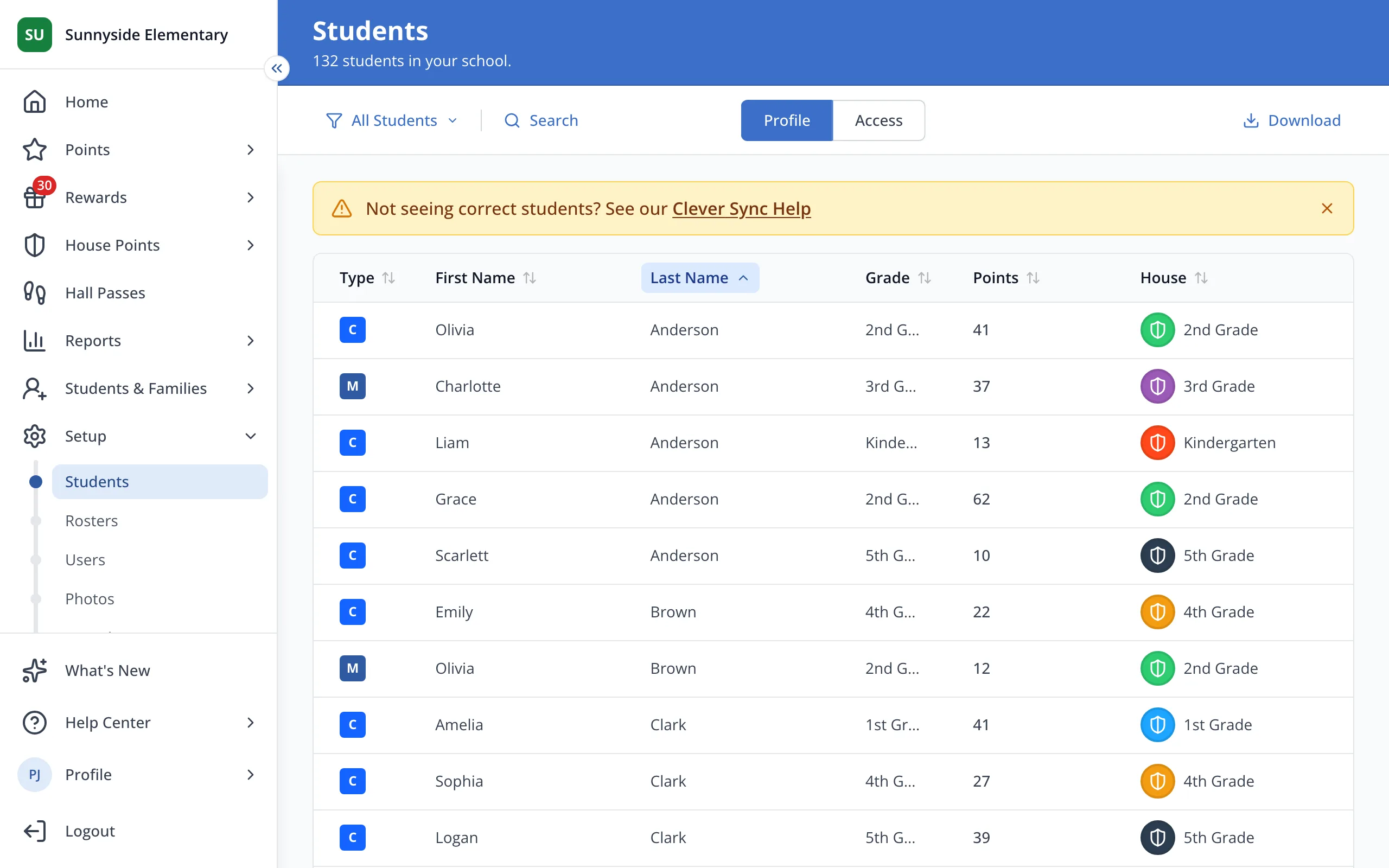
2.Look over your students and staff. If someone is missing or out of date, click the yellow banner for help fixing it in Clever or ClassLink.
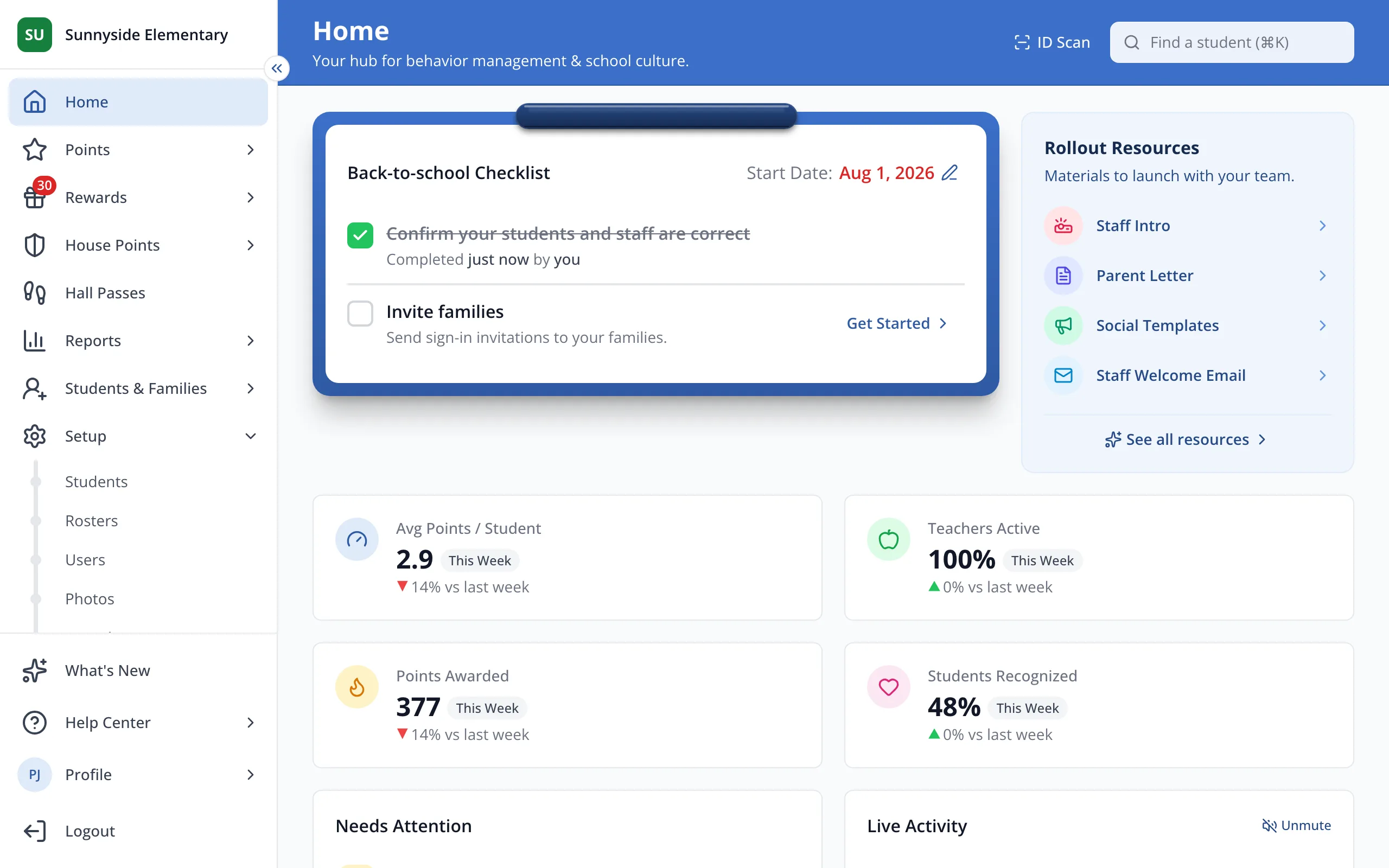
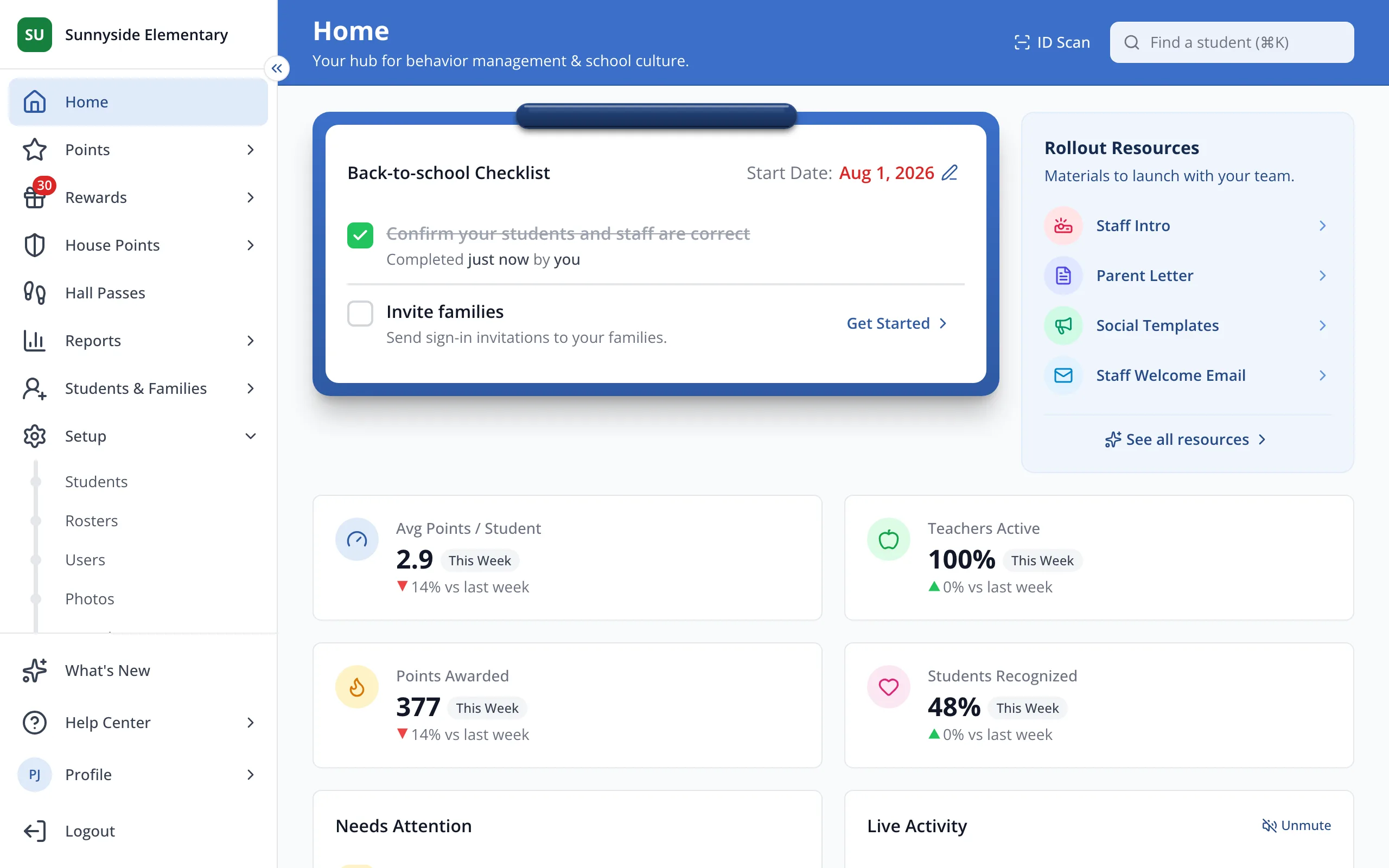
3.When everything looks right, go back to Home and check Confirm your students and staff are correct.