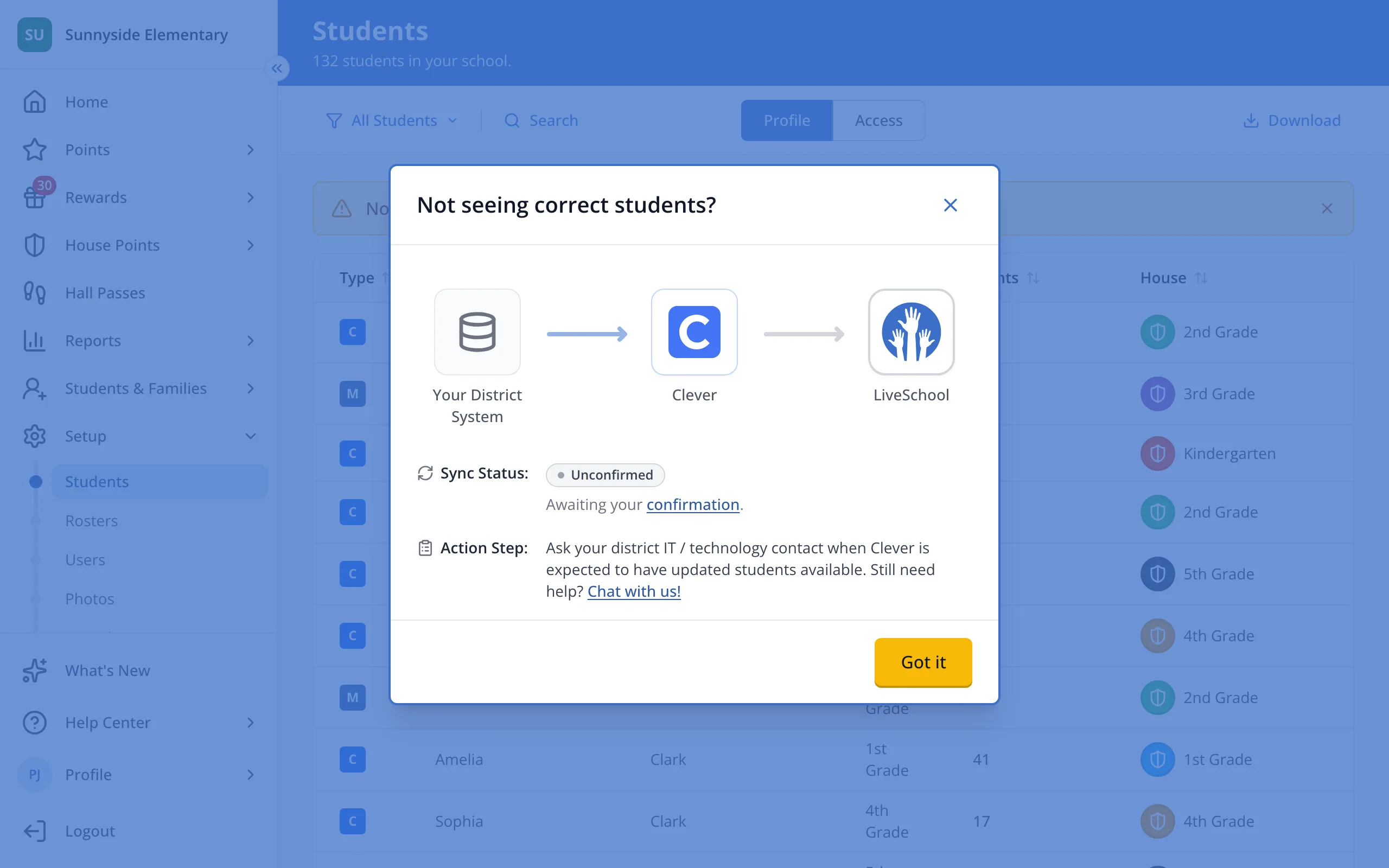
Fix missing or out-of-date synced students and rosters
Synced students and rosters come from your district's Clever or ClassLink, so they're fixed there and LiveSchool picks up the change.
AdminSite Leader
Open in LiveSchool
Already signed in? Open this guide inside LiveSchool.
Use the Left and Right arrow keys to move between steps, and Space to play or pause.
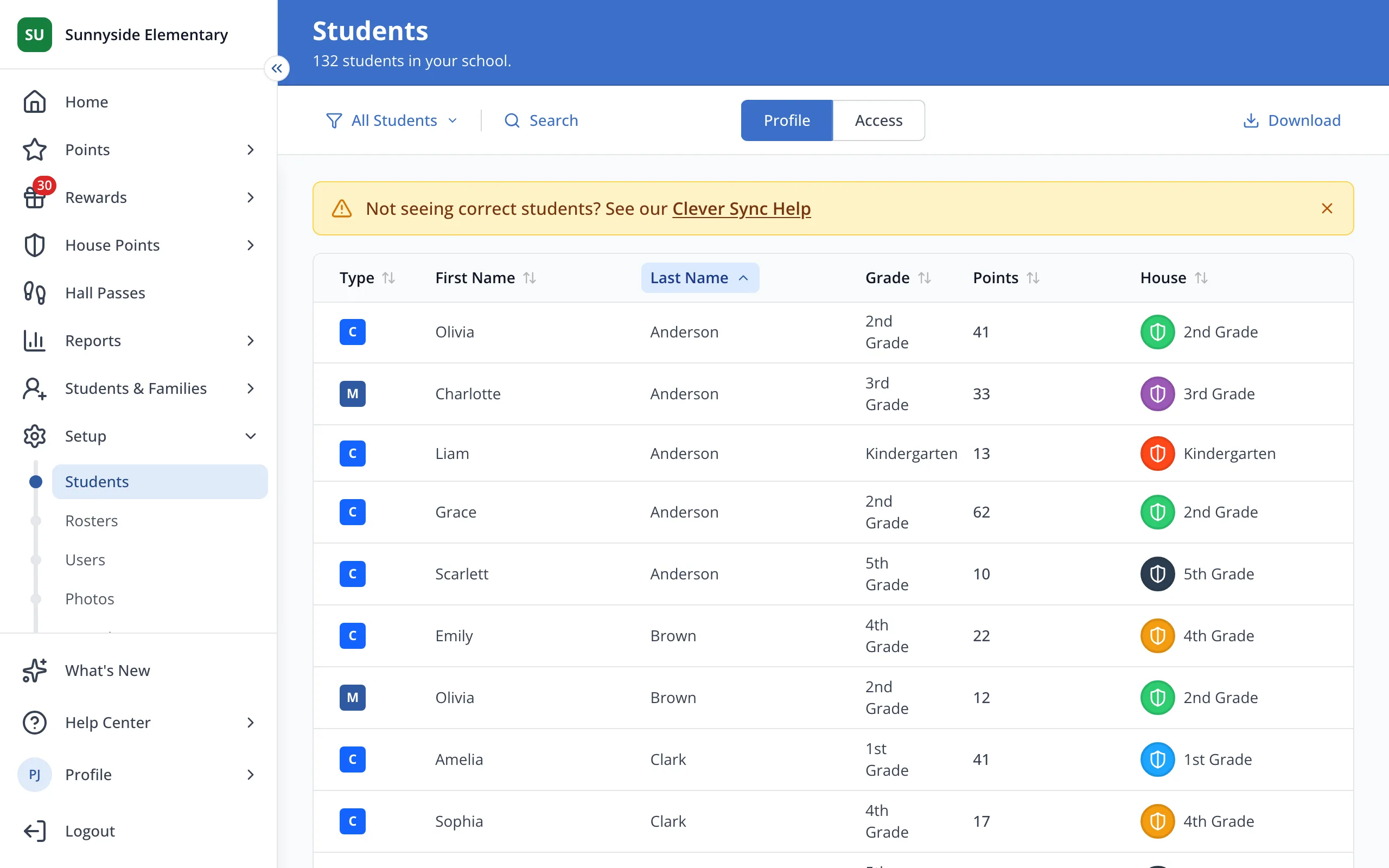
1.On the Students page under Setup, click the Not seeing correct students? banner.
2.Ask your district's technology contact when Clever or ClassLink will have the updated students and rosters.
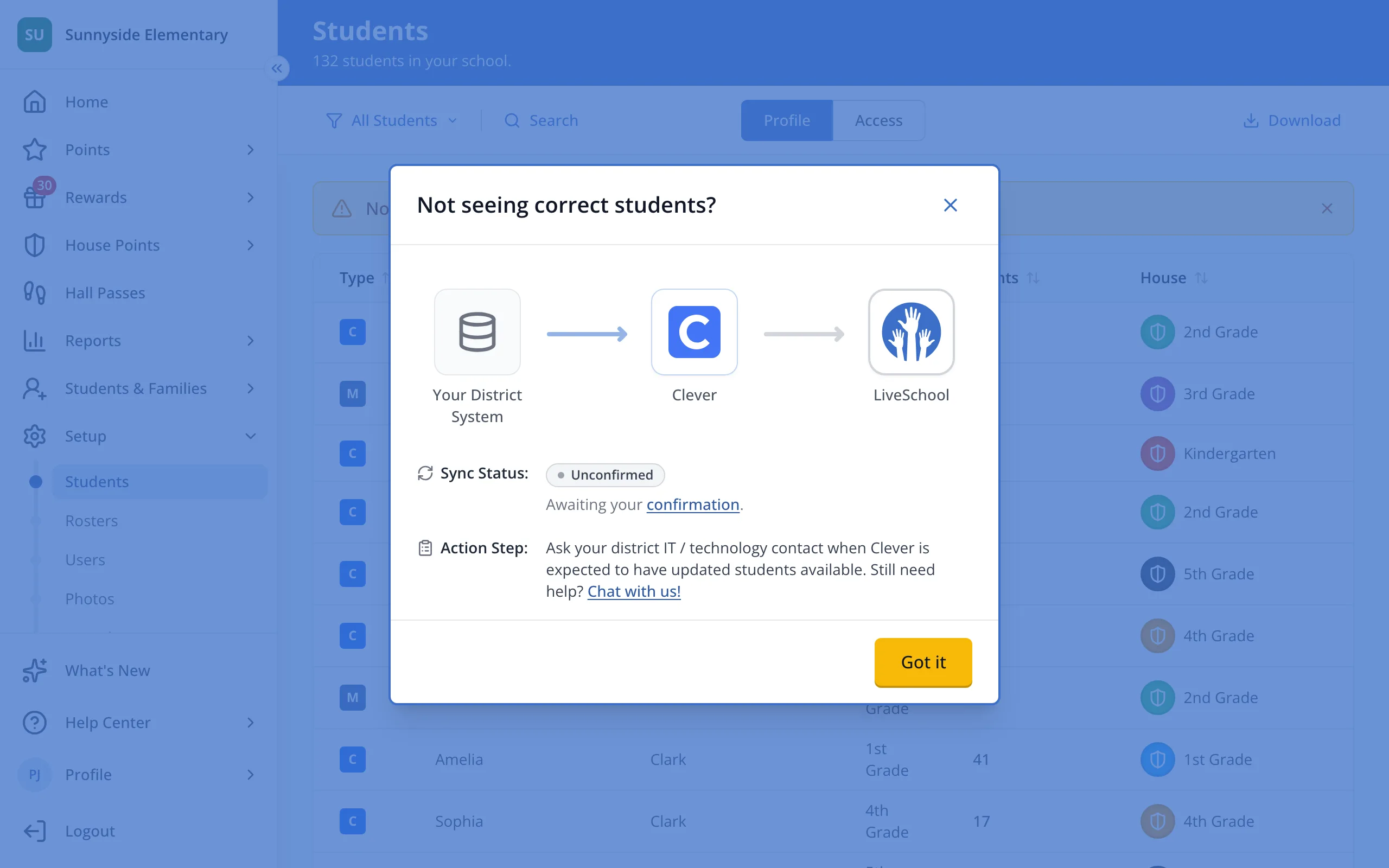
3.Click Chat with us! if you still need help.