
Print a welcome letter for families
A customizable, ready-to-print letter that explains LiveSchool to families.
AdminSite Leader
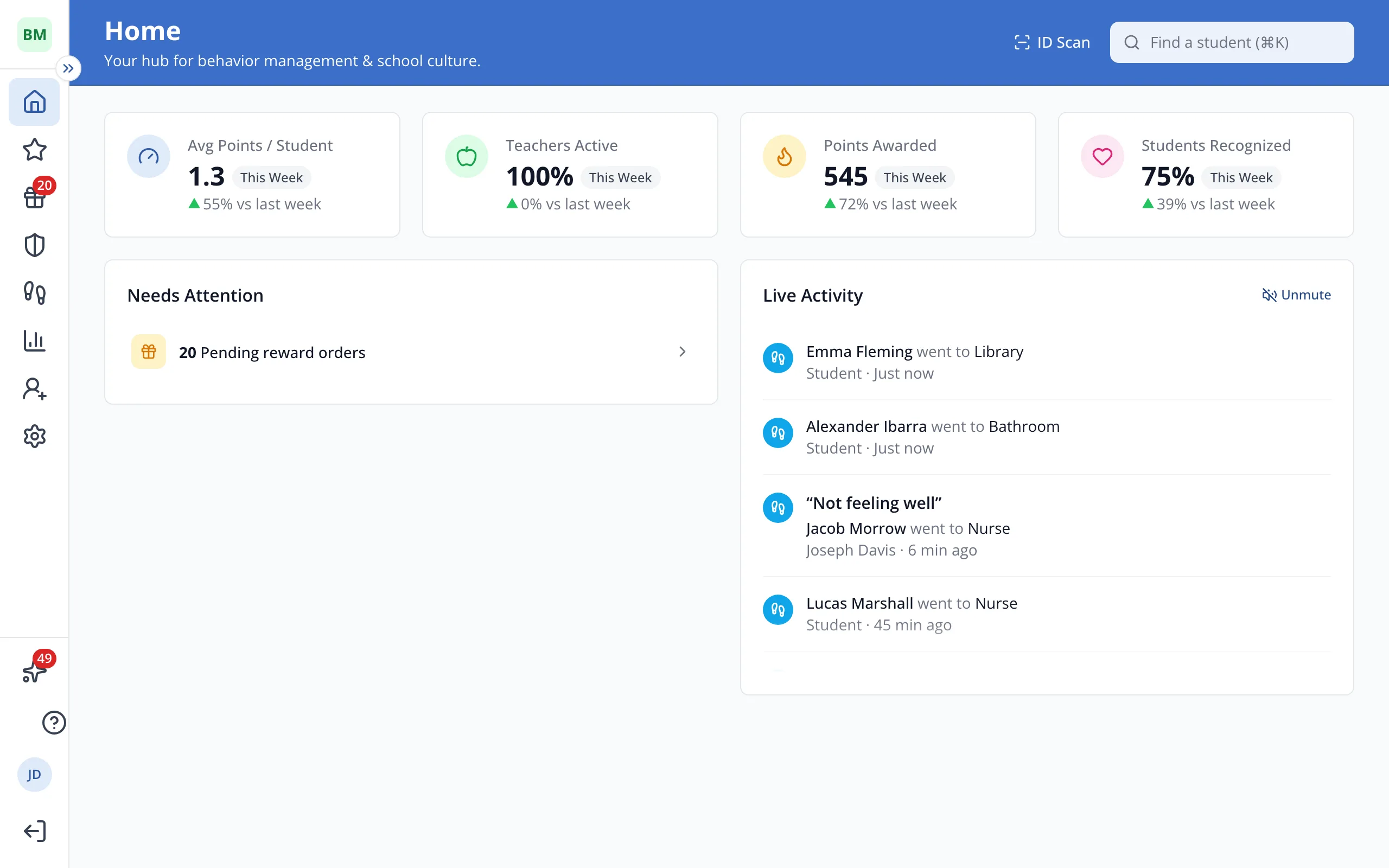
1 / 4In the sidebar, click Help Center.
1.In the sidebar, click Help Center.
2.Under Resources, click Parent Letter.
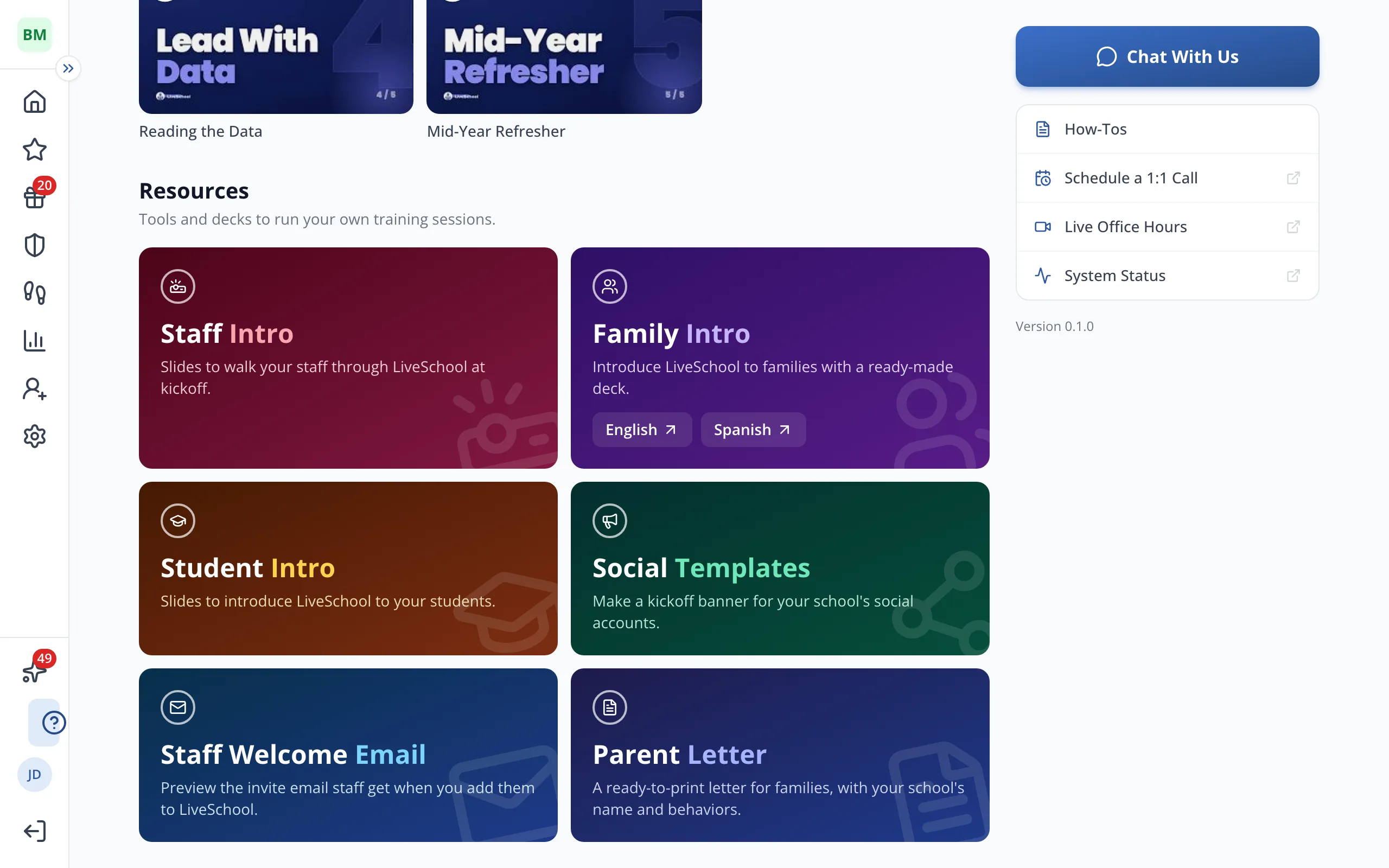
Tip: Click any text on the letter to change the wording.
3.Under Info to Include, check what you'd like on the letter, like Rewards.
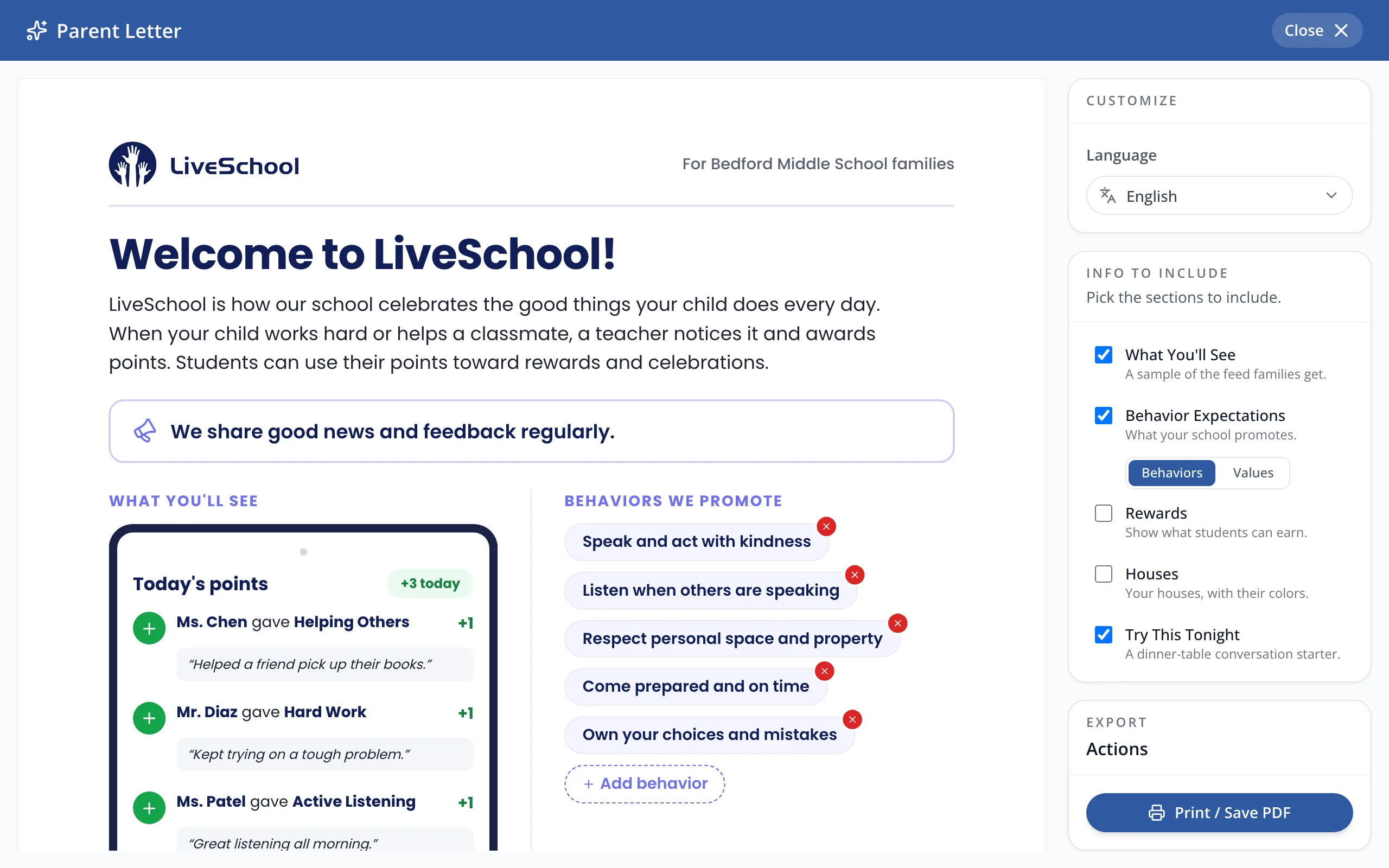
Tip: Pick another language under Language to print the letter for families who read it.
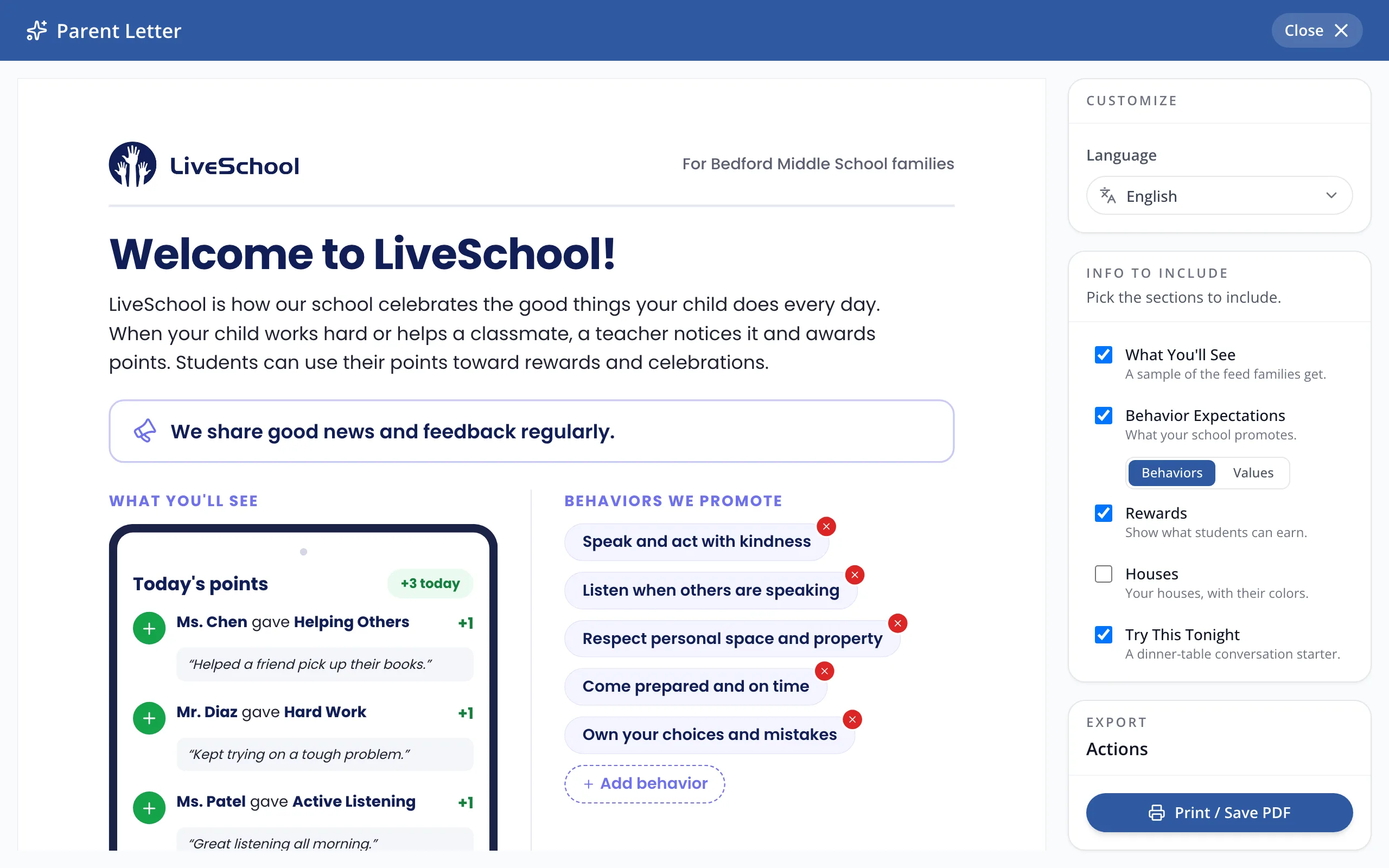
4.Click Print / Save PDF to print the letter or save it as a PDF.
Was this helpful?