
Show students and families the intro slides
Ready-made decks introduce LiveSchool to students and to families. The family deck comes in English and Spanish.
AdminSite Leader
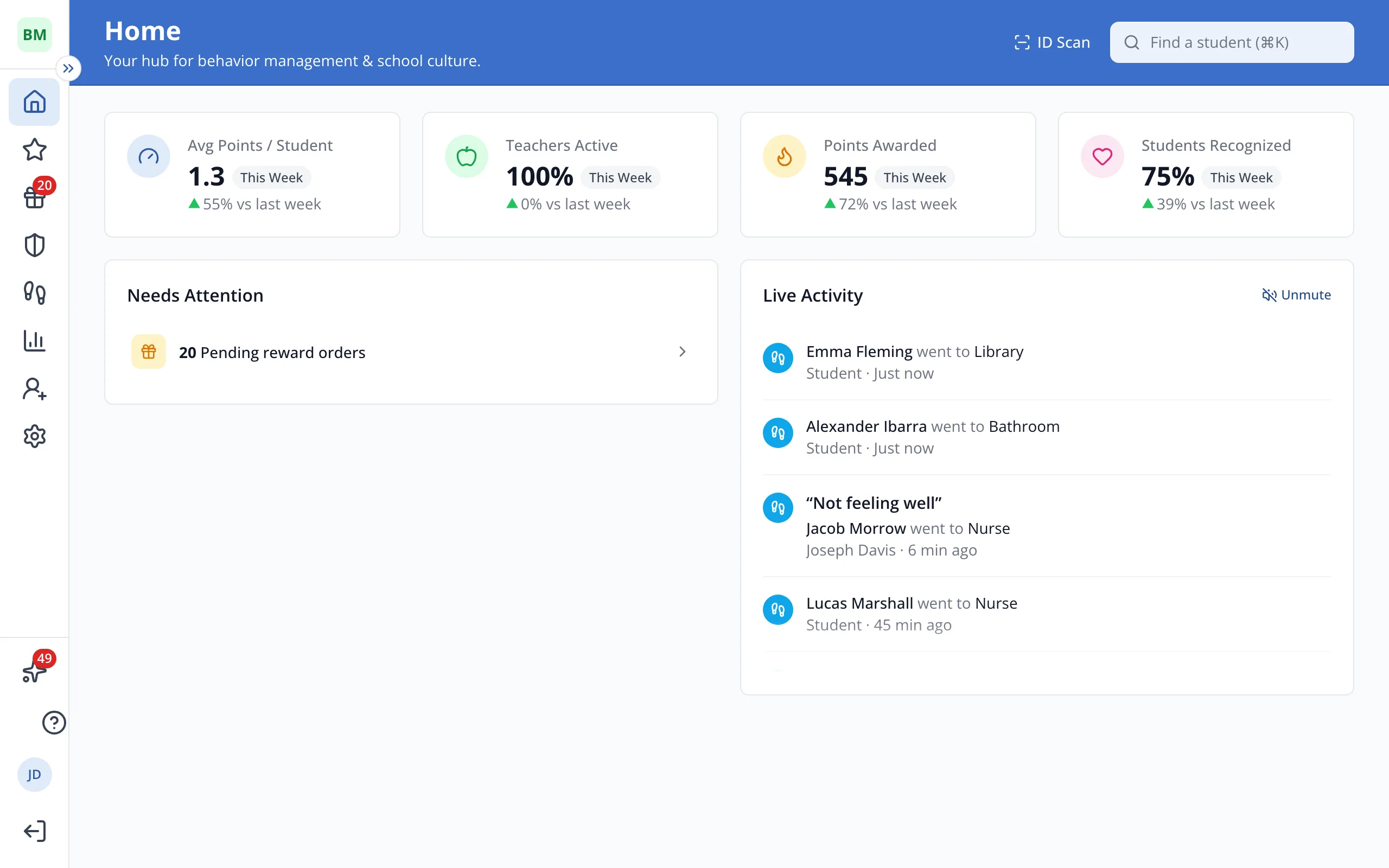
1 / 2In the sidebar, click Help Center.
1.In the sidebar, click Help Center.
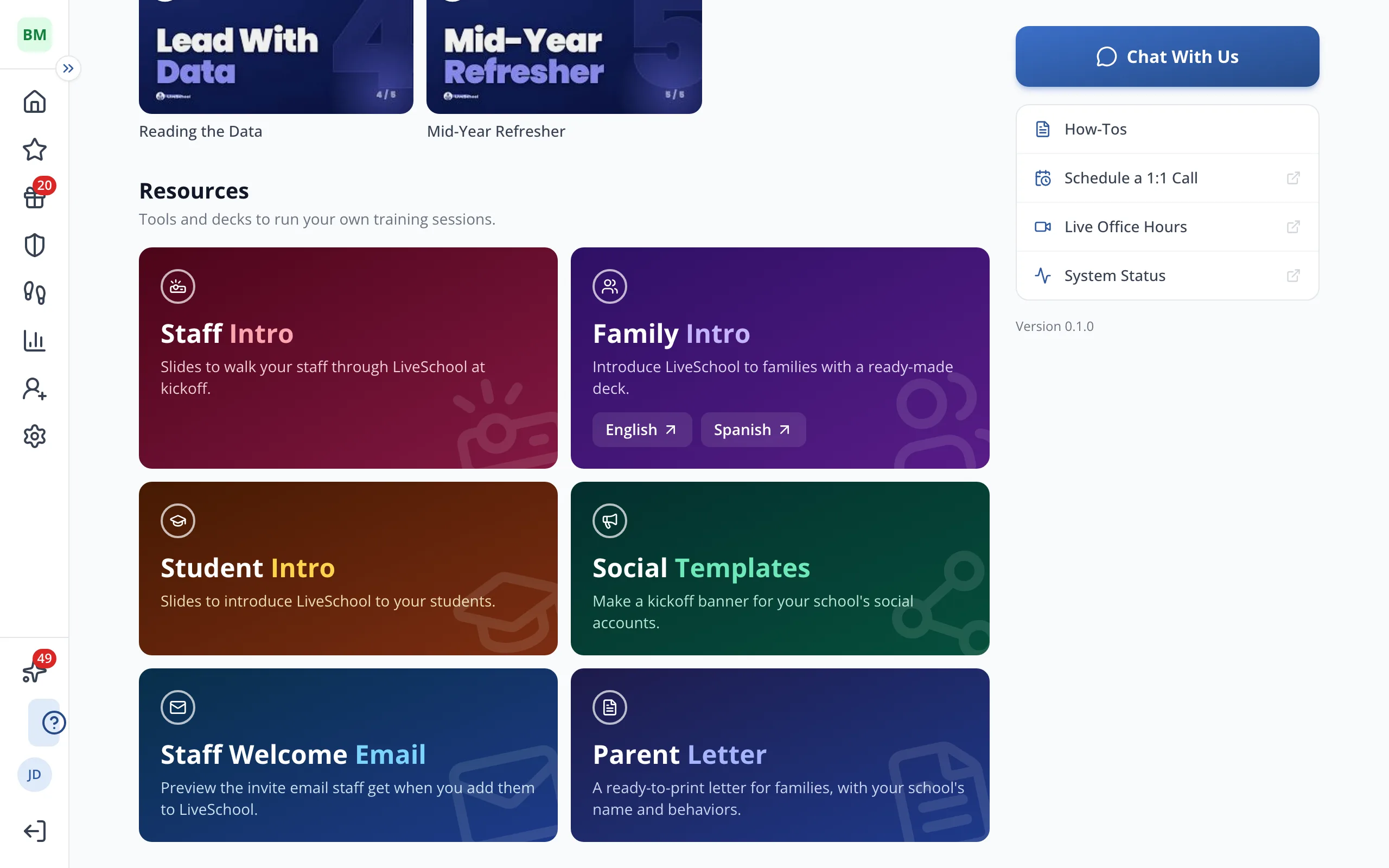
2.Under Resources, click Student Intro for students, or English or Spanish under Family Intro for families. Then click Make a copy in Google Slides.
Was this helpful?