
Copy a ready-made welcome email for your staff
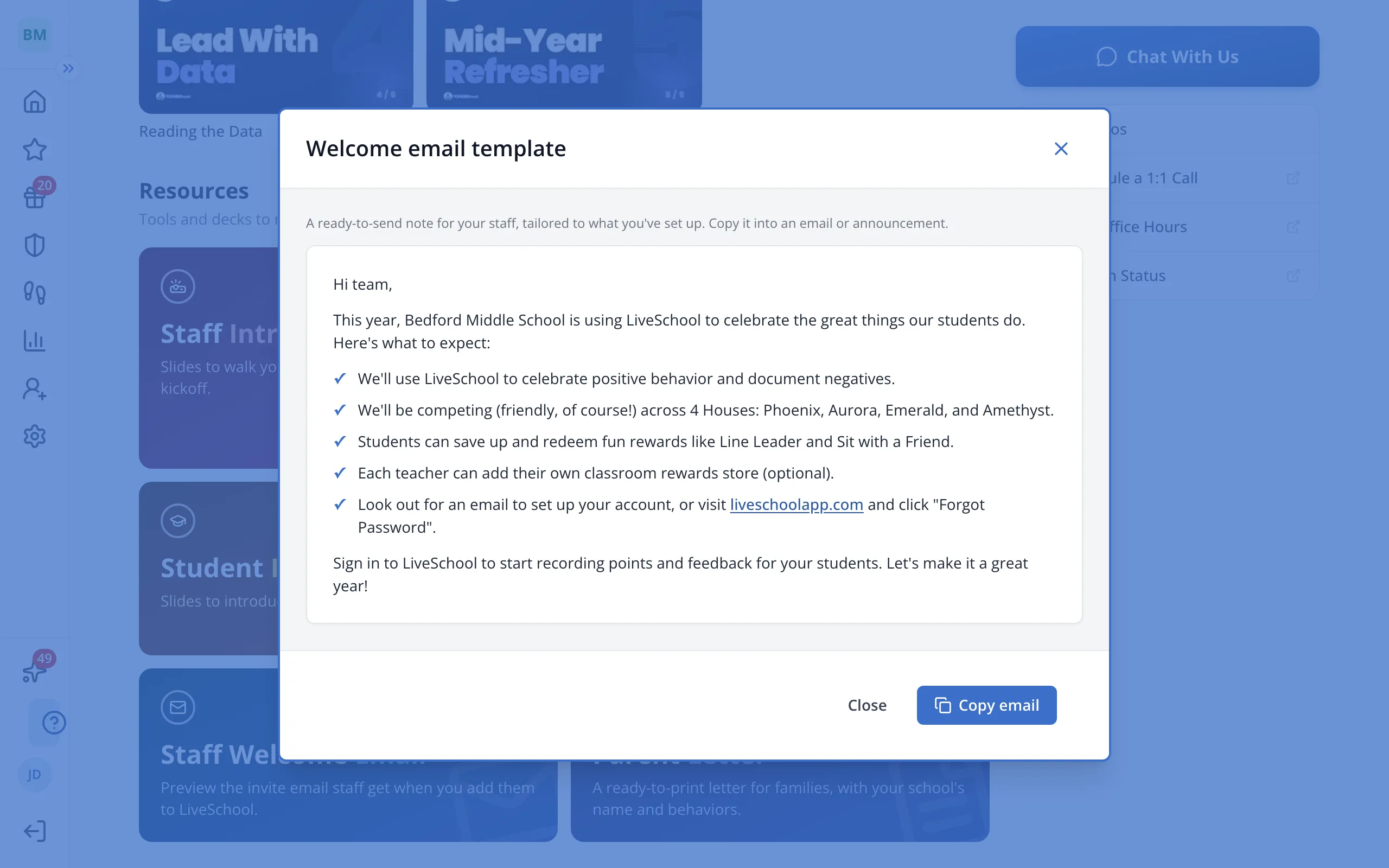
A ready-to-send note that introduces LiveSchool to your staff, written from what your school has set up.
AdminSite Leader
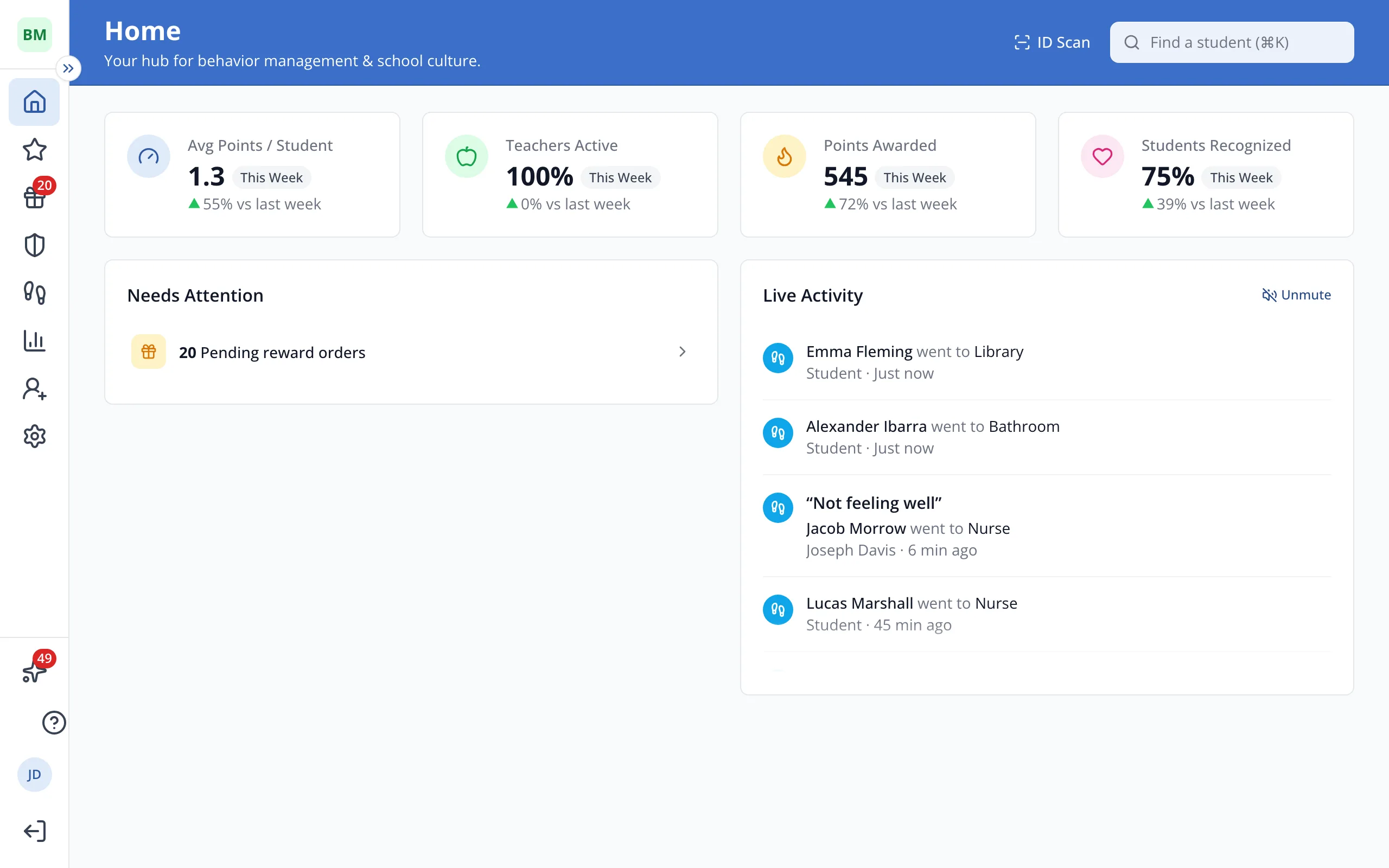
1 / 3In the sidebar, click Help Center.
1.In the sidebar, click Help Center.
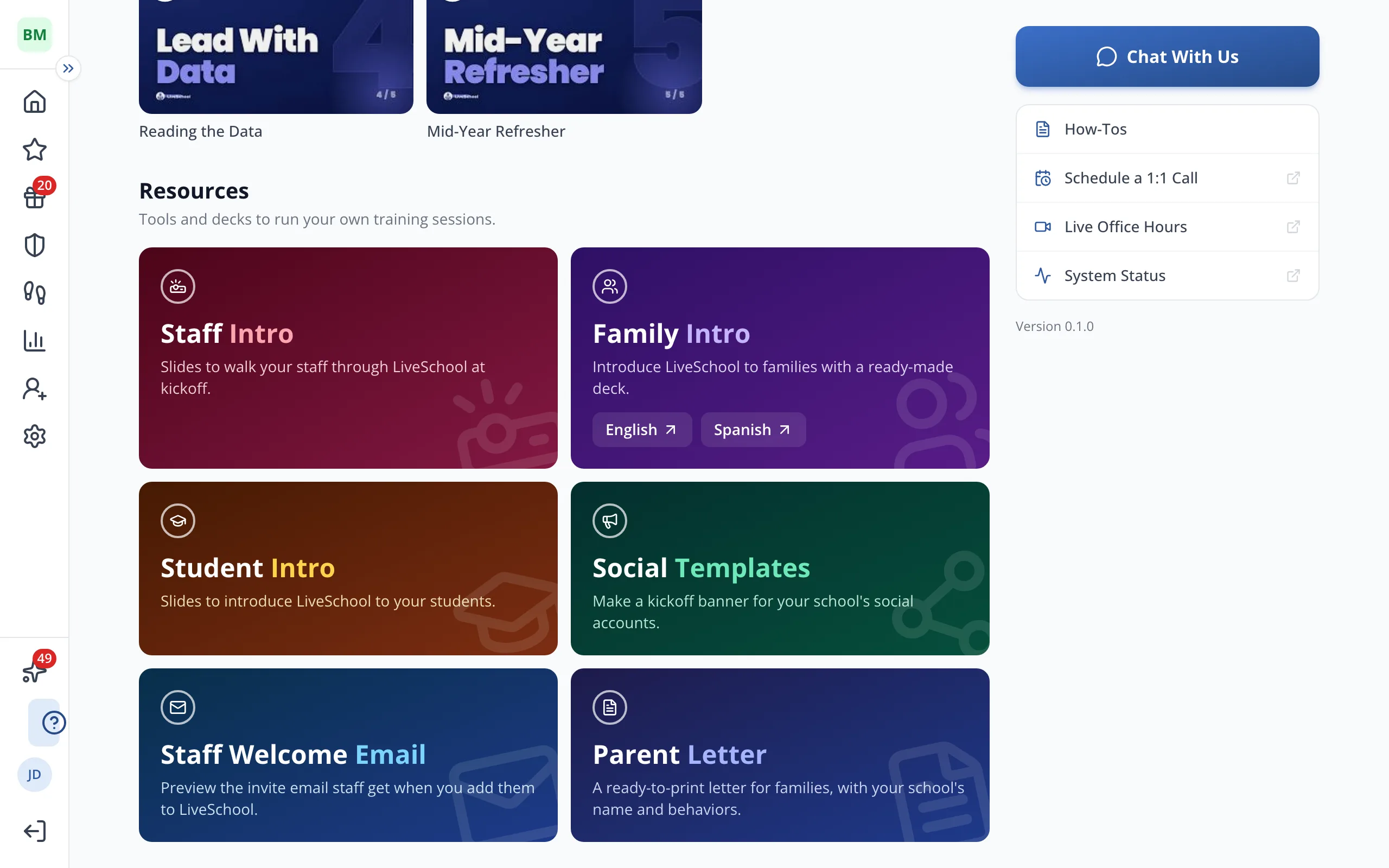
2.Under Resources, click Staff Welcome Email.
3.Read over the email, then click Copy email and paste it into a message or announcement to your staff.
Was this helpful?