
Send or resend a staff sign-in invite
Only licensed staff who have never signed in can get an invite. It emails them a link to set up their account.
AdminSite Leader
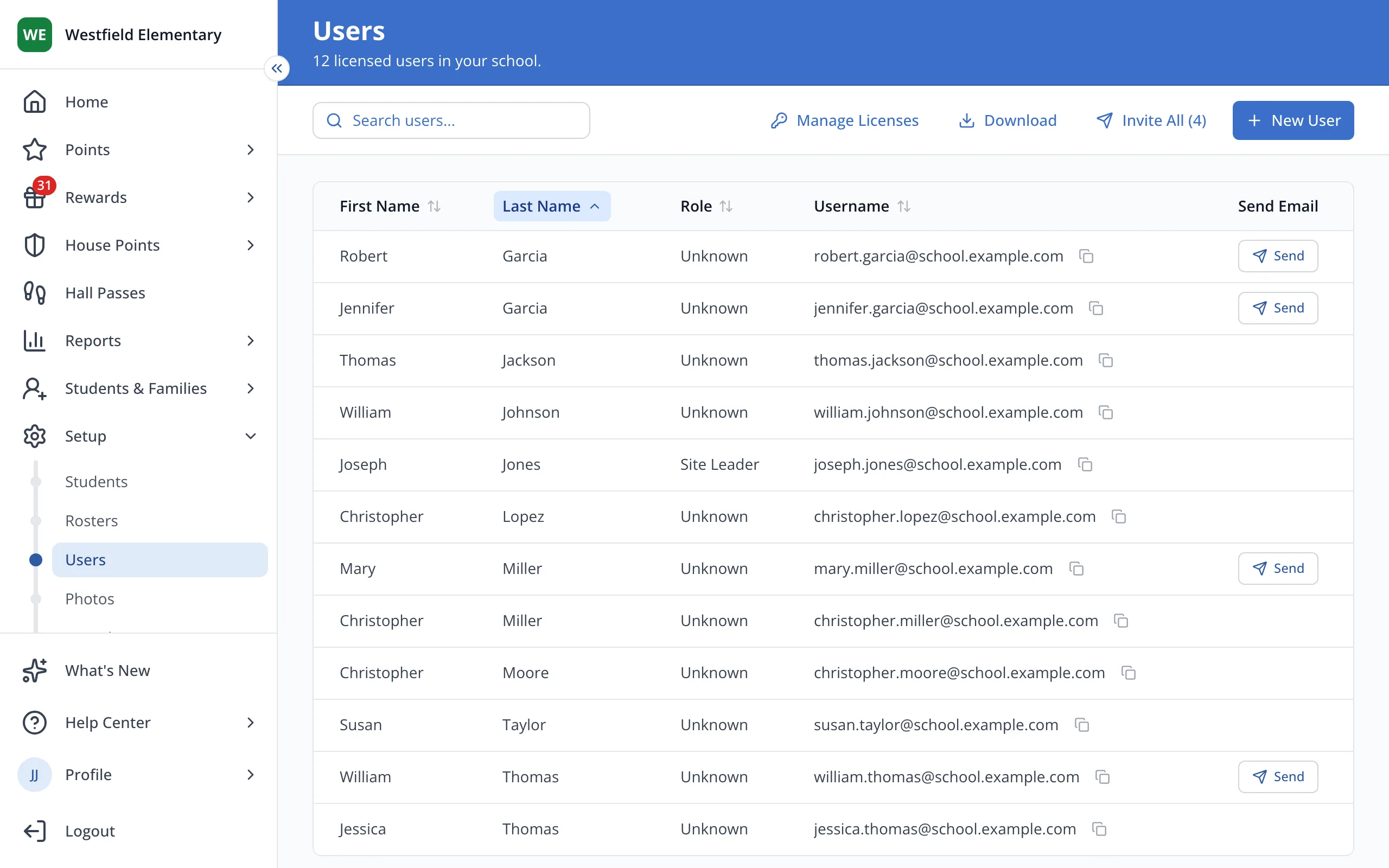
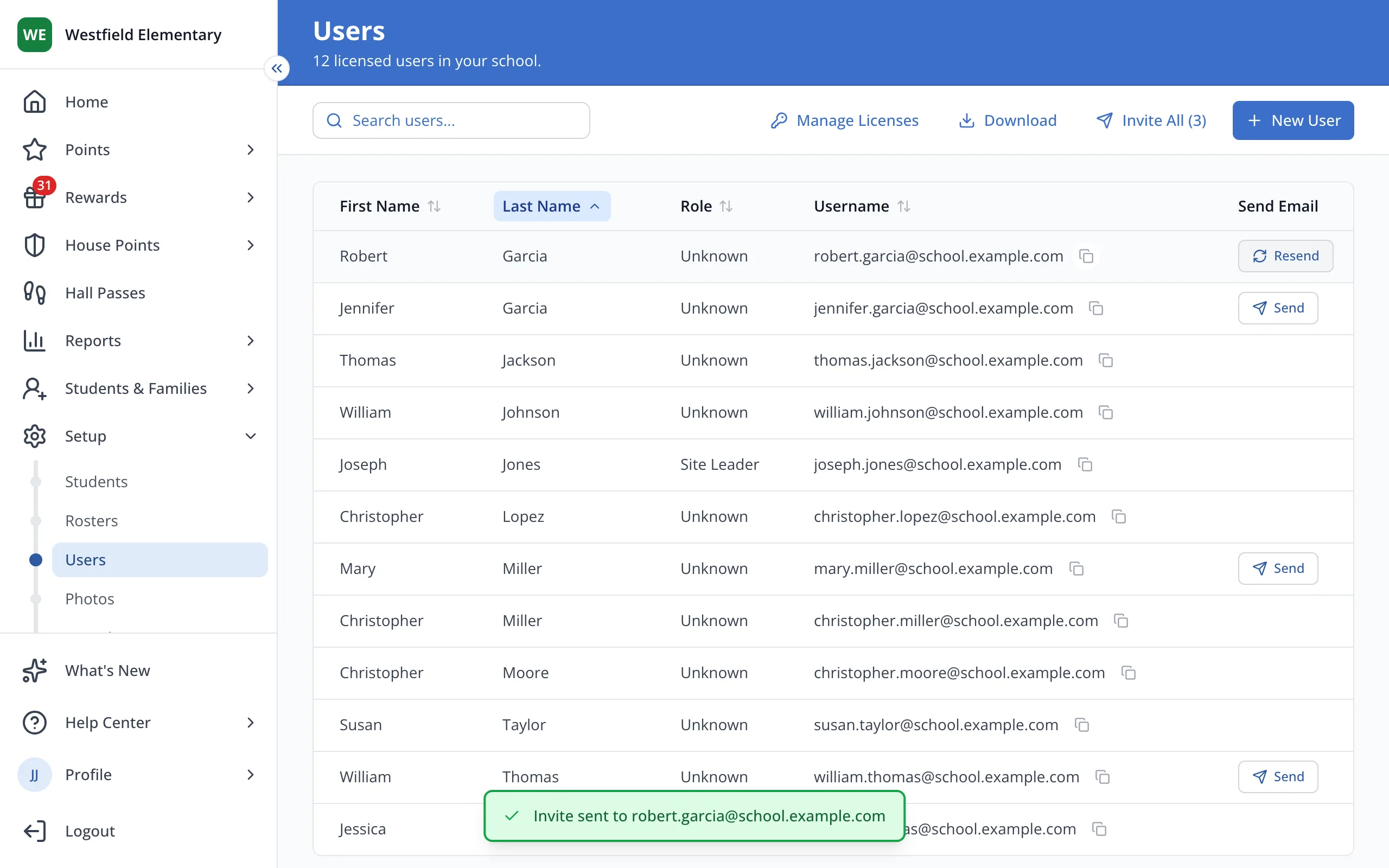
1 / 3On the Users page, click Send next to the staff member.
1.On the Users page, click Send next to the staff member.
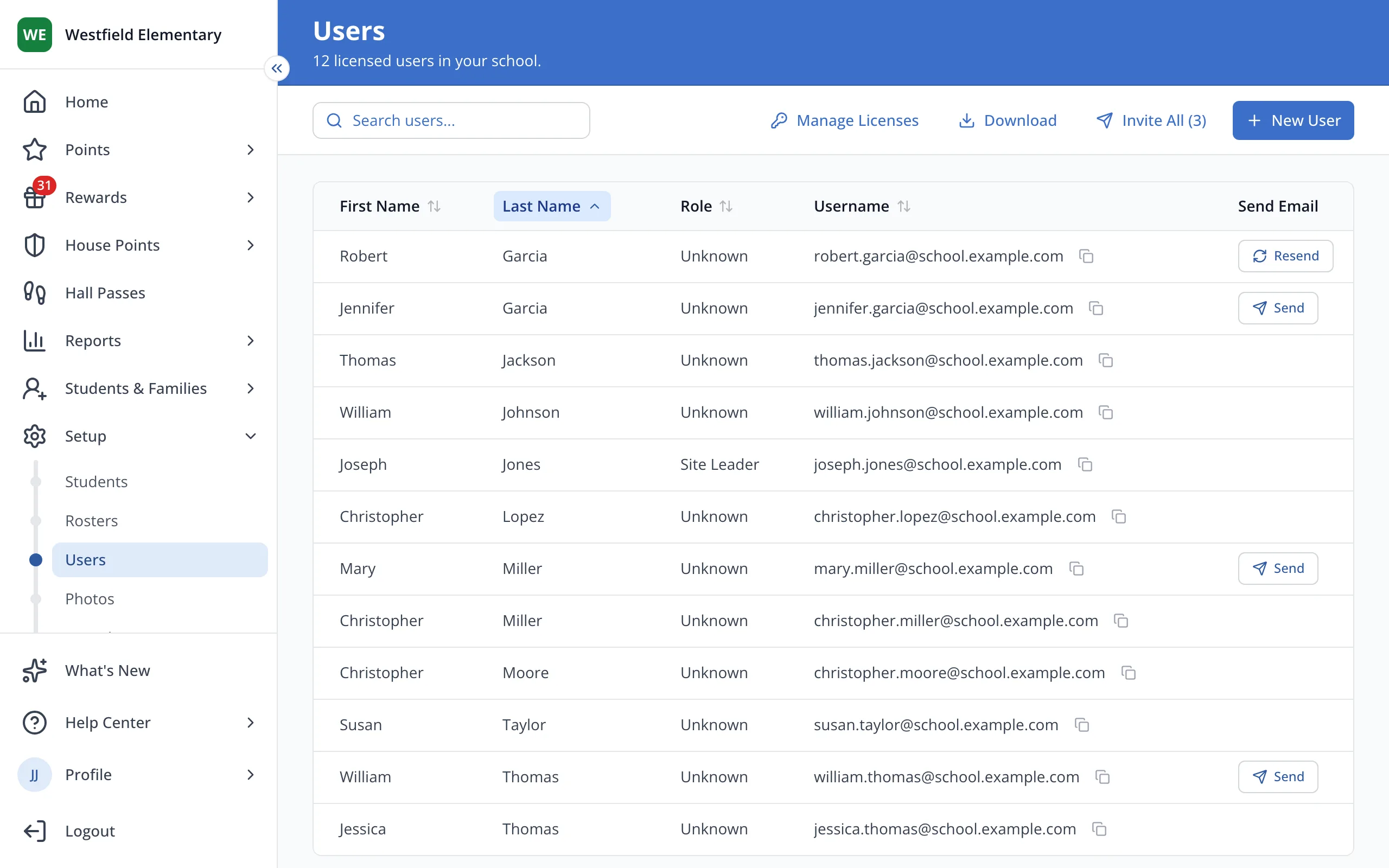
2.Click Resend to send it again if they are unable to locate the original email and they haven't yet accepted it.
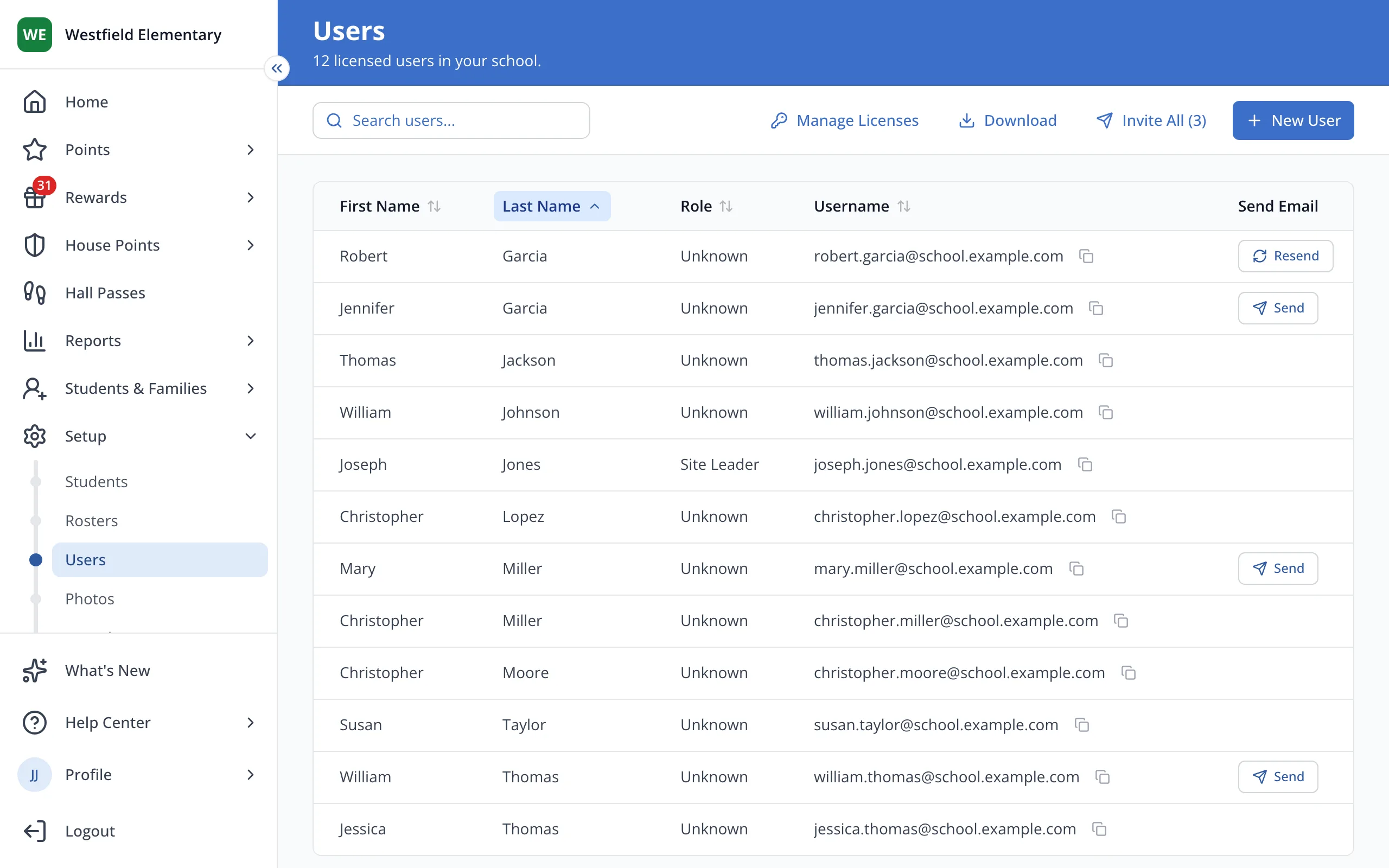
3.To invite everyone who still needs one, click Invite All at the top.
Was this helpful?