
Add a teacher or admin
Update your staff list to include new users and send them an invitation to log into their account.
AdminSite Leader
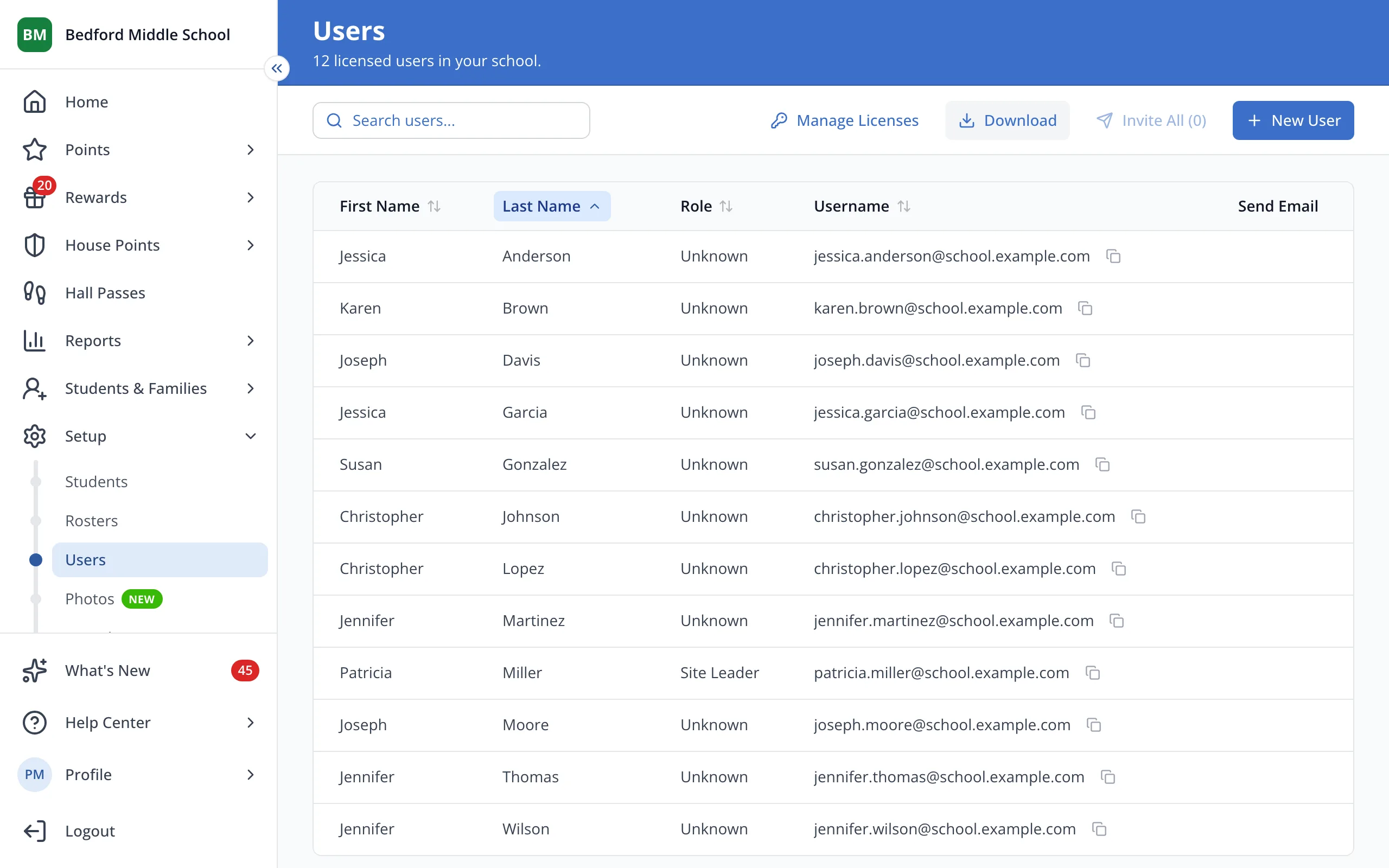
1 / 7At the top right of the Users page, click New User.
1.At the top right of the Users page, click New User.
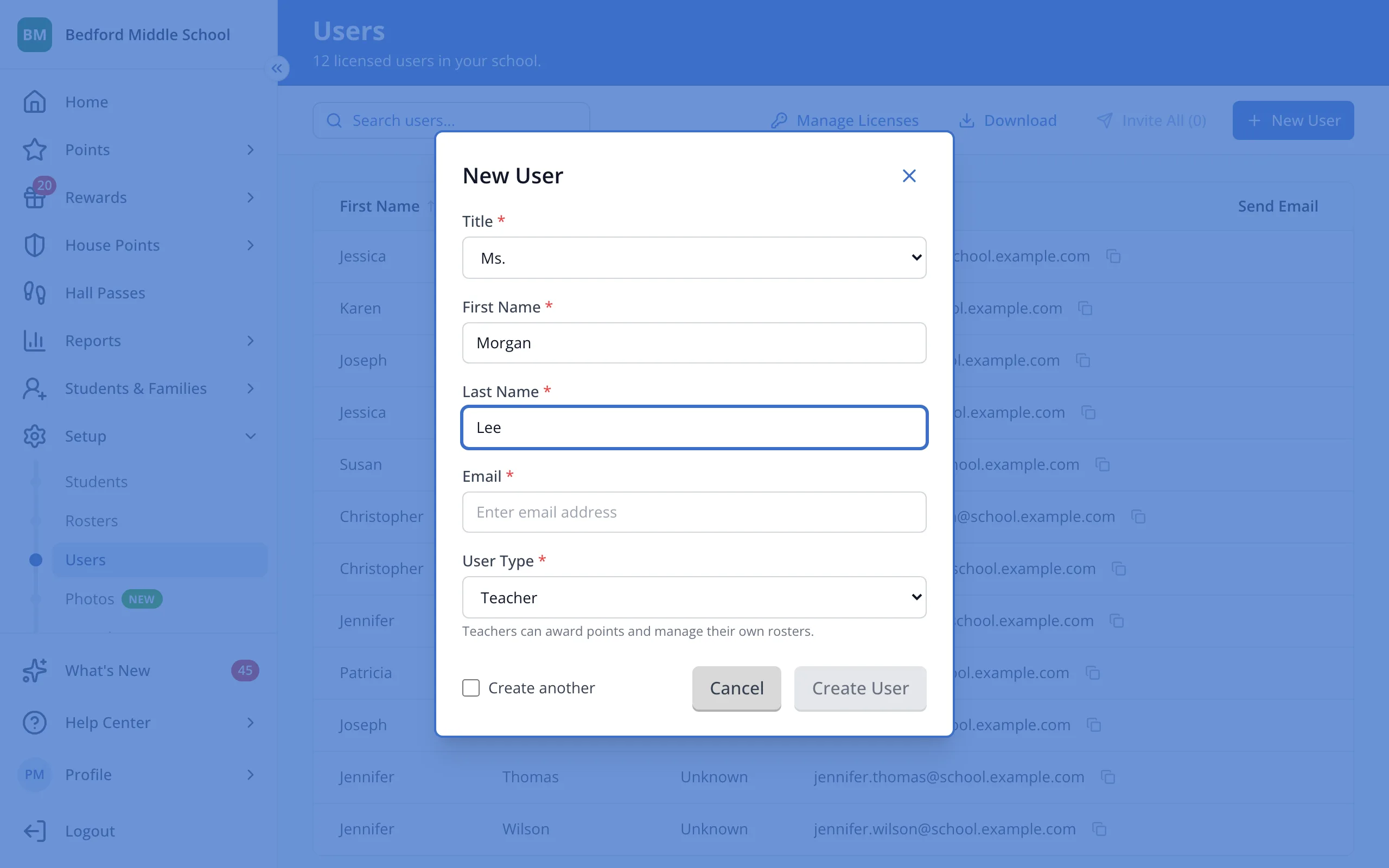
2.Pick their title.
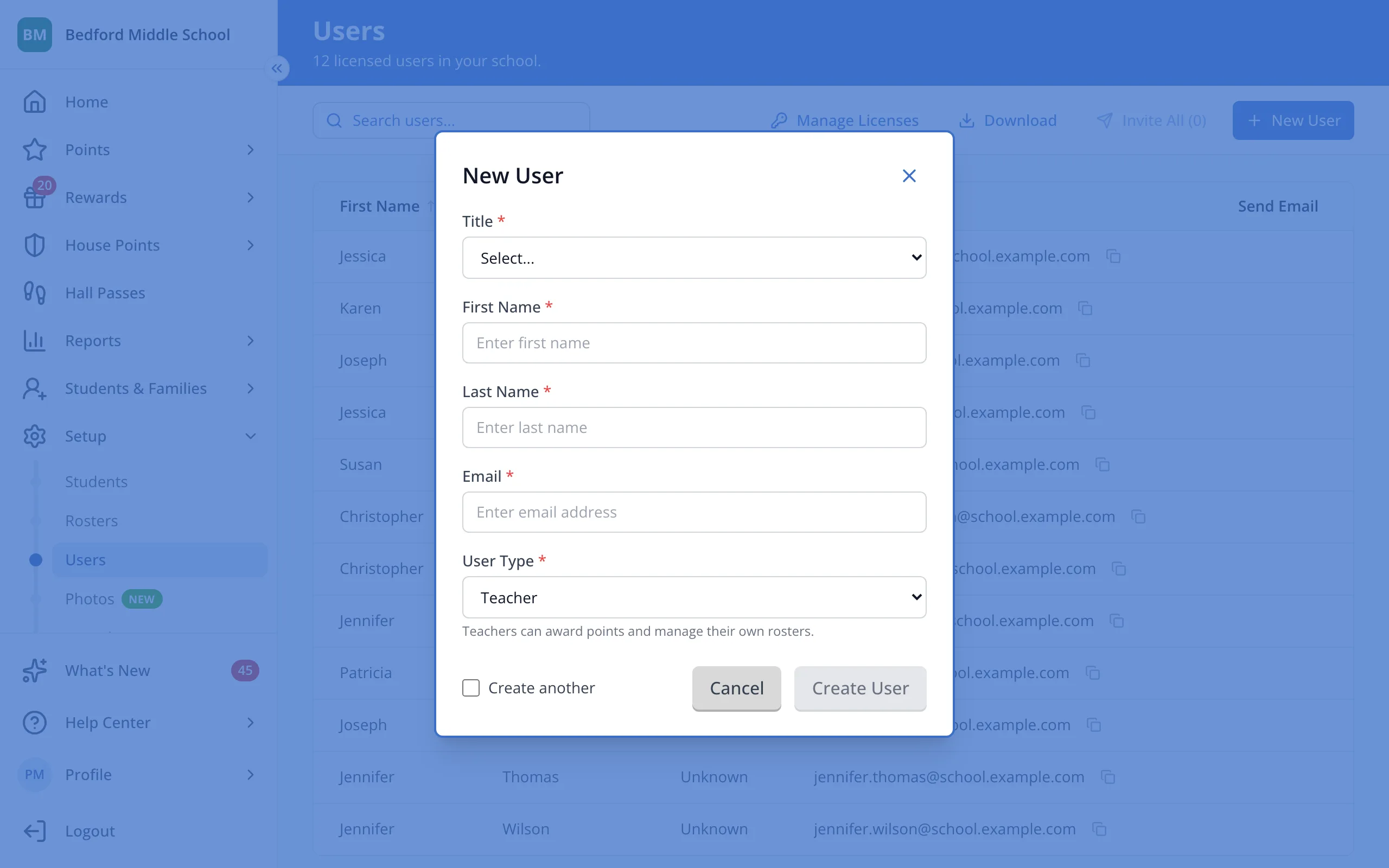
3.Type their first name.
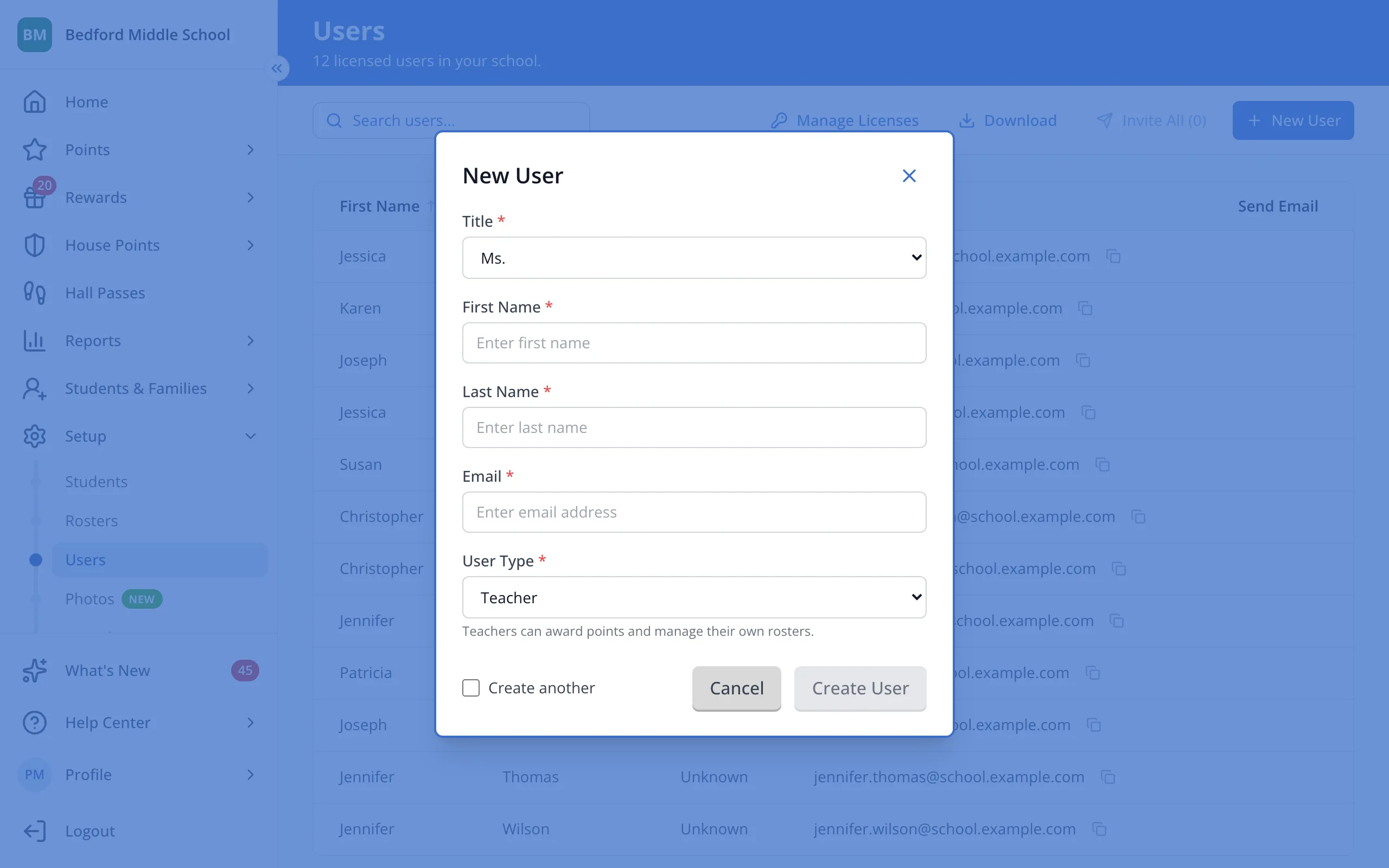
4.Type their last name.
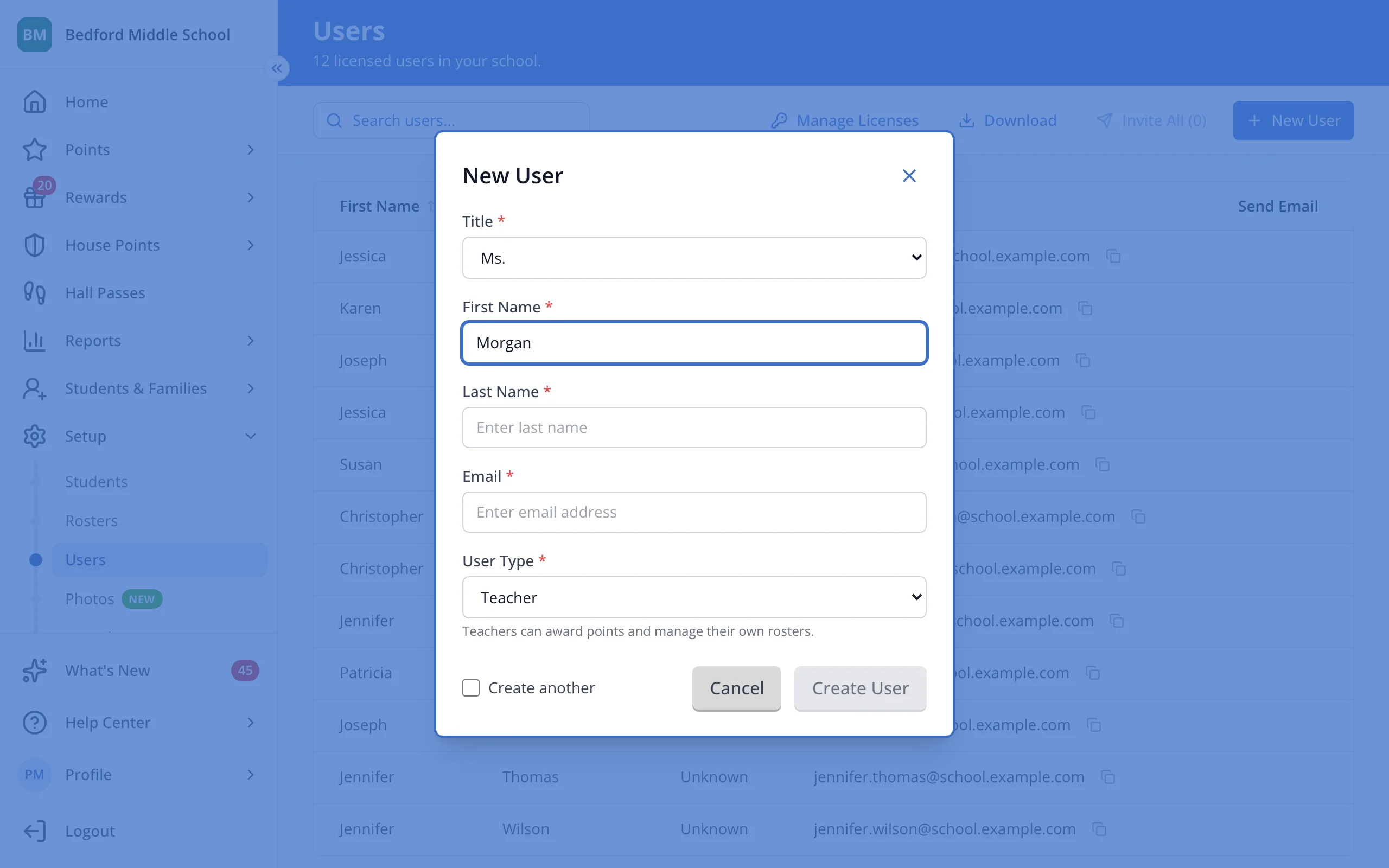
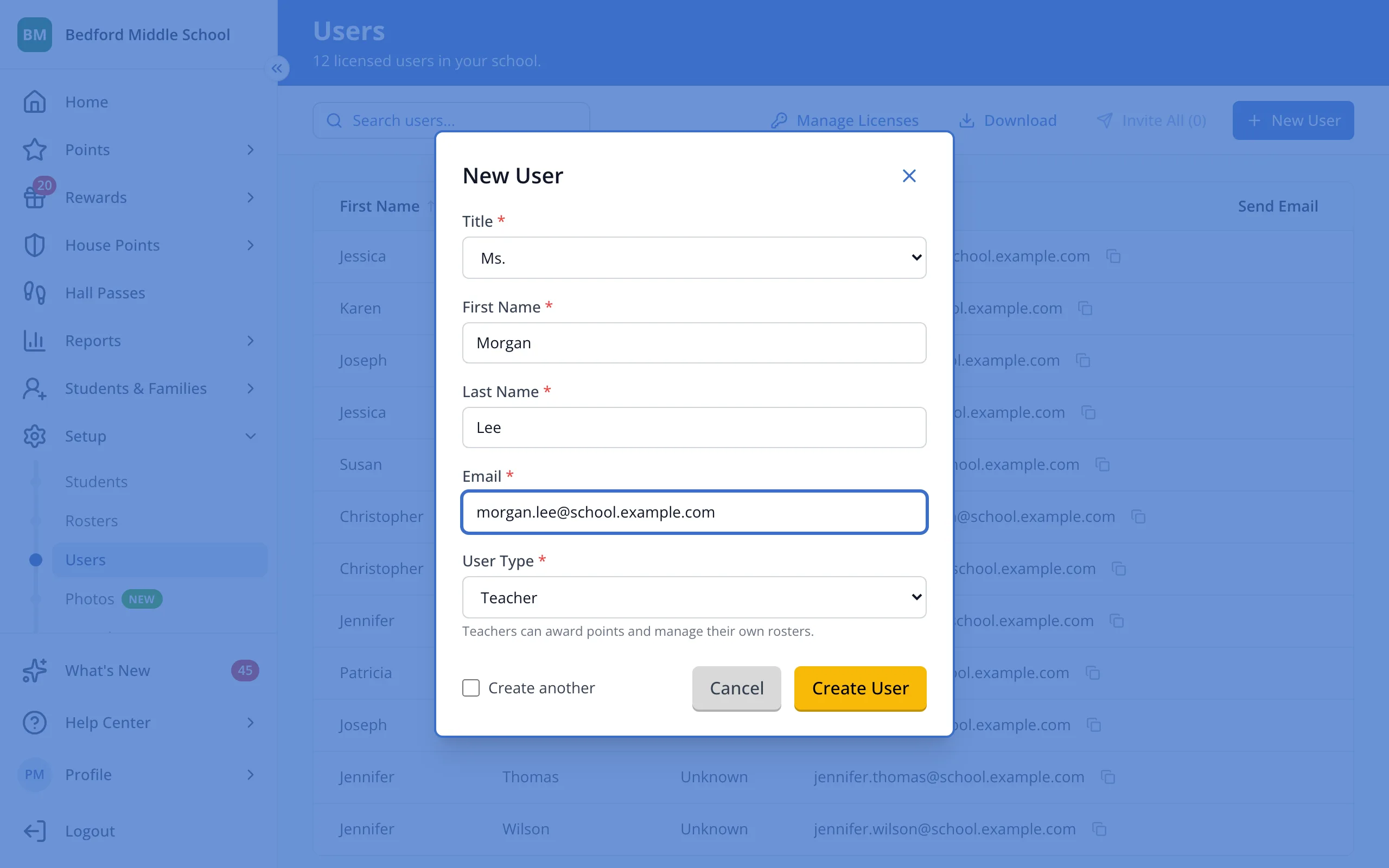
5.Type the email address they'll sign in with.
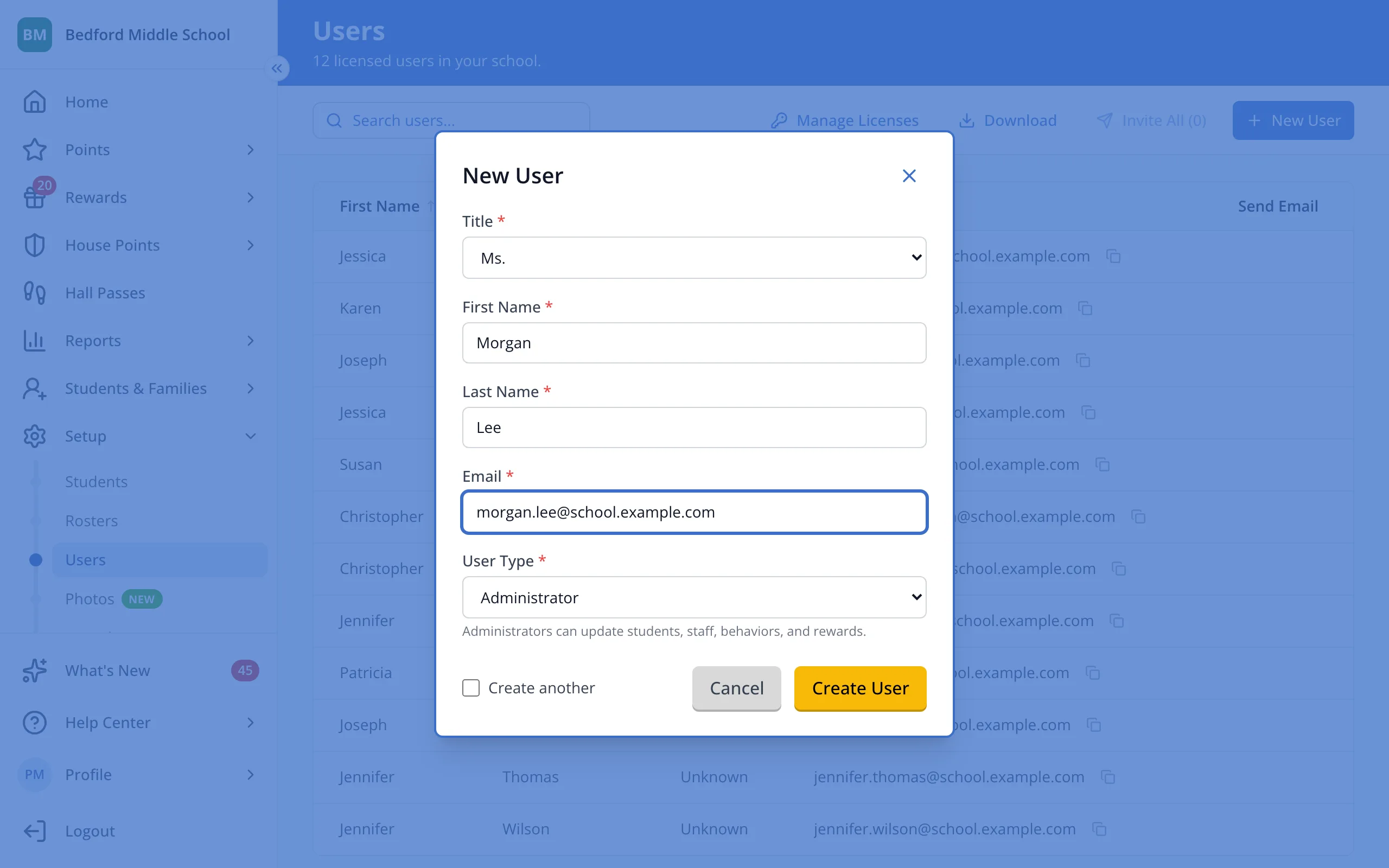
6.Pick Teacher, Administrator, or Site Leader for their user type.
7.Click Create User. Their page will open, where you can add them to rosters.
Was this helpful?