
Give different point amounts at once
Decide which behaviors selected will be awarded in bulk.
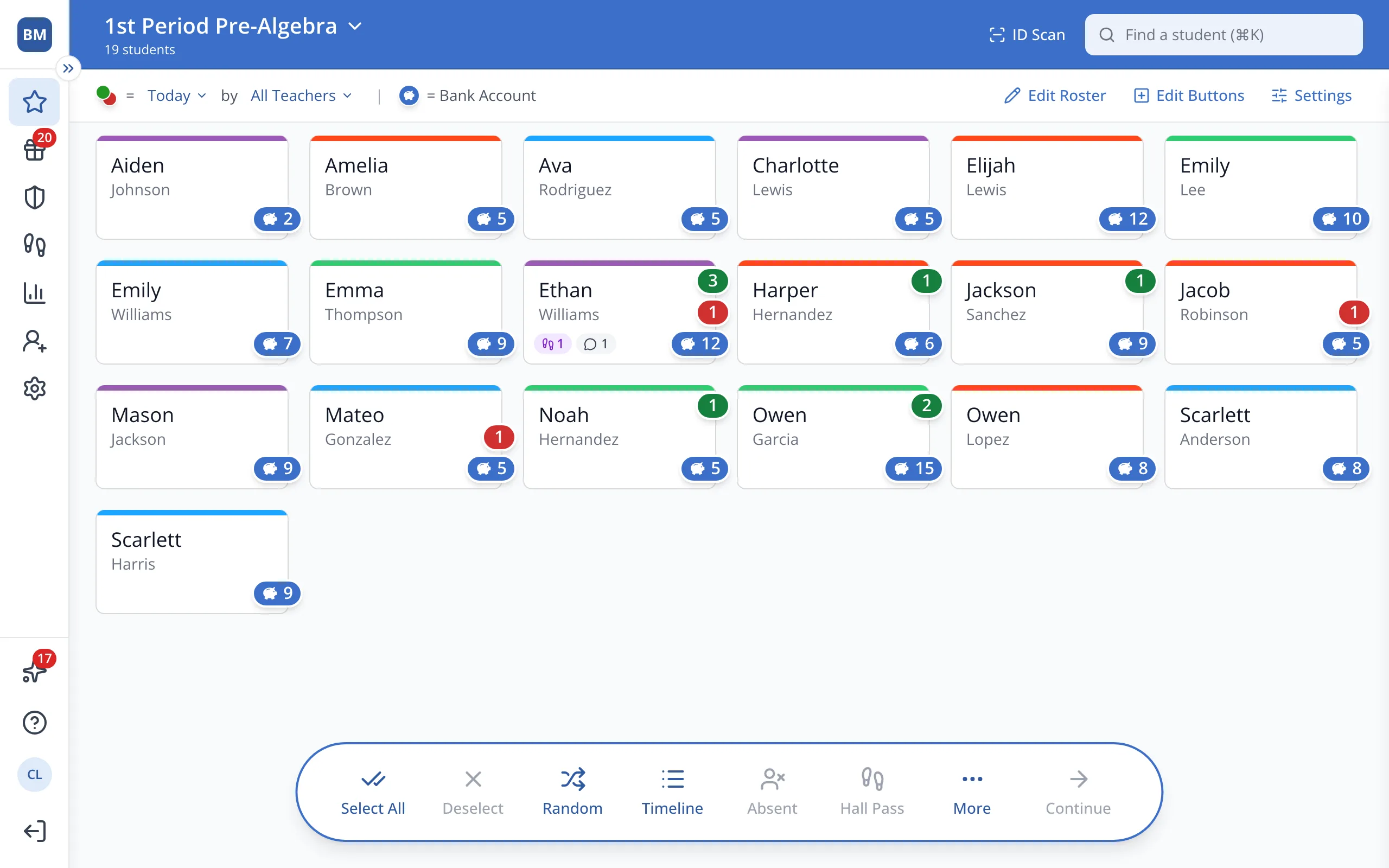
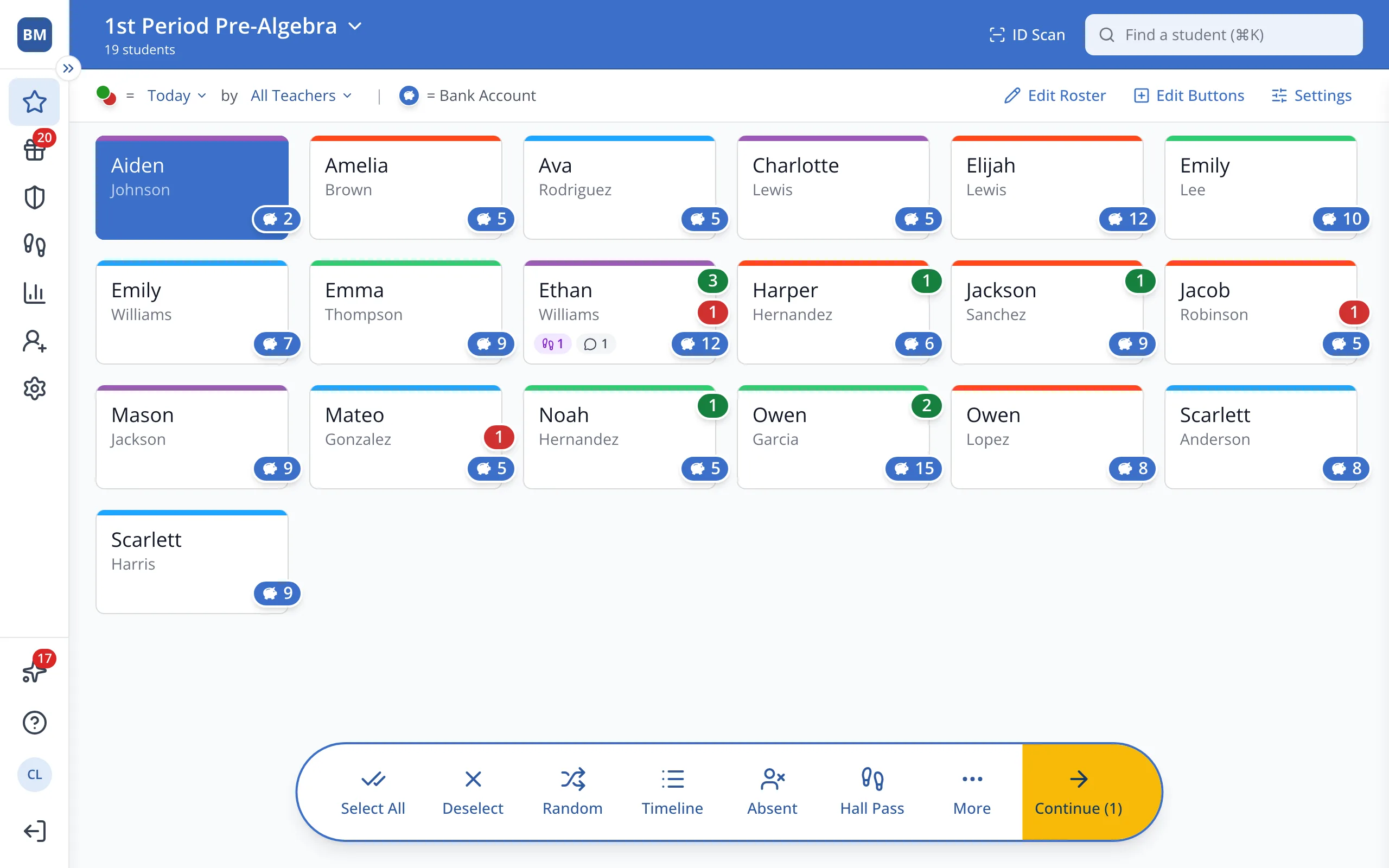
1 / 7On the Points page, click the student.
1.On the Points page, click the student's button.
2.In the bar at the bottom, click Continue.
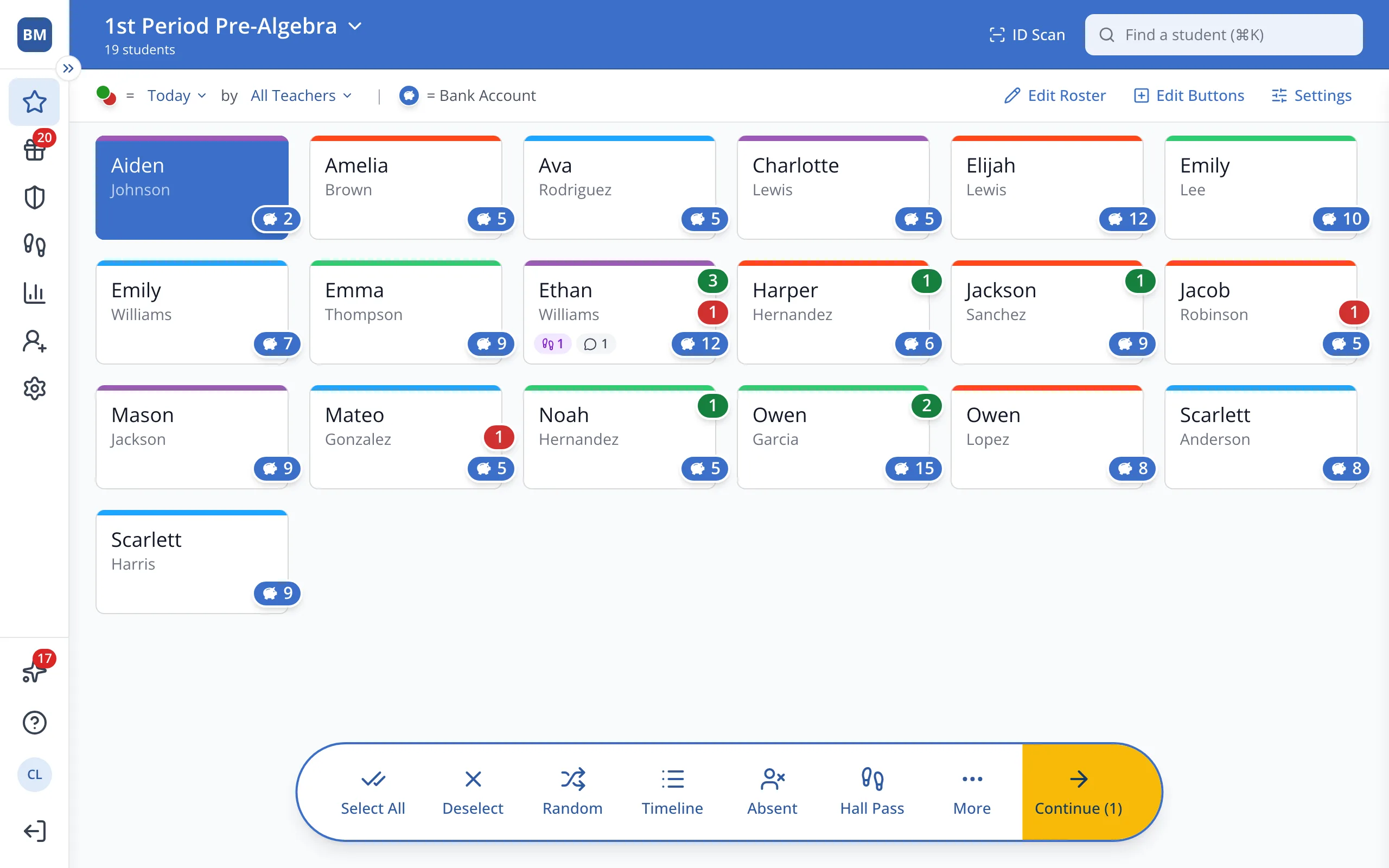
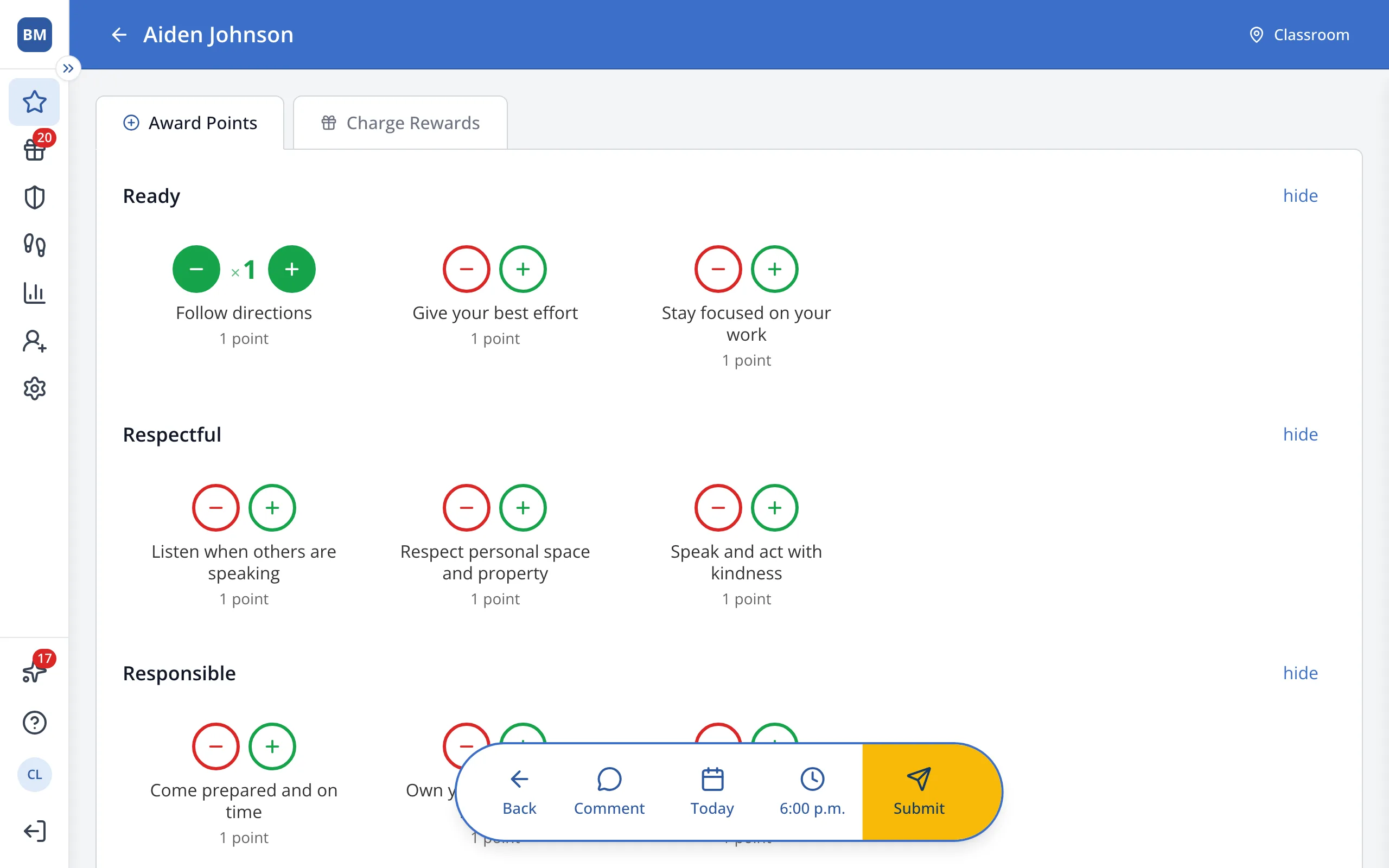
3.Click the green + under the first behavior you'd like to give.
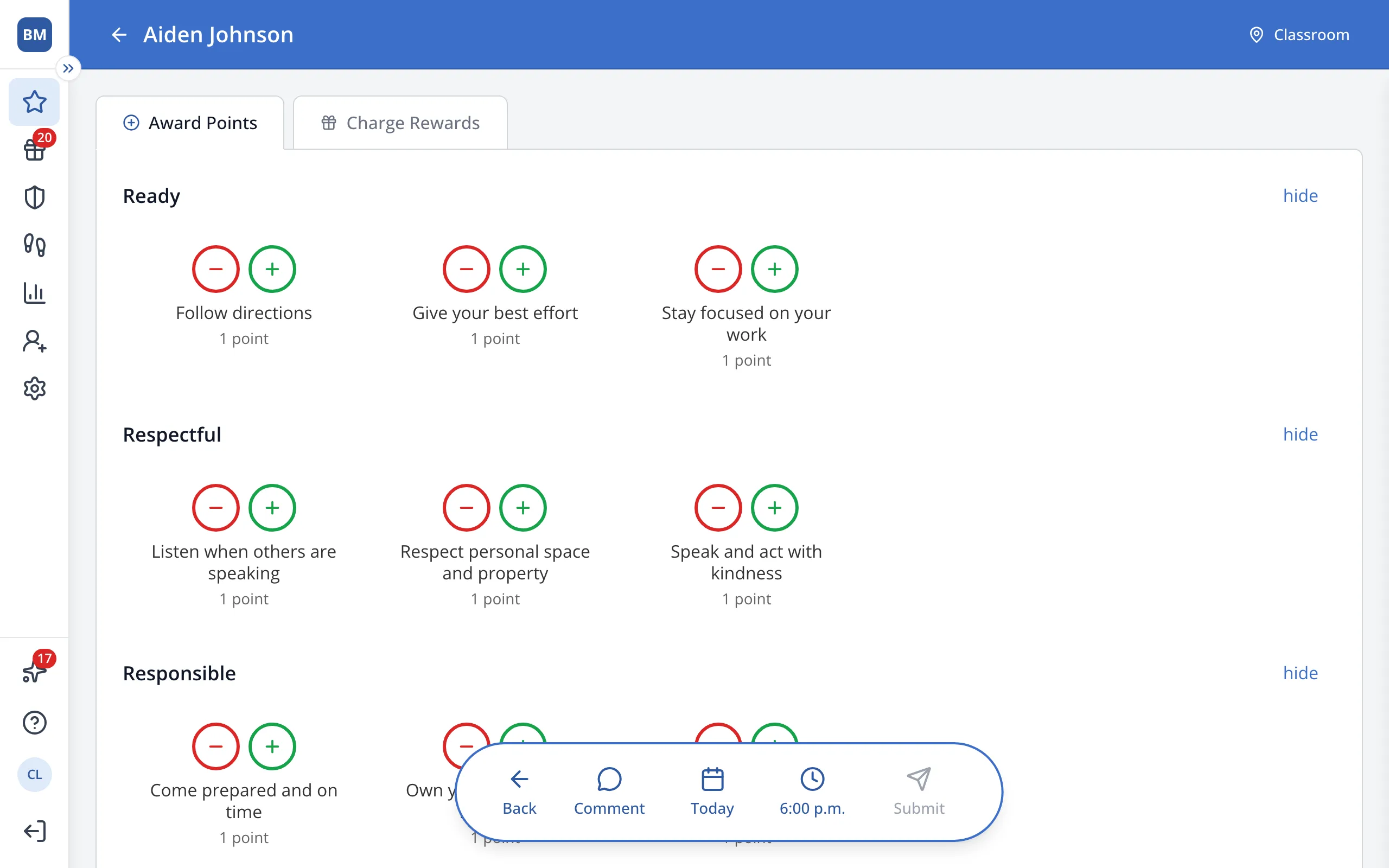
4.Click the green + under each other behavior you'd like to give.
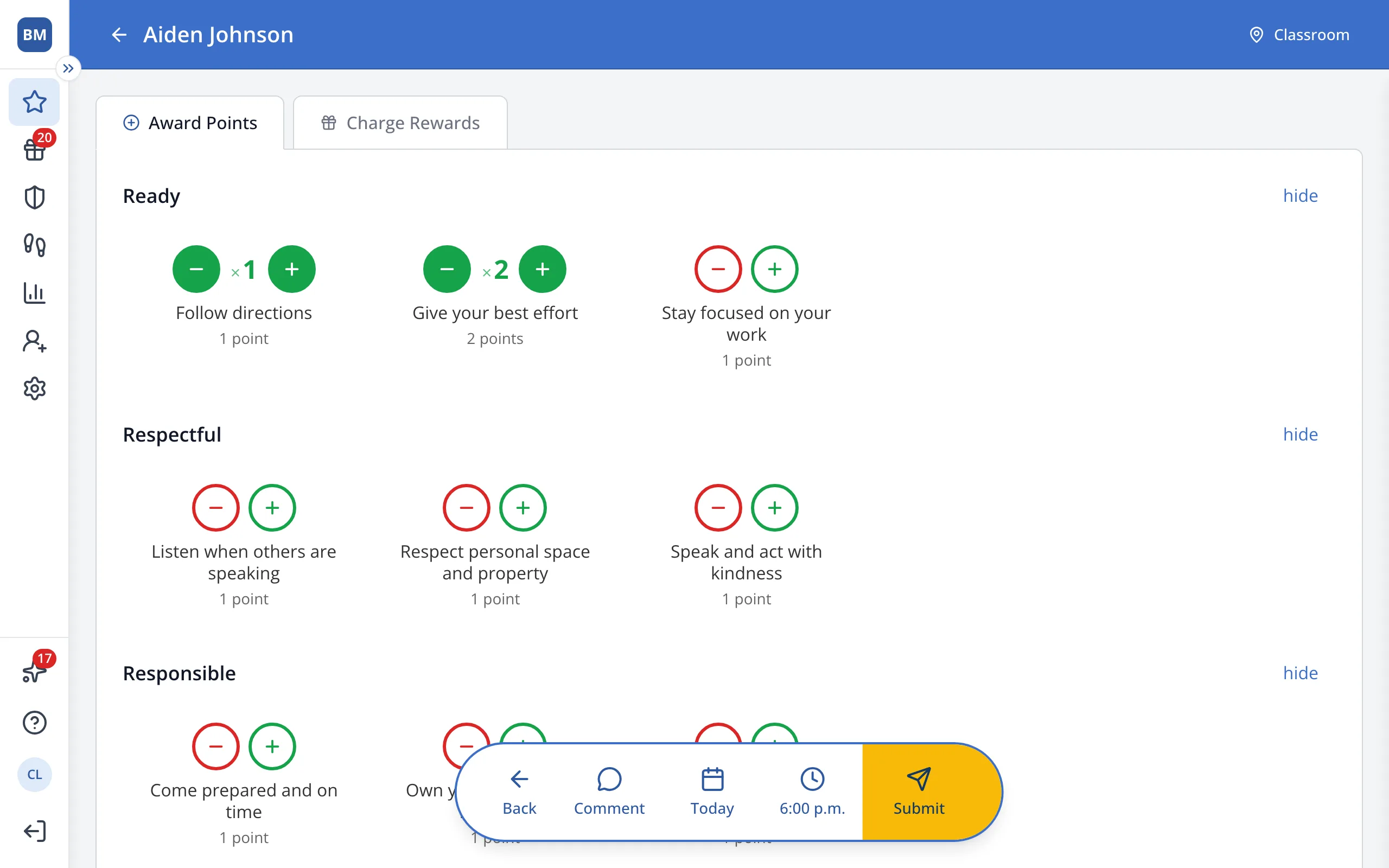
5.To give a behavior more than once, click its + again.
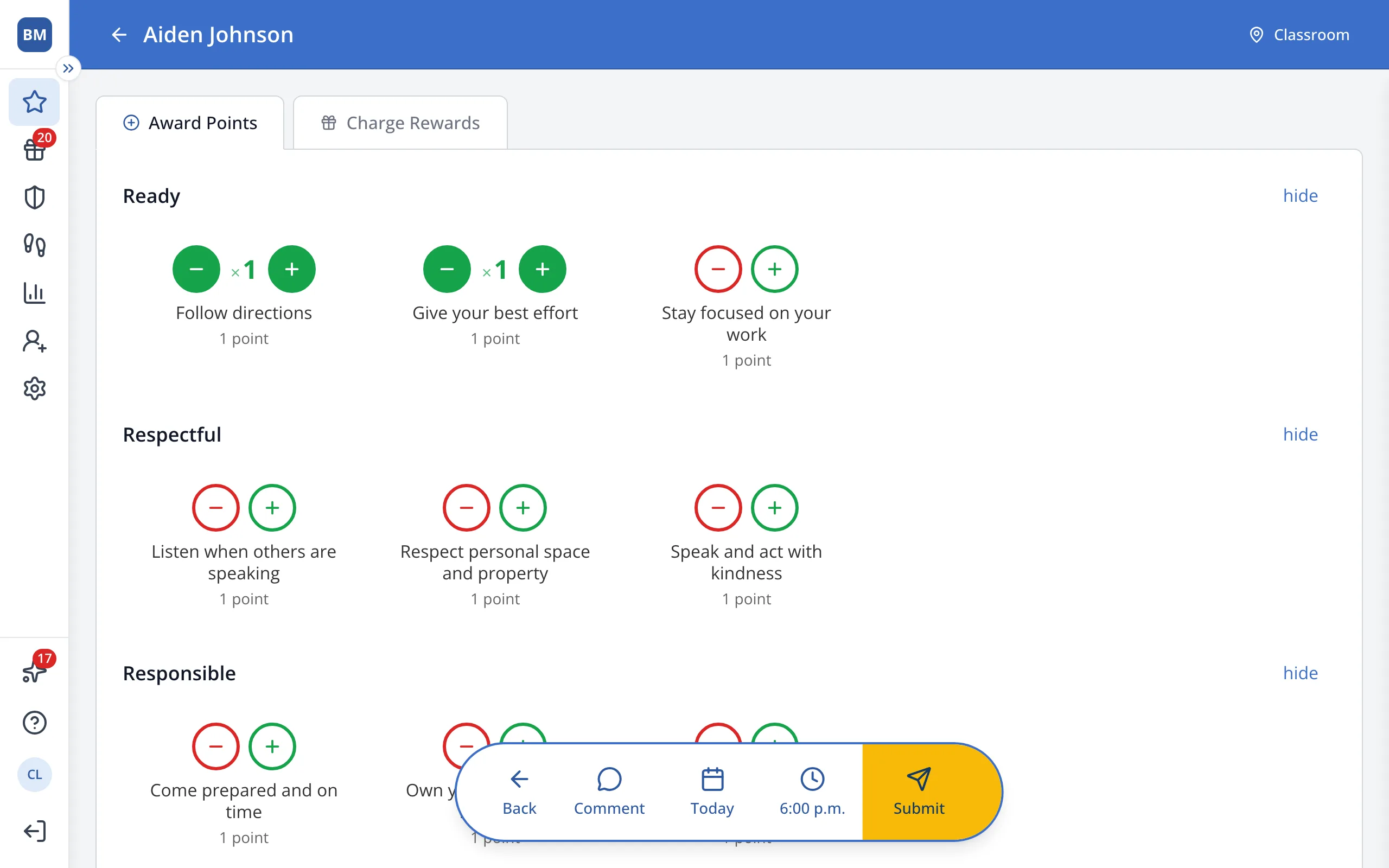
Tip: Your school sets the most times you can give one behavior. Contact an Administrator if you'd like this increased.
6.In the bar at the bottom, click Submit.
Was this helpful?